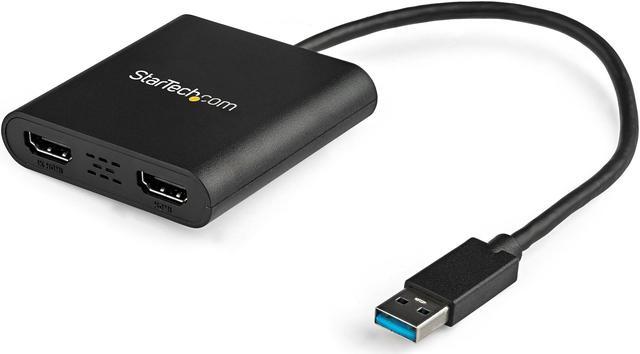
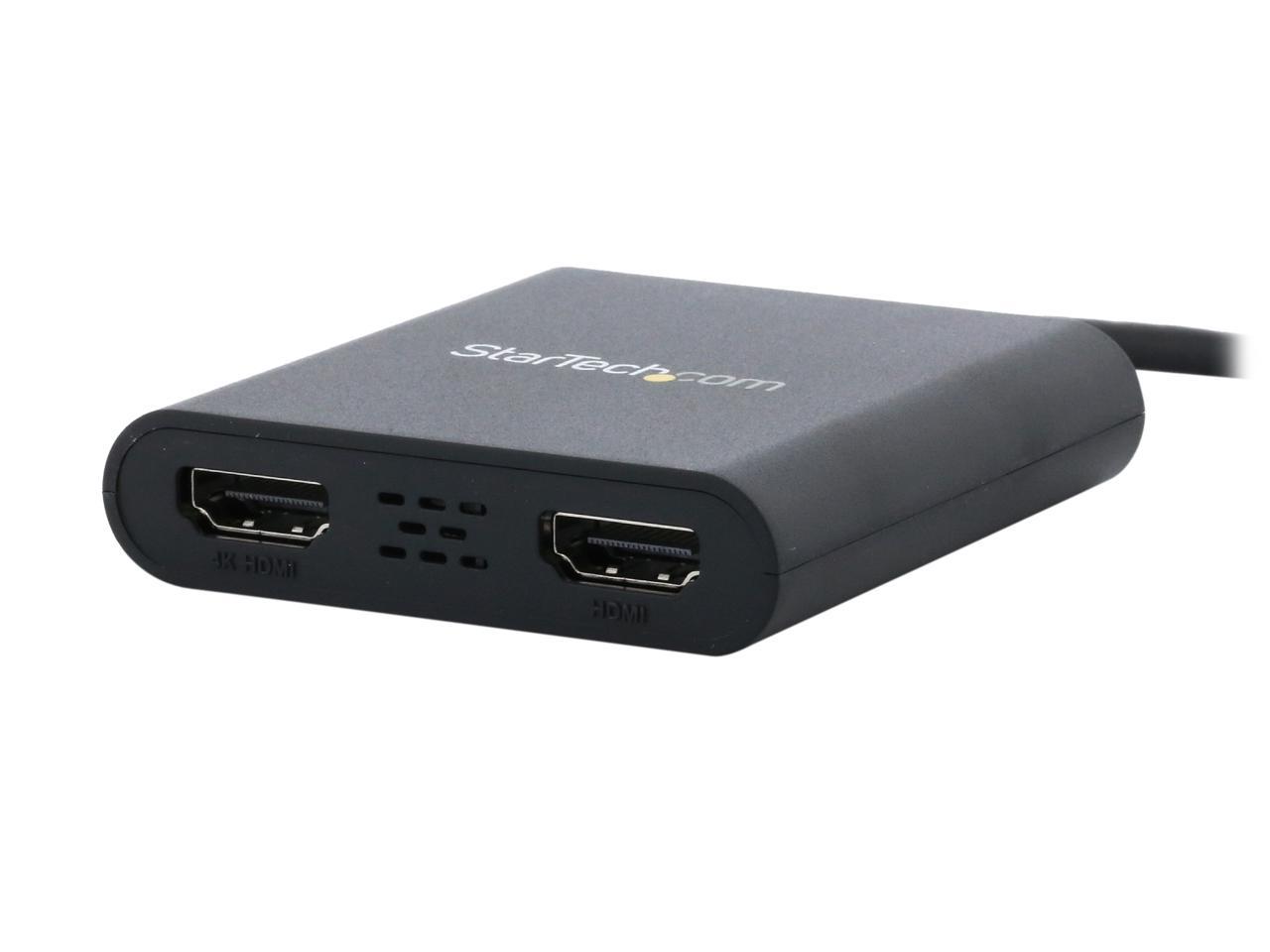
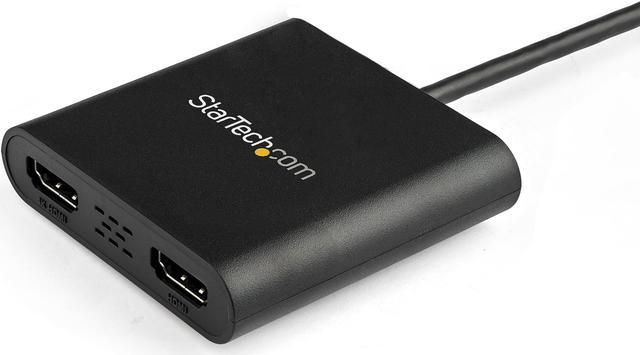
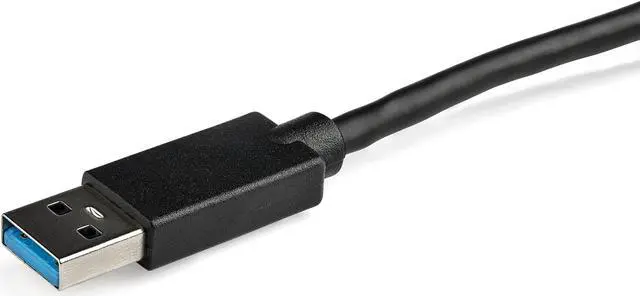
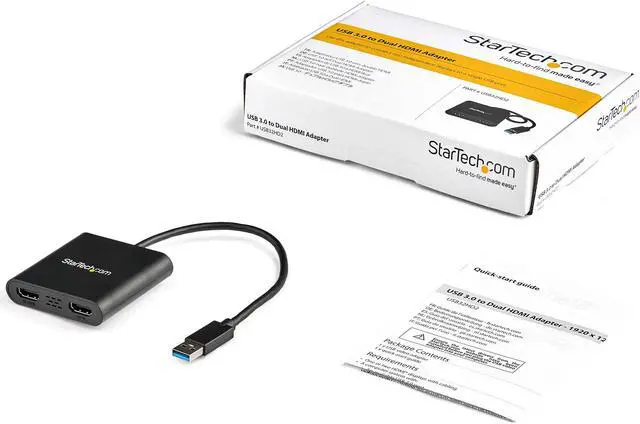
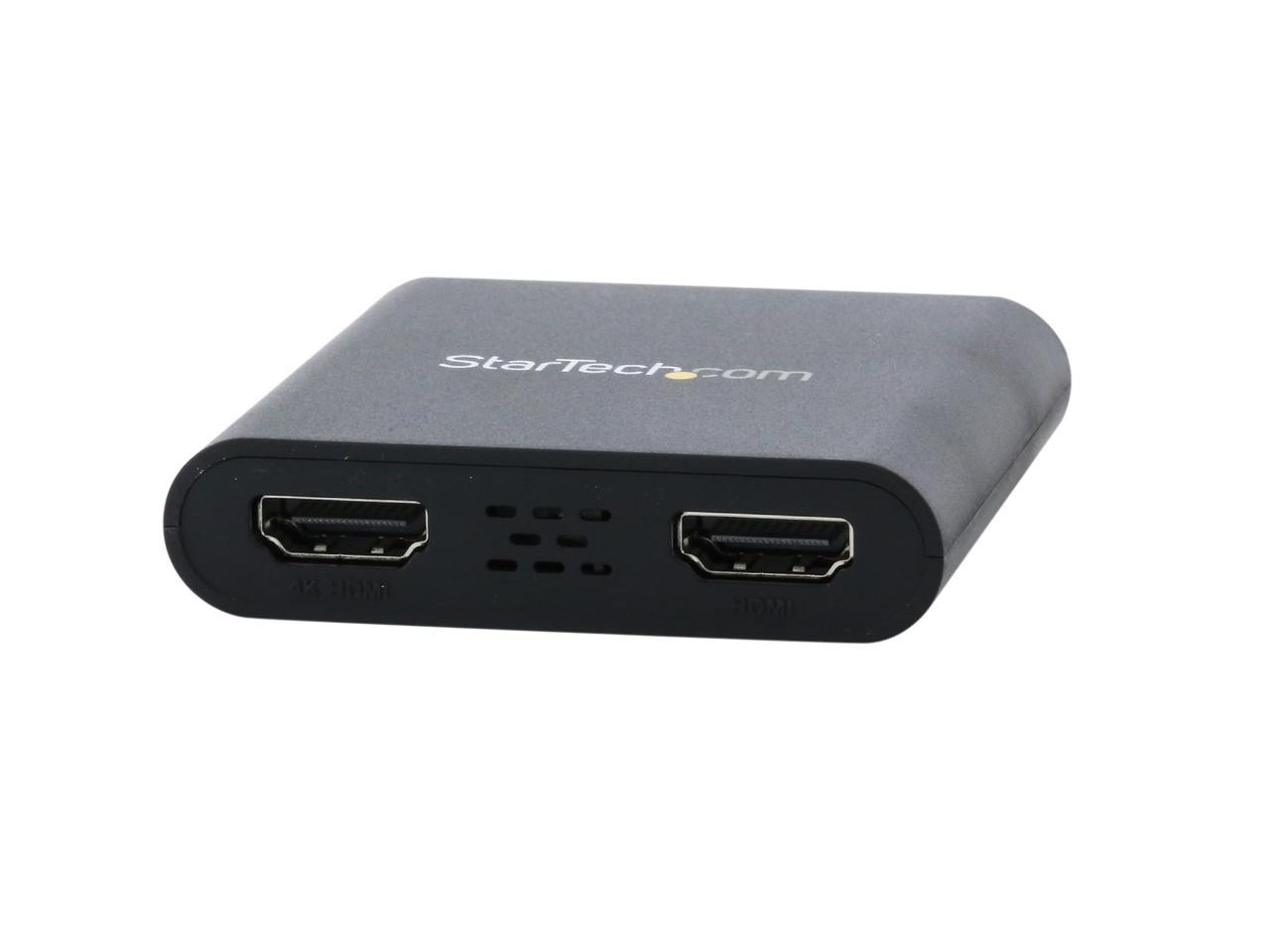
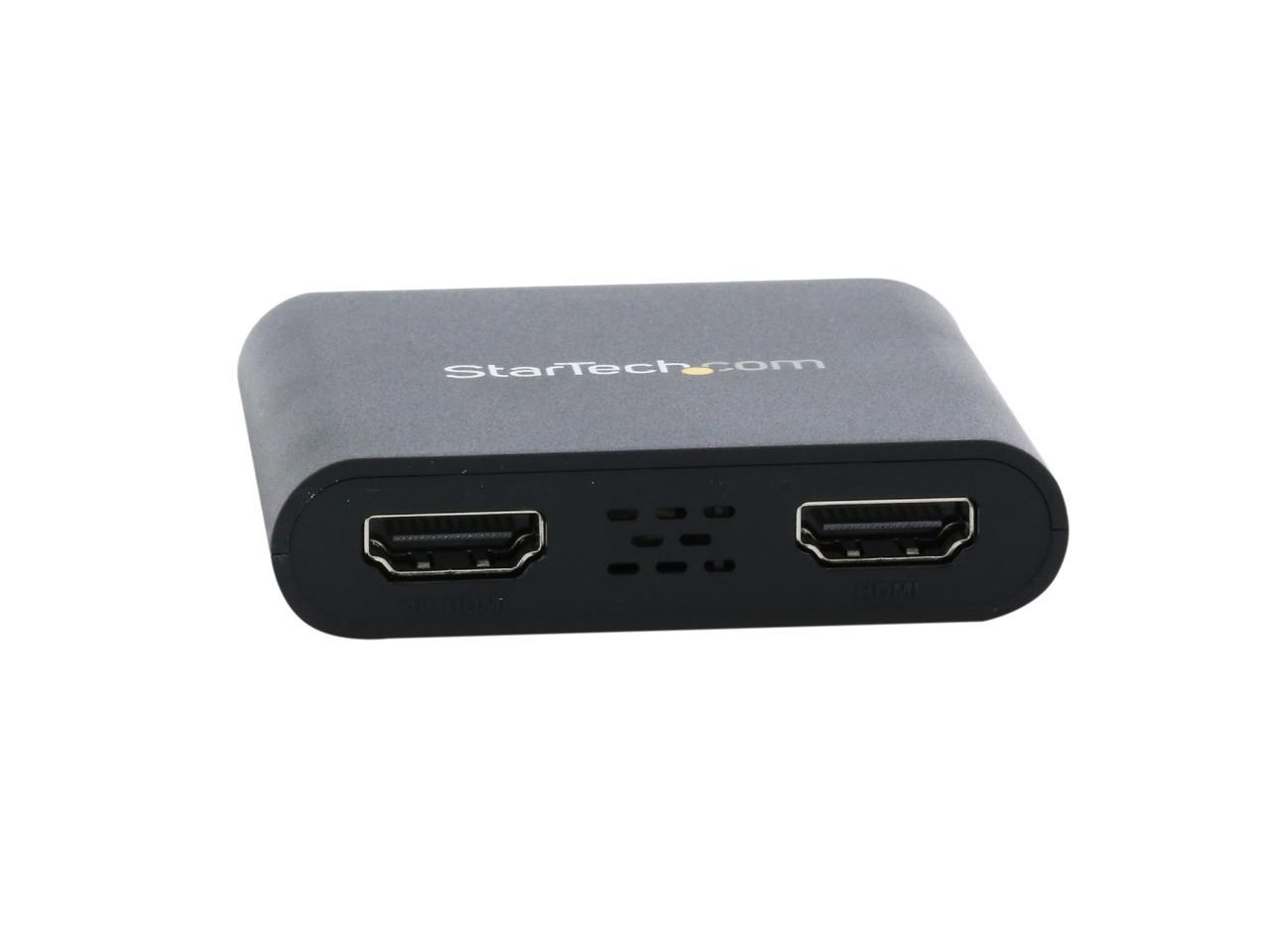
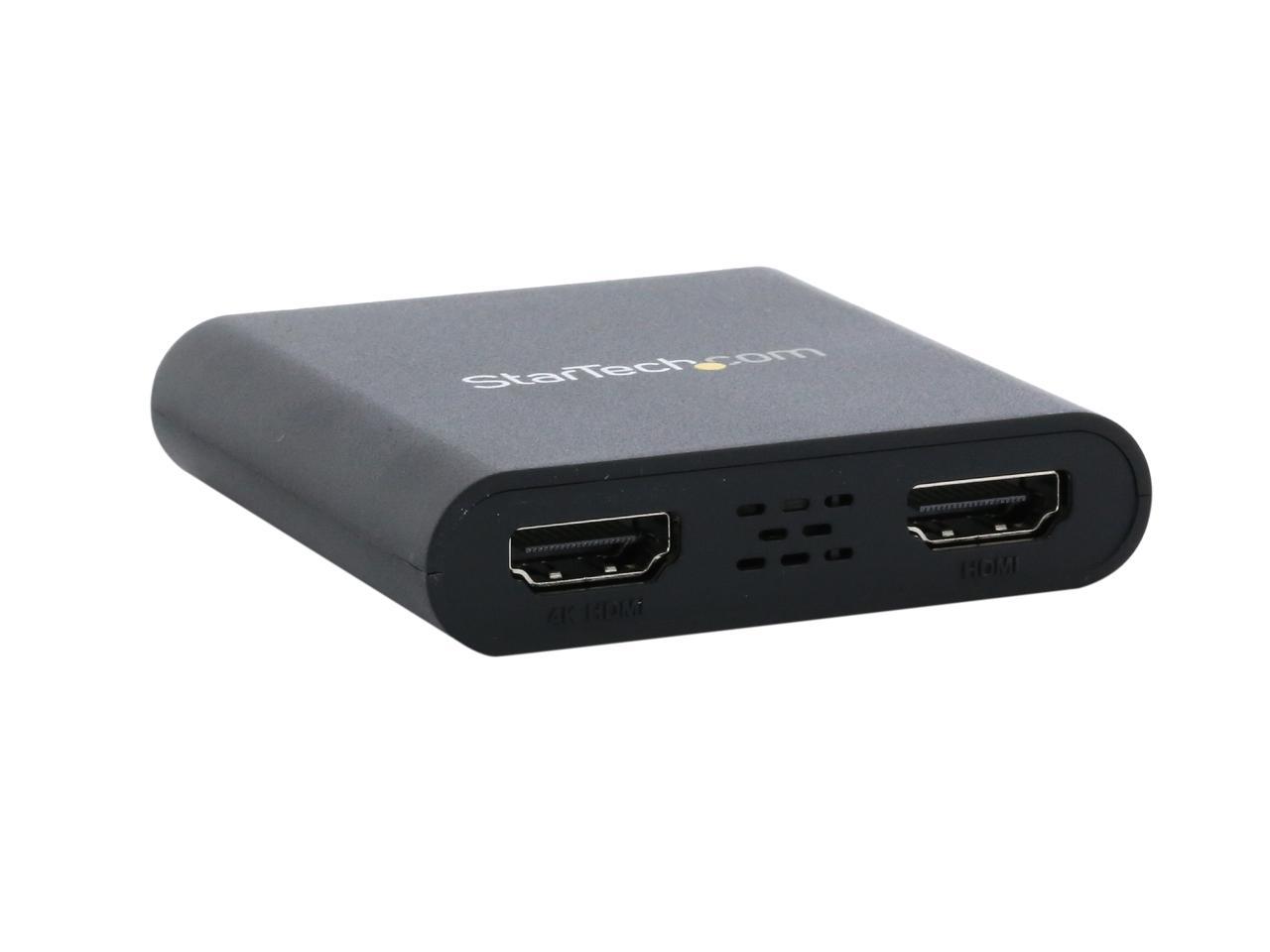
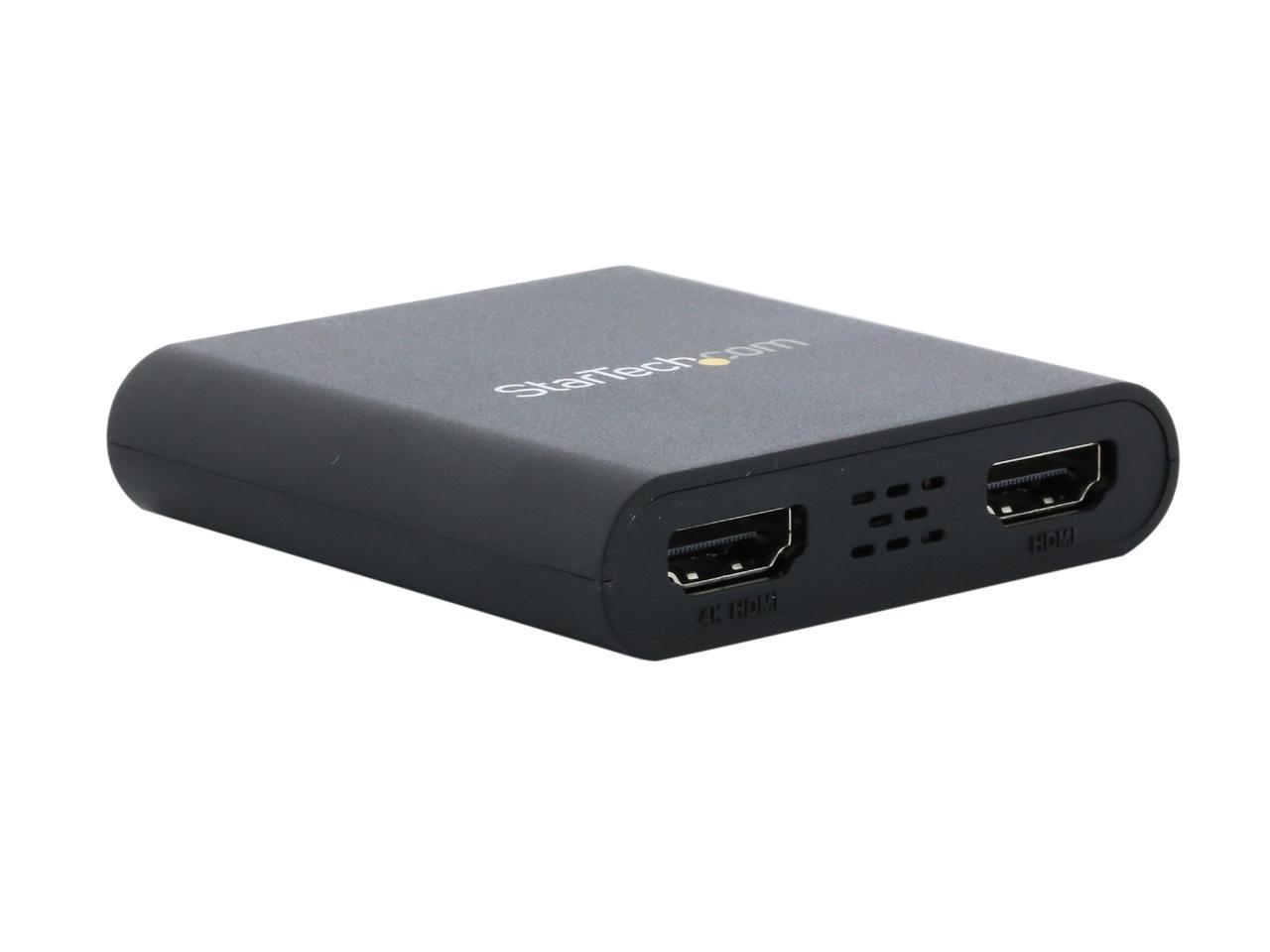
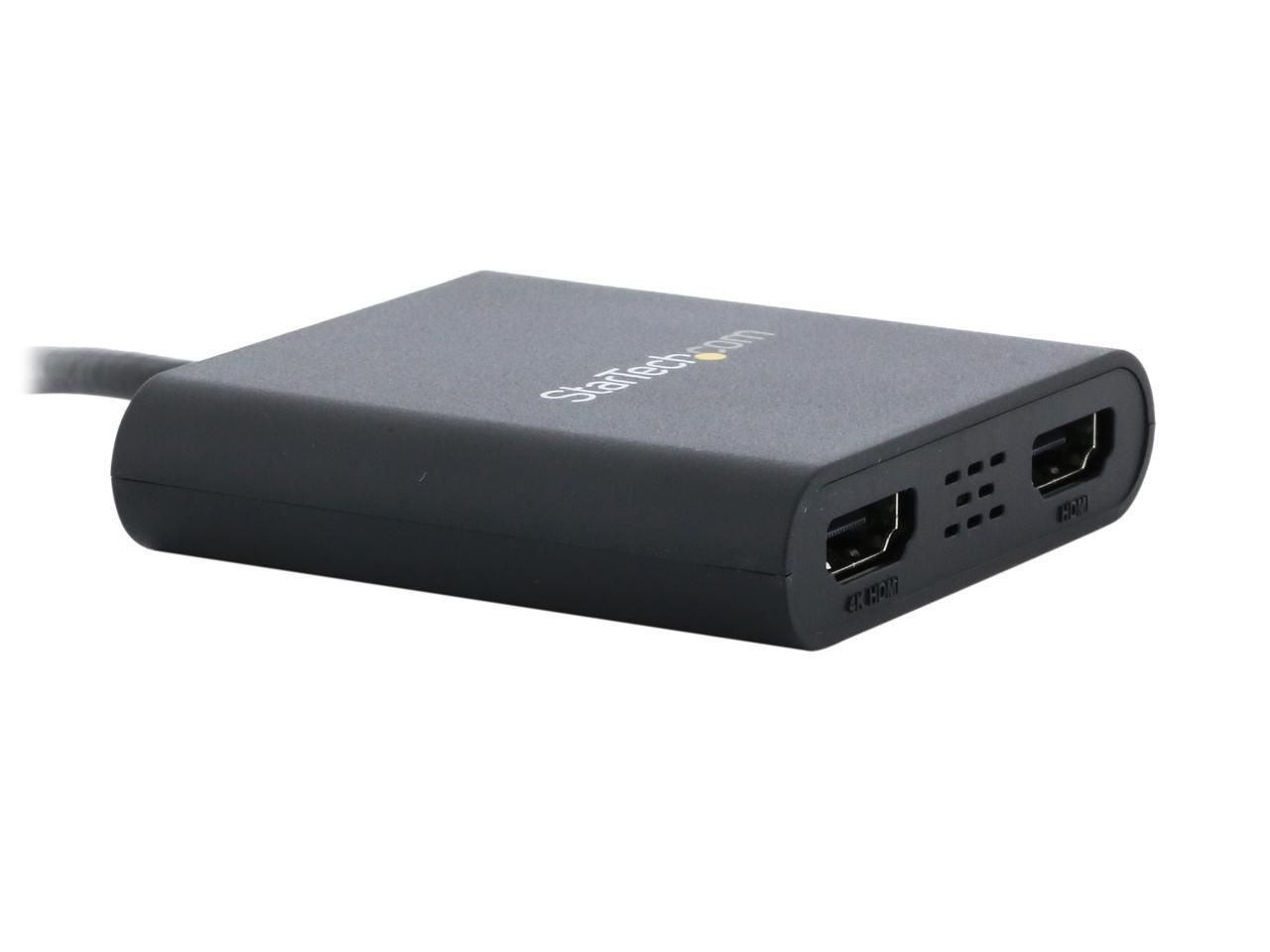
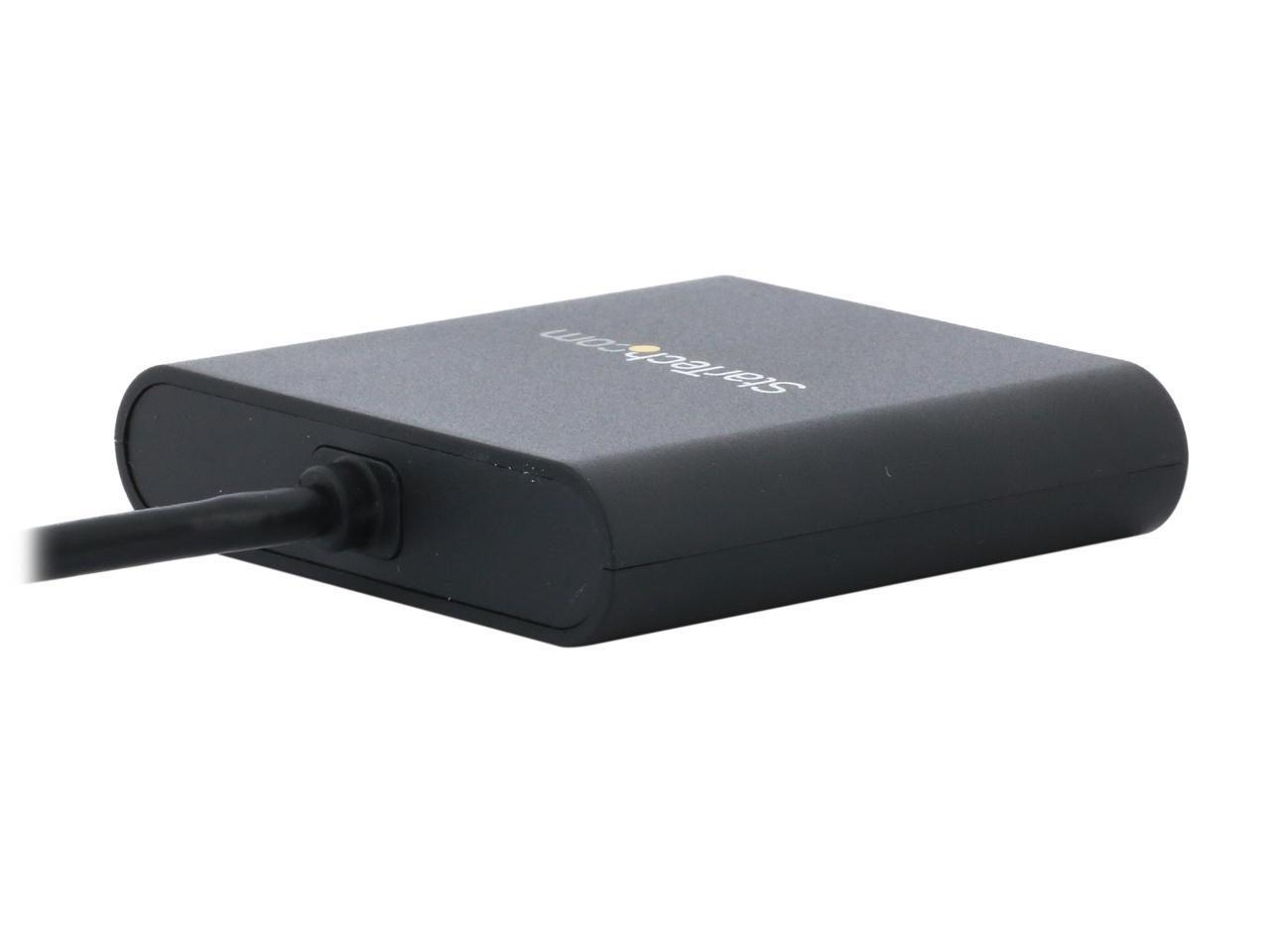
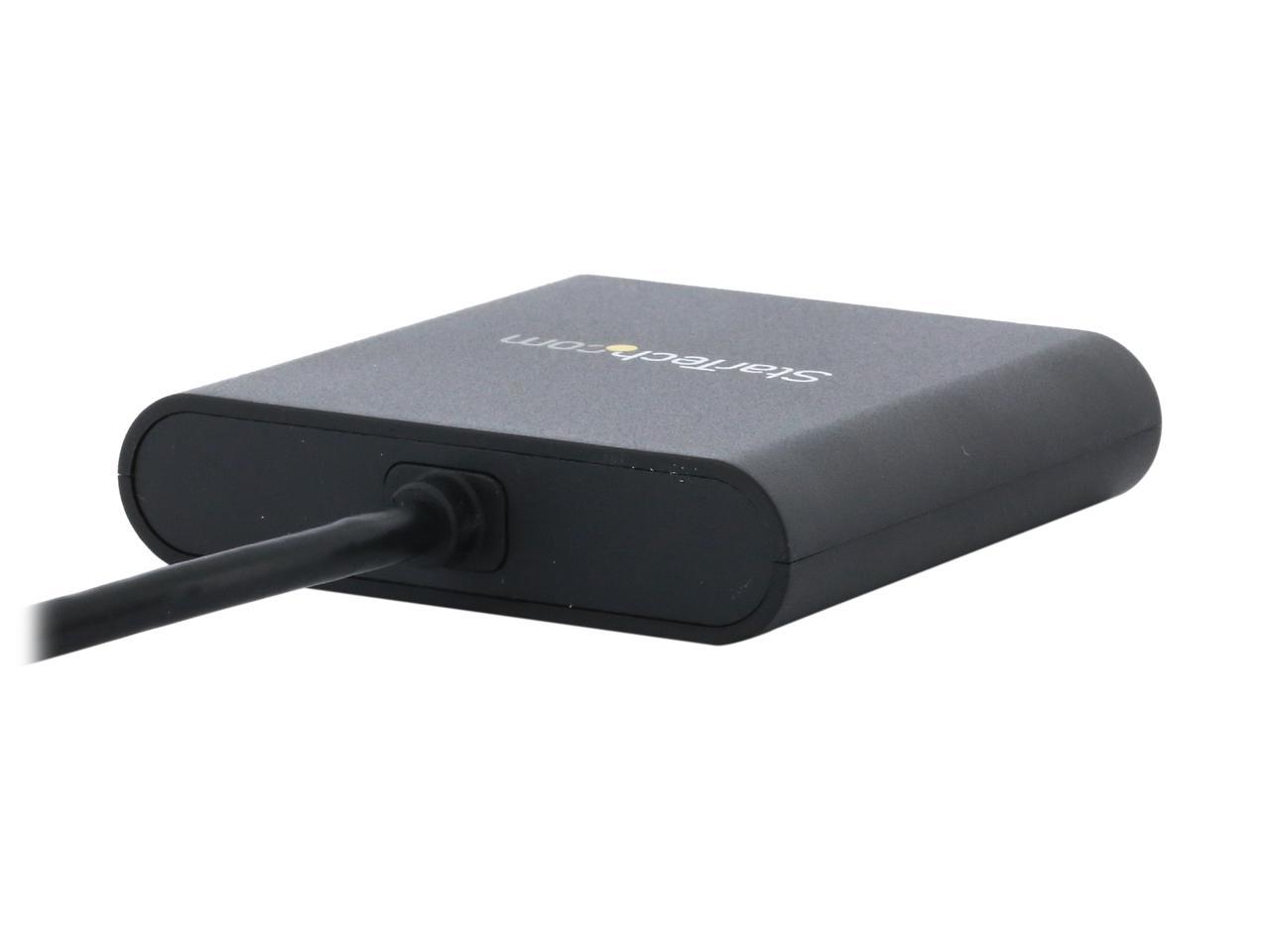
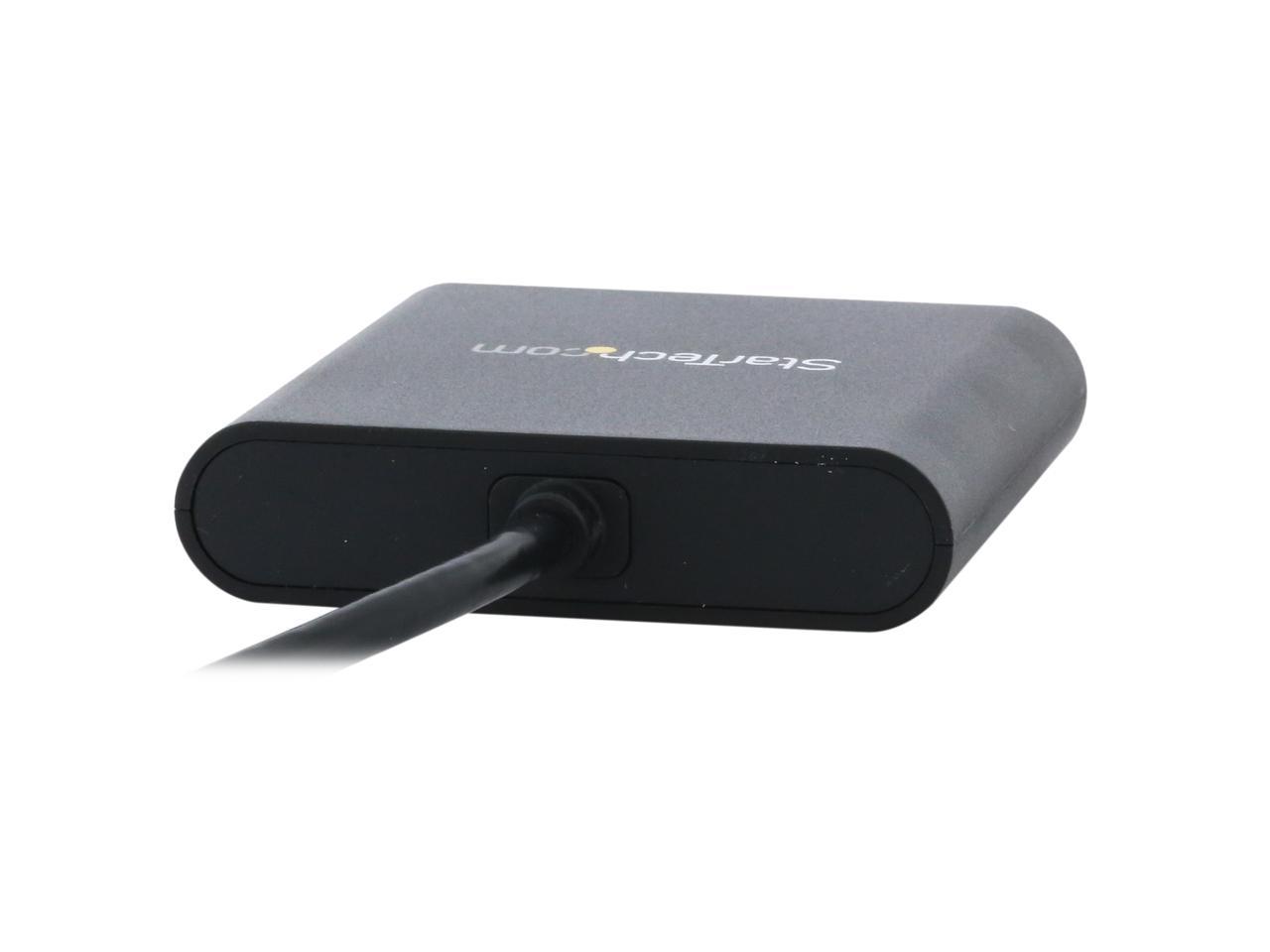
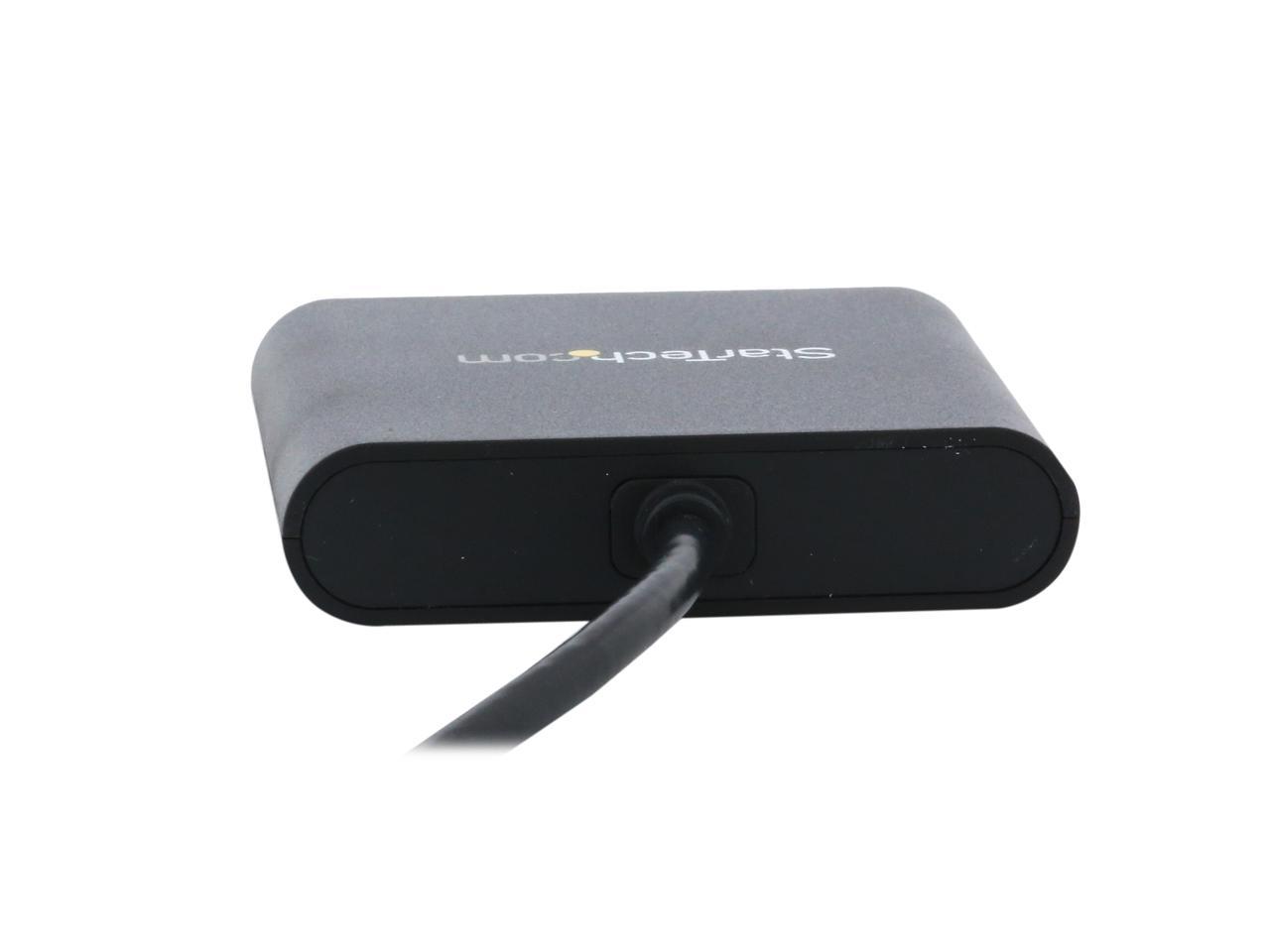
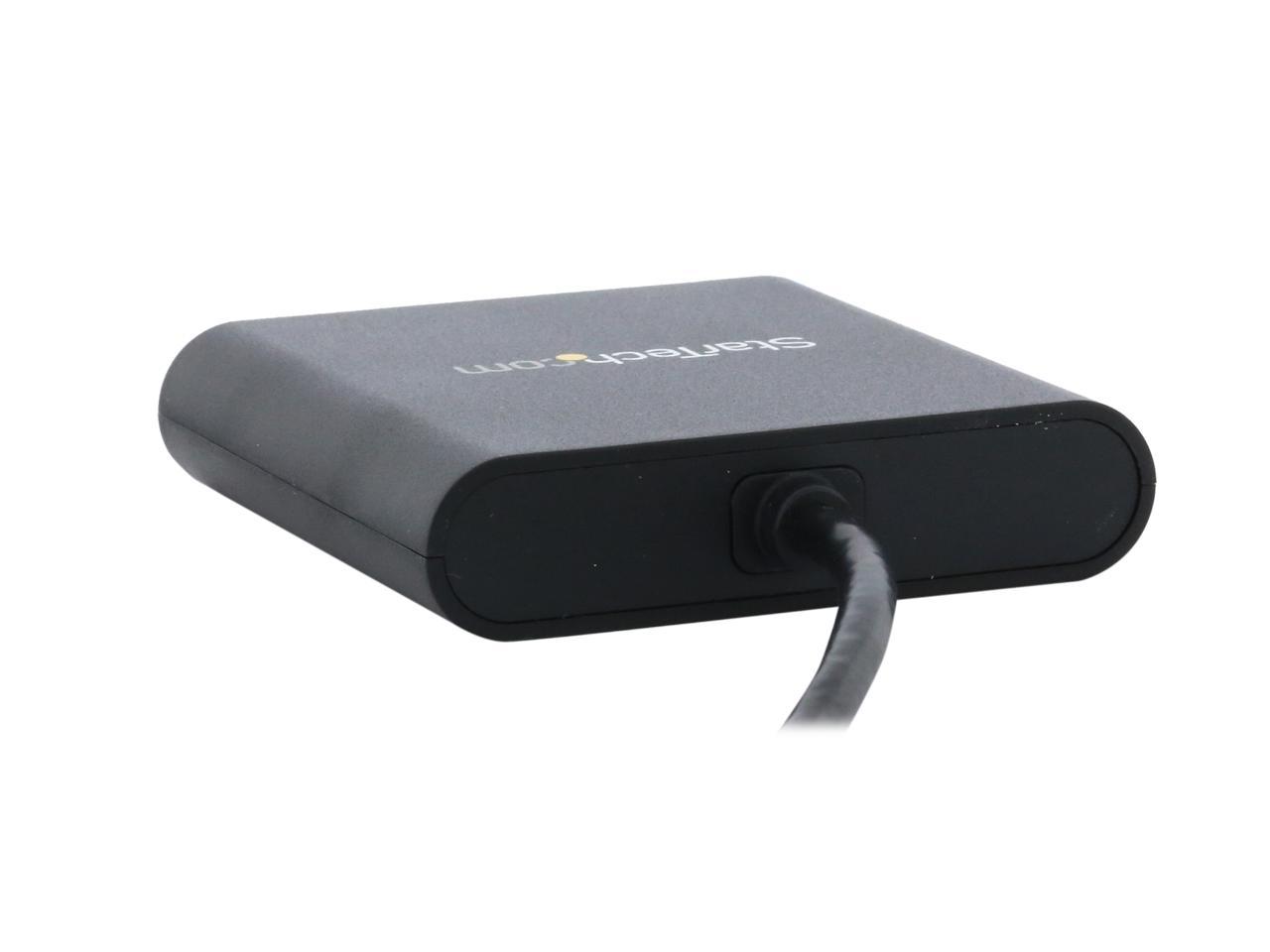
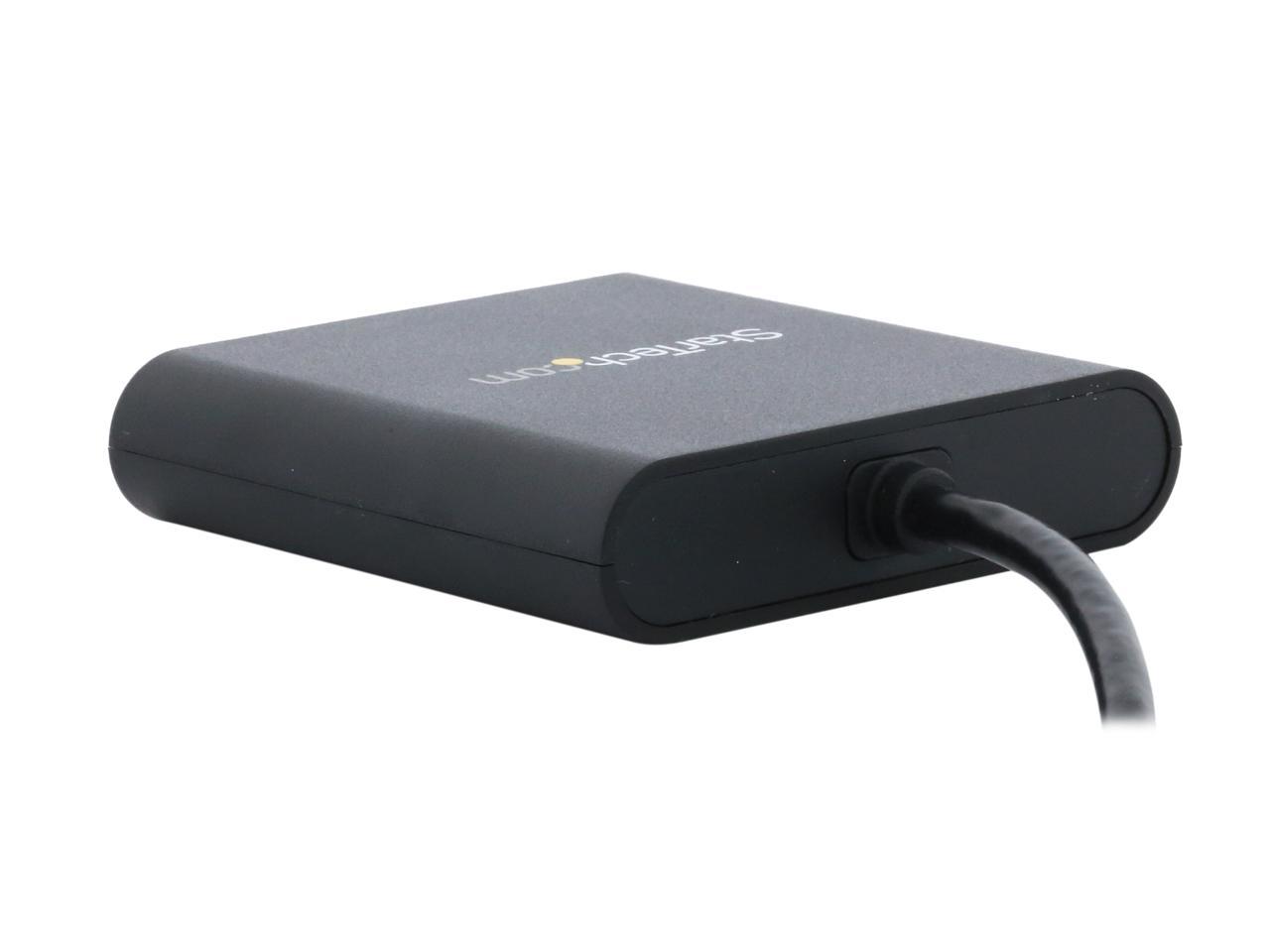
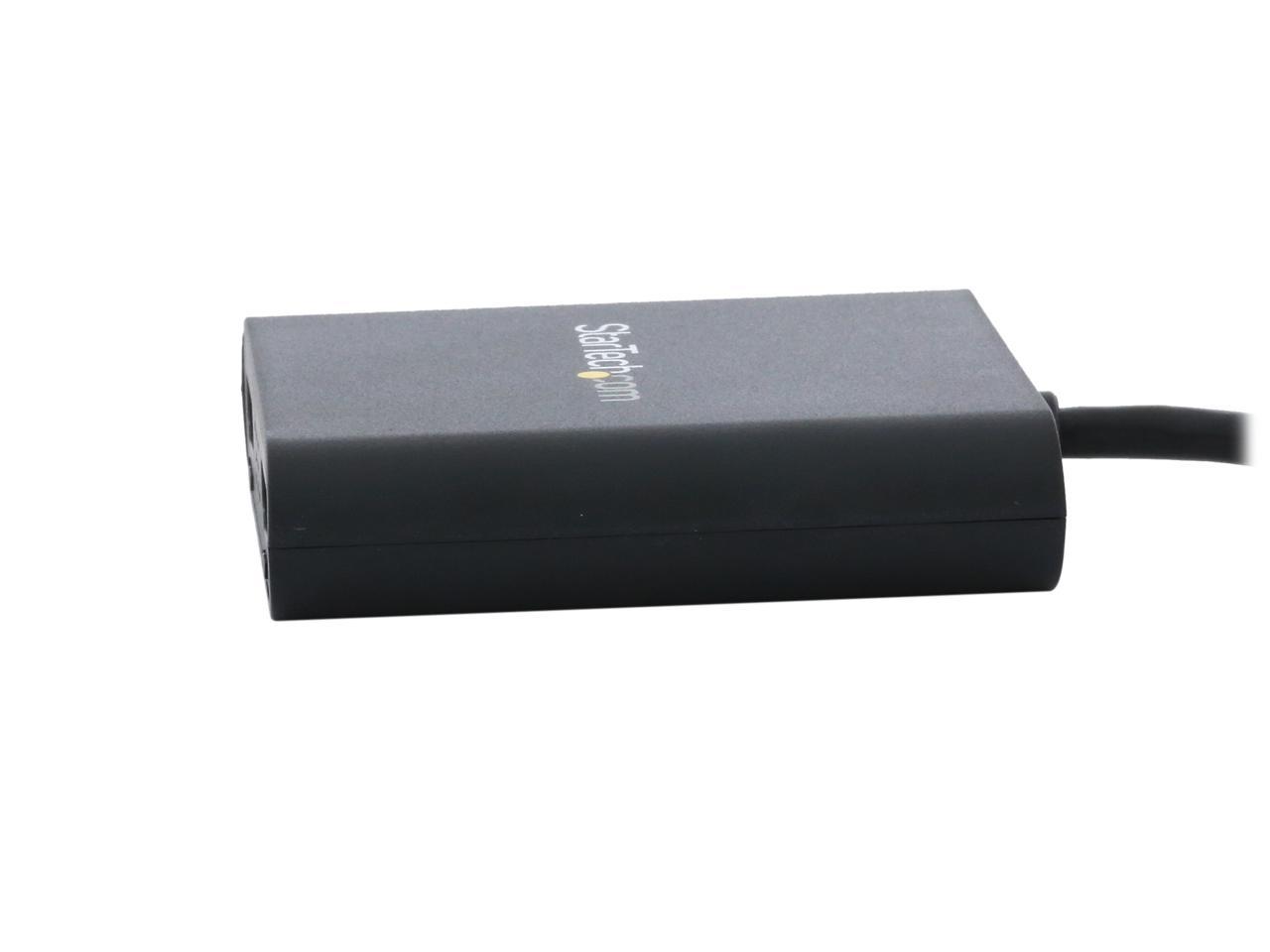
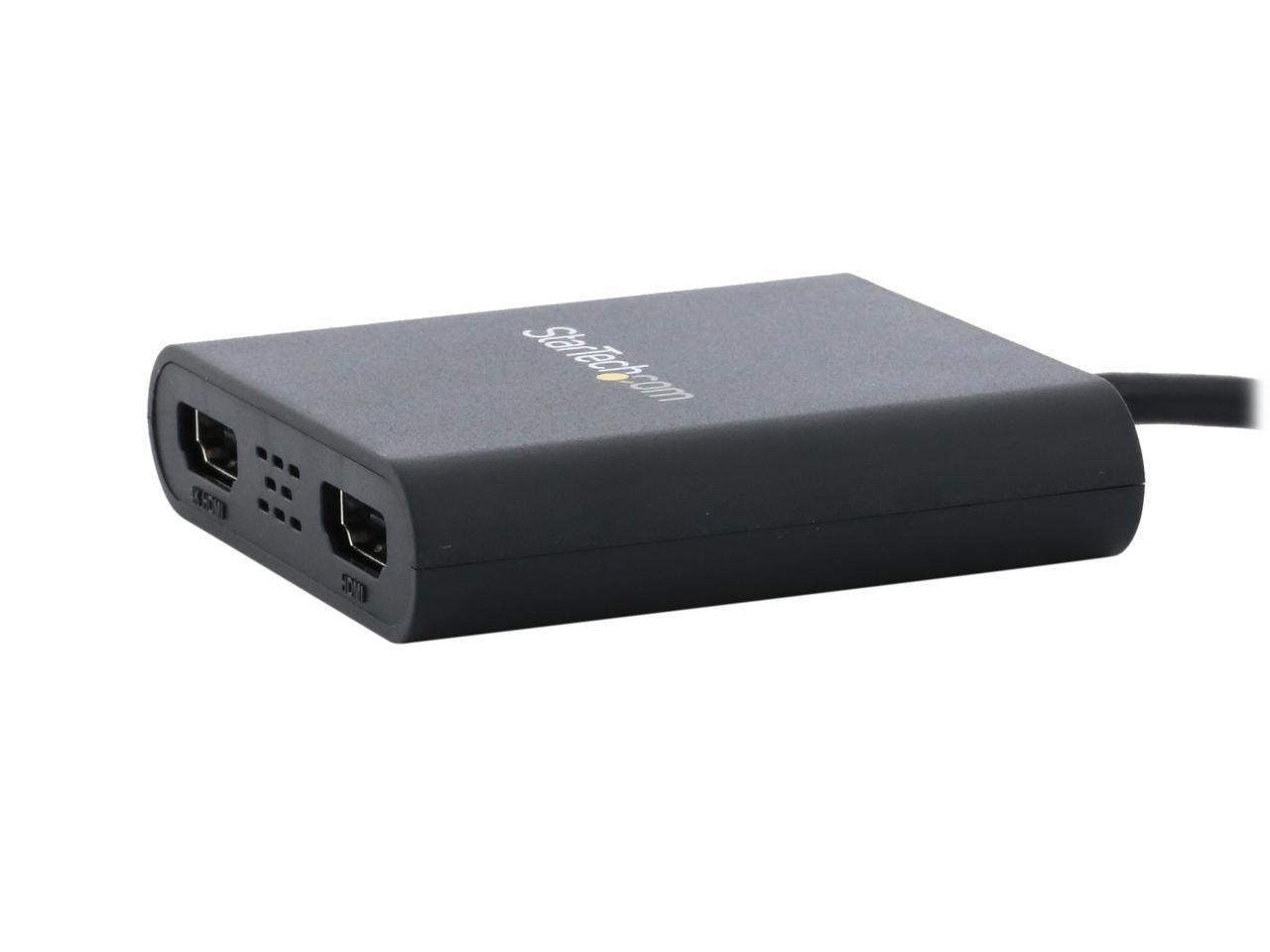
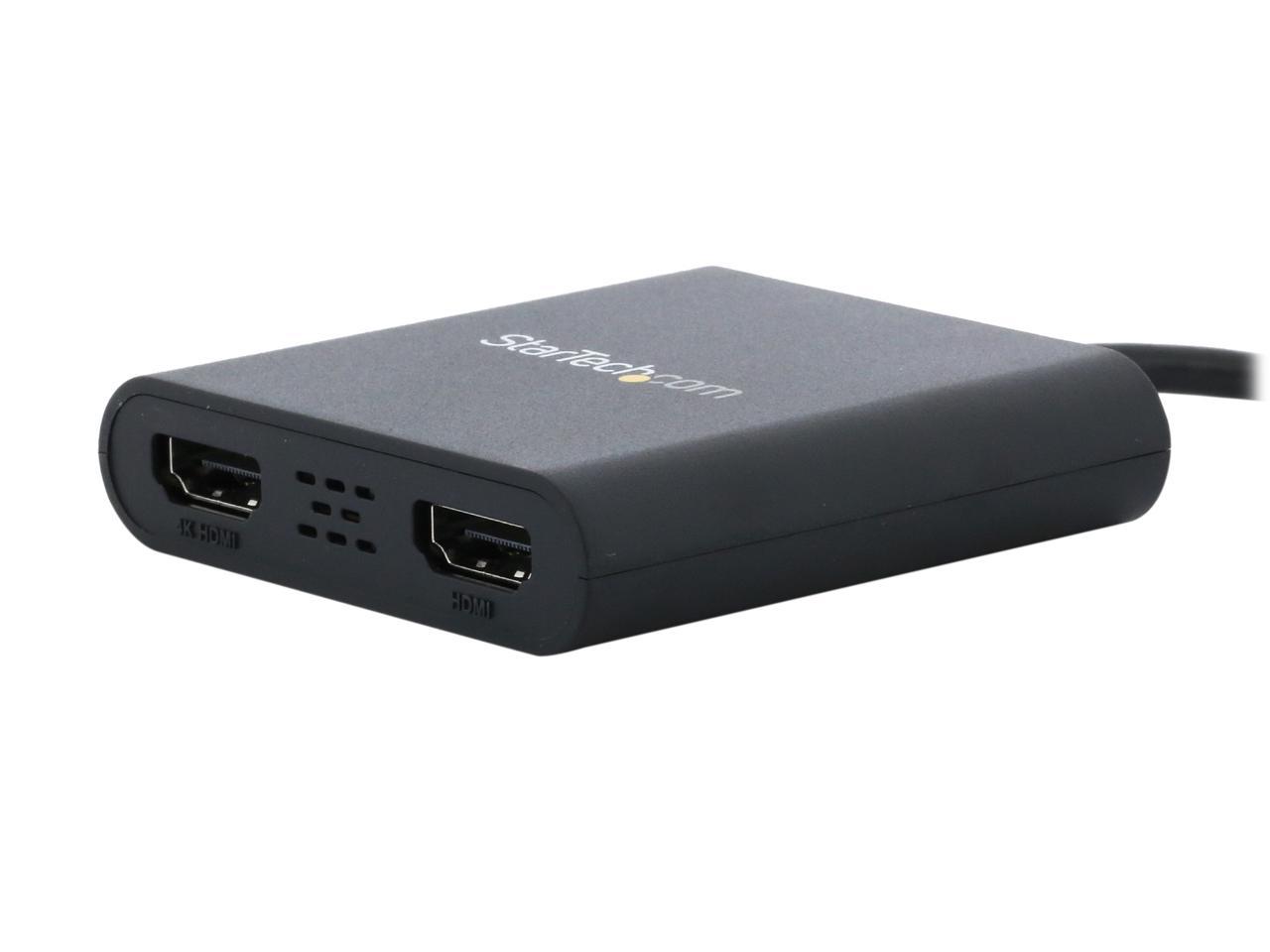
Bring your workspace to life with the USB 3.0 to Dual HDMI Adapter, a versatile tool that allows you to add two independent HDMI displays to your computer via a single USB 3.0 port. This adapter is designed to enhance your productivity by expanding your visual workspace, making multitasking a breeze. One of the HDMI ports on this adapter is capable of outputting resolutions up to 4K, providing you with crystal clear, high-definition visuals. The second HDMI port can output resolutions up to 1920 x 1200, offering you a wide range of display options to suit your needs.
Adding multiple displays to your workstation has never been easier. Whether your computer supports MST or has limited external video ports, this USB to dual HDMI adapter has you covered. It features two video outputs, effectively doubling your screen space and enabling you to access multiple applications simultaneously. You can reference material on one display while composing on the other, streamlining your workflow and boosting your productivity. The USB 3.0 to Dual HDMI Adapter is not just about quantity, but also quality. One of the HDMI ports supports resolutions up to 4K at 30Hz, allowing you to connect a 4K monitor, HDTV, or projector to your computer.
Even if your laptop or desktop video card doesn't natively support 4K output, this adapter ensures you can extend or mirror your primary display onto an Ultra HD monitor or television. This additional screen space simplifies multitasking and maximizes your productivity. Leveraging the high-bandwidth USB 3.0 interface, this adapter delivers smoother scrolling, higher resolutions, and superior overall performance compared to earlier USB adapters. It's designed to support all your business applications, including web browsing, email, spreadsheets, and presentations. Plus, it leaves your system video card free for more demanding applications like gaming or CAD design, while you use the USB monitors for reference material.
In summary, the USB 3.0 to Dual HDMI Adapter is an essential tool for enhancing your workstation, running multiple applications on different screens, and mirroring your primary display onto a UHD monitor or television. It's the perfect solution for maximizing your screen real estate and boosting your productivity.





 here!
here!
 Top Rated