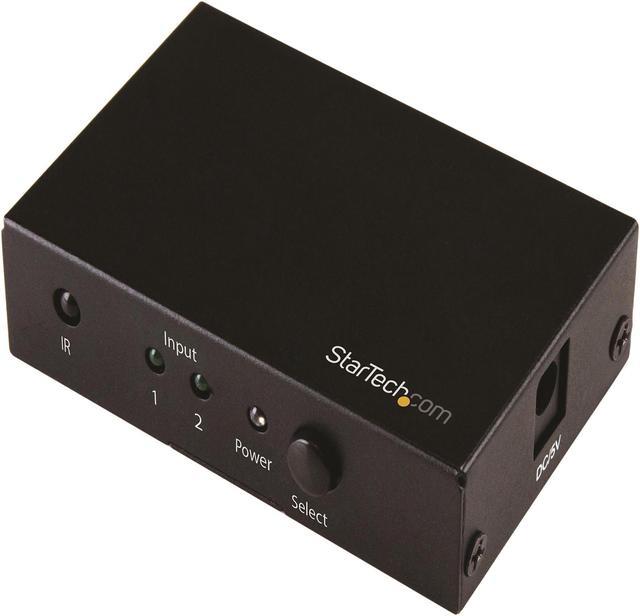
The StarTech.com VS221HD20 is a 2-input, 1-output HDMI switch that lets home entertainment users connect two 4K sources to one display and switch between them, with support for 4K at 60Hz, automatic switching, and an included IR remote.
Recommended For
- People sharing one 4K 60Hz monitor between two computers can use the switch to avoid repeatedly unplugging HDMI cables; an independent hands-on review reports using it with two PCs and a 4K display.
- People who alternate between a game console and a PC on one display can select either source with the remote or front button; a product-owner review describes switching between a PC and console.
- Households with one 4K display and two HDMI devices, such as a UHD Blu-ray player and a streaming or media player, can use automatic source switching or choose an input with the IR remote.
- Office, classroom, and meeting-room teams sharing one HDMI projector between two sources can use the switch for 4K 60Hz presentations and manual or automatic input selection.
Real-World Use Scenarios
- When a 4K monitor has one available HDMI input but needs to serve two computers, connect both computers to the switch and use the remote or front-panel button to choose which one appears; a hands-on setup report describes using this model to switch two PCs between 4K displays.
- For a TV or monitor with limited HDMI inputs, connect two sources—such as a UHD Blu-ray player and another media device—to one display; the switch lets you select between them without swapping HDMI cables.
- In a meeting room or classroom, connect a presenter’s computer and a room computer to one projector; staff can select the source with the remote or front-panel button instead of changing the projector cable.
- At a desk with two computers sharing one 4K display, use the switch to choose which computer’s video is shown; it switches the display signal only, so it does not also share a keyboard or mouse.
- When a compatible HDMI source is newly activated, automatic switching can select it for the shared display; if you want to choose the source yourself, use the included IR remote or the switch’s front-panel button.
Spec Summary
| Attribute | Value |
|---|
| Best For | Switching between two HDMI video sources, such as a Blu-ray player, and one display or projector, including 4K 60Hz setups |
|---|
| Video And Audio Support | Up to 4K (3840 × 2160) at 60Hz, with support for 2560 × 1600, 1920 × 1200, 1080p, and 720p at 60Hz; 7.1-channel surround sound and widescreen formats |
|---|
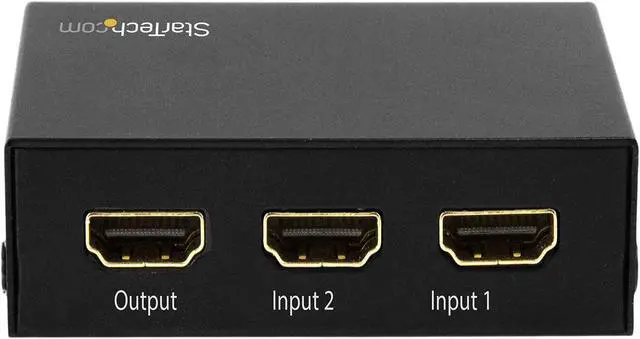
| HDMI Ports And Compatibility | Two HDMI female inputs and one HDMI female output for connecting sources to a single display |
|---|
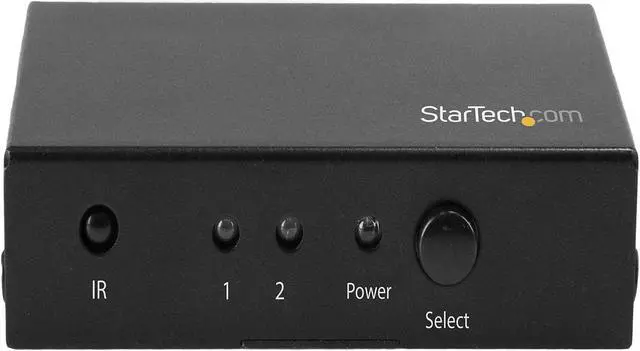
| Switching And Control | Automatic switching, IR remote control, and a front-panel toggle button; two input LEDs and one power LED |
|---|
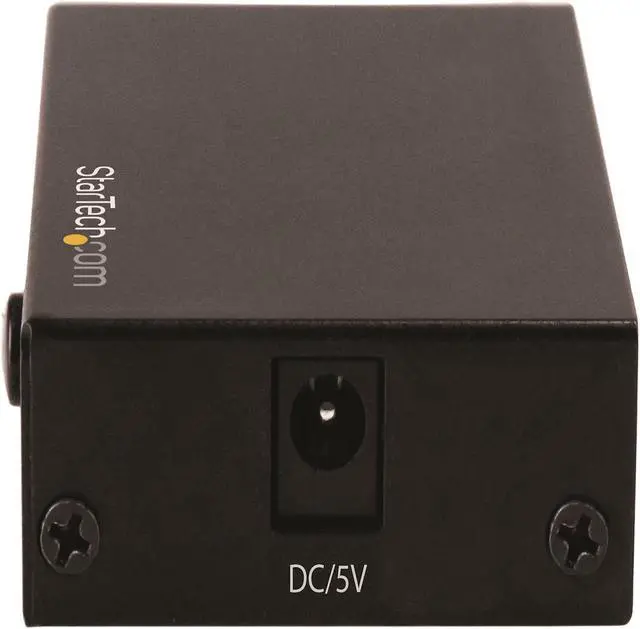
| Power And Included Accessories | AC adapter included, with 100–240V AC input and 5V DC, 2000mA output; package includes an IR remote with CR2025 battery and a universal power adapter |
|---|
| Physical Specifications | Black; 3.1 × 2.0 × 0.8 inches; weighs 0.23 lb |
|---|
| Operating Environment | Operating temperature: 0–40°C; storage temperature: −10–80°C; humidity: 10–85% RH |
|---|
| Model Identifiers | StarTech.com VS221HD20 |
|---|





 here!
here!
 Top Rated