here!
here!
I’m your shopping assistant for PC builds, upgrades, and everything tech.
Got questions? Ask away!
Start a conversation
here!
I’m your shopping assistant for PC builds, upgrades, and everything tech.
Got questions? Ask away!
Start a conversation



Any questions? Ask CelesteSM will help you find out quickly.


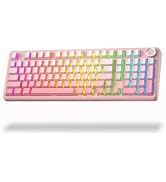
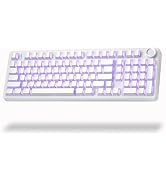
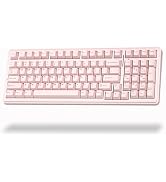
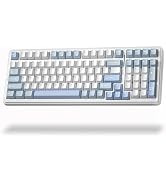
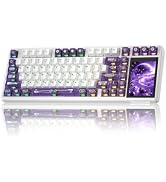
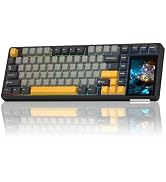
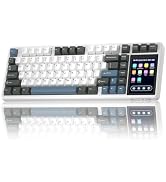
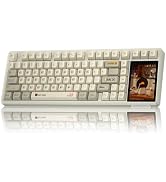
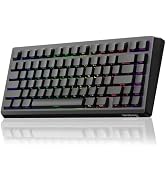
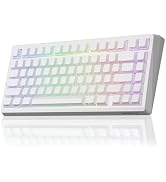
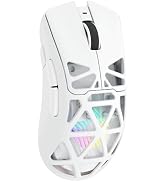
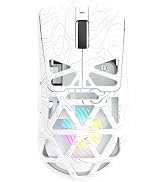
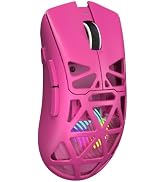
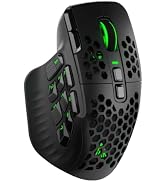
Strikonx keyboards and mice are beloved by remote workers and casual gamers alike—those who seamlessly switch between spreadsheets and battlefields, never compromising on speed or comfort. We firmly believe: great gear amplifies passion and unlocks limitless efficiency. The Strikonx brand draws inspiration from the X-shaped structure, symbolizing a steadfast promise: lightning-fast response when it matters most, with reliability you can count on.
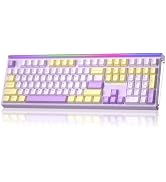
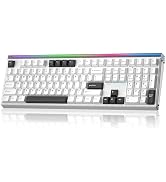
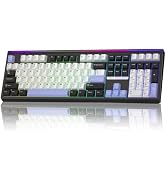
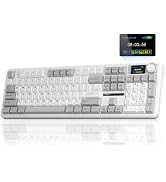

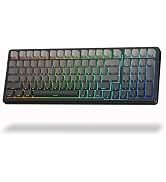
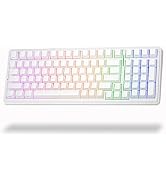
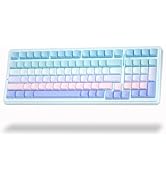
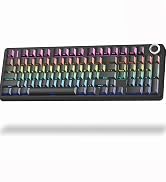
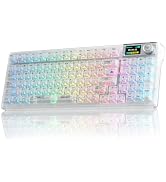
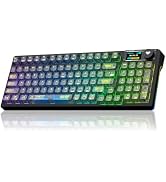
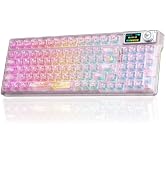
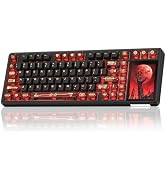
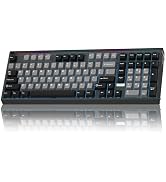
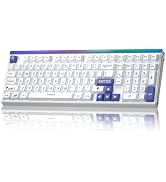
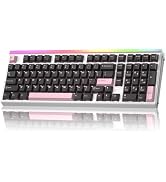
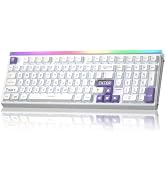
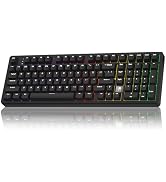
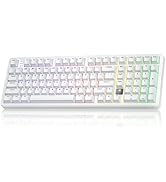
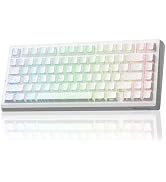
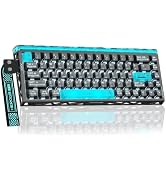
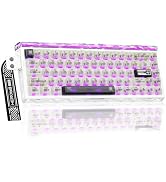
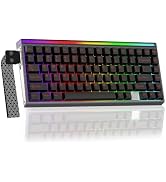
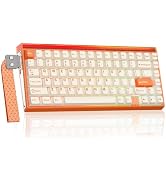
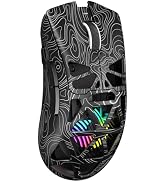
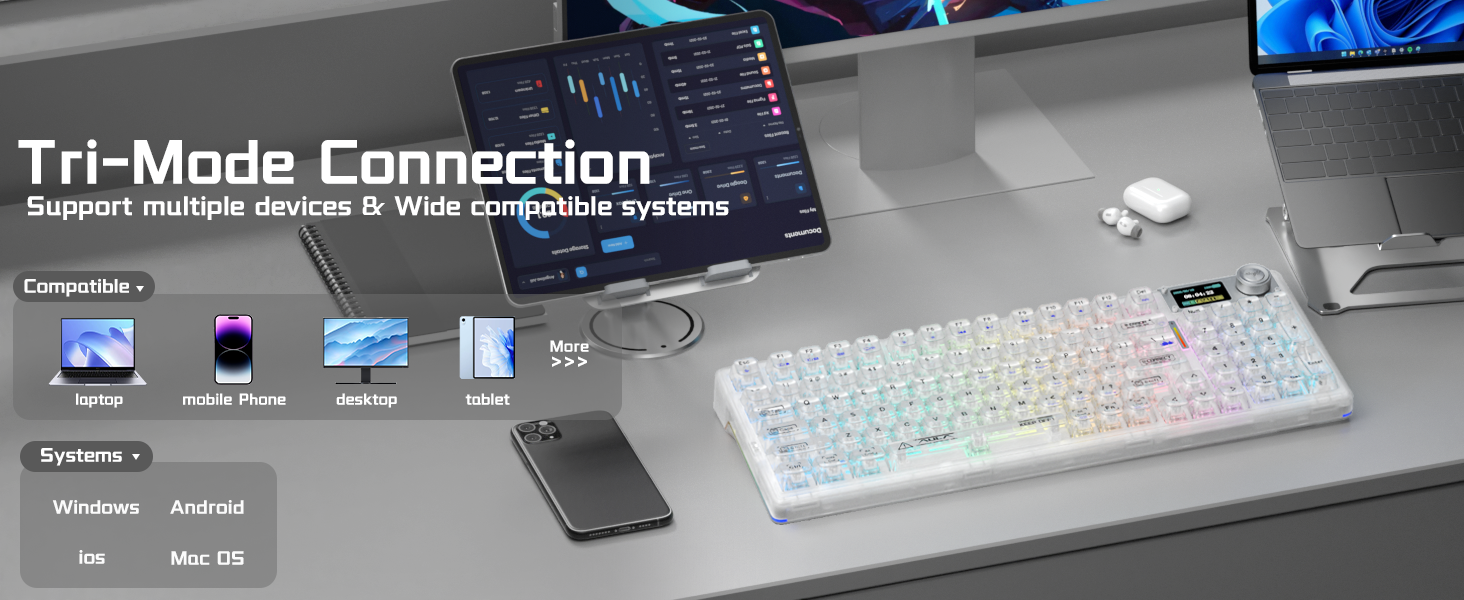
What systems is this keyboard compatible with?
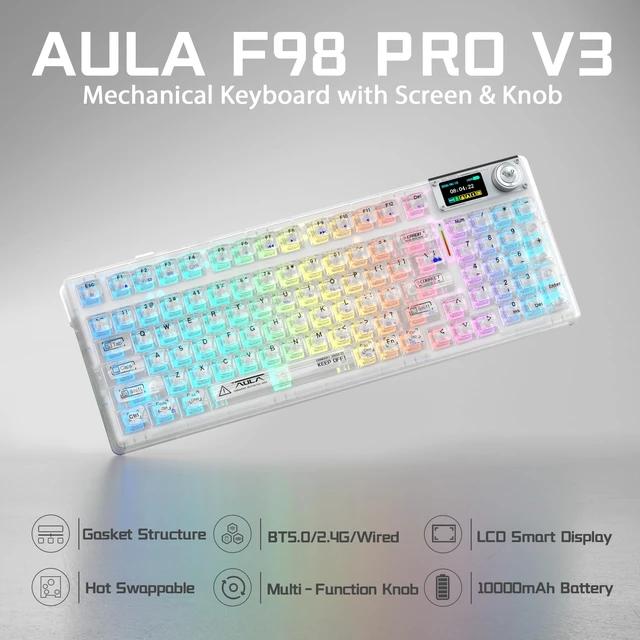
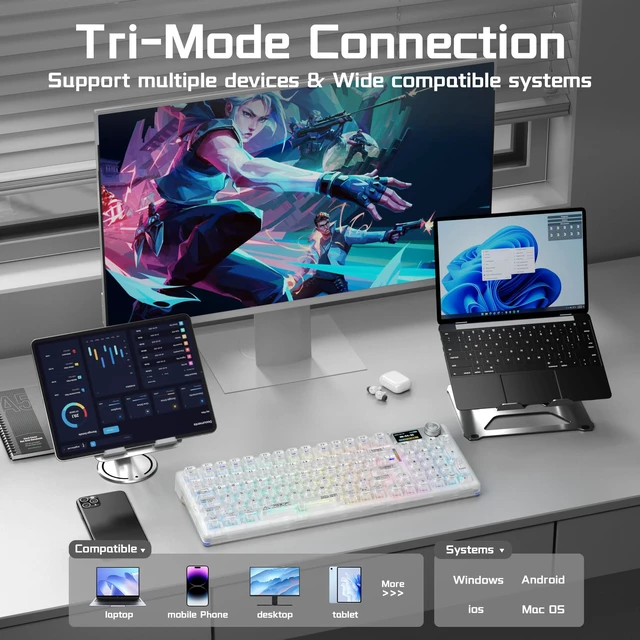
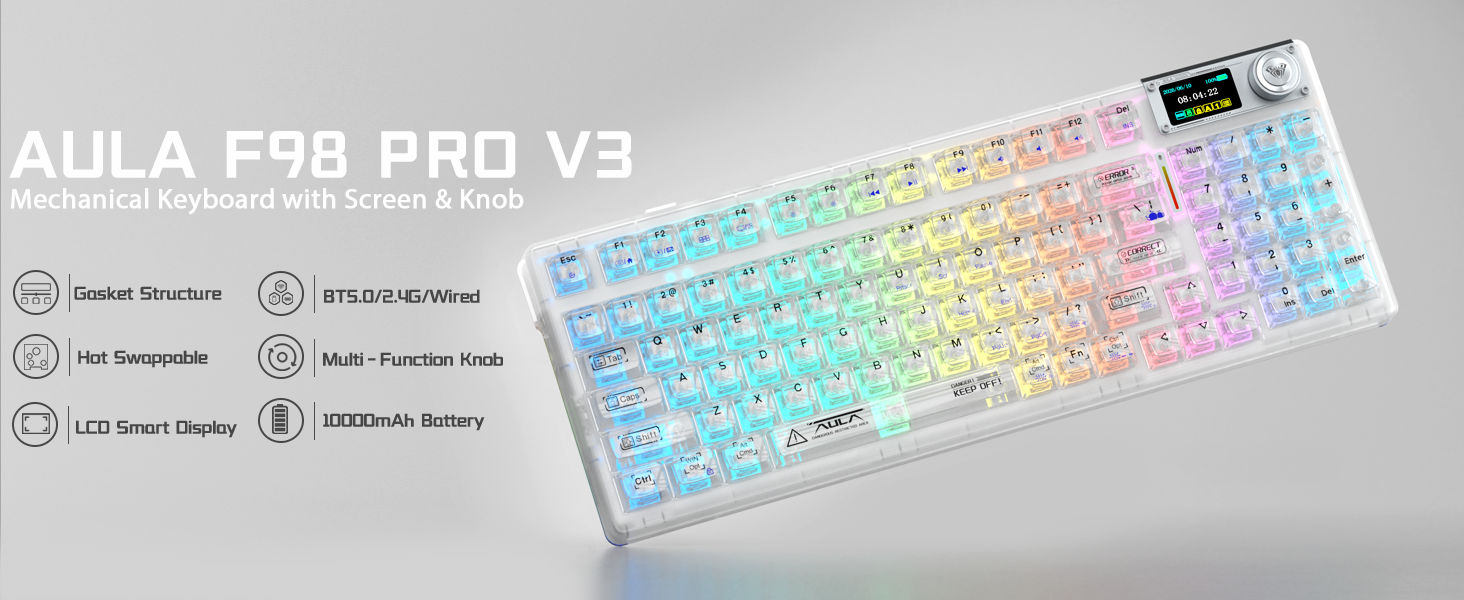
It supports Windows, Mac, iOS and Android via BT5.0, 2.4Ghz and USB-C wired modes.
What should I do if the keyboard fails to connect or keeps disconnecting from PC?
2.4G : Use rear PC USB port, avoid USB hubs. Ensure full battery, keep away from routers and metal barriers.
BT Mode: Clear & re-pair BT. Reduce other connected BT devices.
Tips: Test wired mode or update firmware for better stability.
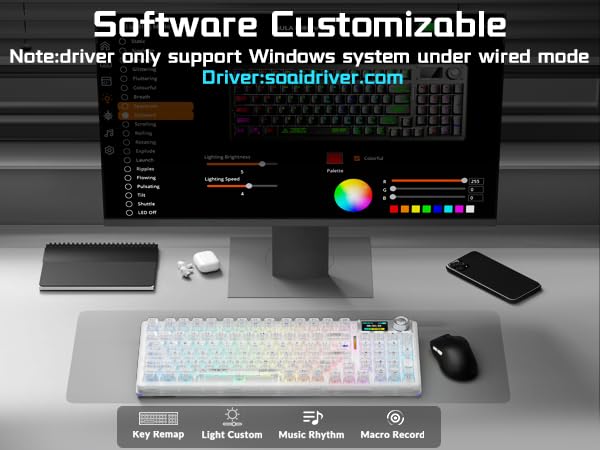
Where can I download the driver/software for F98 Pro V3 keyboard? Can I remap keys?
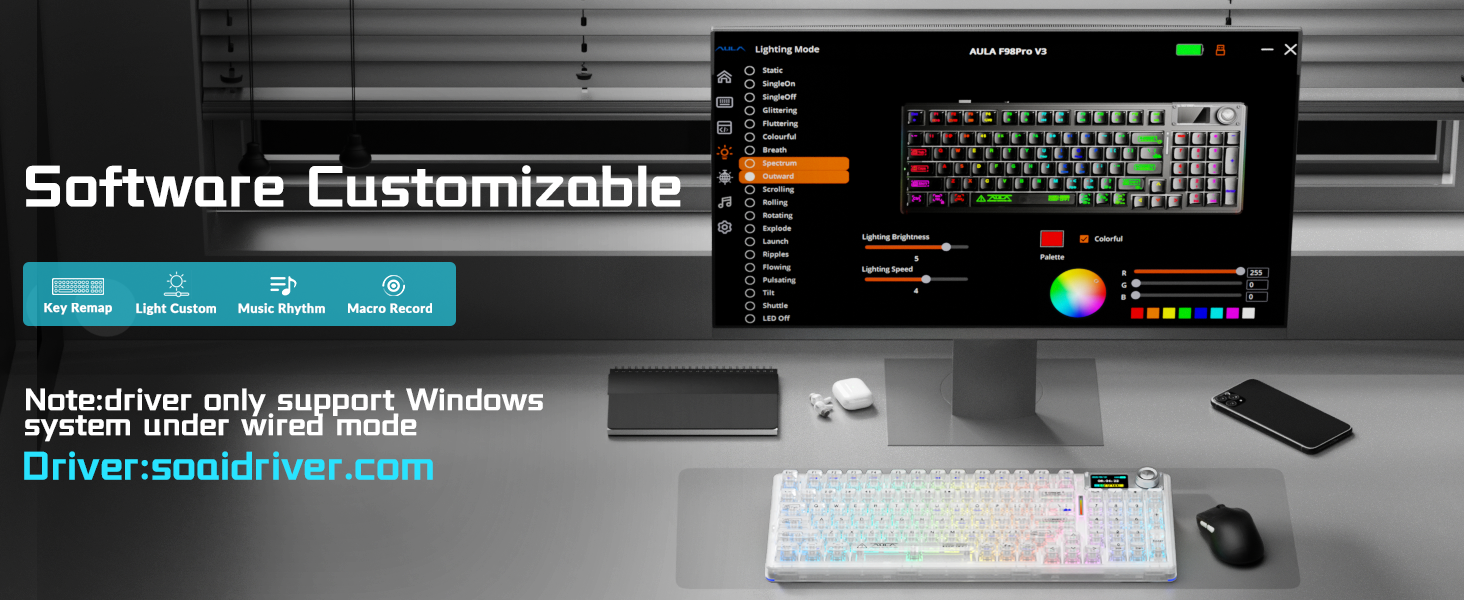
You can get the F98 Pro V3 software from: soaidriver.com. Key remap and full custom features only work on Windows under USB-C wired mode. It does not support QMK/VIA.
How is the legend performance of these transparent keycaps?
These transparent keycaps are designed for stunning RGB lighting effects. You can boost RGB brightness to get better key-legend visibility under bright surroundings.
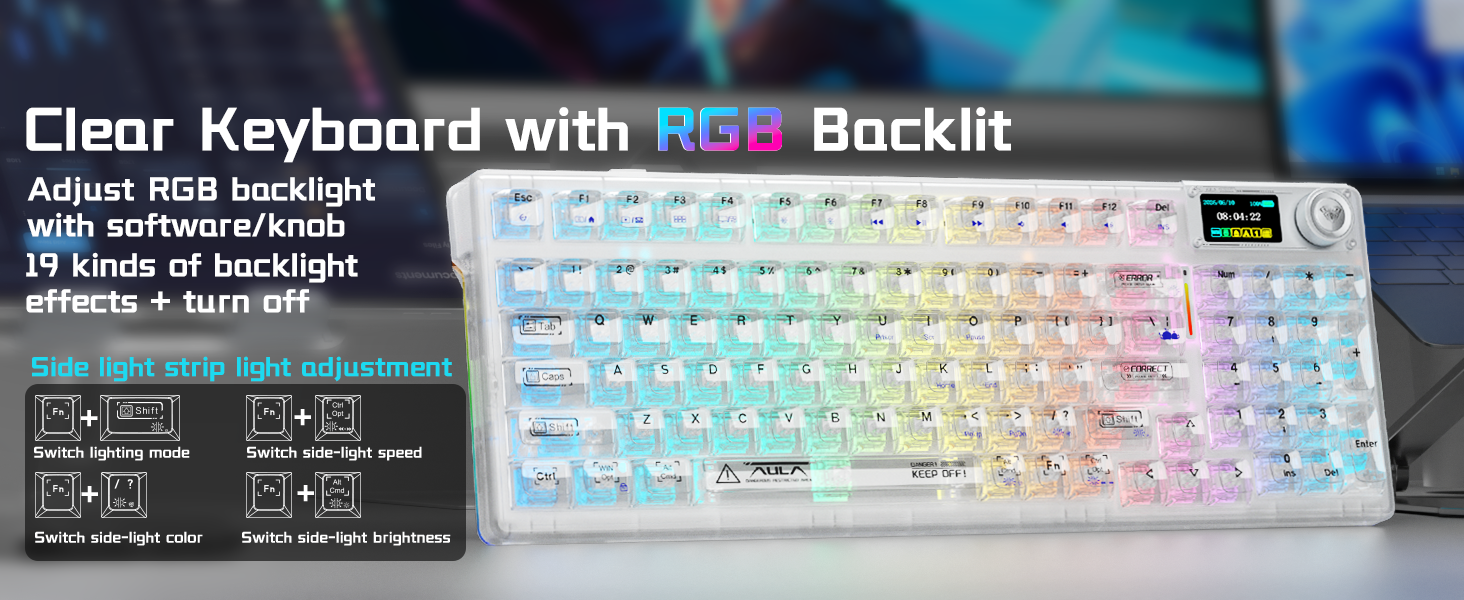
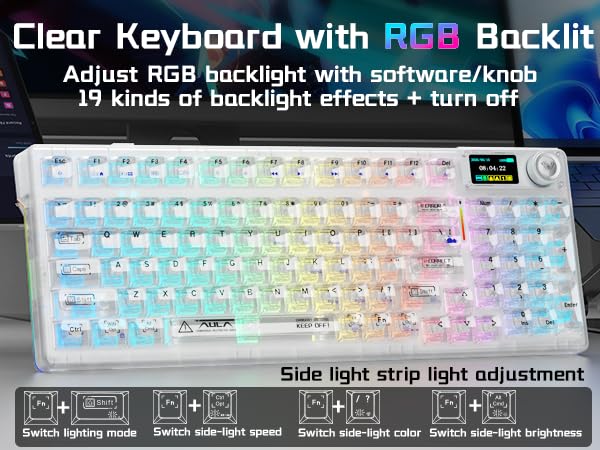
How to adjust RGB lighting effects on the wireless mechanical keyboard?
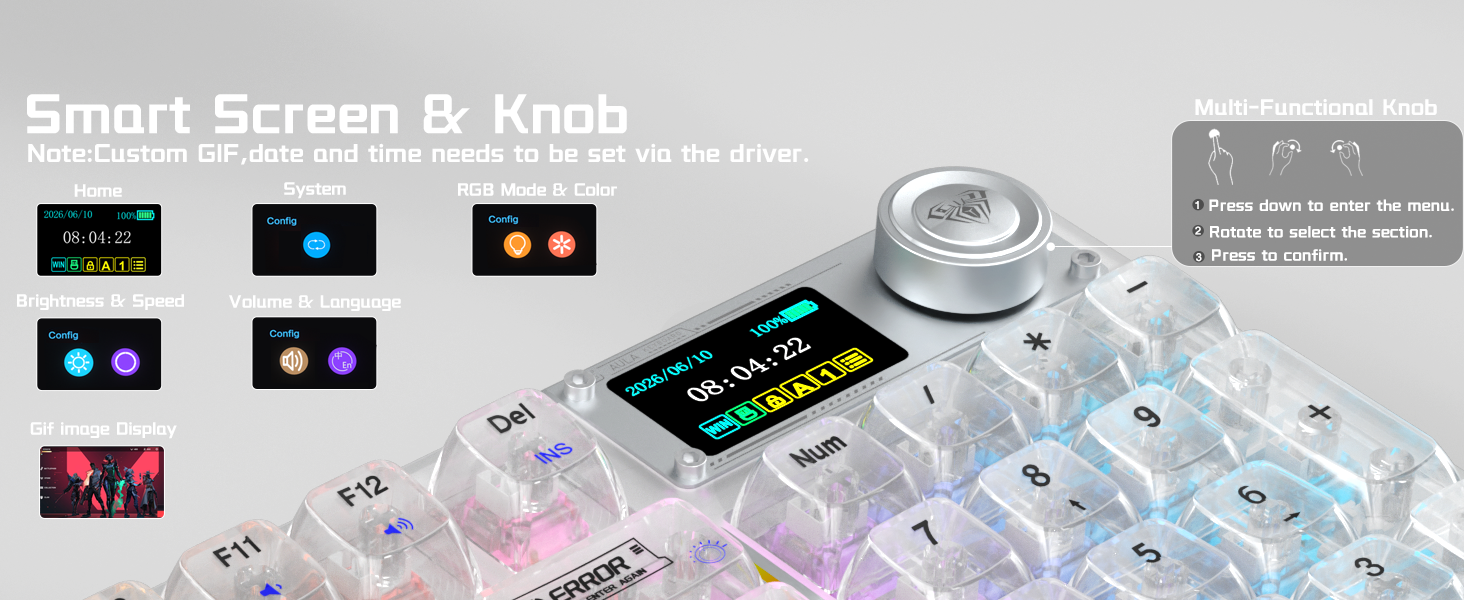
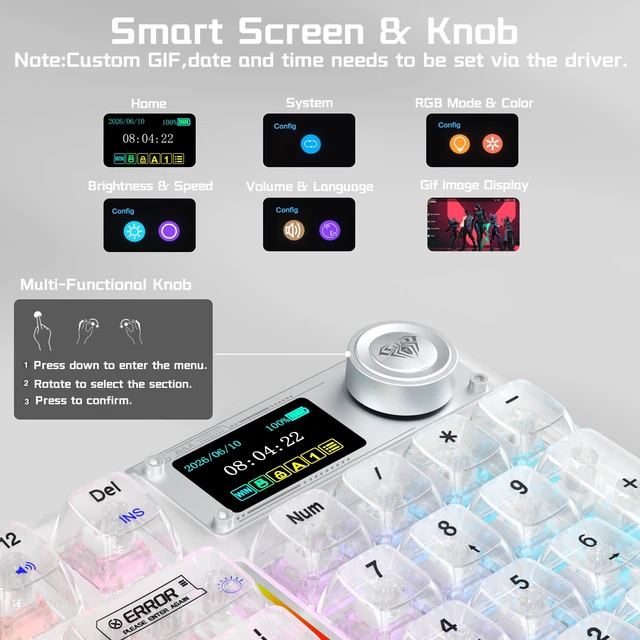
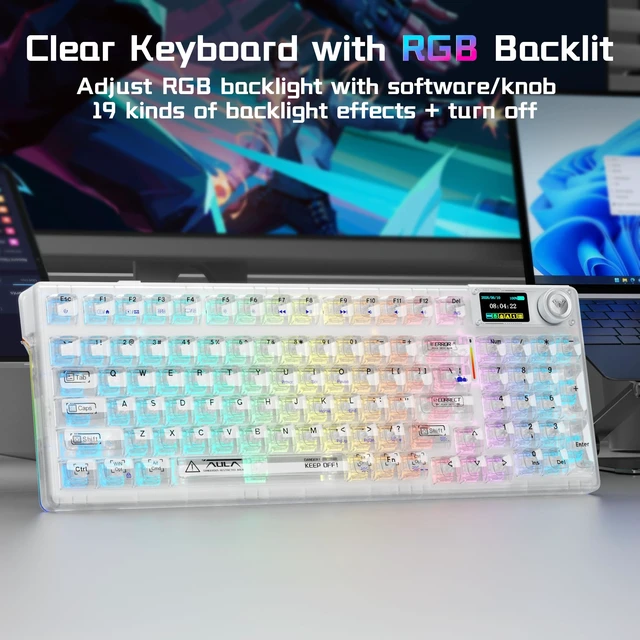
You can adjust RGB lighting effects, brightness, speed and color through the LCD screen menu with the multi-function knob. More customized lighting effects can also be set via the driver (Driver download: soaidriver.com)
How to adjust the side RGB lighting of the Clear Mechanical gaming keyboard?
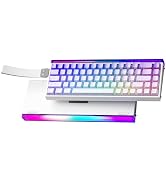
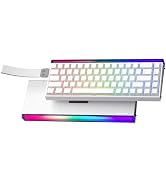
You can switch the side-light color with Fn + / ?, adjust the brightness with Fn+?Alt (Cmd)?, and control the lighting speed with Fn+?Alt (Opt)?. More operation details can be found in the user manual.
How to use the multi-function knob to avoid miss operation?
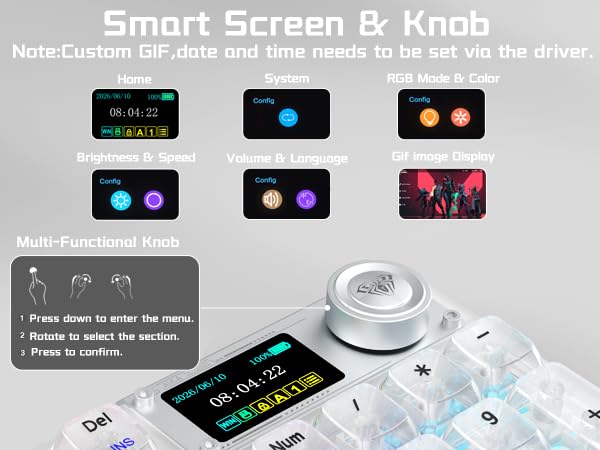
Rotate the knob to select menu items, short press the knob to confirm. (Note:Long press the FN + knob for 5s to lock or unlock menu functions)
How to customize image animations and personalize the screen?
1.Download and install the F98 Pro V3 driver in wired mode with windows system.
2.Open the software, find the TFT Screen option, and click to upload an image or GIF.(following the video guide on the product page.)
Can the LCD screen brightness be adjusted for F98 Pro creamy mechanical keyboard?
The LCD screen brightness is fixed by factory default and does not support manual brightness adjustment.
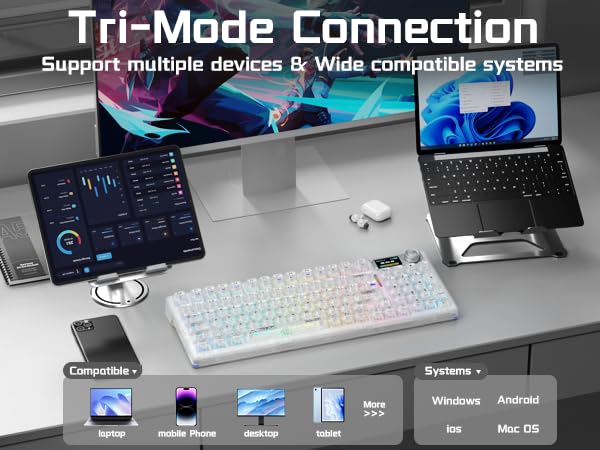
What systems is this keyboard compatible with?
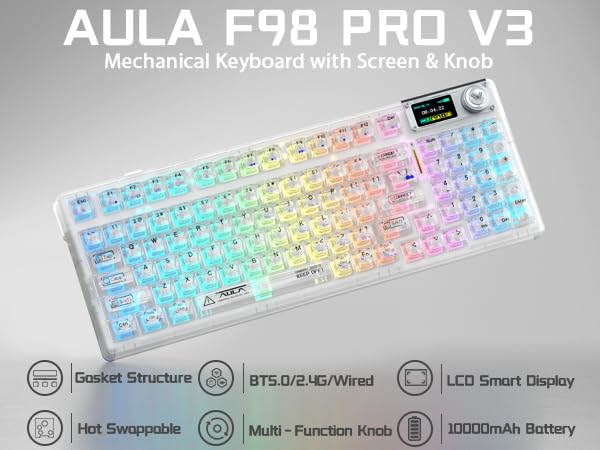
It supports Windows, Mac, iOS and Android via BT5.0, 2.4Ghz and USB-C wired modes.
What should I do if the keyboard fails to connect or keeps disconnecting from PC?
2.4G : Use rear PC USB port, avoid USB hubs. Ensure full battery, keep away from routers and metal barriers.
BT Mode: Clear & re-pair BT. Reduce other connected BT devices.
Tips: Test wired mode or update firmware for better stability.
Where can I download the driver/software for F98 Pro V3 keyboard? Can I remap keys?
You can get the F98 Pro V3 software from: soaidriver.com. Key remap and full custom features only work on Windows under USB-C wired mode. It does not support QMK/VIA.
How is the legend performance of these transparent keycaps?
These transparent keycaps are designed for stunning RGB lighting effects. You can boost RGB brightness to get better key-legend visibility under bright surroundings.
How to adjust RGB lighting effects on the wireless mechanical keyboard?
You can adjust RGB lighting effects, brightness, speed and color through the LCD screen menu with the multi-function knob. More customized lighting effects can also be set via the driver (Driver download: soaidriver.com)
How to adjust the side RGB lighting of the Clear Mechanical gaming keyboard?
You can switch the side-light color with Fn + / ?, adjust the brightness with Fn+?Alt (Cmd)?, and control the lighting speed with Fn+?Alt (Opt)?. More operation details can be found in the user manual.
How to use the multi-function knob to avoid miss operation?
Rotate the knob to select menu items, short press the knob to confirm. (Note:Long press the FN + knob for 5s to lock or unlock menu functions)
How to customize image animations and personalize the screen?
1.Download and install the F98 Pro V3 driver in wired mode with windows system.
2.Open the software, find the TFT Screen option, and click to upload an image or GIF.(following the video guide on the product page.)
Can the LCD screen brightness be adjusted for F98 Pro creamy mechanical keyboard?
The LCD screen brightness is fixed by factory default and does not support manual brightness adjustment.

Strikonx keyboards and mice are beloved by remote workers and casual gamers alike—those who seamlessly switch between spreadsheets and battlefields, never compromising on speed or comfort. We firmly believe: great gear amplifies passion and unlocks limitless efficiency. The Strikonx brand draws inspiration from the X-shaped structure, symbolizing a steadfast promise: lightning-fast response when it matters most, with reliability you can count on.