








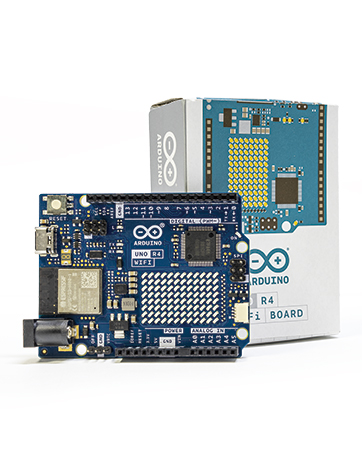
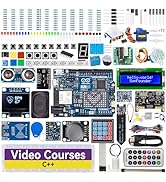
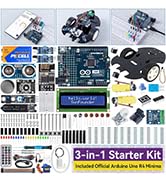
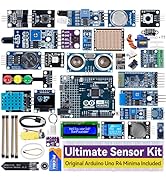
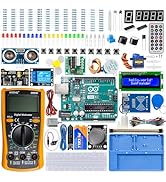
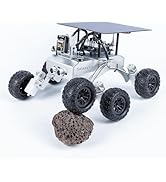

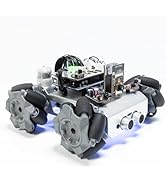
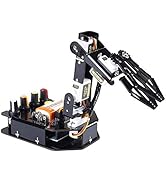
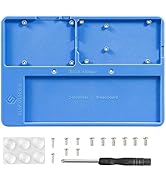
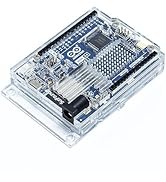
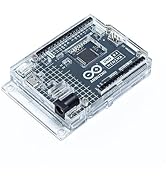


SunFounder Starter Kit with Original Arduino Board
 Elite Explorer Kit |  Ultimate Sensor Kit |  3 in 1 Starter Kit |  Inventor Lab Starter Kit |  Beginner's Lab Kit | |
|---|---|---|---|---|---|
Customer Reviews | — | — | — | — | — |
Price | — | — | — | — | — |
Original Arduino Board | Arduino Uno R4 WiFi | Arduino Uno R4 Minima | Arduino Uno R4 Minima | Arduino Uno R3 | Arduino Uno R3 |
Video Courses | ? | ? | ? | ? | ? |
Online Documents | ? | ? | ? | ? | ? |
IoT Projects | ? | ? | ? | ? | ? |
Included Battery | ? | ? | ? | ? | ? |
Recommended Age | 8+ | 8+ | 8+ | 8+ | 8+ |
Programming Language | C++ | C++ | C++ | C++ | C++ |
Curriculum Link | elite-explorer-kit.rtfd.io | ultimate-sensor-kit.rtfd.io | 3in1-kit-r4.rtfd.io | inventor-lab-kit.rtfd.io | beginners-lab-kit.rtfd.io |
Arduino and Multimeter FAQ
1. Why Arduino UNO R3 Cannot Be Used?
1) USB driver or system issues.
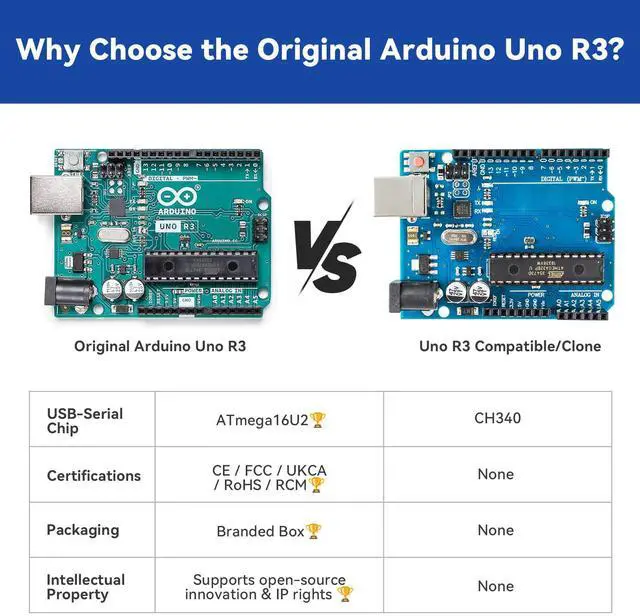
Arduino UNO R3 uses the ATmega16U2 USB chip, which is usually automaticallyrecognized and installed on Windows 10 / 11 and macOS. However, if the customer is using an older Windows system (such as Windows 7 or alightweight version), the required USB CDC driver may be missing, causing the computer tofail to recognize the Arduino serial device.
Solution: We will add USB driver update instructions in the FAQ.
2) USB port issues.
Some computer USB ports may have the following problems:
1)Insufficient power from front USB ports. 2)Poor contact of the USB port. 3)Damaged USB ports. If Arduino cannot be recognized, it is recommended to try another USB port, preferably themotherboard’s rear USB ports.
2. Why the Multimeter Cannot Be Used?
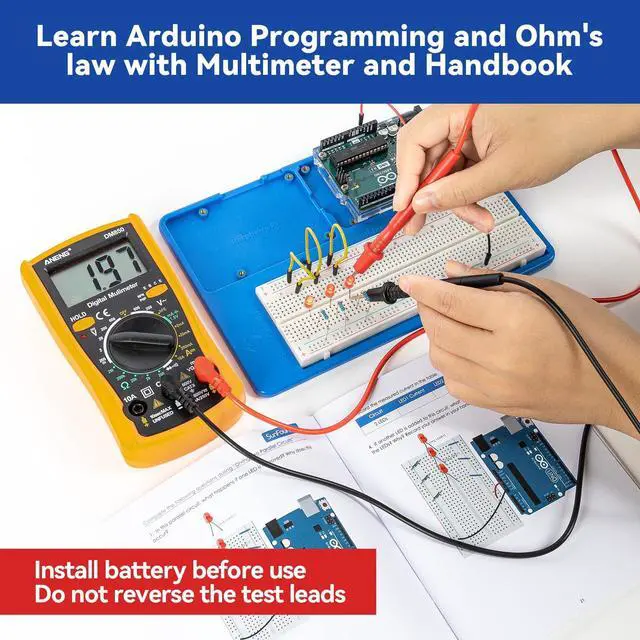
1)Battery not installed. Although a 9V battery is included in the kit, the battery must be installed by the user. If the battery is not installed in the multimeter, the screen will not turn on and themultimeter will not work. Solution: Open the battery compartment on the back of the multimeter and install the included 9Vbattery correctly before using it. A video tutorial showing how to install the battery is available in Lesson 3 of the onlinedocumentation: inventor-lab-kit.rtfd.io
2)Test leads connected to the wrong jacks. If the red test lead is plugged into the 10A or mA jack, the multimeter will not give anyreading when measuring voltage or resistance, making it appear as if the multimeter is notworking. Solution: When measuring voltage or resistance: Insert the red test lead into the VO jack and the black test lead into the COM jack.


SunFounder Starter Kit with Original Arduino Board
Elite Explorer Kit | Ultimate Sensor Kit | 3 in 1 Starter Kit | Inventor Lab Starter Kit | Beginner's Lab Kit |
|---|---|---|---|---|
| Customer Reviews | ||||
| — | — | — | — | — |
| Price | ||||
| — | — | — | — | — |
| Original Arduino Board | ||||
| Arduino Uno R4 WiFi | Arduino Uno R4 Minima | Arduino Uno R4 Minima | Arduino Uno R3 | Arduino Uno R3 |
| Video Courses | ||||
| ? | ? | ? | ? | ? |
| Online Documents | ||||
| ? | ? | ? | ? | ? |
| IoT Projects | ||||
| ? | ? | ? | ? | ? |
| Included Battery | ||||
| ? | ? | ? | ? | ? |
| Recommended Age | ||||
| 8+ | 8+ | 8+ | 8+ | 8+ |
| Programming Language | ||||
| C++ | C++ | C++ | C++ | C++ |
| Curriculum Link | ||||
| elite-explorer-kit.rtfd.io | ultimate-sensor-kit.rtfd.io | 3in1-kit-r4.rtfd.io | inventor-lab-kit.rtfd.io | beginners-lab-kit.rtfd.io |
Arduino and Multimeter FAQ
1. Why Arduino UNO R3 Cannot Be Used?
1) USB driver or system issues.
Arduino UNO R3 uses the ATmega16U2 USB chip, which is usually automaticallyrecognized and installed on Windows 10 / 11 and macOS. However, if the customer is using an older Windows system (such as Windows 7 or alightweight version), the required USB CDC driver may be missing, causing the computer tofail to recognize the Arduino serial device.
Solution: We will add USB driver update instructions in the FAQ.
2) USB port issues.
Some computer USB ports may have the following problems:
1)Insufficient power from front USB ports. 2)Poor contact of the USB port. 3)Damaged USB ports. If Arduino cannot be recognized, it is recommended to try another USB port, preferably themotherboard’s rear USB ports.
2. Why the Multimeter Cannot Be Used?
1)Battery not installed. Although a 9V battery is included in the kit, the battery must be installed by the user. If the battery is not installed in the multimeter, the screen will not turn on and themultimeter will not work. Solution: Open the battery compartment on the back of the multimeter and install the included 9Vbattery correctly before using it. A video tutorial showing how to install the battery is available in Lesson 3 of the onlinedocumentation: inventor-lab-kit.rtfd.io
2)Test leads connected to the wrong jacks. If the red test lead is plugged into the 10A or mA jack, the multimeter will not give anyreading when measuring voltage or resistance, making it appear as if the multimeter is notworking. Solution: When measuring voltage or resistance: Insert the red test lead into the VO jack and the black test lead into the COM jack.
SunFounder creates smart hardware and kits for learning Raspberry Pi, Arduino, ESP32—blending cutting-edge tech with hands-on learning.
Arduino Authorized Distributor
Kits with Original Arduino
Robotics for Arduino
Modules for Arduino
Accessories for Arduino