Newegg.com - A great place to buy computers, computer parts, electronics, software, accessories, and DVDs online. With great prices, fast shipping, and top-rated customer service - Newegg shopping upgraded ™
If you are reading this message, Please click this link to reload this page.(Do not use your browser's "Refresh" button). Please email us if you're running the latest version of your browser and you still see this message.
Newegg.com - Computer Parts, Laptops, Electronics, HDTVs, Digital Cameras and More!
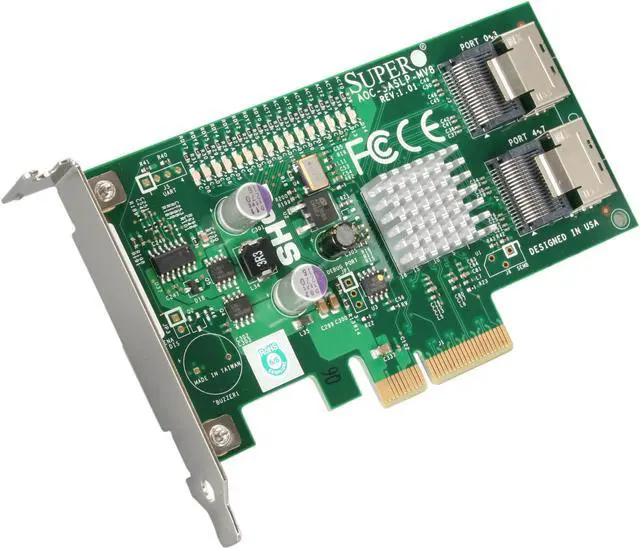
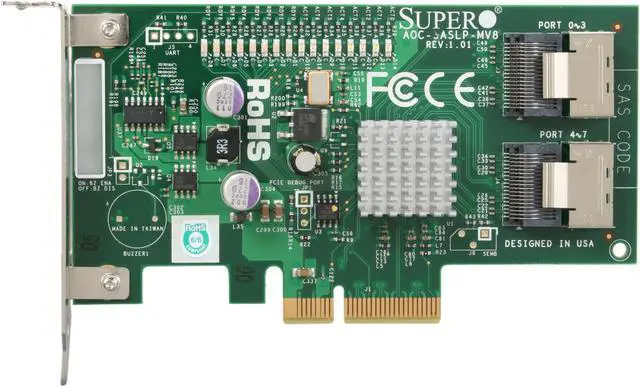
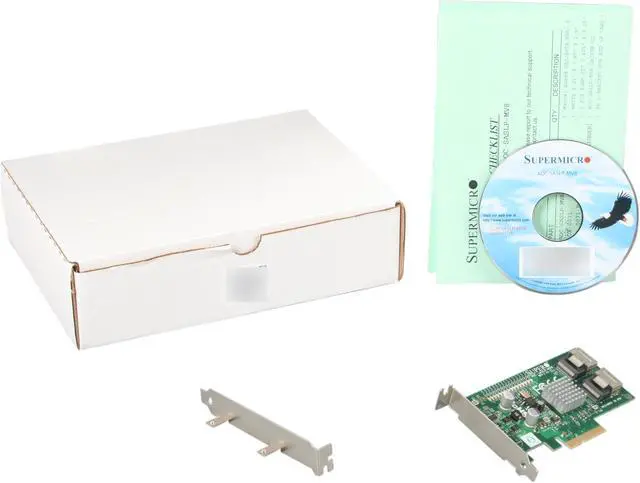
Supermicro's SASLP-MV8 controller (based on the Marvell 6480 host controller) provides 8-port SAS/SATA HDD support via PCI-E by 4 bus interface with high-performance features. Serving as a 3rd generation SAS/SATA storage card, the AOC-SASLP-MV8 offers double the data transfer rate of its 1st generation counterpart and offers functionalities for server, workstation and network storage environments in a low-profile PCI platform.
Pros: Works great with unRaid which is based on Linux. Everyone that says it doesn't work with Linux has no clue what they are talking about or what they are doing. I have had this installed and running since 2010 with no issues.
Cons: None
Pros:
Price.
8 ports available for raids
Cons:
After setting up a raid on my home server I was starting to see different errors on my hard drives. These are 7200 rpm seagate 3 TB seagate drives. I noticed that my raid would kick out a drive every so often which would cause the kernel to spawn a few "cpu locked" messages.
This was disconcerting. After further investigation the manufacturer of this card admits their drivers are not compatible with linux. Centos 6.5 is what I was running. This was extremely disappointing and completely terrible as my raid was causing instability to the host itself. I then went to e-b-a-y and picked up an LSI 9211 8i card. Same price and the shipping was fast. This card has been amazing and I have since reinstalled those earlier reported hard drives and they are running flawlessly.
Contacts with the manufacturer have resulted in nothing. They state that these cards work in windows but are unsupported with my setup. I'm frustrated as this is grounds for DOA.
Now I have a $100 paper weight. /sigh
Overall Review: Buyer beware. No linux support 0/5.
Pros: Cheap, PCIe, lots of ports
Cons:
After reading the quick list of supported OS's I decided to buy two of these cards. I received them and installed them. My plan was to first run FreeBSD, no dice getting that working with these cards at all, So after that I went through 4 different Linux distributions, I only got it working after switching to a 3 year old centos distribution, this allowed me to install the 3 year old proprietary drivers, with their 3 year old bugs.
After some quick testing I noticed right away drives dropping out of the arrays, as well as more concerning cases of drives being readdressed blindly.
In any event, for those thinking about utilizing these cards on a non-Windows based system, be aware that they are based on the mvsas driver, are unstable, slow, and should be avoided.
Pros: Been running this for over 2 years without any issues. Great for when you need JBOD or software raid, handles SAS and SATA drives
Cons: None
Overall Review: Consider this an upgrade to the AOC-SAT2-MV8, which only allows SATA.
Pros: The speed of the drives that work is basically the same as using the onboard controller. No apparent slowdown when accessing multiple drives simultaneously. Low price for what you (should) get. Low form-factor is nice.
Cons: The most important flaw is the installation of this unit. To make it work, you have to manually find the correct device in device manager and manually install the correct drivers from a CD (!). You're basically on your own to figure out which driver is the right one since the documentation is atrocious. No easy plug&play or decent installer to be had here. Basically you absolutely NEED to have decent knowledge on computers to get this to work. If you do, ok, you can get it to work, as I did. But it doesn't end here. It took me a while, and a lot of drive/cable swapping to figure that the 3rd port of this unit was somehow defective. While this specific drive gets recognized in the BIOS, it is nowhere to be found in disk management... I guess it could be a defective unit, but don't necessarily expect to have all 8 drives work from the get go. It would have been nice to have a couple SAS cables included too, just make sure to buy them along.
Overall Review: I wish I could recommend this product, but I can't. The terrible documentation, difficulty of installation and bugs that prevent from using all 8 drives are just too much. It appears to be a good bargain for the price, but I suppose you get what you pay for : decidedly NOT a commercial grade product.
Pros:
Separate drive status and activity micro LEDs on the edge of the card. Easily visible inside PC case.
No jumpers on card to worry about.
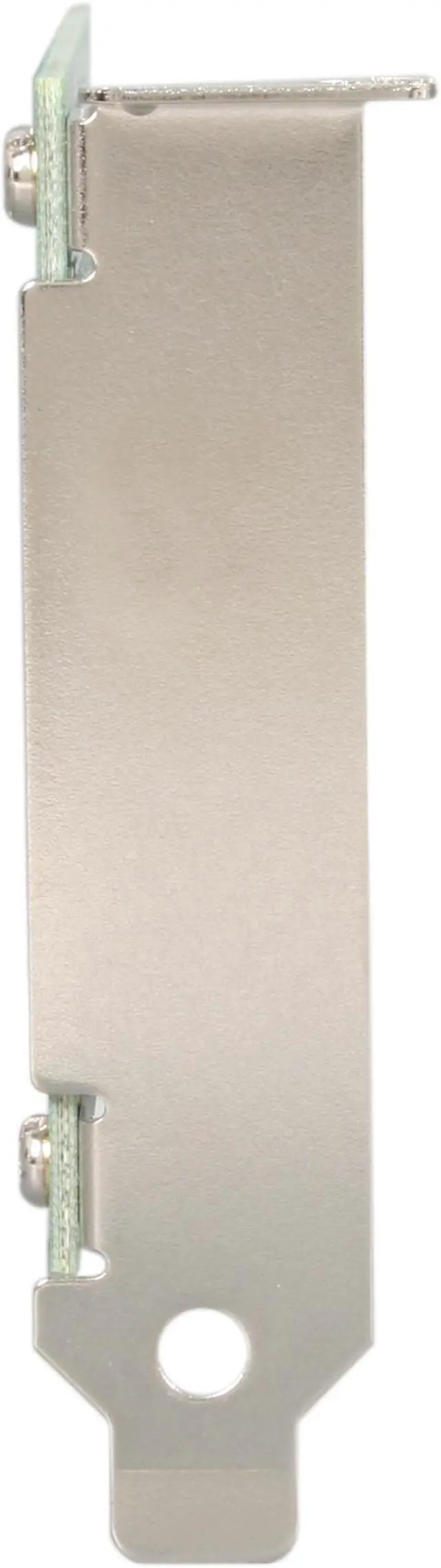
Box contained low-profile and standard size case mounting brackets. Very easy to change and an extra pair of "bracket-to-card" mounting screws is provided.
Solid SAS mounting connectors. Cables plugged in felt like they were held firmly in the sockets.
Cons:
No header for remote LED connections. have to open PC case to observe LEDs.
card is "long" for the number of discrete devices mounted on it, but should not be a factor in standard PC cases.
Overall Review:
I used these SAS-to-SATA cables with this card: Newegg item N82E16812200884
I installed this card in a PC running Ubuntu Linux 13.04 with Ubuntu kernel 3.8.0-26 (ehich maps to Linux mainline kernel version 3.8.13.2). No driver loading was needed; the card was automatically detected by the OS and the proper kernel modules were loaded.
Older Marvell 88SE6480 chipset limits use to PCIe x4 slot, but hard drive throughput testing under Linux (using 'hdparm') shows buffered disk reads between 115 and 130 megabytes per second using 750GB Western Digital Black 2.5 inch laptop drives with 8 drives connected to the card, and that is fine for my needs. Aggregate throughput of the Linux 'mdadm' RAID 5 array built on this card using all 8 drives shows buffered disk read speeds of 585 megabytes per second.
Did not test this card under Windows or using 2, 3, or 4TB drives.
Pros: None really other than it appears to work with 6 drives. Software drivers not easily found and installed. Also, complicated manual and many modes and firmware options.
Cons: Performance sucks! I purchased the card for its 6Gbps interfaces. However, in Raid 10 mode, the read performance is 250MBps, instead of 1GBps. I did not realize that this is not a real RAID card, allowing double performance associated with striping. The card is deceptively advertised, listed under Raid cards. Apparently RAID 10 reduced overall performance.
Overall Review: Don't buy for performance, only data security (if that)
Loading...

Pros: Easy install, cheap price, worked great with UNRAID out of the box. I used to run UNRAID 5.X for 5+ years on these controllers. Recently upgraded to 6.3.2 and swapped my drives out to 4TB Seagate Ironwolf. Everything went perfect!
Cons: Only thing I could say is the card is limited by the 4 lane PCIE 1.0 interface vs. newer cards. The AOC-SAS2LP-MV8 is PCIE 2.0 which will support much faster speeds (probably only needed if using SSD drives)
Overall Review: Make sure your card is running in PCIE x4 lane mode (250MB/sec per lane = 1000MB/sec total). If you are getting SLOW speeds with this card - check your BIOS to see if you can force 4x speed, also check drivers and firmware. If some how (in the BIOS?) you are set at 1x on that slot, you will get really slow speeds off this card (imagine 250MB sec / 8 drives = 31MB sec maximum in 1 lane while using all drives..)