


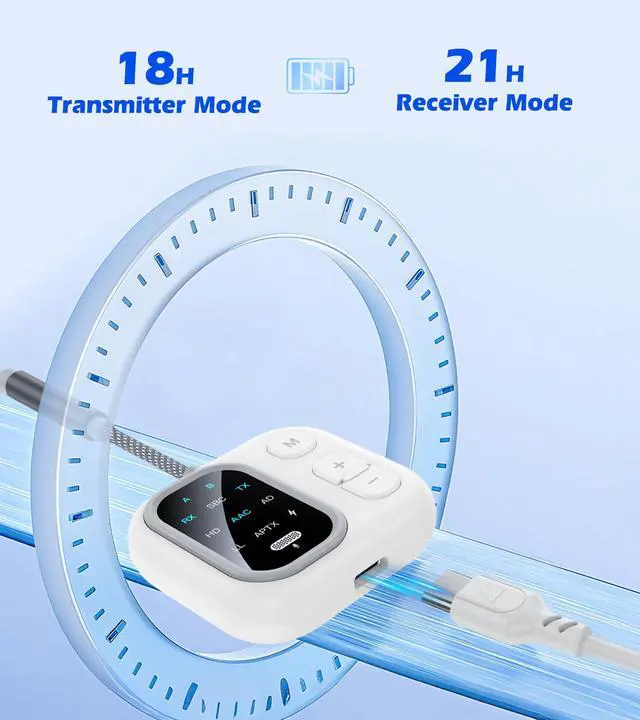
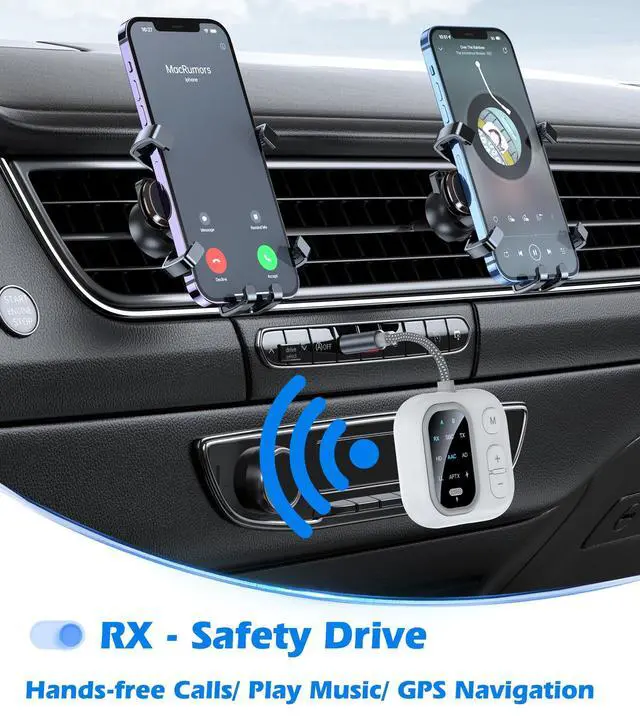
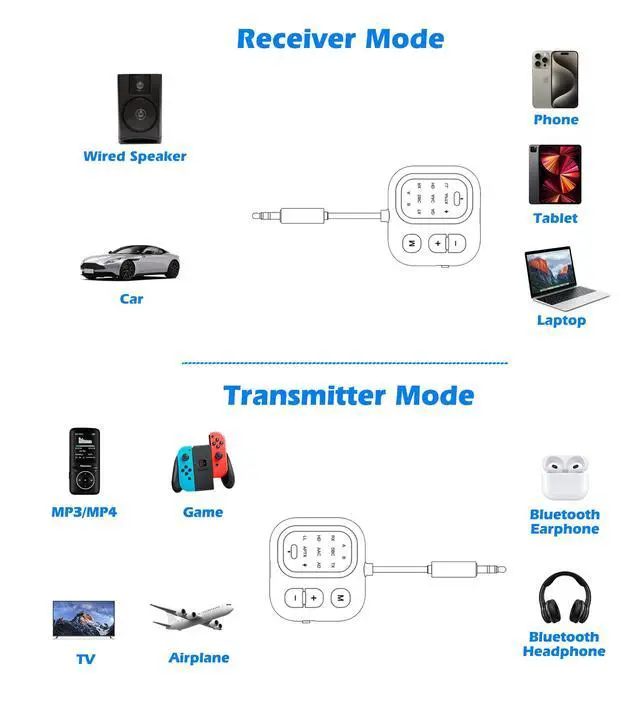


Stays powered from morning commutes to evening gym sessions

4 Steps to Connect TX Mode

Plug in
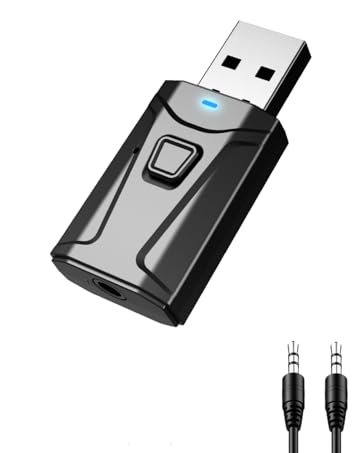
Plug the Bluetooth transmitter receiver into the device.

Select Mode
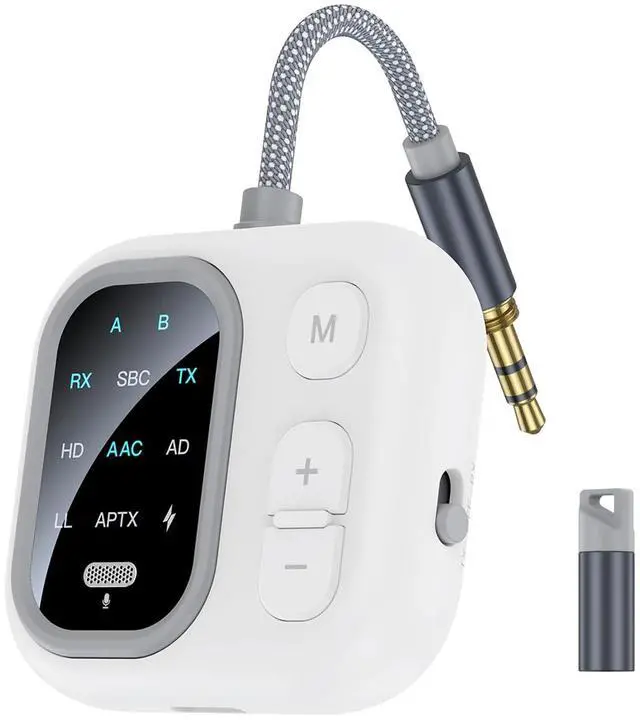
Slide to TX mode, and the lights A & B are blinking.

First Pairing
Put your FIRST device into pairing mode. Double-click the M button to search for the Bluetooth headphone. (Solid A light - connected)

Dual Pairing
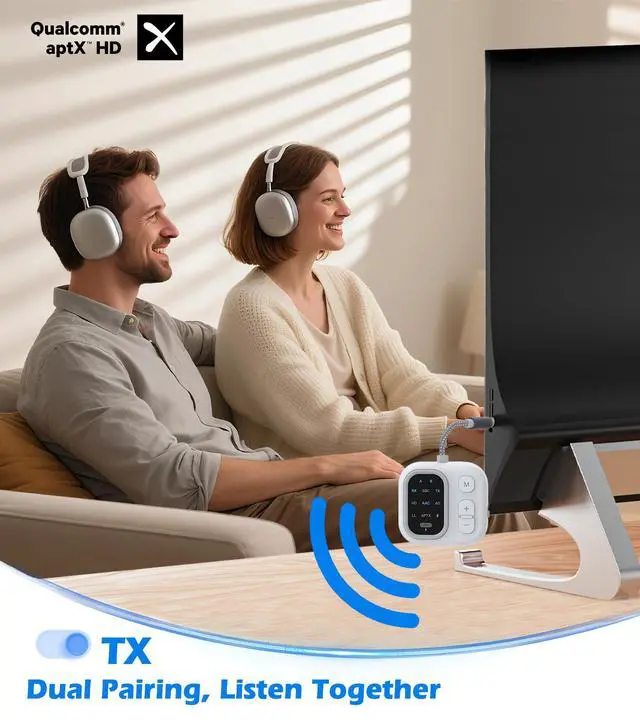
Put your SECOND device into pairing mode. Double-click again to search for the Bluetooth headphone. (Solid B light - connected)
4 Steps to Connect RX Mode

Plug in
Plug the Bluetooth transmitter receiver into the device.

Select Mode
Slide to RX mode, and the lights A & B are blinking.

First Pairing
Connect your FIRST phone Bluetooth to "JS5".
(Solid A light - connected)

Dual Pairing
Double-click the M button to search for the SECOND phone. Connect your SECOND phone Bluetooth to "JS5". (Solid B light - connected)
What if the Bluetooth transmitter receiver can't find devices?
If it can't find Bluetooth devices, double-click the M button to search again.(TX) If your phone can't find it, double-click the M button to search again.(RX)
What to do if it won't pair?
If Bluetooth devices won't pair, turn off both the Bluetooth transmitter receiver and your device, then do the steps again.
Where to plug in for TV audio connection?
Connect the Bluetooth adapter to the RCA port or the 3.5mm audio output port in the TV.
How does it support audio codecs?
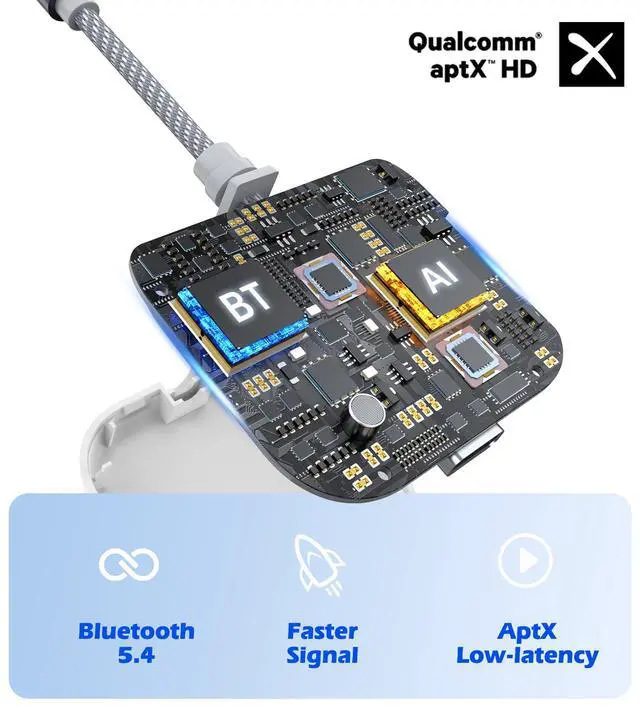
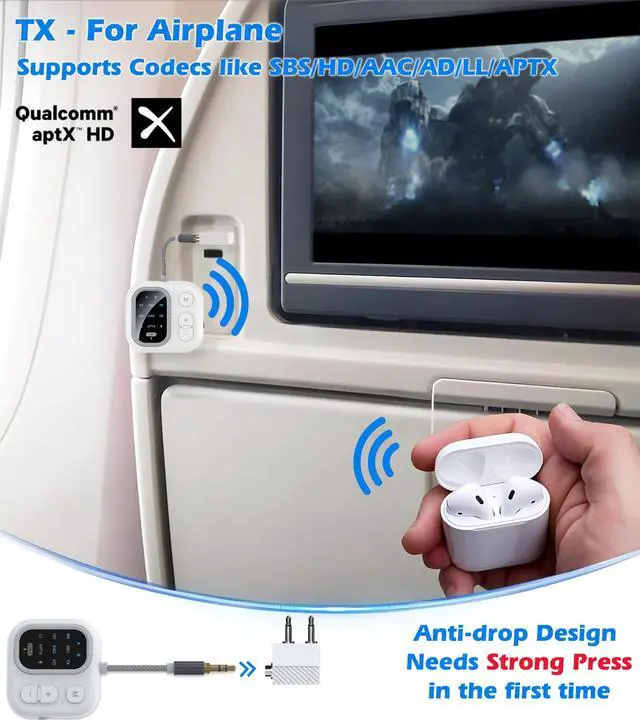
Audio codecs depend on the decoding capability of Bluetooth devices like headphones or speakers.
Will it automatically connect to Bluetooth devices?
Wait a moment for the first connection. Once it connects successfully for the first time, it'll automatically connect the next time.

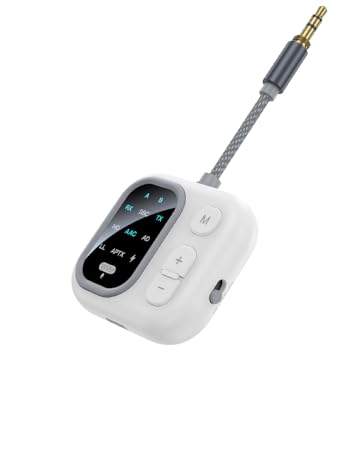
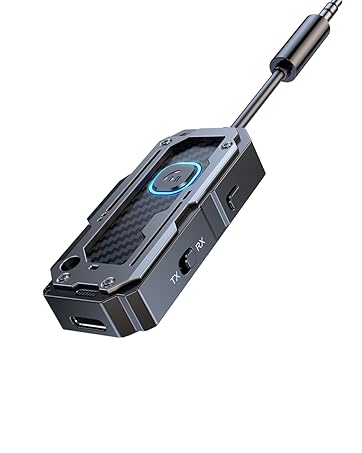
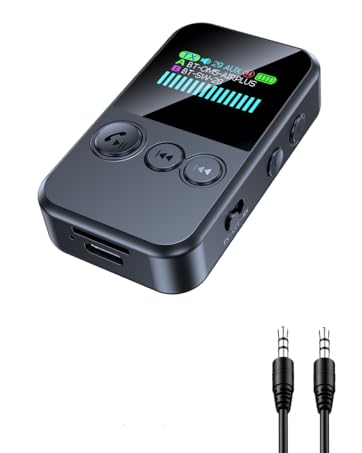
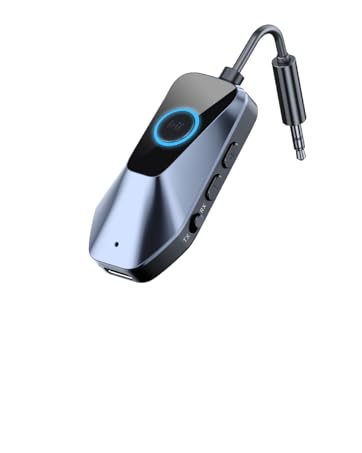
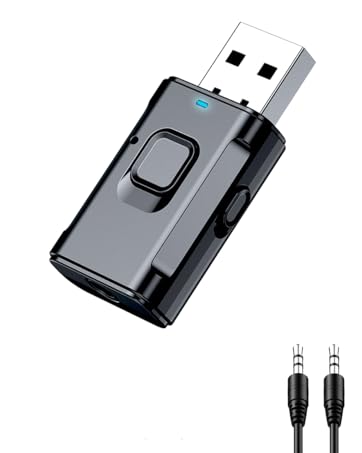


Stays powered from morning commutes to evening gym sessions

4 Steps to Connect TX Mode
Plug in
Plug the Bluetooth transmitter receiver into the device.
Select Mode
Slide to TX mode, and the lights A & B are blinking.
First Pairing
Put your FIRST device into pairing mode. Double-click the M button to search for the Bluetooth headphone. (Solid A light - connected)
Dual Pairing
Put your SECOND device into pairing mode. Double-click again to search for the Bluetooth headphone. (Solid B light - connected)
4 Steps to Connect RX Mode
Plug in
Plug the Bluetooth transmitter receiver into the device.
Select Mode
Slide to RX mode, and the lights A & B are blinking.
First Pairing
Connect your FIRST phone Bluetooth to "JS5".
(Solid A light - connected)
Dual Pairing
Double-click the M button to search for the SECOND phone. Connect your SECOND phone Bluetooth to "JS5". (Solid B light - connected)
What if the Bluetooth transmitter receiver can't find devices?
If it can't find Bluetooth devices, double-click the M button to search again.(TX) If your phone can't find it, double-click the M button to search again.(RX)
What to do if it won't pair?
If Bluetooth devices won't pair, turn off both the Bluetooth transmitter receiver and your device, then do the steps again.
Where to plug in for TV audio connection?
Connect the Bluetooth adapter to the RCA port or the 3.5mm audio output port in the TV.
How does it support audio codecs?
Audio codecs depend on the decoding capability of Bluetooth devices like headphones or speakers.
Will it automatically connect to Bluetooth devices?
Wait a moment for the first connection. Once it connects successfully for the first time, it'll automatically connect the next time.
JS5
AptX Bluetooth Transmitter Receiver
C82-1
Airplane Bluetooth adapter for Headphones
JS7
Clip Style - Bluetooth Transmitter Receiver
C49-1
Airplane Bluetooth Adapter
T9
Bluetooth USB Dongle
T7-6
USB Bluetooth Adapter