

Your Browsing History
Best Sellers
 Top Rated
- $15.98
- + FREE SHIPPING

Meet Your Seller

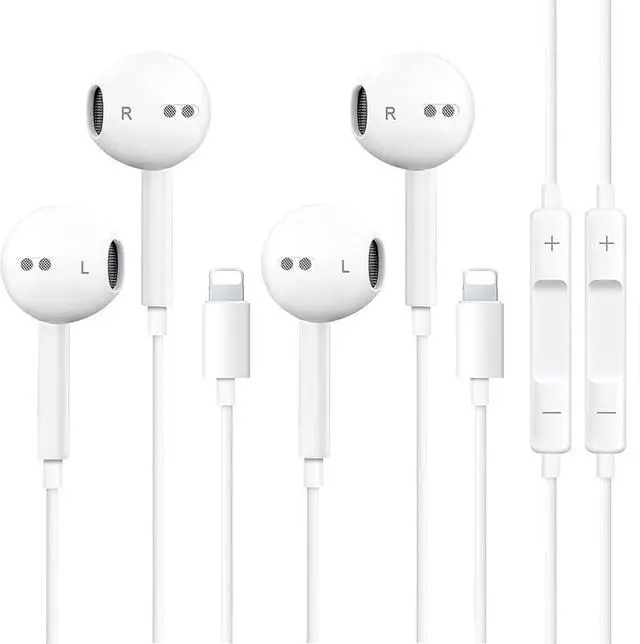



SUPVOL 2 Pack Wired Earbuds for iPhone, Lightning Headphones w/Mic Volume
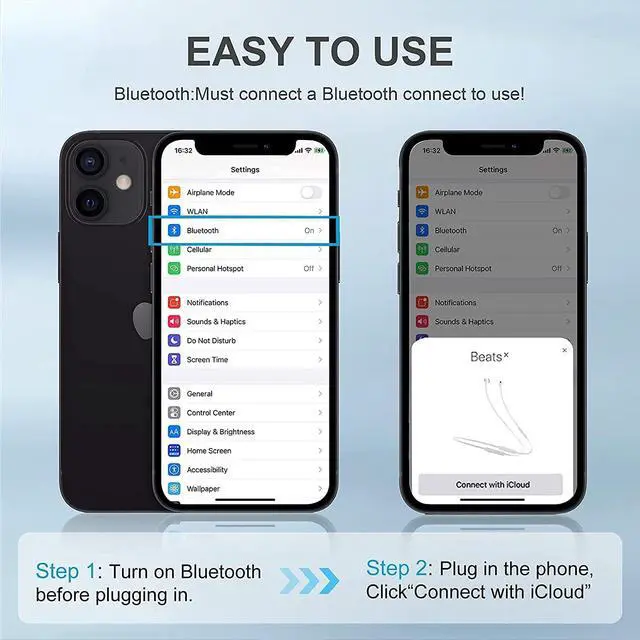
- [ Bluetooth ] - Please turn on the Bluetooth in your Phone or Pad first, then plug the earphone in. There will be a beep, and a window will pop up after a few seconds, click connect and you can use it. If you wait a few seconds and no window pops up, you can open the Bluetooth list in the settings and find the device named "Beats", and click connect to use it. When next time you use the earphone again, it will automatically connect to your device in 2-8 seconds.
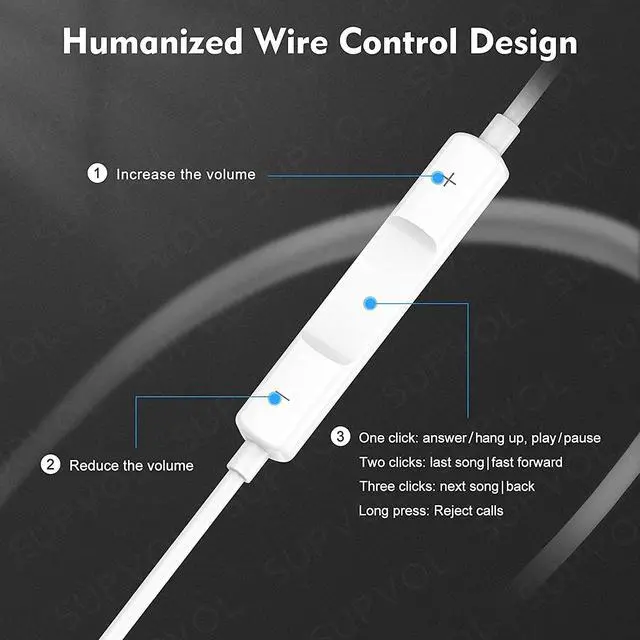
- In-line Remote - Comes with a convenient in-line remote that lets you easily manage calls and control music playback and adjust volume seamlessly on the go.
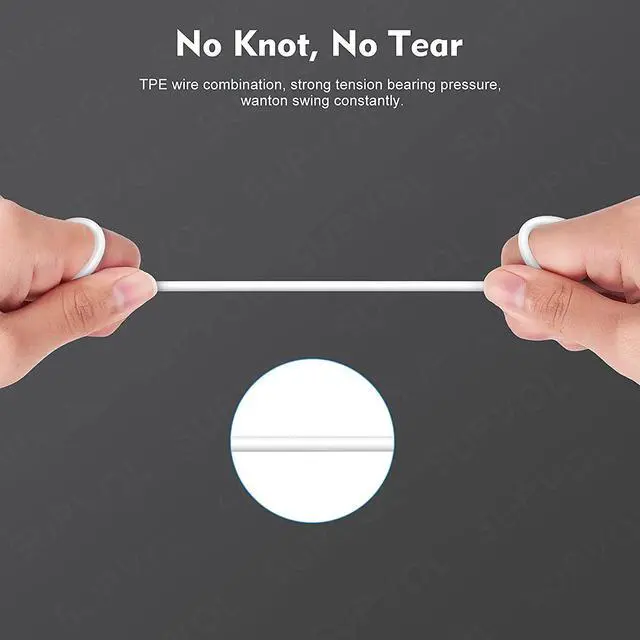
- Extended 4ft Tangle-Resistant Cable - Provides ample length for comfortable, unrestricted movement whether you're working out, commuting, or relaxing at home.
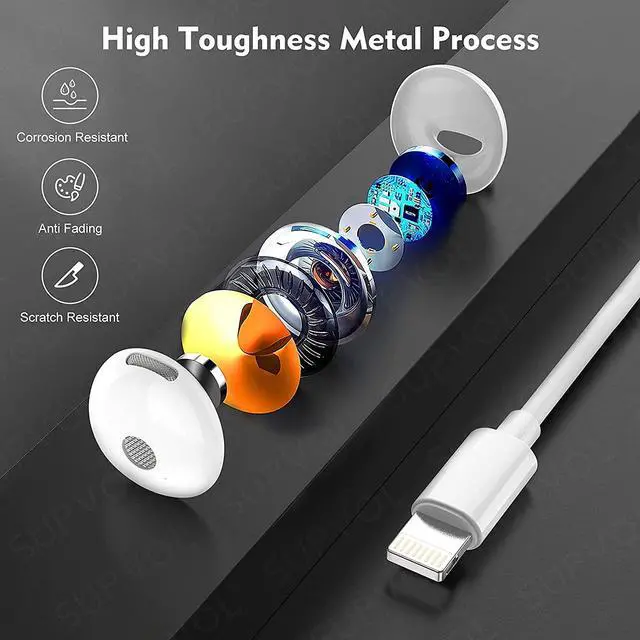
- Crystal Clear Audio & Call Quality - Enhanced sound drivers deliver balanced audio and clear voice transmission for both music and phone conversations.
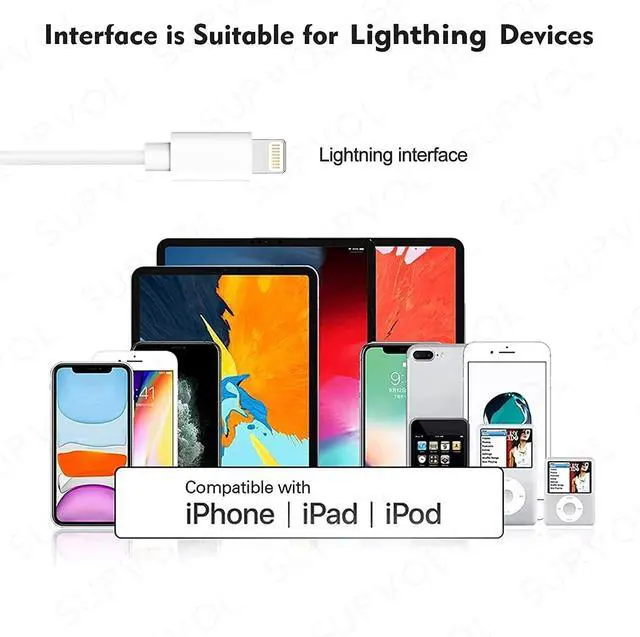
- Direct Lightning Connection, No Adapter Needed-Specifically compatible with iPhone 14/14 Pro/14 Pro Max/14 Plus/13/13 Pro/13 Pro Max/13 mini/12/12 Pro/12 Pro Max/12 mini/SE/11/11 Pro/11 Pro Max/XS Max/X/XR/8/8 Plus/7 Plus/7, Pad, Pod.
+
+
Overview
Specs
Reviews

Any questions? Our AI mode will help you find out quickly.
Try me now
1. **2-Pack Value** Get two pairs of wired earbuds for iPhone in one box; keep a spare or share with family. 2. **In-Line Remote Control** Answer/end calls, play or pause music, and adjust volume without touching your phone.
Warranty & Returns
Warranty, Returns, And Additional Information
Warranty
- Please contact the Seller directly for warranty information. Warranty information may also be found on the Manufacturer's website.
- CONTACT
Return Policies
- Return for refund within: 30 days
- Return for replacement within: non-replaceable
- This item is covered by Peakshop Return Policy
Manufacturer Contact Info
- For a directory of all our manufacturers, please click below.
- Manufacturers Directory
LOADING...
LOADING...