





About Us
TALOMEN is committed to conveying the power of natural sound, constantly improving the beauty of sound, and at the same time enhancing brand value, encouraging everyone to strengthen their faith and move towards victory.
It is widely popular in the microphone audio market for its reliable quality. TALOMEN is sold to more than 36 countries and has won the trust of overseas consumers.
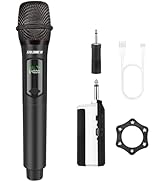
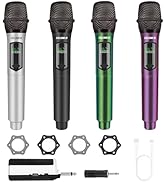
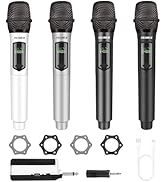
Talomen Microphone
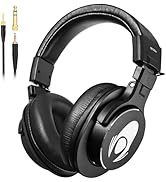
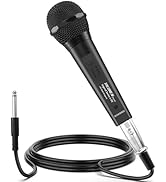
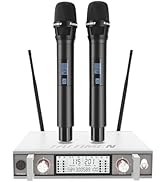
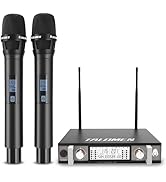
Talomen Audio Equipment

Meticulous craftsmanship
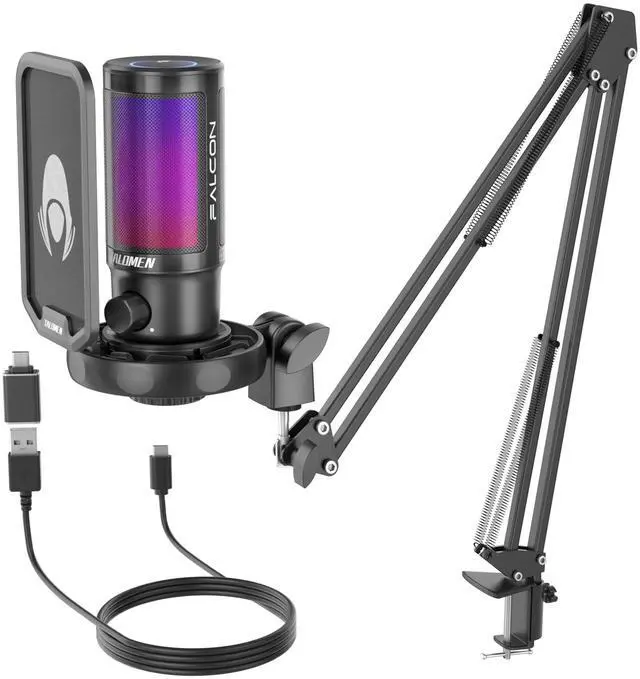
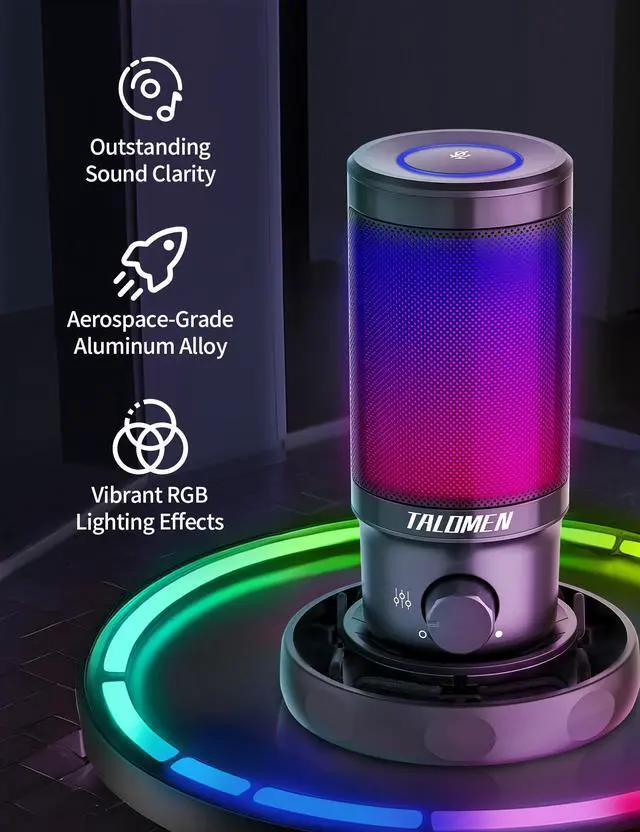
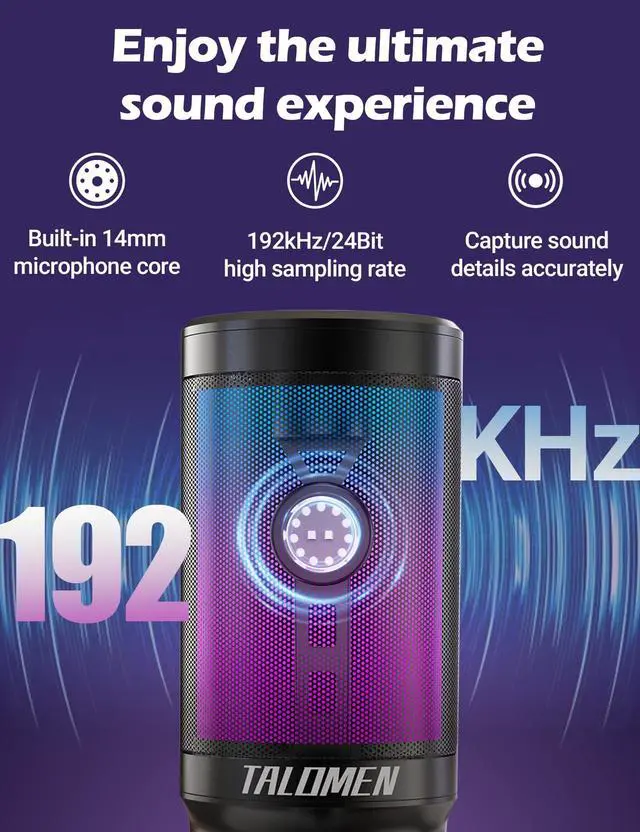
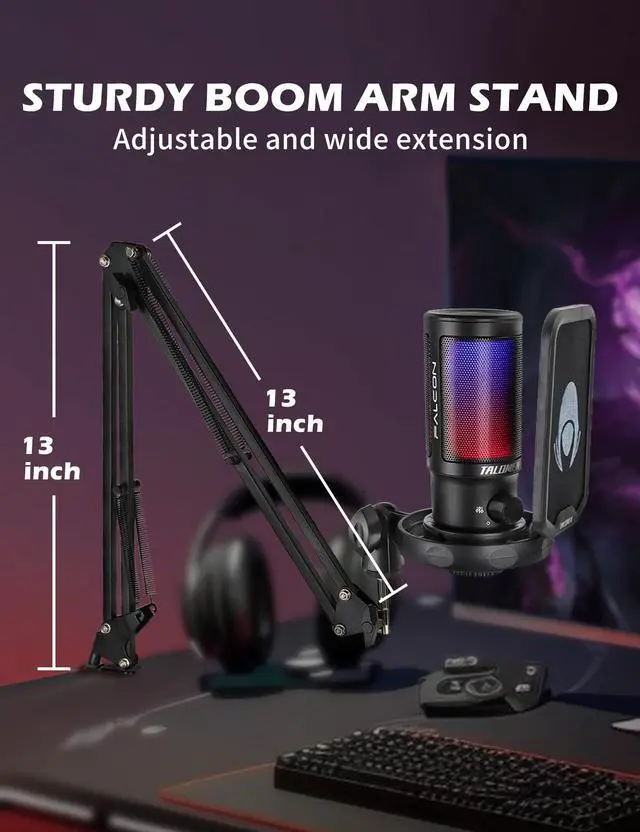
Every detail has been meticulously crafted and tested. The Falcon 8 microphone achieves a perfect balance between design and functionality, providing you with an exceptional experience during use.


Widely Compatibly
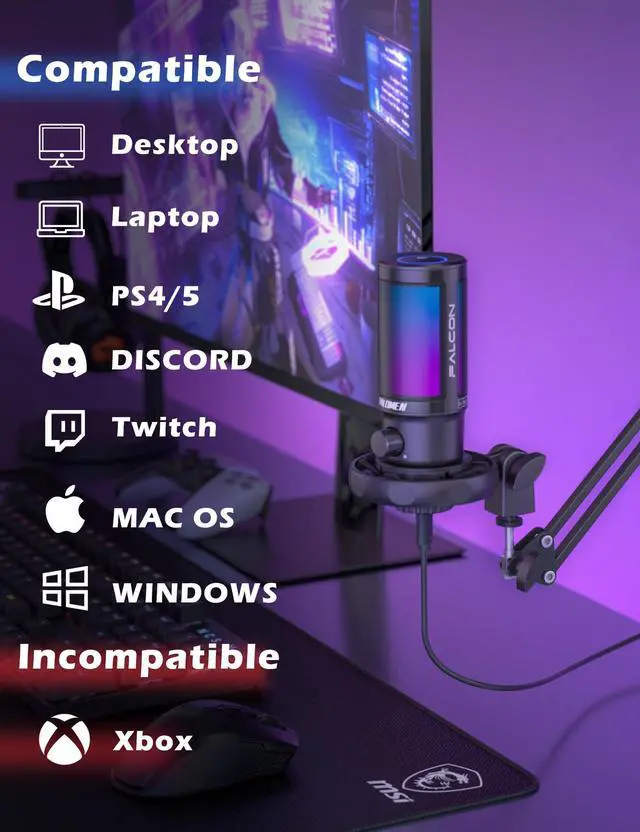
Works well with laptop, desktop, PS4/PS5. Plug and play for quickly game voice entrance.


How can I adjust the mic gain level?
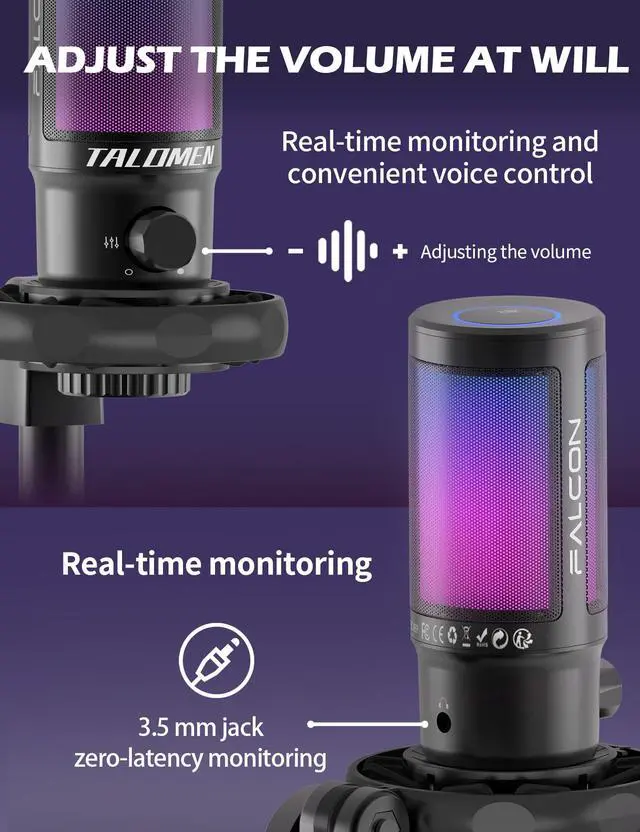
You can adjust the mic gain level only by the gain knob at the bottom of the mic, it doesn't work if you adjust the mic gain level in sound settings. Make sure you turn up the gain knob before you use the mic.
Can I change the RGB light color?
No, the Falcon 8 microphone doesn't have a button to change the RGB lighting, he'll cycle through the colours automatically
Can I turn off the RGB light when the mic is working?
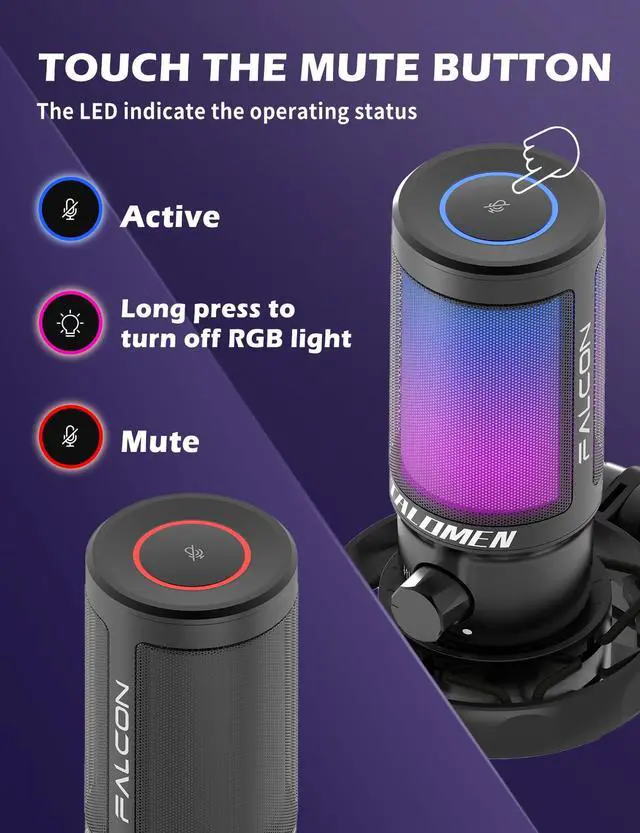
Yes, the RGB lights are on. Press and hold the Mute button for 3 seconds, the RGB lights will turn off and the environment will become quiet.
Is Falcon 8 mic compatible with Xbox?
This USB gaming microphone is NOT compatible with Xbox, but it works well with PS4/PS5.
Does it work with the Android phones or iPhone?
We do not recommend using the Falcon 8 microphone with a mobile phone as the phone may not be able to supply enough power to the RGB lights and sound quality will be affected. If you must try, please use a genuine cable or adapter for connection.

Meticulous craftsmanship
Every detail has been meticulously crafted and tested. The Falcon 8 microphone achieves a perfect balance between design and functionality, providing you with an exceptional experience during use.


Widely Compatibly
Works well with laptop, desktop, PS4/PS5. Plug and play for quickly game voice entrance.
Multipurpose Microphone
Visual innovation and featured enhancement meets more scenes
For Live Streaming
Authentic voices easily resonate with viewers and enhance the interactivity of a live broadcast.
Designed for Gamer
Your friends can clearly hear your call no matter it is PS4/PS5 or PC gaming.


How can I adjust the mic gain level?
You can adjust the mic gain level only by the gain knob at the bottom of the mic, it doesn't work if you adjust the mic gain level in sound settings. Make sure you turn up the gain knob before you use the mic.
Can I change the RGB light color?
No, the Falcon 8 microphone doesn't have a button to change the RGB lighting, he'll cycle through the colours automatically
Can I turn off the RGB light when the mic is working?
Yes, the RGB lights are on. Press and hold the Mute button for 3 seconds, the RGB lights will turn off and the environment will become quiet.
Is Falcon 8 mic compatible with Xbox?
This USB gaming microphone is NOT compatible with Xbox, but it works well with PS4/PS5.
Does it work with the Android phones or iPhone?
We do not recommend using the Falcon 8 microphone with a mobile phone as the phone may not be able to supply enough power to the RGB lights and sound quality will be affected. If you must try, please use a genuine cable or adapter for connection.
About Us
TALOMEN is committed to conveying the power of natural sound, constantly improving the beauty of sound, and at the same time enhancing brand value, encouraging everyone to strengthen their faith and move towards victory.
It is widely popular in the microphone audio market for its reliable quality. TALOMEN is sold to more than 36 countries and has won the trust of overseas consumers.
Talomen Microphone
Talomen Audio Equipment