




 here!
I’m your shopping assistant for PC builds, upgrades, and everything tech.
Got questions? Ask away!
Start a conversation
here!
I’m your shopping assistant for PC builds, upgrades, and everything tech.
Got questions? Ask away!
Start a conversation




Any questions? Ask CelesteSM will help you find out quickly.
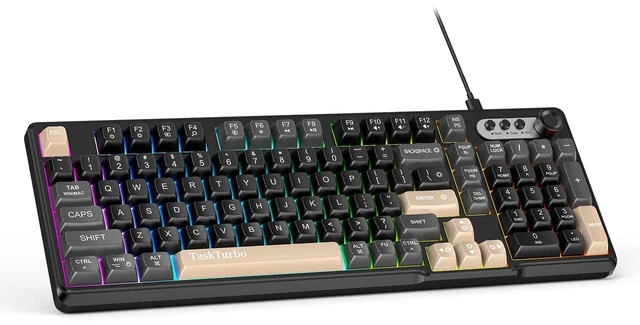
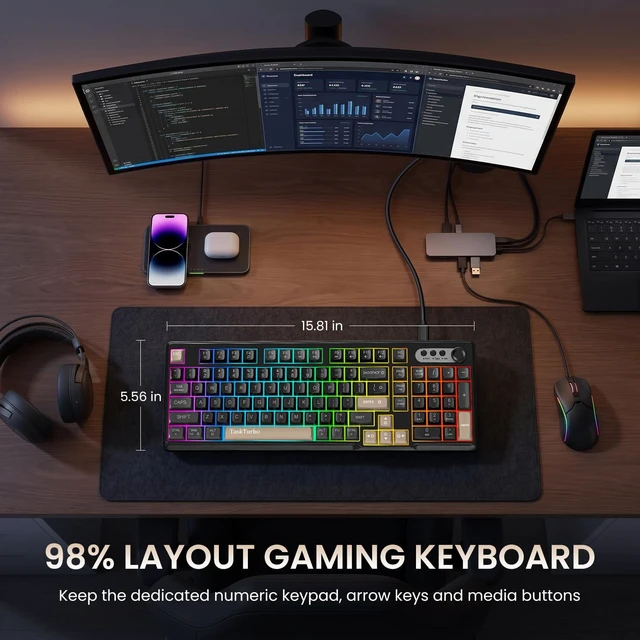
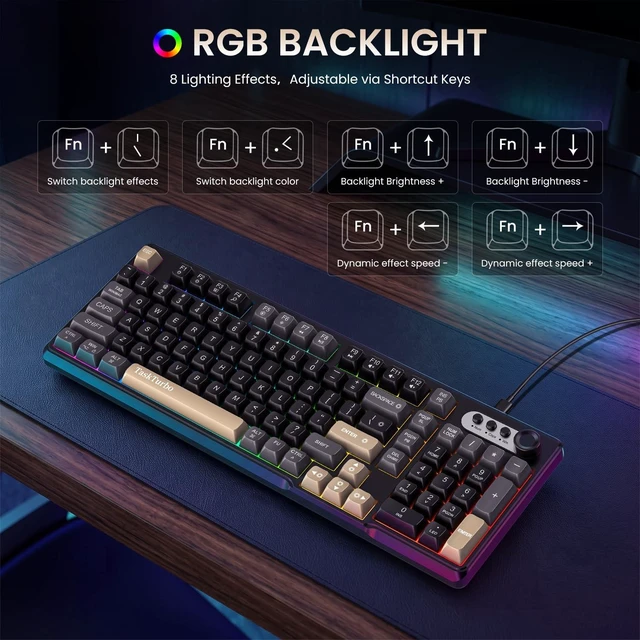
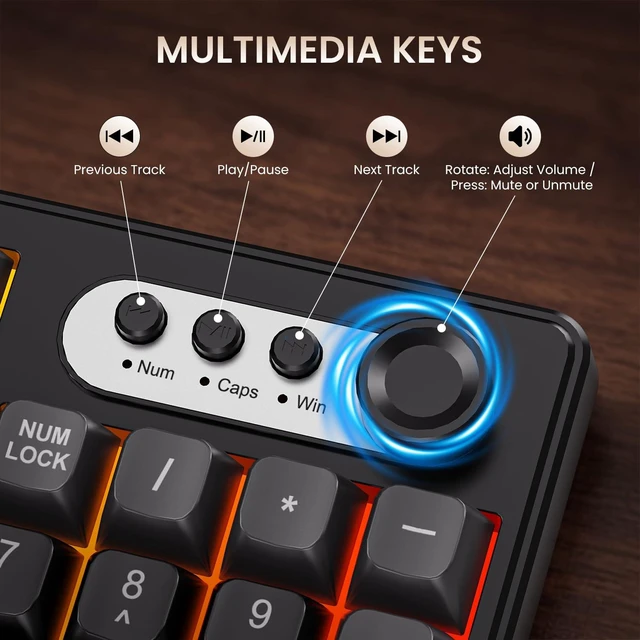
T103 Keyboard Key Functions & Shortcut Guide The T103 number pad keyboard is designed with a practical key arrangement that combines standard typing keys, a dedicated numeric keypad, navigation controls and function shortcuts. Its dual-function key design allows frequently used computer controls to be accessed directly or through the Fn key, helping organize common operations without requiring additional software. USB Keyboard Keyboard Function Keys and Shortcuts Backlight Effects and Key Combinations Fn+: BackspaceTurn backlight on/off Fn + |: Toggle dynamic backlight effects Fn + Enter: Cycle through colors: (Red, Yellow, Green, Cyan, Blue, Purple, White, Rainbow) Fn + : Increase backlight brightness Fn + : Decrease backlight brightness Fn + : Slow down backlight animation speed Fn + : Increase backlight animation speed Fn + PgDn: Pause Fn + PgUp: Scroll Fn + Ins: Print Fn + WIN-L: Lock Windows and App functions. Press Fn + WIN-L to lock the Windows key; press again to unlock. Fn + Tab: Switch operating systems. Default is Windows; press once to switch to Mac, press again to switch back to Windows. FN + F1 ~ F12 Windows (Press alone to display F1F12; press in combination for multimedia functions) Mac (Press alone to display multimedia functions; press in combination to display F1F12) F1 = Decrease screen brightness F2 = Increase screen brightness F3 = List running program windows F4 = Search F5 = Turn on voice F6 = Take a screenshot FN+F7 = Previous Track FN+F8 = Pause/Play FN+F9 = Next Track FN+F10 = Mute FN+F11 = Decrease Volume FN+F12 = Increase Volume


