




 here!
I’m your shopping assistant for PC builds, upgrades, and everything tech.
Got questions? Ask away!
Start a conversation
here!
I’m your shopping assistant for PC builds, upgrades, and everything tech.
Got questions? Ask away!
Start a conversation




Any questions? Ask CelesteSM will help you find out quickly.
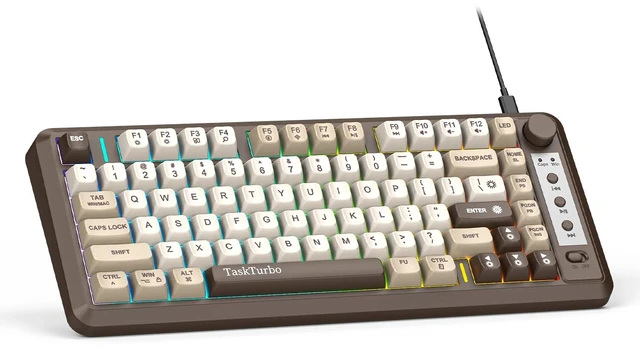
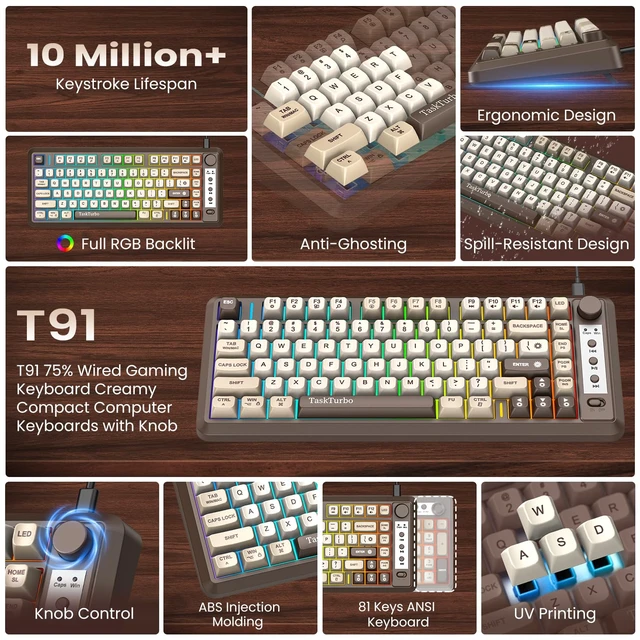
The T91 keyboard is an 81-key wired keyboard designed for a clean and efficient desktop setup. Its compact layout, convenient control knob and shortcut functions make everyday typing, media control and system operation simple and accessible.
Easy Lighting & Shortcut Control
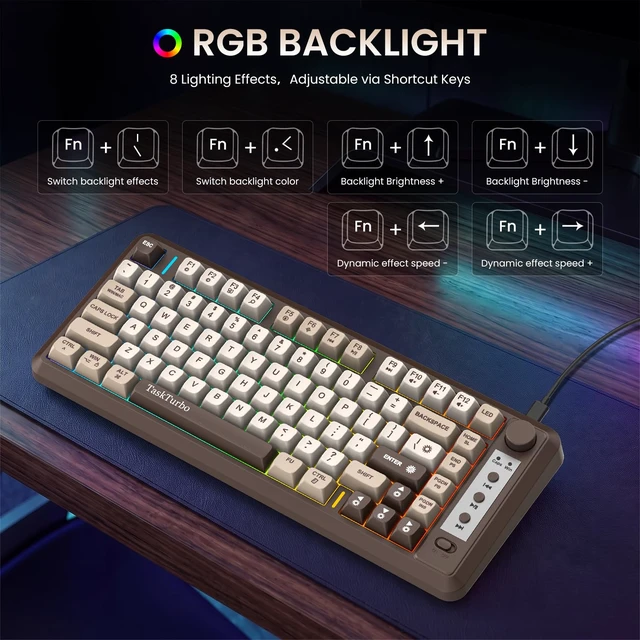
Use the physical switch on the keyboard for laptop to turn the RGB backlight ON or OF. Fn shortcuts allow you to change lighting effects and colors, adjust brightness and control lighting speed. Additional combinations provide quick access to Scroll, Print, Pause, Insert and End functions.
Feature Specification
Model: T91 75 percent keyboard
Keyboard Layout: 81-Key Keyboard Small
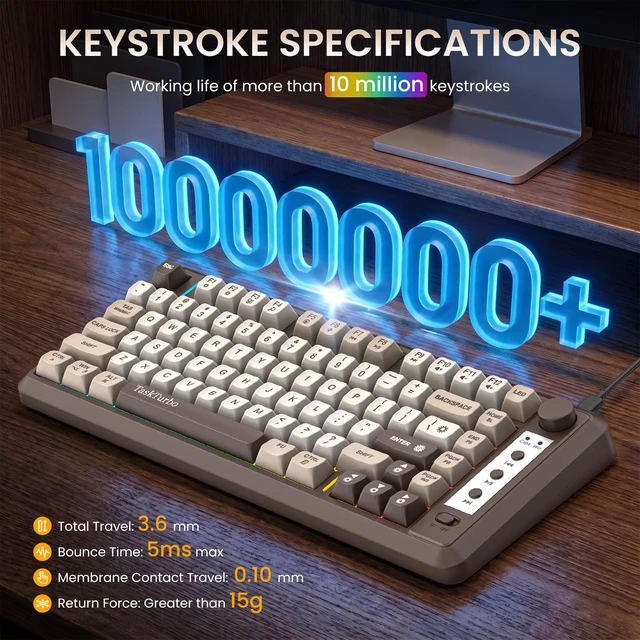
Key Type: Membrane
Connection: Wired
Connector: USB-A to USB-C
Backlight: RGB
Backlight Switch: Physical ON/OFF Switch
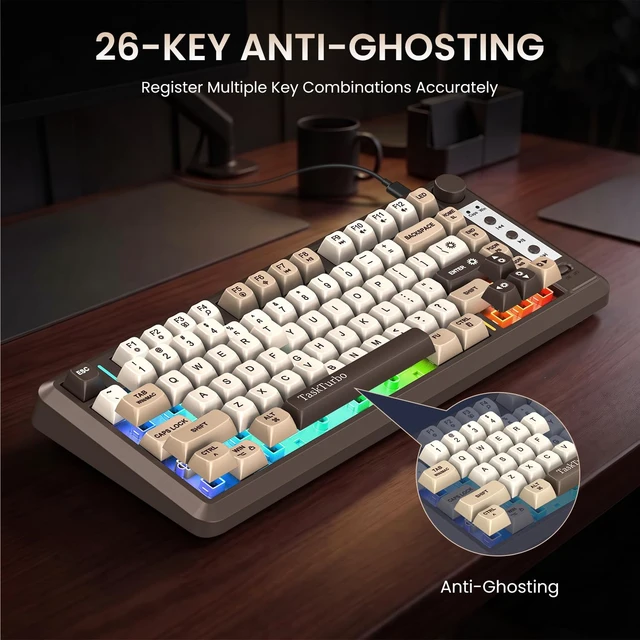
Key Rollover: 26-Key Anti-Ghosting
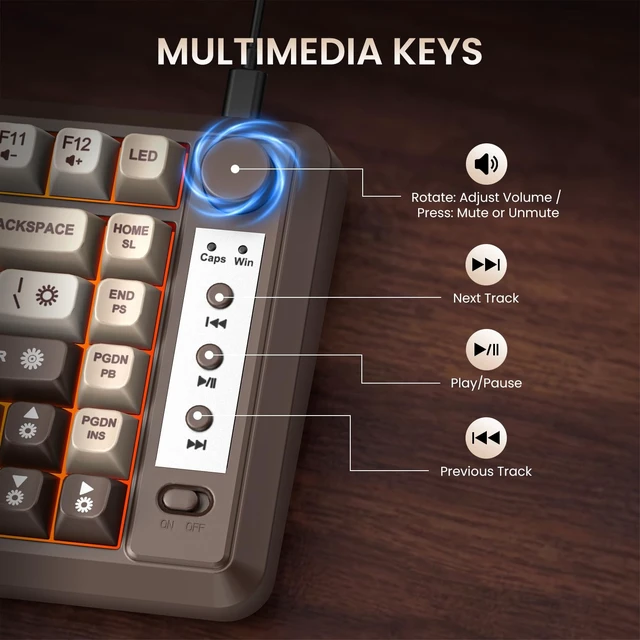
Volume Control: Rotary Knob + Push-to-Mute
System Mode: Windows + Mac
Compatible Systems: Windows 8 / 10 / 11, Linux, Mac
Multimedia Controls: Supported
Windows & Mac Modes
Switch between Windows and Mac modes with Fn + Tab to match your system. The F1F12 keys provide different system and multimedia functions depending on the selected mode, including brightness, search, voice, playback, mute and volume controls.
Backlight Effects and Key Combinations
Fn+: BackspaceTurn backlight on/off
Fn + \|: Toggle dynamic backlight effects
Fn + Enter: Cycle through colors: (Red, Yellow, Green, Cyan, Blue, Purple, White, Rainbow)
Fn + : Increase backlight brightness
Fn + : Decrease backlight brightness
Fn + : Slow down backlight animation speed
Fn + : Speed up backlight animation speed
For more shortcut keys, please refer to the user manual


