





DreamSky New Release
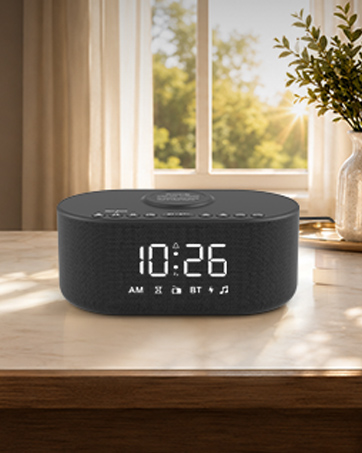
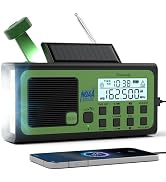
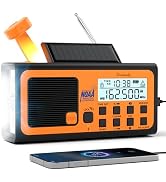
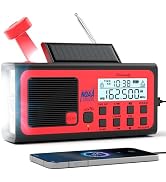
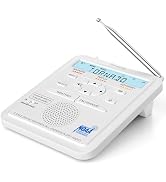
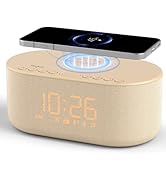
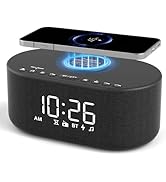
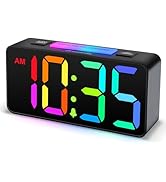
 NOAA Weather Alert Radio | 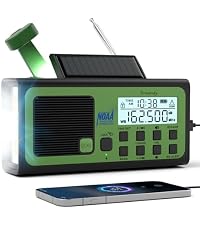 Emergency Radio NOAA | 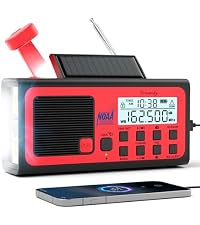 Emergency Radio NOAA | 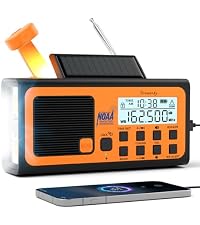 Emergency Radio NOAA | 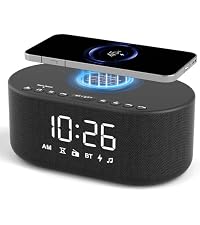 Wireless Charging Clock | 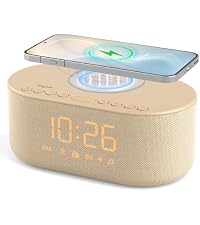 Wireless Charging Clock | 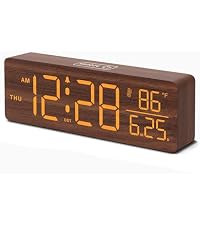 Wooden Digital Date Clock | |
|---|---|---|---|---|---|---|---|
Customer Reviews | — | — | — | — | — | — | — |
Price | — | — | — | — | — | — | — |
NOAA Alert | ? | ? | ? | ? | ? | ? | ? |
Radio Band | FM+NOAA | AM+FM+Shortwave+NOAA | AM+FM+Shortwave+NOAA | AM+FM+Shortwave+NOAA | FM | FM | — |
Power Source | Plug in + Battery Backup | Battery Powered | Battery Powered | Battery Powered | Adapter Powered | Adapter Powered | Adapter Powered |
Time Set | Manual | Manual | Manual | Manual | Bluetooth Sync | Bluetooth Sync | Manual |
USB Port | ? | ? | ? | ? | ? | ? | ? |
Why My Station Can't Stay Lit
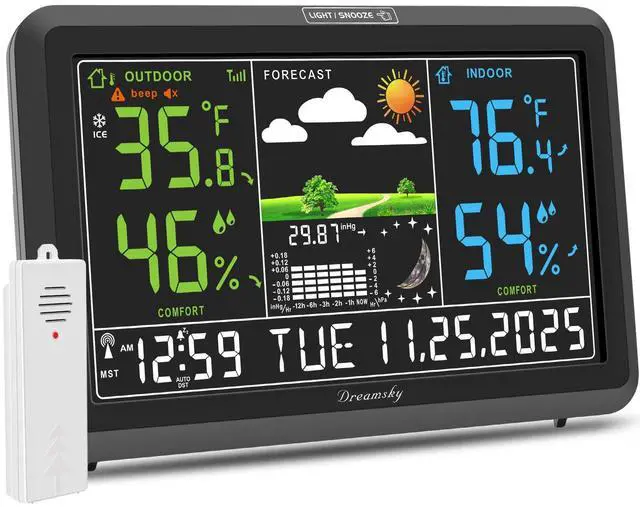
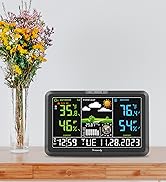
DreamSky Weather Station with Indoor Outdoor Thermometer

Have a better out experience with DreamSky Weather Station
Weather Stations Wireless Indoor Outdoor

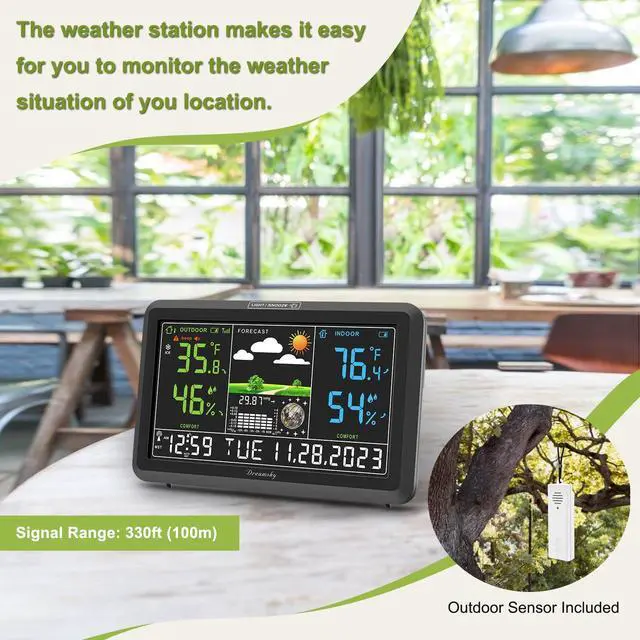
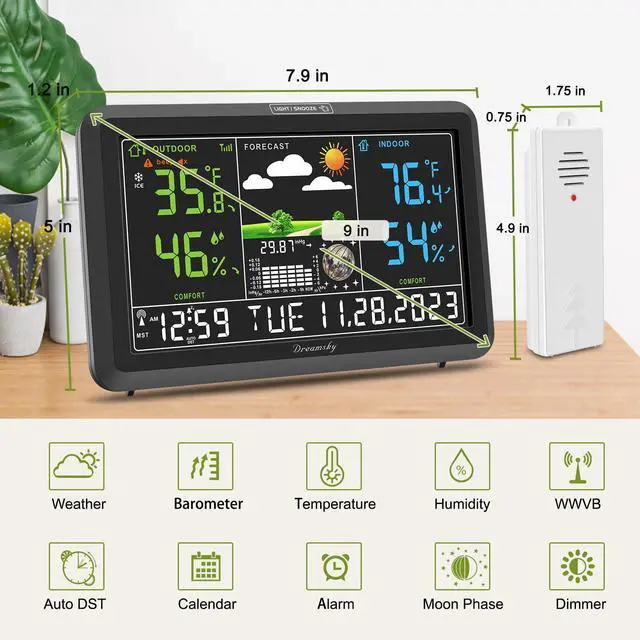
This indoor outdoor thermometer wireless supports up to 3 sensors, you can easily observe different place’s temperature and humidity in one temperature and humidity monitor.Weather station with atomic clock can keep an accurate time. It will search for WWVB signal to synchronize the time.
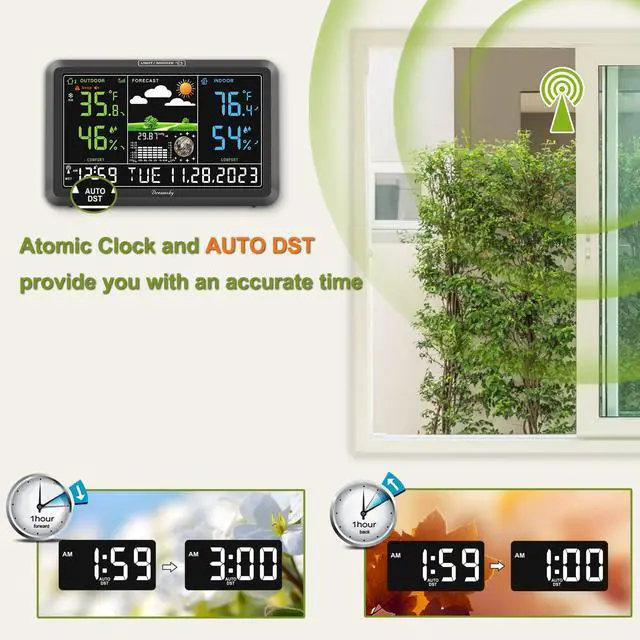
Atomic Clock with Auto DST

Weather station with atomic clock can keep an accurate time. It will search for WWVB signal to synchronize the time.
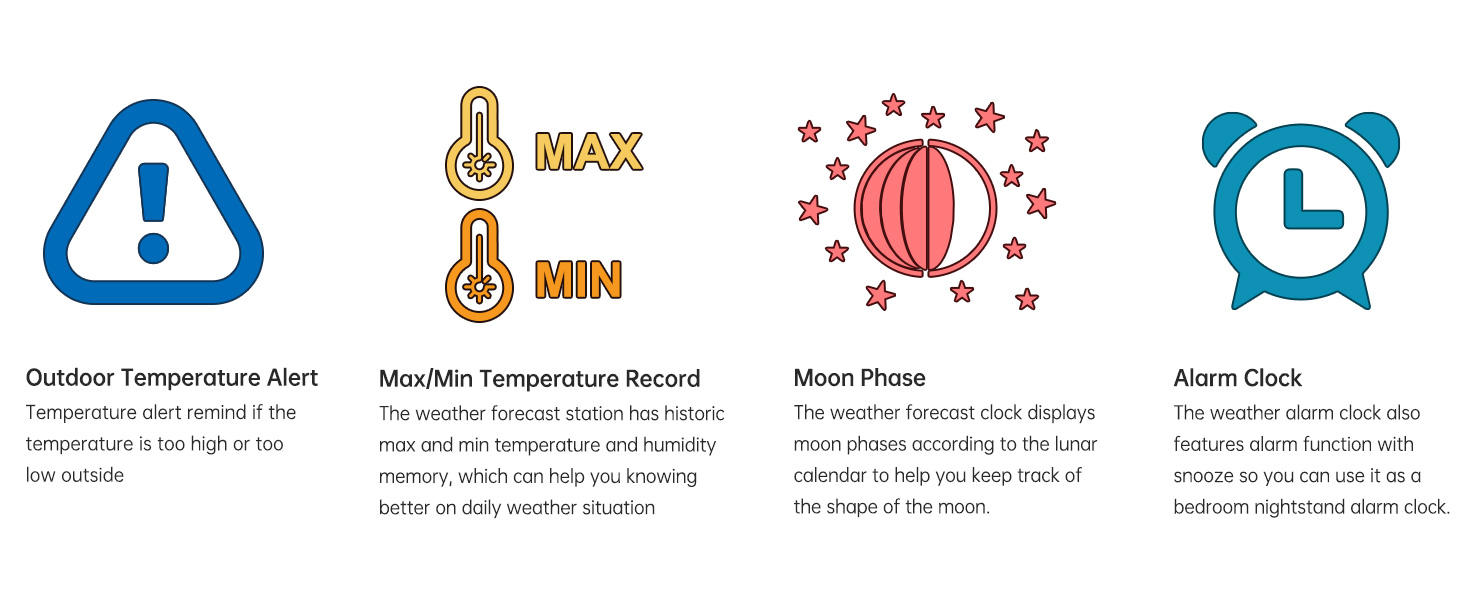
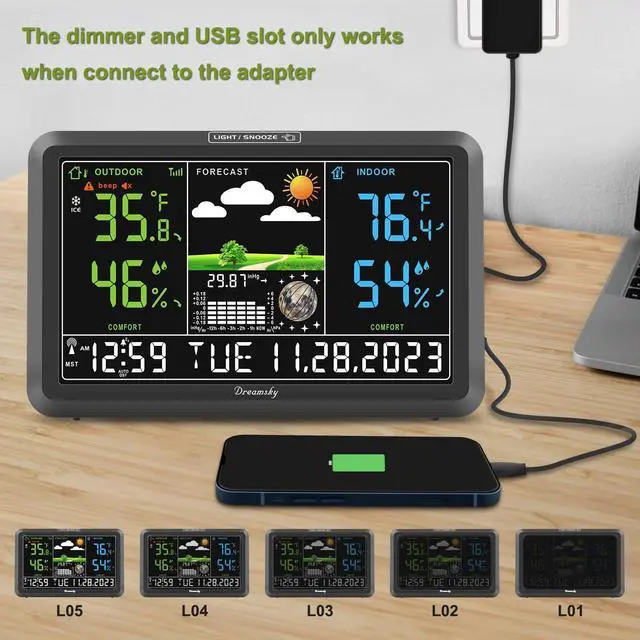
Why would the screen dim itself?
1. The screen will dim when searching the WWVB signal --- Wait for the sync to finish.
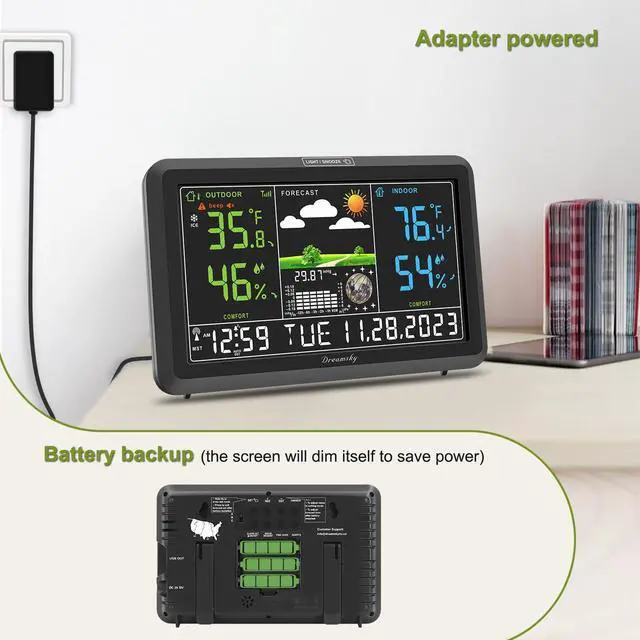
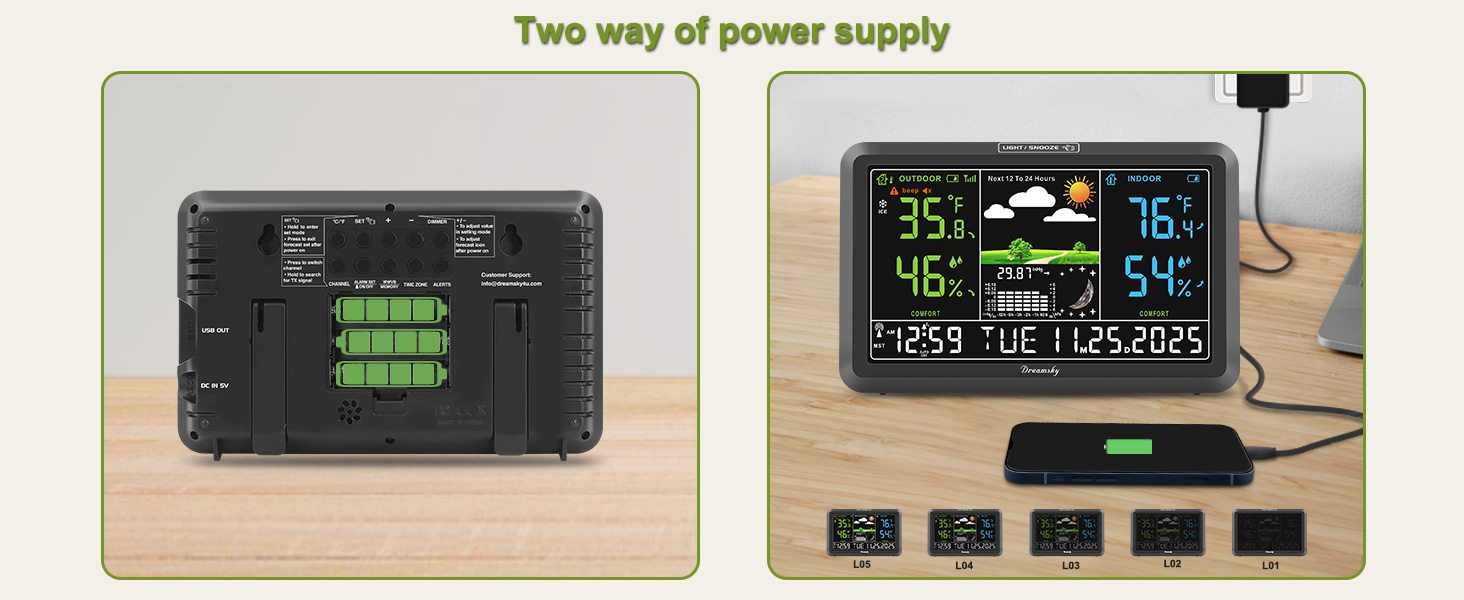
2. The station will dim if powered by battery to save the power --- Connect with the adapter.
3. The brightness was set to low ---Set the brightness level to high.
What causes the time to be wrong?
1. The time zone is wrong --- Press the TIME ZONE button to change time zone.
2. The DST is turned off--- Press DST button to turn on the DST
3. DST feature is not applicable to your location--- Press the DST button to turn off the DST
What should I do if the station lost connection with the sensor?
1. Check if the battery of the outdoor sensor has run out of power
2. Hold the REG or CHANNEL button to search for the sensor's signal.
What if the atomic clock is displaying a wrong time?
-Make sure the location of the station can receive the WWVB signal
-Put the station near open air and away from interferences like ironwork, microwave, TV, etc.
-Hold the WWVB button to re-search for the atomic signal.
Why is the temperature not accurate?
1. Make sure the station and sensor are placed out of direct sunlight and away from any heat or moisture sources.
2. If the placement changed (such as bringing the sensor from outside to inside in winter), it needs several hours to calibrate.

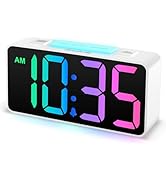
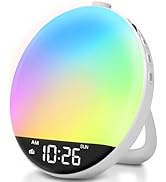
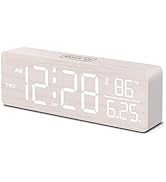
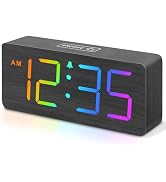
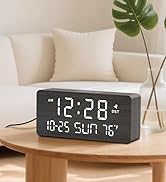
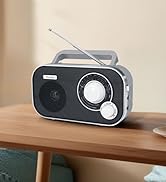
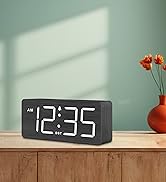
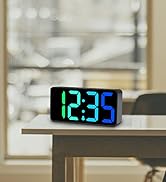
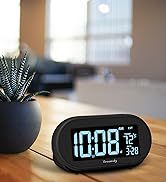
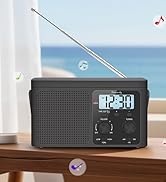
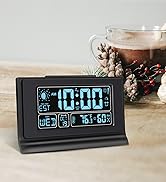
DreamSky New Release
NOAA Weather Alert Radio | Emergency Radio NOAA | Emergency Radio NOAA | Emergency Radio NOAA | Wireless Charging Clock | Wireless Charging Clock | Wooden Digital Date Clock |
|---|---|---|---|---|---|---|
| Customer Reviews | ||||||
| — | — | — | — | — | — | — |
| Price | ||||||
| — | — | — | — | — | — | — |
| NOAA Alert | ||||||
| ? | ? | ? | ? | ? | ? | ? |
| Radio Band | ||||||
| FM+NOAA | AM+FM+Shortwave+NOAA | AM+FM+Shortwave+NOAA | AM+FM+Shortwave+NOAA | FM | FM | — |
| Power Source | ||||||
| Plug in + Battery Backup | Battery Powered | Battery Powered | Battery Powered | Adapter Powered | Adapter Powered | Adapter Powered |
| Time Set | ||||||
| Manual | Manual | Manual | Manual | Bluetooth Sync | Bluetooth Sync | Manual |
| USB Port | ||||||
| ? | ? | ? | ? | ? | ? | ? |
Why My Station Can't Stay Lit
DreamSky Weather Station with Indoor Outdoor Thermometer

Have a better out experience with DreamSky Weather Station
Weather Stations Wireless Indoor Outdoor

This indoor outdoor thermometer wireless supports up to 3 sensors, you can easily observe different place’s temperature and humidity in one temperature and humidity monitor.Weather station with atomic clock can keep an accurate time. It will search for WWVB signal to synchronize the time.
Atomic Clock with Auto DST

Weather station with atomic clock can keep an accurate time. It will search for WWVB signal to synchronize the time.
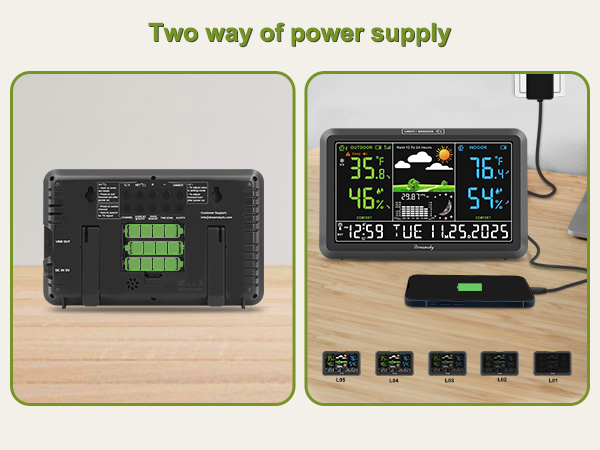
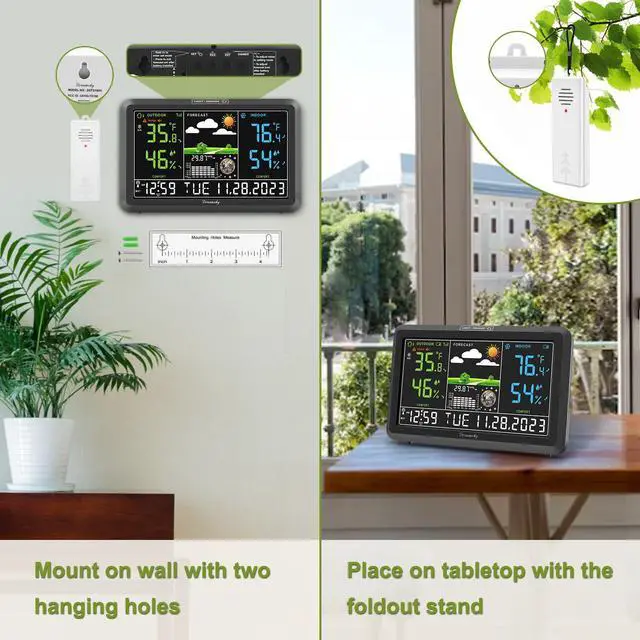
Easily usage with adapter and also able to battery operated when power outage. (Note: the clock will light up for 10s with battery power alone and then dim itself to power saving mode.)
Why would the screen dim itself?
1. The screen will dim when searching the WWVB signal --- Wait for the sync to finish.
2. The station will dim if powered by battery to save the power --- Connect with the adapter.
3. The brightness was set to low ---Set the brightness level to high.
What causes the time to be wrong?
1. The time zone is wrong --- Press the TIME ZONE button to change time zone.
2. The DST is turned off--- Press DST button to turn on the DST
3. DST feature is not applicable to your location--- Press the DST button to turn off the DST
What should I do if the station lost connection with the sensor?
1. Check if the battery of the outdoor sensor has run out of power
2. Hold the REG or CHANNEL button to search for the sensor's signal.
What if the atomic clock is displaying a wrong time?
-Make sure the location of the station can receive the WWVB signal
-Put the station near open air and away from interferences like ironwork, microwave, TV, etc.
-Hold the WWVB button to re-search for the atomic signal.
Why is the temperature not accurate?
1. Make sure the station and sensor are placed out of direct sunlight and away from any heat or moisture sources.
2. If the placement changed (such as bringing the sensor from outside to inside in winter), it needs several hours to calibrate.
Hey, there you are
Let's meet the members of the DreamSky family
Simpfy your desk and keep it tide
Prepare for the bad weather
Keep life simple
Decorate your room
DreamSky, your home companion
Depend on DreamSky