




Why My Station Can't Stay Lit
Merchant VideoDreamSky Weather Station with Indoor Outdoor Thermometer

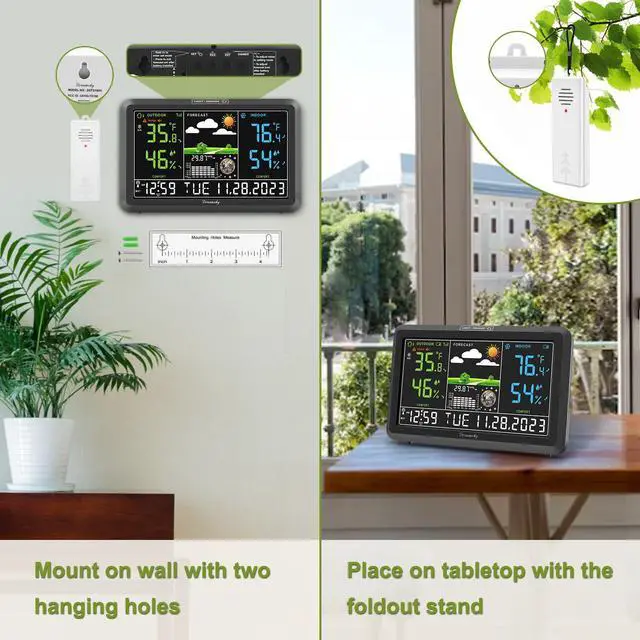
Have a better out experience with DreamSky Weather Station
Weather Stations Wireless Indoor Outdoor

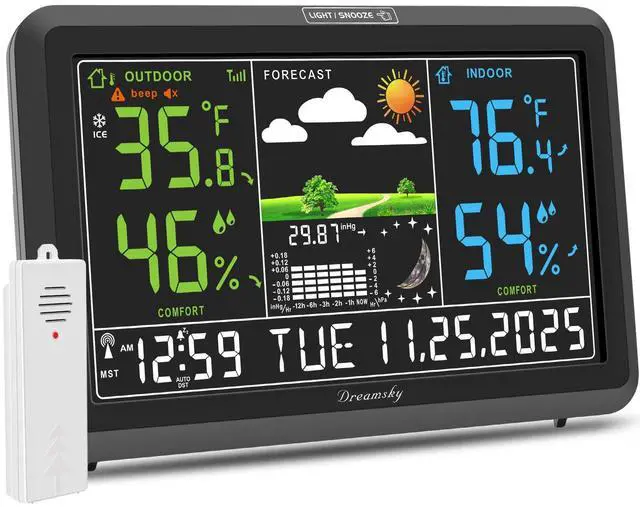
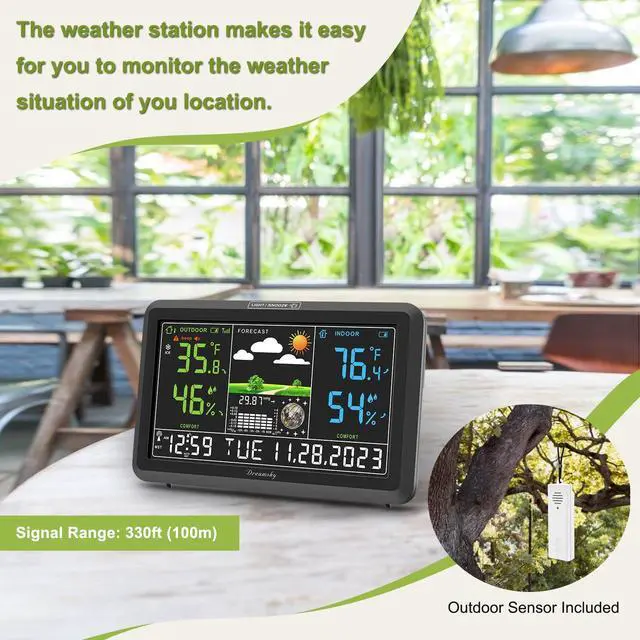
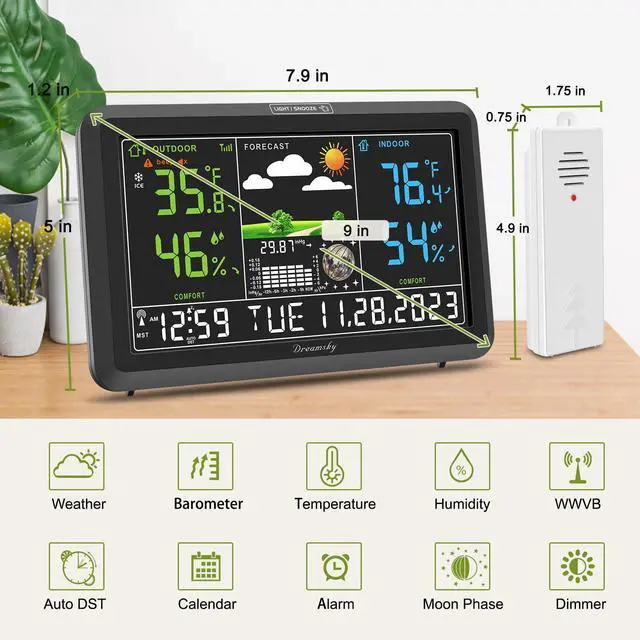
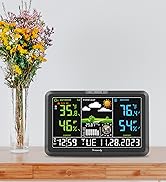
This indoor outdoor thermometer wireless supports up to 3 sensors, you can easily observe different place’s temperature and humidity in one temperature and humidity monitor.Weather station with atomic clock can keep an accurate time. It will search for WWVB signal to synchronize the time.
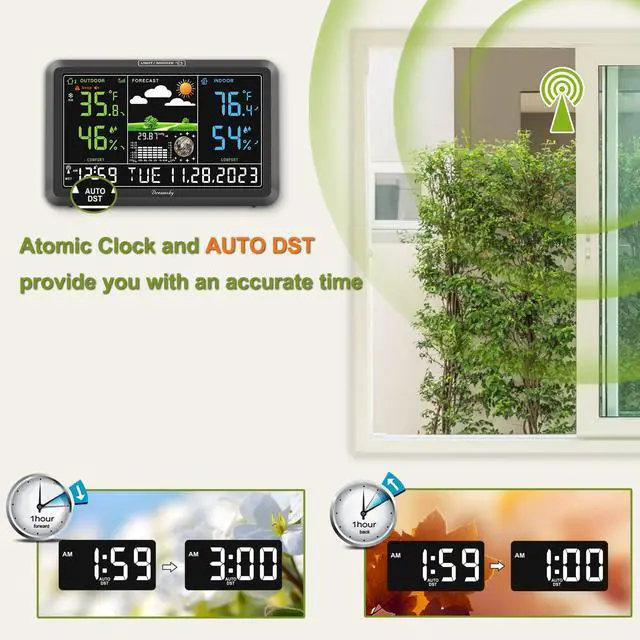
Atomic Clock with Auto DST

Weather station with atomic clock can keep an accurate time. It will search for WWVB signal to synchronize the time.
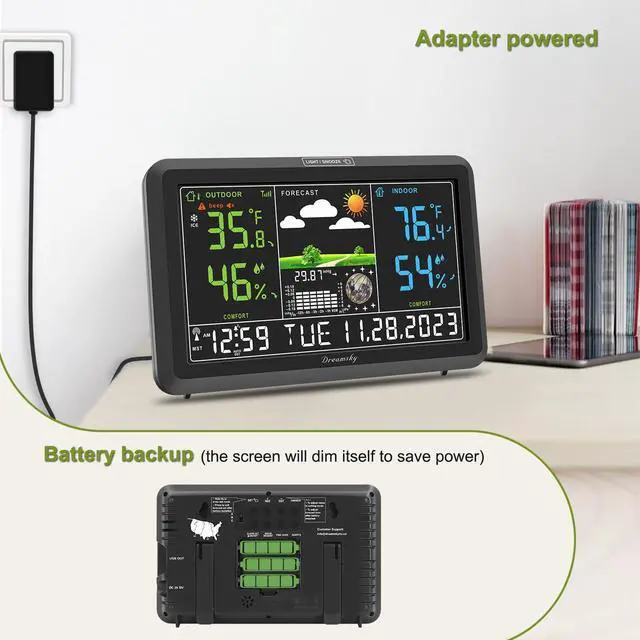
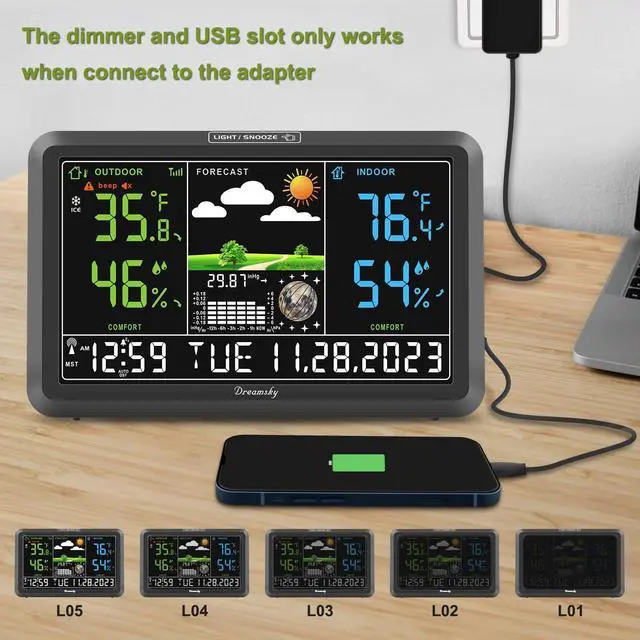
Two Ways of Power Supply

Easily usage with adapter and also able to battery operated when power outage. (Note: the clock will light up for 10s with battery power alone and then dim itself to power saving mode.)

Outdoor Temperature Alert
Temperature alert remind if the temperature is too high or too low outside

Max/Min Temperature Record
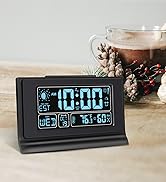
The weather forecast station has historic max and min temperature and humidity memory, which can help you knowing better on daily weather situation

Moon Phase
The weather forecast clock displays moon phases according to the lunar calendar to help you keep track of the shape of the moon.

Alarm Clock
The weather alarm clock also features alarm function with snooze so you can use it as a bedroom nightstand alarm clock.
Why would the screen dim itself?
1. The screen will dim when searching the WWVB signal --- Wait for the sync to finish.
2. The station will dim if powered by battery to save the power --- Connect with the adapter.
3. The brightness was set to low ---Set the brightness level to high.
What causes the time to be wrong?
1. The time zone is wrong --- Press the TIME ZONE button to change time zone.
2. The DST is turned off--- Press DST button to turn on the DST
3. DST feature is not applicable to your location--- Press the DST button to turn off the DST
What should I do if the station lost connection with the sensor?
1. Check if the battery of the outdoor sensor has run out of power
2. Hold the REG button to search for the sensor's signal.
What if the atomic clock is displaying a wrong time?
-Make sure the location of the station can receive the WWVB signal
-Put the station near open air and away from interferences like ironwork, microwave, TV, etc.
-Hold the WWVB button to re-search for the atomic signal.
Why is the temperature not accurate?
1. Make sure the station and sensor are placed out of direct sunlight and away from any heat or moisture sources.
2. If the placement changed (such as bringing the sensor from outside to inside in winter), it needs several hours to calibrate.
Why My Station Can't Stay Lit
Merchant VideoDreamSky Weather Station with Indoor Outdoor Thermometer

Have a better out experience with DreamSky Weather Station
Weather Stations Wireless Indoor Outdoor

This indoor outdoor thermometer wireless supports up to 3 sensors, you can easily observe different place’s temperature and humidity in one temperature and humidity monitor.Weather station with atomic clock can keep an accurate time. It will search for WWVB signal to synchronize the time.
Atomic Clock with Auto DST

Weather station with atomic clock can keep an accurate time. It will search for WWVB signal to synchronize the time.
Two Ways of Power Supply

Easily usage with adapter and also able to battery operated when power outage. (Note: the clock will light up for 10s with battery power alone and then dim itself to power saving mode.)
Outdoor Temperature Alert
Temperature alert remind if the temperature is too high or too low outside
Max/Min Temperature Record
The weather forecast station has historic max and min temperature and humidity memory, which can help you knowing better on daily weather situation
Moon Phase
The weather forecast clock displays moon phases according to the lunar calendar to help you keep track of the shape of the moon.
Alarm Clock
The weather alarm clock also features alarm function with snooze so you can use it as a bedroom nightstand alarm clock.
Why would the screen dim itself?
1. The screen will dim when searching the WWVB signal --- Wait for the sync to finish.
2. The station will dim if powered by battery to save the power --- Connect with the adapter.
3. The brightness was set to low ---Set the brightness level to high.
What causes the time to be wrong?
1. The time zone is wrong --- Press the TIME ZONE button to change time zone.
2. The DST is turned off--- Press DST button to turn on the DST
3. DST feature is not applicable to your location--- Press the DST button to turn off the DST
What should I do if the station lost connection with the sensor?
1. Check if the battery of the outdoor sensor has run out of power
2. Hold the REG button to search for the sensor's signal.
What if the atomic clock is displaying a wrong time?
-Make sure the location of the station can receive the WWVB signal
-Put the station near open air and away from interferences like ironwork, microwave, TV, etc.
-Hold the WWVB button to re-search for the atomic signal.
Why is the temperature not accurate?
1. Make sure the station and sensor are placed out of direct sunlight and away from any heat or moisture sources.
2. If the placement changed (such as bringing the sensor from outside to inside in winter), it needs several hours to calibrate.
Hey, there you are
Let's meet the members of the DreamSky family
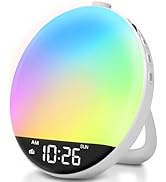
Light Up Your Day
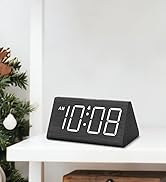
Keep Life Simple
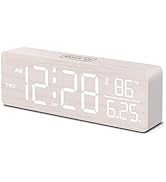
Keep Life Simple
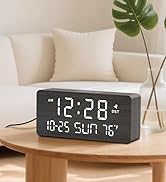
Keep Life Simple