



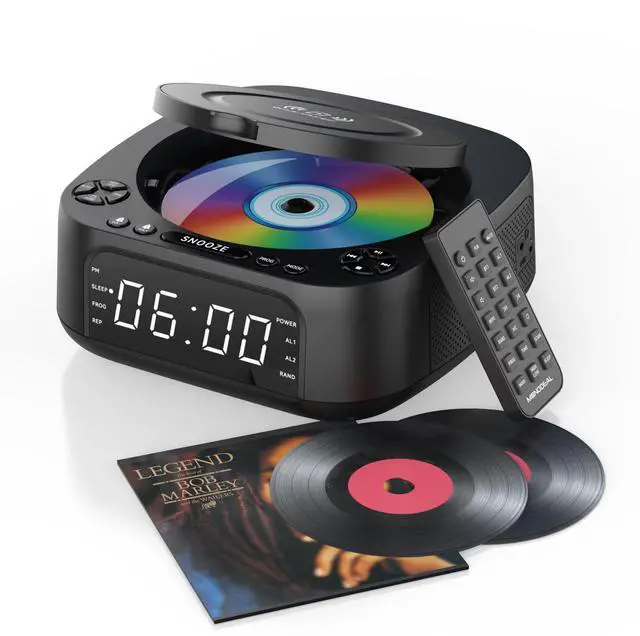
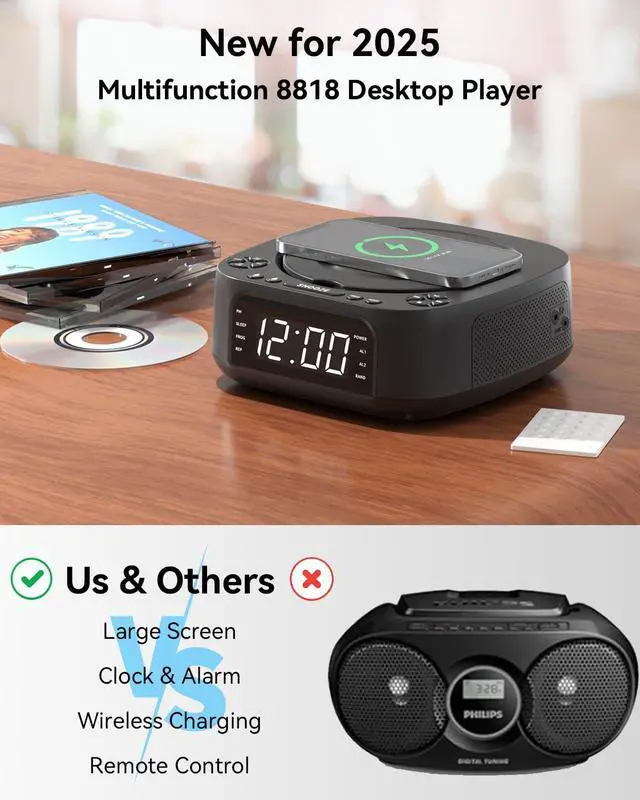
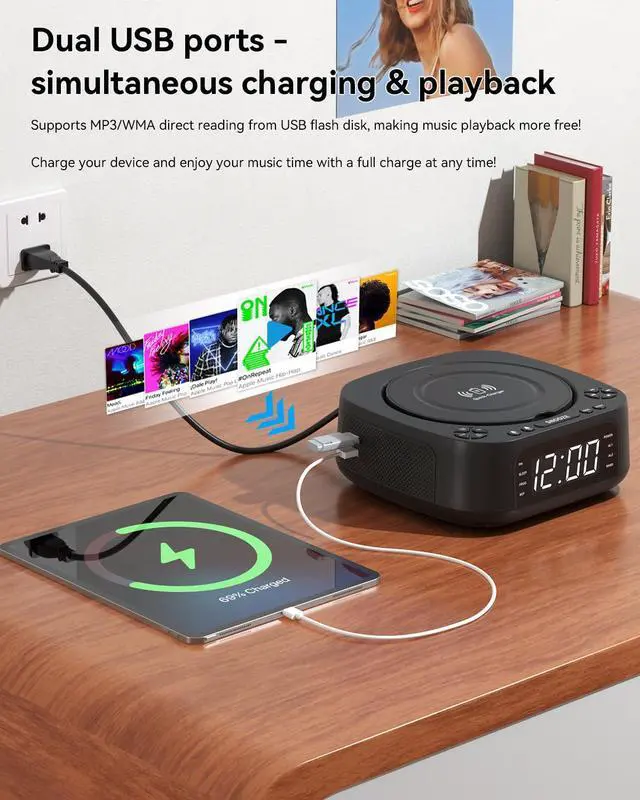
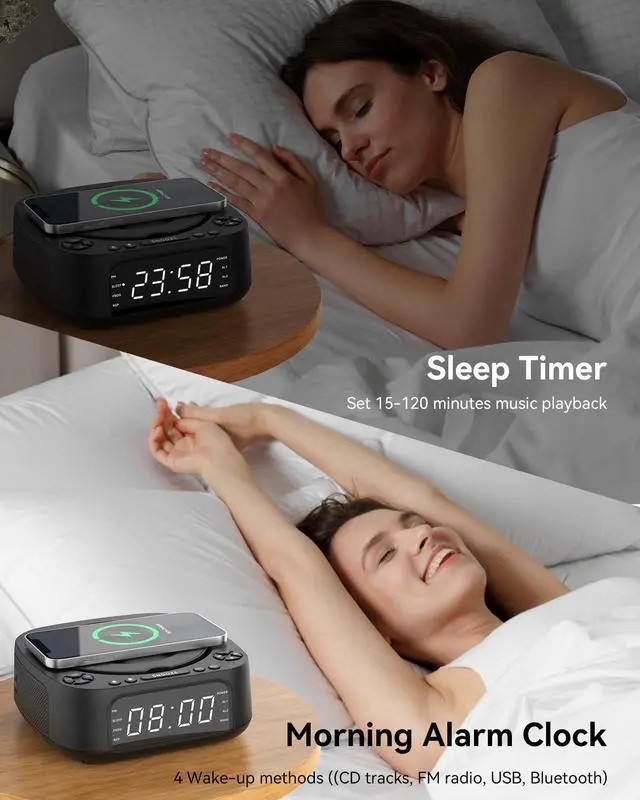
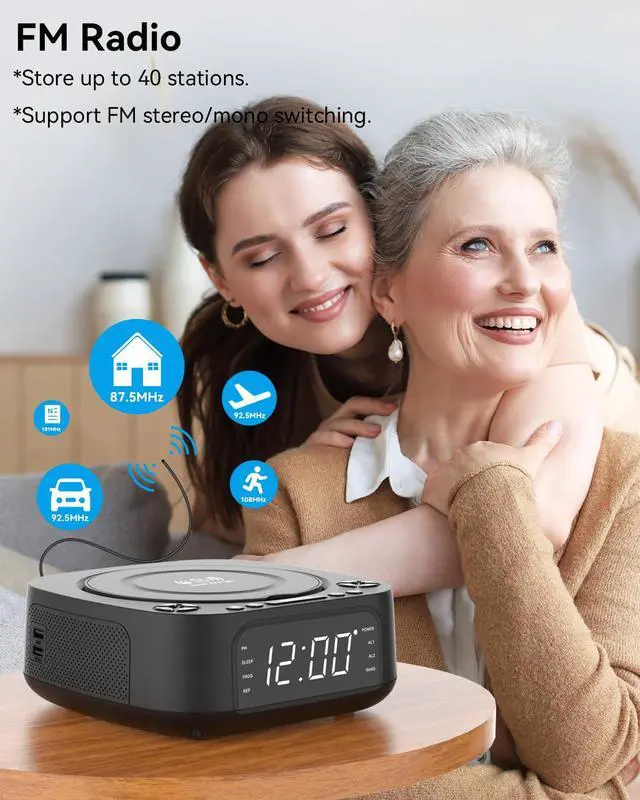


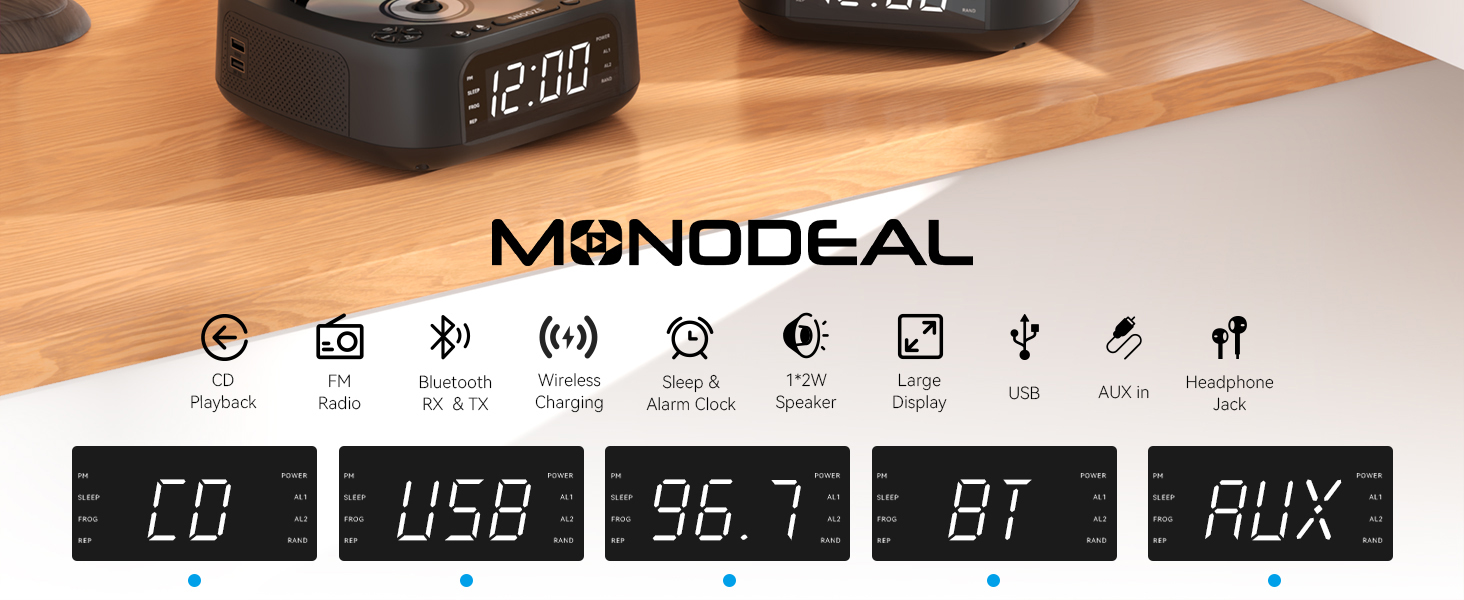
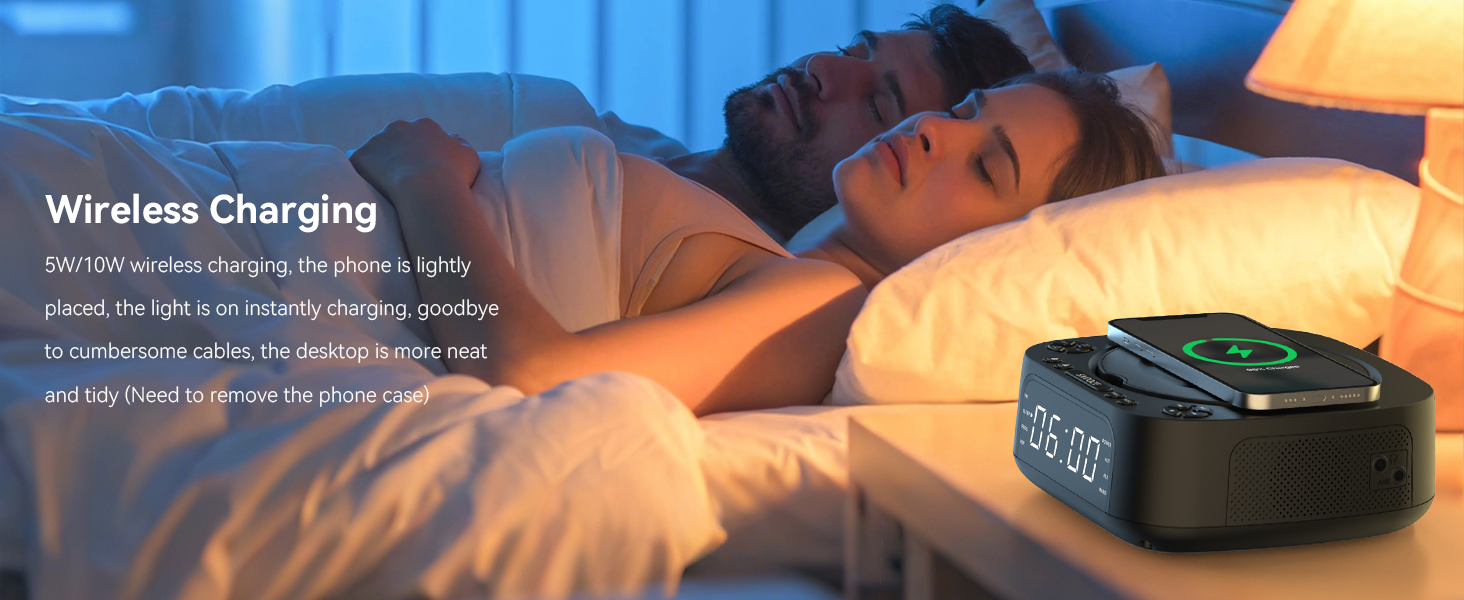
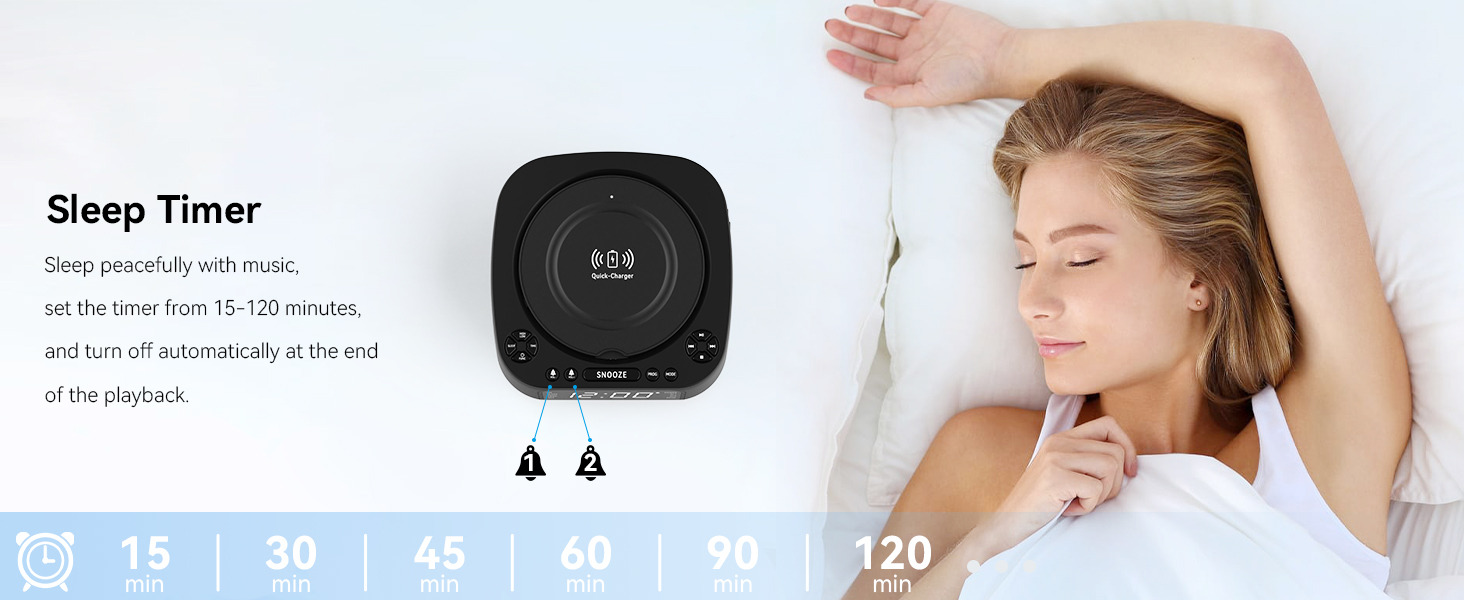
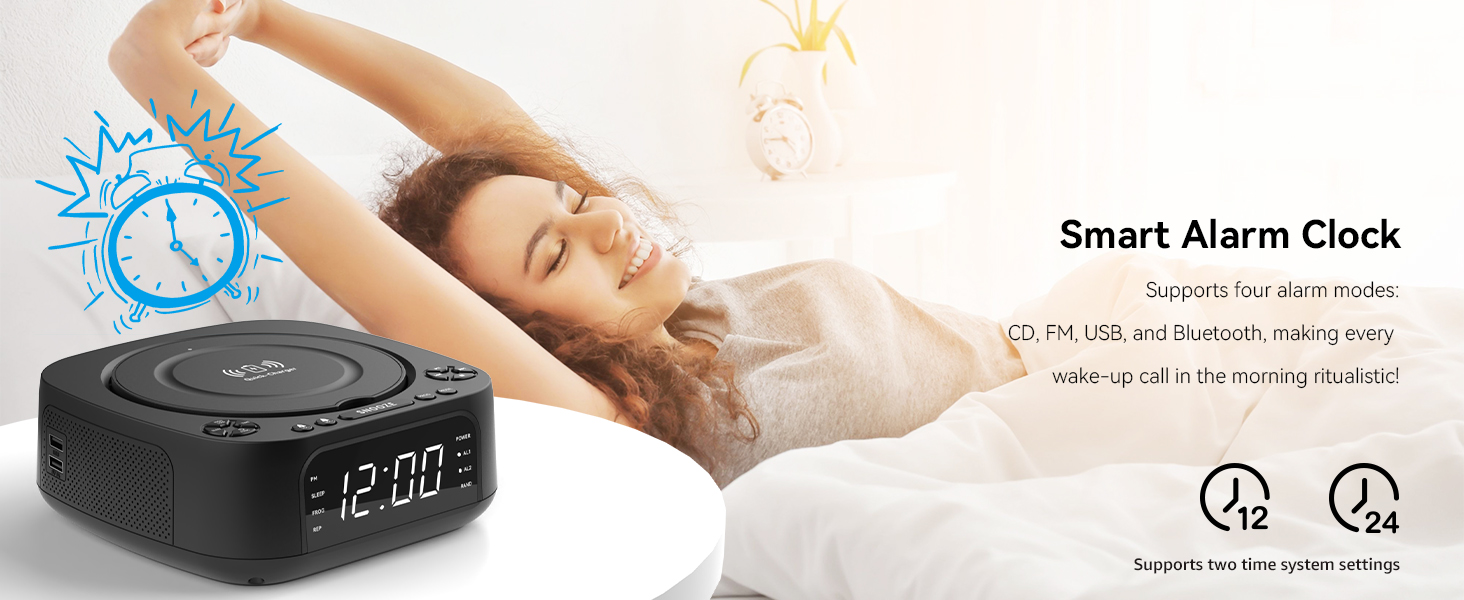
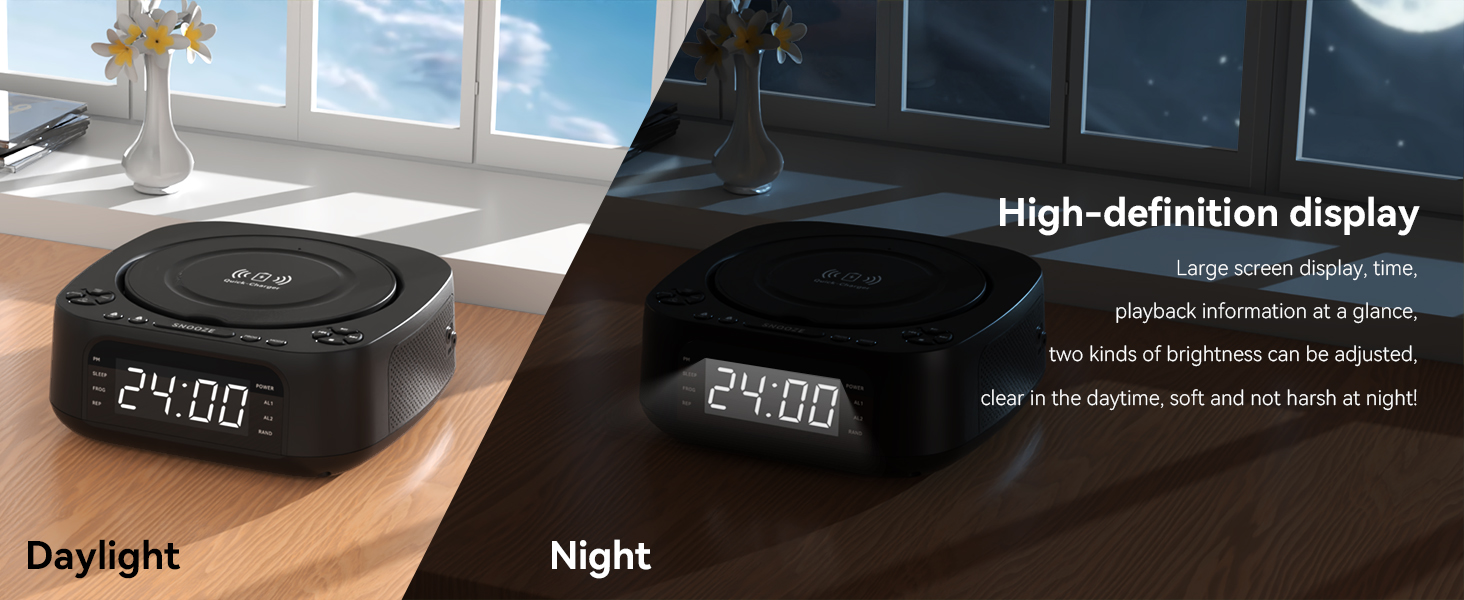
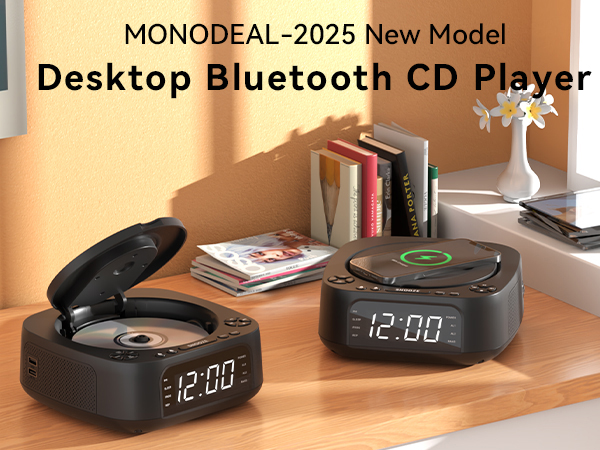
MONODEAL 8818 Desktop Radio CD Player with Wireless Charging and Alarm Clock
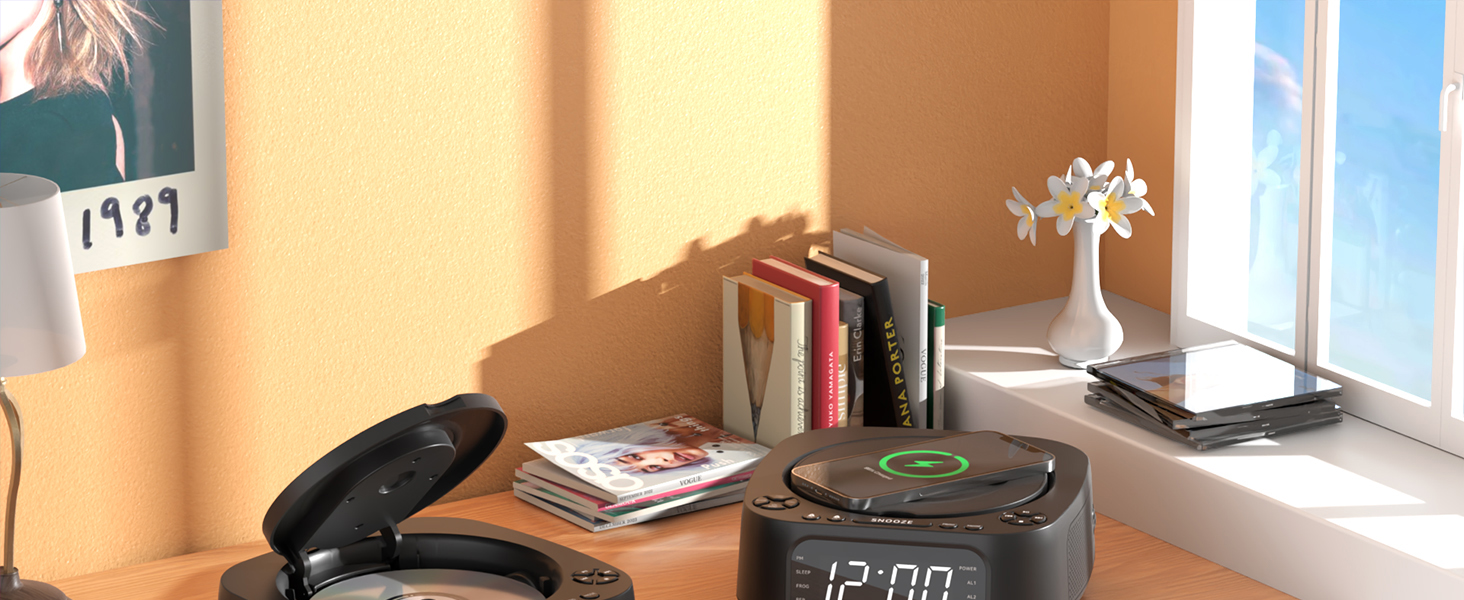
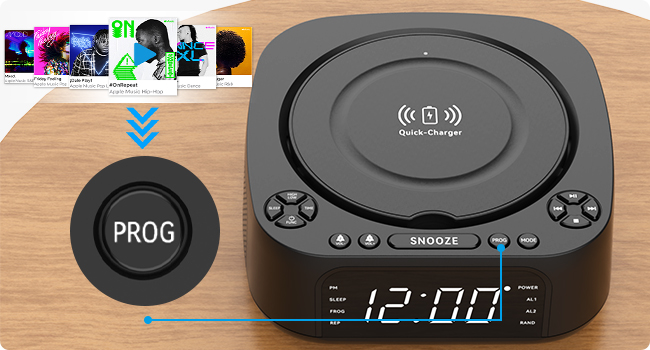
Programmed Playback
Freely program the order of tracks, select specific tracks to play in a set order, avoid manually skipping songs you don't like, and create your own song list.
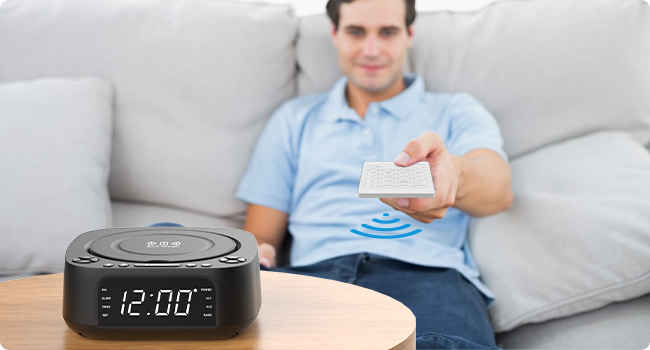
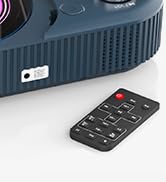
Remote control operation
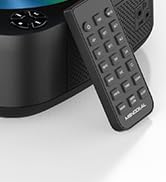
5 meters remote control, you can change songs and adjust the volume while lying down, easy to operate!
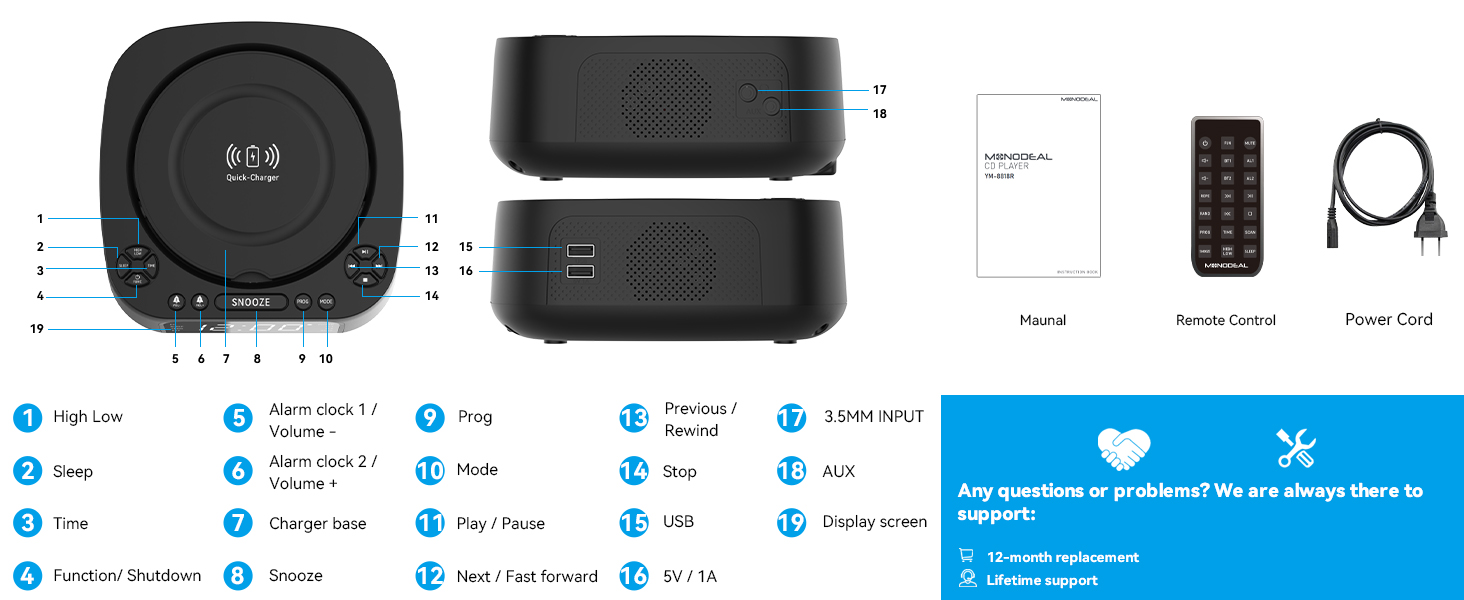
Q&A
Q: CD player not working properly?
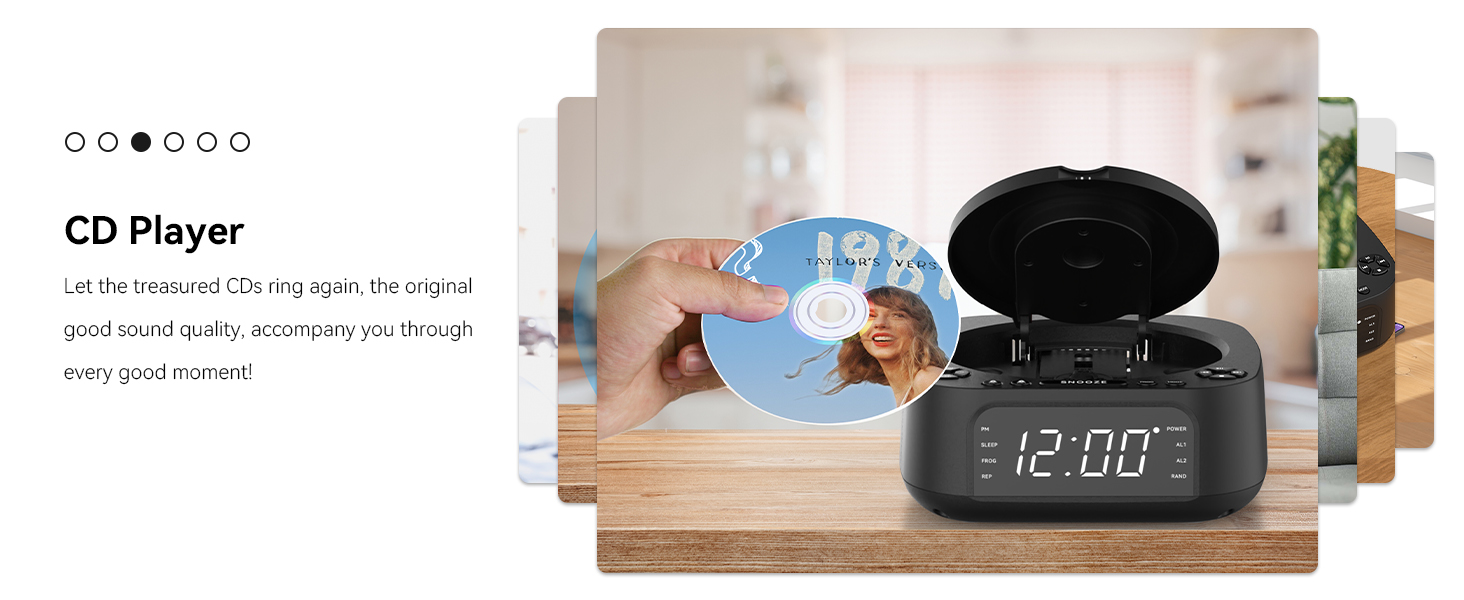
A: 1. Check disc condition: Ensure the CD is clean, free of scratches, and inserted face up into the disc tray. Try testing with another CD known to play correctly.2. Verify disc compatibility: Confirm your CD format (MD8818 supports CD, CD-R, CD-RW, MP3, and WMA formats).3. Check power connection: Ensure the power cord is fully inserted.4.Reset the device: Disconnect all power cables, wait one minute, then reconnect and power on.
Q&A Regarding Speaker Issues
Q1: Is it normal for a CD player to emit a ‘clicking’ sound during playback?
A: Yes, this is normal. The sound is physical noise generated by friction between the mechanism components when the CD player reads discs. Solution: Apply lubricant to the mechanism components or wipe dust from the CD surface before playback.
Q2: Why does a ‘hissing’ electrical noise occur when the volume is turned up on the CD player?
A: This is distortion, essentially caused by a mismatch between the CD player's amplifier and the speaker's load capacity. Solution: Simply reduce the volume.

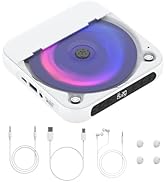
MONODEAL-CD Player Portable
Restore the pure sound quality,easily enjoy the beautiful music!
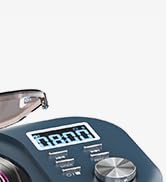
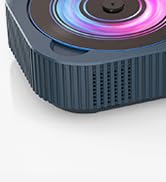
CD319 Player with White Noise


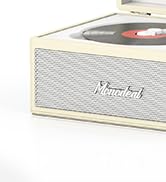
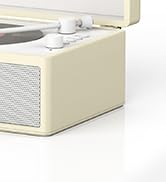
CA01 Retro CD Player
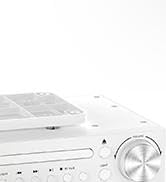
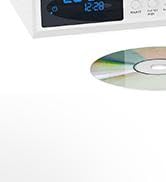
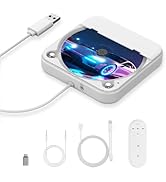
KR105 Under Cabinet CD Player
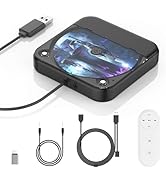
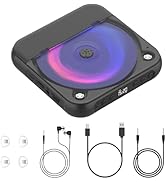
CD Player for Car
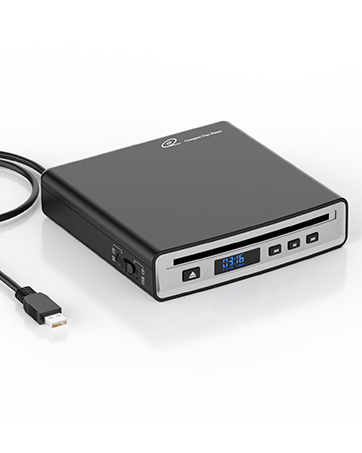
SX-314BT CD Player for Car

Commitment Statement
We understand the importance of quality, so every CD player is rigorously tested and never sampled.
As a core component, the CD-ROM movement is even more comprehensively inspected by more than 30 testing points, from the anti-skip function to the purity of sound quality to the stability of the Bluetooth link, every detail has been carefully verified.
Choosing us is choosing a commitment to quality!

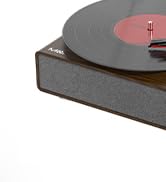
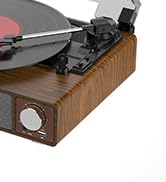
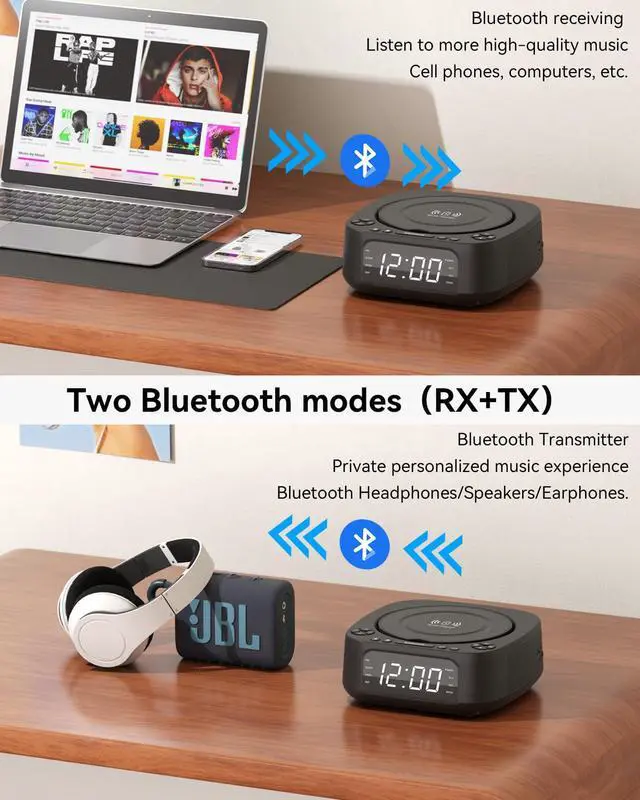
With Unique BT Transmitter
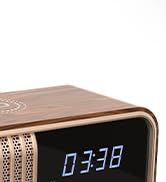
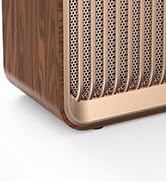
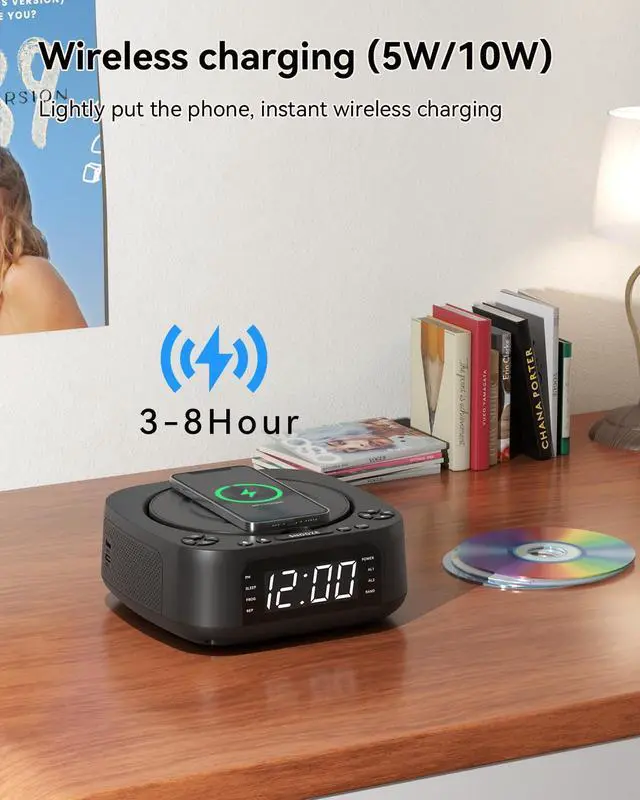
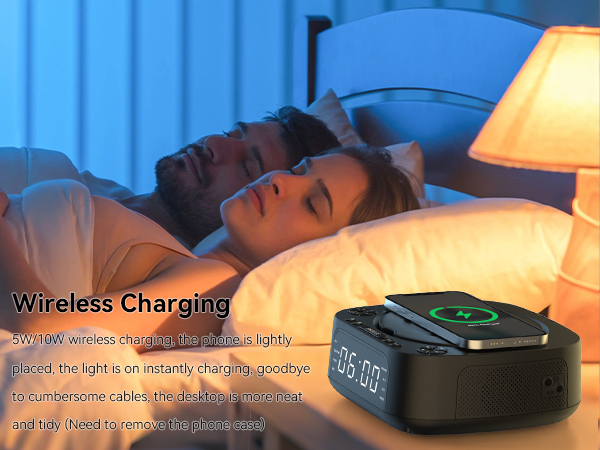
With Upgrade Wireless Charging

Desktop Boombox CD Player 8818
K105 Cabinet Kitchen CD Player
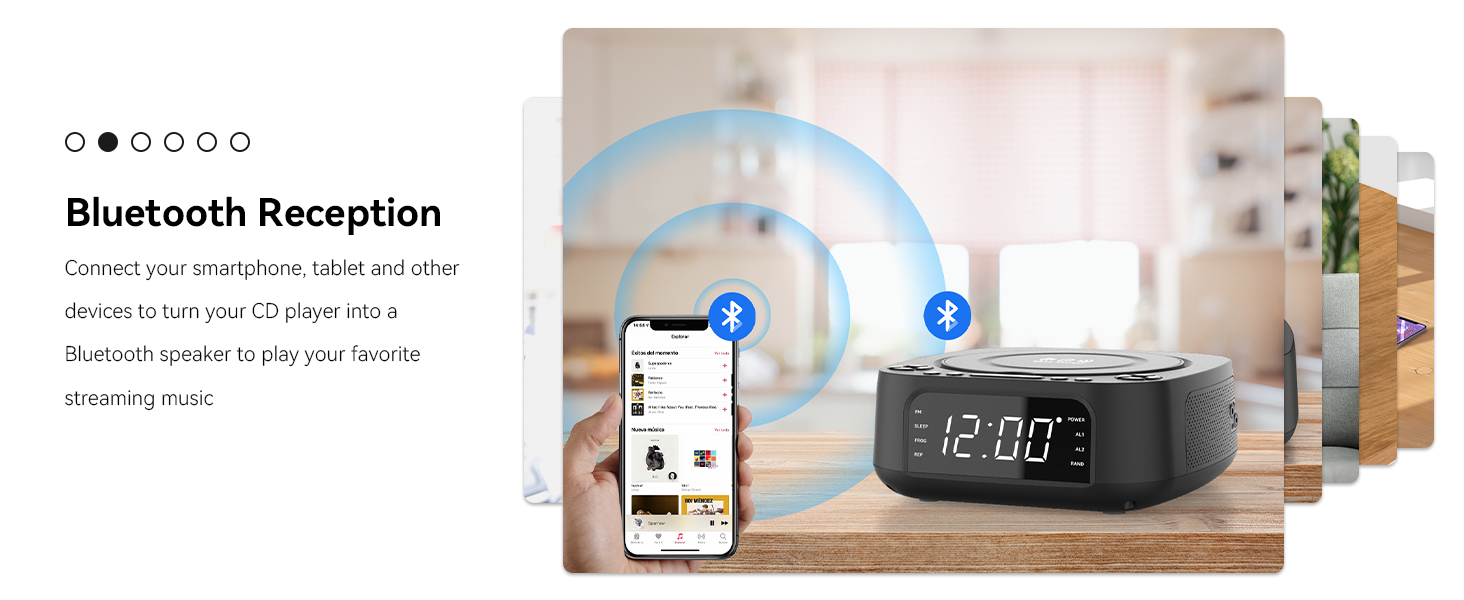
MONODEAL Bluetooth CD Player
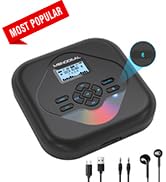
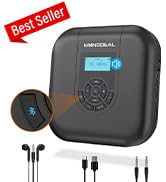
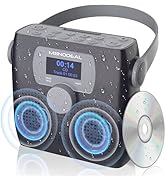
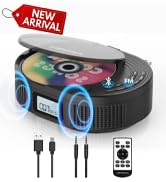
Enjoy CD Music and Audiobook

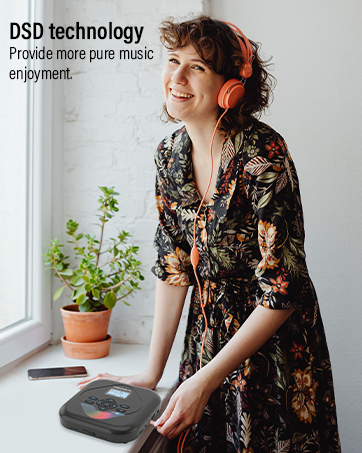
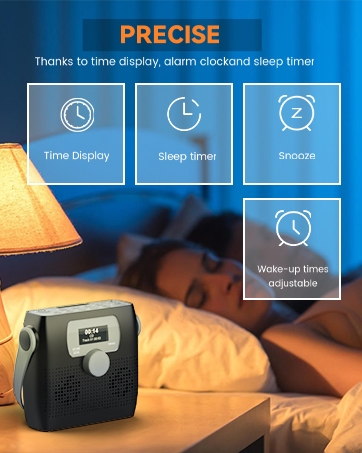
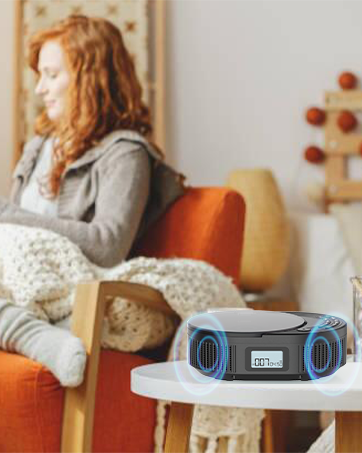
lets music accompany your life
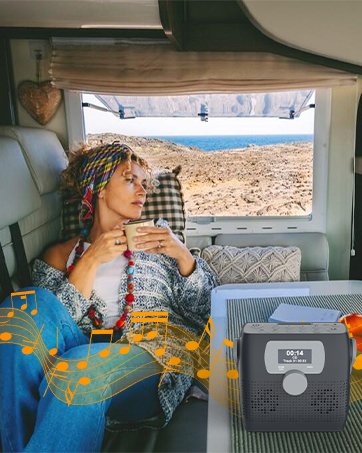
A great musical companion for RV travel!

MONODEAL 8818 Desktop Radio CD Player with Wireless Charging and Alarm Clock
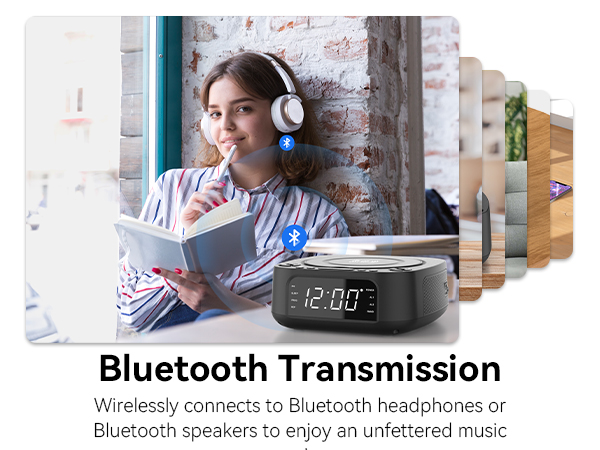
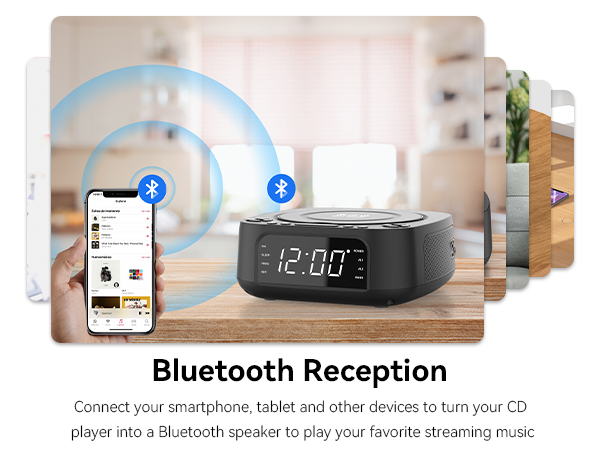
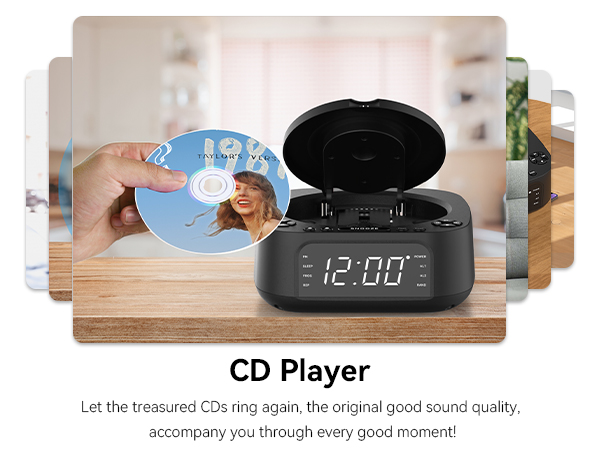
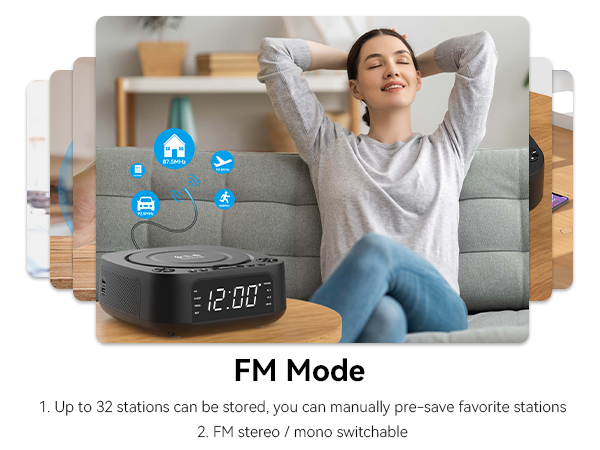
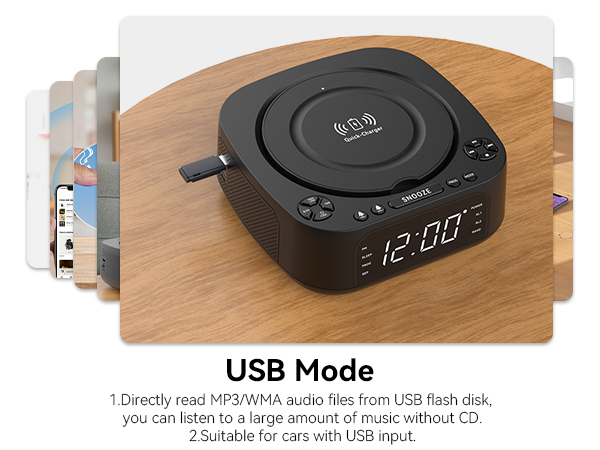
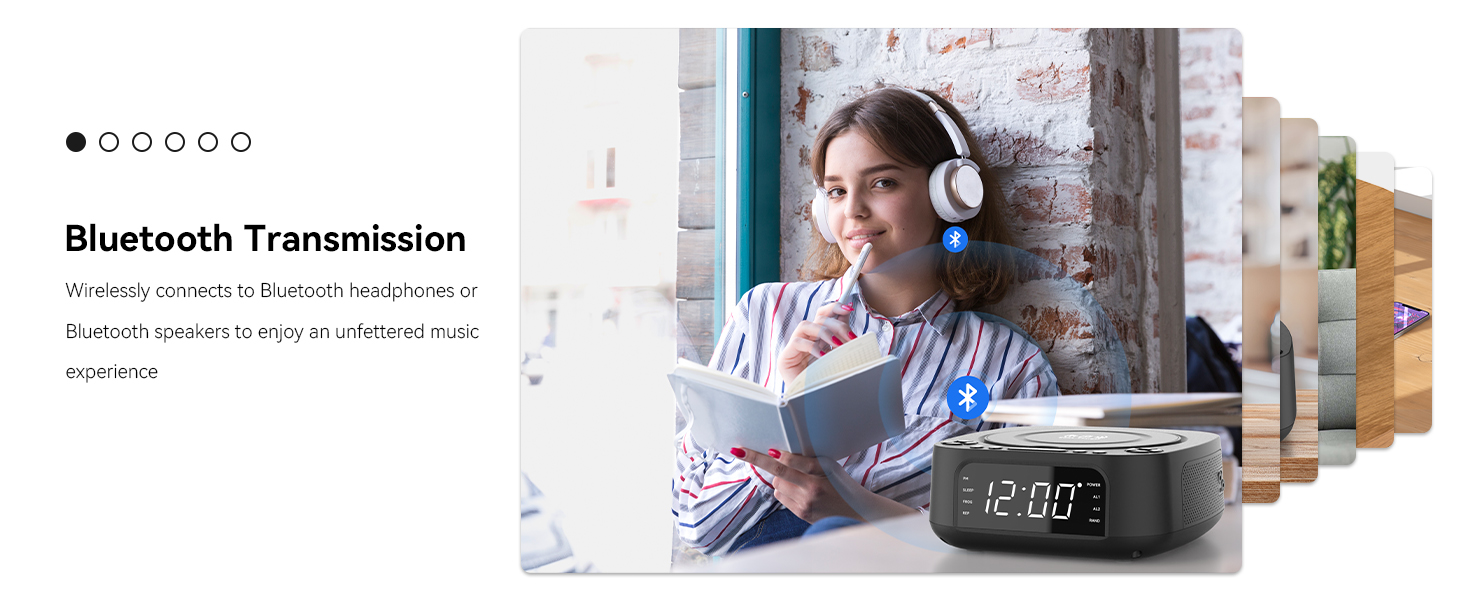
Bluetooth Transmitter Usage Instructions
1.Press and hold the SNOOZE button for 2 seconds to switch to CD mode for external transmission.
2.The screen will display “BT2,” and the product will automatically connect to nearby Bluetooth devices.
Programmed Playback
Freely program the order of tracks, select specific tracks to play in a set order, avoid manually skipping songs you don't like, and create your own song list.
Remote control operation
5 meters remote control, you can change songs and adjust the volume while lying down, easy to operate!
Q&A
Q: CD player not working properly?
A: 1. Check disc condition: Ensure the CD is clean, free of scratches, and inserted face up into the disc tray. Try testing with another CD known to play correctly.2. Verify disc compatibility: Confirm your CD format (MD8818 supports CD, CD-R, CD-RW, MP3, and WMA formats).3. Check power connection: Ensure the power cord is fully inserted.4.Reset the device: Disconnect all power cables, wait one minute, then reconnect and power on.
Q&A Regarding Speaker Issues
Q1: Is it normal for a CD player to emit a ‘clicking’ sound during playback?
A: Yes, this is normal. The sound is physical noise generated by friction between the mechanism components when the CD player reads discs. Solution: Apply lubricant to the mechanism components or wipe dust from the CD surface before playback.
Q2: Why does a ‘hissing’ electrical noise occur when the volume is turned up on the CD player?
A: This is distortion, essentially caused by a mismatch between the CD player's amplifier and the speaker's load capacity. Solution: Simply reduce the volume.
MONODEAL-CD Player Portable
Restore the pure sound quality,easily enjoy the beautiful music!
CD319 Player with White Noise
CA01 Retro CD Player
KR105 Under Cabinet CD Player
CD Player for Car
SX-314BT CD Player for Car
Commitment Statement
We understand the importance of quality, so every CD player is rigorously tested and never sampled.
As a core component, the CD-ROM movement is even more comprehensively inspected by more than 30 testing points, from the anti-skip function to the purity of sound quality to the stability of the Bluetooth link, every detail has been carefully verified.
Choosing us is choosing a commitment to quality!
With Unique BT Transmitter
With Upgrade Wireless Charging
Desktop Boombox CD Player 8818
K105 Cabinet Kitchen CD Player
MONODEAL Bluetooth CD Player
Enjoy CD Music and Audiobook
lets music accompany your life
A great musical companion for RV travel!