








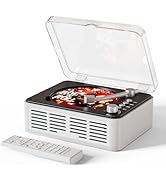
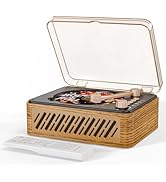

CD PLAYER Series

- CARONSORT focuses on product development, giving a user-friendly experience and optimizing product quality from the user's perspective.
- Focusing on the most essential elements of daily life, we continue to offer the market an innovative range of products that combine form and function.


Step 1
Dock the 5V2A adapter from the box and the Type-C cable to the CD player and plug it into the socket.

Step 2
Push the switch on the back of the CD player to the left to turn on the CD player power.

Step 3
Put the CD you want to listen to into the CD player's optical drive.

Step 4
Dial to the left to turn on the CD player operating mode and wait for the CD player to read the CD track to listen to music.

How does the CD player work without an LED display?
When switching modes, the CD player has a voice prompt mode which lets you know which operating mode you are in.
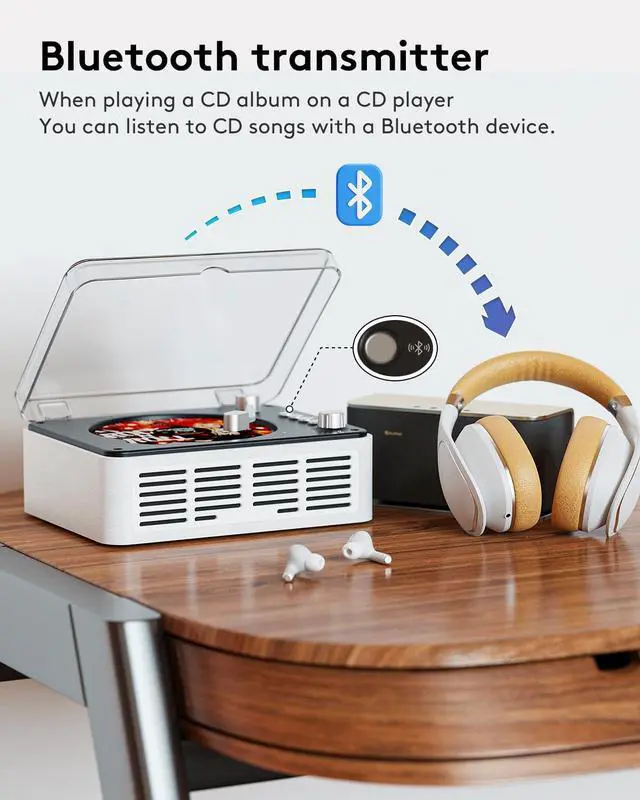
What modes does it support on the Bluetooth output of the CD player?
Support, CD Mode, USB Mode
CD player does it have a built-in battery?
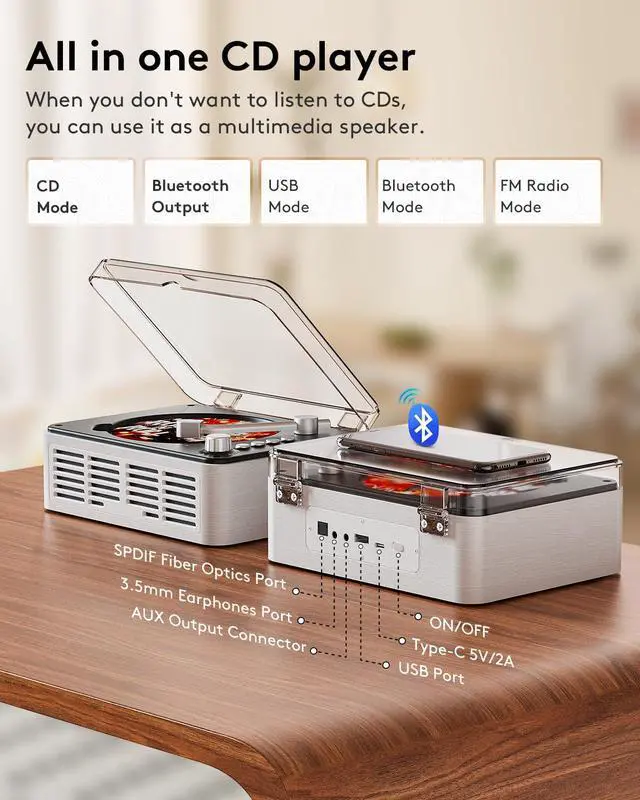
The CD player does not have a built-in battery, the accessories include an adapter and 4.9ft charging cable
Where is the bass boost?
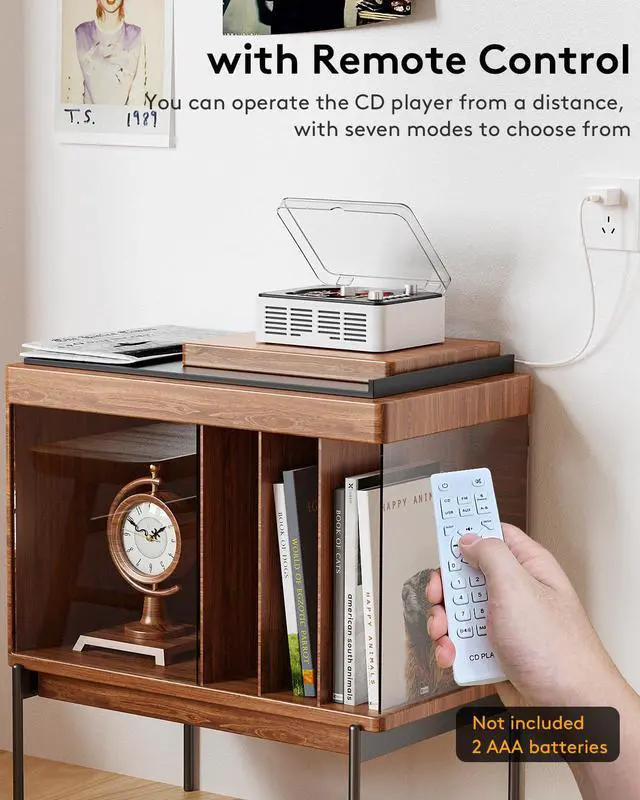
In the remote control BASS+ (it enhances the bass, the first press turns it on, the next press turns it off) BASS- (it enhances the treble, the operation is also the first press turns it on, the next press turns it off)
Is the SPDIF optical cable included with the CD player?
No


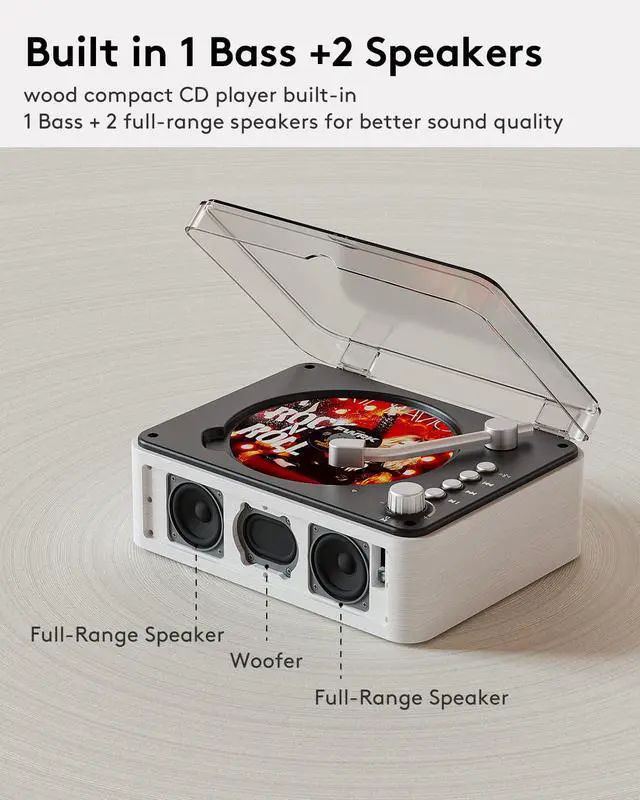
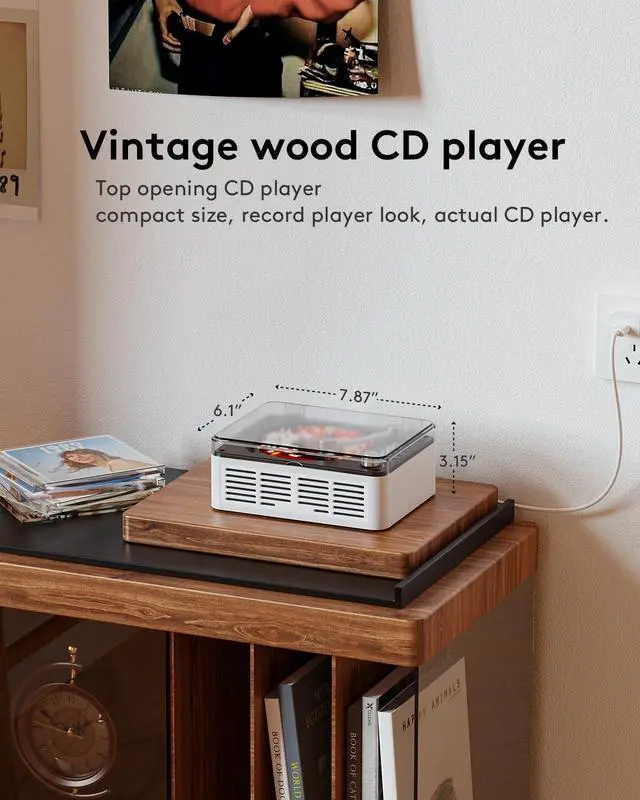
Main Features: CD Player, CD Mode Bluetooth Transmitter, FM Radio, Bluetooth, USB, AUX-IN ,6-in-1 Speakers: supports Bluetooth 5.0, SPDIF Optical Interface, Headphone Jack; 2+1 Speakers; BASS Boost, 5v2A Power Cord included, Remote Control.

Step 1
Dock the 5V2A adapter from the box and the Type-C cable to the CD player and plug it into the socket.
Step 2
Push the switch on the back of the CD player to the left to turn on the CD player power.
Step 3
Put the CD you want to listen to into the CD player's optical drive.
Step 4
Dial to the left to turn on the CD player operating mode and wait for the CD player to read the CD track to listen to music.

How does the CD player work without an LED display?
When switching modes, the CD player has a voice prompt mode which lets you know which operating mode you are in.
What modes does it support on the Bluetooth output of the CD player?
Support, CD Mode, USB Mode
CD player does it have a built-in battery?
The CD player does not have a built-in battery, the accessories include an adapter and 4.9ft charging cable
Where is the bass boost?
In the remote control BASS+ (it enhances the bass, the first press turns it on, the next press turns it off) BASS- (it enhances the treble, the operation is also the first press turns it on, the next press turns it off)
Is the SPDIF optical cable included with the CD player?
No
CD PLAYER Series
- CARONSORT focuses on product development, giving a user-friendly experience and optimizing product quality from the user's perspective.
- Focusing on the most essential elements of daily life, we continue to offer the market an innovative range of products that combine form and function.