




 here!
here!
I’m your shopping assistant for PC builds, upgrades, and everything tech.
Got questions? Ask away!
Start a conversation
here!
I’m your shopping assistant for PC builds, upgrades, and everything tech.
Got questions? Ask away!
Start a conversation



Any questions? Ask CelesteSM will help you find out quickly.


Why does the backlight turn off after 5 minutes?
Because the gaming keyboard automatically enters sleep mode after five minutes to save power, you can press any key or Fn+PgDn to reawaken the backlight.
Is this a mechanical keyboard? How loud is this keyboard?
It's a membrane keyboard. This RGB keyboard is relatively quiet, enabling you to immerse yourself in the gaming atmosphere.
Can I turn off the light on this keyboard?
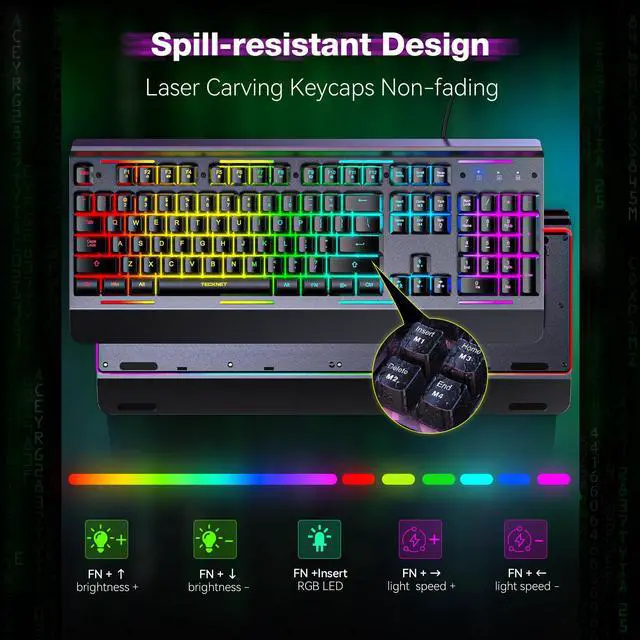
Yes, press the "FN+ PgDn" (Page Down) Key to turn on/ off the backlight.
How to adjust the brightness and breathing speed?
You can hold the "FN+? / ?" to adjust the brightness and hold the "FN+? / ?" to adjust the breathing speed.
How do I adjust the 7 lighting modes?
You can press the "FN+Insert / Home / PgUp / Delete / End" to select your favorite illumination mode.


Why does the backlight turn off after 5 minutes?
Because the gaming keyboard automatically enters sleep mode after five minutes to save power, you can press any key or Fn+PgDn to reawaken the backlight.
Is this a mechanical keyboard? How loud is this keyboard?
It's a membrane keyboard. This RGB keyboard is relatively quiet, enabling you to immerse yourself in the gaming atmosphere.
Can I turn off the light on this keyboard?
Yes, press the "FN+ PgDn" (Page Down) Key to turn on/ off the backlight.
How to adjust the brightness and breathing speed?
You can hold the "FN+? / ?" to adjust the brightness and hold the "FN+? / ?" to adjust the breathing speed.
How do I adjust the 7 lighting modes?
You can press the "FN+Insert / Home / PgUp / Delete / End" to select your favorite illumination mode.
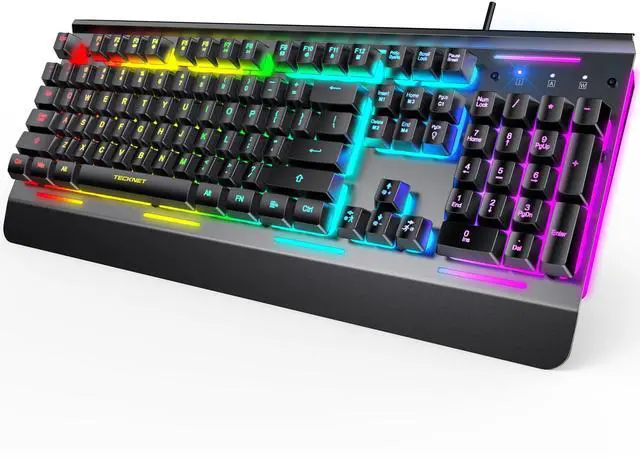
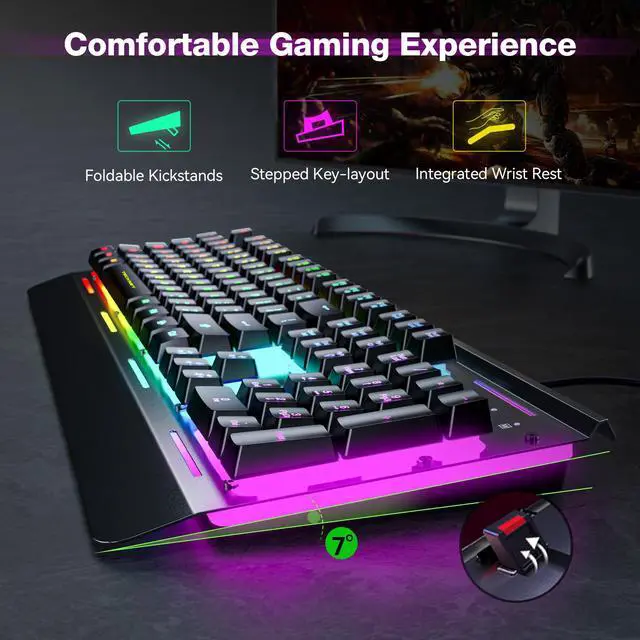
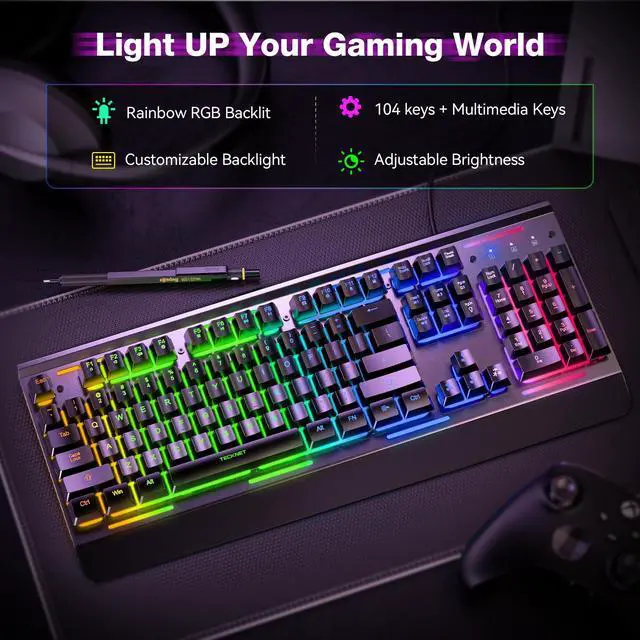
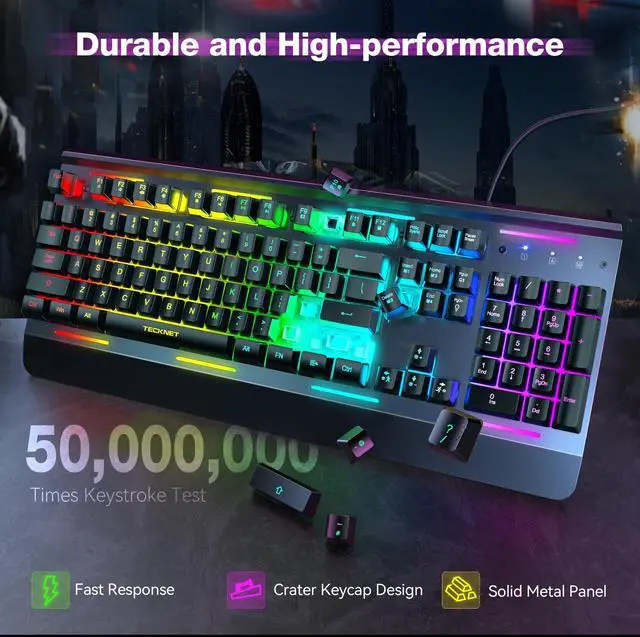
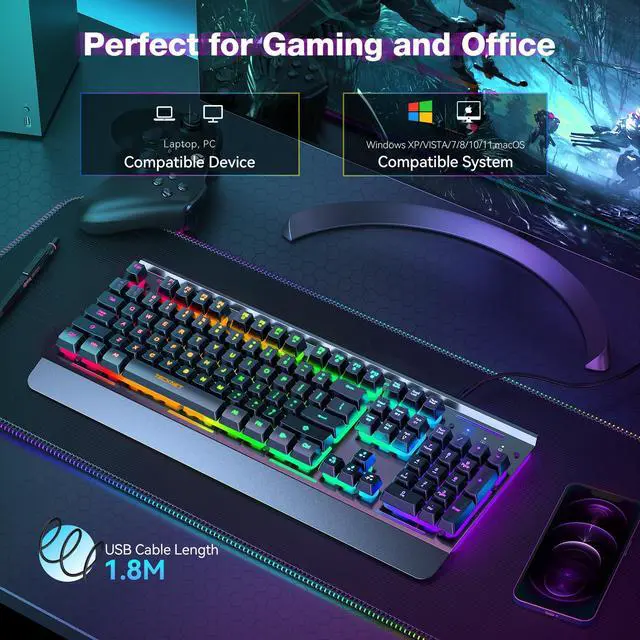
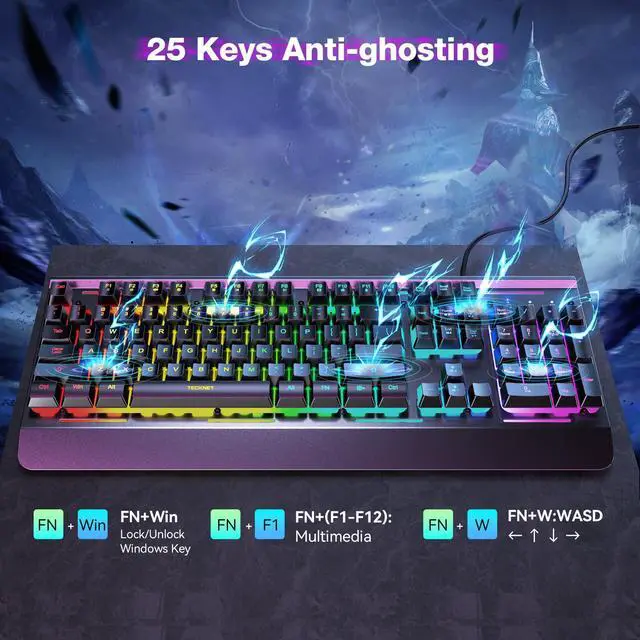
TECKNET RGB Gaming Keyboard, 104 Keys, All-Metal Panel, 15-Zone RGB Illumination, Silent Keyboard with Wrist Rest, 25 Anti-ghosting Keys, IP32 Water Resistance, USB Wired Keyboard for PC, Mac, Laptop
| Brand | TECKNET |
| Compatible Devices | PC |
| Connectivity Technology | USB-A |
| Keyboard Description | Whisper Quiet Gaming Switch |
| Recommended Uses For Product | Business, Everyday Use, Personal, Photo Editing, Video Editing |
| Special Feature | Ergonomic, Hotkeys and Media Keys, Spill Proof, Whisper Quiet Gaming Switch |
| Color | Black |
| Keyboard backlighting color support | RGB |
| Material | Acrylonitrile Butadiene Styrene, Metal |
| Included Components | Wrist Rest |
| Product Dimensions | 17 x 7 x 1.4 inches |
| Item Weight | 2.46 pounds |
| Manufacturer | TECKNET |
| Language | English |
| Item model number | TK-KB002 |
| Date First Available | April 9, 2024 |


