here!
here!
I’m your shopping assistant for PC builds, upgrades, and everything tech.
Got questions? Ask away!
Start a conversation
here!
I’m your shopping assistant for PC builds, upgrades, and everything tech.
Got questions? Ask away!
Start a conversation



Any questions? Ask CelesteSM will help you find out quickly.


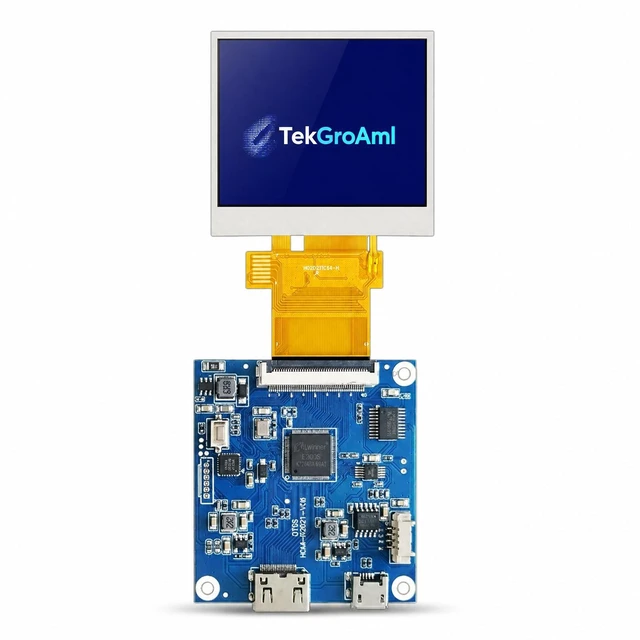
Focuses on trading high-quality electronic products. We primarily sell display solutions such as TFT LCD, OLED, and AMOLED panels.
Our experienced sourcing and quality control teams work closely with international suppliers to deliver dependable products and responsive service.
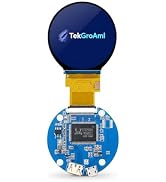
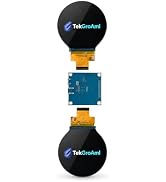
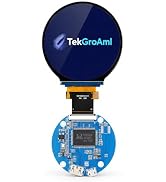
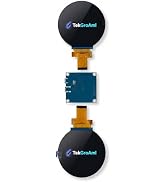
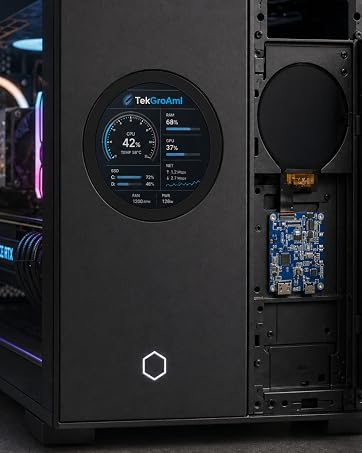


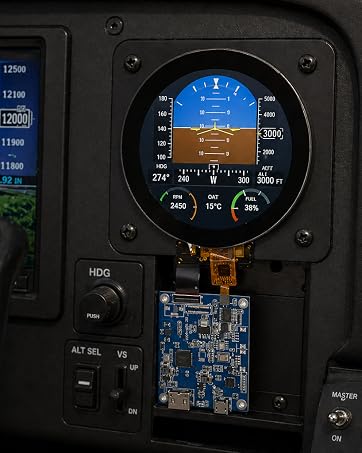
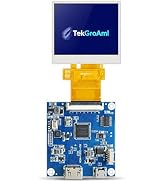
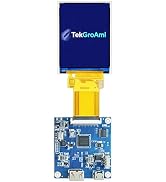
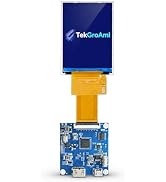
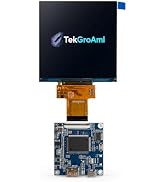
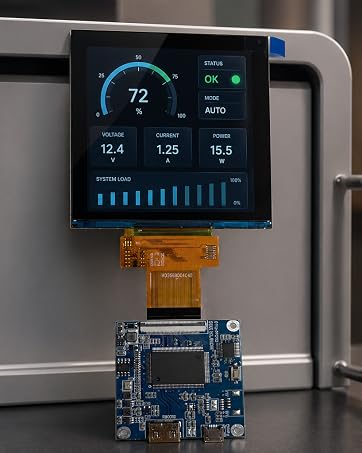
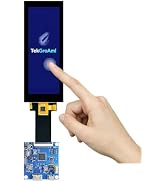
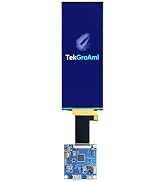
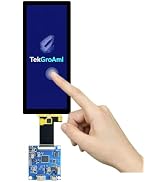
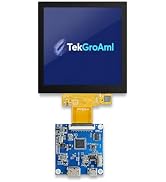
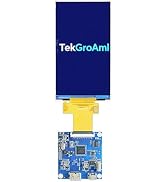
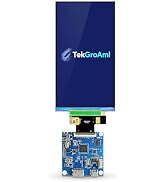
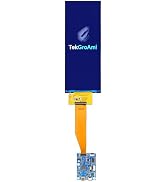
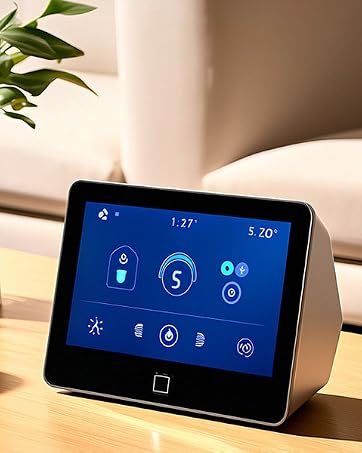
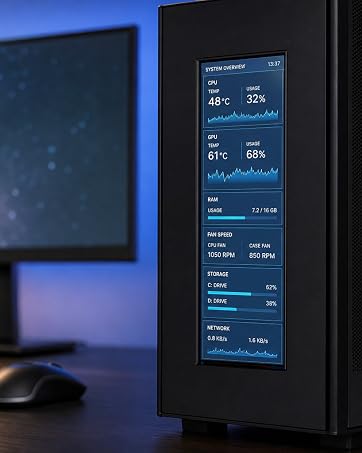
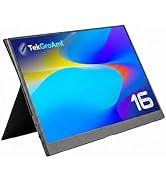
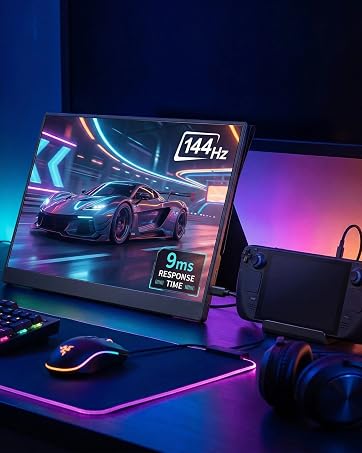
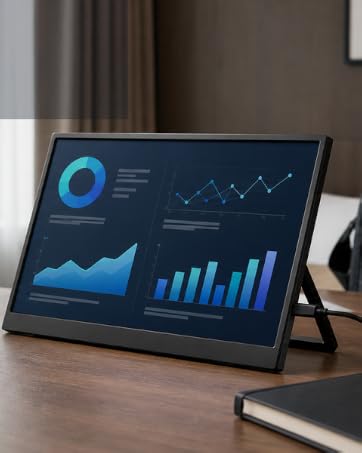


2 inch mini LCD Display |

2.8 inch mini LCD Screen |

4 inch mini LCD Screen |

5 inch mini LCD Screen |

6.8 inch mini LCD Screen |
|
|---|---|---|---|---|---|
|
Customer Reviews
|
— |
—
|
— |
—
|
— |
|
Price
|
— | — | — | — | — |
|
Screen size
|
2 inch | 2.8 inch | 4 inch | 5 inch | 6.8 inch |
|
Resolution
|
480x360 | 480x640 | 720x720 | 720x1280 | 480x1280 |
|
Dimension
|
46.00 (H) x 40.87 (V)mm | 50.00 (H) x69.20 (V)mm | 74.45 (H) x 78.28 (V)mm | 64.6 (H) x117.43 (V)mm | 65.7 (H) x 171.69(V)mm |
|
Display Area
|
40.8 (H) x 30.6 (V)mm | 43.20 (H) x 57.60(V)mm | 71.93(H) x 71.93 (V)mm | 61.78 (H) x 109.82 (V)mm | 60.19 (H) x160.51 (V) mm |
|
Data interface
|
RGB 18bit | 3SPI-RGB18BIT | 3WSPI+RGB18BIT | 3SPI+RGB18BIT | MIPI |
|
Backlight
|
6 White LED | 6 White LED | 10 White LEDs In Parallels | 12 White LEDs In Parallels | 16 White LED |

Why does my screen show "snow," horizontal lines, or flickering
? This is usually not a hardware defect but a signal sync or power issue.
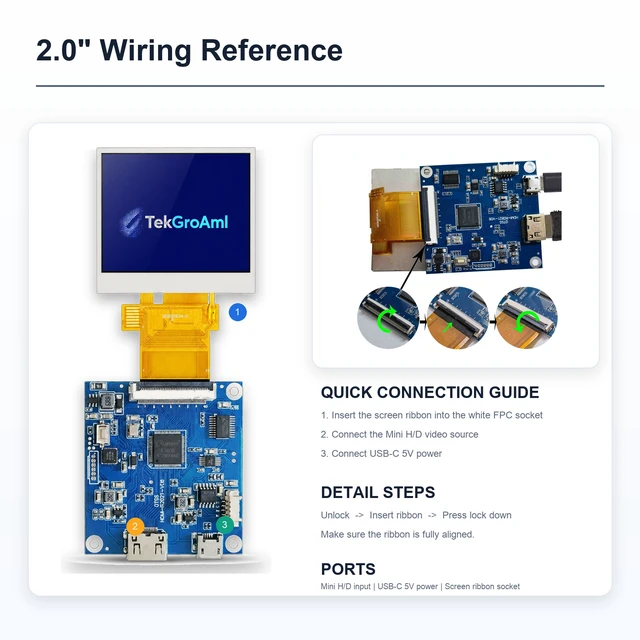
? 1: Ensure the FPC cable (the thin ribbon) is inserted perfectly straight and the latch is fully locked.
? 2: Use a dedicated 5V 2A USB power adapter.
The display is upside down or in portrait mode by default. Can I rotate it?
? Yes! Orientation is controlled by your Operating System.
? Windows: Go to Display Settings -> Orientation and select "Landscape" or "Landscape (flipped)."
? Raspberry-Pi: Add display_rotate=2 (for 180°) to your config.txt file.
Why does the screen stay on even after I shut down my PC?
? Most DIY boards stay powered as long as the USB port provides 5V standby power.
? Tip: You can change your PC's BIOS settings to "Disable USB power in S5 state," or use a USB cable with an inline switch for manual control.
Is it truly "Plug & Play" for Raspberry Pi?
It is H/D-compatible, but since 480x360 is a non-standard resolution, you must manually edit the config.txt file to force the resolution. We provide the specific code block in our digital manual to ensure a 1-minute setup.
Is it compatible with Mac (MacBook, Mac Mini, Mac Studio)?
Yes, it supports video output. but, macOS may not automatically recognize the special resolution, Recommend using the "Bette--rDisplay."to custom 1:1 resolution and enables HiDPI scaling for crisp text and perfectly centered images.

|
2 inch mini LCD Display |
2.8 inch mini LCD Screen |
4 inch mini LCD Screen |
5 inch mini LCD Screen |
6.8 inch mini LCD Screen |
|---|---|---|---|---|
| Customer Reviews | ||||
| — |
—
|
— |
—
|
— |
| Price | ||||
| — | — | — | — | — |
| Screen size | ||||
| 2 inch | 2.8 inch | 4 inch | 5 inch | 6.8 inch |
| Resolution | ||||
| 480x360 | 480x640 | 720x720 | 720x1280 | 480x1280 |
| Dimension | ||||
| 46.00 (H) x 40.87 (V)mm | 50.00 (H) x69.20 (V)mm | 74.45 (H) x 78.28 (V)mm | 64.6 (H) x117.43 (V)mm | 65.7 (H) x 171.69(V)mm |
| Display Area | ||||
| 40.8 (H) x 30.6 (V)mm | 43.20 (H) x 57.60(V)mm | 71.93(H) x 71.93 (V)mm | 61.78 (H) x 109.82 (V)mm | 60.19 (H) x160.51 (V) mm |
| Data interface | ||||
| RGB 18bit | 3SPI-RGB18BIT | 3WSPI+RGB18BIT | 3SPI+RGB18BIT | MIPI |
| Backlight | ||||
| 6 White LED | 6 White LED | 10 White LEDs In Parallels | 12 White LEDs In Parallels | 16 White LED |
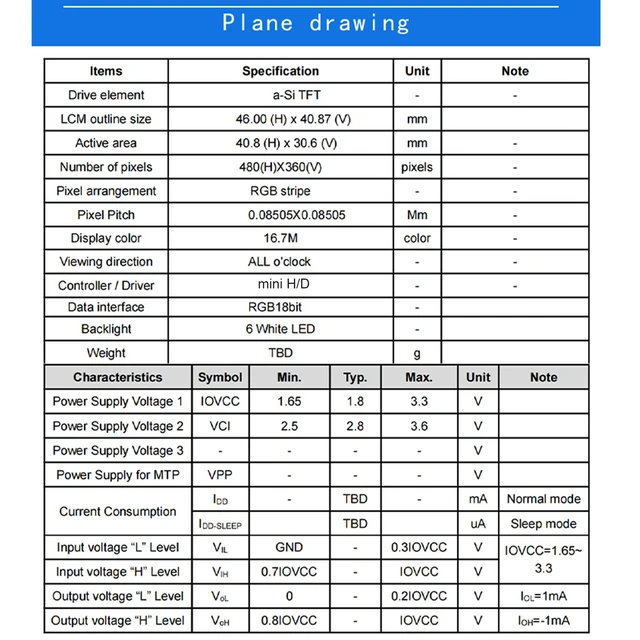
| Screen size | 2 Inch |
|---|---|
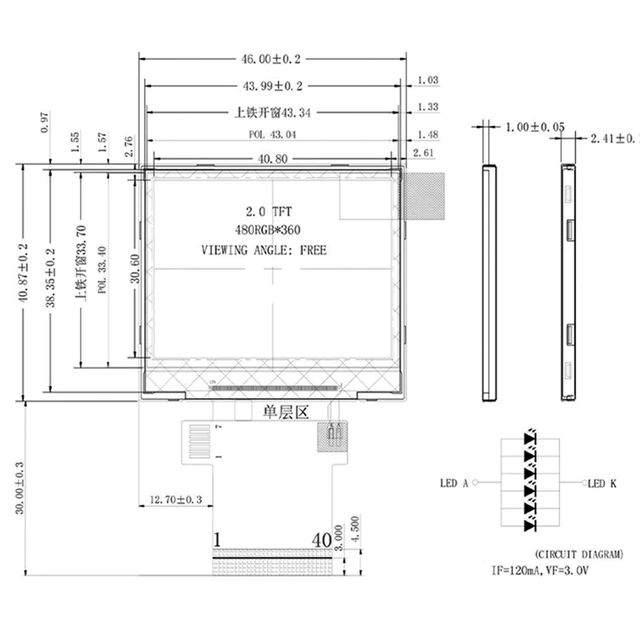
| LCM outline size | 46.00 (H) x 40.87 (V)mm |
| Active area | 40.8 (H) x 30.6 (V) |
| Number of pixels | 480(H)X360(V) pixels |
| Pixel arrangement | RGB stripe |
| Viewing direction | ALL o'clock |
| Controller / Driver | mini H/D |
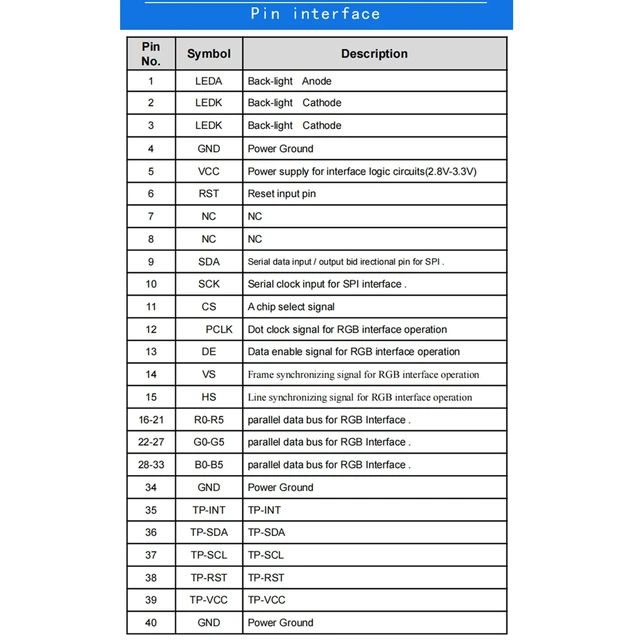
| Data interface | RGB 18bit |

Why does my screen show "snow," horizontal lines, or flickering
? This is usually not a hardware defect but a signal sync or power issue.
? 1: Ensure the FPC cable (the thin ribbon) is inserted perfectly straight and the latch is fully locked.
? 2: Use a dedicated 5V 2A USB power adapter.
The display is upside down or in portrait mode by default. Can I rotate it?
? Yes! Orientation is controlled by your Operating System.
? Windows: Go to Display Settings -> Orientation and select "Landscape" or "Landscape (flipped)."
? Raspberry-Pi: Add display_rotate=2 (for 180°) to your config.txt file.
Why does the screen stay on even after I shut down my PC?
? Most DIY boards stay powered as long as the USB port provides 5V standby power.
? Tip: You can change your PC's BIOS settings to "Disable USB power in S5 state," or use a USB cable with an inline switch for manual control.
Is it truly "Plug & Play" for Raspberry Pi?
It is H/D-compatible, but since 480x360 is a non-standard resolution, you must manually edit the config.txt file to force the resolution. We provide the specific code block in our digital manual to ensure a 1-minute setup.
Is it compatible with Mac (MacBook, Mac Mini, Mac Studio)?
Yes, it supports video output. but, macOS may not automatically recognize the special resolution, Recommend using the "Bette--rDisplay."to custom 1:1 resolution and enables HiDPI scaling for crisp text and perfectly centered images.
Focuses on trading high-quality electronic products. We primarily sell display solutions such as TFT LCD, OLED, and AMOLED panels.
Our experienced sourcing and quality control teams work closely with international suppliers to deliver dependable products and responsive service.


![AOACE Gaming PC AMD Ryzen 7 5700X [8-Core 4.6GHz], RTX 5060 8GB GDDR7, DLSS 4, VR Ready, WiFi 6E, 32GB DDR4, 1TB PCIe4 NVMe, 6 ARGB, Win11 Home](https://c1.neweggimages.com/ProductImageCompressAll60/C545S2607150J6GDT09.jpg "AOACE Gaming PC AMD Ryzen 7 5700X [8-Core 4.6GHz], RTX 5060 8GB GDDR7, DLSS 4, VR Ready, WiFi 6E, 32GB DDR4, 1TB PCIe4 NVMe, 6 ARGB, Win11 Home")