



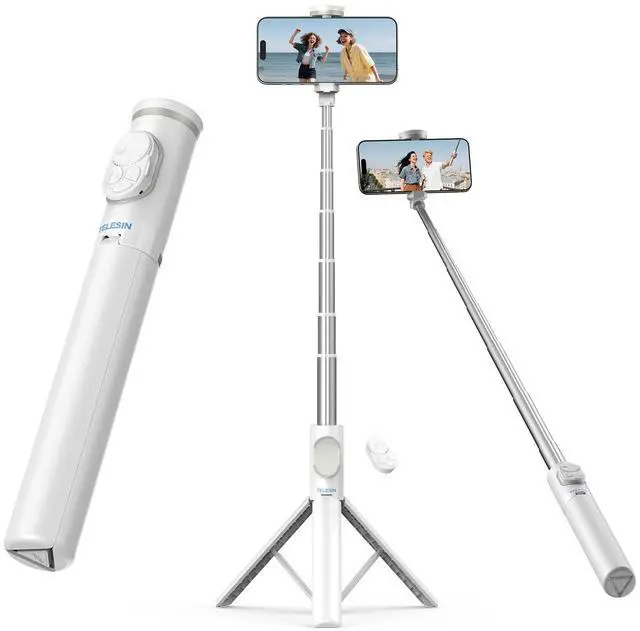
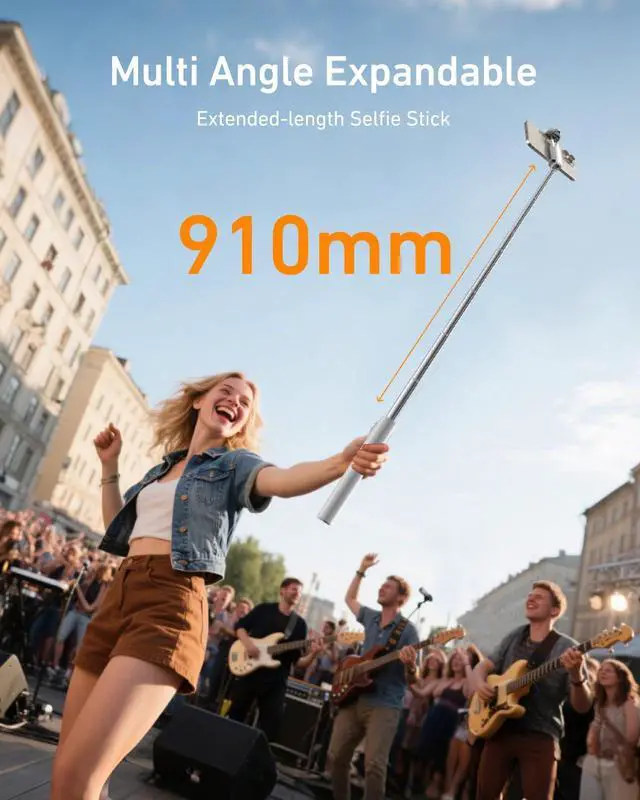
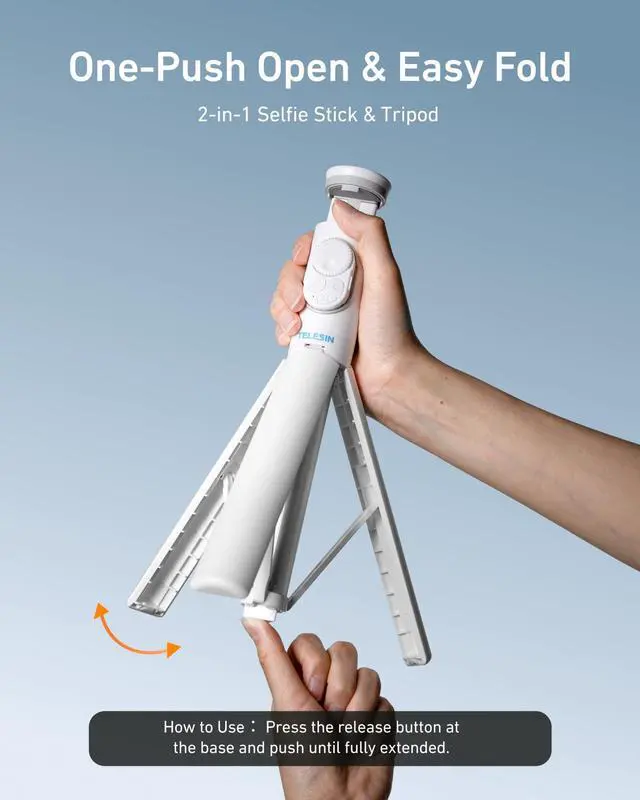


Selfie Stick Tripod
Merchant VideoSelfie Stick Tripod for iPhone
Merchant Video


How to use the zoom function of the 50" selfie stick ?
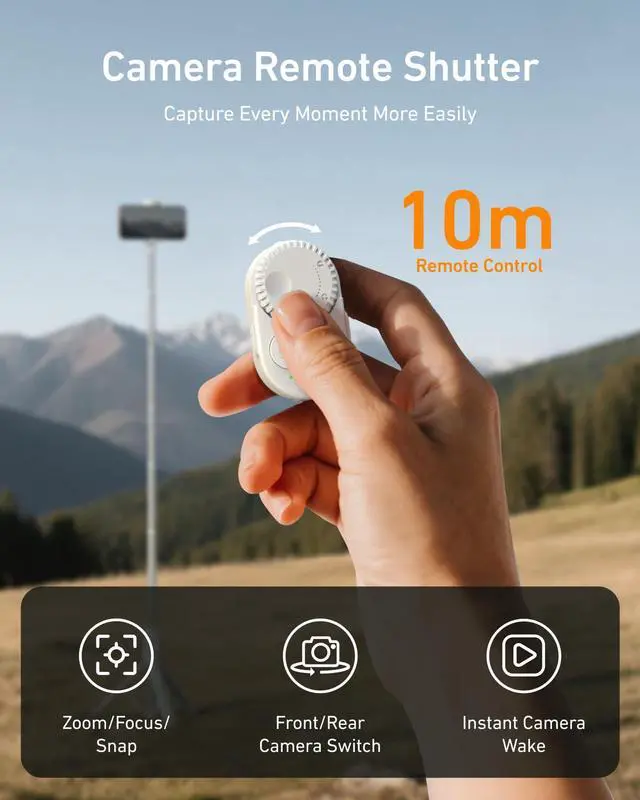
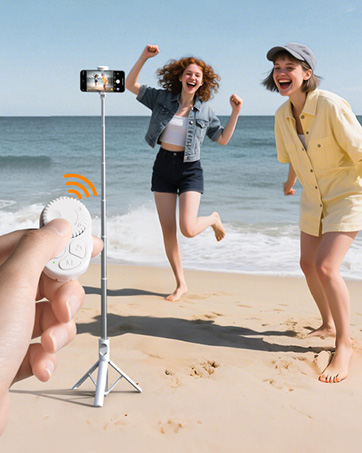
Use the “+” / “–” scroll wheel on the bluetooth remote to zoom remotely.
[ Make sure your phone is paired with the remote first, and the remote is set to “Photo Mode (Tip light: green light on)”.]
How to connect a bluetooth remote control ?
Android Device : Just turn on Bluetooth to connect.
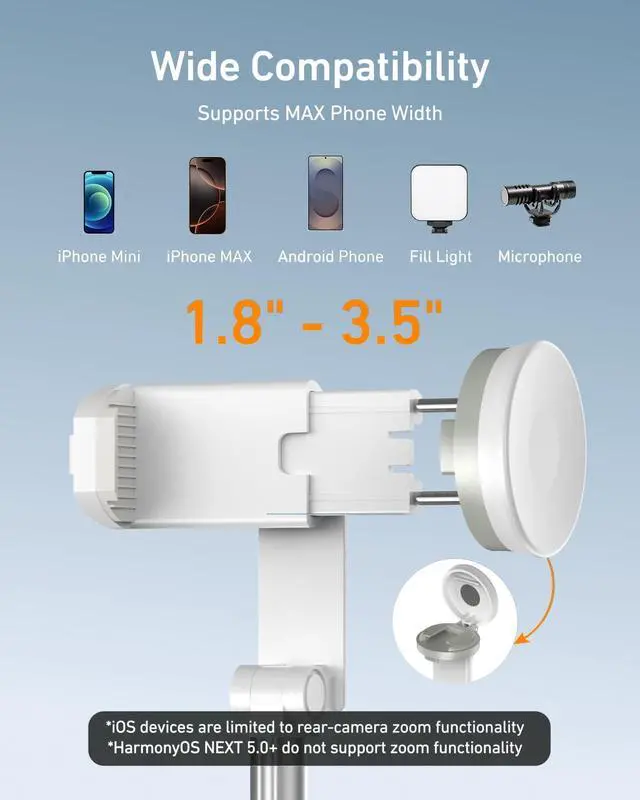
iOS Device : 1. Turn on Bluetooth 2. Enable Zoom (only once).
(We recommend watching the remote control connection instruction video)
Why doesn’t the selfie stick’s “zoom feature” work on iOS ?
iOS users need to “Turn on Bluetooth” and "Enable Zoom" to use it correctly.
The remote doesn’t support switching between photo and video. To Watch Video(TikTok) , please set it to video mode.
The remote doesn’t support switching between photo and video.
To Watch Video(TikTok) , please set it to video mode. -- “Video Mode (Tip light: orange light on)”
(We recommend watching the “ remote control function instruction video” )
Note: iOS 26 does not support switching between front and rear cameras.
Note: iOS 26 does not support switching between front and rear cameras.
More Phone Tripods Series
 50" Selfie Stick with Zoom |  70" Automatic Selfie Stick |  67" Automatic Selfie Stick |
|---|---|---|
How to open the tripod? Manual Opening | How to open the tripod? Auto-Open | How to open the tripod? Auto-Open |
Can it focus / Zoom remotely? Yes v | Can it focus / Zoom remotely? Not × | Can it focus / Zoom remotely? Yes v |
Can it like short videos? Yes v | Can it like short videos? Not × | Can it like short videos? Yes v |
Remote Battery Type: Button Cell | Remote Battery Type: Type-C Charging | Remote Battery Type: Button Cell |
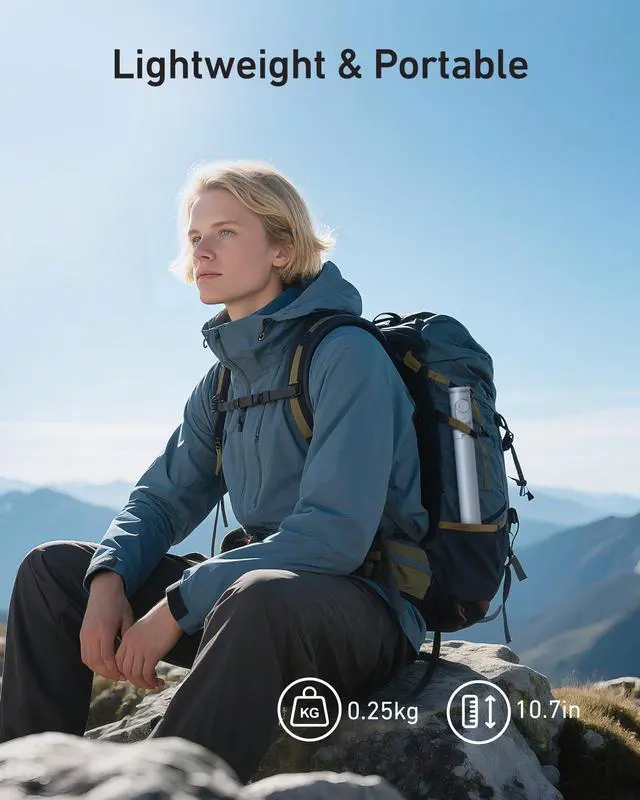
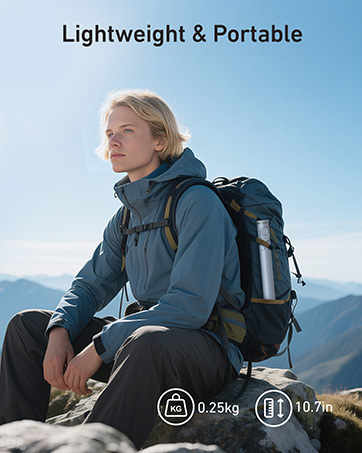
Size and Weight ? - Stretchable Height: 50” - Weight: 0.25kg | Size and Weight ? - Stretchable Height: 70” - Weight: 0.38kg | Size and Weight ? - Stretchable Height: 67” - Weight: 0.38kg |

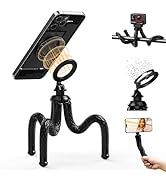
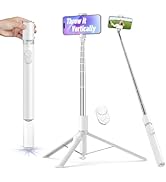
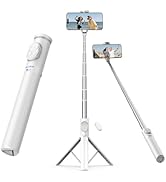
More Cell Phone Accessories
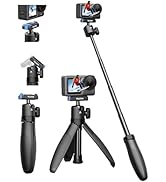
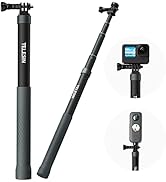
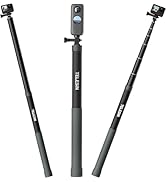
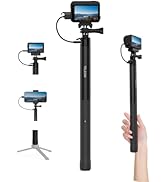
More Action Camera Accessories
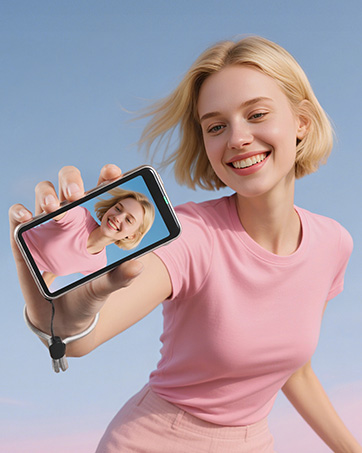
Phone Selfie Monitor Screen

Content Creator Essentials

About Us:
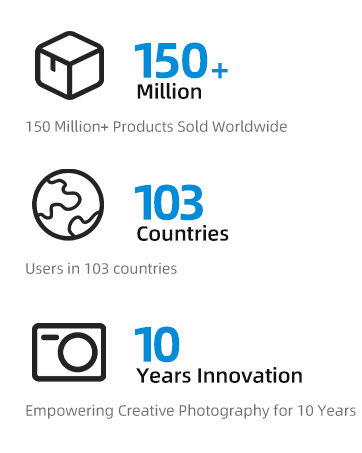
TELESIN is committed to the in-depth development of peripheral accessories for images and videos. So far, the self-developed product range has covered more than 300 types of products, including peripheral accessories for action cameras, Vlog life, short videos, and live broadcasts.
Our Brand Mission:
To serve every video creator and help share more excitement.

Selfie Stick Tripod
Merchant VideoSelfie Stick Tripod for iPhone
Merchant Video


“Your Christmas Surprises Start Here”


How to use the zoom function of the 50" selfie stick ?
Use the “+” / “–” scroll wheel on the bluetooth remote to zoom remotely.
[ Make sure your phone is paired with the remote first, and the remote is set to “Photo Mode (Tip light: green light on)”.]
How to connect a bluetooth remote control ?
Android Device : Just turn on Bluetooth to connect.
iOS Device : 1. Turn on Bluetooth 2. Enable Zoom (only once).
(We recommend watching the remote control connection instruction video)
Why doesn’t the selfie stick’s “zoom feature” work on iOS ?
iOS users need to “Turn on Bluetooth” and "Enable Zoom" to use it correctly.
The remote doesn’t support switching between photo and video. To Watch Video(TikTok) , please set it to video mode.
The remote doesn’t support switching between photo and video.
To Watch Video(TikTok) , please set it to video mode. -- “Video Mode (Tip light: orange light on)”
(We recommend watching the “ remote control function instruction video” )
Note: iOS 26 does not support switching between front and rear cameras.
Note: iOS 26 does not support switching between front and rear cameras.
More Phone Tripods Series
More Cell Phone Accessories
More Action Camera Accessories
Phone Selfie Monitor Screen
Content Creator Essentials
About Us:
TELESIN is committed to the in-depth development of peripheral accessories for images and videos. So far, the self-developed product range has covered more than 300 types of products, including peripheral accessories for action cameras, Vlog life, short videos, and live broadcasts.
Our Brand Mission:
To serve every video creator and help share more excitement.