




 here!
here!
I’m your shopping assistant for PC builds, upgrades, and everything tech.
Got questions? Ask away!
Start a conversation
here!
I’m your shopping assistant for PC builds, upgrades, and everything tech.
Got questions? Ask away!
Start a conversation



Any questions? Ask CelesteSM will help you find out quickly.
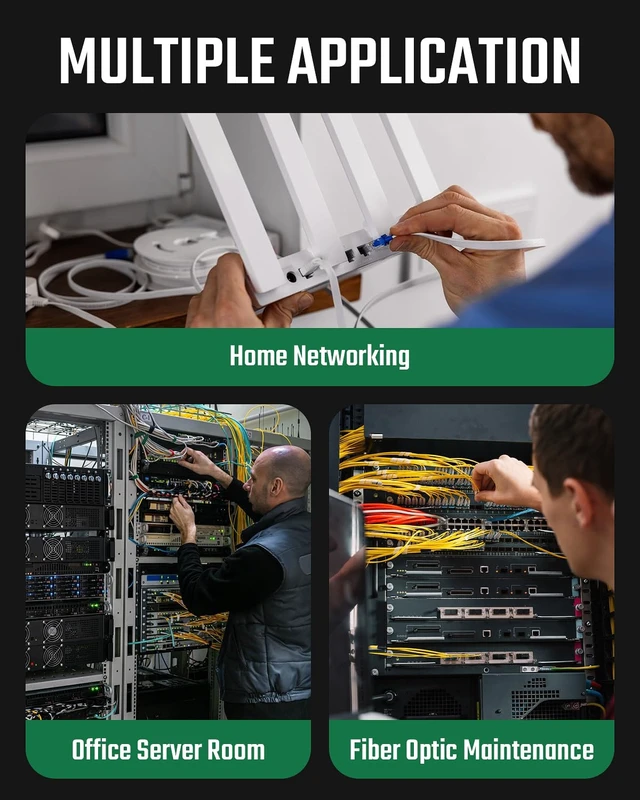
Network cable tester usage scenarios:
Home network micro-repair: Save money on electricians while improving your quality of life
Engineer Wiring: Easily maintain and organize cables to improve your work efficiency
Automotive circuit checking and finding: trace and maintain complex wiring harnesses to make you safer on the road
How to use network cable tester:
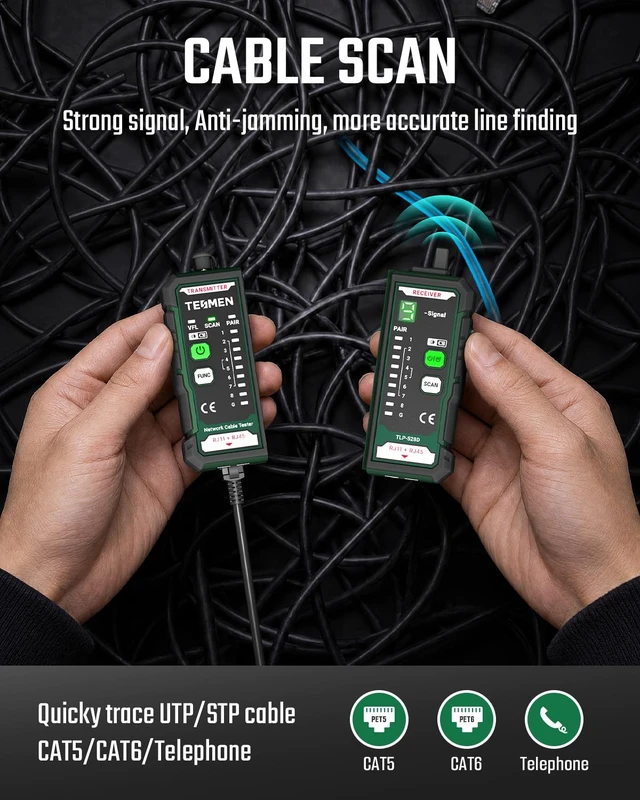
1.Scanning the cable:
Insert one end of the cable into the transmitter port, press the switch to turn on the device, use the receiver probe to adjust the sensitivity to find the target cable, the fastest frequency of buzzing sound from the receiver is the correct cable.
2.PAIR
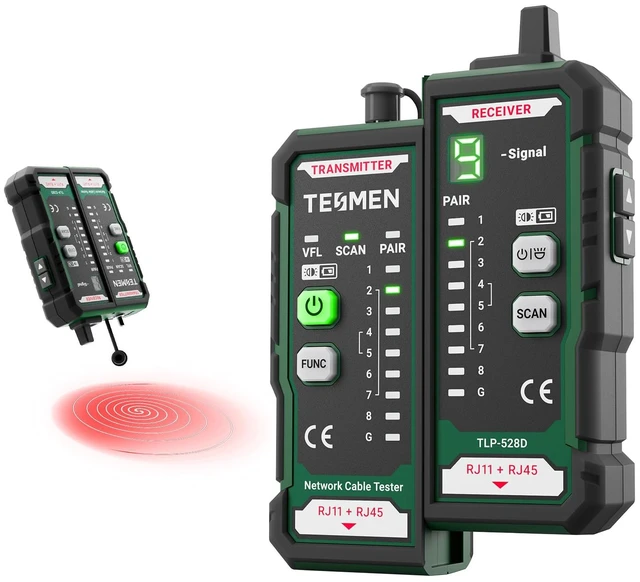
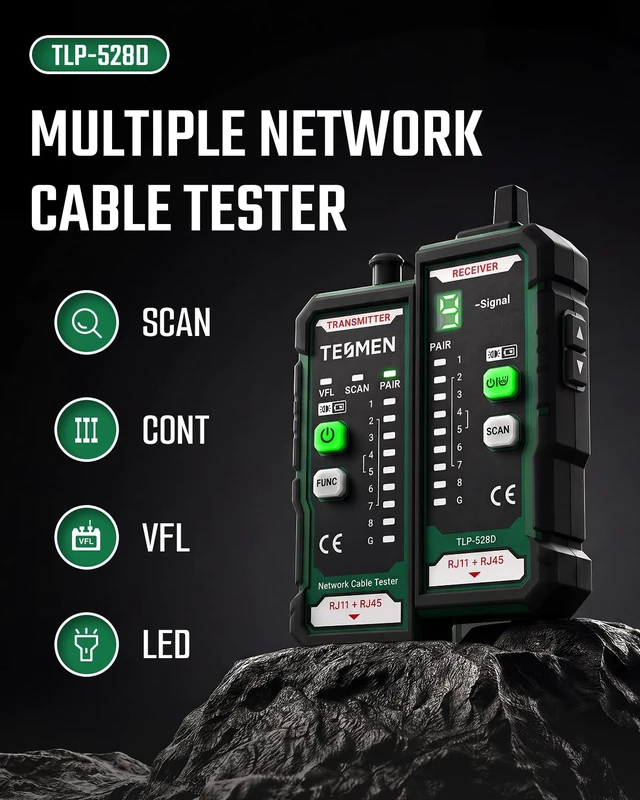
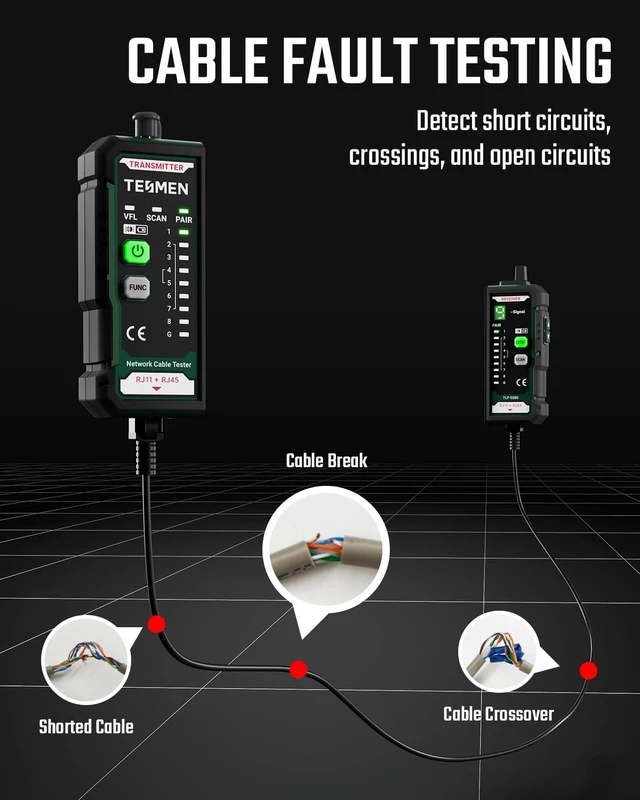
Connect the cable ends to the transmitter and receiver unit respectively. Slide the switch to any position to activate the device. Use the LED indicators to determine the physical status of the cable.
(1) If wiring is correct, the indicator light sequence on both the transmitter and receiver unit will be: 1-2-3-4-5-6-7-8 (G light illuminates for shielded cable).
(2) The following indicate abnormal connections:
If one wire (e.g., Cable NO.2) is open-circuited, neither the NO.2 indicator on the transmitter nor the receiver will illuminate.
If multiple wires (3 or more) are disconnected, none of the indicators will illuminate.
If the cable ends are reversed, e.g., NO.1 and NO.2 swapped, the display will be as follows: transmitter: 1-2-3-4-5-6-7-8 / receiver: 2-1-3-4-5-6-7-8
3. VFL (Visual Fault Locator)
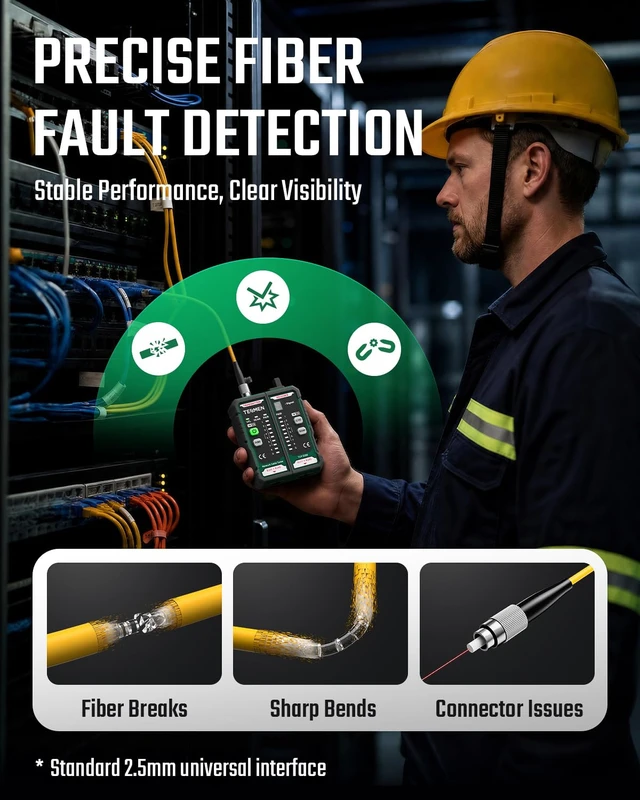
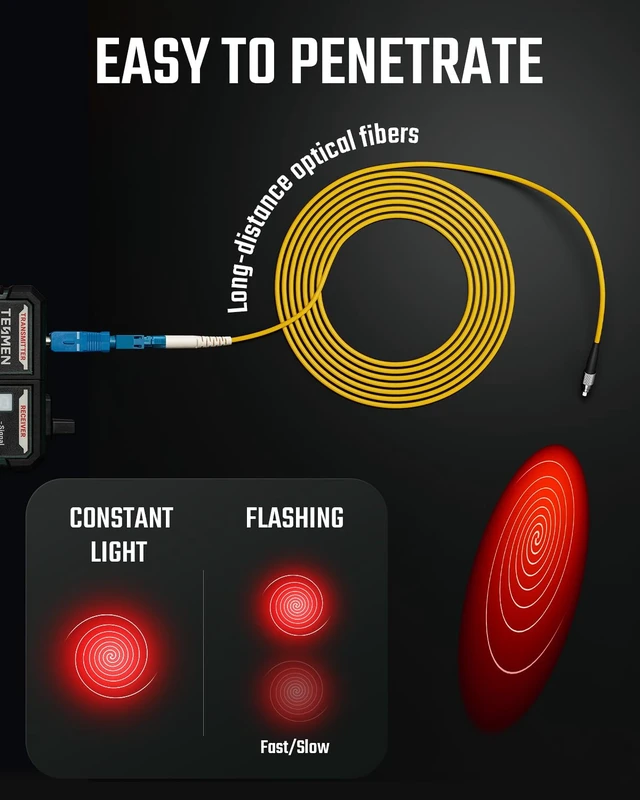
Connect the optical fiber to the 2.5 mm VFL port (quipped with a 2.5mm universal connector compatible with ST, SC, and FC interfaces). Press and hold the VFL Button for 2 seconds to activate the red laser.
Lighting Modes:
Steady-On / Slow Flash / Fast Flash
Result Interpretation:
Normal Fiber: The red light passes through the fiber and is typically visible at the opposite end.
Broken Fiber: A bright red light is visible at the break point, helping you quickly locate the fault.
What will you get:
1 TLP-528D with dual RJ11 RJ45 interface, 1 user manual, 4 * 1.5V AAA batteries, 1 storage box


