




 here!
I’m your shopping assistant for PC builds, upgrades, and everything tech.
Got questions? Ask away!
Start a conversation
here!
I’m your shopping assistant for PC builds, upgrades, and everything tech.
Got questions? Ask away!
Start a conversation Top Rated







Any questions? Ask CelesteSM will help you find out quickly.


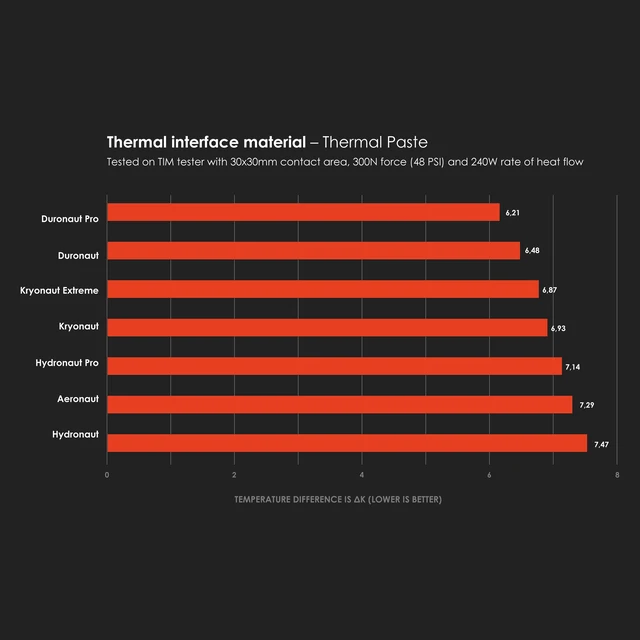
Aeronaut thermal grease is the ideal beginner's product with high effectiveness. Great surface protection, as well as good heat transfer capabilites make Aeronaut the ideal choice for users who want to optimize their cooling solution in an effective way, or maybe want to use an alternative to the thermal grease included with their hardware, with a remarkable cost effectiveness to boot.


Even though the amount of metallic elements in Aeronauts formula is lower in comparison to our other products, it still provides reliable and perfomant thermal conductivity.
In our lab tests, Aeronaut showed a high amount of wear resistance under high temperatures, and acts also surface-protecting. The removal of Aeronaut thermal grease causes far less micro scratches on the components surface compared to other products.

It can be operated with almost any system with air or liquid nitrogen (up to -150°C)

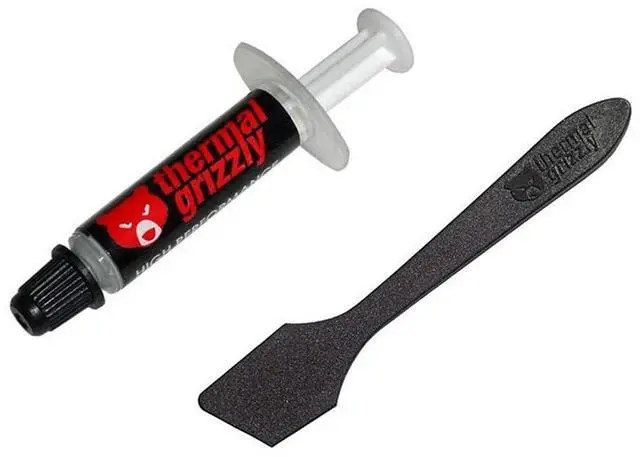
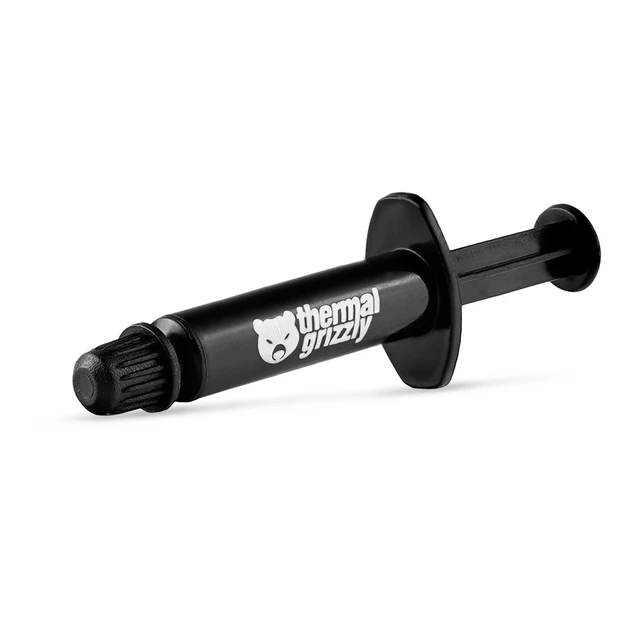
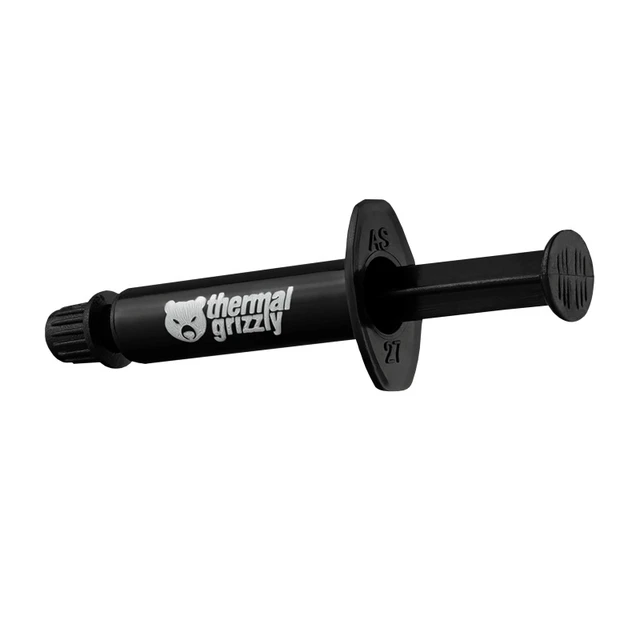
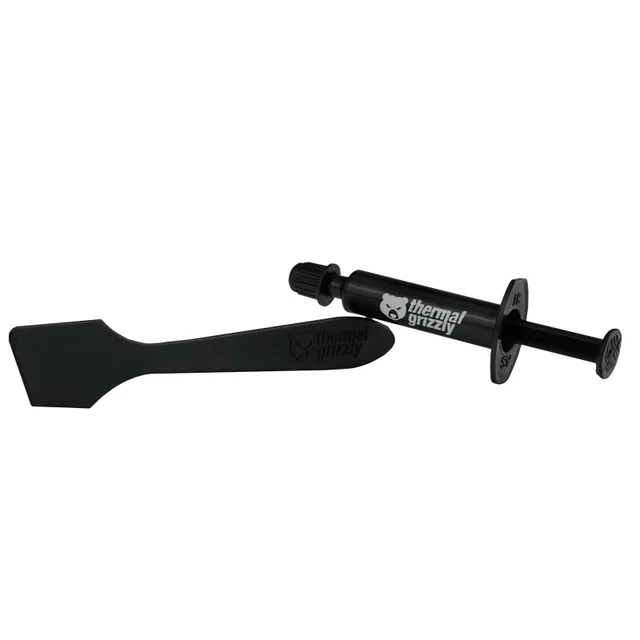
| The Thermal Grizzly Aeronaut thermal grease 1 gram. |

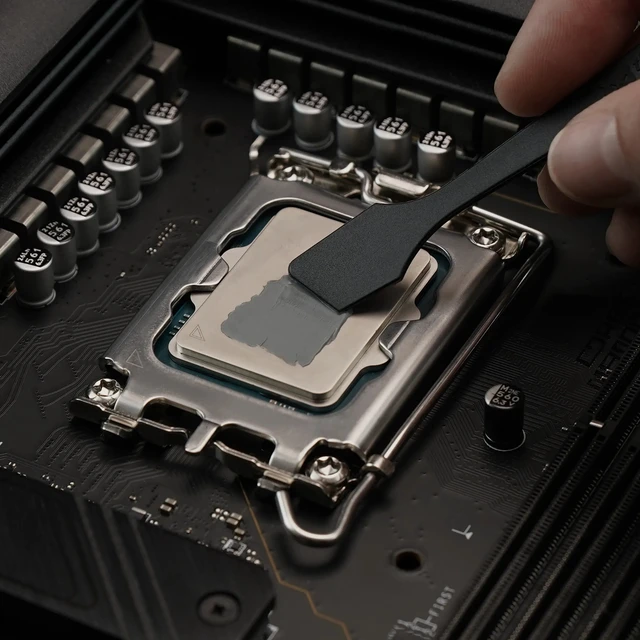
| 1 spatula. Perfect to spread the Aeronaut thermal grease evenly. |

| Enter the code on the website and be sure that the thermal grease is an original. |

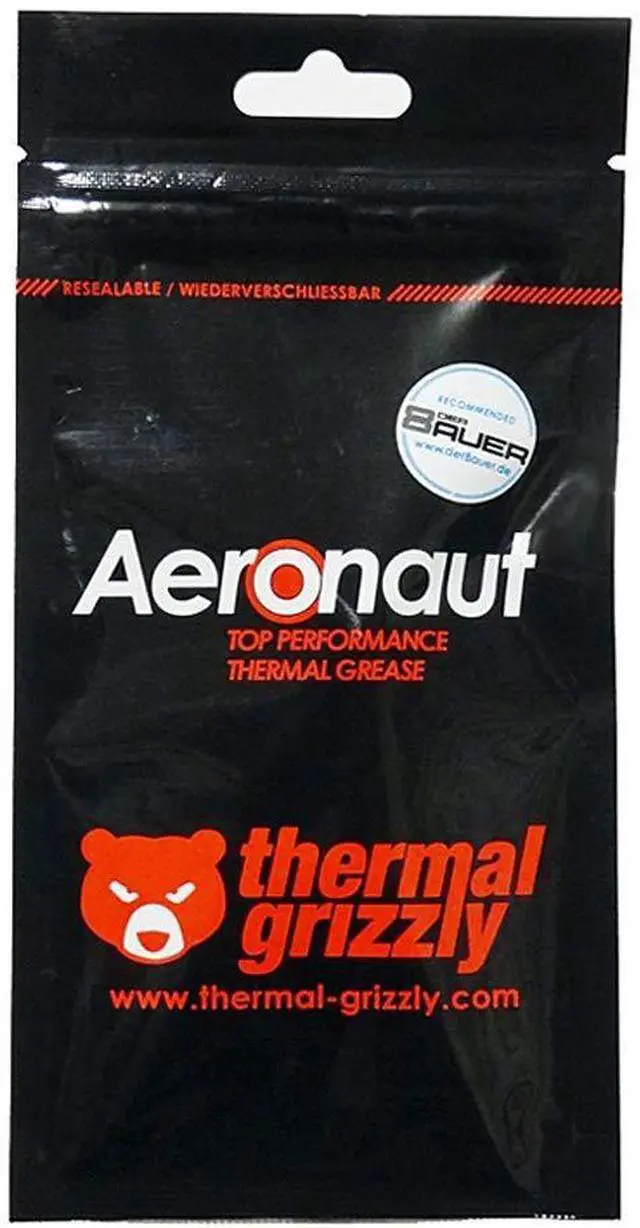
An airtight sealable and reusable package to prevent drying out.
The package also contains instructions on how to apply the thermal grease correctly
Thermal Grizzly Aeronaut is an entry-level thermal paste for CPUs, GPUs, notebooks and ICs. This is the 1g syringe; our other Aeronauts are 1.5ml (3.9g), 3ml (7.8g) and 10ml (26g).
Thermal Grizzly calls it the ideal beginner's product with high effectiveness, and a remarkable cost effectiveness to boot. It is the choice for users who want to optimize their cooling solution in an effective way, or maybe use an alternative to the thermal grease included with their hardware. Great surface protection as well as good heat transfer capabilities make it so, the manufacturer says. Its data sheet suggests air-cooled processors with a low TDP (Intel Core i3/i5, AMD Ryzen 3/5). For overclocking, Thermal Grizzly makes Kryonaut, and its silicone-free paste is Hydronaut.
There is no curing and no electrical conductivity (per DIN 51412-1). Even though the amount of metallic elements in the formula is lower in comparison to Thermal Grizzly's other products, it still provides reliable and performant thermal conductivity, rated very good by the manufacturer. For long-term durability, the paste showed a high amount of wear resistance under high temperatures in Thermal Grizzly's lab tests. It also acts surface-protecting, the manufacturer adds: its removal causes far less micro scratches on the components' surface compared to other products.
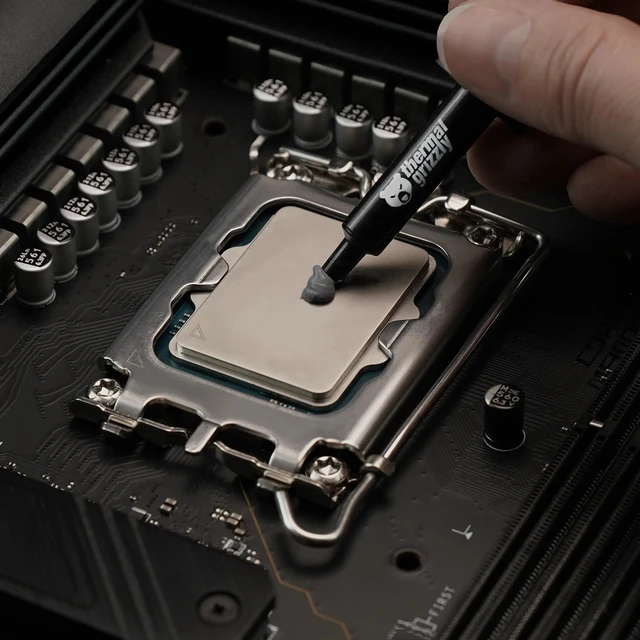
Clean the CPU heat spreader and cooler with a dry cloth or high-percentage isopropanol, or with Remove. Only this size ships with a TG Spatula; the larger syringes get an applicator. Put a drop of approximately 3 x 3 mm on the heat spreader and spread it slowly, with a little pressure, into the thinnest layer that still covers the entire surface. A plastic card with a straight edge also works, never a metal object.
Thermal Grizzly Aeronaut is a 1 g thermal paste with 8.5 W/mK thermal conductivity for users applying or replacing thermal compound on CPUs, GPUs, and their coolers.
| Attribute | Value |
|---|---|
| Best For | Applying thermal paste in desktop cooling setups; listed for air- or water-cooled systems |
| Thermal Performance | Thermal conductivity of 8.5 W/mK and thermal resistance of 0.0129 K/W |
| Capacity | 1 g |
| Temperature Range | Temperature listed as −150°C to +200°C; long-term operating temperature listed as 150°C / +200°C |
| Material Properties | Electrical conductivity of 0 pS/m, viscosity of 110–160 Pas, and specific weight of 2.6 g/cm³ |
| Model Identifiers | Thermal Grizzly Aeronaut, model TG-A-001-RS |
Q: Is the 1g Aeronaut or a larger Aeronaut size a better choice?
A: Choose the 1g Aeronaut for a compact purchase. For repeated maintenance or servicing multiple devices, consider one of the larger listed sizes: 3.9g, 7.8g, or 26g. The paste is specified for CPU and graphics-card cooling, as well as other heat-dissipation applications.
Q: Aeronaut 1g vs 3.9g: which size should I get?
A: Choose 1g when a small package is the priority; choose 3.9g when you want a larger supply for future applications. Both are Aeronaut thermal paste, listed with 8.5 W/mK thermal conductivity and 0 pS/m electrical conductivity.
Q: Should I use Aeronaut for a CPU or a GPU?
A: Aeronaut is listed for both CPU and graphics-card cooling, so choose it based on the device you are servicing rather than the component category. The 1g syringe is the compact option, and the product is also listed for consoles, laptops, and other heat-dissipation applications.
Q: Can I use Aeronaut on a CPU, GPU, laptop, or game console?
A: Yes. The product listing identifies Aeronaut for CPUs, GPUs, laptops, MacBooks, and several PlayStation and Xbox consoles. Check your device’s service instructions before opening it or replacing thermal paste.
Q: Is Aeronaut electrically conductive?
A: The listing specifies electrical conductivity of 0 pS/m, so Aeronaut is described as non-electrically conductive. Apply it only to the intended contact surfaces and follow the device’s repair instructions.
Q: Is Aeronaut suitable for someone applying thermal paste for the first time?
A: It may suit first-time users: the listing describes it as a beginner-oriented paste, and the 1g version comes in a syringe with application instructions. Careful application and device-specific repair guidance are still important.
Q: Will replacing my thermal paste make my device cooler or quieter?
A: Fresh paste can help transfer heat between a processor and its cooler, but the temperature or noise change is not guaranteed. Results depend on the device’s cooling system, existing paste, and application; the 1g listing does not promise a specific reduction.


