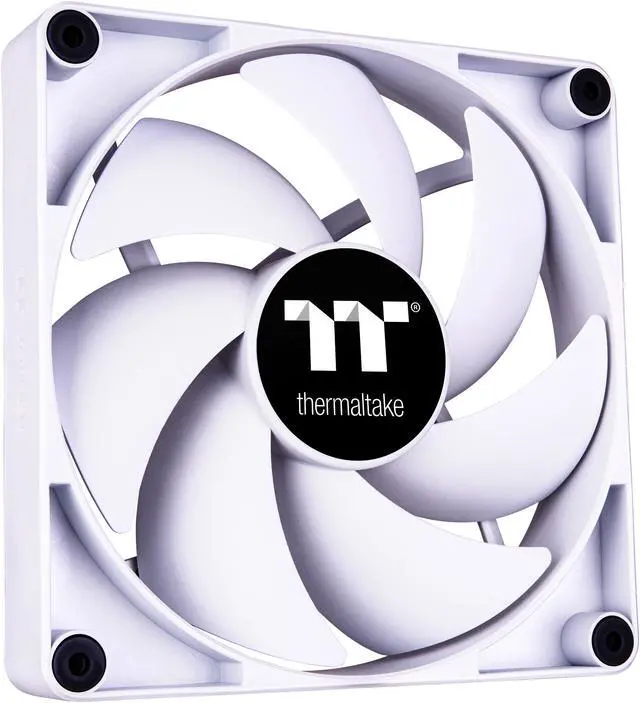
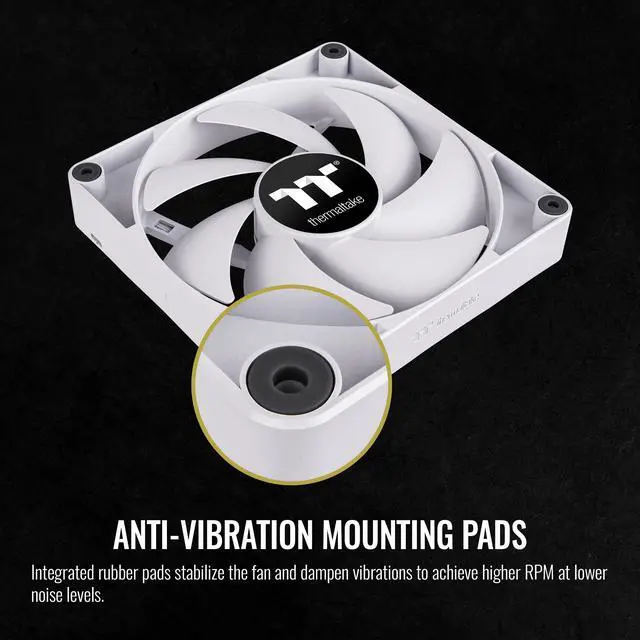
The Thermaltake CT140 White 2-Fan Pack is a pair of 140 mm, non-LED case fans with PWM speeds from 500 to 1500 RPM and daisy-chain connections, suited to PC builders seeking case airflow with fewer fan cables and motherboard ports.
Recommended For
- PC builders adding two 140 mm intake or exhaust fans to a compatible case who want PWM speed control and a cable-integrated daisy-chain connection.
- Builders creating a white, non-RGB PC who want case fans that match the build without adding lighting.
- PC builders replacing or supplementing case airflow who prefer larger 140 mm fans and want to adjust fan speed through a PWM curve.
Real-World Use Scenarios
- When a case has two open 140 mm front mounts, use the pair as intake fans to bring fresh air toward the GPU and other components; the result is more directed case airflow, though temperature changes depend on the case and the rest of the cooling setup.
- When adding airflow to a case that already has front intake, install the pair in compatible top or rear mounts as exhaust; this helps carry warm case air out without requiring a full fan replacement.
- For a system that gets louder during gaming or other sustained workloads, use motherboard PWM control to adjust fan speed to demand; independent testing of the CT140 found it moves less air at a quieter speed than at higher speeds, so tuning involves balancing airflow and noise.
- When building or refreshing a white PC without adding case lighting, use these fans in supported 140 mm mounts; their white, non-LED design adds airflow without introducing RGB lighting or its extra lighting connections.
- When installing both fans in the same area of a build, the integrated daisy-chain design helps reduce cable clutter and the number of separate motherboard connections needed for the fans.




 here!

 Top Rated