here!
I’m your shopping assistant for PC builds, upgrades, and everything tech.
Got questions? Ask away!
Start a conversation
here!
I’m your shopping assistant for PC builds, upgrades, and everything tech.
Got questions? Ask away!
Start a conversation








Any questions? Ask CelesteSM will help you find out quickly.

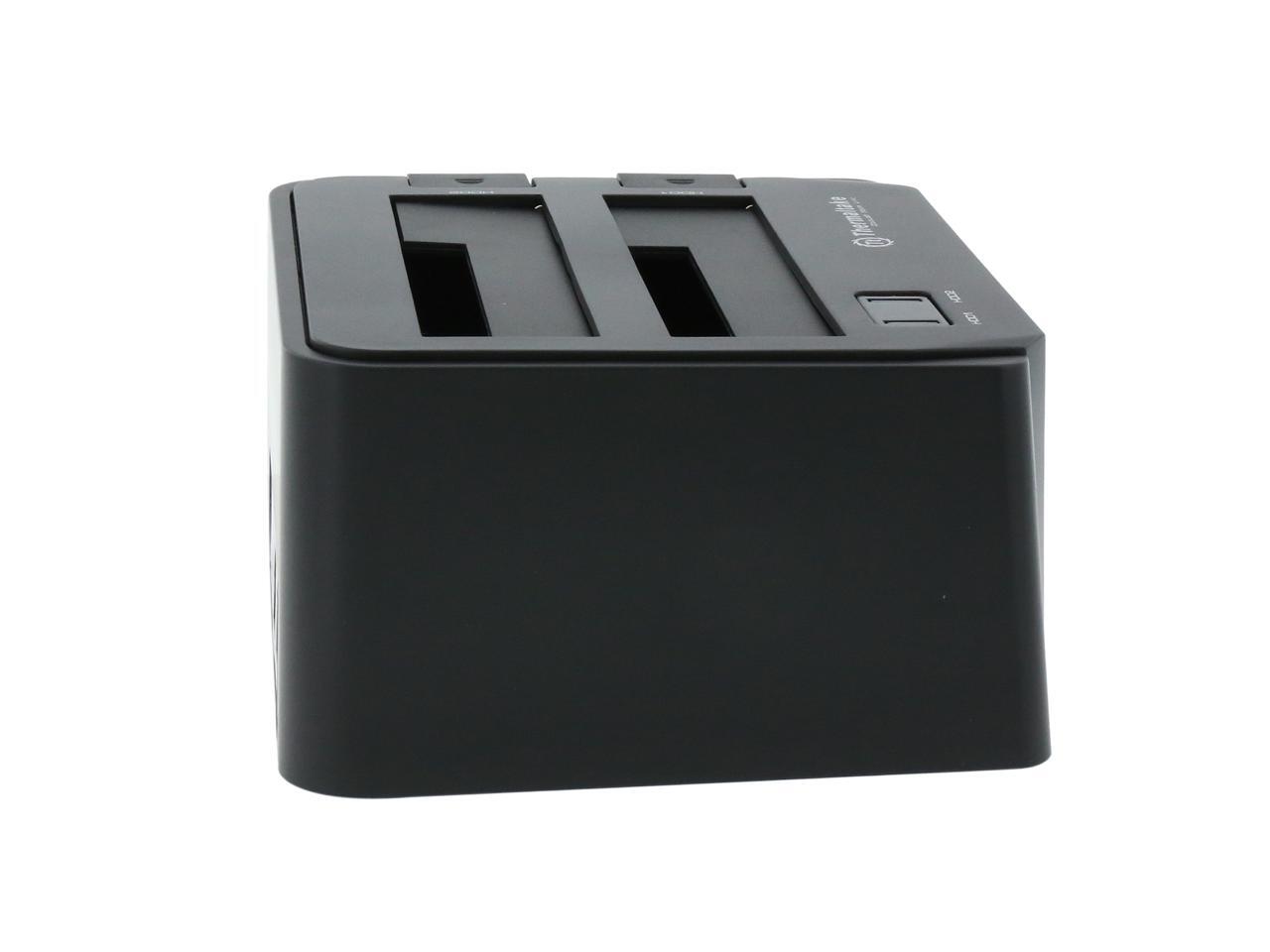
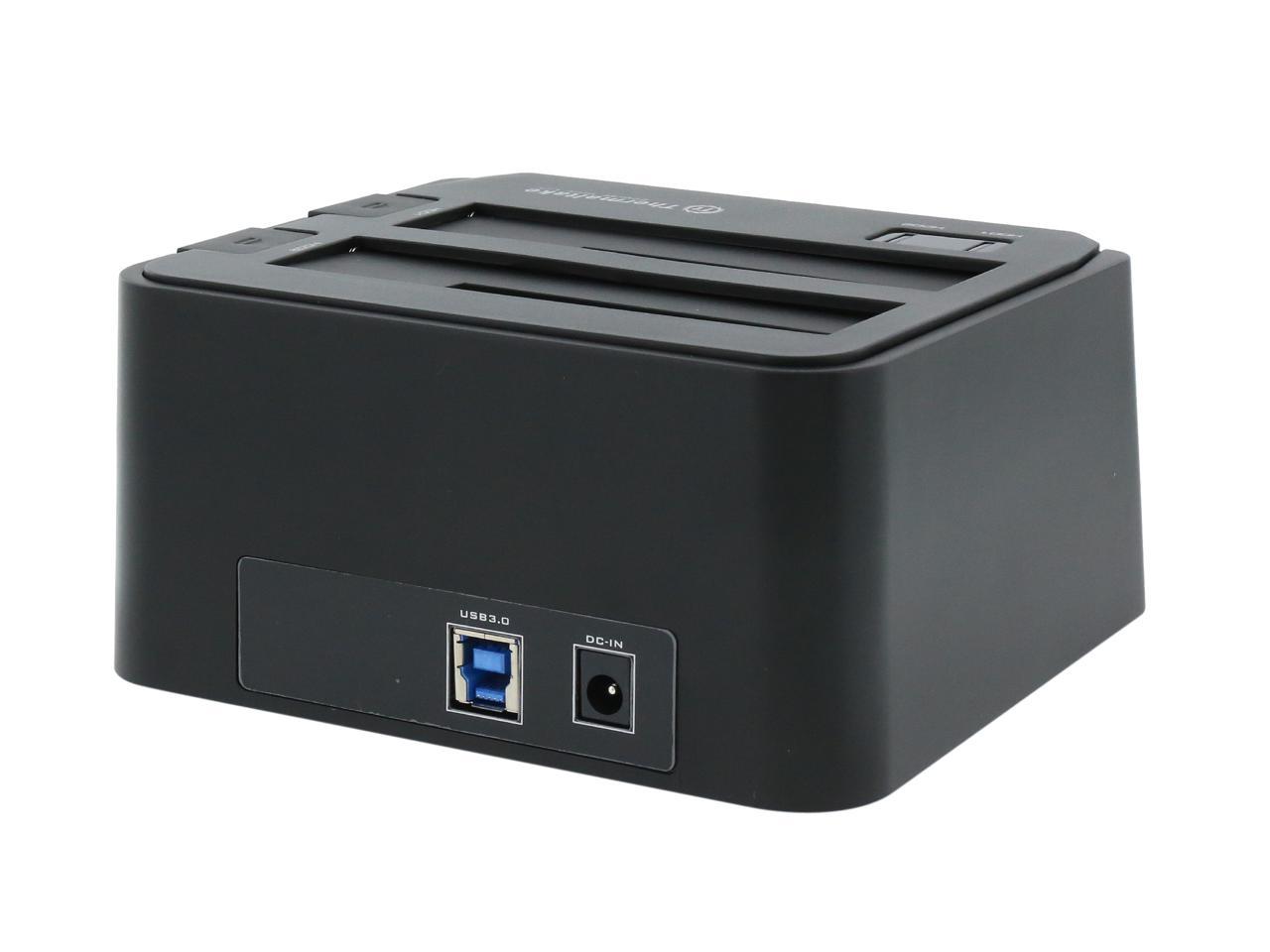
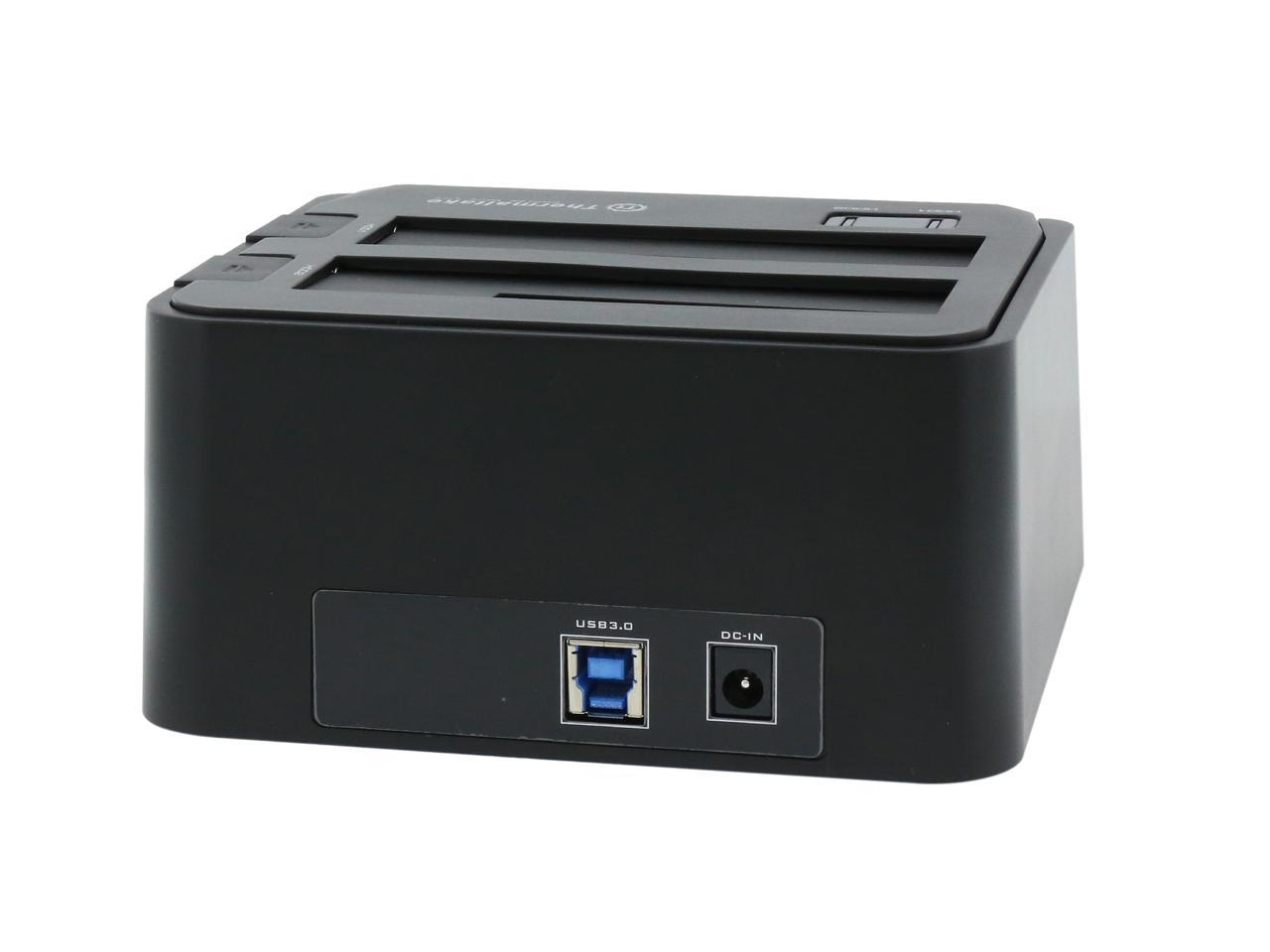
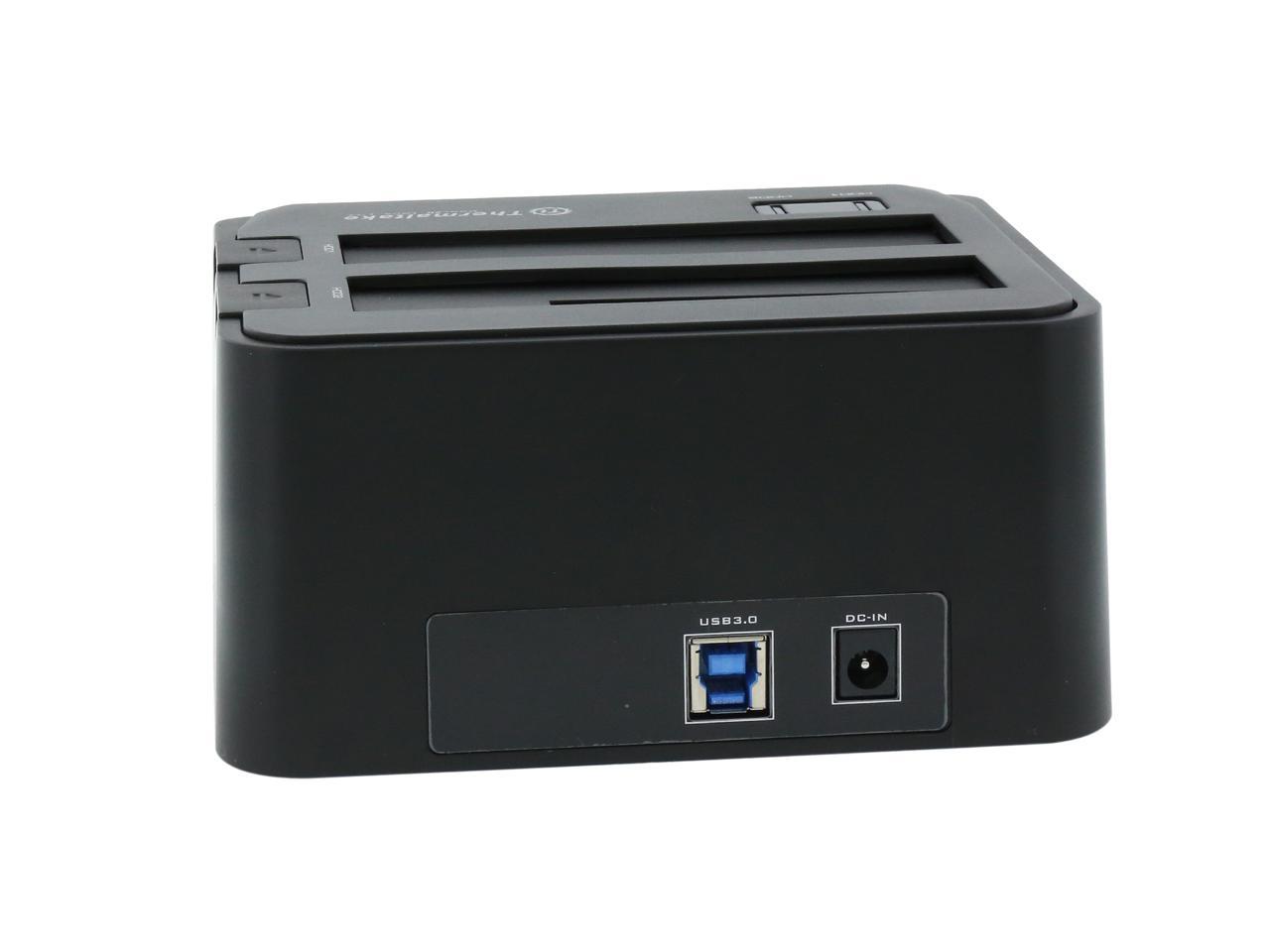
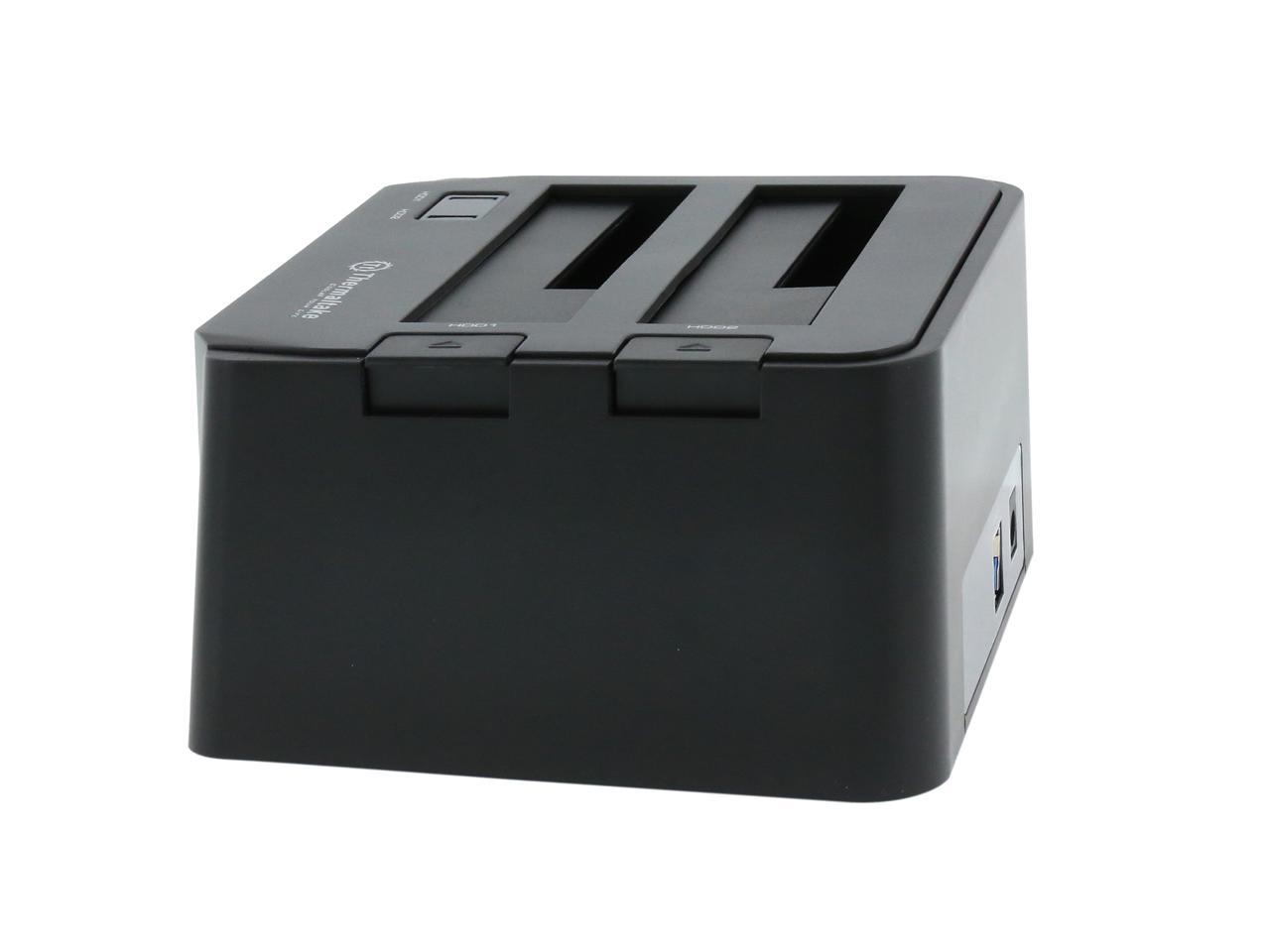
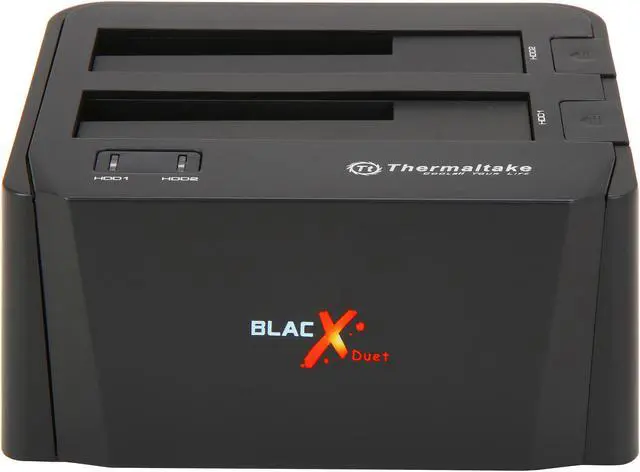
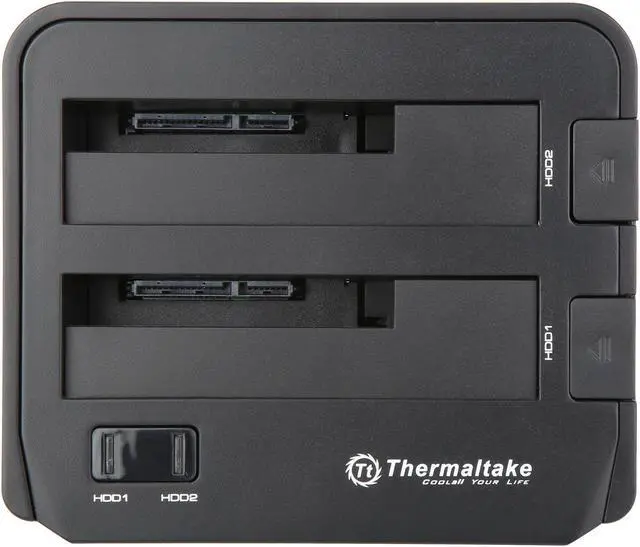
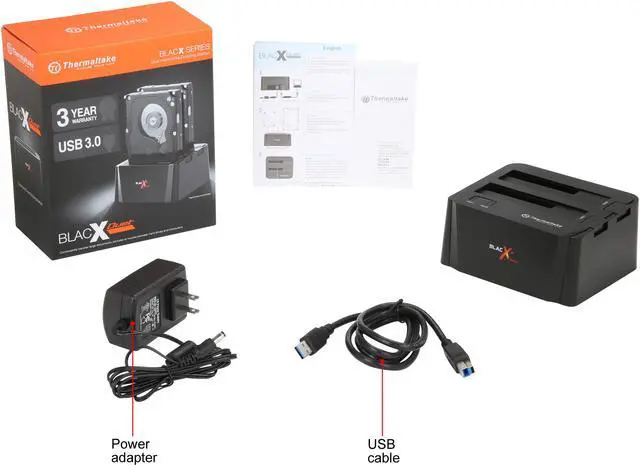
Compatible with Windows and Mac OS, the Thermaltake BlacX Duet ST0014U-D hard drive docking station allows you to install two SATA I/II/III 2.5"/3.5" HDDs and turn the station into an external USB 3.0 storage device effortlessly. Its installation requires no screws or tools whatsoever. Just simply pop your hard drive into the dock, plug it into your computer and you are set! Hot-swap support means you can use multiple hard drives with your computer without having to reboot. The dock also maximizes heat dissipation and exhaust to protect your device from damage and extend its lifespan.
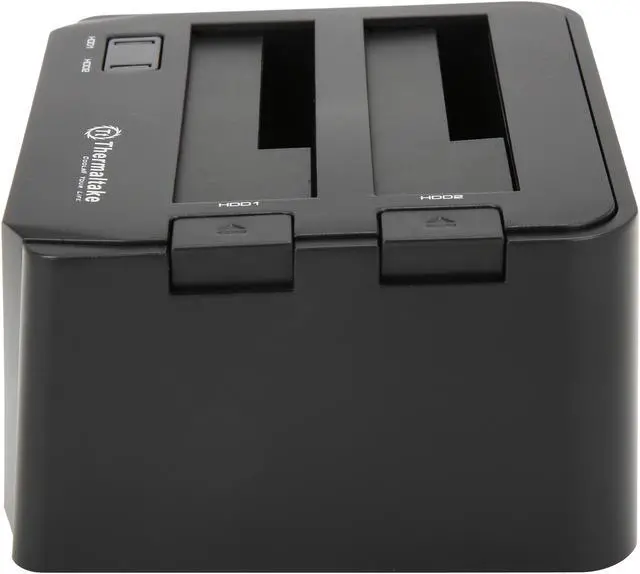
With an ejection mechanism, the Thermaltake BlacX Duet ST0014U-D allows effortless and safe swap of the drive without damage.
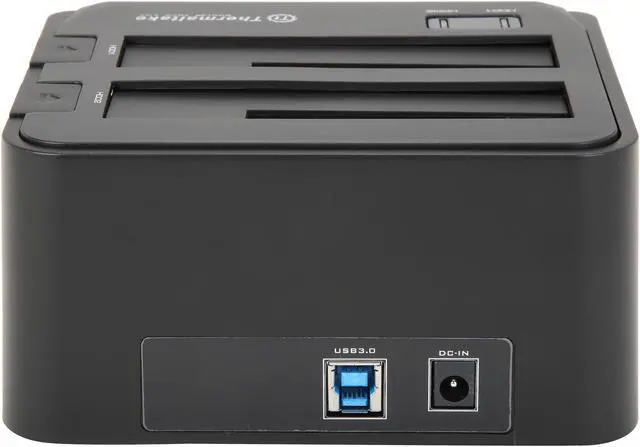
USB 3.0 SuperSpeed interface enables users to transfer data up to 5.0 Gbps, 10 times faster than USB 2.0.
The Thermaltake BlacX Duet ST0014U-D is also backward compatible with USB 2.0 to deliver transfer rates of up to 480Mbps.
The Thermaltake BlacX Duet ST0014U-D is a two-bay USB 3.0 docking station for 2.5-inch and 3.5-inch SATA I/II/III drives, suited to users who need to access or exchange two drives and read or write both simultaneously.