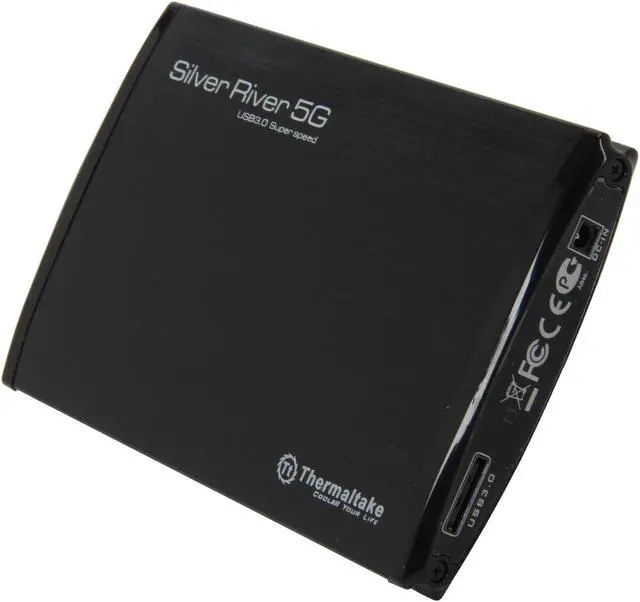
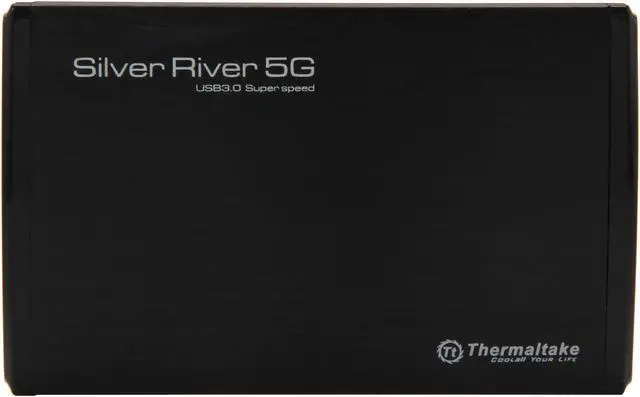
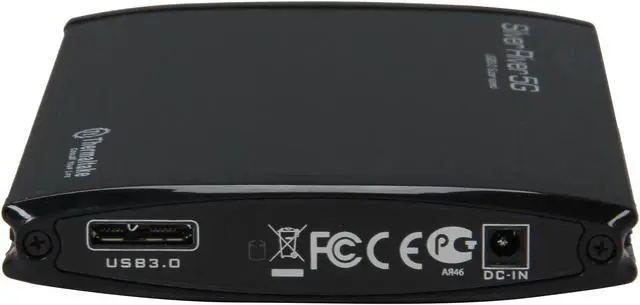
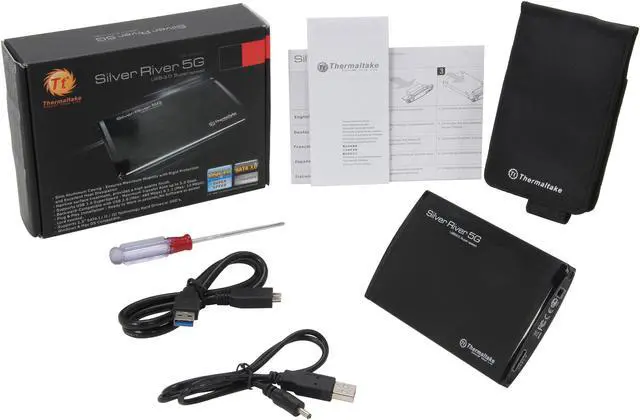
The Thermaltake Silver River 5G ST0024Z is a compact aluminum USB 3.0 enclosure for 2.5-inch SATA hard drives or SSDs, suited to people who want to reuse or carry a compatible drive with up to 5 Gbps USB 3.0 transfer capability.
Recommended For
- People reusing a 2.5-inch SATA laptop hard drive or SSD as portable storage for documents, photos, or other files; the aluminum enclosure connects it over USB 3.0 and comes with a carrying pouch.
- Travelers or mobile workers who want a compact, lightweight enclosure to carry a single 2.5-inch SATA drive between compatible computers; its metal case and included pouch suit occasional transport.
- People accessing or copying files from a 2.5-inch SATA hard drive on computers with USB 3.0 or backward-compatible USB ports, where the drive’s own speed—not a newer high-speed enclosure—is sufficient.
- Users who prefer a rigid metal enclosure over a bare drive or a soft sleeve, and want a simple USB-connected way to access one SATA drive without installing drive-management software.
Real-World Use Scenarios
- After upgrading a laptop, install its compatible 2.5-inch SATA drive in the enclosure to keep using it as portable storage; the drive’s own condition and capacity determine how useful it remains.
- For a second copy of personal or work files, use an installed drive as a USB-connected backup destination; keep another copy elsewhere, since one external drive is not protection against every kind of data loss.
- When moving files between computers, load them onto a compatible 2.5-inch SATA drive and connect the enclosure to the other computer; transfers are limited by the drive and the USB connection.
- If a laptop stops working but its 2.5-inch SATA drive is intact, connect the drive to another computer to try to access its files; this won’t help if the drive itself has failed or the files are otherwise inaccessible.




 here!