• $49.99
  • Free 30-day Returns
  • Price alert
    NAS Builder
    Shop it at NeweggBusiness.

    Meet Your Seller

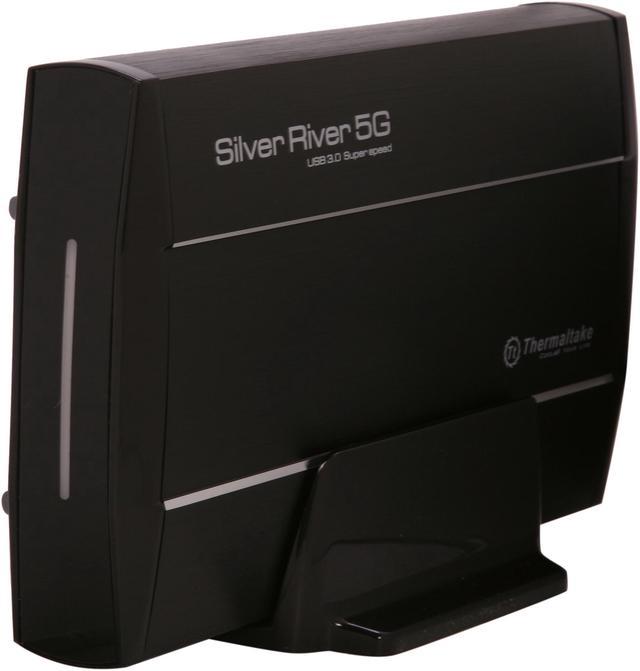
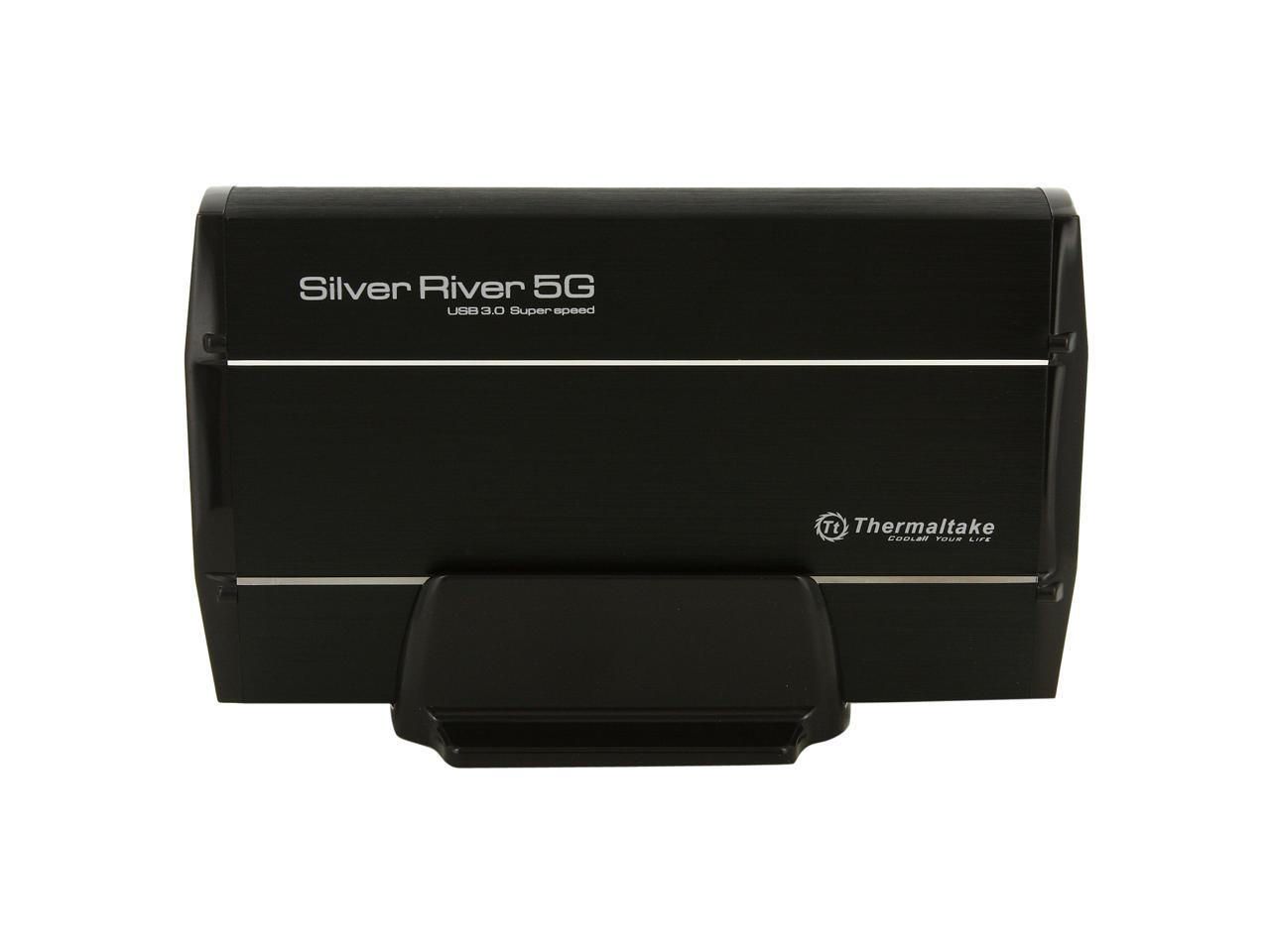
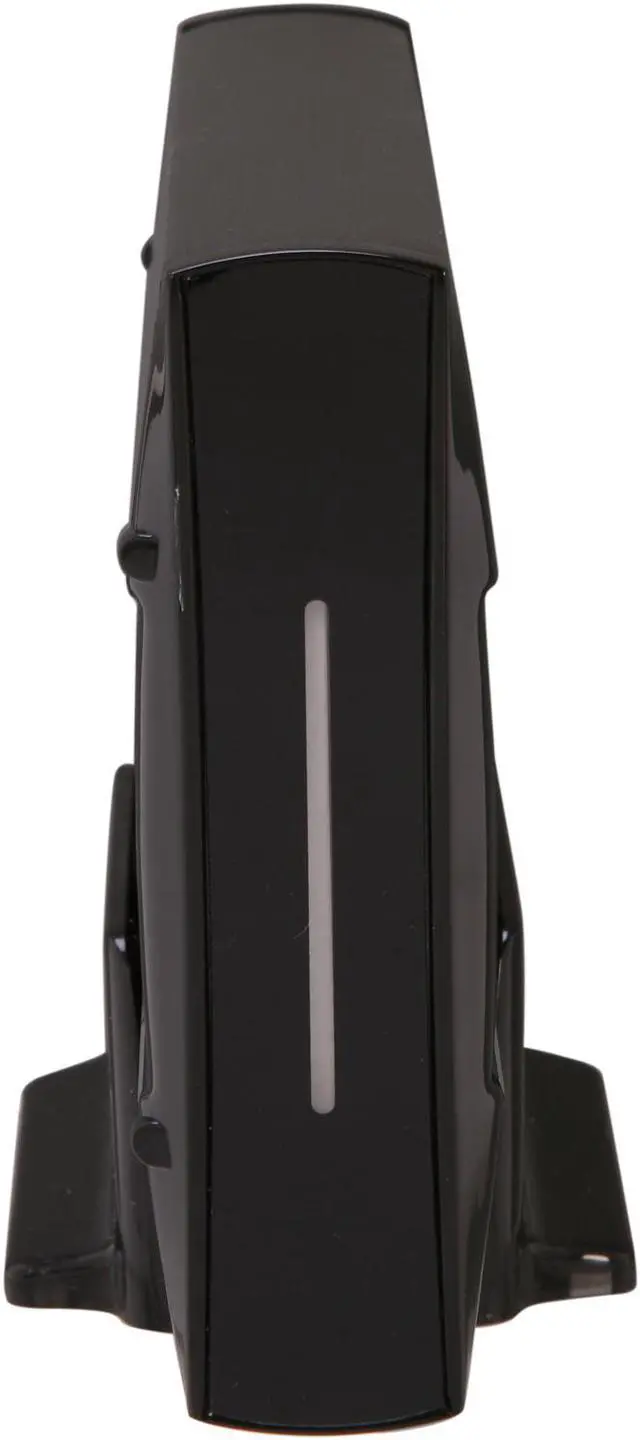
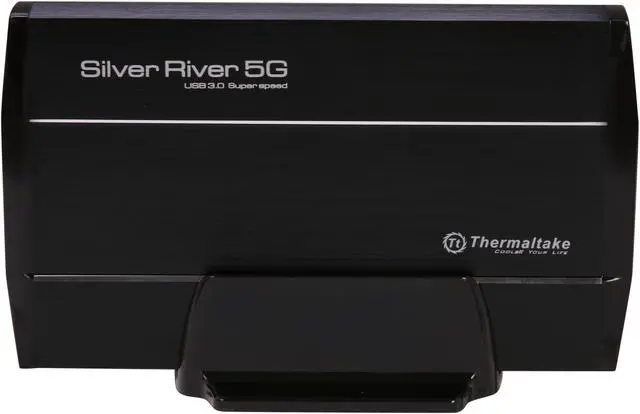
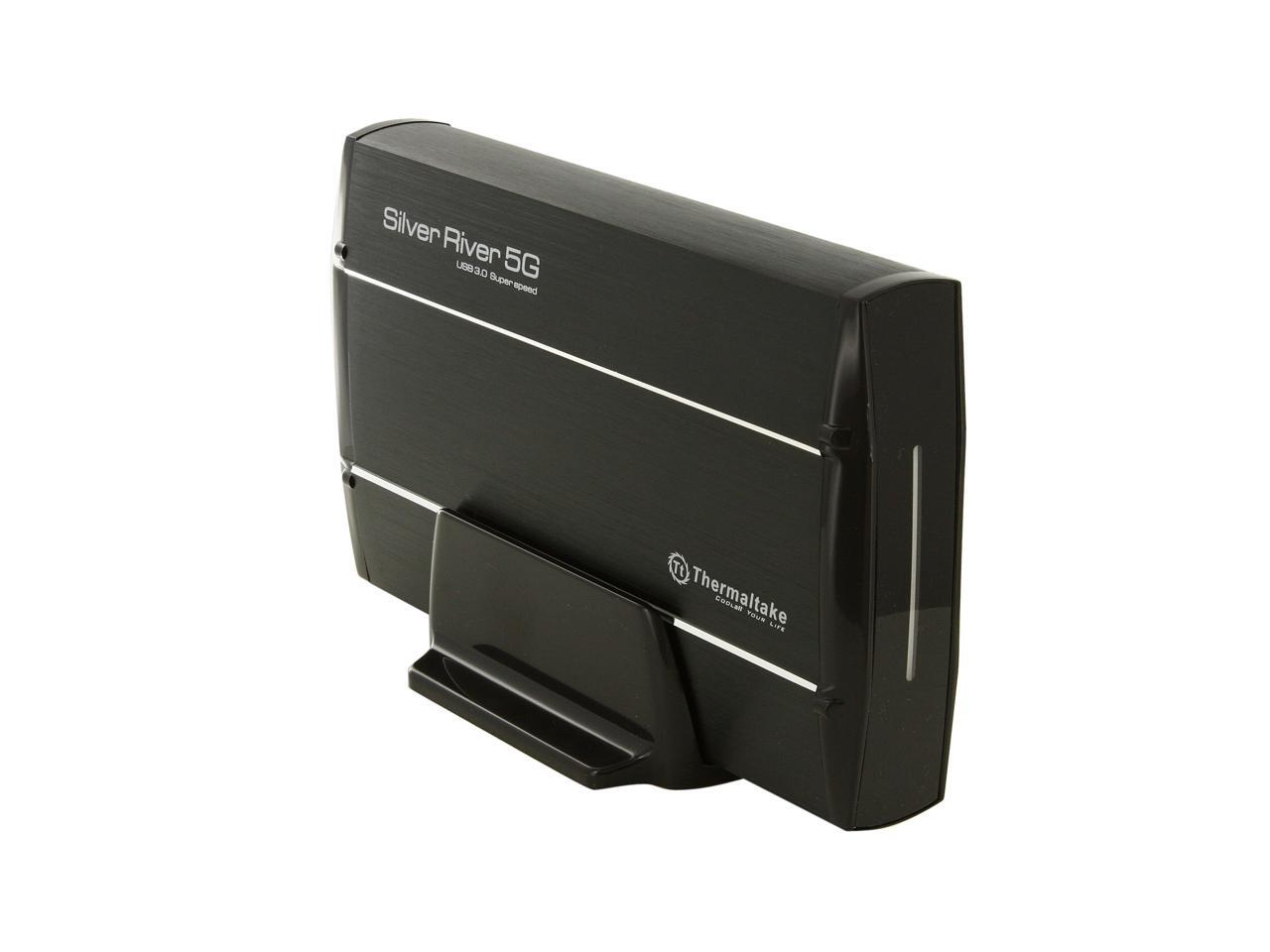
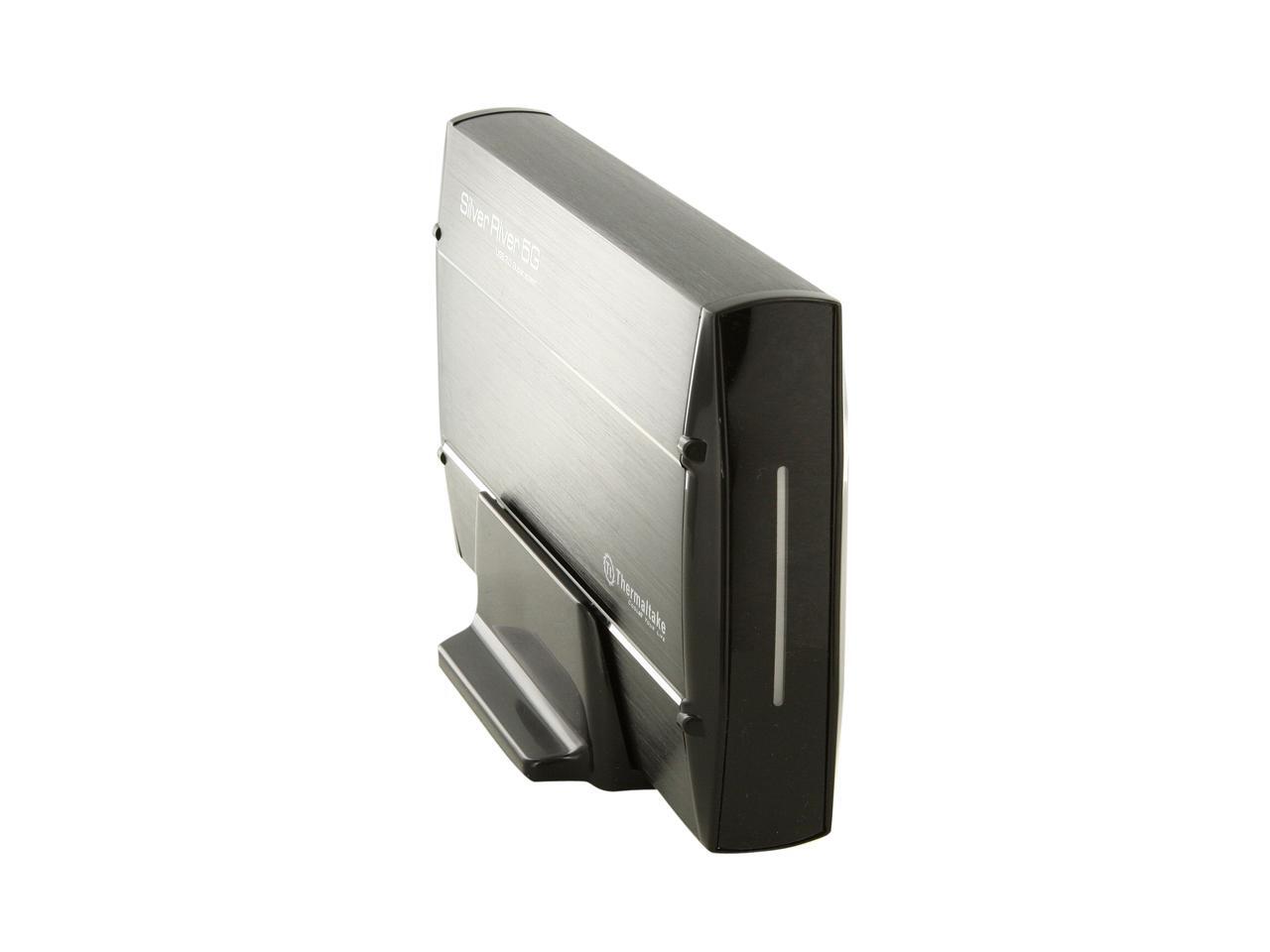
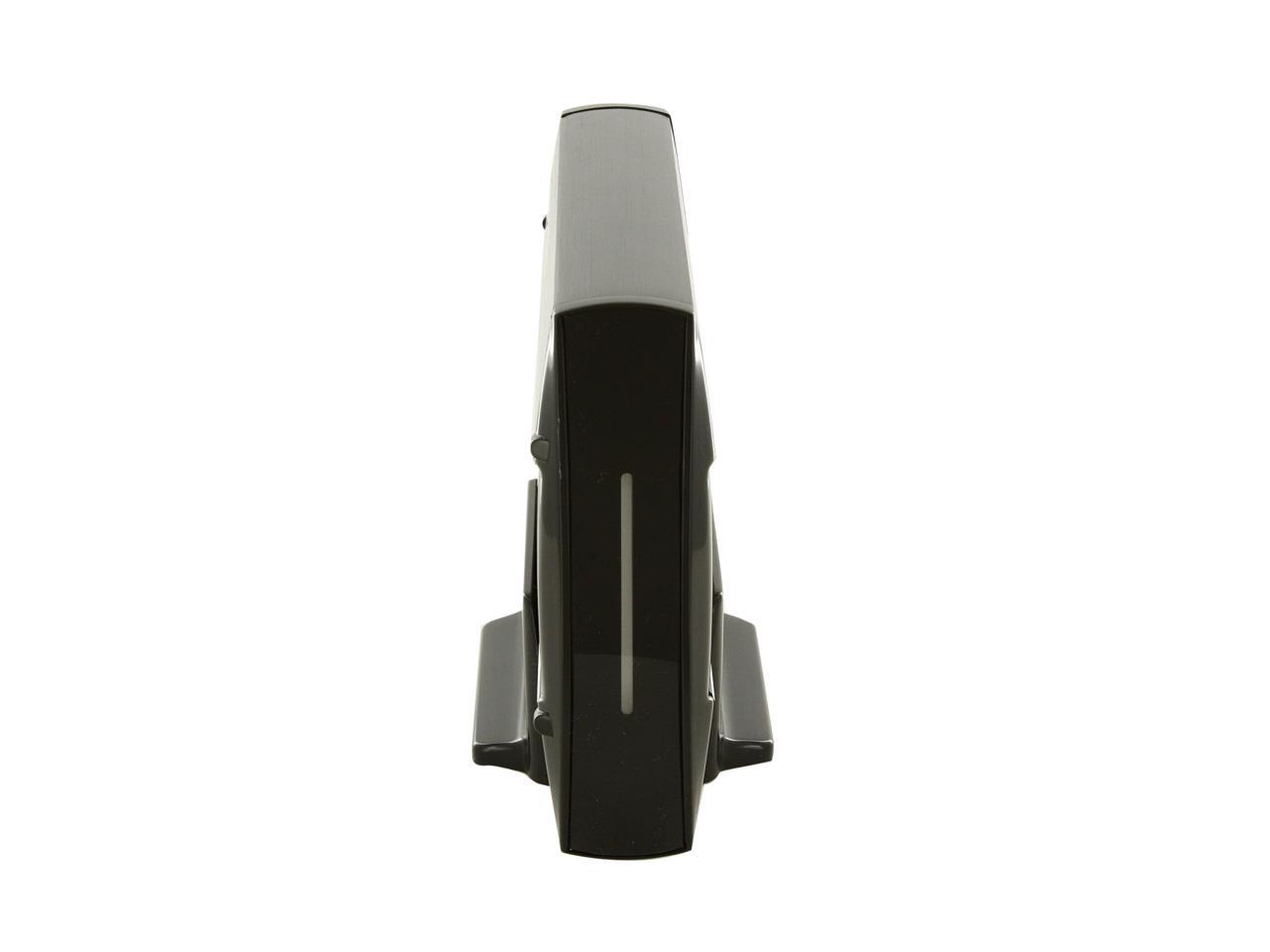
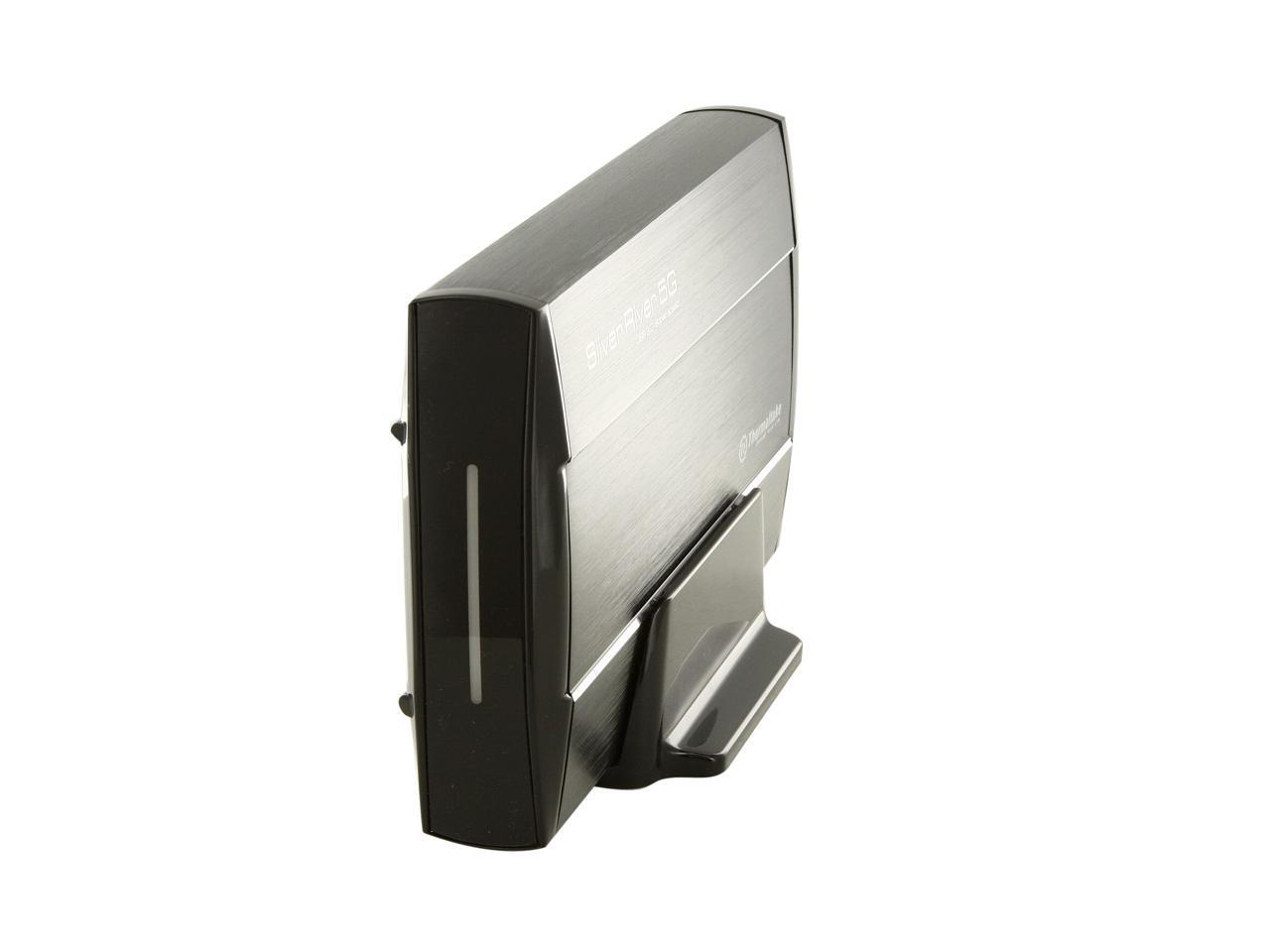
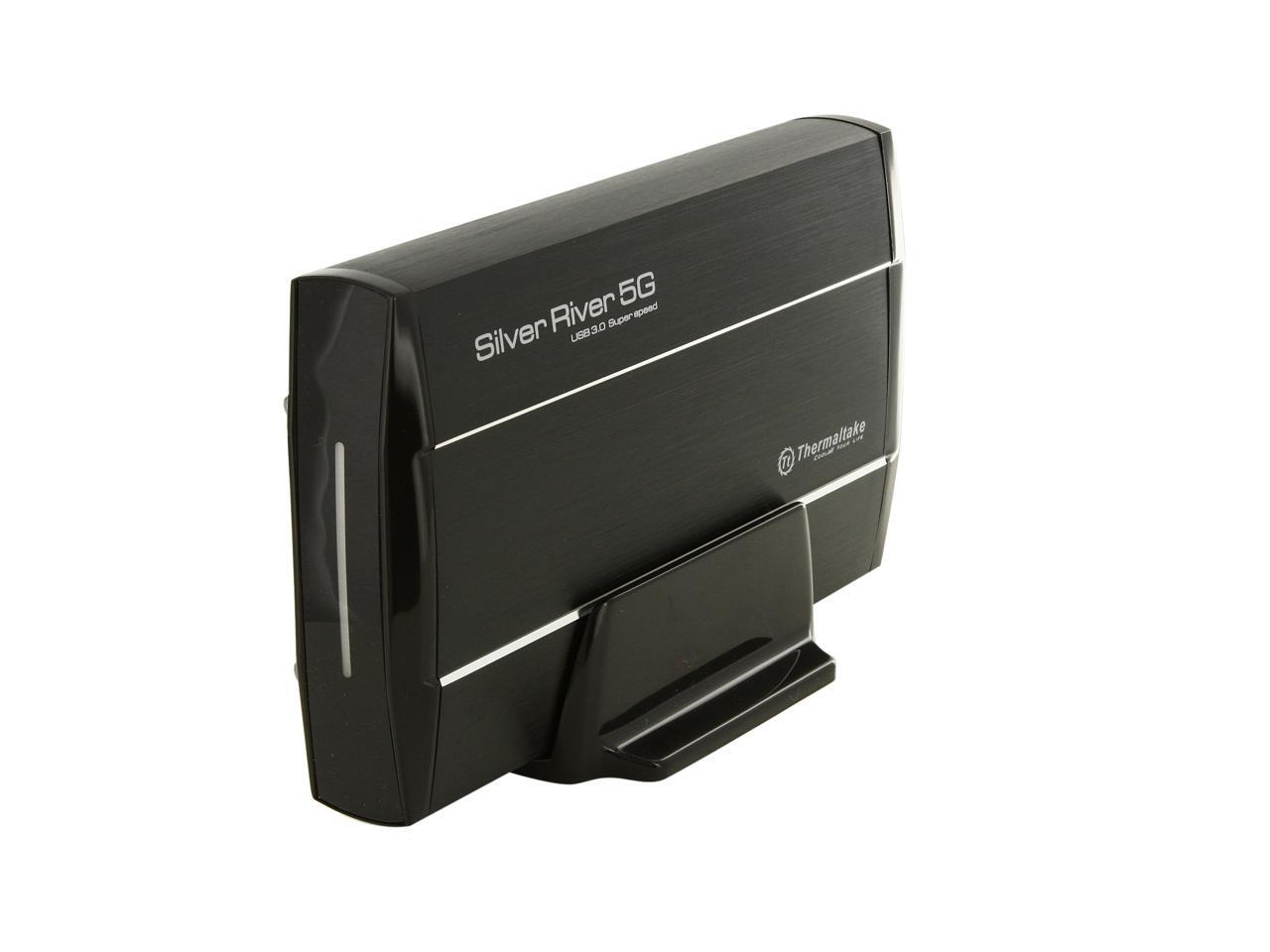
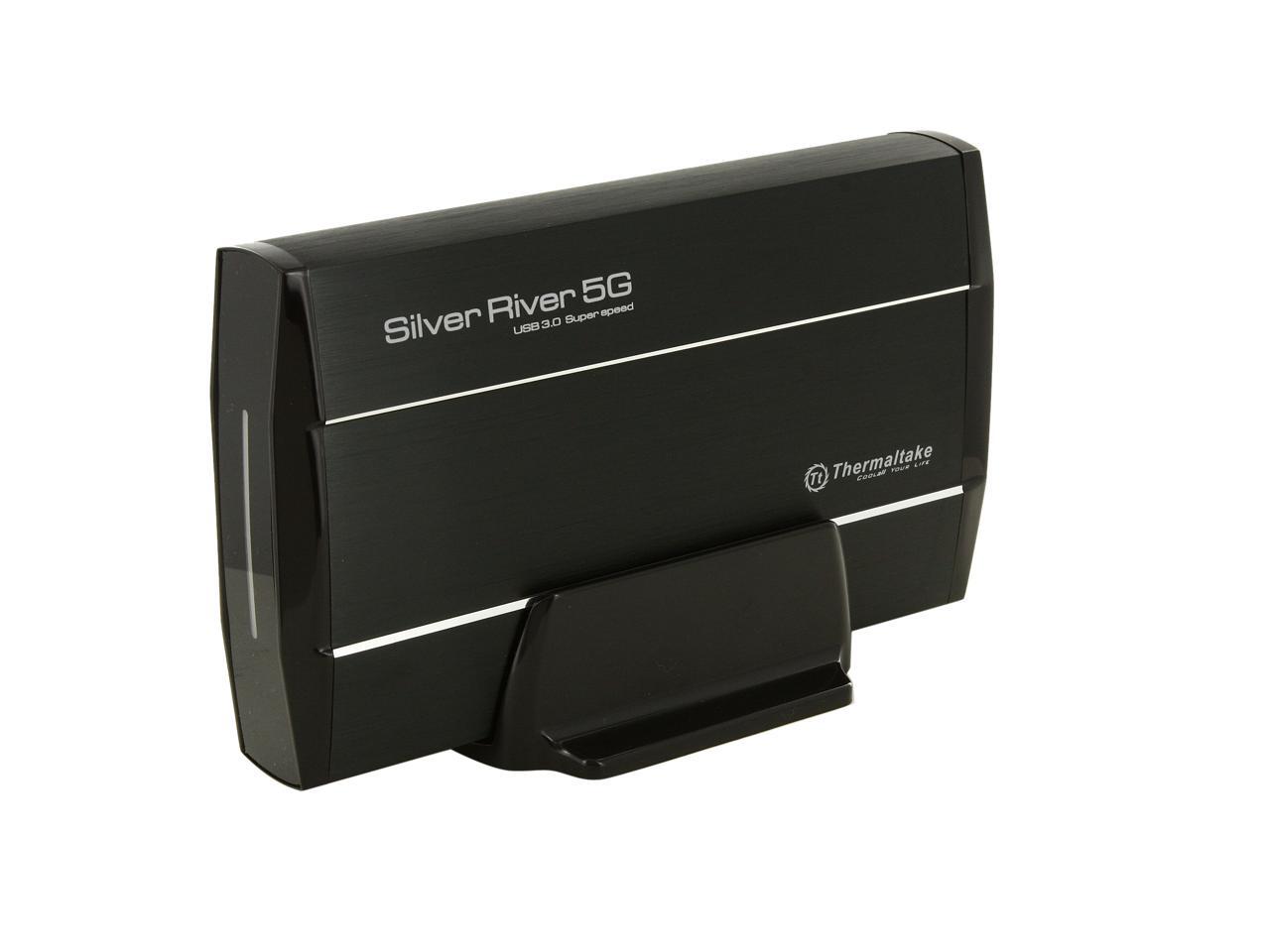
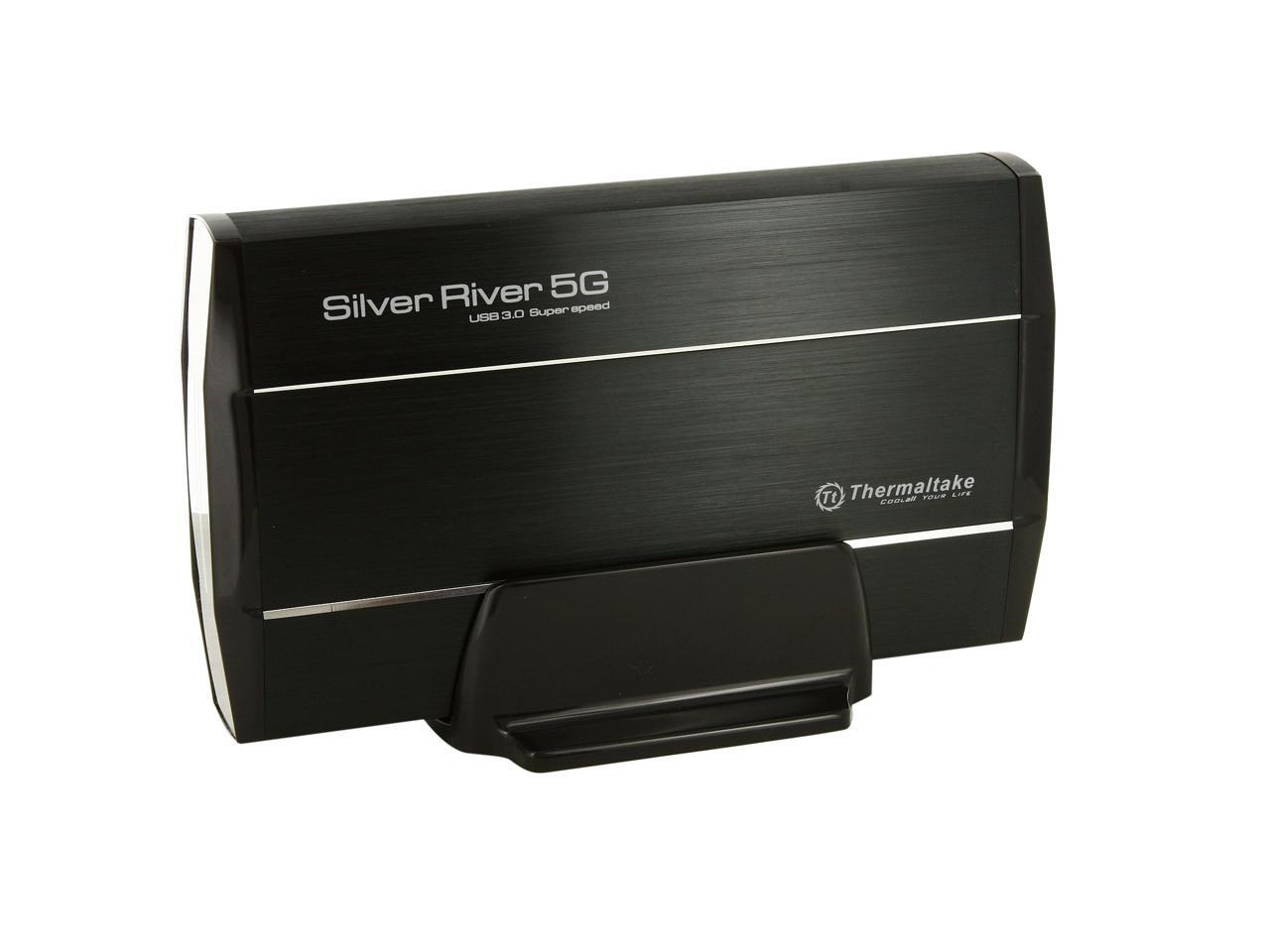
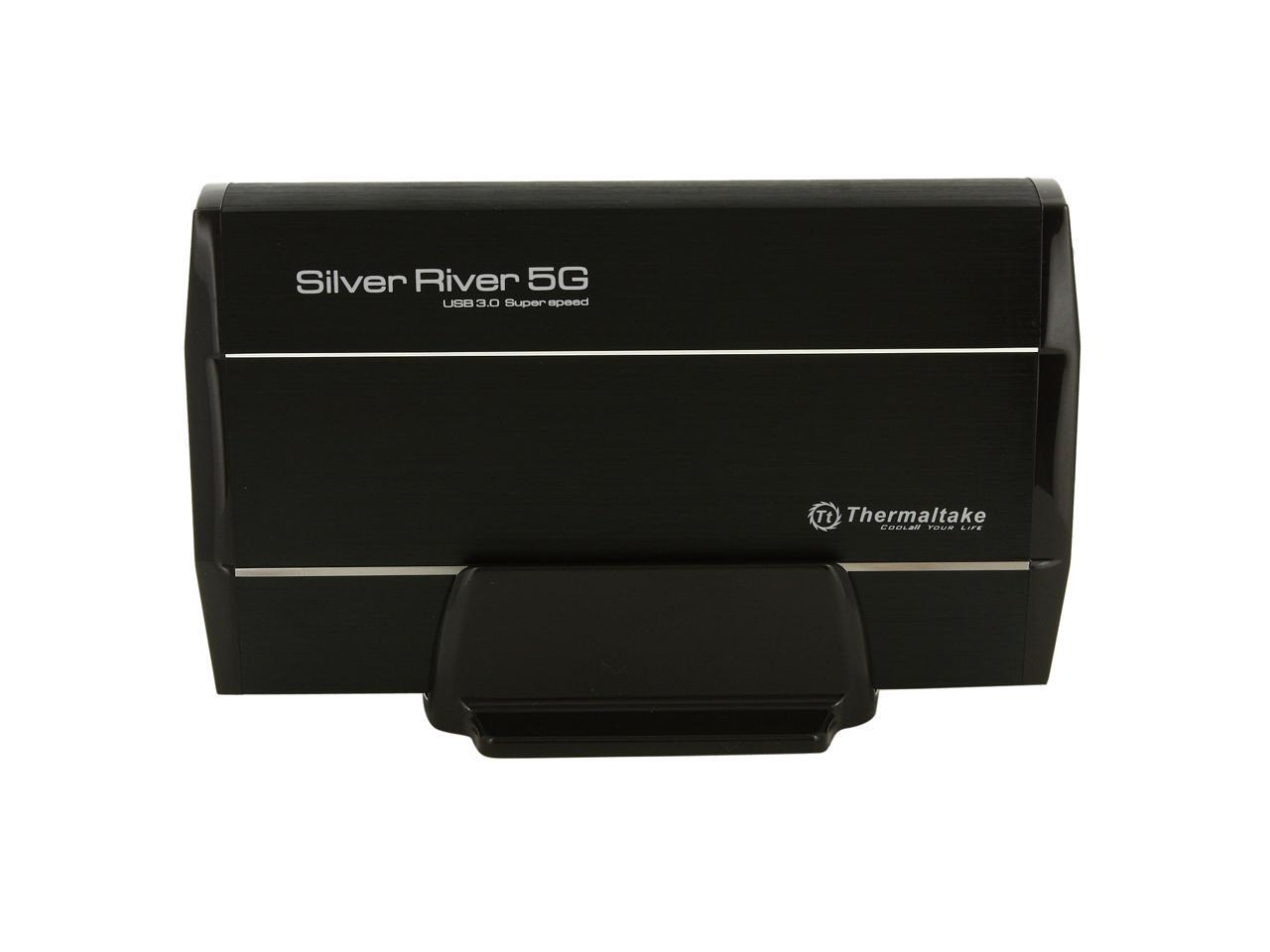
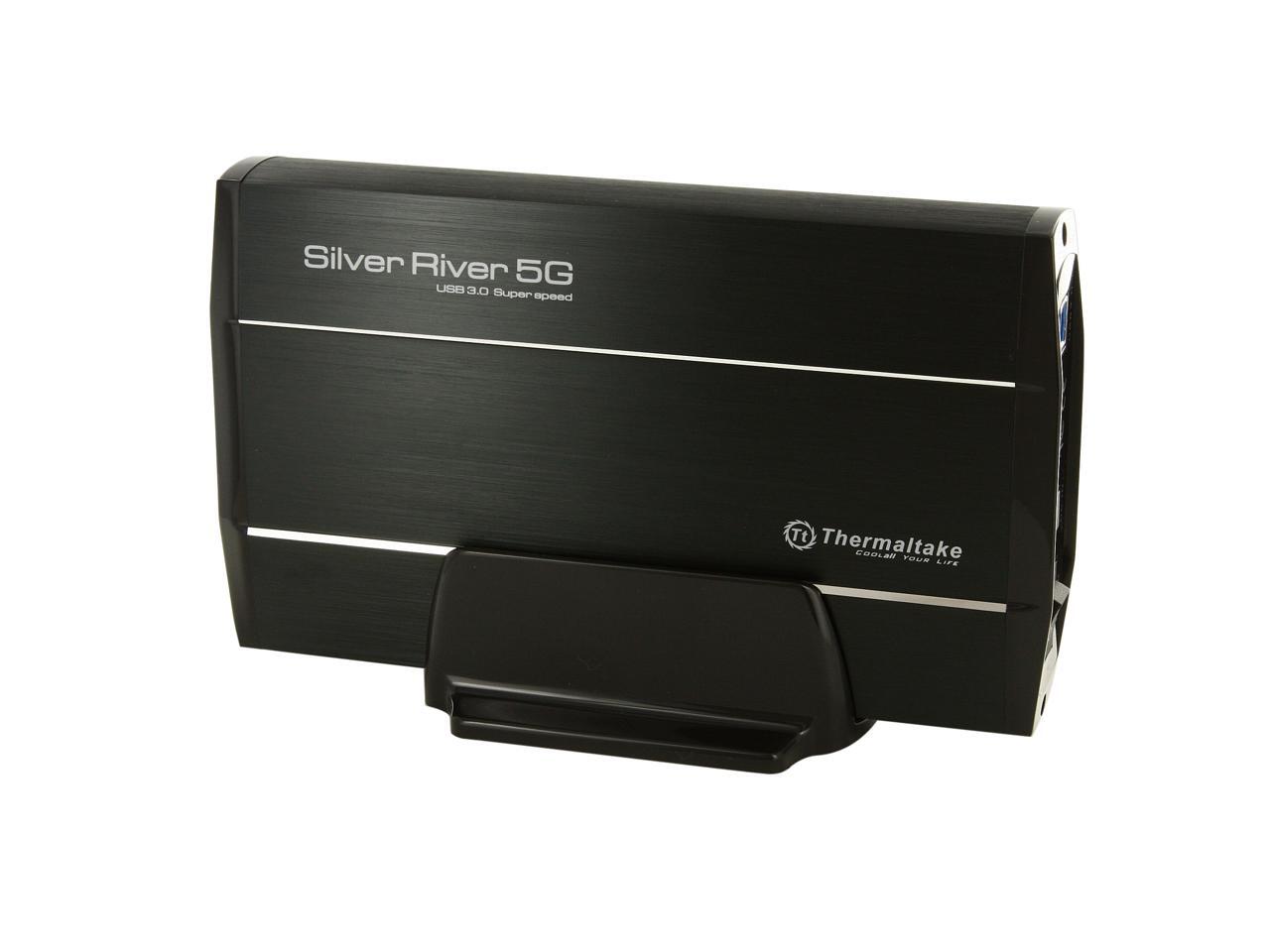
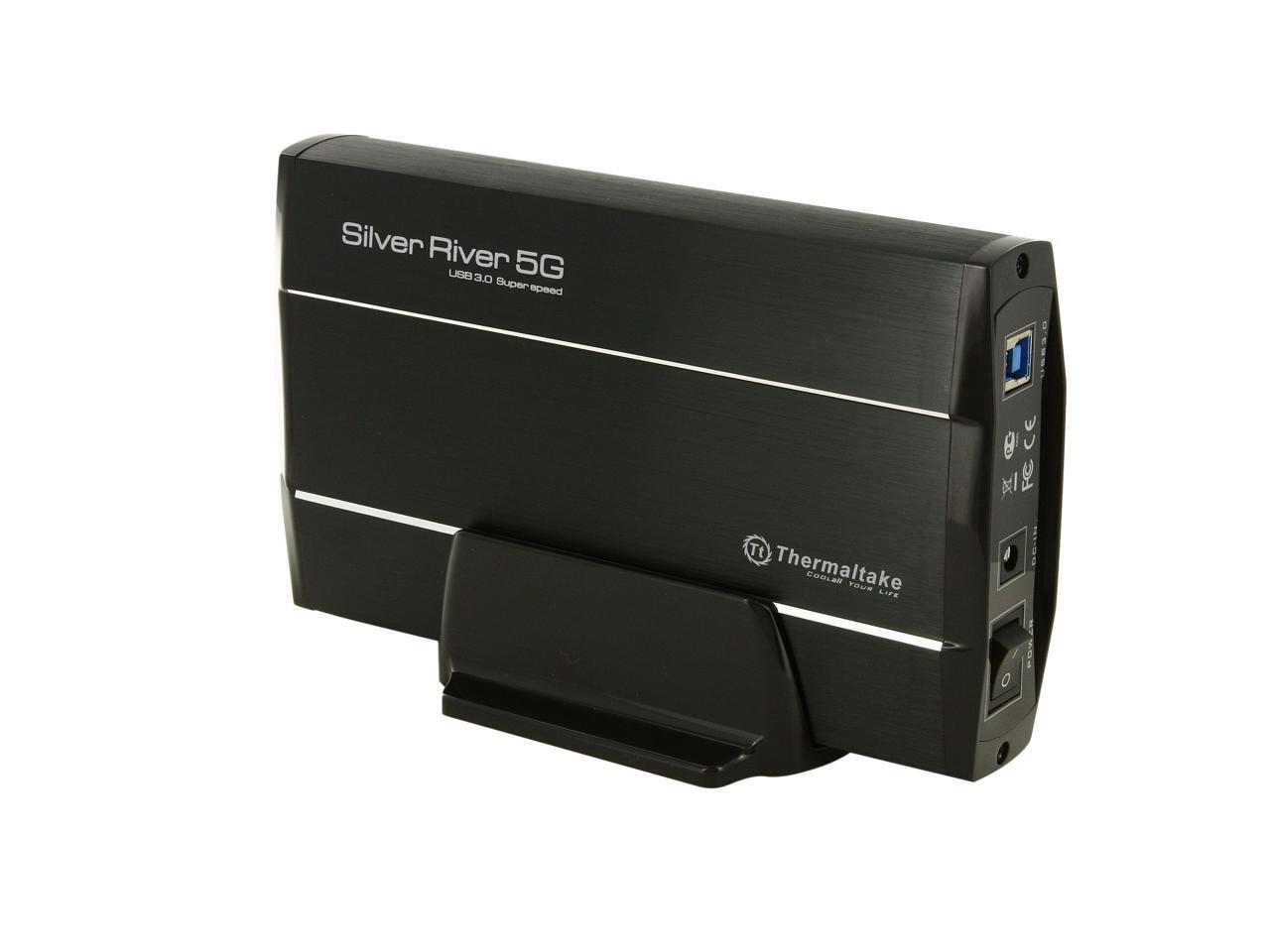
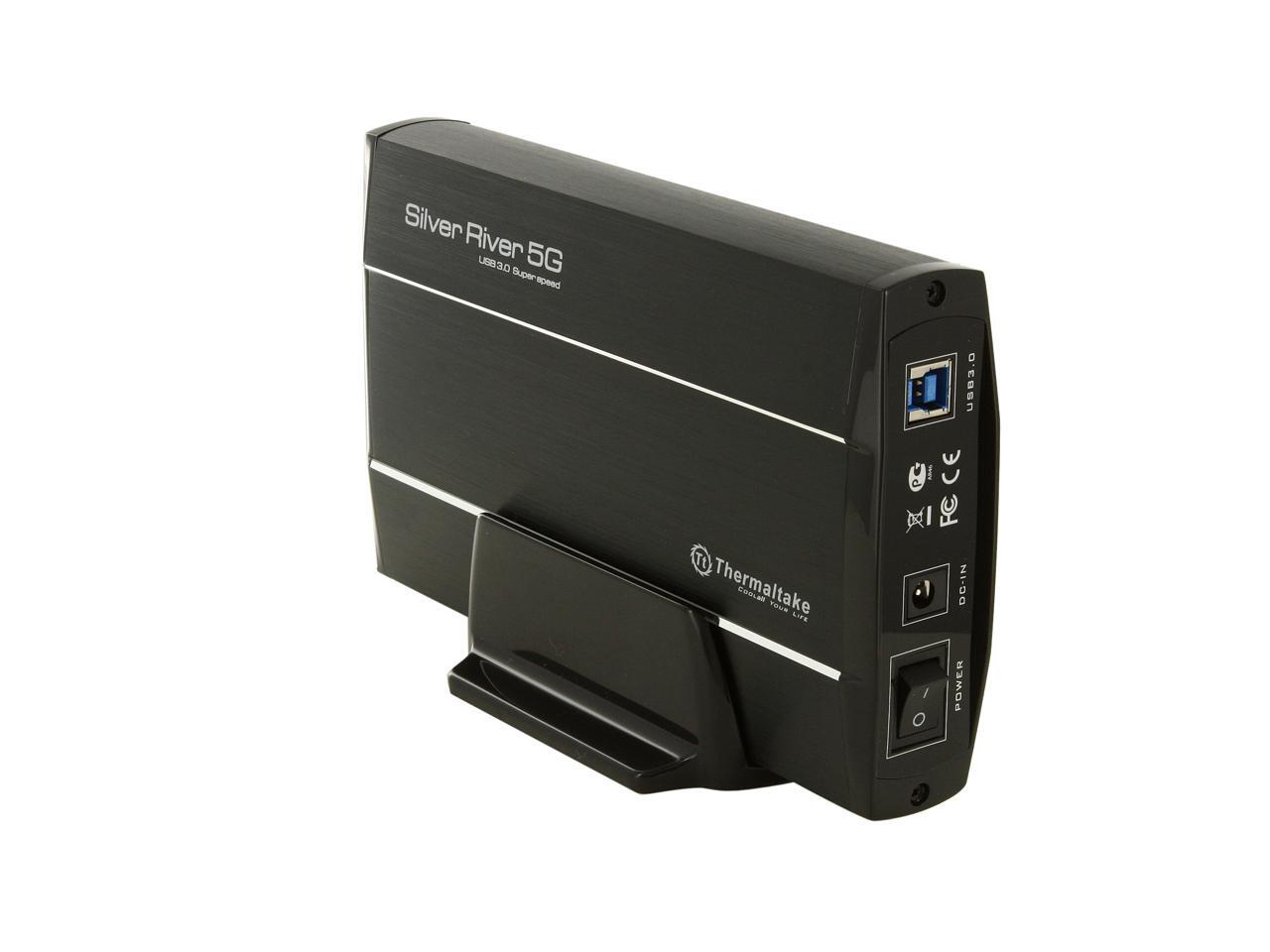
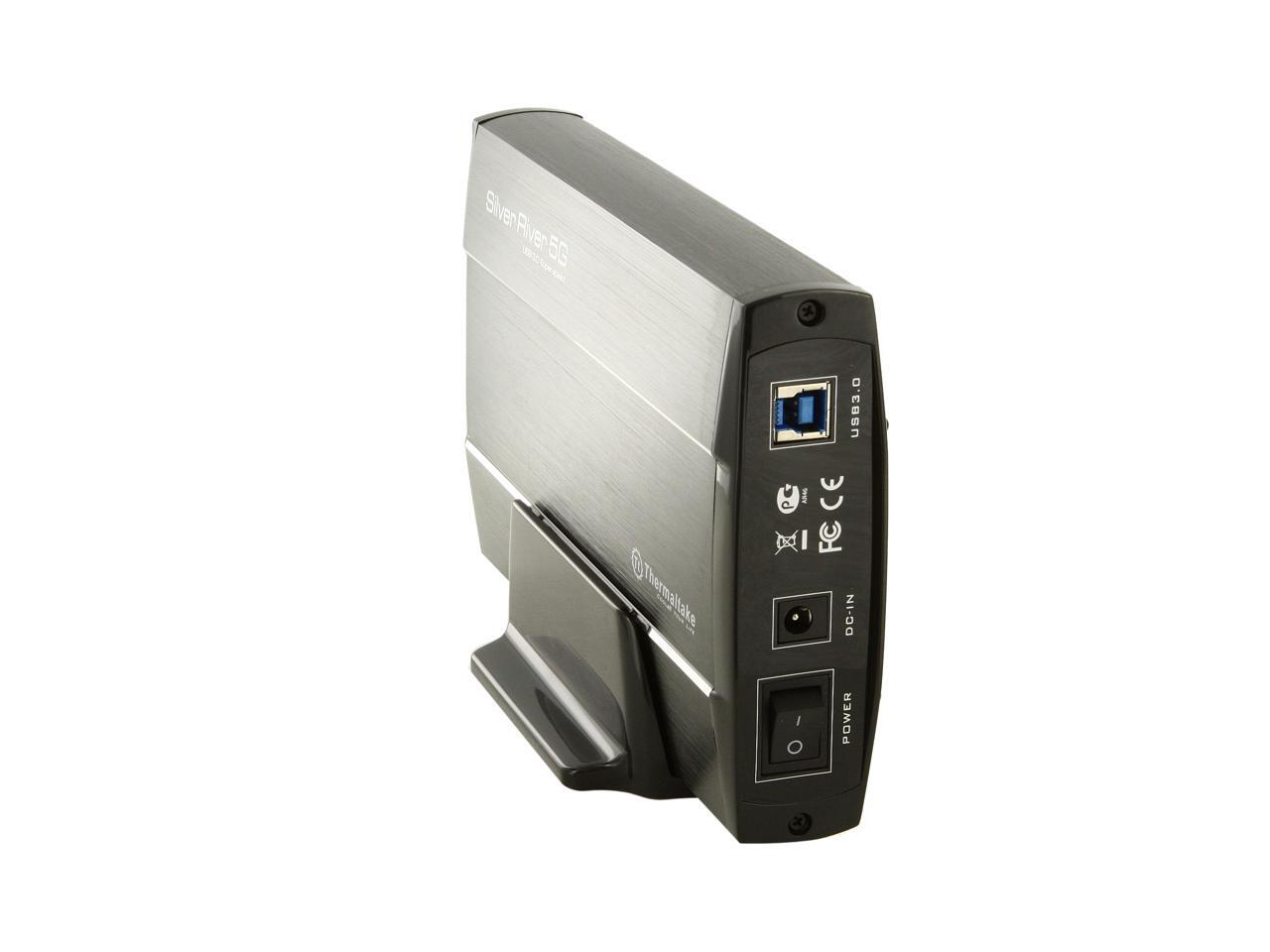
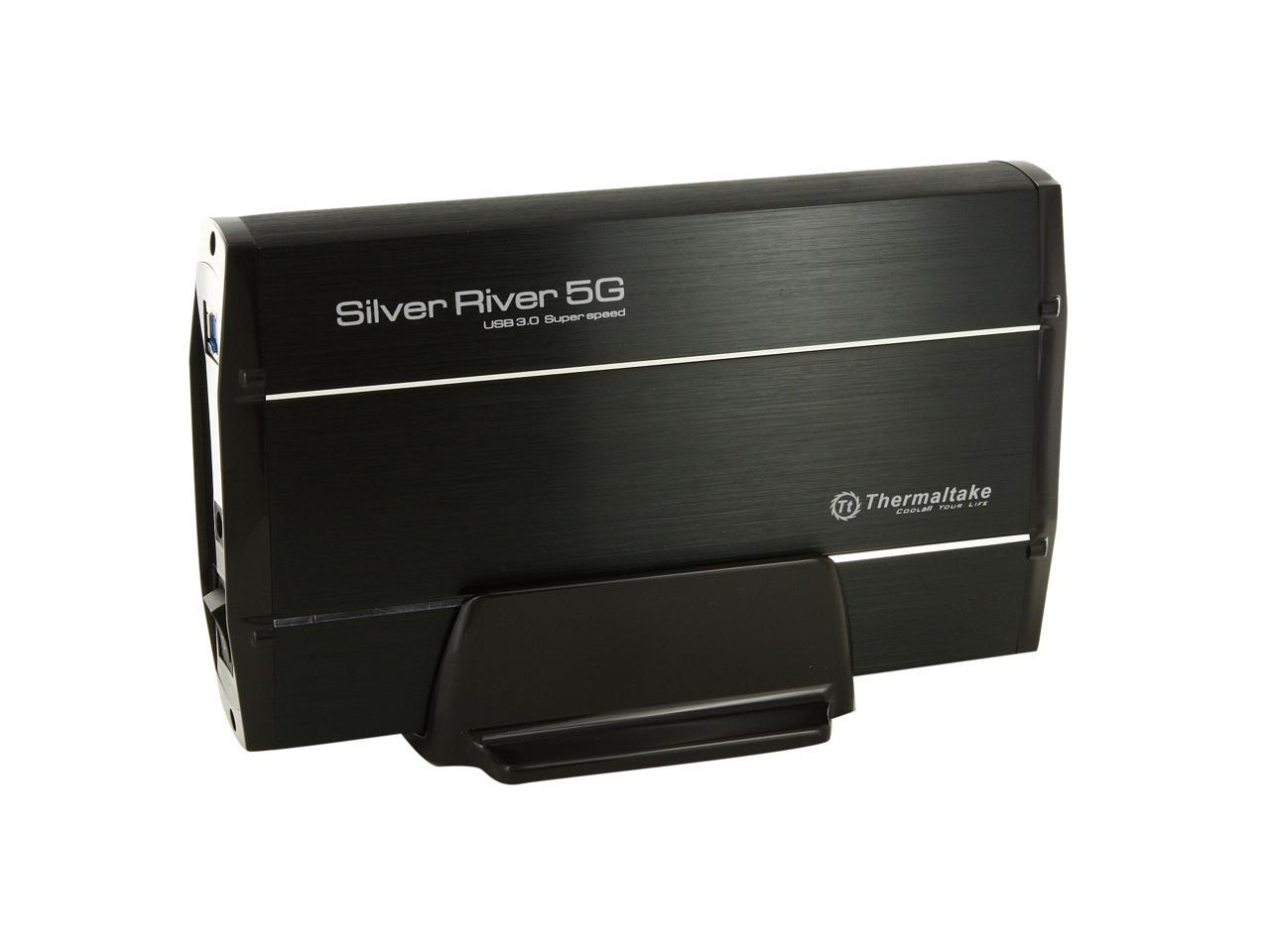
    Thermaltake Silver River 5G ST0025U Aluminum 3.5" Black SATA I/II/III USB 3.0 External Enclosure

    • 3.5"
    • USB 3.0
    • Aluminum
    +
    +
    Overview
    Specs
    Reviews (26)
    See all Q & A

    Any questions? Ask CelesteSM will help you find out quickly.

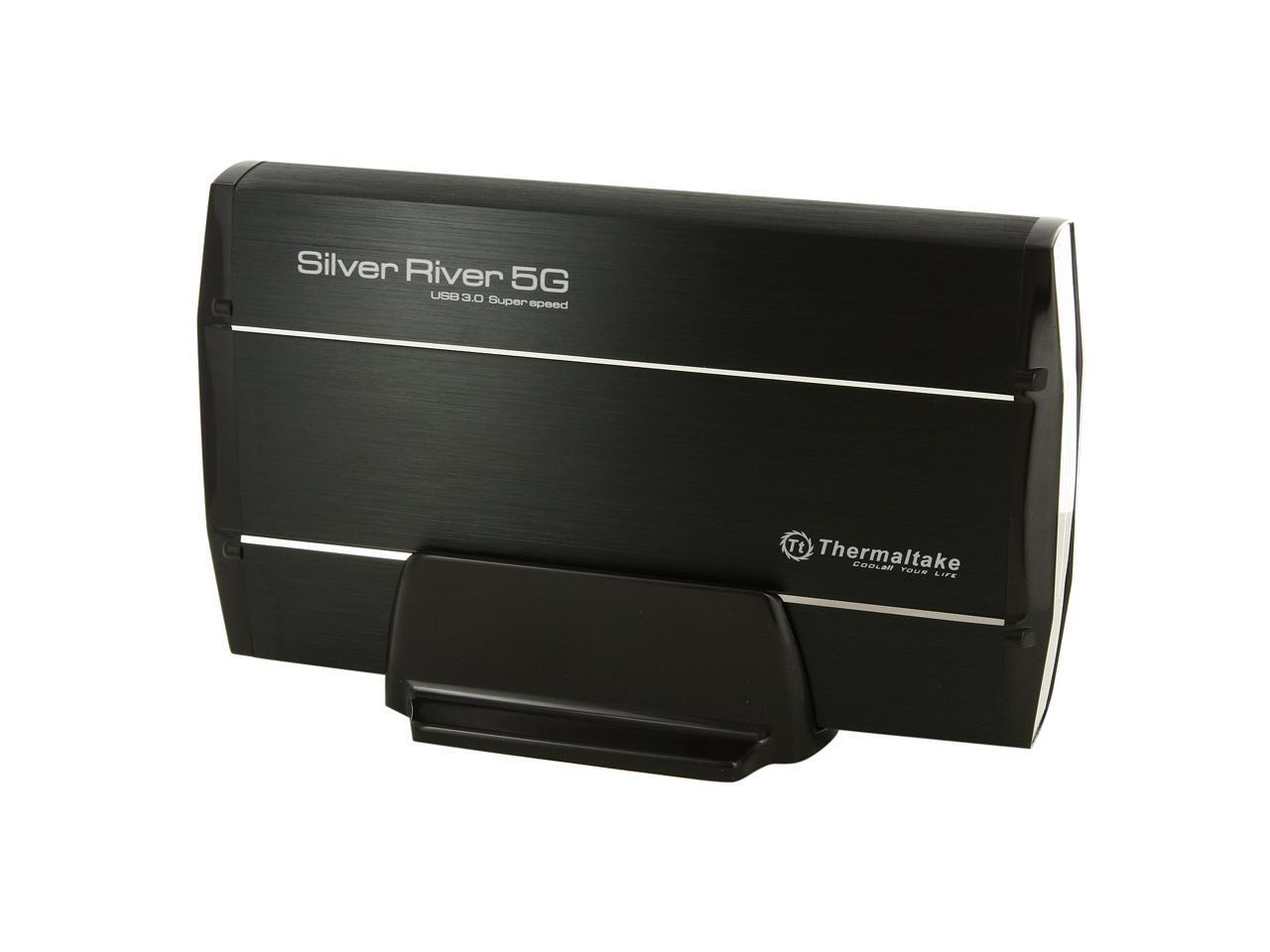
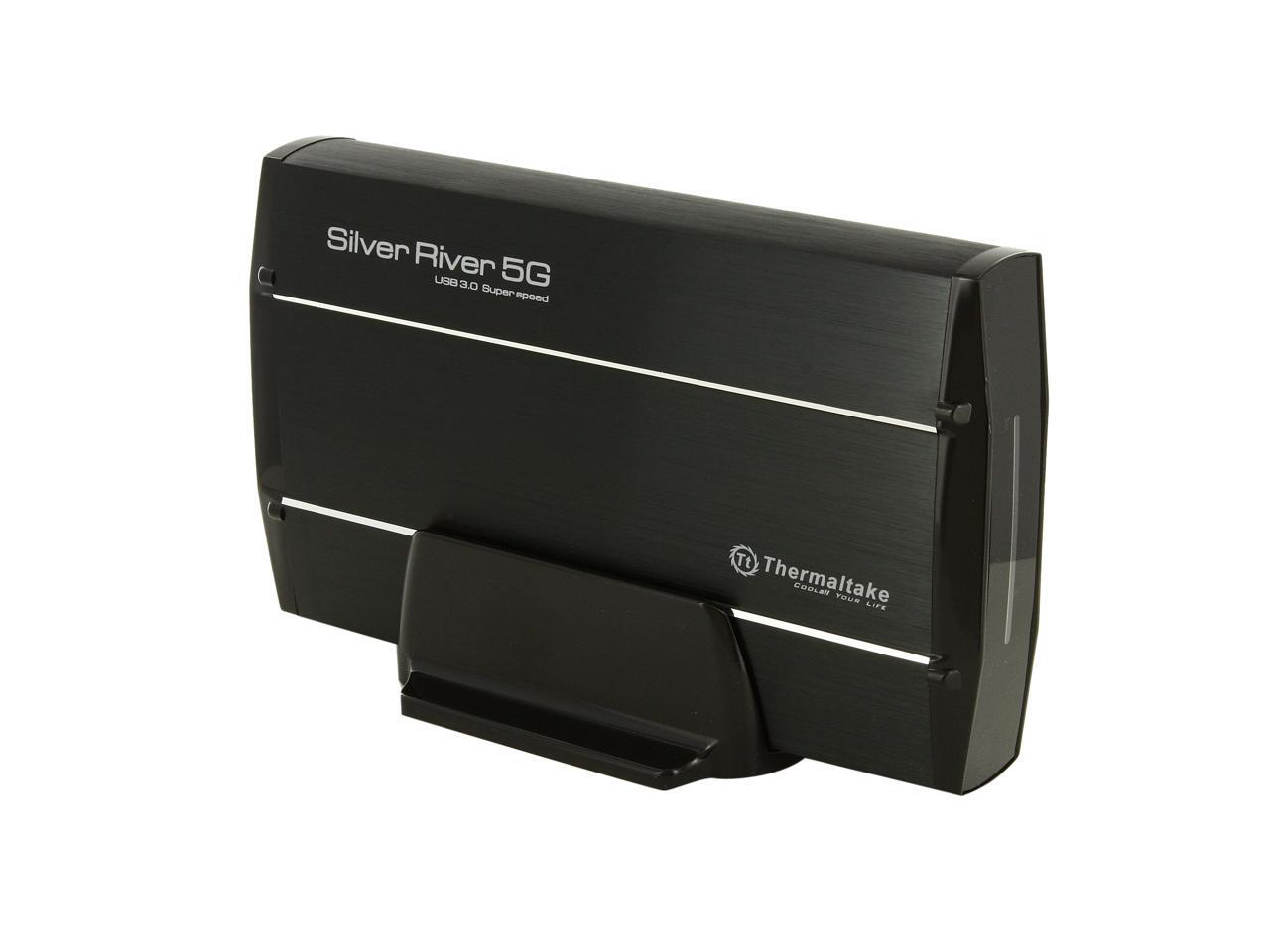
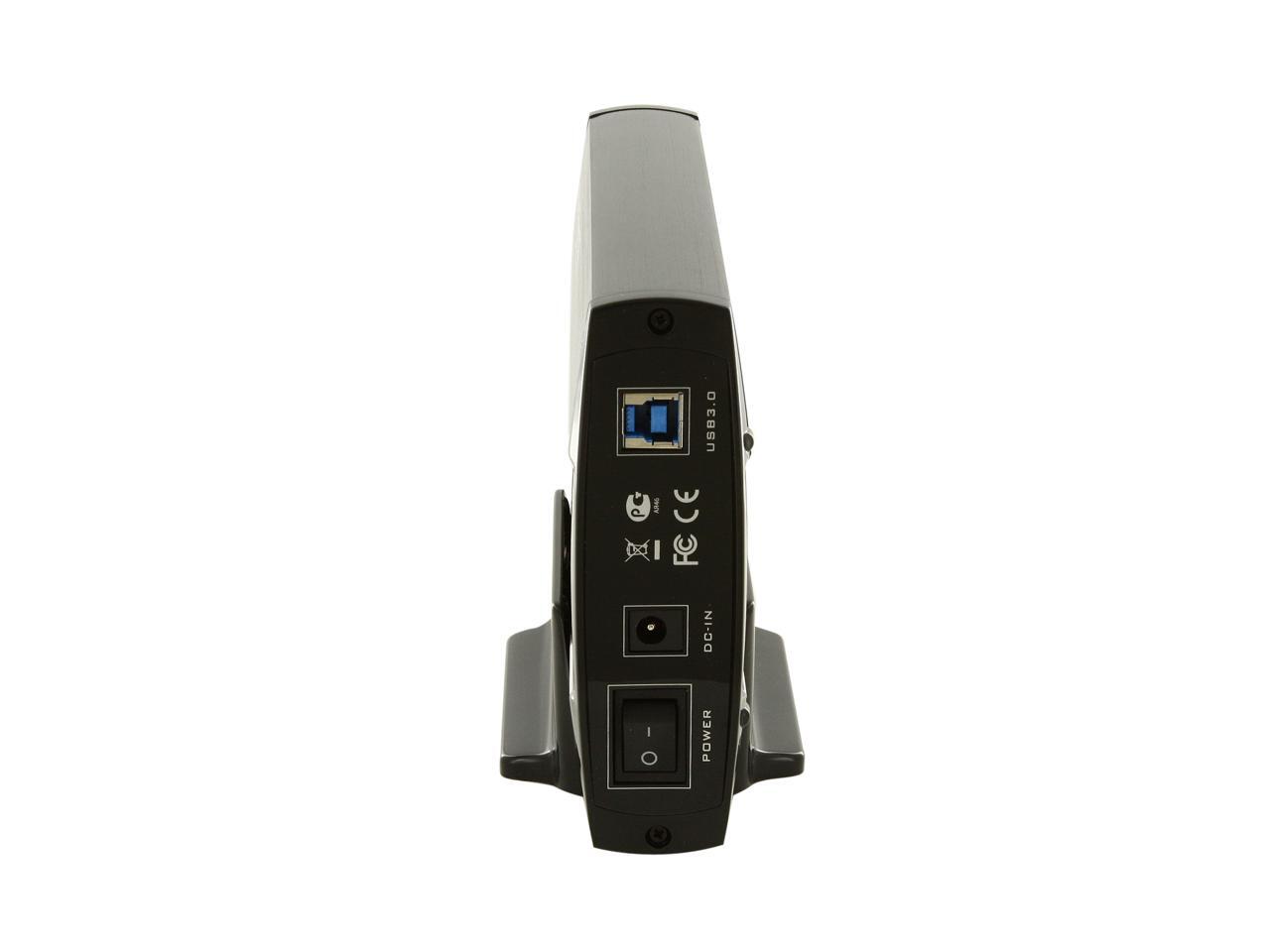
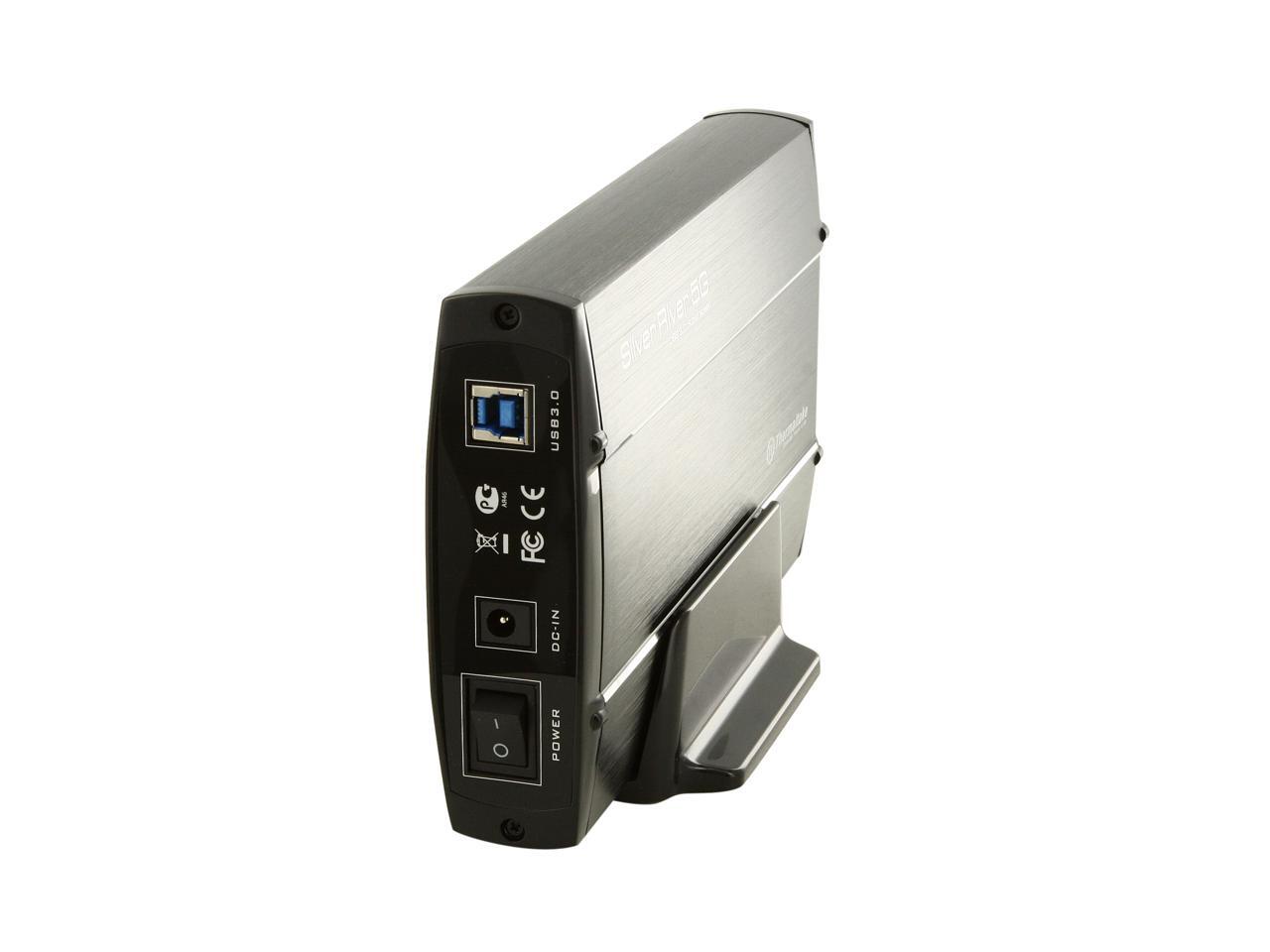
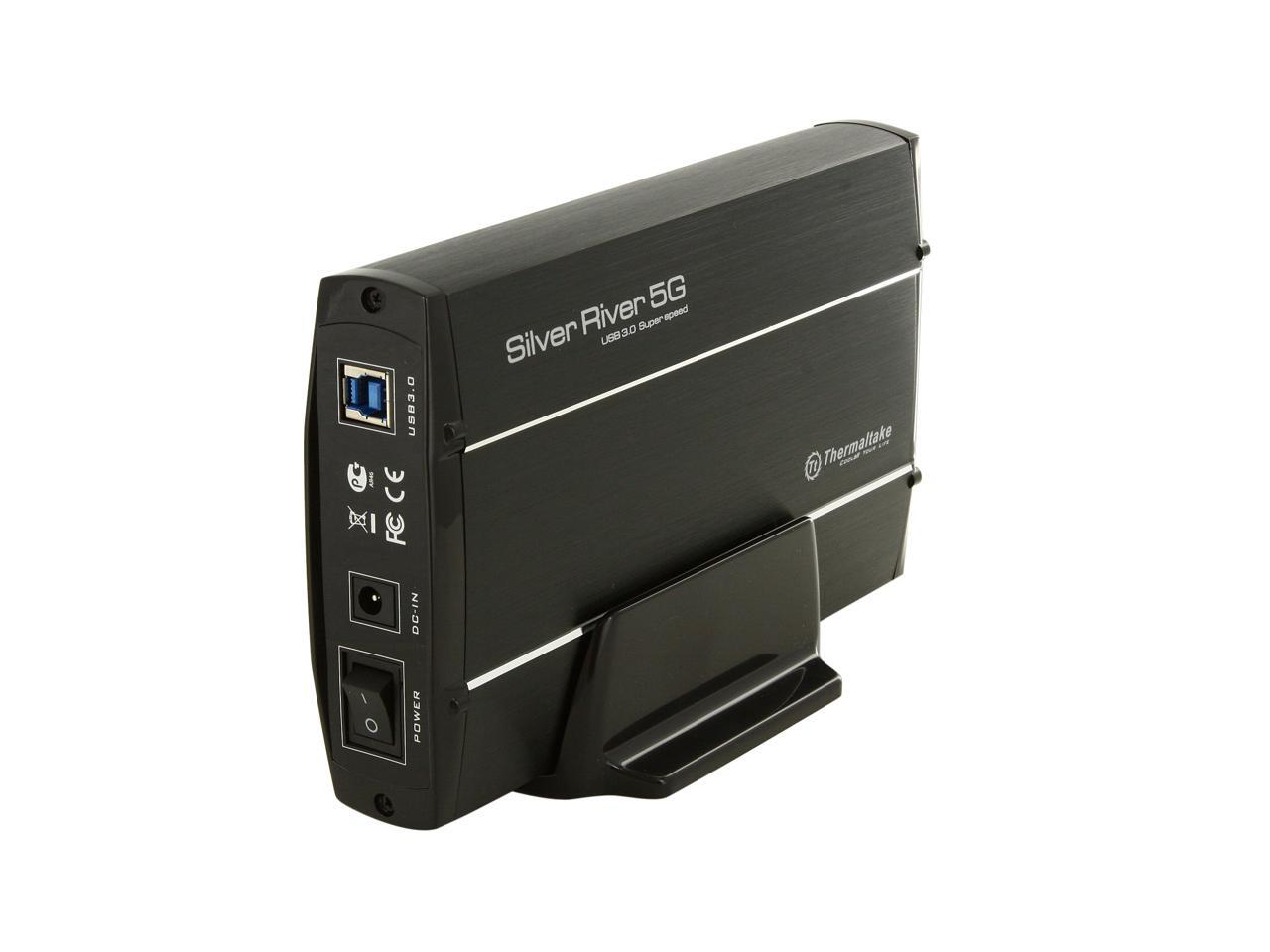
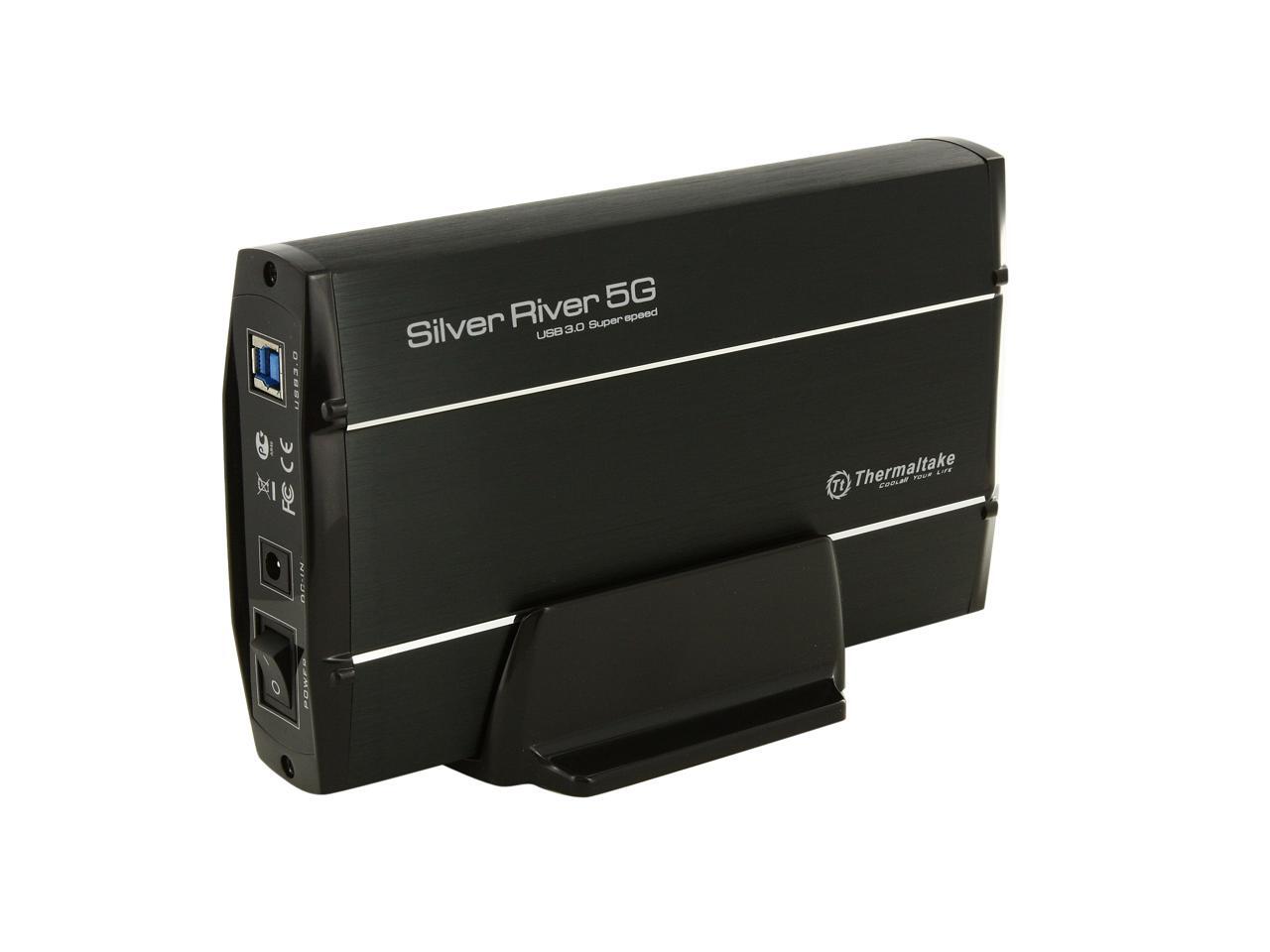
    The Thermaltake ST0025U supports 3.5" SATA solid state drive/hard disk drive gives you new the power to store your movies, music, applications and documents for easy sharing. Featuring USB 3.0 SuperSpeed, the ST0025U gives you a data transfer speed of up to 5Gbps. Designed plug-and-play ready - no software needed. Plus, its aluminum case offers rigid protection and effectively draws away the heat.

    • neweggSupport 3.5-Inch Hard DrivesThe Thermaltake ST0025U easily connects any 3.5" SATA hard drive to your computer via USB connection, so you can quickly access and store data without having to dig around inside the case.
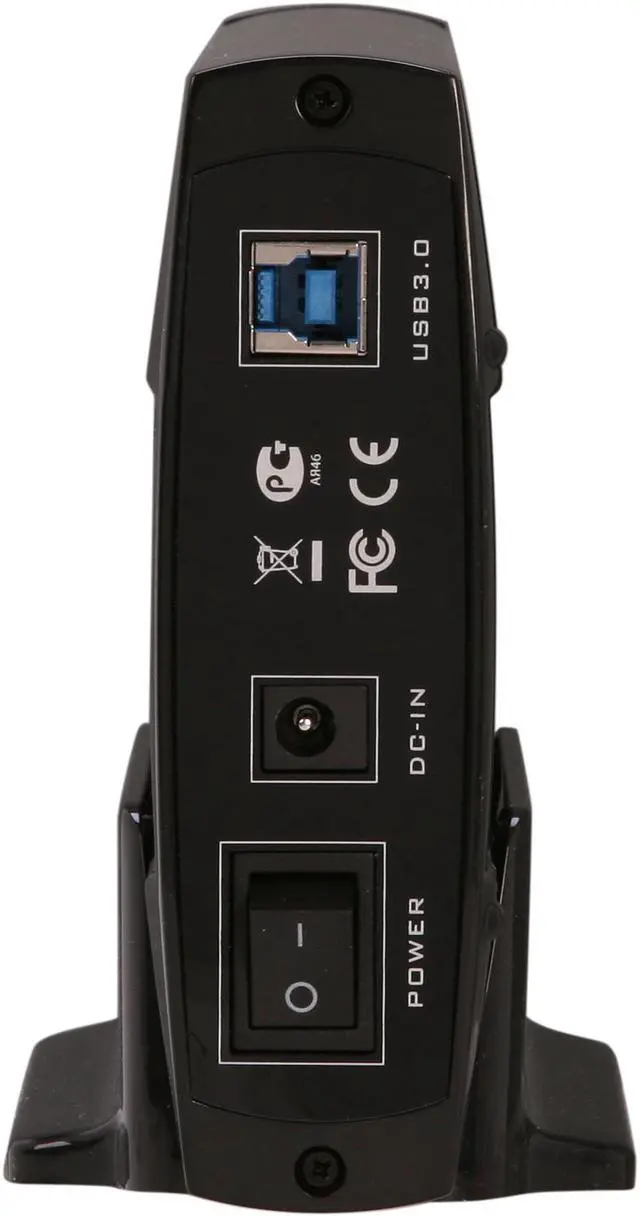
    • neweggUSB 3.0 portThe Thermaltake ST0025U equips SuperSpeed USB 3.0 technology to deliver ultra-fast data transfer speeds of up to 5Gbps. It is also backward compatible with USB 2.0 & 1.1.

    Warranty & Returns

    Warranty, Returns, And Additional Information

    Warranty

    • Please contact the Seller directly for warranty information. Warranty information may also be found on the Manufacturer's website.
    • Read full details
    • CONTACT

    Return Policies

    • Return for refund within: 30 days
    • Return for replacement within: non-replaceable
    • This item is covered by Thermaltake Return Policy

    Manufacturer Contact Info

    LOADING...
    LOADING...

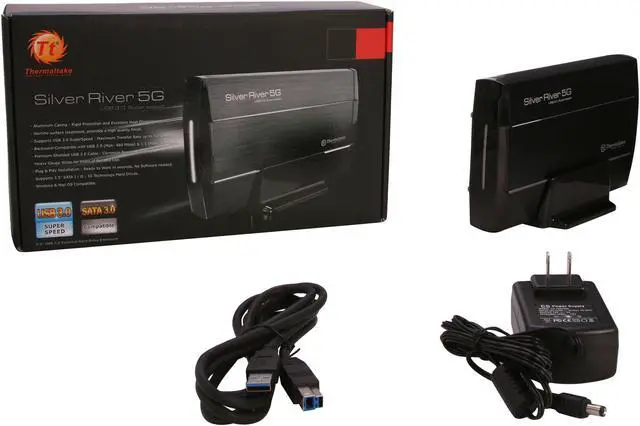
    The Thermaltake Silver River 5G ST0025U is a USB 3.0 external enclosure for a 3.5-inch SATA I/II/III hard drive or SSD, suited to people who want to use an existing drive for desktop storage, backups, or file access. It includes an AC adapter and USB cable; the drive is not listed as included.

    Recommended For

    • Desktop users who want to connect a bare 3.5-inch SATA drive over USB for occasional file access, transfers, or retrieving an archive without installing the drive inside a computer.
    • People making periodic manual backups to one desktop-sized SATA drive, who can keep the enclosure near an outlet and do not need a multi-drive or network-storage setup.
    • Users who prefer a fanless enclosure for a quiet desk setup and mainly access the drive in shorter sessions; the drive itself may still make noise, and a product review raises heat concerns during use.
    • Users who want to reuse a standard 3.5-inch SATA SSD as stationary external storage and are comfortable with a separate power adapter and a USB 3.0 connection.

    Real-World Use Scenarios

    • Reuse a spare 3.5-inch SATA hard drive from a desktop PC as external storage: install it in the enclosure, connect the included power adapter and USB cable, and use the drive for files without installing it inside a computer.
    • Keep a second copy of documents, photos, or other files as a local backup: connect the enclosure to a computer and copy files to the installed drive. It is a direct-attached backup drive, not a network or multi-drive backup system.
    • Access files on a working 3.5-inch SATA drive removed from an older desktop: connect it over USB to browse or copy its existing files, provided the drive itself and its file system are readable.
    • Add desktop storage for a large music, video, or photo collection: a 3.5-inch hard drive can provide extra space for files, while actual transfer speeds depend on the installed drive and connected computer.
    • Move files between compatible computers: connect the enclosure to one computer to copy files, then reconnect it to another. Because it uses a 3.5-inch drive and separate power adapter, it is better suited to desk-to-desk transfers than travel use.