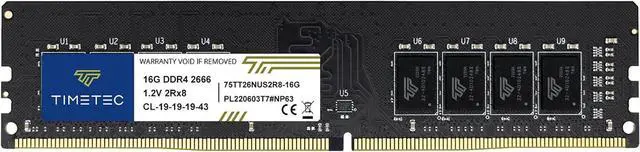
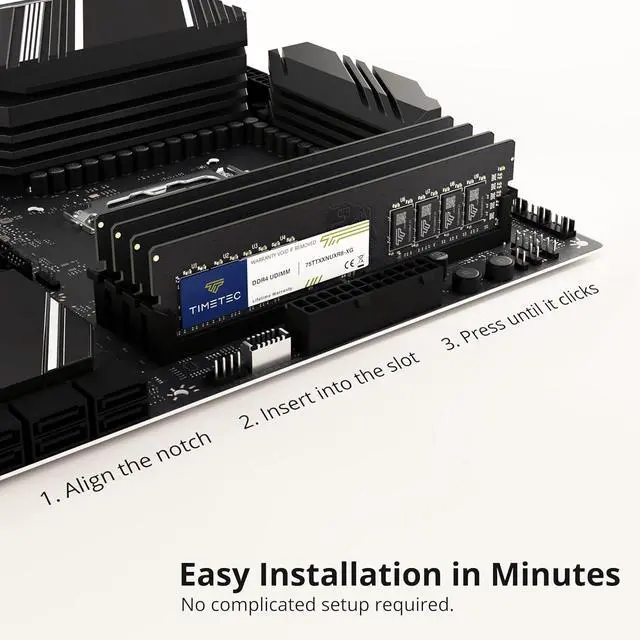
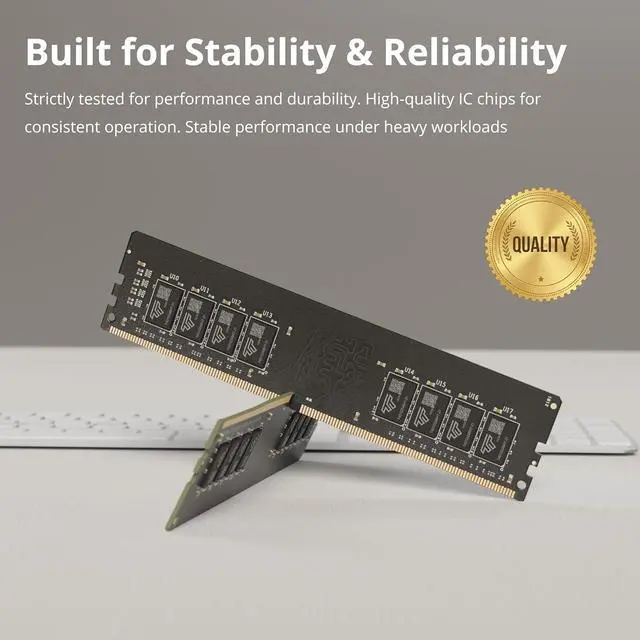
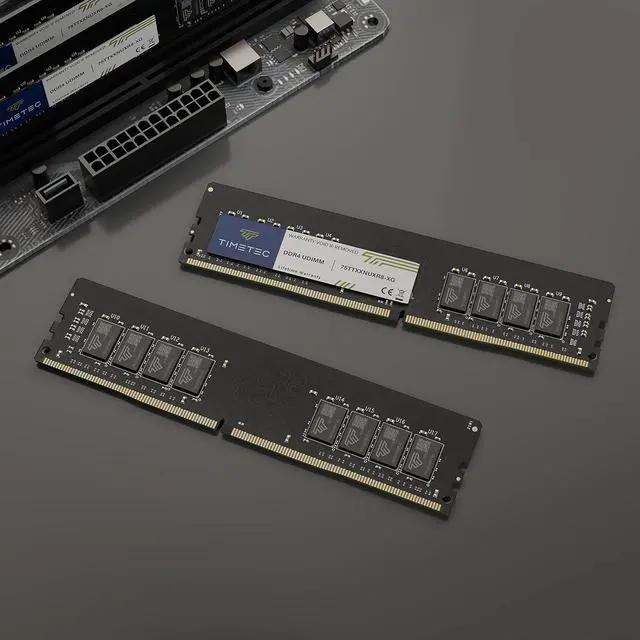
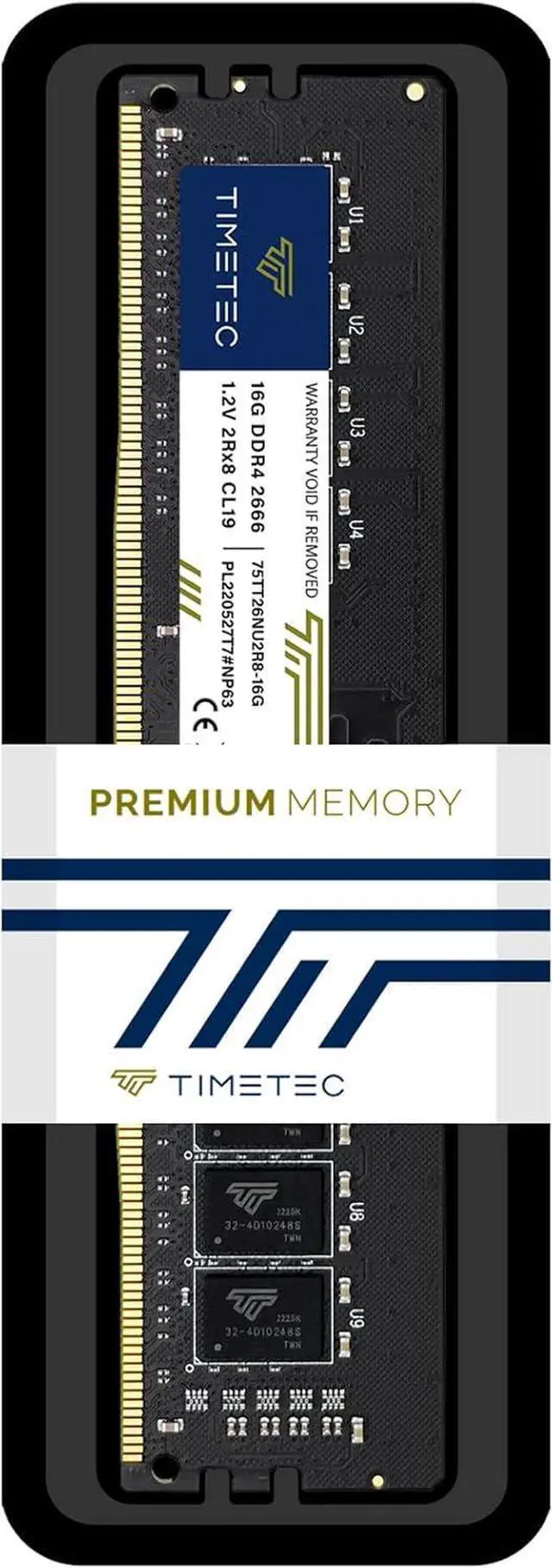
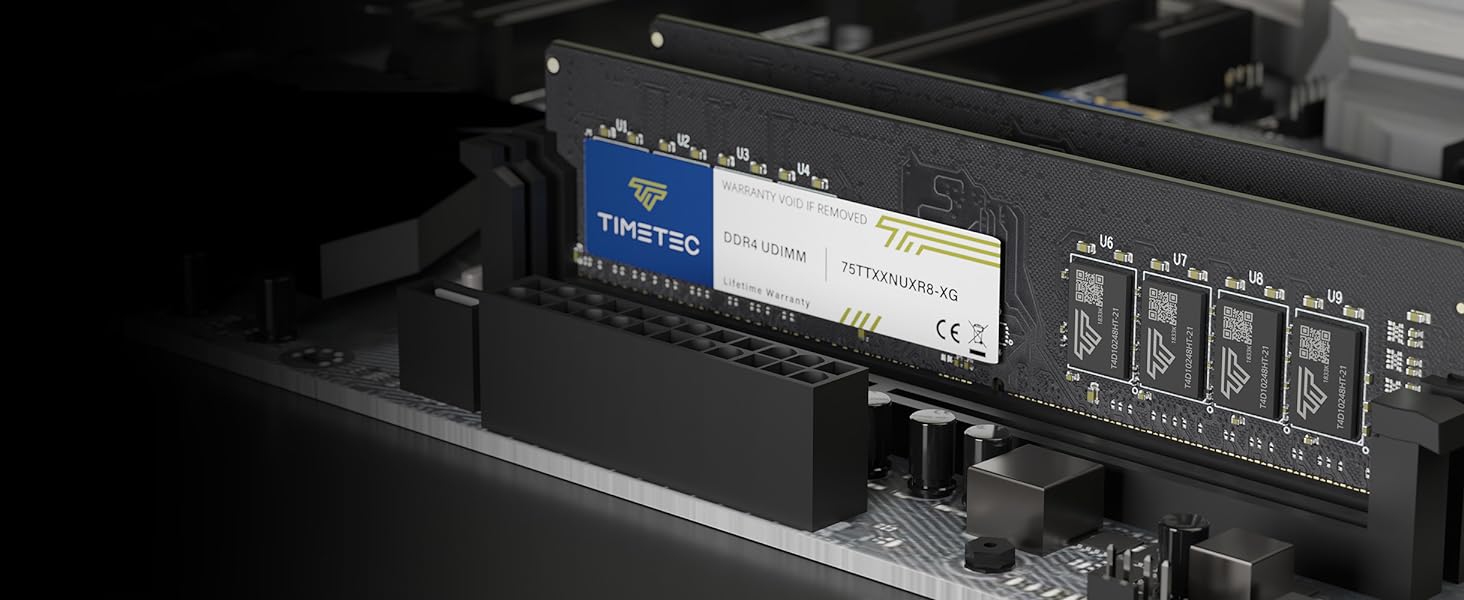
The Timetec 16GB DDR4-2666 UDIMM is a single desktop memory module for upgrading compatible DDR4 PCs and workstations with 288-pin UDIMM slots.
Recommended For
- Desktop owners with a DDR4 UDIMM slot who need a single 16GB module to replace a lower-capacity DIMM or add memory; confirm the motherboard and processor support DDR4-2666 and the module’s capacity.
- Home-office users on a compatible DDR4 desktop who run office apps, browse with several tabs, and handle everyday multitasking within a 16GB memory capacity.
- Owners of older DDR4 desktop PCs or workstations looking for a standard 2666MHz, non-ECC UDIMM upgrade rather than a laptop-size or registered server module.
- Upgraders who have a free compatible DIMM slot and want to increase installed memory with one module; check existing RAM and system guidance, since a single module by itself does not provide dual-channel operation.
Real-World Use Scenarios
- An older DDR4 desktop with too little memory for the user’s usual apps can gain more room for multitasking; whether this reduces slowdowns depends on how much RAM is already installed and supported.
- For a desktop used for photo or video editing, adding this module can provide extra memory headroom for projects and other open apps; larger or demanding projects may still benefit from more total RAM.
- For everyday work with documents, browser tabs, and video calls, adding memory may help keep several apps open with fewer slowdowns when the PC is running short on RAM; it will not necessarily make tasks faster if memory is not the bottleneck.
- A user upgrading a compatible DDR4 gaming desktop can add capacity for games and background apps, especially if the current system is memory-constrained; this single module does not guarantee higher frame rates, and gaming performance can differ between single- and dual-channel setups.
- Someone refreshing an older desktop without replacing its motherboard and CPU can use this as a memory upgrade if the system supports DDR4 288-pin UDIMMs; it is not a laptop SODIMM, and compatibility should be checked against the system manual.




 here!