




 here!
I’m your shopping assistant for PC builds, upgrades, and everything tech.
Got questions? Ask away!
Start a conversation
here!
I’m your shopping assistant for PC builds, upgrades, and everything tech.
Got questions? Ask away!
Start a conversation





Any questions? Ask CelesteSM will help you find out quickly.
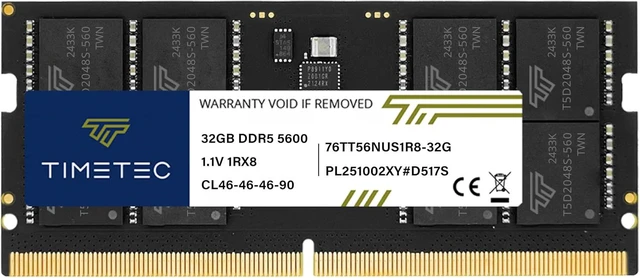
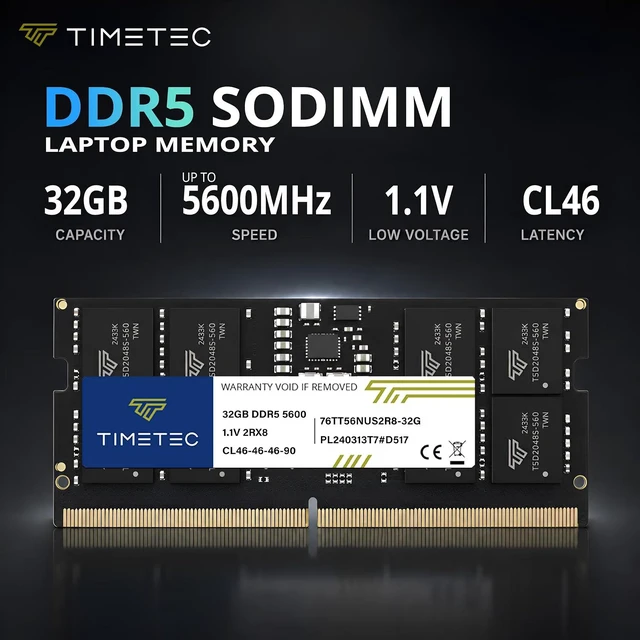
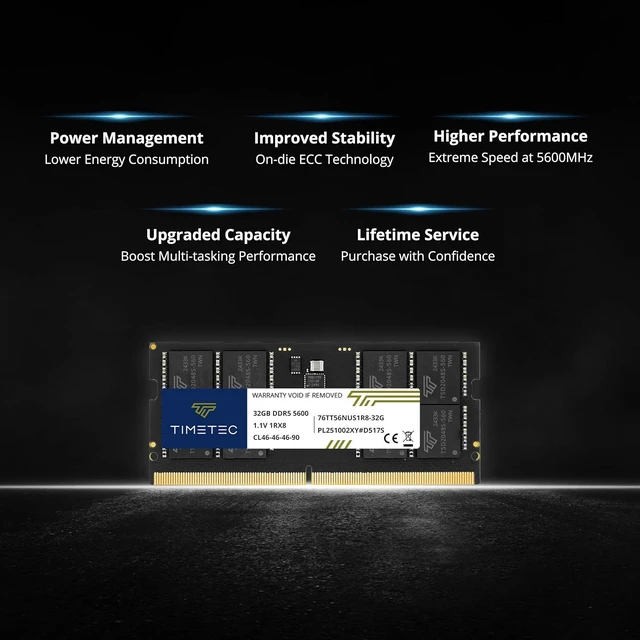
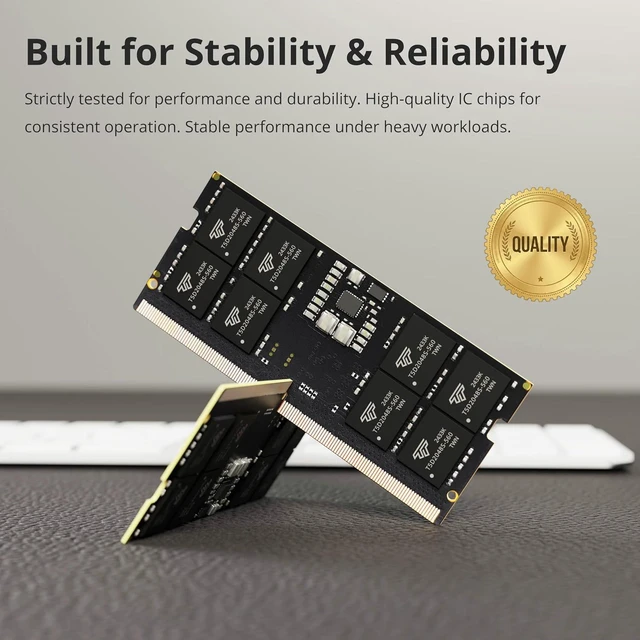
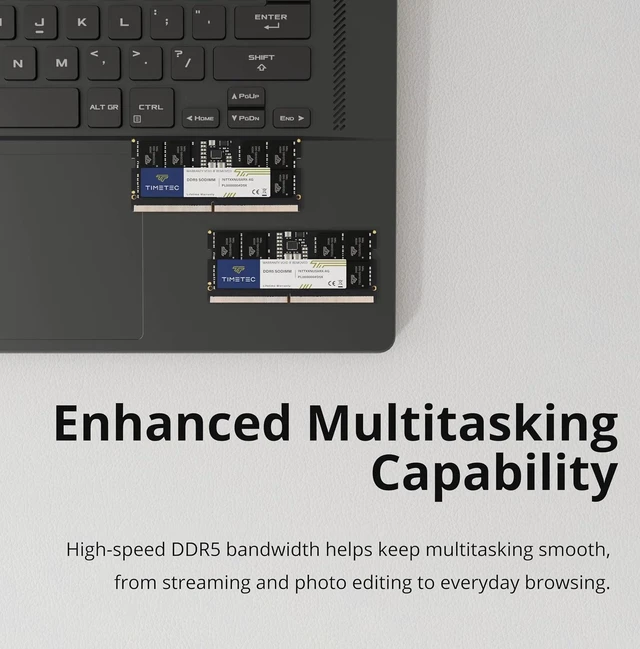
The Timetec 32GB DDR5-5600 SODIMM is a single-module laptop memory upgrade for users who want more capacity and 5600MHz memory speed in a compatible DDR5 laptop; it is not for DDR4 systems.
| Attribute | Value |
|---|---|
| Best For | Laptop memory upgrades requiring a 32GB DDR5 SO-DIMM module |
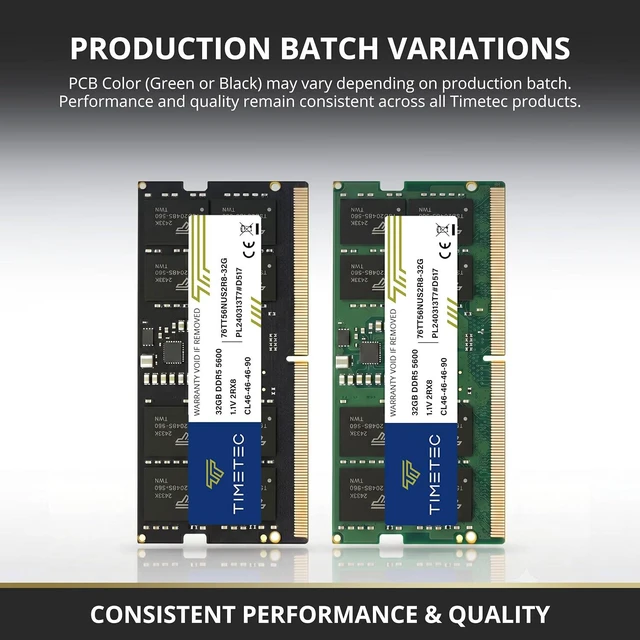
| Capacity And Configuration | 32GB single-rank module; one module per pack |
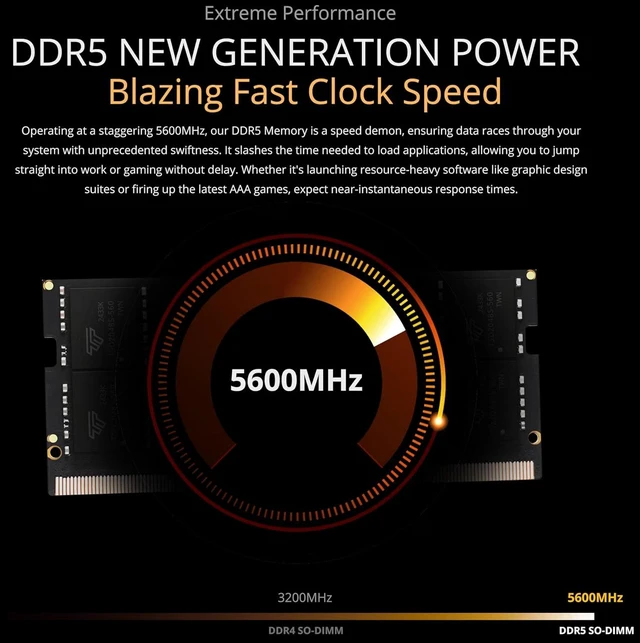
| Memory Type And Speed | DDR5-5600 (PC5-44800), with a 44.8 GB/s data transfer rate and CL46 latency; unbuffered |
| Form Factor And Compatibility | 262-pin SO-DIMM for laptops |
Q: Timetec 32GB DDR5-5600 vs 16GB DDR5-5600: which capacity should I choose?
A: Choose this 32GB module when you want more memory capacity for larger projects or more apps running at once. Choose Timetec’s 16GB DDR5-5600 module when 16GB meets your needs. Both are DDR5-5600 SO-DIMMs; confirm the laptop’s supported memory capacity before upgrading.
Q: Timetec 32GB single stick vs 32GB (2x16GB) kit: which should I get?
A: Choose this 32GB single module when you want to add memory using one module and keep another slot available for a later upgrade. Choose the Timetec 32GB kit when you want two matched 16GB modules for a two-slot installation. Check your laptop’s slot count and memory configuration before choosing.
Q: Timetec DDR5-5600 vs DDR5-4800: which speed should I choose?
A: Choose this DDR5-5600 module if your laptop supports that memory speed; it has a higher rated data rate than Timetec’s DDR5-4800 option. Choose the 4800MHz version when matching a laptop configured for DDR5-4800. The laptop’s supported memory speed determines the operating rate.
Q: Will this memory work in my laptop?
A: It is intended for laptops with a DDR5 262-pin SO-DIMM slot. Before buying, confirm that your laptop supports a 32GB module and DDR5 memory; it will not work in a DDR4 slot or a system with only soldered memory.
Q: Will it run at 5600MHz in my laptop?
A: 5600MHz is the module’s rated speed, but the laptop determines the speed it actually uses. If the laptop supports a lower DDR5 speed, the memory may run at that lower speed; check the laptop’s specifications before purchasing.
Q: Does this package include one 32GB module or two 16GB modules?
A: It includes one 32GB module. Whether you can add it to your current memory or need to replace an existing module depends on your laptop’s available slots, supported capacity, and memory configuration.
Q: Who is a 32GB laptop memory upgrade suitable for?
A: A 32GB module may suit users who run several applications at once or use memory-demanding software, provided their laptop supports it. It is a memory-capacity upgrade; the benefit depends on whether the user’s current workload is limited by available RAM.
Q: Will this RAM work in my laptop?
A: Only if the laptop supports DDR5 SO-DIMM memory, accepts a 32GB module, and has an available upgradeable slot. It is not compatible with DDR4 systems; check the laptop’s model-specific memory limits before buying.
Q: Will it actually run at 5600MHz?
A: Not necessarily. The module is rated for DDR5-5600, but the laptop’s processor and memory support determine the operating speed; it may run slower. A YouTube upgrade video tests Timetec DDR5 SO-DIMM in an Asus A15, while a Reddit upgrade discussion describes 5600-rated RAM running at 5200MHz in a laptop.
Q: Is upgrading from 16GB to 32GB a reasonable use for this module?
A: It is a 32GB single-module option for a compatible laptop when more memory capacity is needed. A YouTube video documents a Timetec 32GB DDR5 SO-DIMM upgrade from 16GB, but the benefit depends on the user’s workload and the laptop’s compatibility.


