• $51.99
  • Free 30-day Returns
  • Price alert
    Shop it at NeweggBusiness.
    Get Educated

    Make informed decisions with expert advice. Learn More

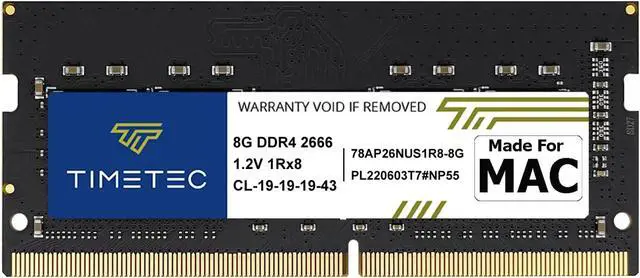
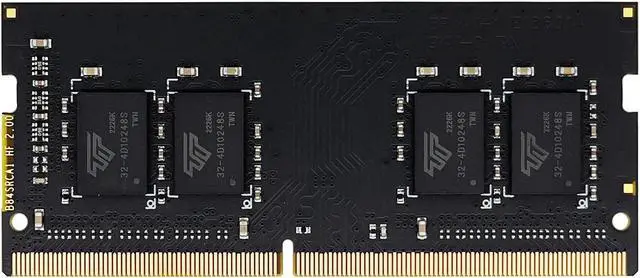
    Timetec 8GB Compatible for Apple DDR4 2666MHz for Mid 2020 iMac (20,1/20,2) / Mid 2019 iMac (19,1) 27-inch w/Retina 5K Display, Late 2018 Mac mini (8,1) PC4-21333 / PC4-21300 SODIMM MAC RAM Upgrade

    • 64GB (4 x 16GB)
    • 32GB (2 x 16GB)
    • 32GB (4 x 8GB)
    • 16GB
    • 16GB (2 x 8GB)
    • 8GB
    • DDR4 2666 (PC4 21300)
    • CAS Latency 19
    • 1.2V
    +
    +
    Overview
    Specs
    Reviews

    Any questions? Ask CelesteSM will help you find out quickly.

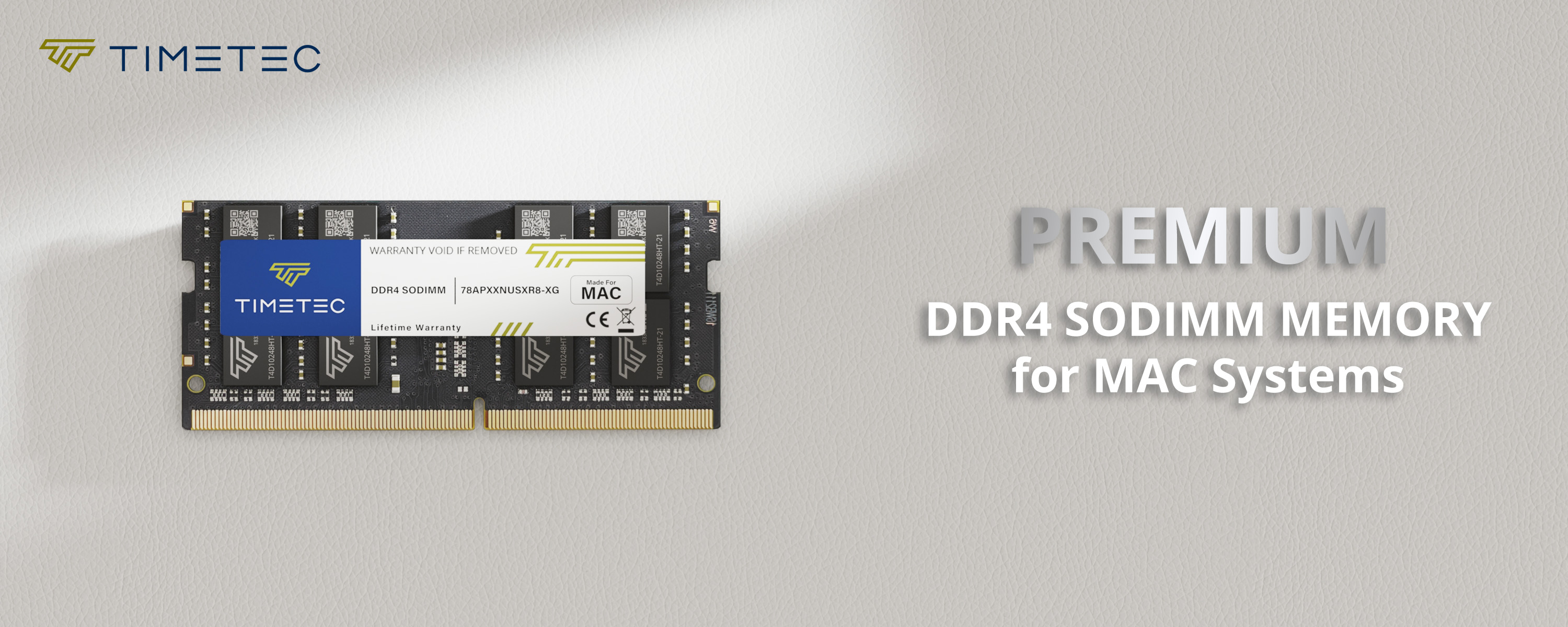
    DDR4 SODIMM banner MAC

    All Timetec modules are extensively working at the component level for voltage and temperature resistances, signal integrity and software compatibility to ensure high stability.

    DDR4 SODIMM
    Assured Quality, Fast Speed, High Performance

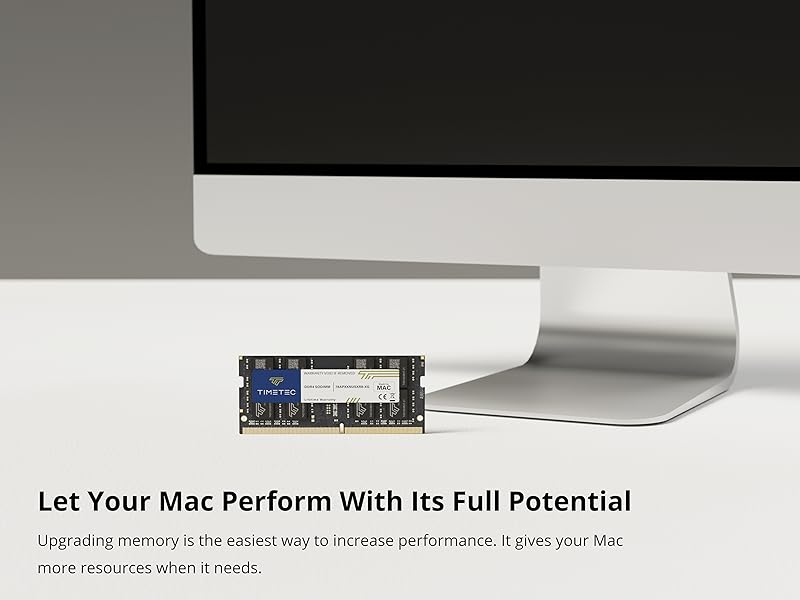
    This Timetec memory is designed to help your Mac system run faster and smoother. It allows your Mac system to load programs faster, increase responsiveness and run data-intensive programs with ease.

    Specifications
    Module Type DDR4 Non-ECC Unbuffered SODIMM
    Frequency 2666MHz
    CAS Latency CL19
    Capacity 8GB / 16GB / 32GB
    Voltage 1.2V
    Pins 260 Pin
    Dimensions 30(H) x 69.6(L)mm
    iMac 2017
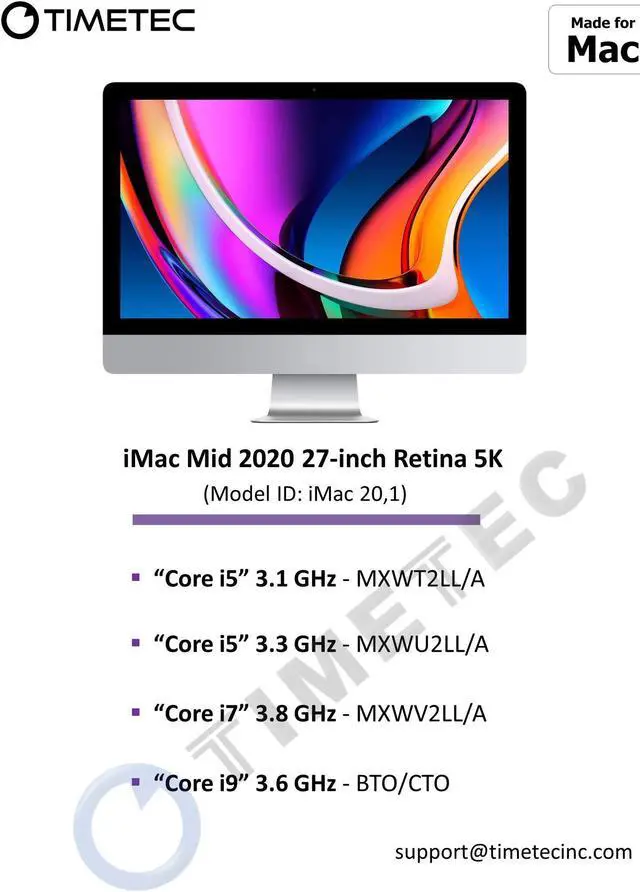
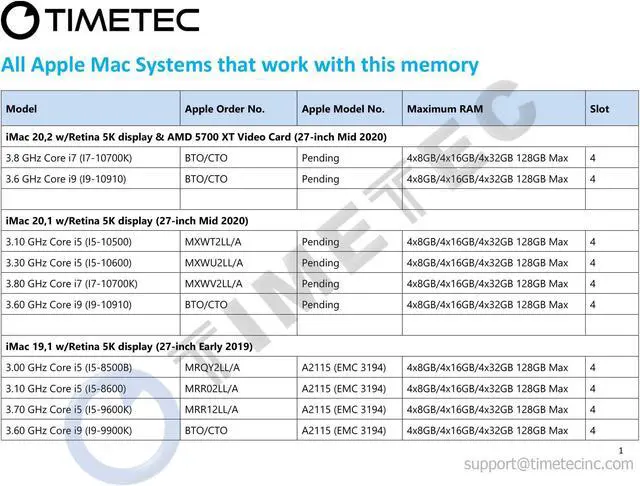
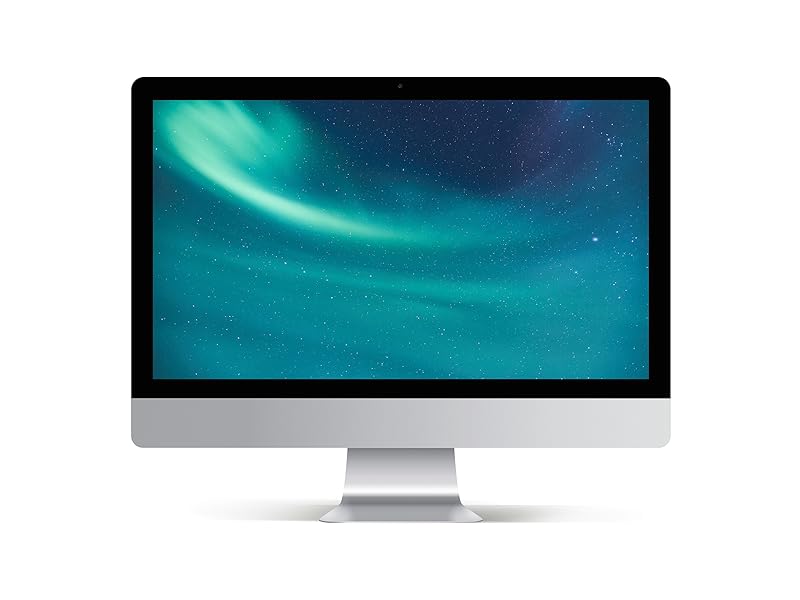
    iMac (27-inch, Mid 2020, Retina 5K)
    Compatible List
    • MXWT2LL/A - "Core i5" 3.1 GHz - iMac 20,1
    • MXWU2LL/A -  "Core i5" 3.3 GHz - iMac 20,1
    • MXWV2LL/A - "Core i7" 3.8 GHz - iMac 20,1
    • BTO/CTO - "Core i9" 3.6 GHz - iMac 20,1 / iMac 20,2
    • BTO/CTO - "Core i7" 3.8 GHz - iMac 20,2
    iMac 2017
    iMac (27-inch, Early 2019, Retina 5K)
    Compatible List
    • MRQY2LL/A - "Core i5" 3.0 GHz - iMac 19,1 - A2115
    • MRR02LL/A - "Core i5" 3.1 GHz - iMac 19,1 - A2115
    • MRR12LL/A - "Core i5" 3.7 GHz - iMac 19,1 - A2115
    • BTO/CTO - "Core i9" 3.6 GHz - iMac 19,1 - A2115
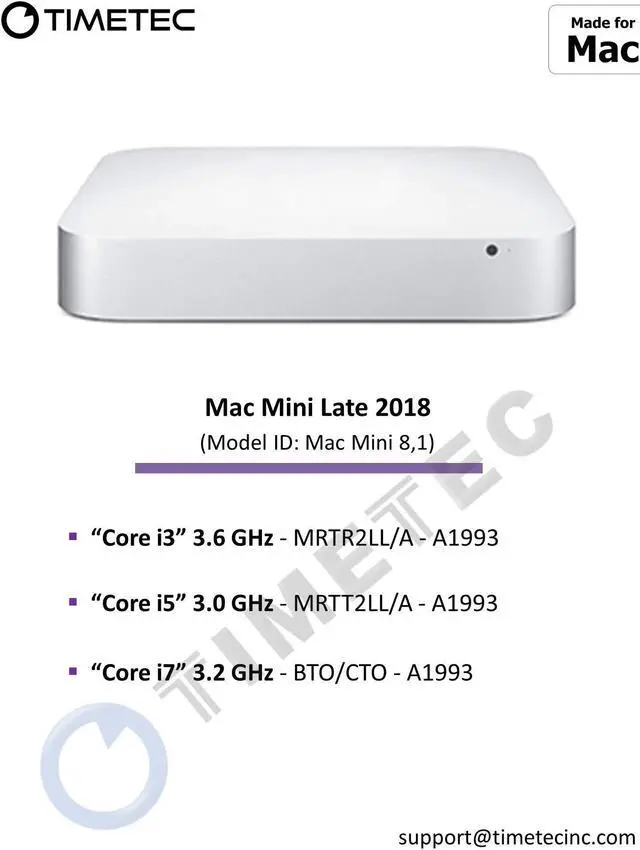
    Mac Mini (Late 2018)
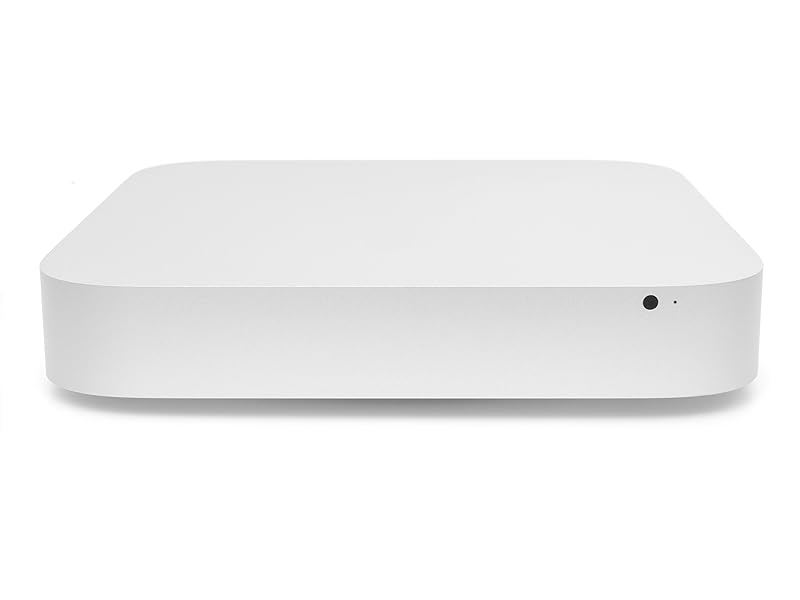
    Mac Mini (Late 2018) - Only 2 Memory Slots Available
    Compatible List
    • MRTR2LL/A - "Core i3" 3.6 GHz - Mac Mini 8,1 - A1993
    • MRTT2LL/A - "Core i5" 3.0 GHz - Mac Mini 8,1 - A1993
    • BTO/CTO - "Core i7" 3.2 GHz - Mac Mini 8,1 - A1993
    Design For Early 2019 iMac w/ Retina 5K
    Display model ID: iMac 19, 1 (i5 3.0GH z, i5 3.1GH z, i5 3.7GH z, i9 3.6GH z) Design For Late 2018 Mac Mini model
    ID: Mac Mini 8, 1 (i3 3.6GH z, i5 3.0GH z, i7 3.2GH z) DDR4 2666MHz PC4-21300 260 Pin Unbuffered Non-ECC 1.2V CL19 Single Rank 1Rx8 based 1024x8
    Module Size: 8GB
    Package: 1x8GB
    Power Supply: VDD= 1.2V ( 1.14V to 1.26V ) VDDQ = 1.2V ( 1.14V to 1.26V ) Guaranteed Lifetime warranty from Purchase Date Free technical support (support@timetecinc. com) MON - FRI 9AM-6PM PST

    Warranty & Returns

    Warranty, Returns, And Additional Information

    Warranty

    • Please contact the Seller directly for warranty information. Warranty information may also be found on the Manufacturer's website.
    • CONTACT

    Return Policies

    Manufacturer Contact Info

    LOADING...

    Timetec MR-G8GD426S2E is an 8GB DDR4-2666 SO-DIMM memory module for users upgrading a Mid 2020 iMac (20,1/20,2), Mid 2019 27-inch iMac (19,1), or Late 2018 Mac mini (8,1). It runs at 1.2V with CL19 latency.

    Recommended For

    • Owners of the listed 2019 or 2020 27-inch 5K iMacs who want to add an 8GB DDR4-2666 module to an available memory slot; Apple identifies 2666MHz DDR4 as the supported memory type for the 2020 model.
    • 2018 Mac mini owners who have confirmed they need more memory and are comfortable with a moderate internal upgrade; the mini uses 2666MHz DDR4 SO-DIMM memory, but replacing it involves disassembly rather than a simple external access panel.
    • Owners of a supported Mac currently experiencing memory pressure during everyday multitasking who want a modest 8GB capacity increase, rather than a complete high-capacity rebuild.
    • 2019 or 2020 27-inch iMac owners who want to use an open slot for a small upgrade instead of replacing all installed memory; check the existing module layout and total capacity before choosing a single 8GB stick.

    Real-World Use Scenarios

    • When an 8GB 2018 Mac mini or compatible 27-inch iMac slows while juggling browser tabs, email, and office apps, adding this module can give those apps more room in memory and may reduce slowdowns from memory pressure. The benefit depends on the Mac’s existing memory and configuration.
    • For someone keeping several everyday apps open on a compatible Mac, adding memory can help reduce the need to close and reopen apps when the system is running short of RAM; it does not make the processor itself faster.
    • When editing photos while keeping a browser and other apps open, extra installed memory can provide more headroom for the combined workload. It is most relevant if the Mac is already showing memory pressure; this 8GB module alone does not guarantee faster editing.
    • For light video editing on a compatible Mac mini, additional memory may help when editing alongside other open apps, but it is not a substitute for a suitable processor, graphics capability, or enough total RAM for demanding projects.
    • For owners expanding a compatible Mac rather than replacing it, this module can be part of a memory upgrade. Check the model, current modules, and slot layout first; Apple directs 2018 Mac mini memory upgrades to an Apple Store or authorized service provider.