here!
here!
I’m your shopping assistant for PC builds, upgrades, and everything tech.
Got questions? Ask away!
Start a conversation
here!
I’m your shopping assistant for PC builds, upgrades, and everything tech.
Got questions? Ask away!
Start a conversation
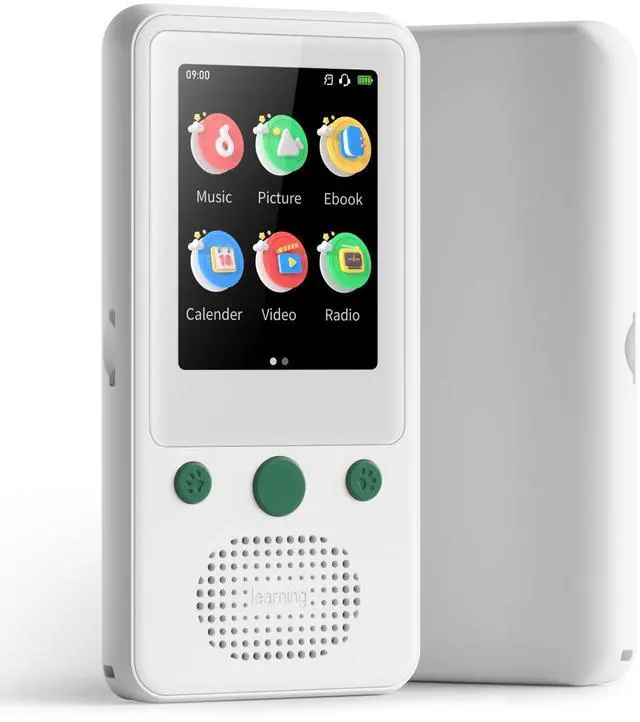
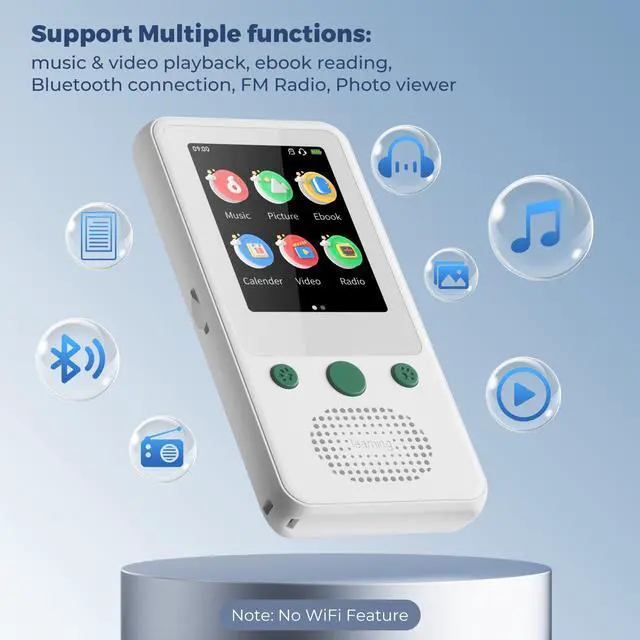
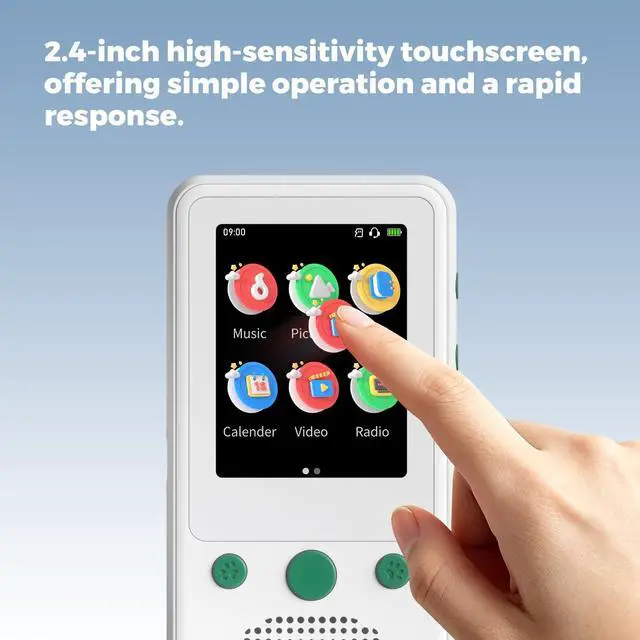
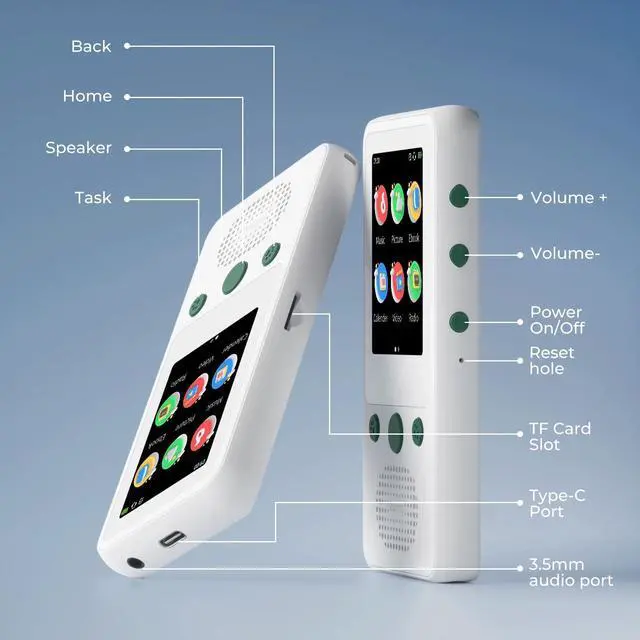




Any questions? Ask CelesteSM will help you find out quickly.


How to make Win11 PC recognize A5?
Firstly ensure you're using a USB-A to USB-C cable to connect your A5 and Win11 PC.
If it cannot be recognized by your PC successfully, please try these steps:
1. change different USB-A to USB-C cables;
2. change different USB Ports of your PC
How to transfer songs to A5? Where are the files transferred to A5 saved?
1. connect A5 and PC by the USB-A to USB-C cable;
2. open File Explorer of PC and open A5 Driver;
3. copy your music files to the folders of A5 Driver where you want to save.
You can find your files on A5 according to the save path you chose.
How to read ebooks via A5's Ebook app?
Open Ebook app, Swipe left on the screen or click "Return" button?Click "Open Book?Click "Open File"?Find your ebooks through the storage path where you chose to save them before?Click your ebook to read
Why is there no sound coming from the FM radio?
FM radio function requires wired earphones (Not Included) to act as an antenna.


How to make Win11 PC recognize A5?
Firstly ensure you're using a USB-A to USB-C cable to connect your A5 and Win11 PC.
If it cannot be recognized by your PC successfully, please try these steps:
1. change different USB-A to USB-C cables;
2. change different USB Ports of your PC
How to transfer songs to A5? Where are the files transferred to A5 saved?
1. connect A5 and PC by the USB-A to USB-C cable;
2. open File Explorer of PC and open A5 Driver;
3. copy your music files to the folders of A5 Driver where you want to save.
You can find your files on A5 according to the save path you chose.
How to read ebooks via A5's Ebook app?
Open Ebook app, Swipe left on the screen or click "Return" button?Click "Open Book?Click "Open File"?Find your ebooks through the storage path where you chose to save them before?Click your ebook to read
Why is there no sound coming from the FM radio?
FM radio function requires wired earphones (Not Included) to act as an antenna.