




 here!
I’m your shopping assistant for PC builds, upgrades, and everything tech.
Got questions? Ask away!
Start a conversation
here!
I’m your shopping assistant for PC builds, upgrades, and everything tech.
Got questions? Ask away!
Start a conversation




Any questions? Ask CelesteSM will help you find out quickly.

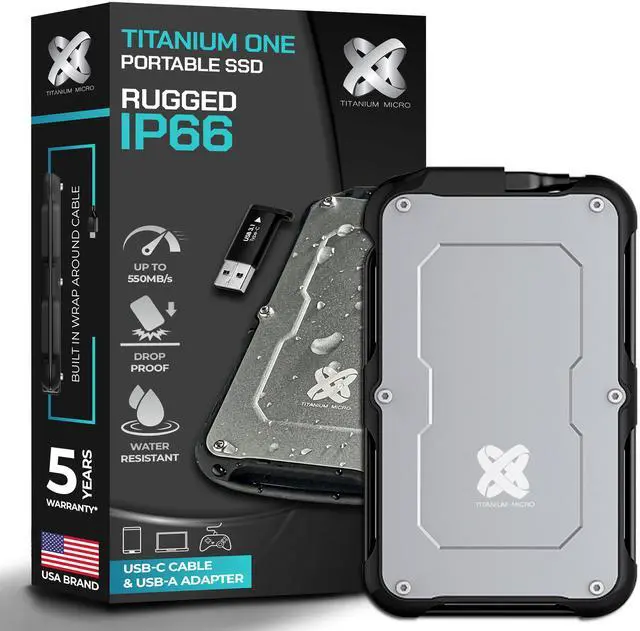
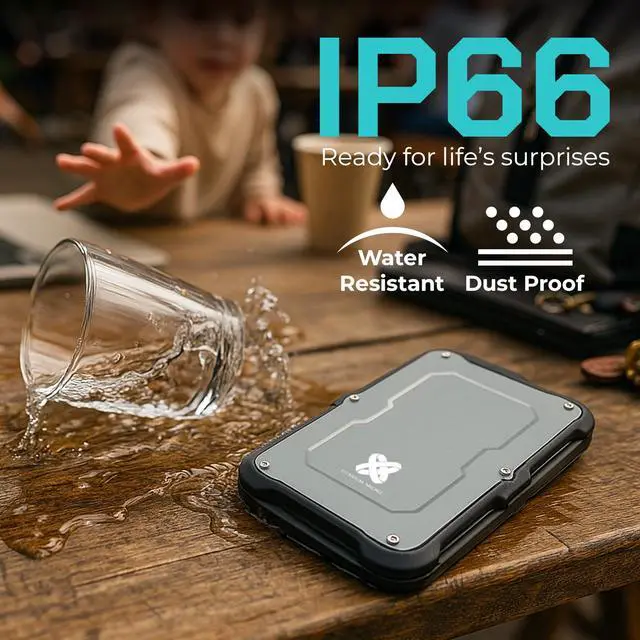
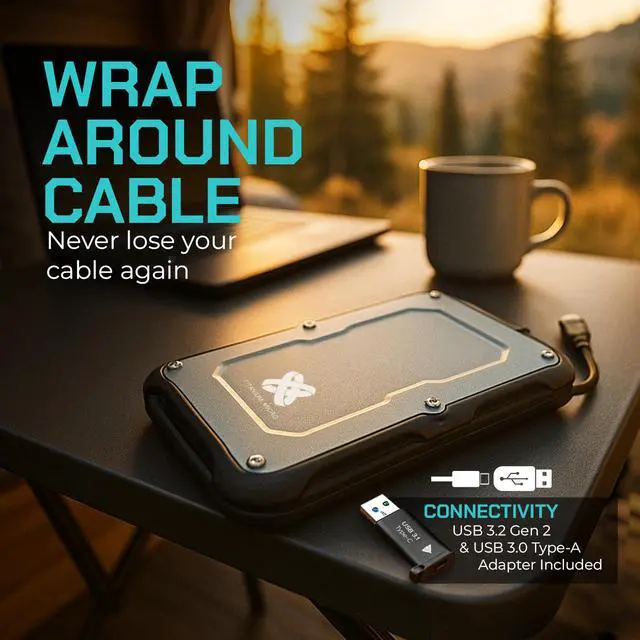
Titanium Micro introduces Titanium One, a robust external solid state drive with decent dust-proof, water-resistant and shock absorbing function. The Aluminium cover and silicone frame provides sturdy protection. Integrated cable design, with built-in USB 3.0, carrying and storing by which you can easily wrap the cables around the drive.


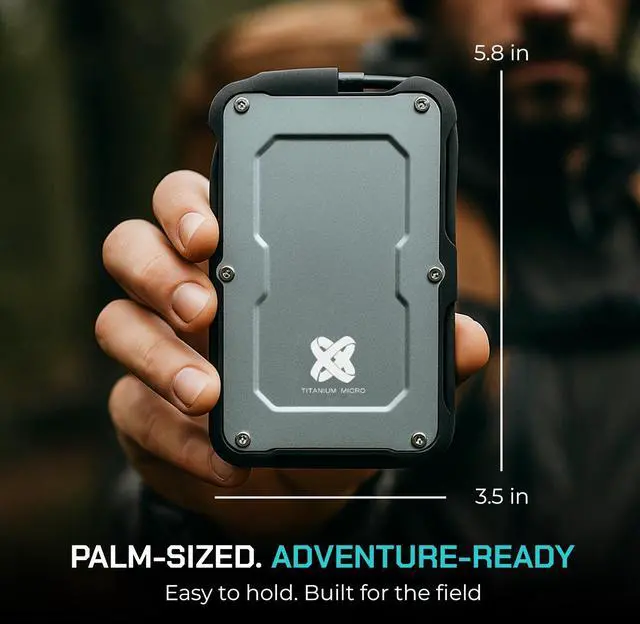
The Titanium Micro Titanium One is a 250GB rugged portable external SSD for people who need compact file storage for travel, outdoor shoots, or everyday use. Its aluminum shell, silicone bumper, IP66 and MIL-STD-810G ratings, and built-in USB-C cable with USB-A adapter support on-the-go use.
| Attribute | Value |
|---|---|
| Best For | Portable file storage for compatible computers, consoles, and mobile devices |
| Capacity | 250GB |
Q: Titanium One 250GB vs. 500GB: which capacity should I choose?
A: Choose the 250GB Titanium One for a smaller file collection or routine transfers; choose the 500GB version when you want twice the storage for photos, videos, games, or backups. Both are Titanium One configurations with the same rugged design and integrated wrap-around cable.
Q: Should I get the Titanium One 250GB or 1TB?
A: Choose 250GB for a more compact storage budget; choose 1TB if you plan to keep a larger media or game library on the drive. The 1TB configuration provides four times the listed capacity while retaining the Titanium One’s aluminum-and-silicone construction and integrated cable design.
Q: Titanium One vs. Titanium Micro Mercury: which is better for portable storage?
A: Choose Titanium One if its integrated wrap-around cable and rugged, travel-oriented design are your priorities. Choose Mercury if you prioritize higher stated transfer speeds: Titanium Micro lists Mercury as an NVMe portable SSD with read/write speeds up to 1,000 MB/s. Both are portable external SSDs with aluminum-and-silicone construction.
Q: Will this external SSD work with a Windows PC and a Mac?
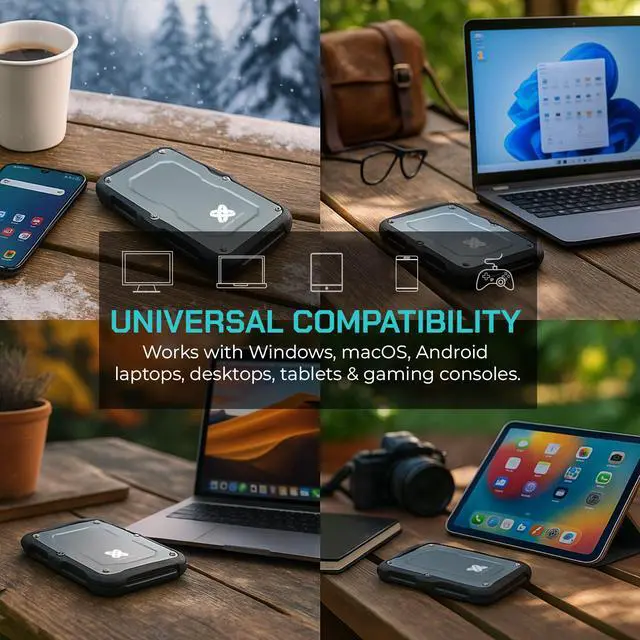
A: The product is listed as compatible with Windows PCs and macOS. It includes a USB-C cable and a built-in USB-A adapter. Depending on how you plan to use it, you may need to check or change the drive’s format for your operating systems.
Q: Can I use this SSD with a PS5?
A: The product is listed as compatible with PS5. An external USB SSD can store PS5 games, but PS5 games generally must be moved to the console’s internal storage to play; compatible PS4 games can be played from external storage. The console may require the drive to be formatted.
Q: Can I connect it directly to an Android phone to transfer files?
A: The product is listed as compatible with Android phones and supports direct file transfers without a PC. It has an integrated USB-C cable; phone support for external storage can vary by device.
Q: Is this SSD a good choice for travel or outdoor work?
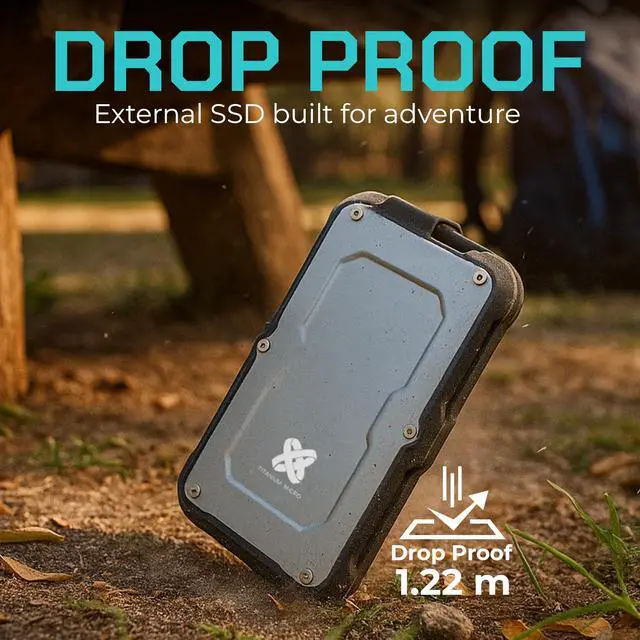
A: It may suit travel and outdoor shoots if you want portable storage with added physical protection. The product lists an aluminum shell, silicone bumper, MIL-STD-810G and IP66 ratings, and an included carry pouch. These ratings do not guarantee protection against every type of damage or data loss.
Q: Is the Titanium One suitable for carrying files in rough or wet conditions?
A: It may suit travel or field use where bumps, dust, and splashes are concerns: its aluminum shell, silicone bumper, and IP66 rating are described in the product information. YouTube reviewers also tested an older Titanium One for drop and run-over resistance, but those demonstrations do not guarantee every unit will survive damage or protect data in all conditions.
Q: Is the Titanium One fast enough for gaming on an Xbox?
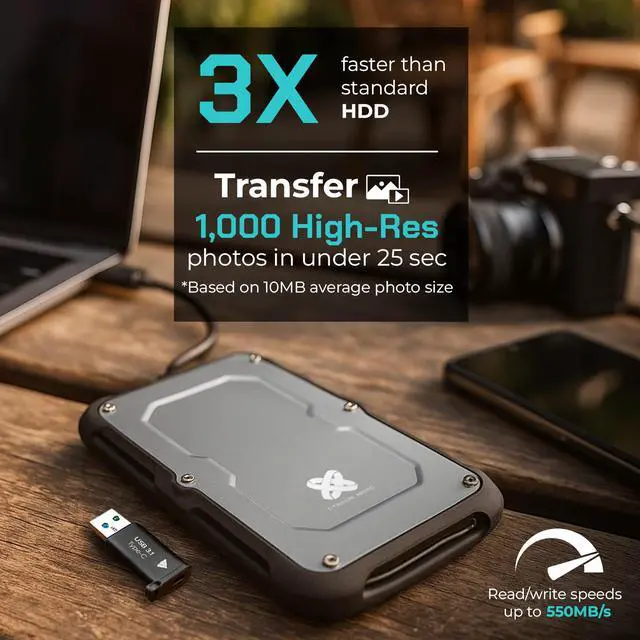
A: A YouTube review tested an older Titanium One with Xbox Series X game-loading comparisons. The current product information lists speeds up to 500–550 MB/s, but actual performance depends on the drive, connection, and console. Check the console’s storage rules and remember that 250GB limits how many games it can hold.
Q: Is it a good choice if transfer speed matters more than ruggedness?
A: Its listed maximum is 500–550 MB/s, and a YouTube review compared an older Titanium One with faster alternatives. Consider it when the rugged casing and integrated cable matter; if maximum transfer speed is the priority, compare measured performance of current models before buying.


