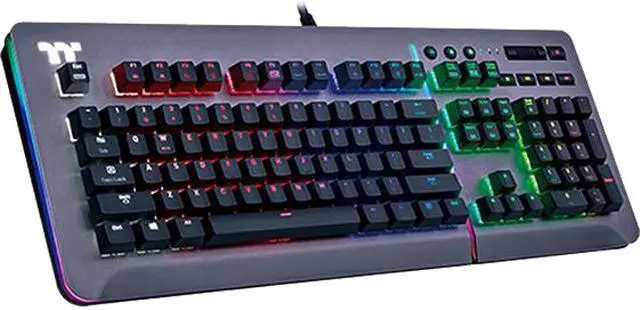
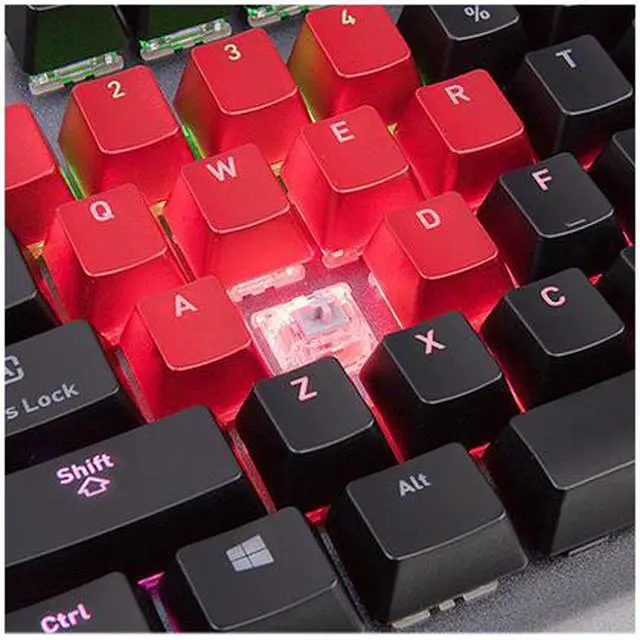
The Thermaltake Level 20 KB-LVT-SSSRUS-01 is a wired USB mechanical gaming keyboard with Cherry MX Speed Silver switches and a 1.2 mm actuation point, suited to gamers who prioritize fast, responsive keystrokes.
Recommended For
- PC gamers who prefer light, linear key presses for rapid in-game inputs; the Cherry MX Speed Silver switches actuate at 1.2 mm, and reviewers found their linear feel suited to games.
- Desktop gamers who use macros or switch between game setups; the Level 20 supports on-the-fly macro recording and up to six onboard profiles.
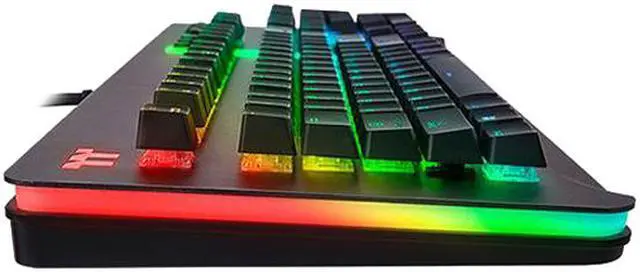
- RGB-focused PC builders who want their keyboard lighting to coordinate with compatible Thermaltake components; the keyboard offers multi-zone lighting and TT RGB Sync compatibility.
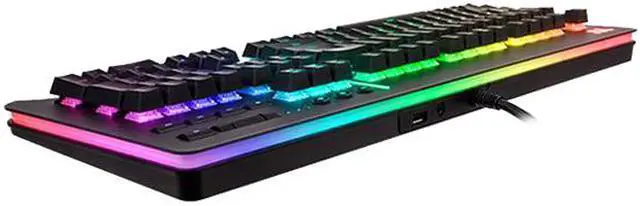
- Stationary desktop users who want nearby headset or USB connections; reviewers note that the keyboard includes audio and USB passthrough ports.
Real-World Use Scenarios
- In fast-paced games that involve repeated movement or action key presses, the linear, light-feeling switches make rapid inputs straightforward; the short actuation distance may suit players who prefer keys to respond with less travel, though it does not guarantee better reaction times.
- When switching between games or setting up repeated key sequences, users can assign macros and save profiles for different setups; the profiles can be recalled from the keyboard, while advanced customization uses Thermaltake software.
- At a gaming desk where the PC’s rear ports are hard to reach, users can plug a compatible USB device or headset into the keyboard’s pass-through ports for easier access; audio pass-through uses the connected PC.
- During a game or while listening to music at the PC, users can adjust volume, mute, or control playback from the keyboard instead of reaching for separate software controls.
- When matching a PC setup’s lighting, users can customize the keyboard’s RGB effects and coordinate them with compatible Thermaltake components; the software offers deeper lighting and device-sync options.




 here!