



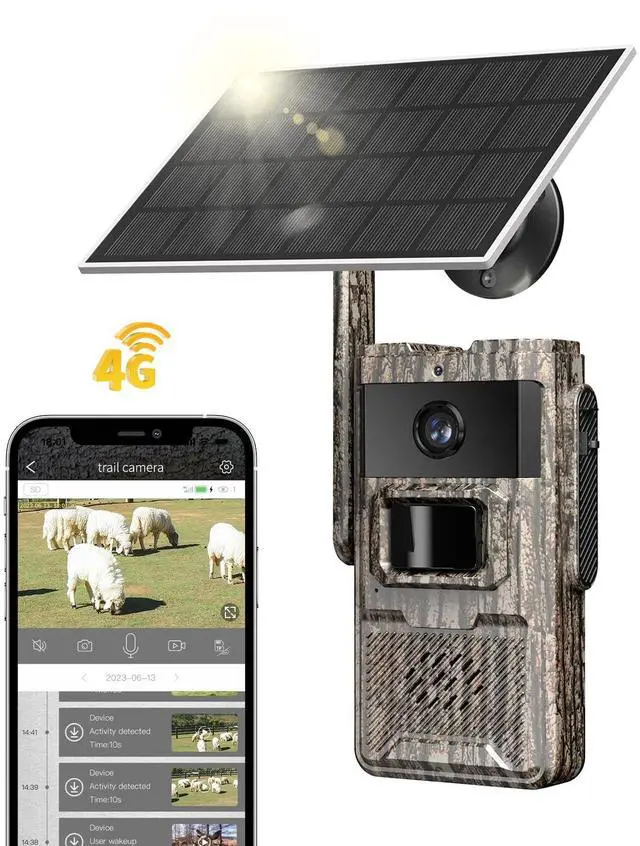
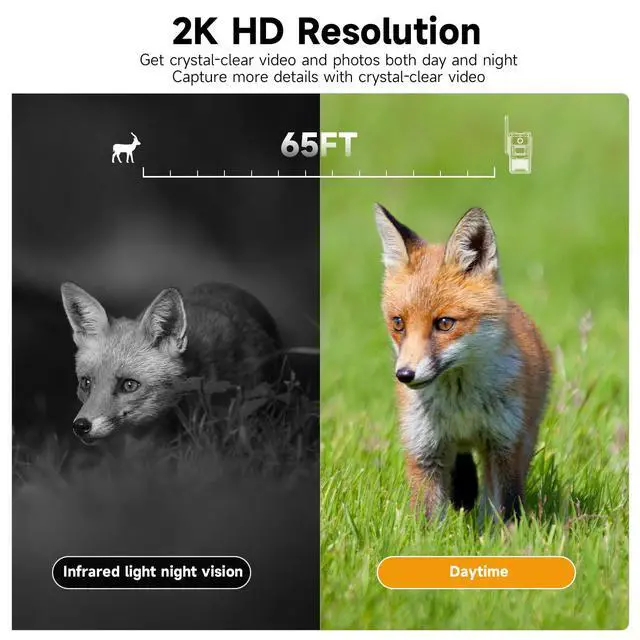
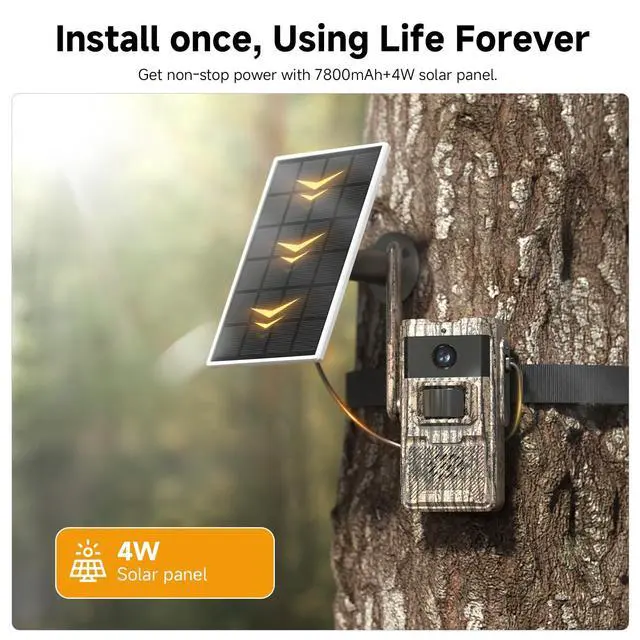


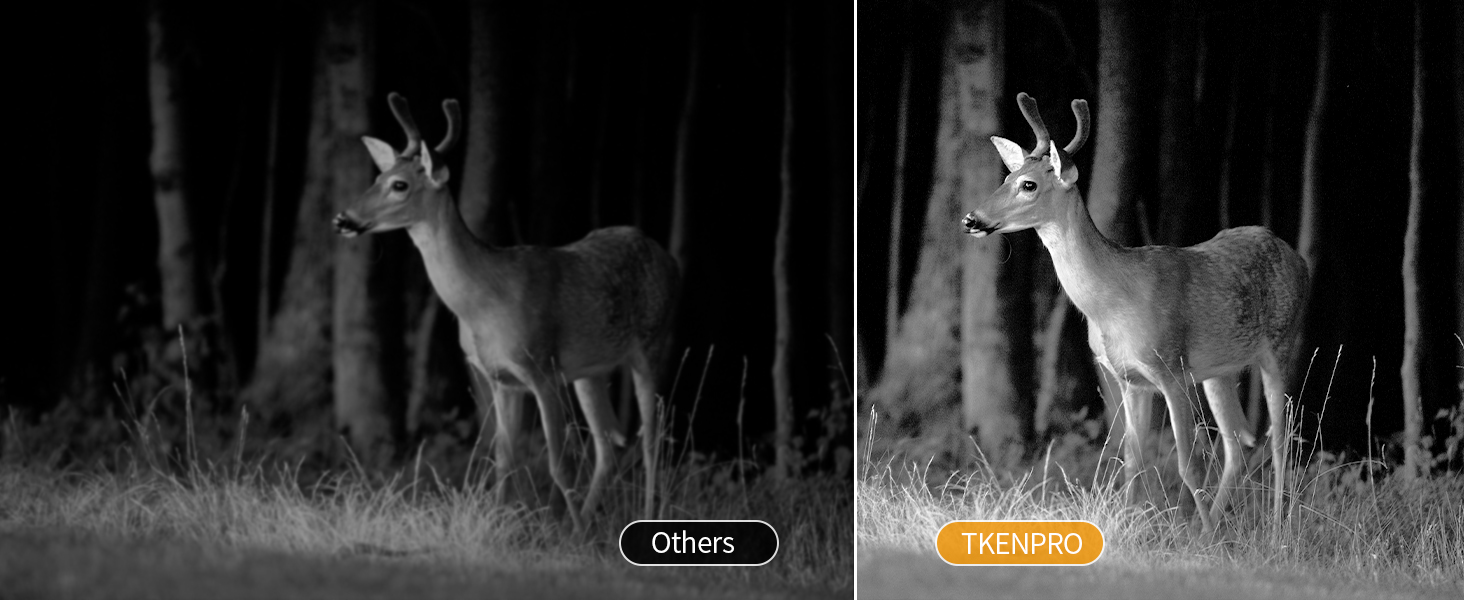
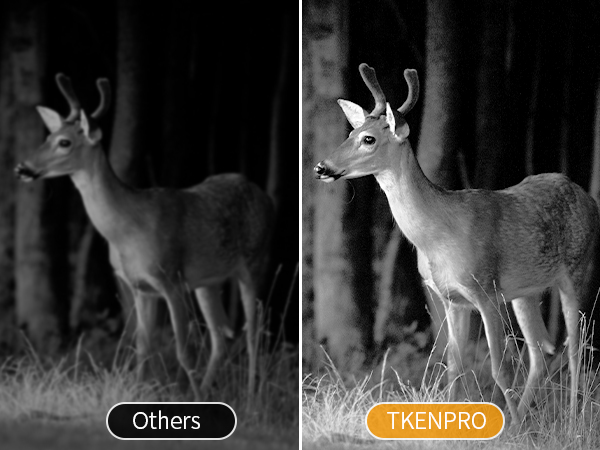
Low-glow Night Vision
940nm no glow infrared technology, makes more stealth, avoids overexposure or over-dimmed.
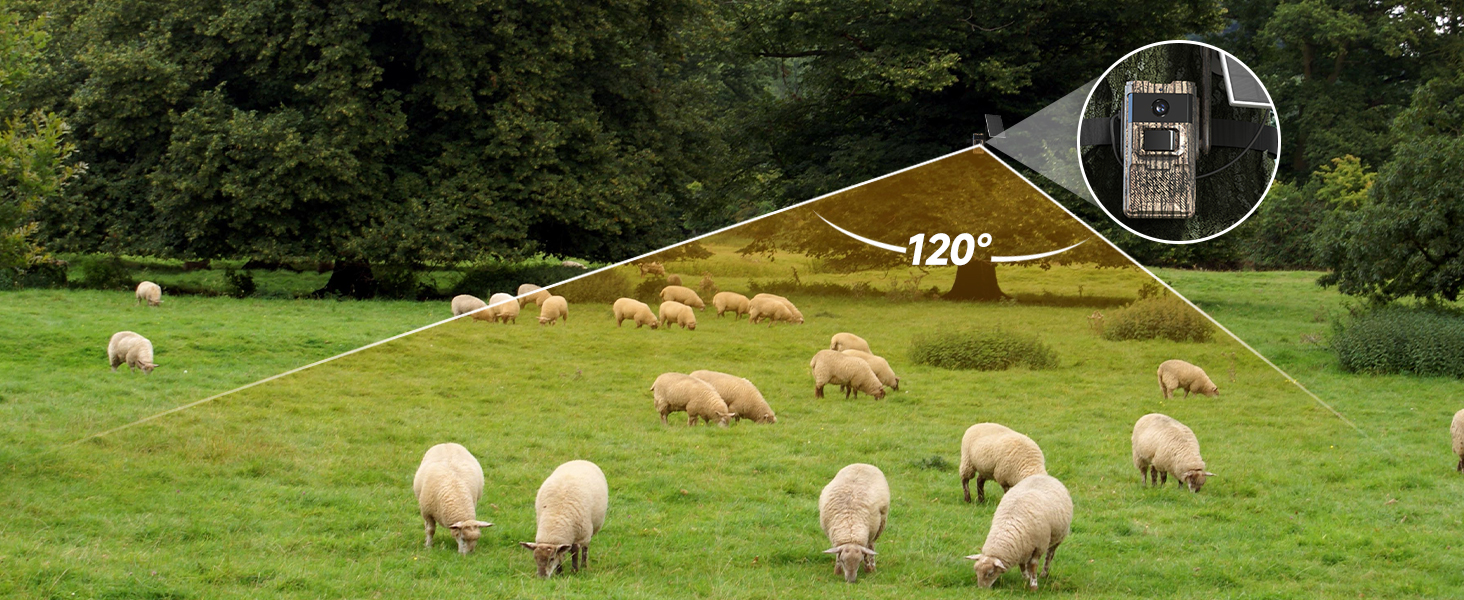
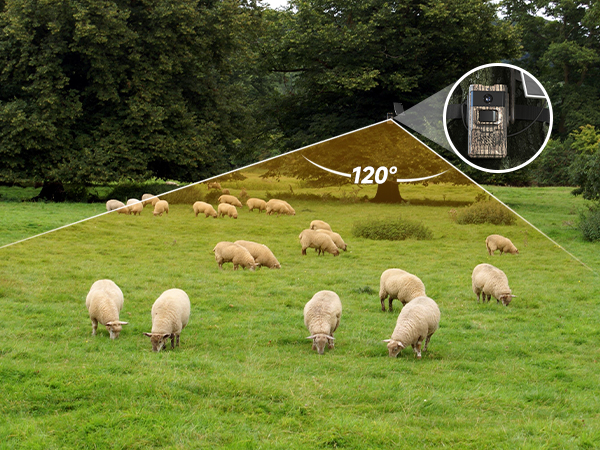
120° Wide angle
Allows the trail camera to get an excellent broader view and high motion sensor capture in wildlife.
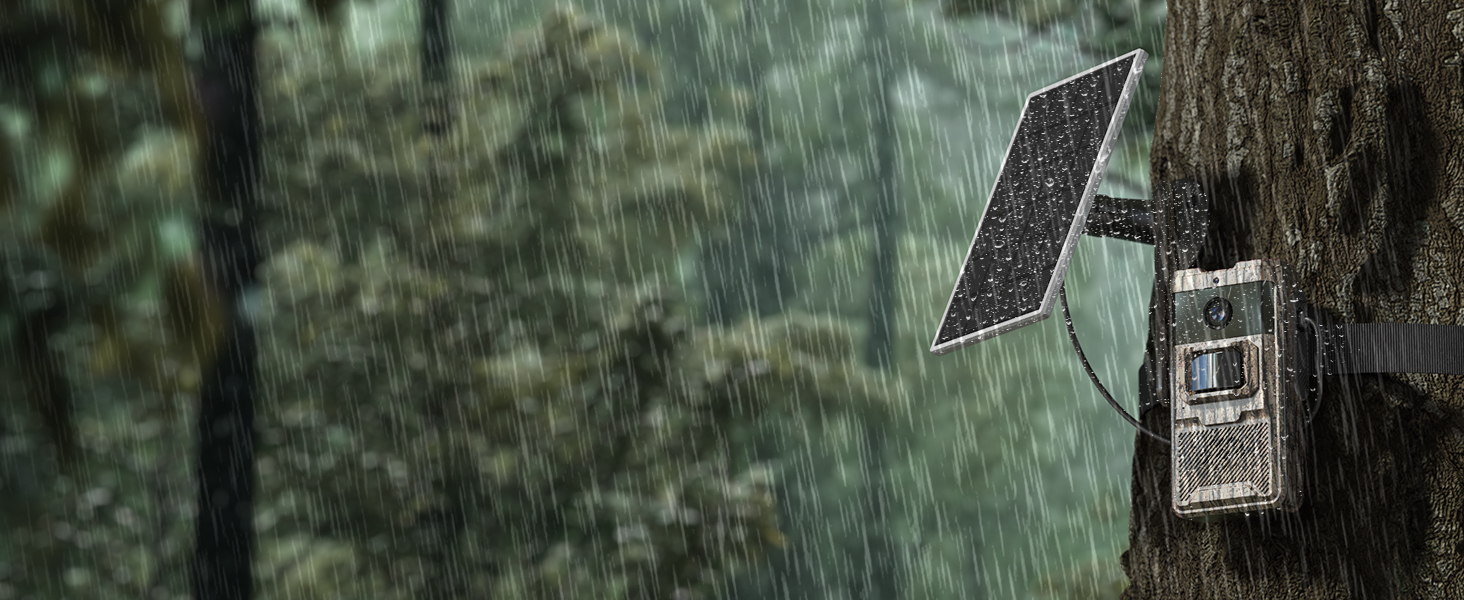
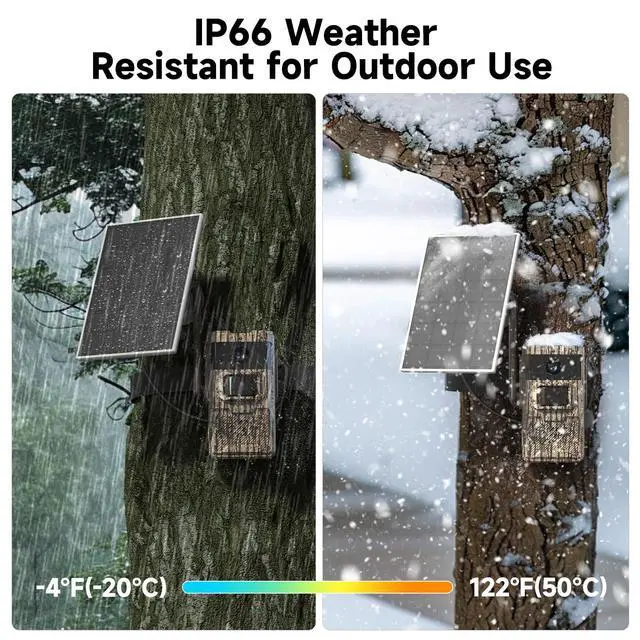
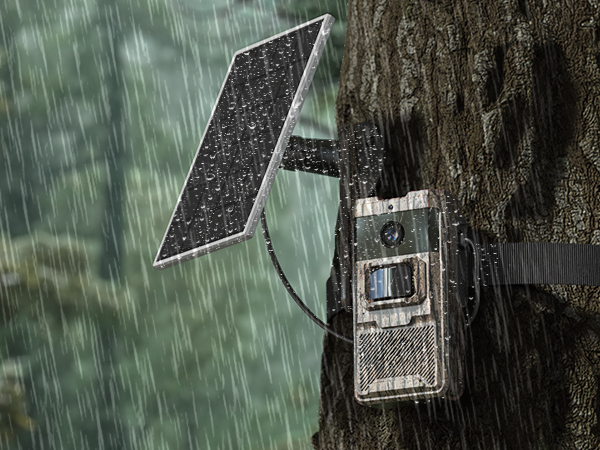
IP66 Waterproof
Trail camera has IP66 waterproof rating for stable and long-lasting operation.
How to check if the camera meets the requirements to connect to the APP?
1. Insert external antenna into the antenna hole and rotate to tighten it
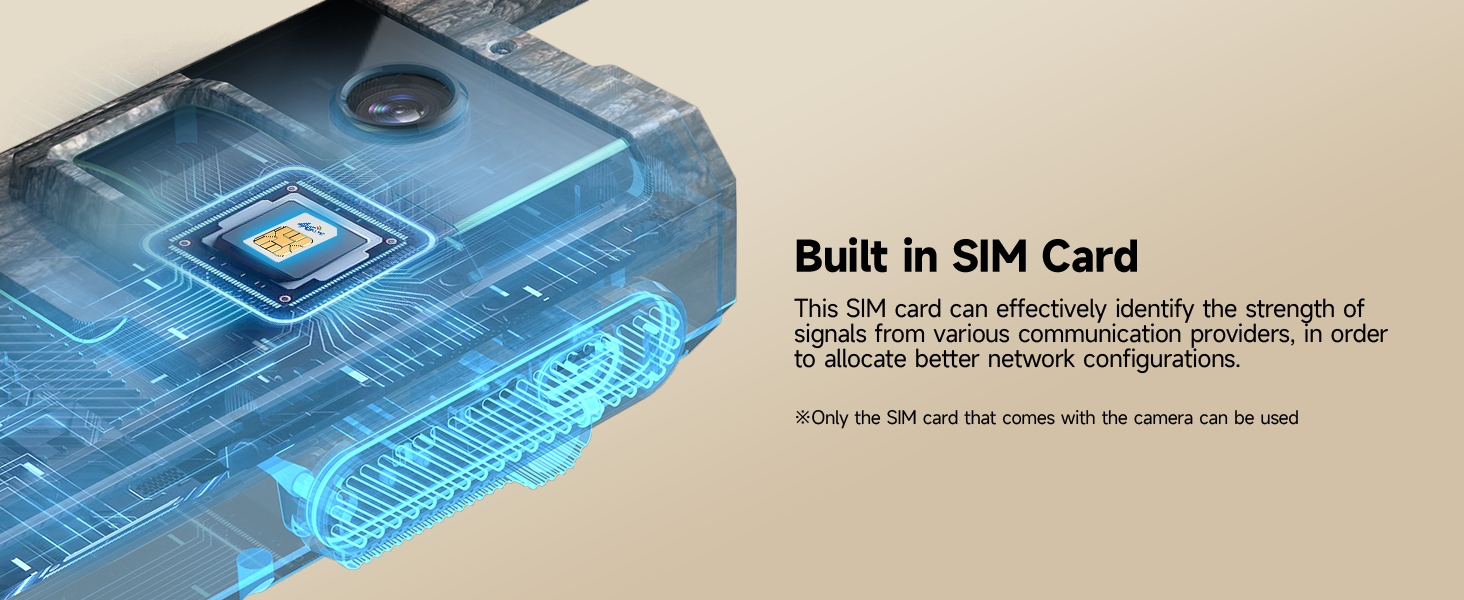
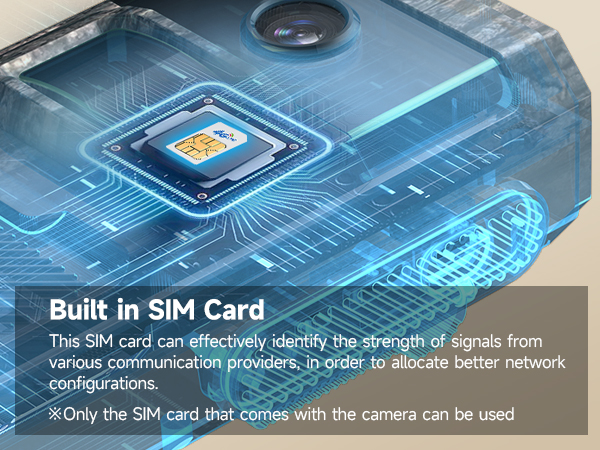
2. Please install SIM card then turn on the camera. When blue lights up, the SIM card is recognized
3. Install camera in the place that 4G signal of the phone is above 2 bars
The camera can't recognize a SIM card.
1. Check the installation direction of the SIM card is correct
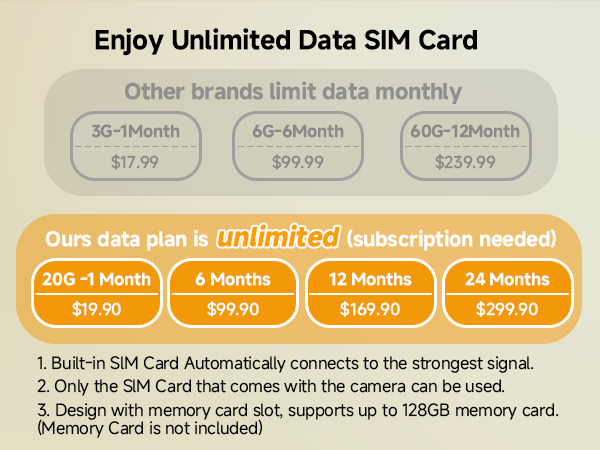
2. Please check whether the data plan has run out
3. Check the electricity of the camera
The camera remains offline after topping up the SIM card.
After topping up, you can activate the device manually (turn off-turn off) or automatically (waiting for 1 hour), and then wait for the device to restore its online state.
Does the included SIM card support cross-border use?
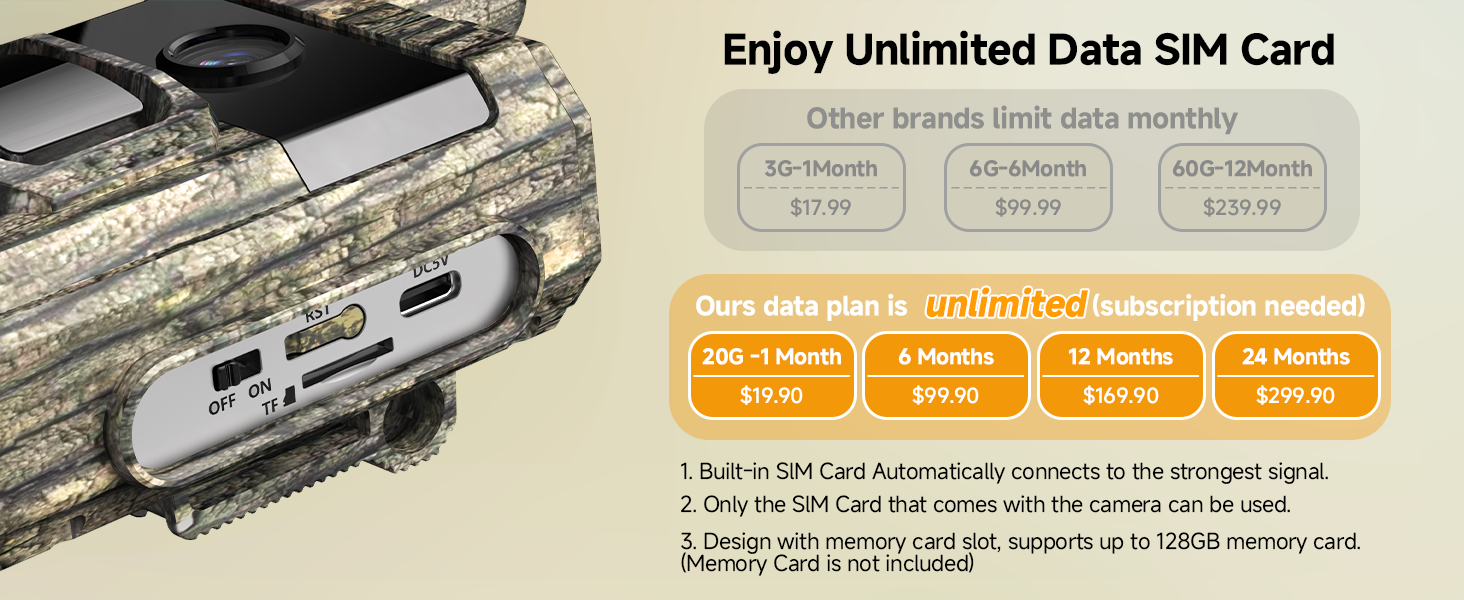
1. The SIM card provided by trail camera support using in local US, and our device support North America area. Cross-border use is not allowed.
2. If using a SIM card from non-North American region (like Brazil), our trail camera will not work in US.
How to add the camera to the APP?
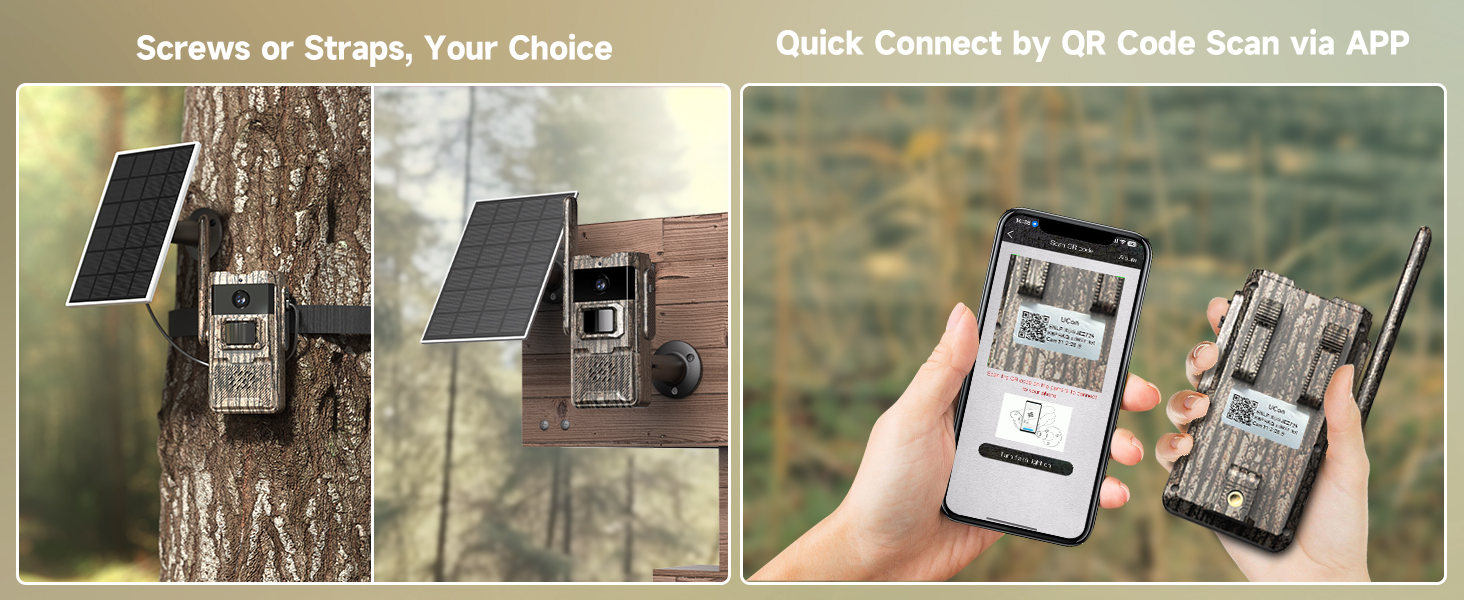
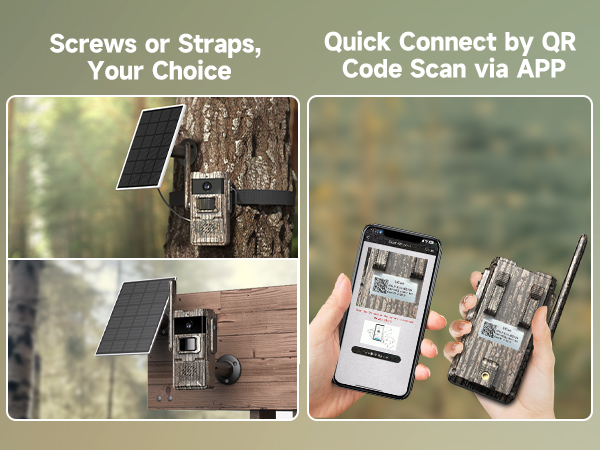
Step 1: Click "Add a device" then choose "Set up 4G device" and click "Next" when blue lights up
Step 2: Scanning camera's code
Step 3: Choose the name of the device from the drop-down choice. Then select the area where the device is located.
Low-glow Night Vision
940nm no glow infrared technology, makes more stealth, avoids overexposure or over-dimmed.
120° Wide angle
Allows the trail camera to get an excellent broader view and high motion sensor capture in wildlife.
IP66 Waterproof
Trail camera has IP66 waterproof rating for stable and long-lasting operation.
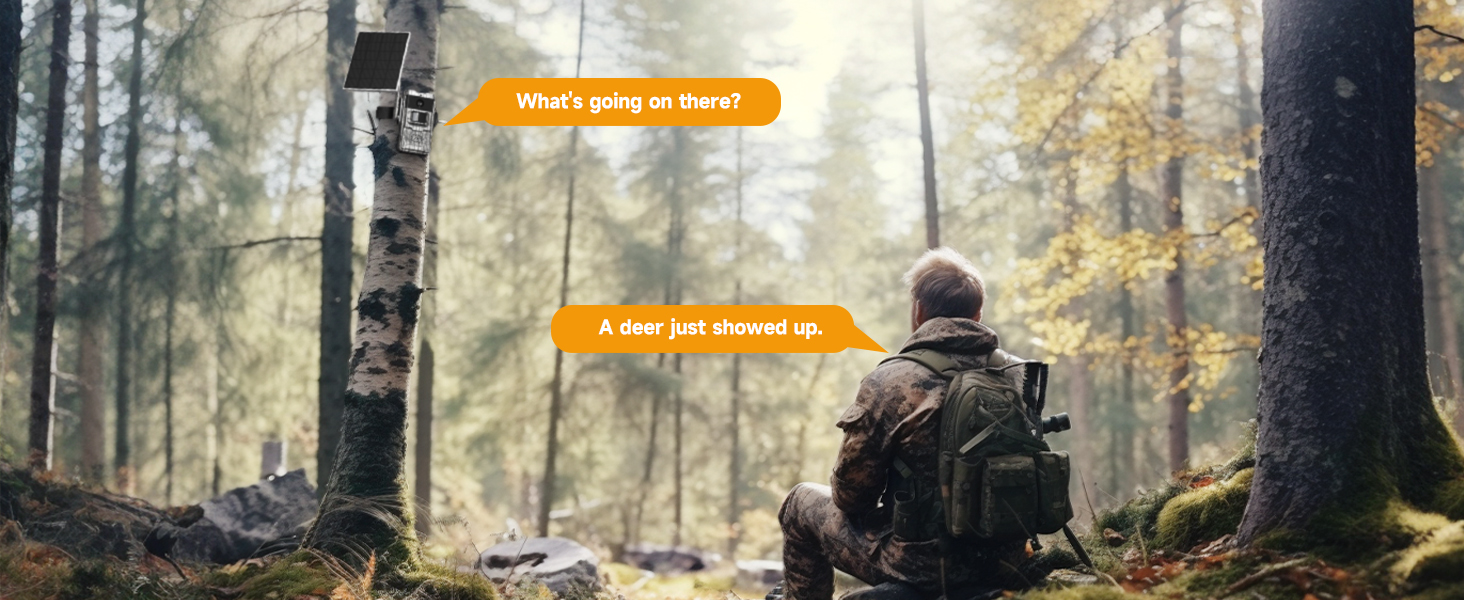
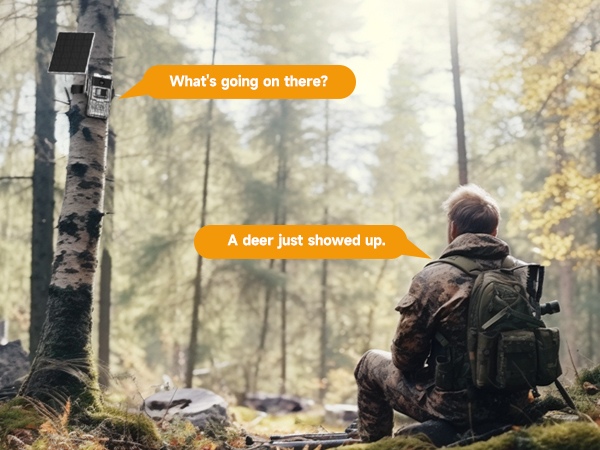
Real-time Conversation
Saves time and effort by a quick and direct communication without leaving your current location.
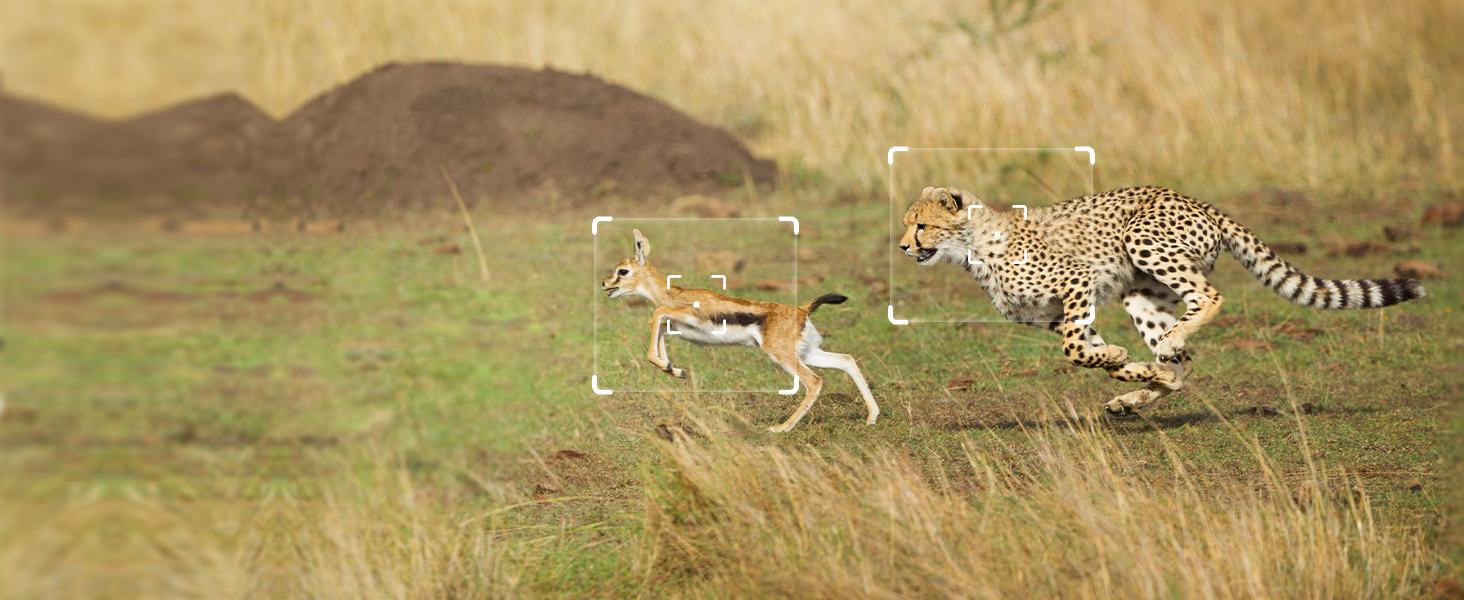
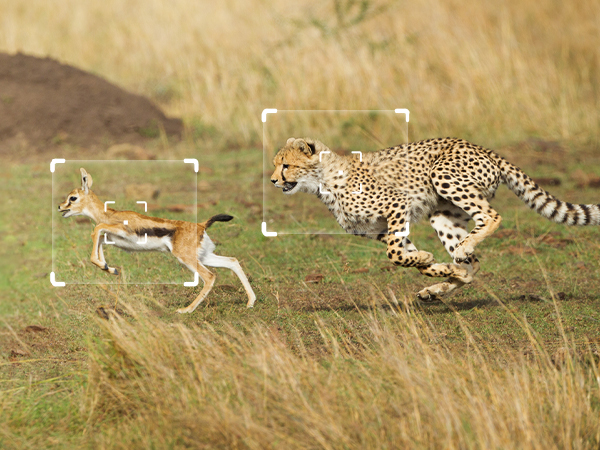
0.2S Trigger Speed Time
Once a game camera detects movement, it snaps photos with lightning-fast speed in less than 0.2s.
How to check if the camera meets the requirements to connect to the APP?
1. Insert external antenna into the antenna hole and rotate to tighten it
2. Please install SIM card then turn on the camera. When blue lights up, the SIM card is recognized
3. Install camera in the place that 4G signal of the phone is above 2 bars
The camera can't recognize a SIM card.
1. Check the installation direction of the SIM card is correct
2. Please check whether the data plan has run out
3. Check the electricity of the camera
The camera remains offline after topping up the SIM card.
After topping up, you can activate the device manually (turn off-turn off) or automatically (waiting for 1 hour), and then wait for the device to restore its online state.
Does the included SIM card support cross-border use?
1. The SIM card provided by trail camera support using in local US, and our device support North America area. Cross-border use is not allowed.
2. If using a SIM card from non-North American region (like Brazil), our trail camera will not work in US.
How to add the camera to the APP?
Step 1: Click "Add a device" then choose "Set up 4G device" and click "Next" when blue lights up
Step 2: Scanning camera's code
Step 3: Choose the name of the device from the drop-down choice. Then select the area where the device is located.