





Our mission is:
To provide accessible projector solutions, allowing anyone to create their own home theater.

Who is TMY?
“TMY” means "Take our Machine to enjoy Your moment".
We have been committed to the design, production and sale of projectors since 2015. In 2020, we independently created the brand TMY, focusing on the production and sale of mini home projectors.
Our mission is to provide accessible projector solutions, allowing you to create your own home theater to free yourself of fatigue and stress so that you may enjoy life.
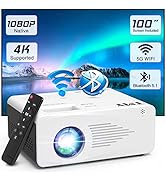
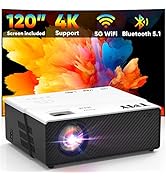
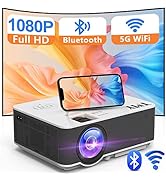
4K Supported Projectors
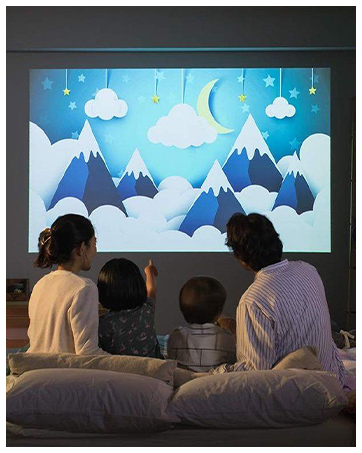
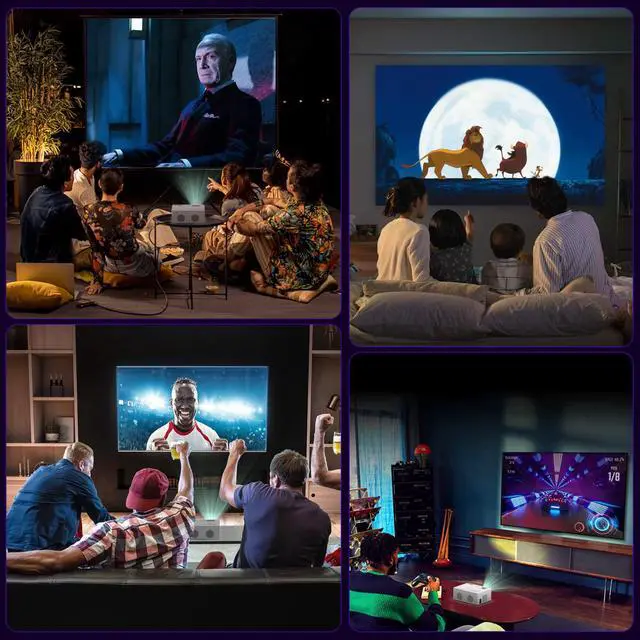
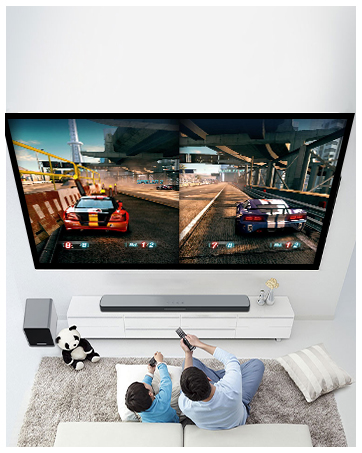
Family Movie Night

Do Home Sports
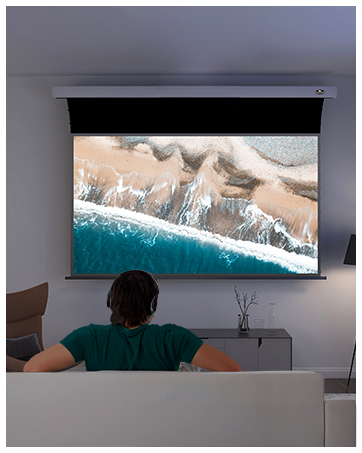
Create Private Cinema

Outdoor Entertainment
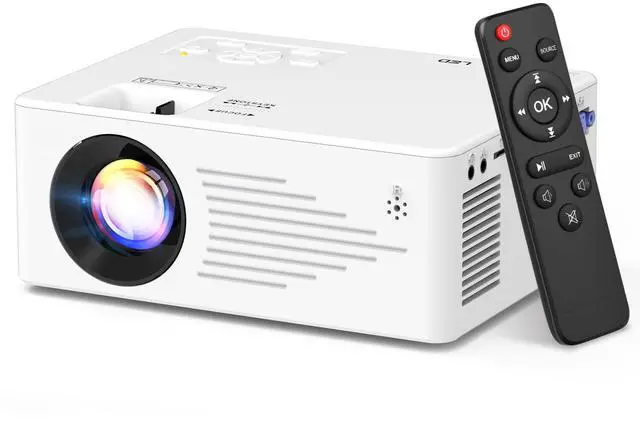
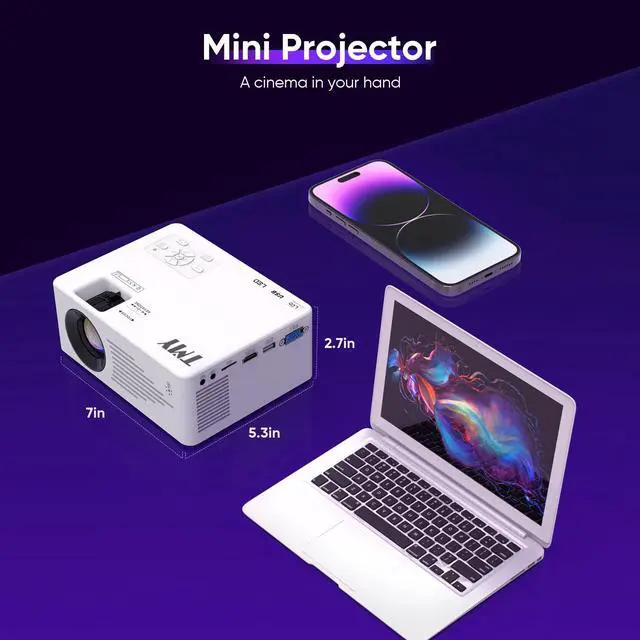
TMY Latest Mini Pocket Projector

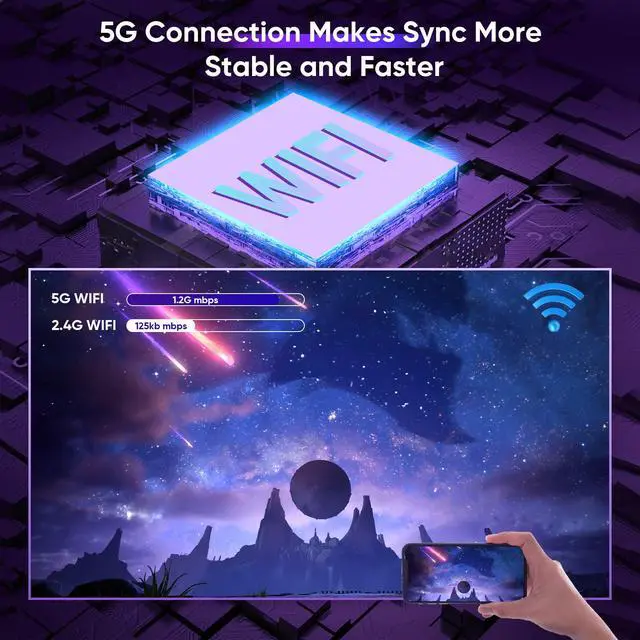
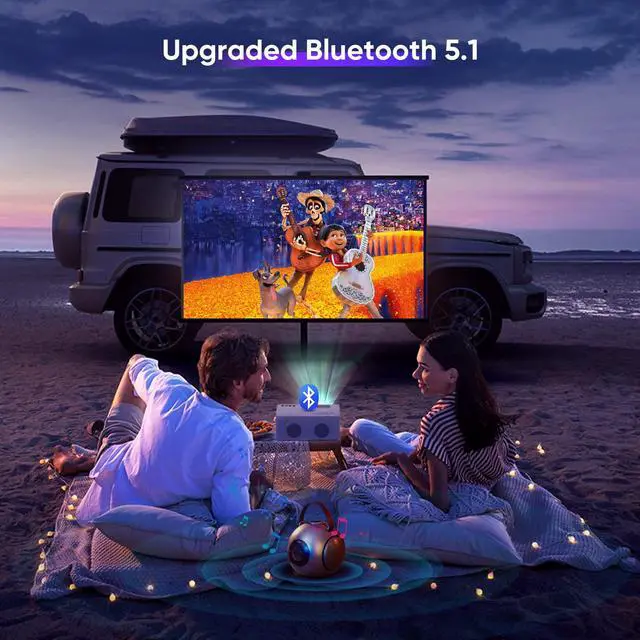
Your life will be more interesting with this small WiFi Bluetooth projector. You can get clear and vibrant images for movies and games via 5G WiFi connection. And also can enjoy excellent sound quality by easily pairing your audio devices with Bluetooth.


Explore More Fun with TV Stick!

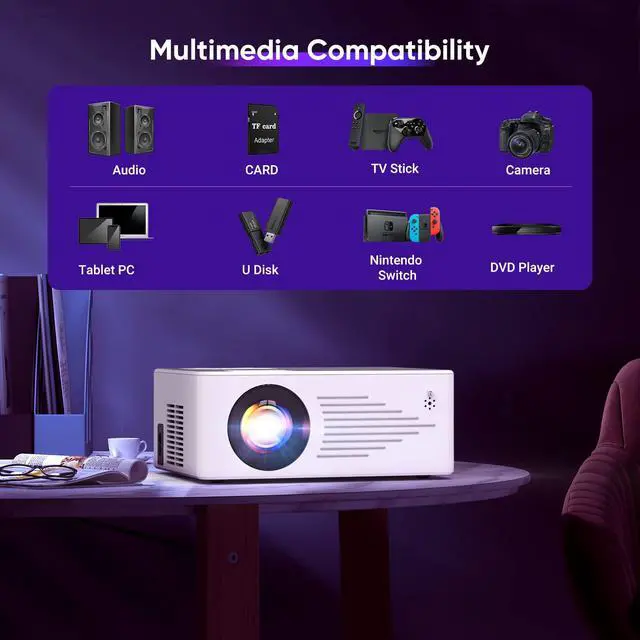
TMY movie projector is perfectly compatible with TV stick/ Chrome-cast. It equips HDMI/AV/USB/SD ports, which can be easily connected to a variety of media devices, such Laptop, PC, TV Box, DVD player, PS4 and so on. You can experience more fun by connecting these devices with the mini projector.
How to play Netflix, Prime Video, Hulu and other copyright protected apps?
Method 1: Connect with Fire TV stick or Roku stick to this projector.
Method 2: Connect a laptop via HDMI cable to this projector.
How to play Netflix, Prime Video, Hulu and other copyright protected apps?
Method 3: For ios devices, use the official Lighting to HDMI adapter to connect your ios devices with the projector. For Android devices, use the Google Chrome-cast to connect your Android devices with the projector.
Which Android phone models are not compatible with WiFi projectors?
The phones adopt miracast protocol are compatible with WiFi projectors. But some Android devices don't support miracast ( such as Google/Moto/Sony), which cannot be screen mirrored.
There is no sound when connecting to the TV stick.
Tuen off the Dolby audio on your TV sticlk audio setting.
TMY Latest Mini Pocket Projector

Your life will be more interesting with this small WiFi Bluetooth projector. You can get clear and vibrant images for movies and games via 5G WiFi connection. And also can enjoy excellent sound quality by easily pairing your audio devices with Bluetooth.


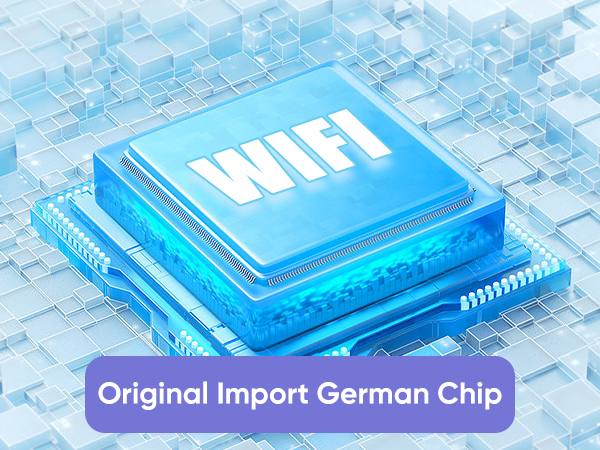
Original Import German Chip
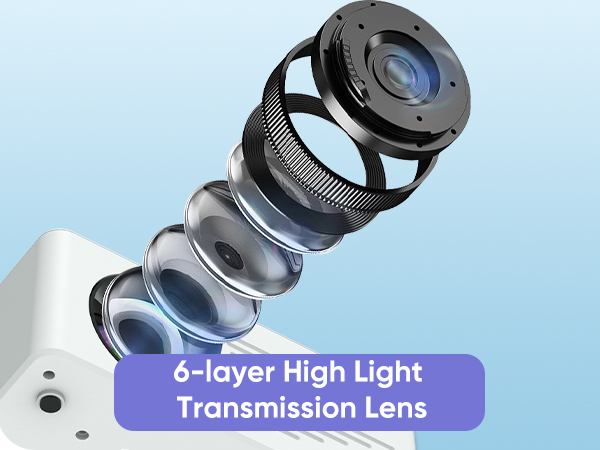
6-layer High Light Transmission Lens
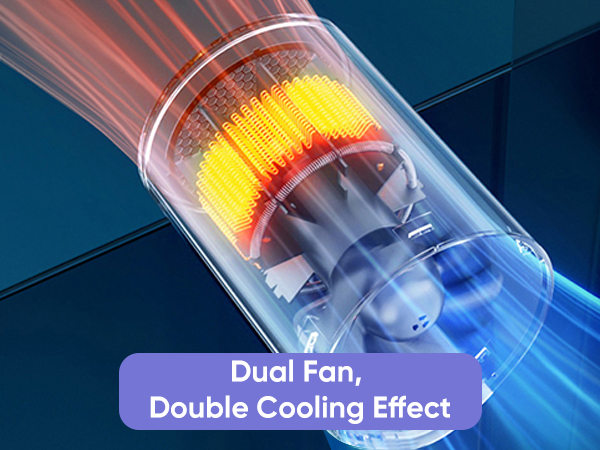
Dual Fan, Double Cooling Effect
Explore More Fun with TV Stick!

TMY movie projector is perfectly compatible with TV stick/ Chrome-cast. It equips HDMI/AV/USB/SD ports, which can be easily connected to a variety of media devices, such Laptop, PC, TV Box, DVD player, PS4 and so on. You can experience more fun by connecting these devices with the mini projector.
How to play Netflix, Prime Video, Hulu and other copyright protected apps?
Method 1: Connect with Fire TV stick or Roku stick to this projector.
Method 2: Connect a laptop via HDMI cable to this projector.
How to play Netflix, Prime Video, Hulu and other copyright protected apps?
Method 3: For ios devices, use the official Lighting to HDMI adapter to connect your ios devices with the projector. For Android devices, use the Google Chrome-cast to connect your Android devices with the projector.
Which Android phone models are not compatible with WiFi projectors?
The phones adopt miracast protocol are compatible with WiFi projectors. But some Android devices don't support miracast ( such as Google/Moto/Sony), which cannot be screen mirrored.
There is no sound when connecting to the TV stick.
Tuen off the Dolby audio on your TV sticlk audio setting.
Our mission is:
To provide accessible projector solutions, allowing anyone to create their own home theater.
Who is TMY?
“TMY” means "Take our Machine to enjoy Your moment".
We have been committed to the design, production and sale of projectors since 2015. In 2020, we independently created the brand TMY, focusing on the production and sale of mini home projectors.
Our mission is to provide accessible projector solutions, allowing you to create your own home theater to free yourself of fatigue and stress so that you may enjoy life.
4K Supported Projectors
Family Movie Night
Do Home Sports
Create Private Cinema
Outdoor Entertainment