






Founded in 2016, TobenONE is a technology innovation brand dedicated to providing professional office connectivity solutions.
TobenONE not only continuously explores users' needs, but also optimizes the appearance of its products to create a comfortable and efficient ideal office environment for customers. TobenONE makes professional work more simple power and elegant.
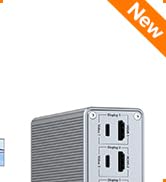
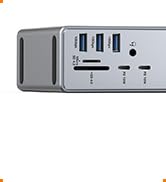
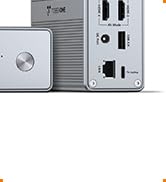
Docking Station 4 Monitors

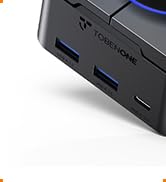

Programmable Docking Station

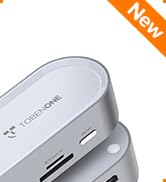
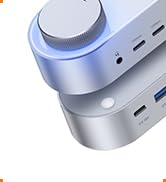
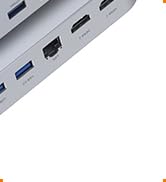
Knob dock for Windows
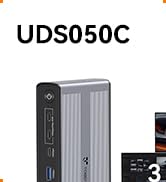
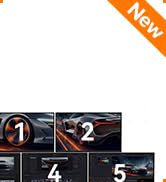
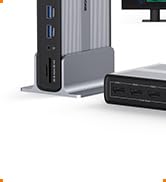
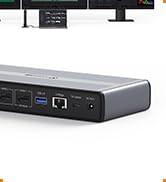
Docking Station 5 Monitors

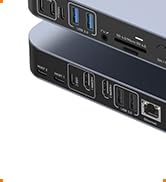
18-in-2 Mac Docking Station
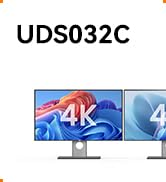
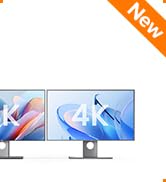
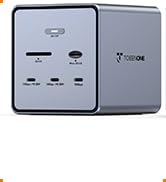
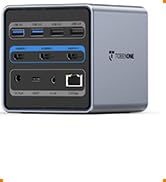
Triple 4K Dock for Windows
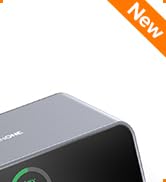
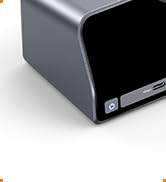
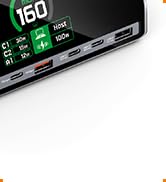
13-in-1 Laptop Docking Station
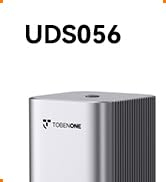
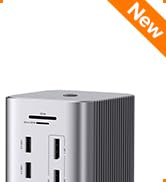
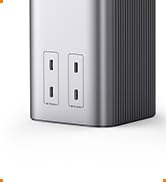
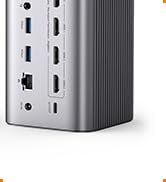
20-IN-1 Triple 4K@60Hz Dock
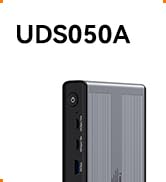
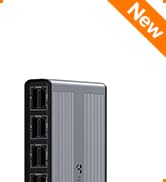
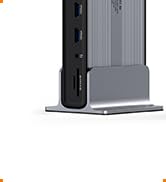
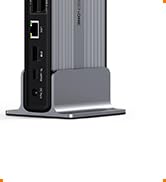
4 Monitor Docking Station
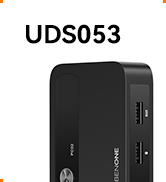
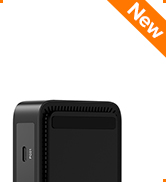
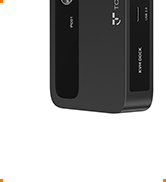
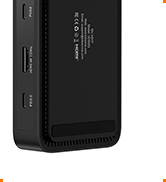
USB C KVM Switch
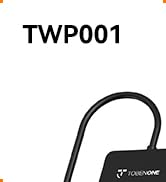
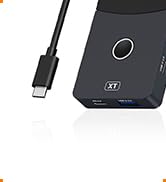
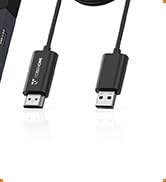
USB C Wireless Display Adapter
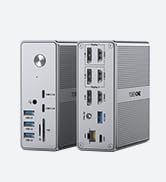
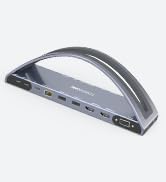
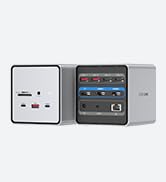
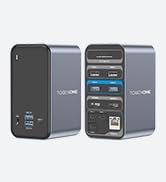
Best Selling Docking Station
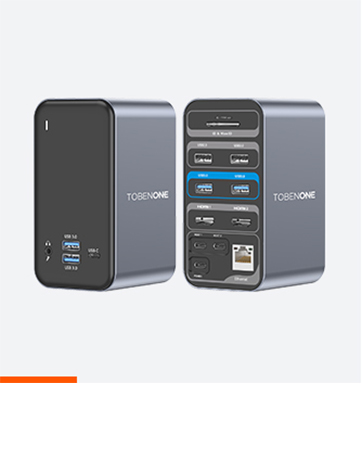
Designed for MacBook
Designed for Windows
Designed for Chromes
Displaylink Docking Station

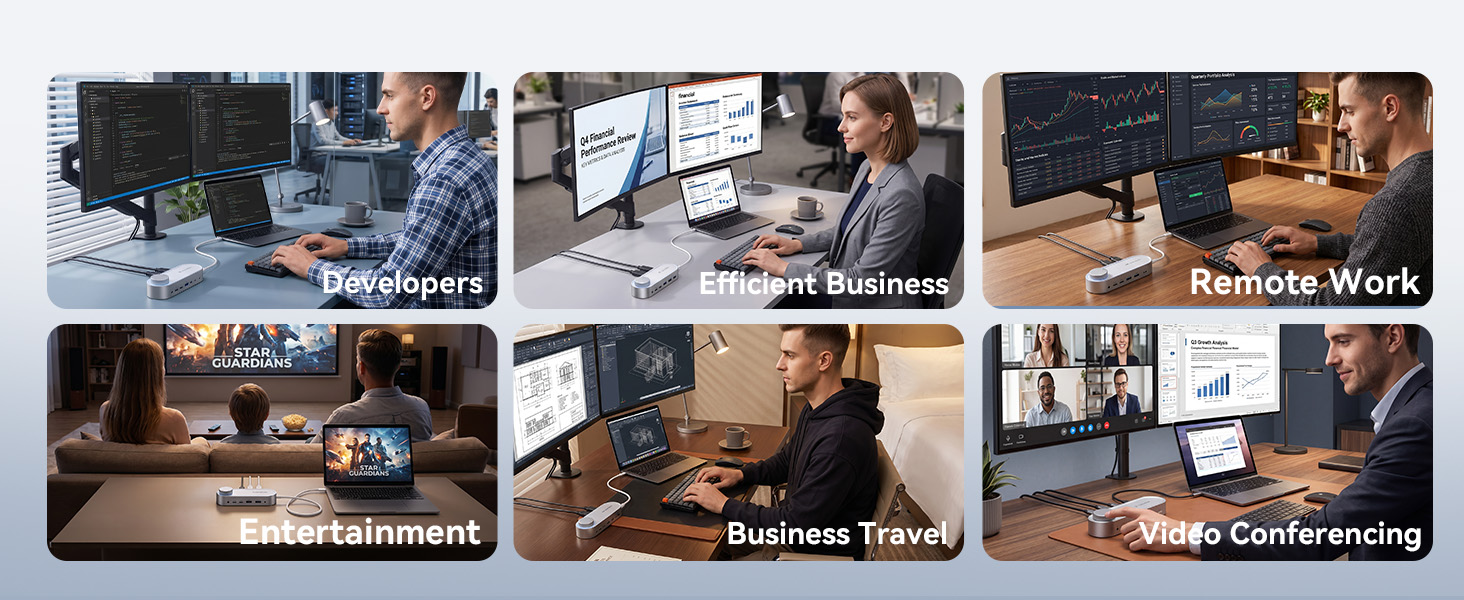
Will this docking station support dual 4K monitors at 60Hz with my Windows laptop?
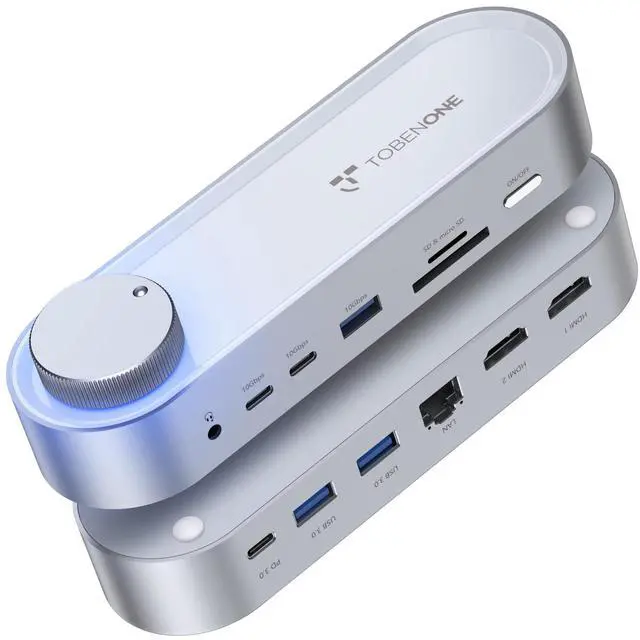
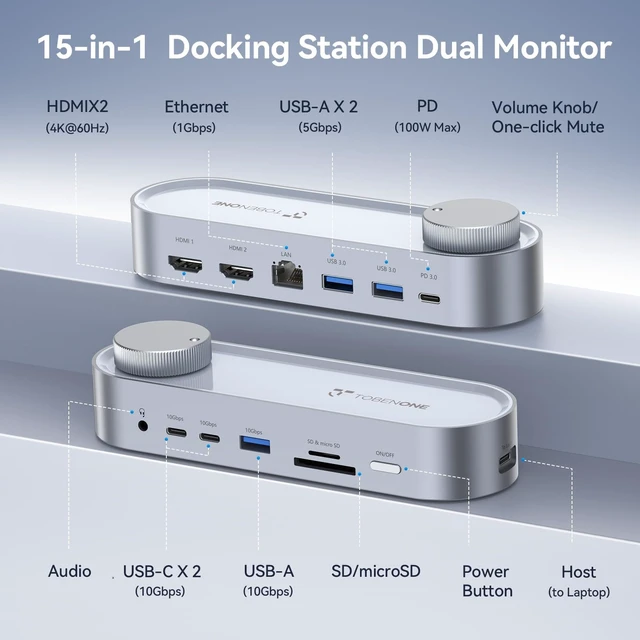
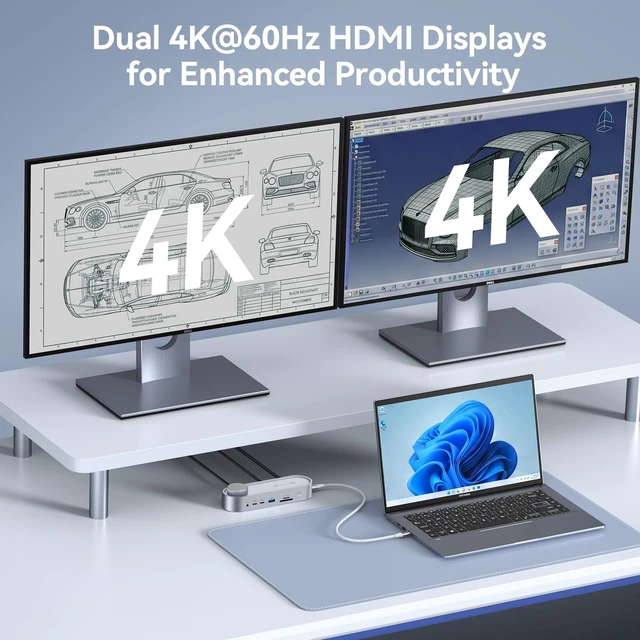
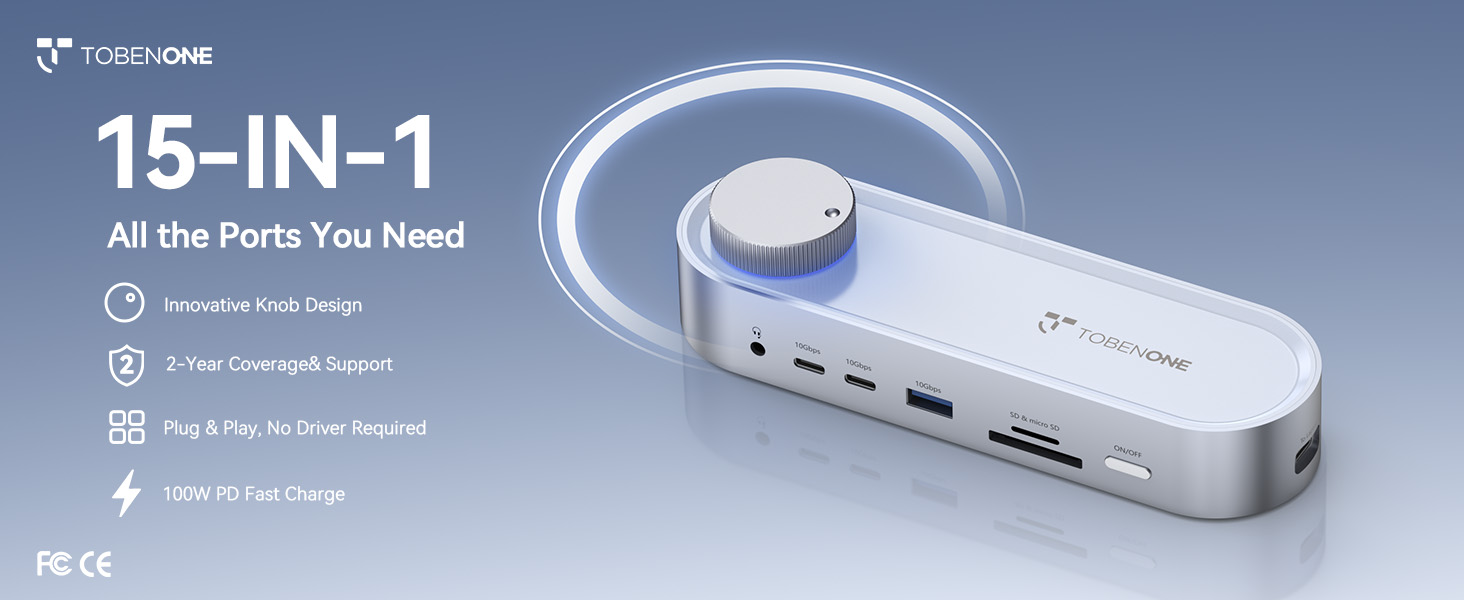
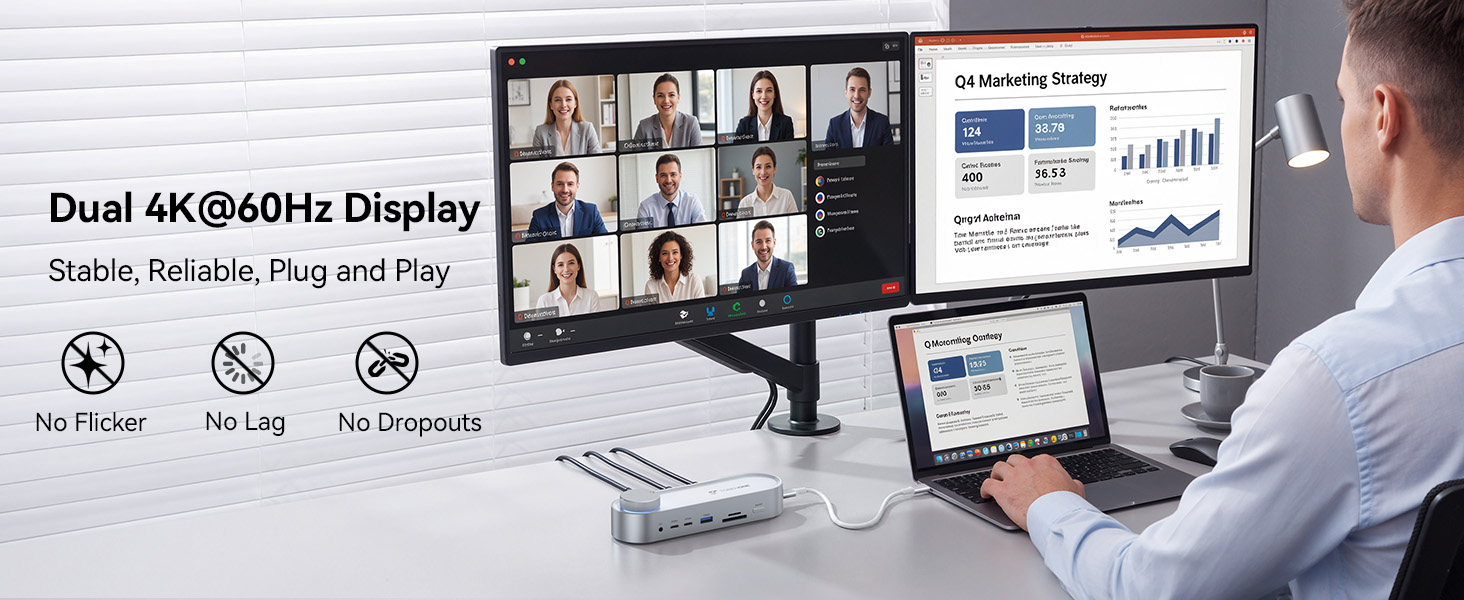
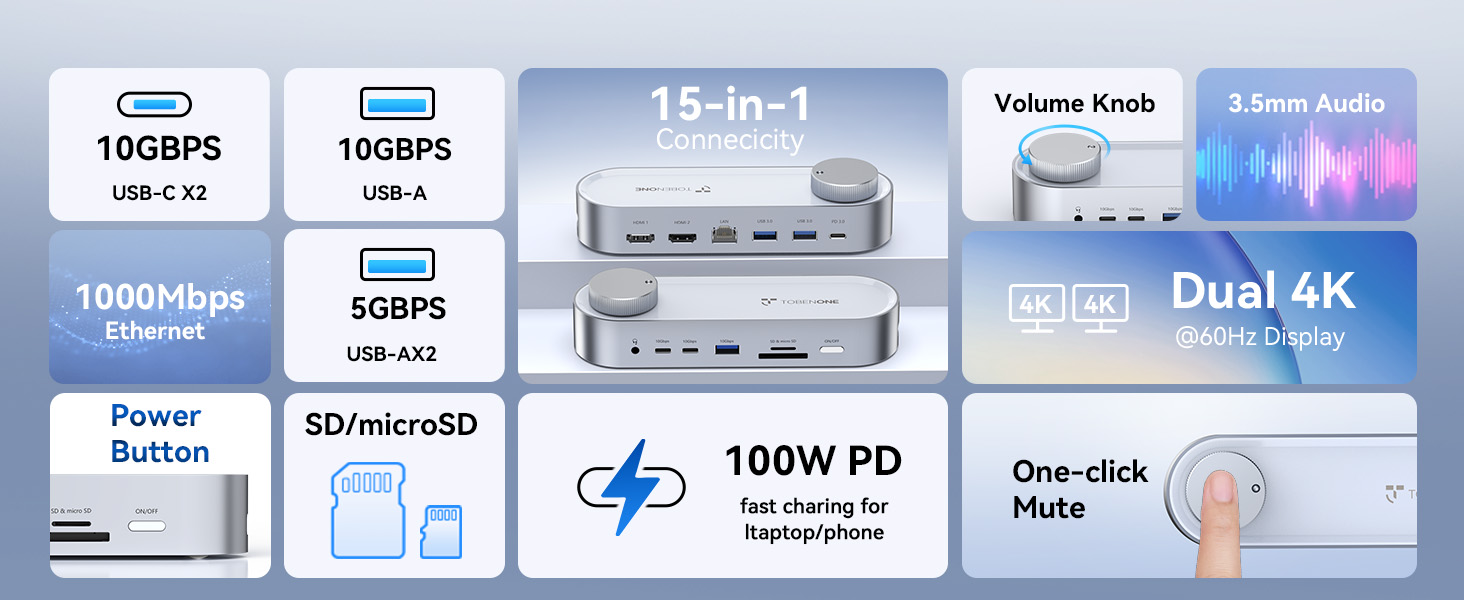
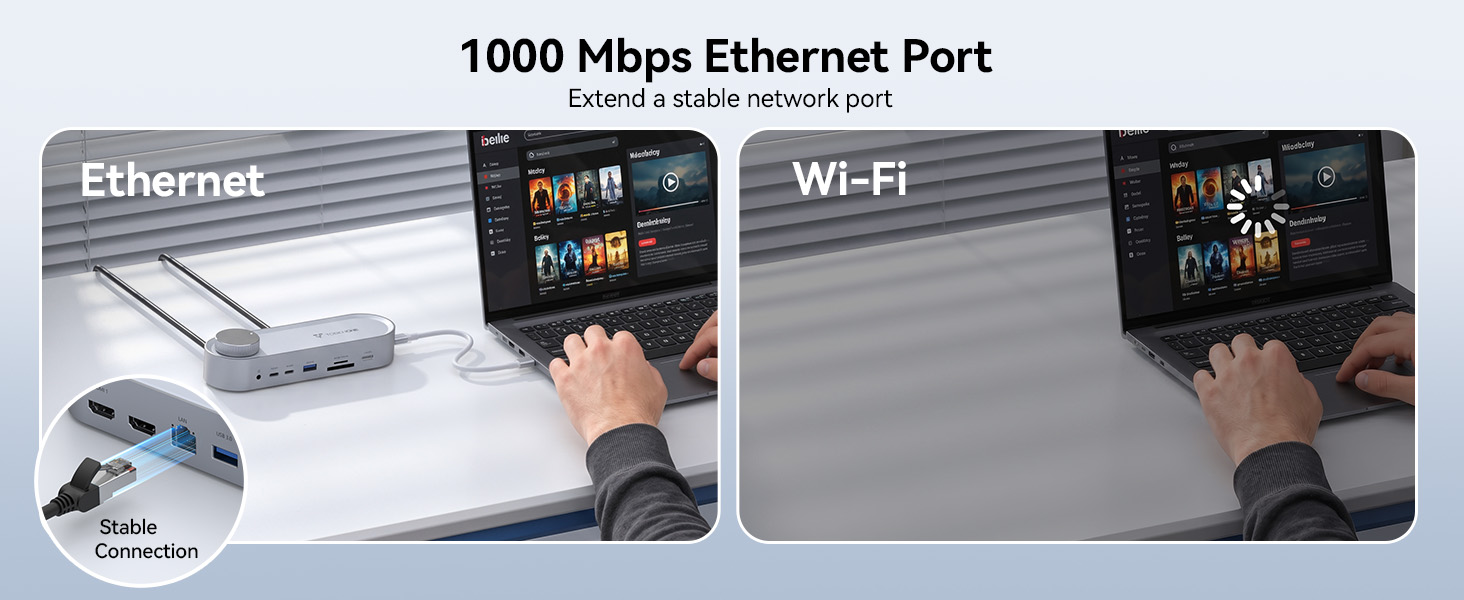
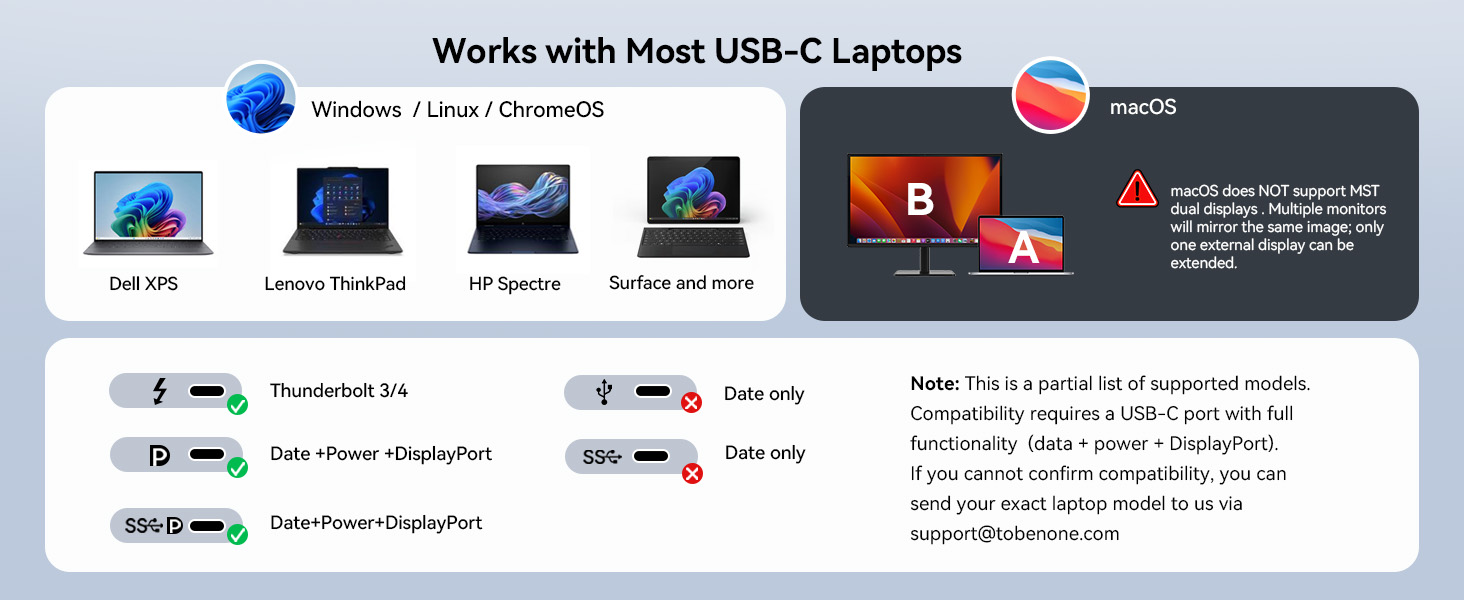
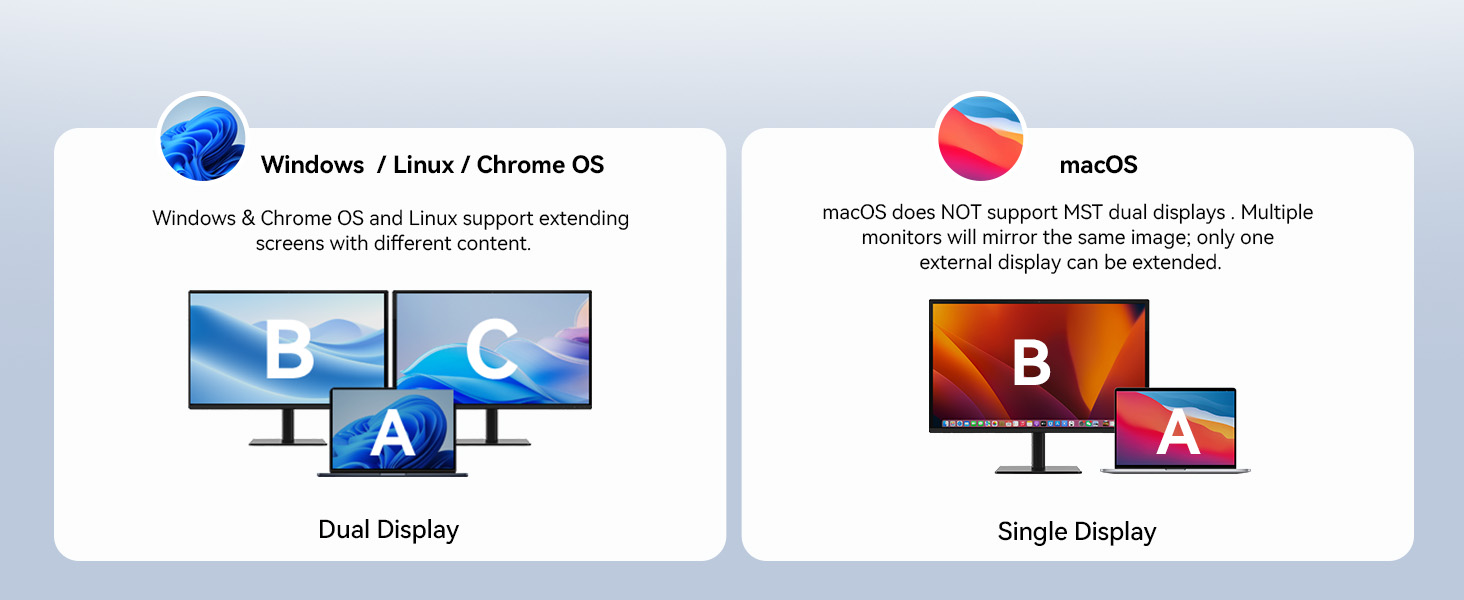
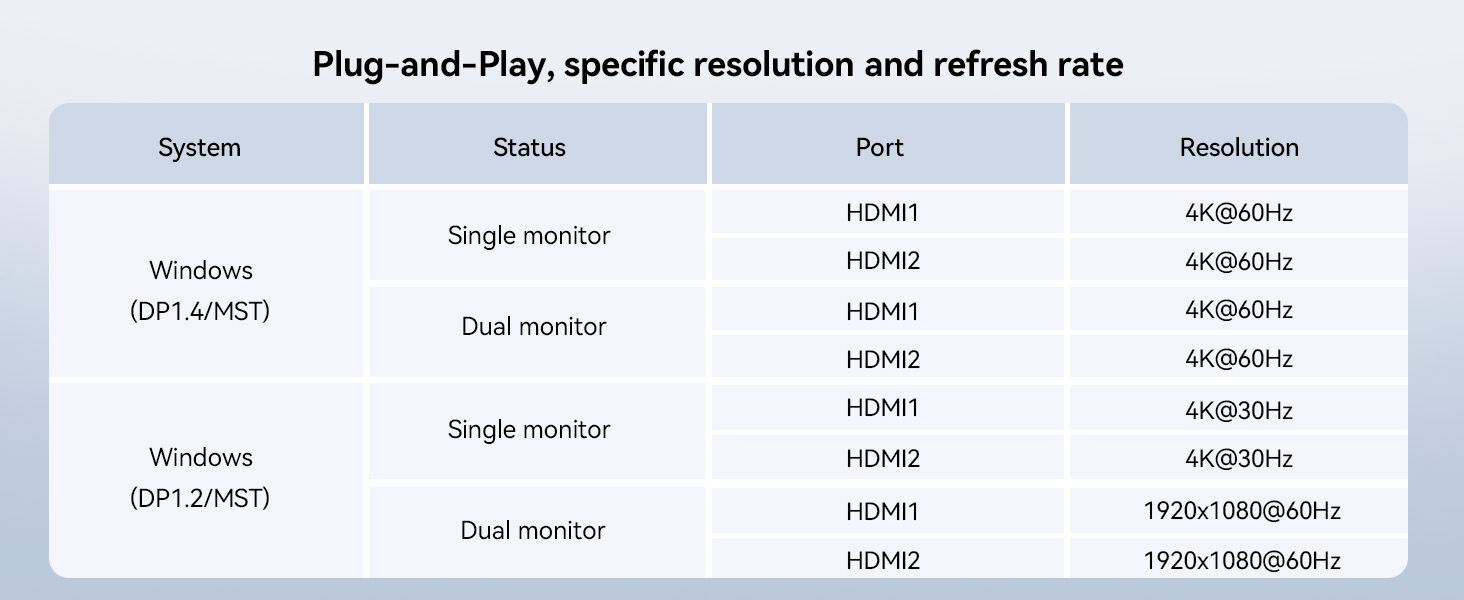
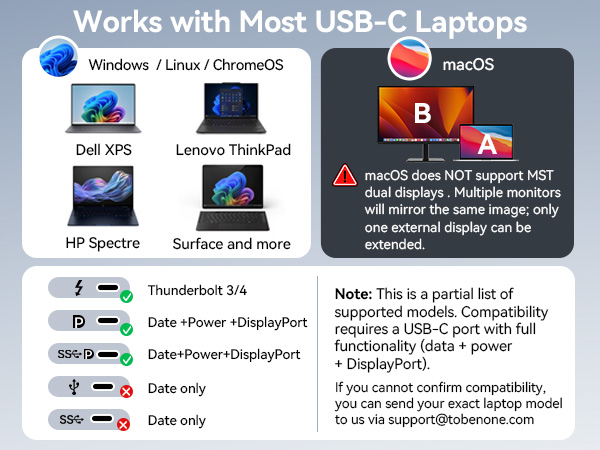
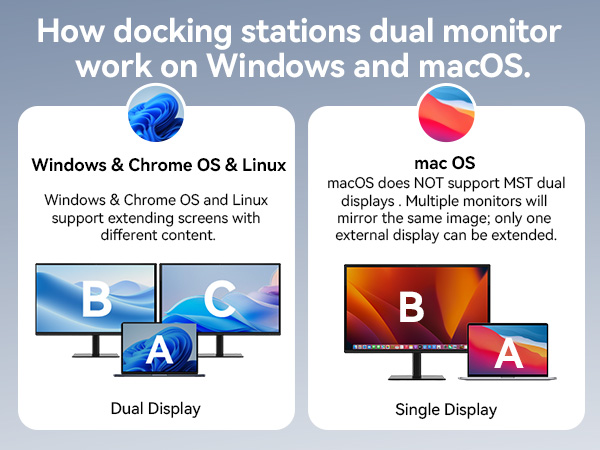
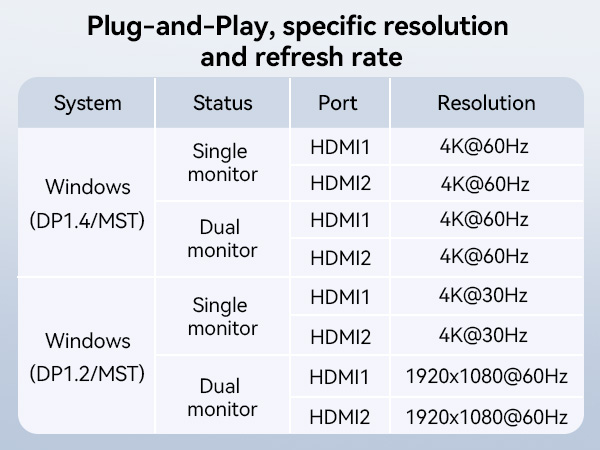
Yes! The UDS059 dual monitor docking station supports dual 4K@60Hz via its 2 HDMI ports when connected to a Windows 10/11 & ChromeOS 100+and Linux laptop with a USB-C port that supports DisplayPort Alt Mode (DP 1.4). No driver needed, plug and play.
What does the volume knob do? Is it just for the 3.5mm audio jack or does it control the laptop volume too?
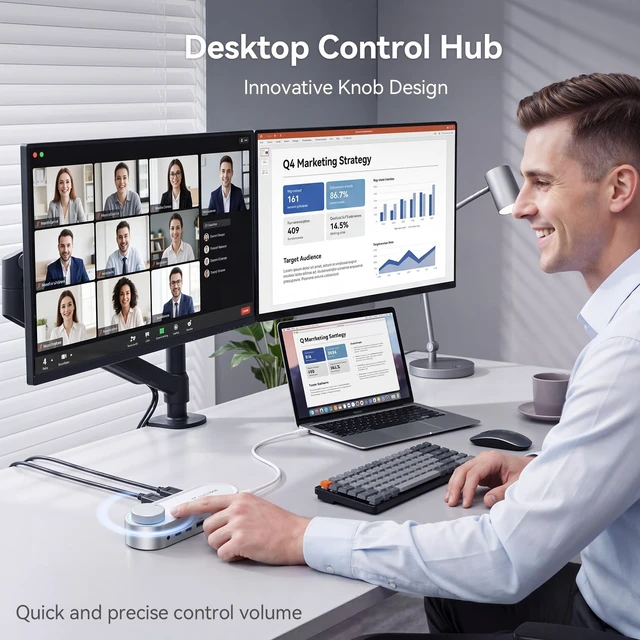
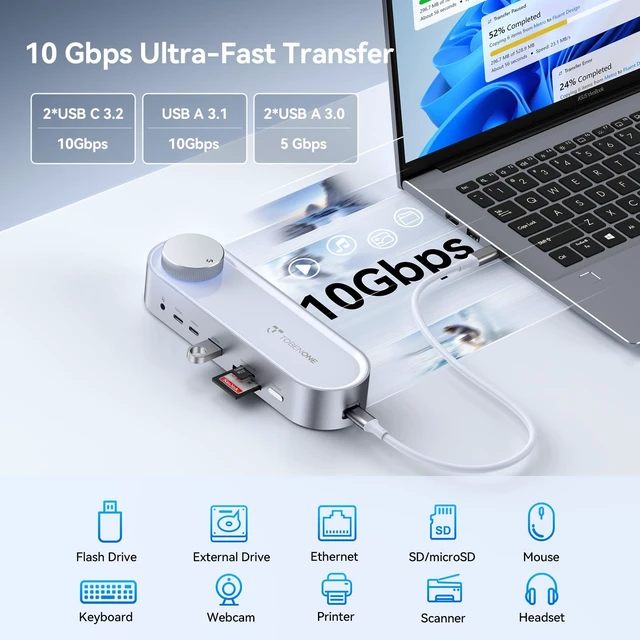
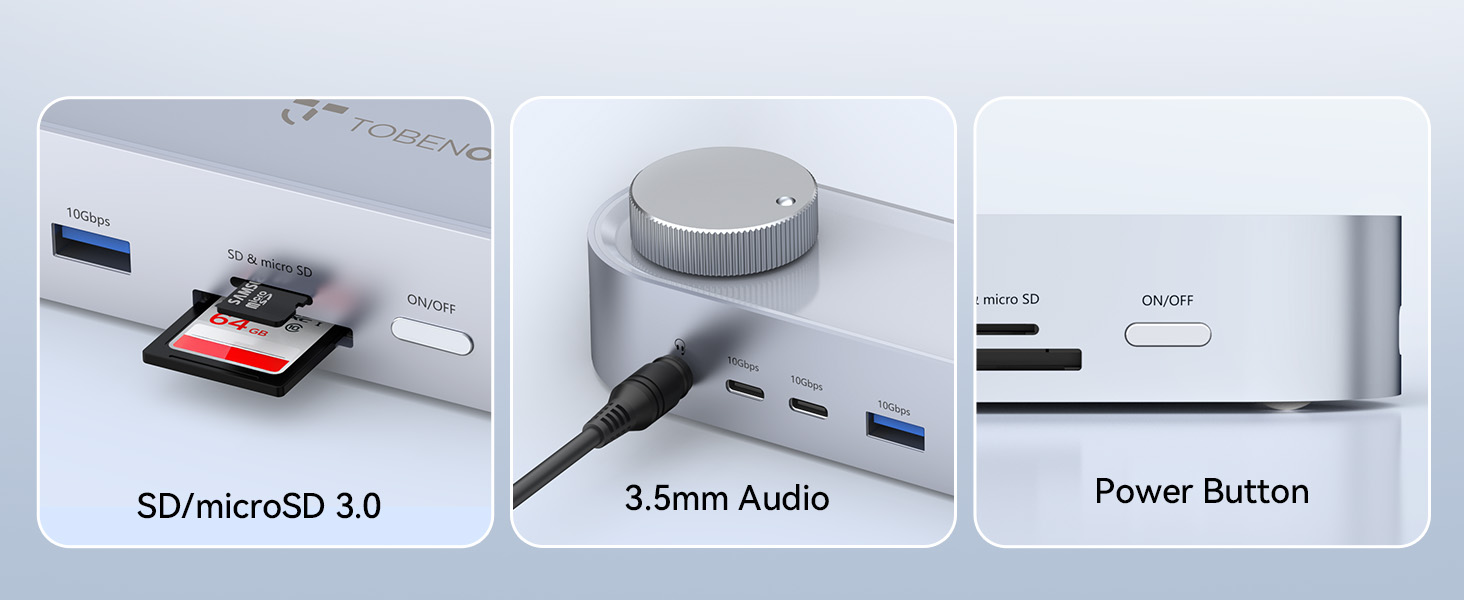
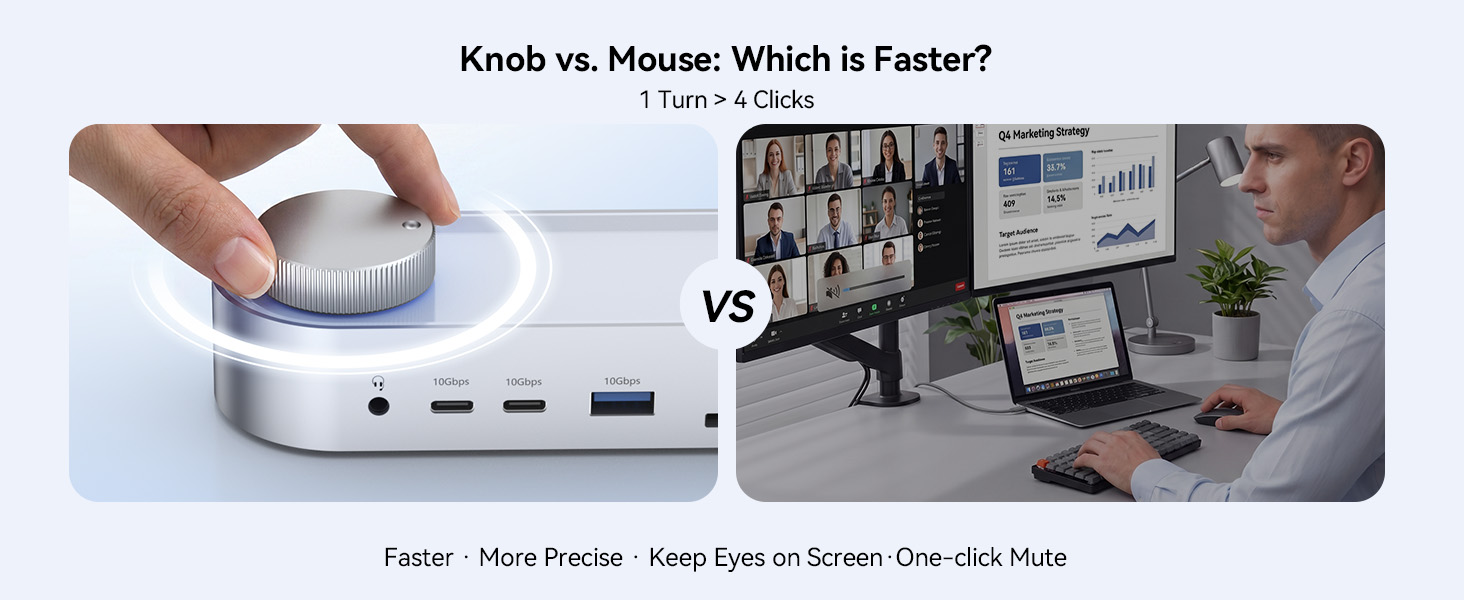
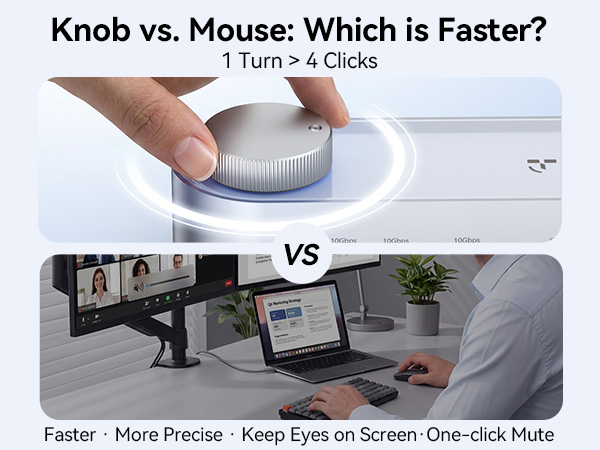
The volume knob controls your laptop's system volume — works with the 3.5mm jack, HDMI monitors, or Bluetooth speakers. One turn adjusts volume in real time. Plus a mute switch to instantly silence audio during Zoom, Teams, or Google Meet calls.
Can I use UDS059 docking station with my MacBook laptop? I want to connect two external monitors in extended mode.
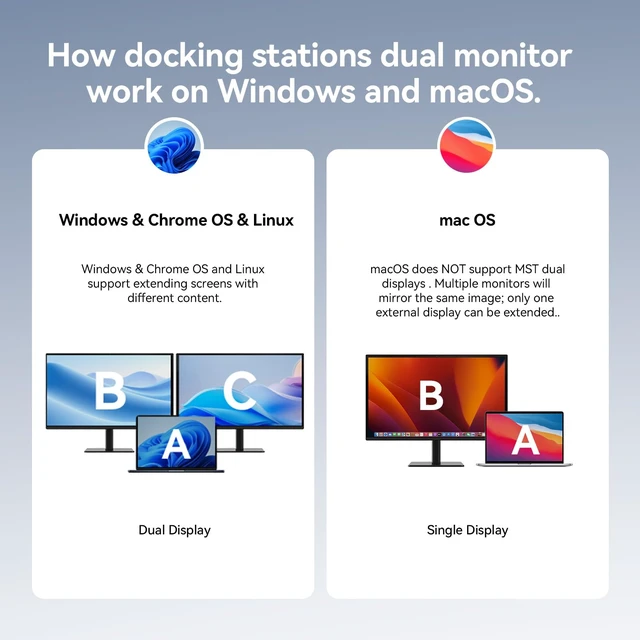
Unfortunately, no. On a Mac, the dual HDMI outputs would only mirror the same screen (SST mode), not extend independently. If you're a Mac user looking for dual extended displays, we recommend checking our other TobenONE products that support macOS.
Does this USB-C docking station come with a power adapter?
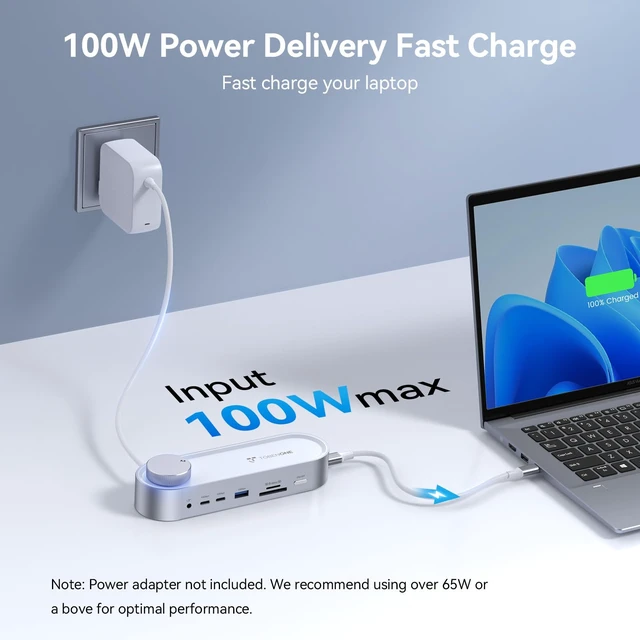
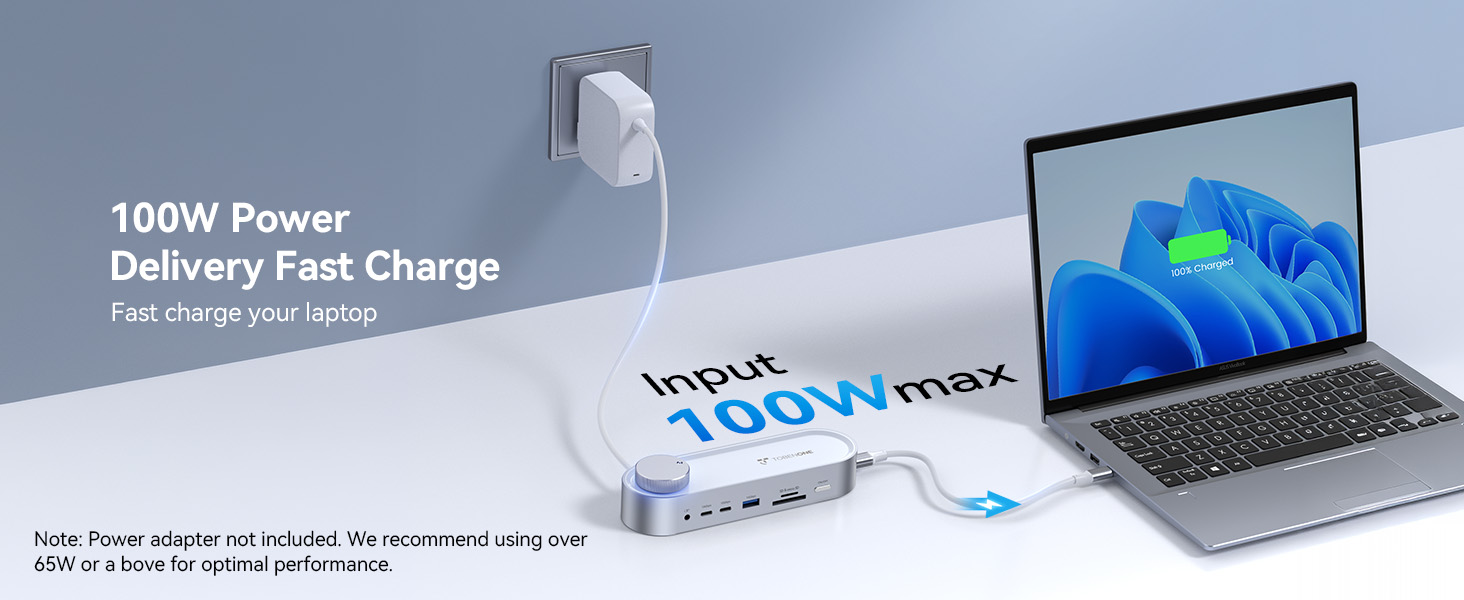
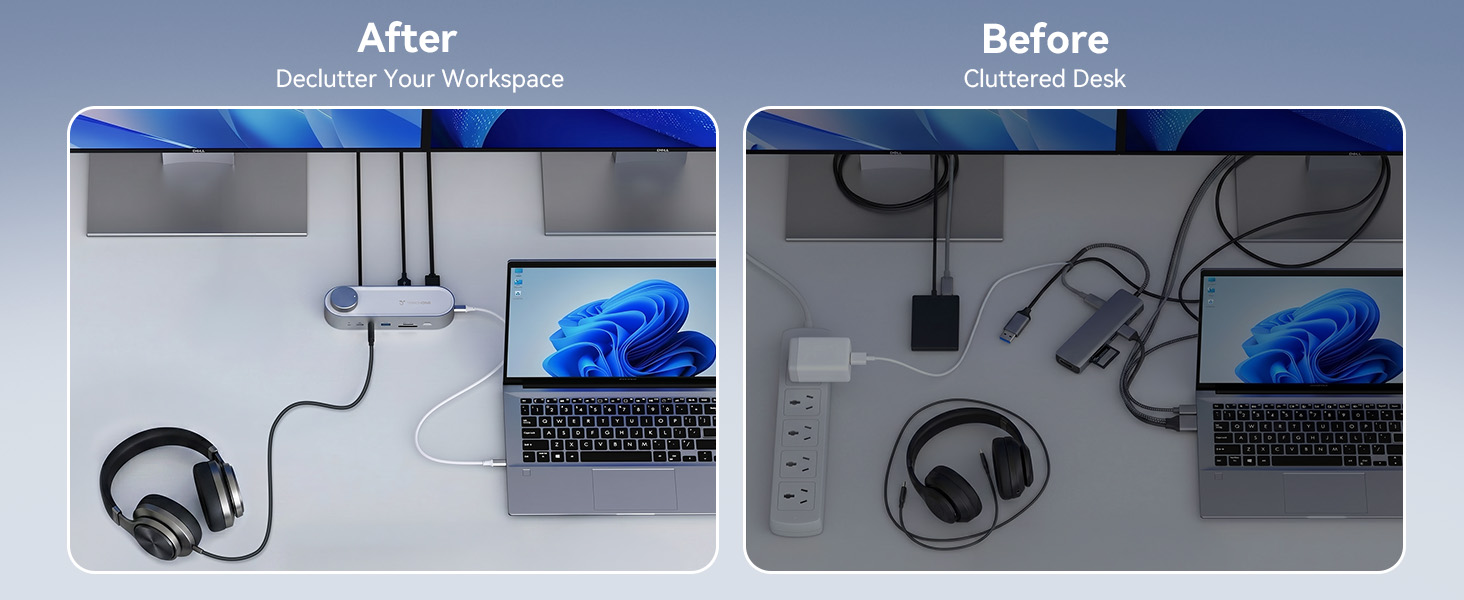
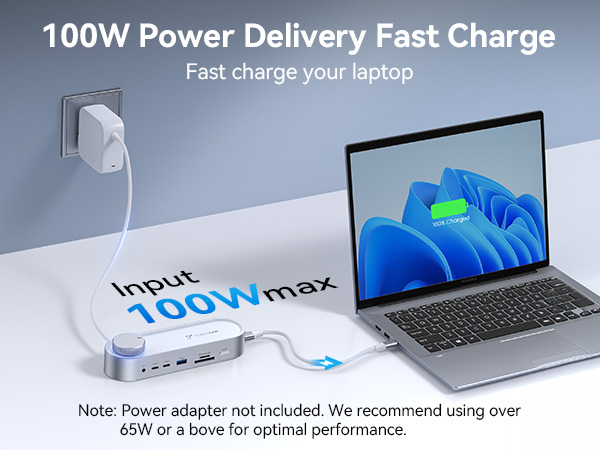
The UDS059 dock does NOT include a power adapter. However, it supports 100W PD pass-through charging. You will need to use your own USB-C charger (we recommend 65W or higher for the best experience).
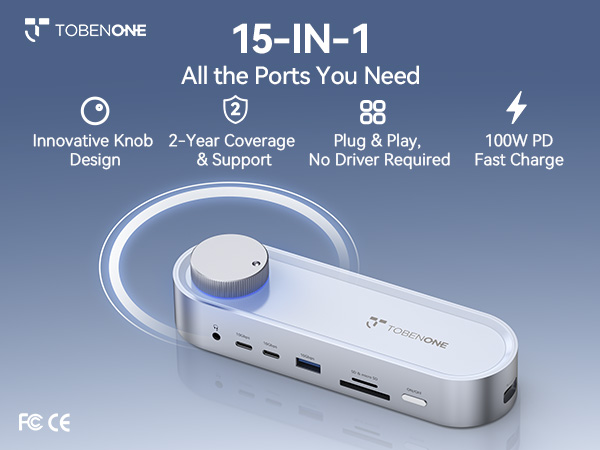
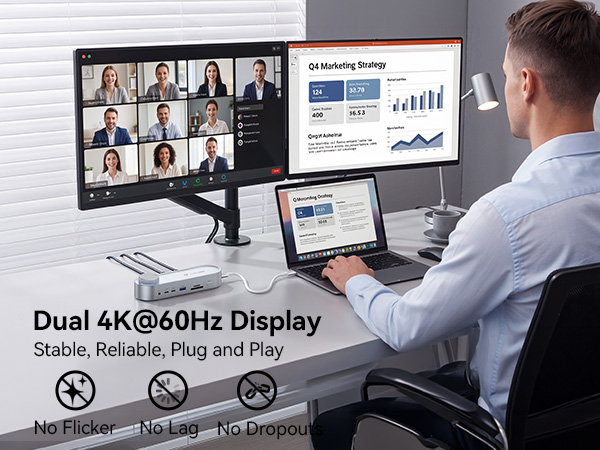
Will this docking station support dual 4K monitors at 60Hz with my Windows laptop?
Yes! The UDS059 dual monitor docking station supports dual 4K@60Hz via its 2 HDMI ports when connected to a Windows 10/11 & ChromeOS 100+and Linux laptop with a USB-C port that supports DisplayPort Alt Mode (DP 1.4). No driver needed, plug and play.
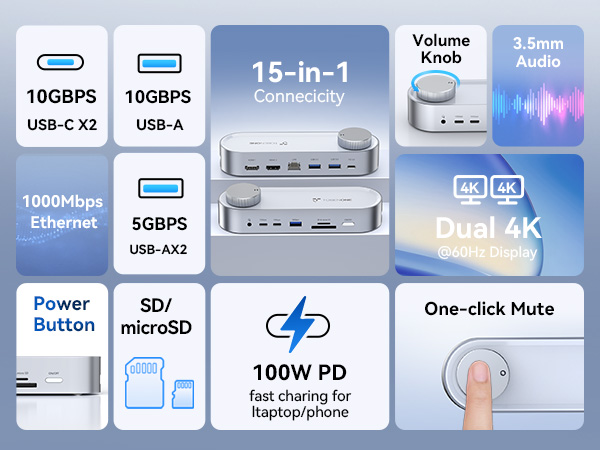
What does the volume knob do? Is it just for the 3.5mm audio jack or does it control the laptop volume too?
The volume knob controls your laptop's system volume — works with the 3.5mm jack, HDMI monitors, or Bluetooth speakers. One turn adjusts volume in real time. Plus a mute switch to instantly silence audio during Zoom, Teams, or Google Meet calls.
Can I use UDS059 docking station with my MacBook laptop? I want to connect two external monitors in extended mode.
Unfortunately, no. On a Mac, the dual HDMI outputs would only mirror the same screen (SST mode), not extend independently. If you're a Mac user looking for dual extended displays, we recommend checking our other TobenONE products that support macOS.
Does this USB-C docking station come with a power adapter?
The UDS059 dock does NOT include a power adapter. However, it supports 100W PD pass-through charging. You will need to use your own USB-C charger (we recommend 65W or higher for the best experience).
Founded in 2016, TobenONE is a technology innovation brand dedicated to providing professional office connectivity solutions.
TobenONE not only continuously explores users' needs, but also optimizes the appearance of its products to create a comfortable and efficient ideal office environment for customers. TobenONE makes professional work more simple power and elegant.
Docking Station 4 Monitors
Programmable Docking Station
Knob dock for Windows
Docking Station 5 Monitors
18-in-2 Mac Docking Station
Triple 4K Dock for Windows
13-in-1 Laptop Docking Station
20-IN-1 Triple 4K@60Hz Dock
4 Monitor Docking Station
USB C KVM Switch
USB C Wireless Display Adapter
Best Selling Docking Station
Designed for MacBook
Designed for Windows
Designed for Chromes
Displaylink Docking Station