


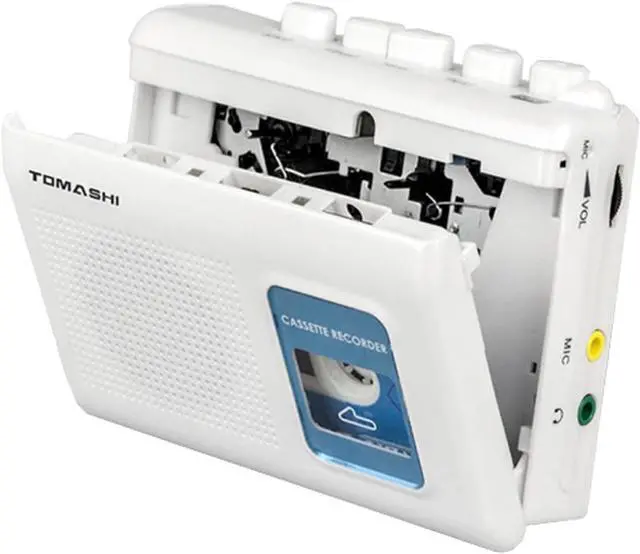


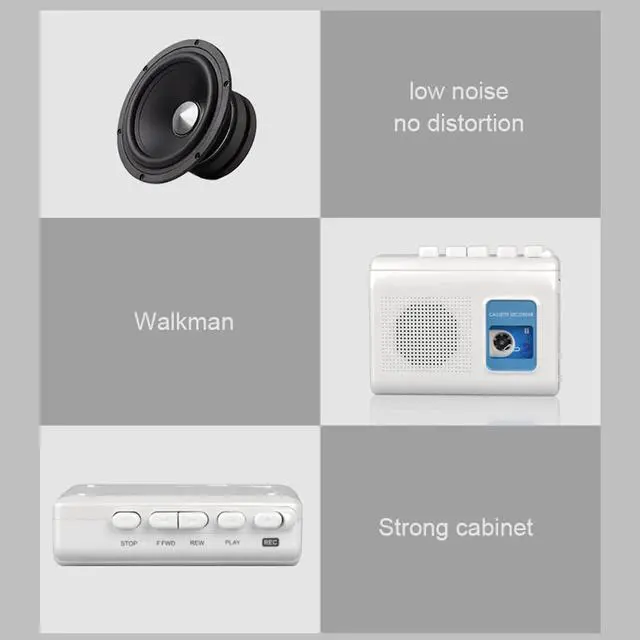
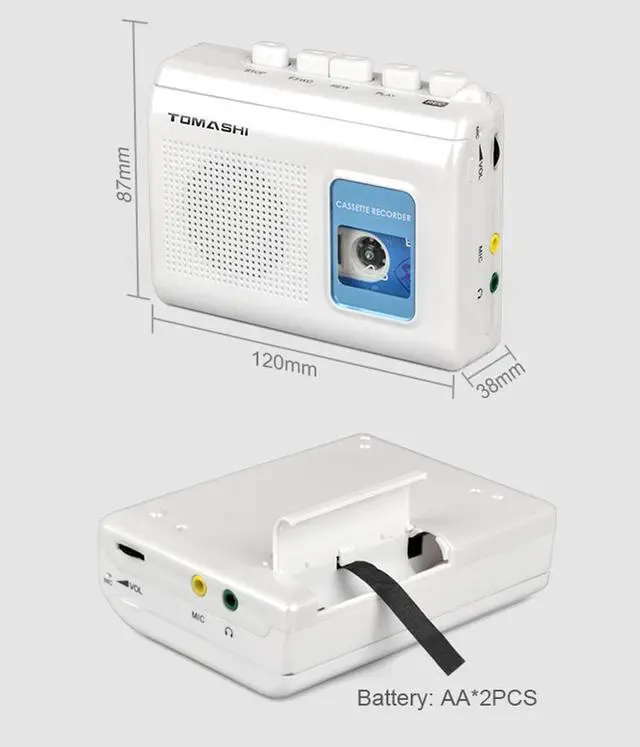


1Button Display
2High Quality Speaker
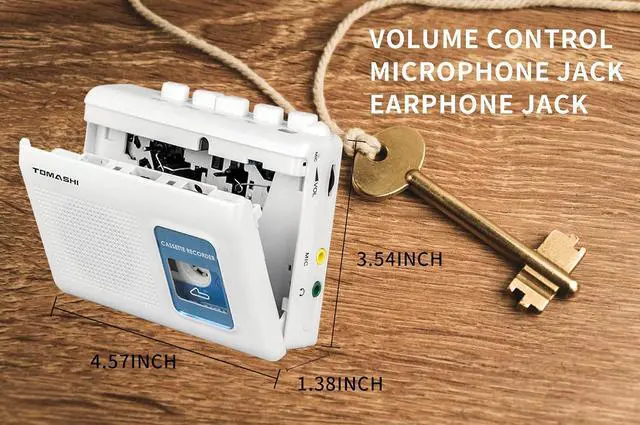
3Earphone Jack+Mic Jack+Volume Control
42*AA battery(not include) or AC/DC Power Supply

Cassette Player Operation
- Insert the earphone plug into the jack.
- Set the function selector to "tape" if needed.
- Open the cassette door, insert a tape with the exposed side up, and close it.
- Press play and adjust the volume as desired.
- Press stop to turn off

Recording Operation
- Ensure the blank cassette tape has "Recording Lips" on both sides (A/B).
- Close the door, select music or a program from the radio/mic, adjust the volume, and press "REC" to start recording.
- Monitor via headphones or speakers.
- Press "Stop" to end recording.
Specifications
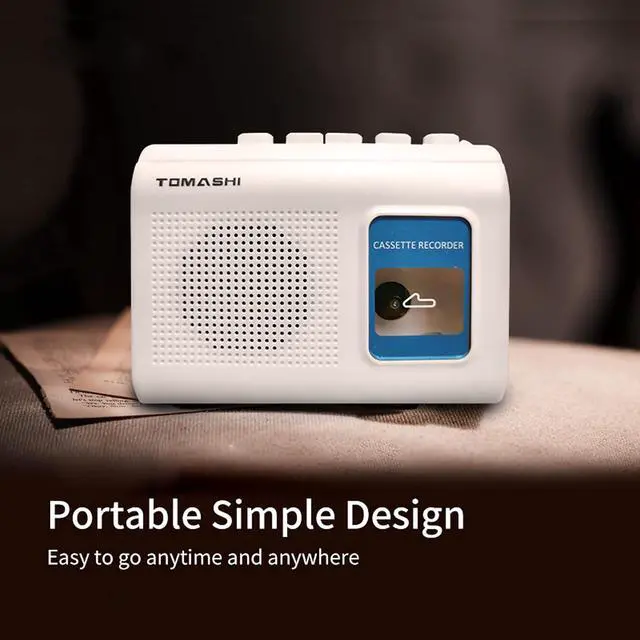
This device features cassette play and record functions, a built-in microphone, a microphone jack, an earphone jack, and an AC/DC adaptor jack. It operates on two AA batteries and has a compact size of 120mm (L) × 38mm (W) × 87mm (H), weighing just 0.33 pounds.

