


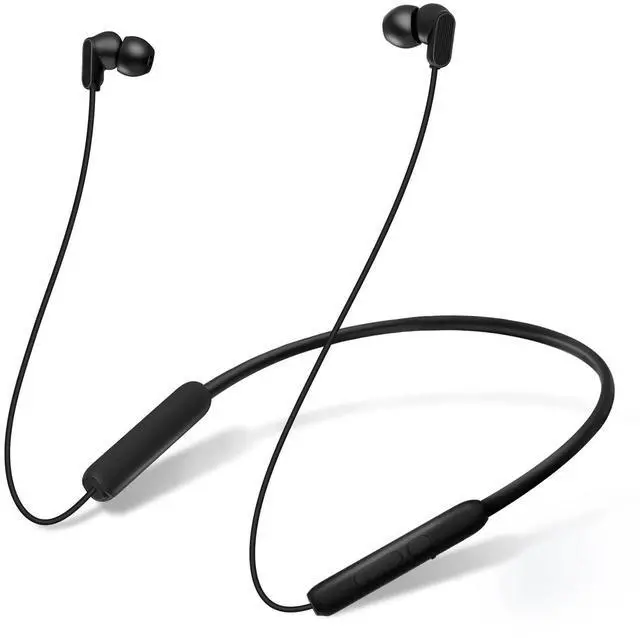






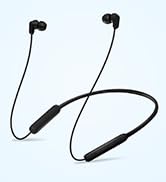
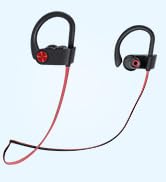
TONEMAC N18 Neckband Bluetooth Headphones Quick Start
1. Carefully insert into your ear and adjust the angle.
2. Press and hold the center button 3 to 5 seconds until the indicator LED blinks red and white.
3. Turn on Bluetooth on your devices and choose TONEMAC N18.
4. Enjoy your music after the indication voice "Connected" and the LED blinks white.
How To Control The Neckband Bluetooth Earbuds
Play / Pause: Click the multi-function once
Per. / Next Track: Press the volume + / -2 seconds
Volume Up / Down: Click volume + / - once
Answer / End a Call: Click the multi-function once
Decline a Call: Press and hold the multi-function 2 seconds
Power On / Off: Press and hold the multi-function 3-5 seconds
Switch Mode: Triple-Click the multi-function quickly
Reset Headphones: Press and hold the volume + & - 5 seconds











TONEMAC N18 Neckband Bluetooth Headphones Quick Start
1. Carefully insert into your ear and adjust the angle.
2. Press and hold the center button 3 to 5 seconds until the indicator LED blinks red and white.
3. Turn on Bluetooth on your devices and choose TONEMAC N18.
4. Enjoy your music after the indication voice "Connected" and the LED blinks white.
How To Control The Neckband Bluetooth Earbuds
Play / Pause: Click the multi-function once
Per. / Next Track: Press the volume + / -2 seconds
Volume Up / Down: Click volume + / - once
Answer / End a Call: Click the multi-function once
Decline a Call: Press and hold the multi-function 2 seconds
Power On / Off: Press and hold the multi-function 3-5 seconds
Switch Mode: Triple-Click the multi-function quickly
Reset Headphones: Press and hold the volume + & - 5 seconds
Most Popular
New Release
Introducing TONEMAC N18
Introducing TONEMAC U8