


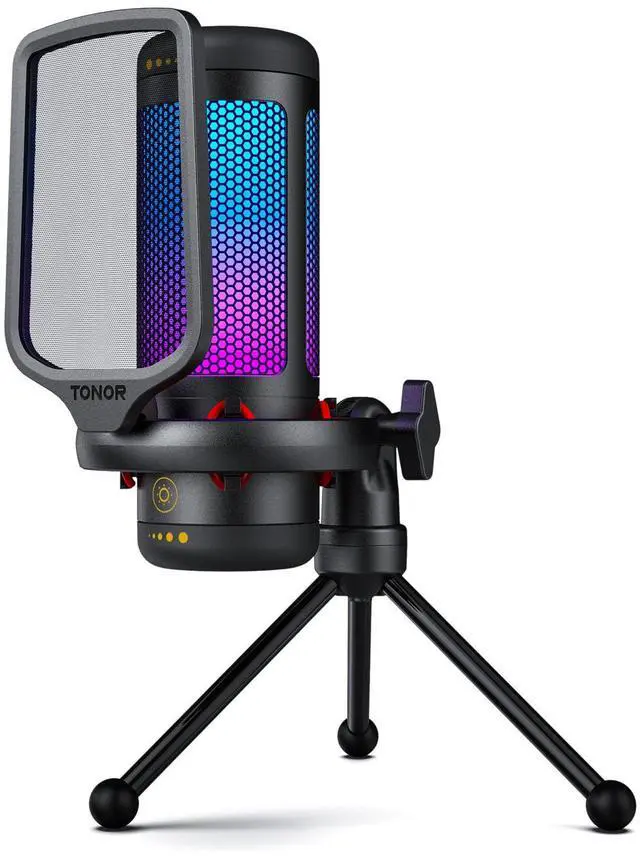



TONOR Microphone
Your Sound Master

Experts in audio equipment, Tonor provides solutions for enthusiasts all around the world.
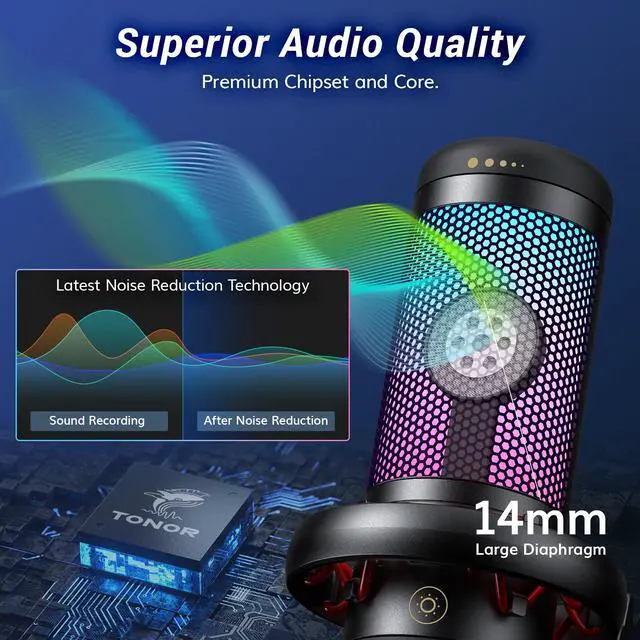
Clear Sound: Our only goal is to record and transmit your voice precisely and completely without the distraction of noise.
Easy to Use: Most of our devices are plug-and-play, so you can start content creating or live streaming without any worries.
Cost-effective: Choose our products to meet your pursuit of sound while saving unnecessary expenses.

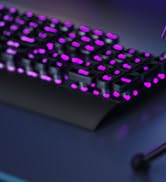
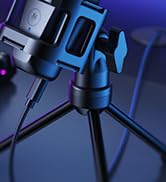
TC777PRO Gaming Mic

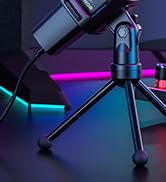
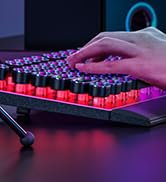
TC30S Gaming Mic
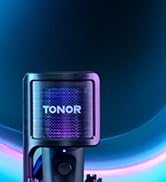


TC40s Gaming Mic


TC40s Gaming Mic
23001 TC310 TONOR Microphone
Merchant Video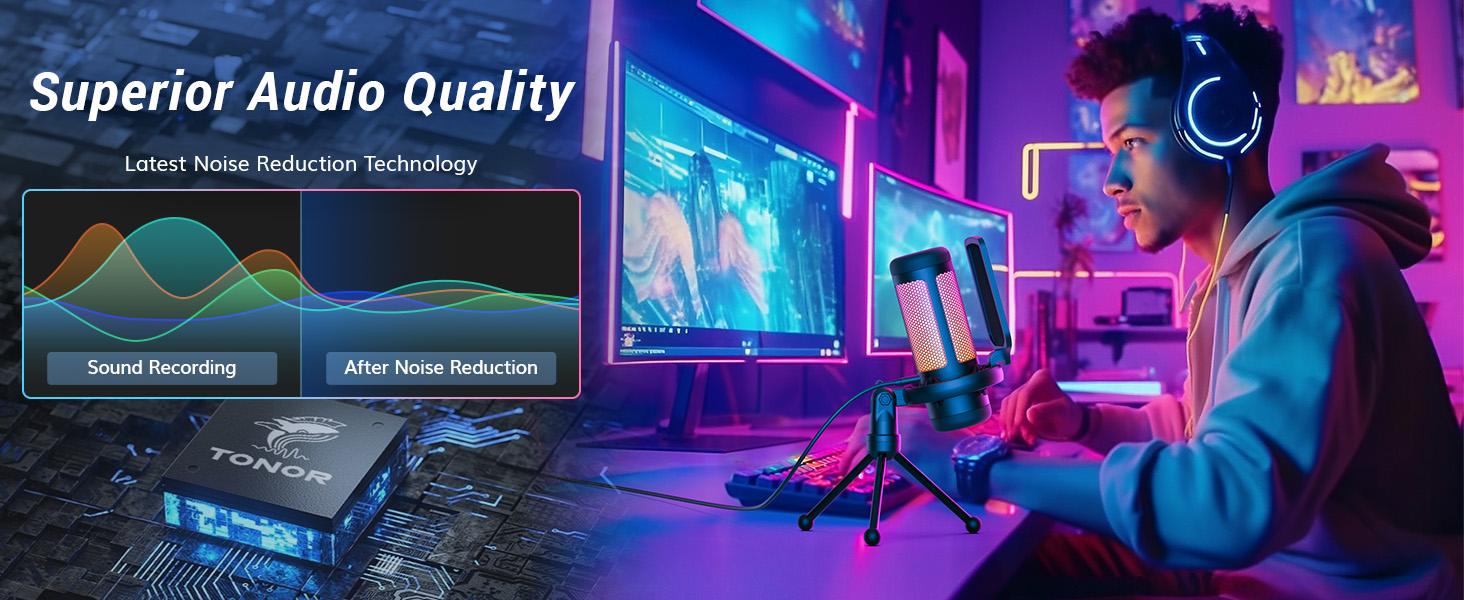
Pop Filter
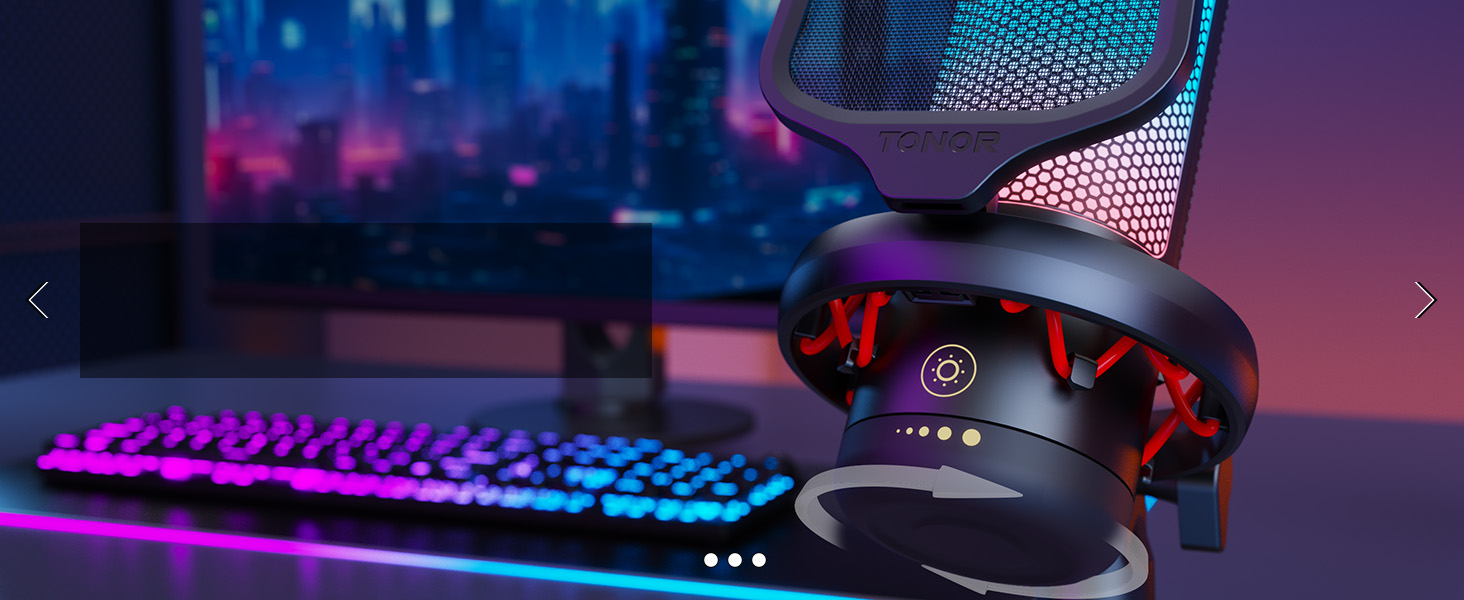
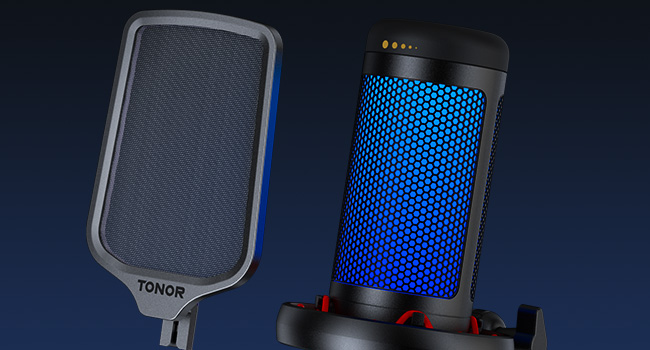
Enjoy clear communication with your teammates during gaming with the effective pop filter that prevents air flow noise.
Upgraded Shock Mount
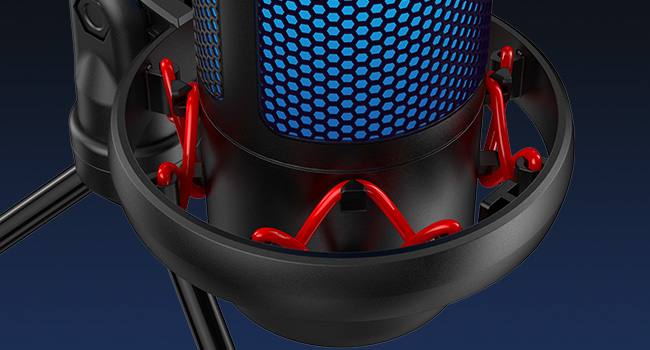
The shock mount is equipped with rubber bands that have strong elasticity, providing exceptional anti-vibration and reducing mechanical noise effectively.
Compare These Microphones
 TC310 USB Streaming Mic |  TC310+ USB Streaming Mic |  TD310 USB Streaming Mic |  TD310+ USB Streaming Mic |  TC-777 USB Podcast Mic |  TC-777 Pro USB Gaming Mic |  TC30 USB Mic with RGB | |
|---|---|---|---|---|---|---|---|
Customer Reviews | — | — | — | — | — | — | — |
Price | — | — | — | — | — | — | — |
Key Feature | RGB light&volume control | RGB light&volume control | Low Noise&RGB light | Low Noise&RGB light | Low Noise | RGB light&volume control | Low Noise&RGB light |
Stand | Tripod | Boom arm | Adjustable Desktop | Boom arm | Tripod | Tripod | Tripod |
Polar Pattern | Cardioid | Cardioid | Cardioid | Cardioid | Cardioid | Cardioid | Cardioid |
Frequency Response | 50Hz-20kHz | 50Hz-20kHz | 50Hz-16kHz | 50Hz-16kHz | 100Hz-16kHz | 20Hz-20kHz | 50Hz-20kHz |
Sensitivity | -40dB±3dB | -40dB±3dB | -54dB±1.5dB | -54dB±1.5dB | -32dB±3dB | -32dB±3dB | -32dB±3dB |
Connector Type | USB A | USB A | USB A & TypeC | USB A & TypeC | USB A | USB A | USB A |
Compatible with | PC/Laptop/PS4/PS5 | PC/Laptop/PS4/PS5 | PC/Laptop/PS4/Phone/Nintendo | PC/Laptop/PS4/Phone/Nintendo | PC/Laptop/PS4 | PC/Laptop/PS4 | PC/Laptop/PS4 |
Plug&Play | ? | ? | ? | ? | ? | ? | ? |
Mute Button | ? | ? | ? | ? | ? | ? | ? |
Gain Control | ? | ? | ? | ? | ? | ? | ? |
Monitor Level Control | ? | ? | ? | ? | ? | ? | ? |
Suitable for | Gaming/Podcasting/Recording | Gaming/Podcasting/Recording | Gaming/Podcasting/Recording | Gaming/Podcasting/Recording | Gaming/Podcasting/Recording | Gaming/Podcasting/Recording | Gaming/Podcasting/Recording |
How to adjust the RGB lighting effects of the microphone?
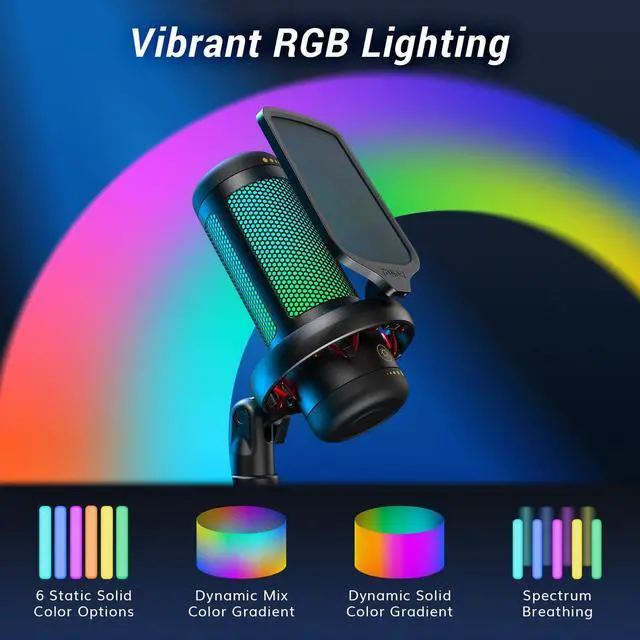
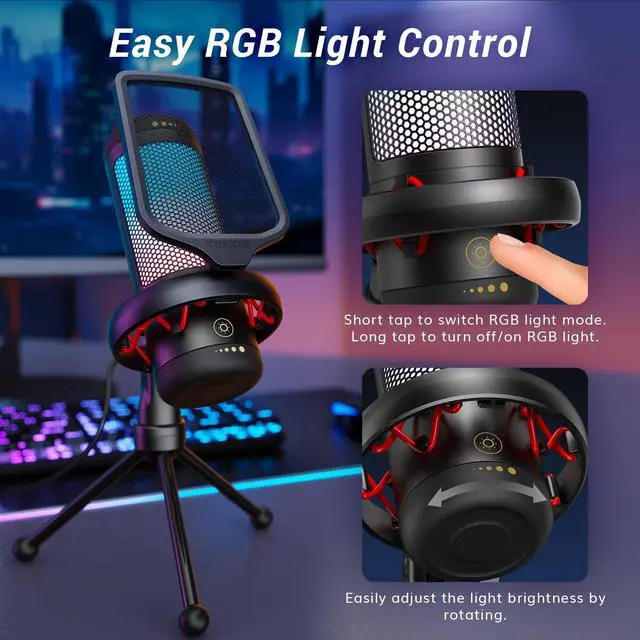
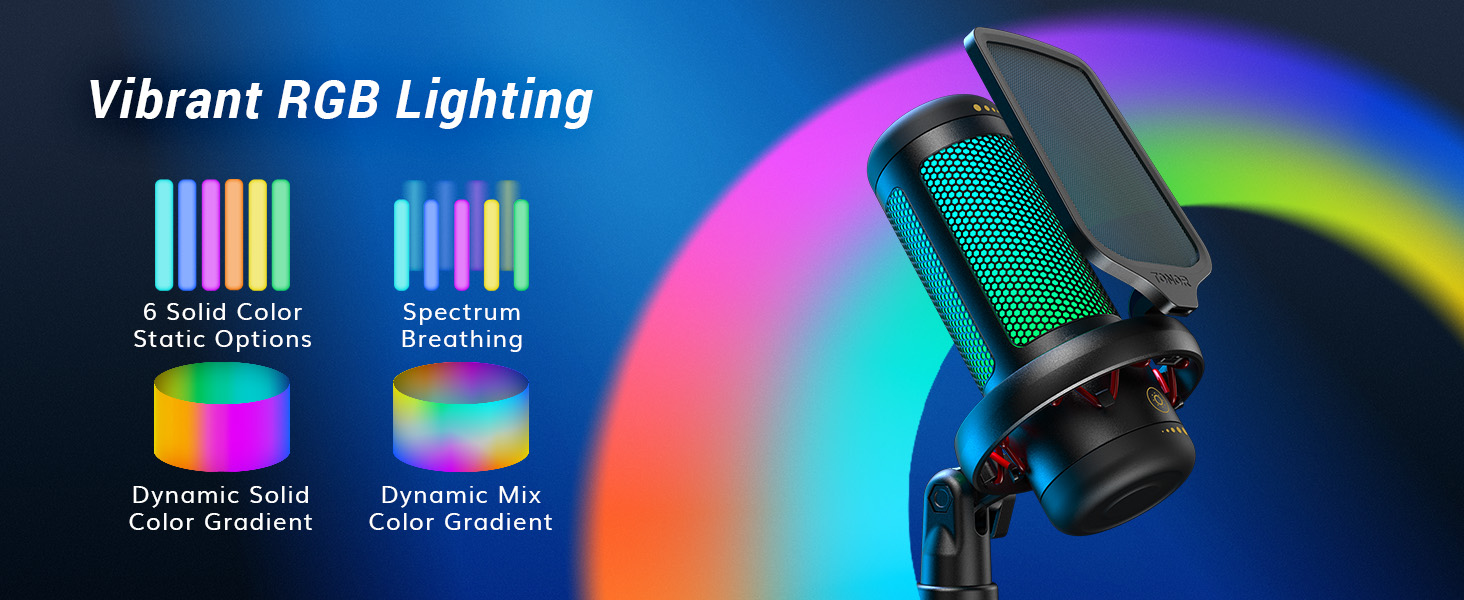
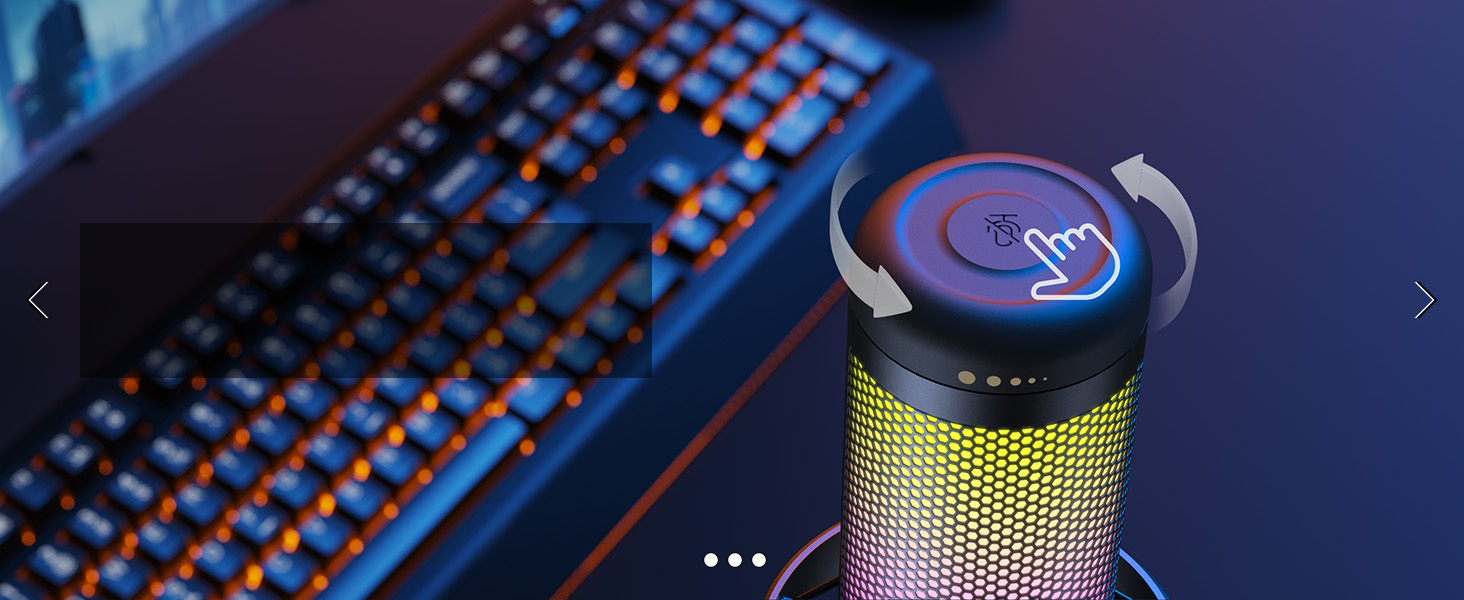
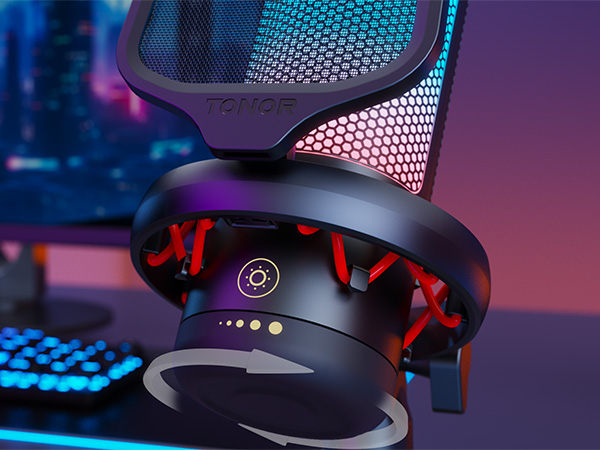
The microphone has a tap button on its body. Lightly tap the icon to switch between 4 lighting modes. You can also adjust the brightness by long tapping the at the bottom, it will switch between 0%(off),30%,60% and 100%(full).
Can this microphone be connected to the PS4 or Xbox?
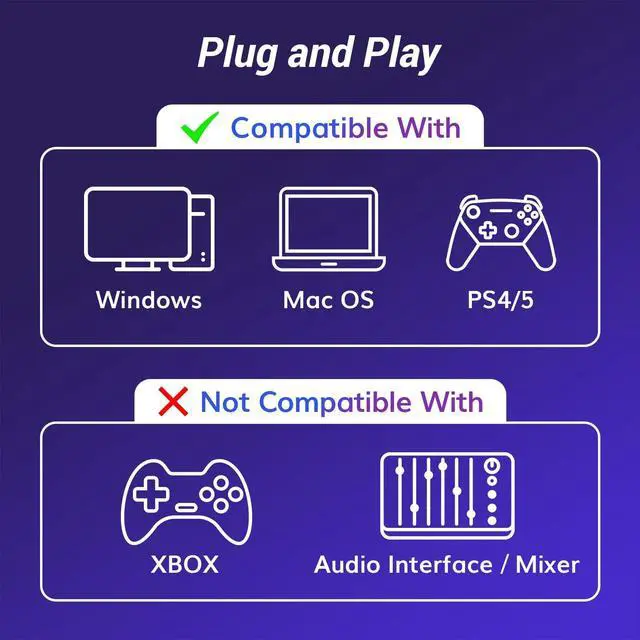
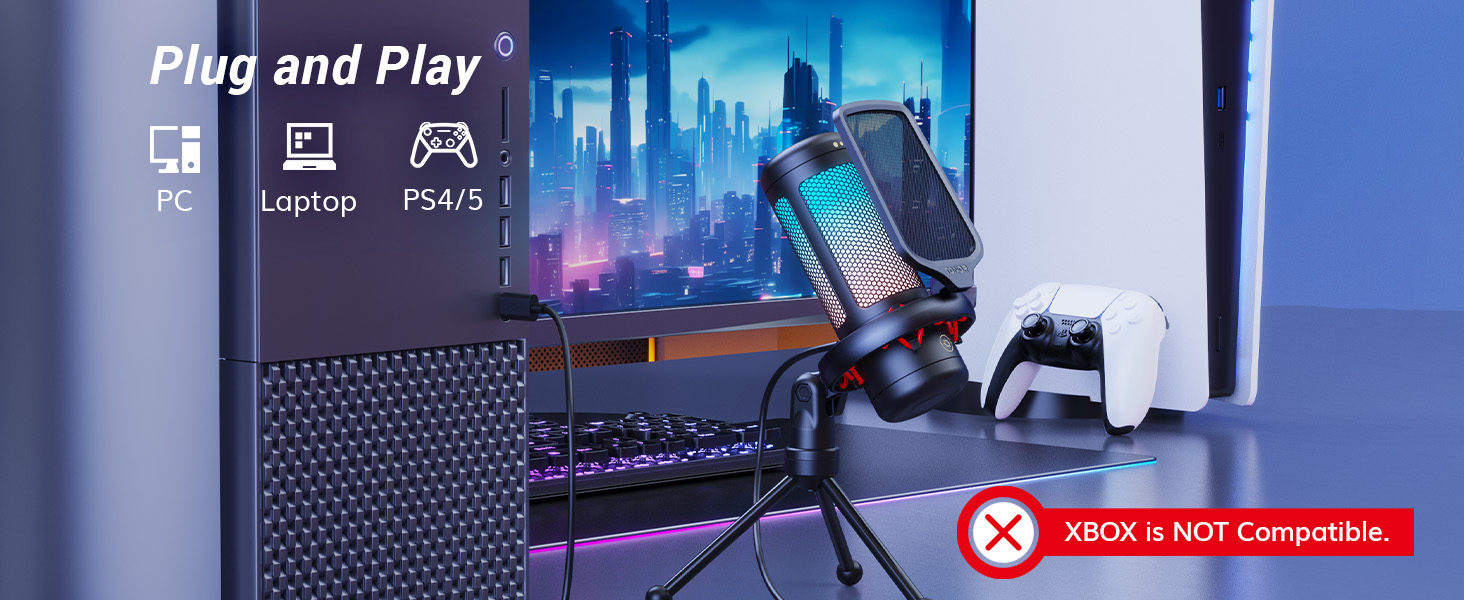
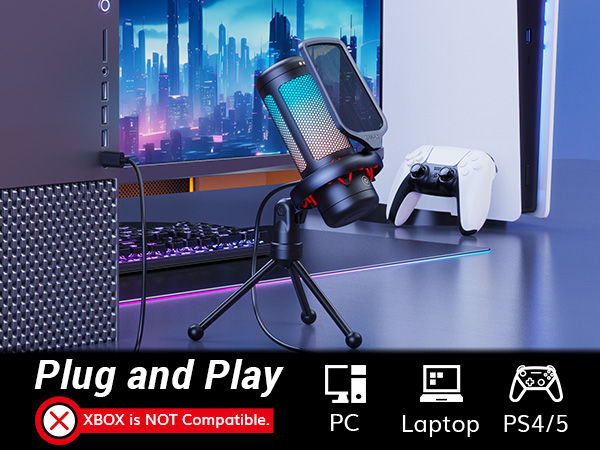
The TC310 comes with a USB cable that supports plug&play, and can be compatible with the PS4. Unfortunately, it is not compatibled with the Xbox.
Why isn't my microphone's mute button working, even though the RGB lighting is functioning normally (or flashing)?
It may be due to poor contact at the Type-C port on the microphone. Please unplug and reinsert the Type-C connector on the microphone, ensuring it is completely inserted.
Can this microphone be mounted on a boom arm?
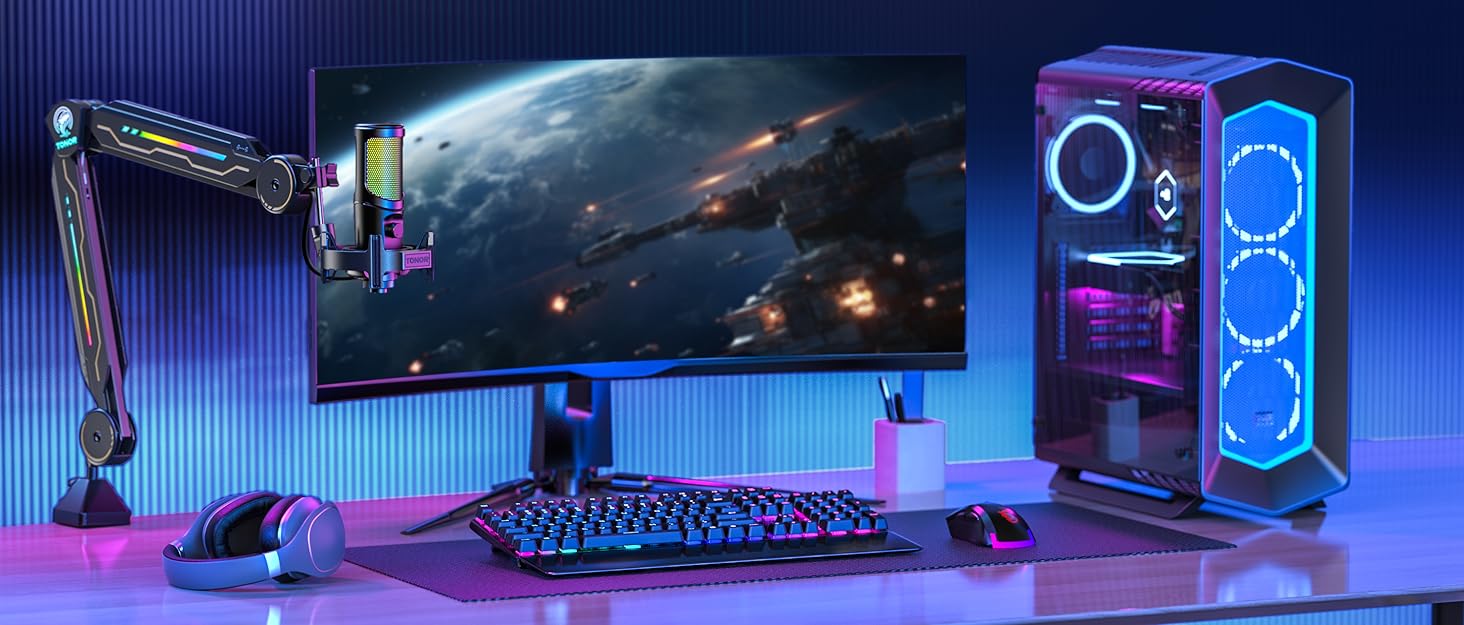
Yes, you can mount this microphone onto a boom arm. The TC310 Pro comes with a shock mount that can be attached to most standard boom arms with 5/8" screw.
Does this microphone have volume control and mute function?
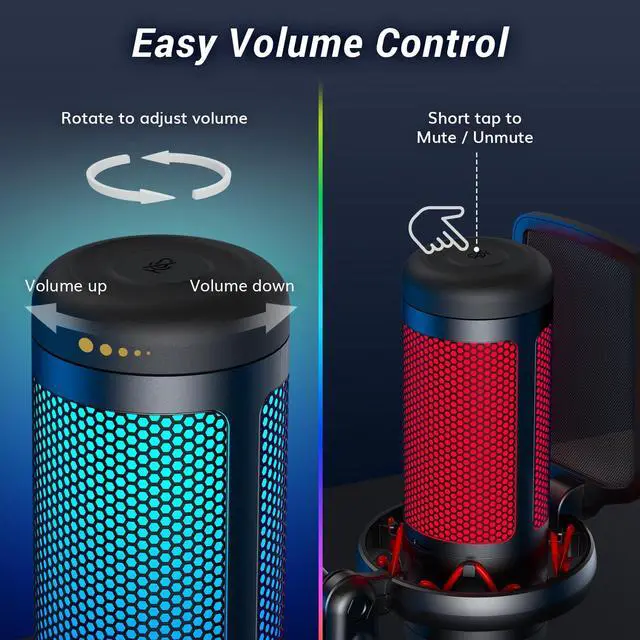
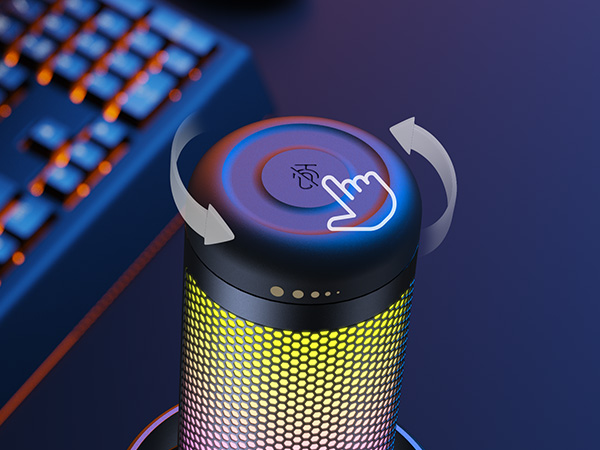
Yes, The top rotary component of TC310 integrates the functions of volume adjustment and mute. Simply tap on the mute icon at the top to mute, and rotate the top of the microphone to adjust the gain.
23001 TC310 TONOR Microphone
Merchant Video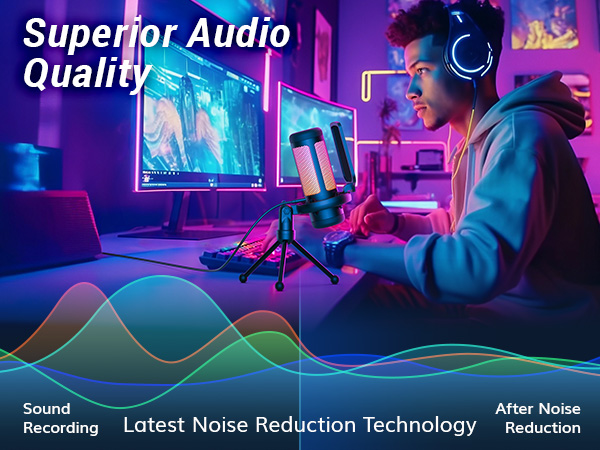
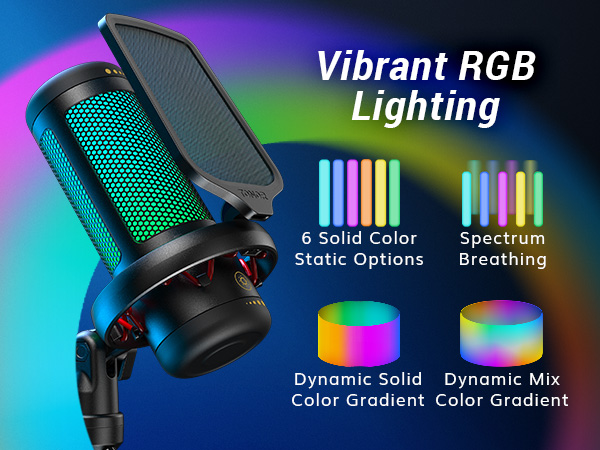
Tap to switch or turn off/on the light.
Adjust the brightness by rotating the button.
Short tap to mute/unmute.
Adjust the volume by rotating the top.
Pop Filter
Enjoy clear communication with your teammates during gaming with the effective pop filter that prevents air flow noise.
Upgraded Shock Mount
The shock mount is equipped with rubber bands that have strong elasticity, providing exceptional anti-vibration and reducing mechanical noise effectively.
Compare These Microphones
TC310 USB Streaming Mic | TC310+ USB Streaming Mic | TD310 USB Streaming Mic | TD310+ USB Streaming Mic | TC-777 USB Podcast Mic | TC-777 Pro USB Gaming Mic | TC30 USB Mic with RGB |
|---|---|---|---|---|---|---|
| Customer Reviews | ||||||
| — | — | — | — | — | — | — |
| Price | ||||||
| — | — | — | — | — | — | — |
| Key Feature | ||||||
| RGB light&volume control | RGB light&volume control | Low Noise&RGB light | Low Noise&RGB light | Low Noise | RGB light&volume control | Low Noise&RGB light |
| Stand | ||||||
| Tripod | Boom arm | Adjustable Desktop | Boom arm | Tripod | Tripod | Tripod |
| Polar Pattern | ||||||
| Cardioid | Cardioid | Cardioid | Cardioid | Cardioid | Cardioid | Cardioid |
| Frequency Response | ||||||
| 50Hz-20kHz | 50Hz-20kHz | 50Hz-16kHz | 50Hz-16kHz | 100Hz-16kHz | 20Hz-20kHz | 50Hz-20kHz |
| Sensitivity | ||||||
| -40dB±3dB | -40dB±3dB | -54dB±1.5dB | -54dB±1.5dB | -32dB±3dB | -32dB±3dB | -32dB±3dB |
| Connector Type | ||||||
| USB A | USB A | USB A & TypeC | USB A & TypeC | USB A | USB A | USB A |
| Compatible with | ||||||
| PC/Laptop/PS4/PS5 | PC/Laptop/PS4/PS5 | PC/Laptop/PS4/Phone/Nintendo | PC/Laptop/PS4/Phone/Nintendo | PC/Laptop/PS4 | PC/Laptop/PS4 | PC/Laptop/PS4 |
| Plug&Play | ||||||
| ? | ? | ? | ? | ? | ? | ? |
| Mute Button | ||||||
| ? | ? | ? | ? | ? | ? | ? |
| Gain Control | ||||||
| ? | ? | ? | ? | ? | ? | ? |
| Monitor Level Control | ||||||
| ? | ? | ? | ? | ? | ? | ? |
| Suitable for | ||||||
| Gaming/Podcasting/Recording | Gaming/Podcasting/Recording | Gaming/Podcasting/Recording | Gaming/Podcasting/Recording | Gaming/Podcasting/Recording | Gaming/Podcasting/Recording | Gaming/Podcasting/Recording |
How to adjust the RGB lighting effects of the microphone?
The microphone has a tap button on its body. Lightly tap the icon to switch between 4 lighting modes. You can also adjust the brightness by long tapping the at the bottom, it will switch between 0%(off),30%,60% and 100%(full).
Can this microphone be connected to the PS4 or Xbox?
The TC310 comes with a USB cable that supports plug&play, and can be compatible with the PS4. Unfortunately, it is not compatibled with the Xbox.
Why isn't my microphone's mute button working, even though the RGB lighting is functioning normally (or flashing)?
It may be due to poor contact at the Type-C port on the microphone. Please unplug and reinsert the Type-C connector on the microphone, ensuring it is completely inserted.
Can this microphone be mounted on a boom arm?
Yes, you can mount this microphone onto a boom arm. The TC310 Pro comes with a shock mount that can be attached to most standard boom arms with 5/8" screw.
Does this microphone have volume control and mute function?
Yes, The top rotary component of TC310 integrates the functions of volume adjustment and mute. Simply tap on the mute icon at the top to mute, and rotate the top of the microphone to adjust the gain.
TONOR Microphone
Your Sound Master
Experts in audio equipment, Tonor provides solutions for enthusiasts all around the world.
Clear Sound: Our only goal is to record and transmit your voice precisely and completely without the distraction of noise.
Easy to Use: Most of our devices are plug-and-play, so you can start content creating or live streaming without any worries.
Cost-effective: Choose our products to meet your pursuit of sound while saving unnecessary expenses.
TC777PRO Gaming Mic
TC30S Gaming Mic
TC40s Gaming Mic
TC40s Gaming Mic