




 here!
here!
I’m your shopping assistant for PC builds, upgrades, and everything tech.
Got questions? Ask away!
Start a conversation
here!
I’m your shopping assistant for PC builds, upgrades, and everything tech.
Got questions? Ask away!
Start a conversation



Any questions? Ask CelesteSM will help you find out quickly.


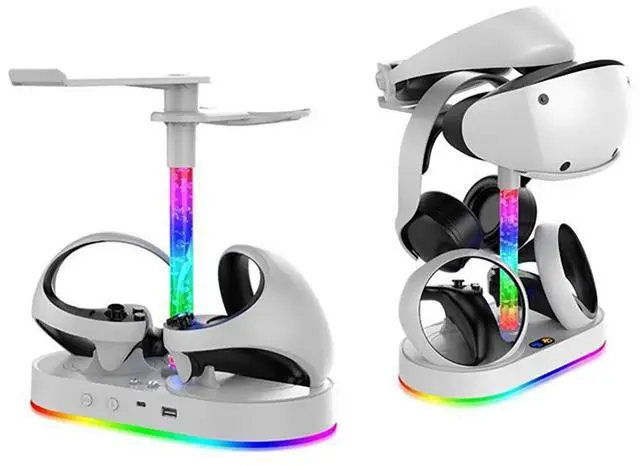
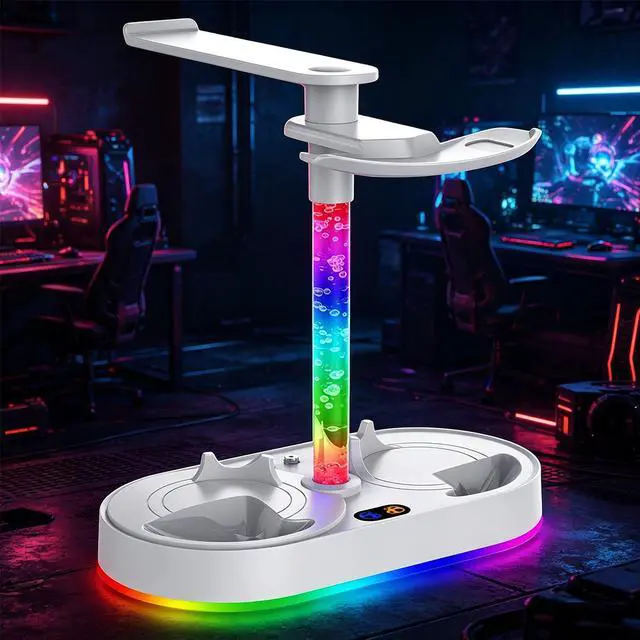
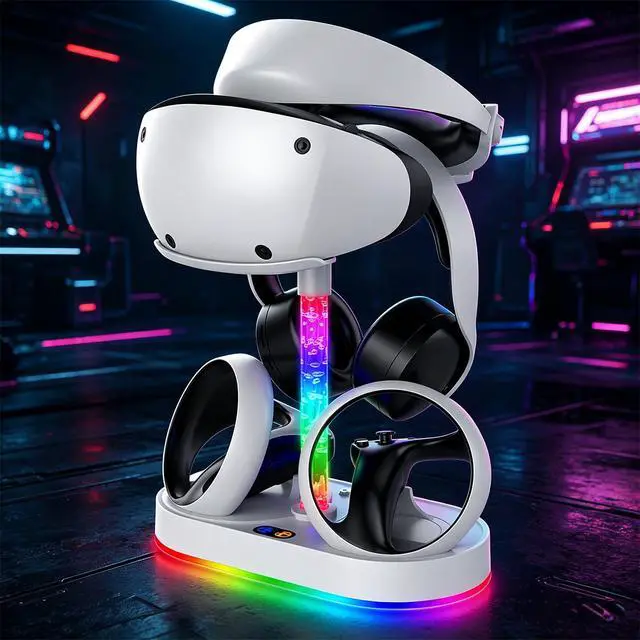
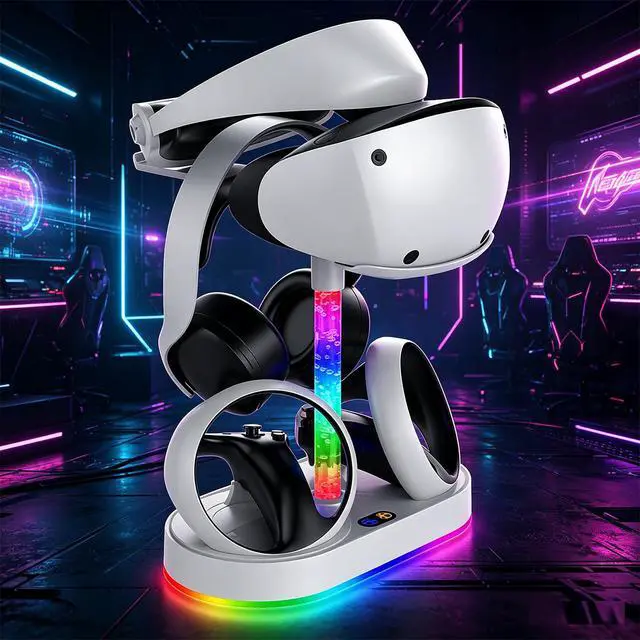
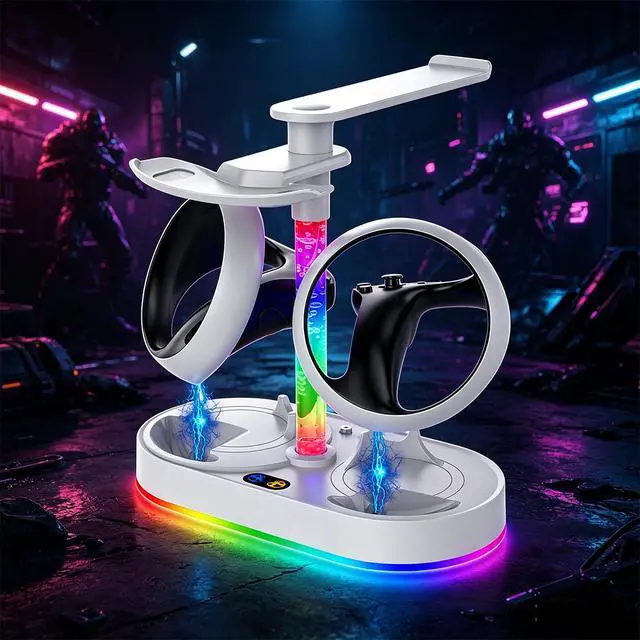
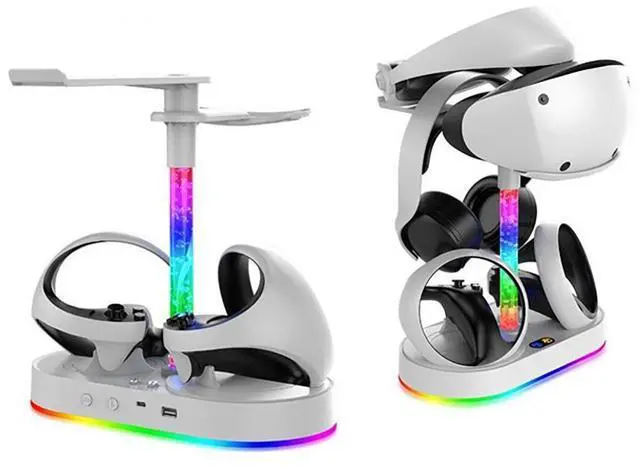
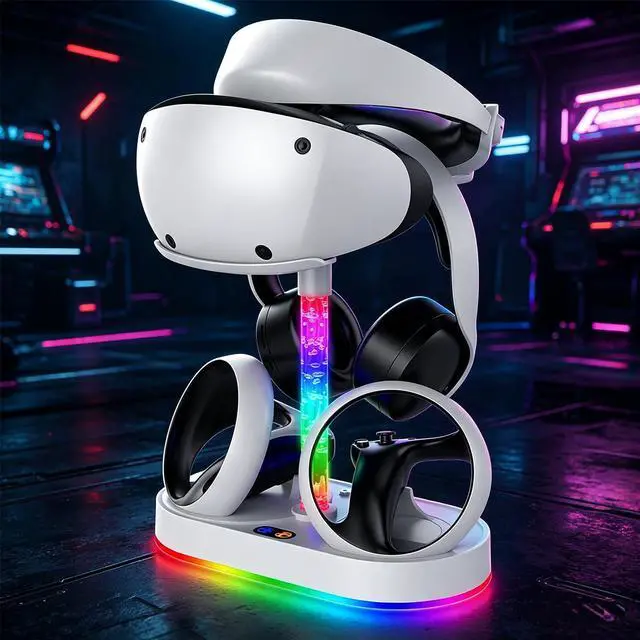
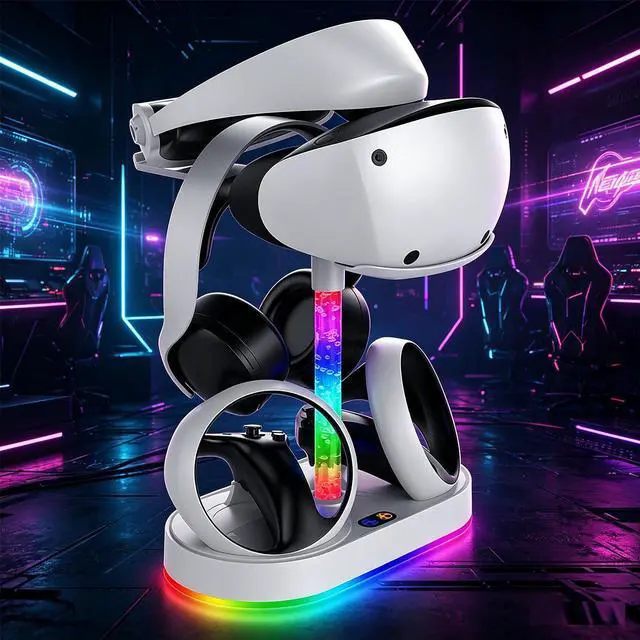
Designed for PSVR2 The charging dock is fully compatible with the Sense controllers, keeping them in a stable and safe charging state. The top tray can hold the PSVR2 headset.
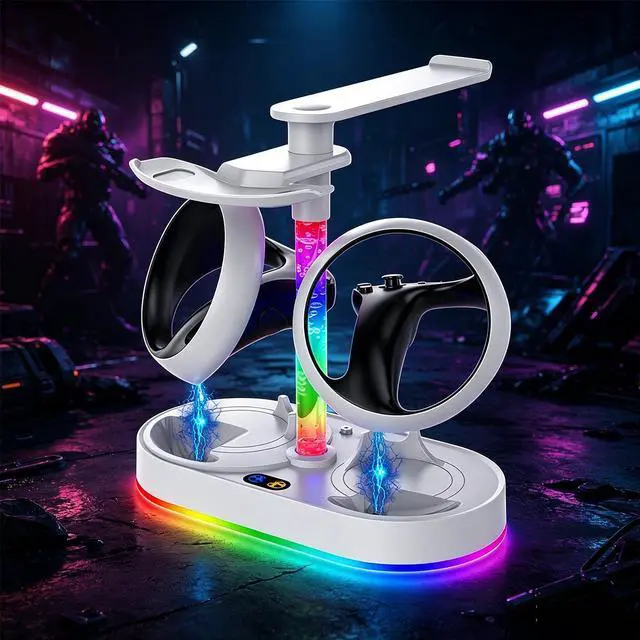
Magnetic Charging Connection Fully charge your Sense controllers in 1.52 hours. Insert the two Type-C magnetic connectors into the controllers charging ports, then place the controllers onto the charging station.
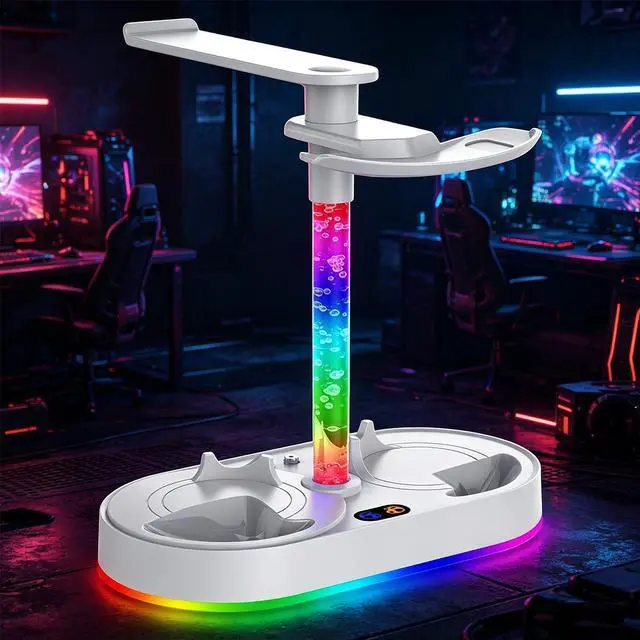
Convenient LED Indicators The charging station features LED lights in the middle of the base to show the charging status: orange while charging, and blue when fully charged.
Stylish Display The stand stores your PSVR2 headset and touch controllers in one place, keeping your gaming area neat and organized. Its stylish design and colored LED lights add a sleek aesthetic to your VR display.
Charging Station for PS VR2 with RGB Light Includes 4 magnetic adapters and a vertical mount for PlayStation 5 VR2 headset.
GORIXER Vertical Charging Stand Supports PSVR2 headset display and comes with 4 Type-C magnetic adapters for Sense controllers.
The TOPWOLF PG-P5V001S is a vertical charging dock for PlayStation VR2, designed for PS VR2 Sense controllers and the headset. It suits VR users who want magnetic charging for two controllers, LED charge-status indicators, four Type-C adapters, and an organized display stand.
| Attribute | Value |
|---|---|
| Best For | PS VR2 owners who want to charge two Sense controllers and keep the headset and controllers organized in one stand |
| Model Identifiers | TOPWOLF PG-P5V001S charging dock in white |
Q: Is the TOPWOLF PS VR2 charging dock better than Sony’s official charging station?
A: Choose the TOPWOLF dock if you want one station for the PS VR2 headset and both Sense controllers, plus visible orange and blue charging indicators and magnetic USB-C adapters. Choose Sony’s official station if you prefer first-party hardware and a controller-only design. Sony’s station charges both controllers simultaneously in approximately 1.5 hours, while the TOPWOLF model is listed at approximately 1.52 hours. The main trade-off is broader storage and display functionality on TOPWOLF versus Sony’s official accessory design.
Q: Should I buy this dock or just charge the PS VR2 Sense controllers with USB-C cables?
A: Buy the TOPWOLF dock for a permanent gaming setup where you want both controllers charging at the same time, a headset display stand, magnetic connections, and charging-status LEDs. Use USB-C cables instead when portability, lower cost, or minimal desk space matters more. Cables require handling separate connectors and do not provide the integrated headset storage or display features listed for this dock.
Q: Is this TOPWOLF dock worth choosing over a controller-only PS VR2 charger?
A: Choose TOPWOLF when you also need a place to store or display the PS VR2 headset. Its listed configuration combines dual Sense-controller charging with a vertical headset mount, four magnetic adapters, and LED status lighting. Choose a controller-only charger when you already have separate headset storage or want a smaller, simpler accessory. The decision is primarily about integrated organization rather than a confirmed charging-speed advantage.
Q: Is the TOPWOLF charging dock suitable for travel, or is it mainly for a permanent setup?
A: The TOPWOLF dock is better suited to a permanent or semi-permanent setup because it includes a vertical headset mount, controller storage, four magnetic adapters, and LED lighting. For travel, separate USB-C cables or a compact dual-port charger are more practical because they take less space and do not require transporting a stand. Choose TOPWOLF when display and organization matter more than portability.
Q: Should I choose this dock over a higher-feature PS VR2 stand with cooling or extra console storage?
A: Choose TOPWOLF if your priority is charging both Sense controllers while displaying the headset in a relatively focused accessory. Consider a larger multifunction stand only if you specifically need added features such as PS5 storage, cooling, or additional controller charging. Those larger stands may use more desk space, so TOPWOLF is the more suitable configuration when headset-and-controller organization is the main requirement.
Q: Can this dock charge both PS VR2 Sense controllers at the same time?
A: Yes. The dock has two charging ports and is designed to charge both PS VR2 Sense controllers simultaneously. A full charge is specified at approximately 1.52 hours.
Q: Does the charging dock need to be connected to the PS5?
A: The dock is intended to operate from an external USB power source, so it does not need to be connected directly to the PS5 for charging. The required wall power adapter is not confirmed in the provided product information and should be checked before purchase.
Q: Are the magnetic USB-C adapters included, and can they stay attached to the controllers?
A: Yes. The product information lists four Type-C magnetic adapters. They connect to the controllers' USB-C charging ports and allow the controllers to be placed onto the dock without repeatedly plugging in a cable. Because the adapters are small, they should be stored carefully if removed.
Q: Does it store the PS VR2 headset as well as charge the controllers?
A: Yes. The stand includes a vertical headset mount and a top tray that can hold the PS VR2 headset, while the base stores and charges the two Sense controllers. It is best suited to users who want one dedicated display and storage location for their VR equipment.
Q: How can I tell whether the controllers are charging or fully charged?
A: The dock uses LED indicators in the center of the base: orange indicates charging and blue indicates that charging is complete. The indicators make charging status visible without checking the PS5 or removing the controllers.
Q: Is this PS VR2 charging dock easier to use than the official controller charger?
A: It may be easier to align because the controllers use magnetic USB-C adapters that snap into place. The trade-off is that the adapters remain inserted in the controller ports, and users still need to confirm that both controllers are seated and charging.
Q: Is it worth buying if I want one place to store my PS VR2 headset and controllers?
A: It is most suitable for users who want a combined charging and display stand. The product holds the headset and both Sense controllers, while the controllers charge through two magnetic connections. It is less useful if the headset is normally stored in a cabinet, case, or drawer.
Q: What are the main trade-offs of using a magnetic PS VR2 charging stand?
A: The main benefits are faster drop-in charging, charge-status LEDs, and reduced cable clutter. The trade-offs are that magnetic adapters occupy the controller USB-C ports, alignment can still be imperfect, and some headset or controller modifications may not fit securely on the stand.
Q: Who is this PS VR2 charging dock best suited for?
A: It is best suited for PS VR2 owners who regularly use both Sense controllers, want a visible headset stand, and prefer magnetic drop-in charging over separate USB-C cables. Users with large controller grips, headset mods, or a preference for enclosed dust-free storage should verify fit before buying.


