




 here!
I’m your shopping assistant for PC builds, upgrades, and everything tech.
Got questions? Ask away!
Start a conversation
here!
I’m your shopping assistant for PC builds, upgrades, and everything tech.
Got questions? Ask away!
Start a conversation



Any questions? Ask CelesteSM will help you find out quickly.

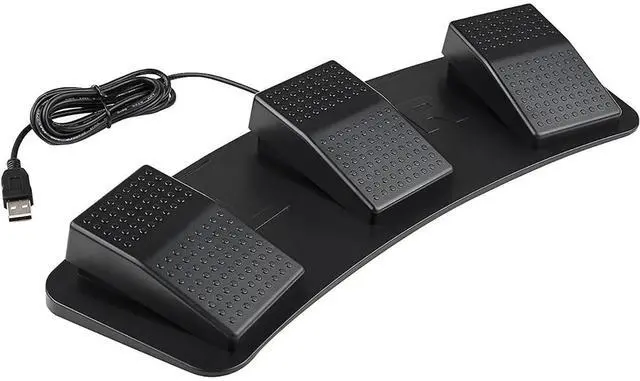
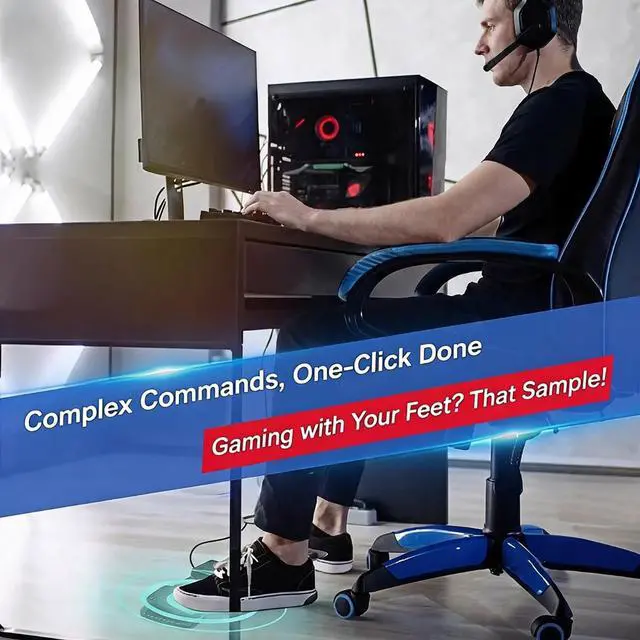
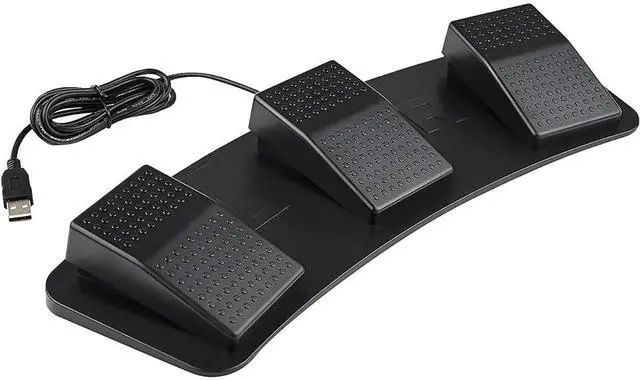
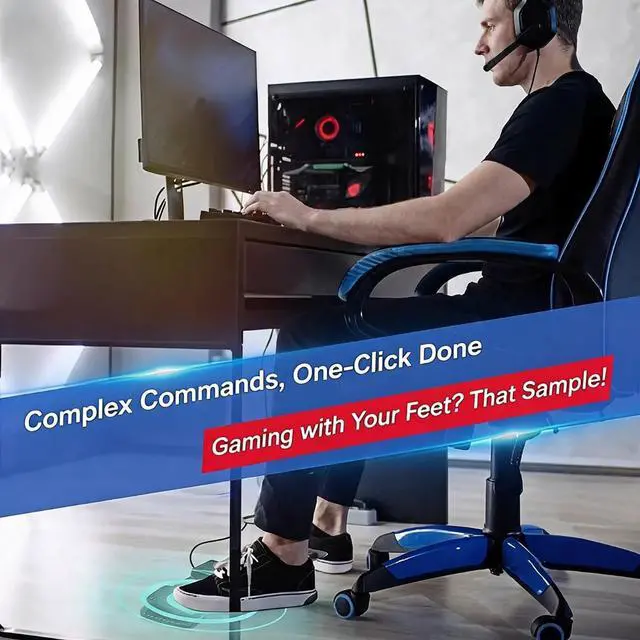
This foot switch enhances your gaming with easy, convenient shortcut keys that save time. Three pedals let you trigger game actions with your feet, freeing your hands for faster response.

Ideal for office use, PPT page turning, medical facility image collection, industrial equipment control, customer service quick typing, and one-key move when gaming. One device adapts to many professional and gaming scenarios.

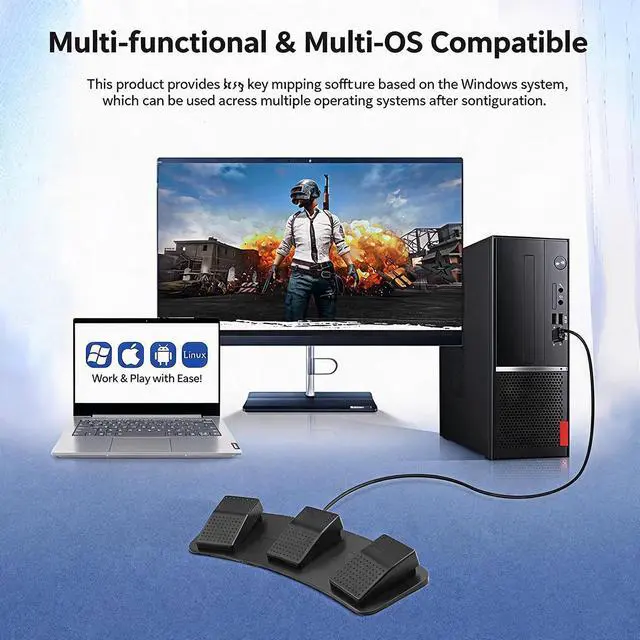
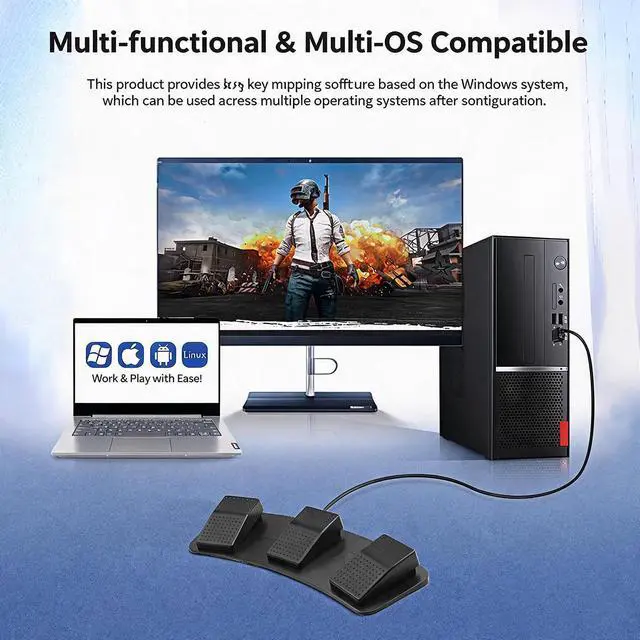
Provides software that can be set up on Windows, and is compatible with multiple systems after setting in Windows. Works with Windows, macOS, Android, and Linux for broad device support.

Customize each pedal as Mouse (left, right, scroll, forward, backward), Keyboard (save, copy, paste, switch apps, task manager), Gamepad (up, down, left, right), Character String (frequent sentences), or Multimedia (play, pause, next, previous).

Replace any keys or combination keys on the gamepad. Use the foot switch to trigger actions like W, A, S, D plus mouse controls, enabling one-key movement during gameplay for a competitive edge.

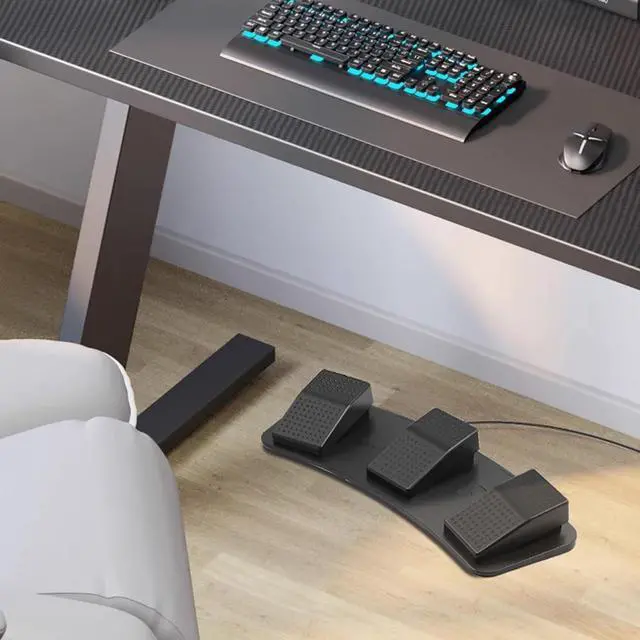
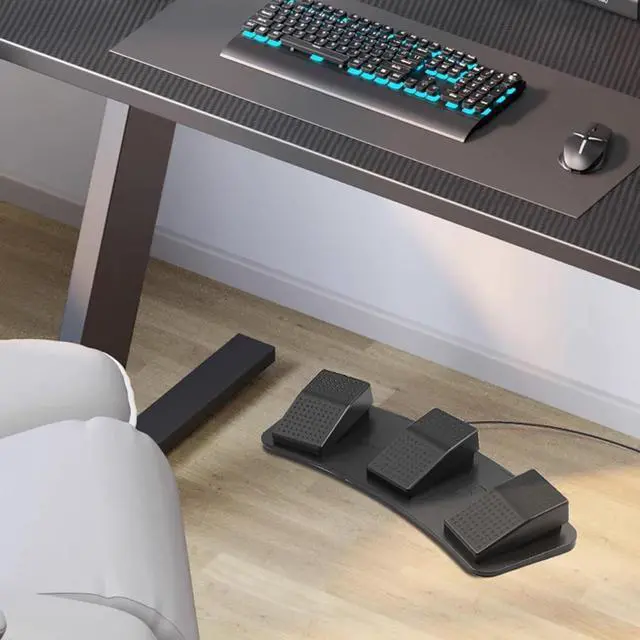
Can replace any three buttons in the game. Includes three sets of shortcut keys, one-key move when gaming, and helps you become a game guru. Perfect for desktop gaming with a laptop and chair.

Download the software, select Multimedia, click Open Computers, and save to button. Then use the foot switch to open My Computer and other functions. Clear, save, and initialization options are included.
USB Gaming Foot Switch HID Programmable 3-Pedal Macro Controller for PC, FPS & MMO
Take non-aim actions off your hands and put them under your feet. This USB gaming foot switch is designed for players who need more control in FPS, MMO, and other action games. With three programmable pedals, you can assign crouch/slide, jump, reload, ability triggers, or push-to-talk to your feet while keeping your hands focused on aiming and movement.
The controller uses a plug-and-play USB HID connection and works with PC and HID-compliant systems without additional drivers. Each pedal can be configured as a keyboard input through compatible gaming or key-mapping software, making it a practical keyboard replacement for custom game bindings. Whether you need a foot pedal for FPS crouch/slide, MMO skill activation, or in-game voice chat, the 3-pedal layout gives you flexible control options.
Built for long sessions, the foot switch features an anti-slip heavy-duty base and a wear-resistant pedal surface to stay stable during intense play. The high-sensitivity mechanical micro switch provides crisp tactile feedback, fast response, and a rated lifespan of millions of presses.
Ideal for: FPS crouch/slide, MMO ability triggers, push-to-talk, macro key assignment, and hands-free keyboard input for PC gaming.
Compatibility note: Works with PC and HID-compliant systems via USB. No additional drivers required. Key assignment and macro setup may require compatible gaming or key-mapping software, which is not included. This is a programmable gaming foot switch, not a racing simulator pedal set.
The TOPWOLF SS-TFS-01 is a 3-pedal USB foot switch for PC gaming that provides low-latency, hands-free control for FPS, MMO, and action games. It suits players who want programmable inputs for crouching, sliding, ability triggers, or push-to-talk without taking their hands off the keyboard.
| Attribute | Value |
|---|---|
| Best For | Gaming, industrial, medical, and other HID-compatible setups needing a self-programmable USB foot control switch |
| Programming And Compatibility | Self-programmable control switch compatible with gaming, industrial, medical, and HID systems |
| Interface And Compatibility | USB foot control switch with no Thunderbolt 3 support |
| Physical Specifications | Black finish |
| Model Identifiers | TOPWOLF SS-TFS-01 |
Q: TOPWOLF 3-pedal foot switch vs Elgato Stream Deck Pedal: which should I choose for gaming?
A: Choose the TOPWOLF model when you want a conventional USB HID foot switch for direct key assignments in FPS, MMO, or push-to-talk use. Choose the Elgato Stream Deck Pedal when you also want app-specific profiles, streamlined macro setup, and deeper integration with streaming software. Reviews consistently highlight Elgato's strong stability and software experience, while the TOPWOLF listing emphasizes plug-and-play HID operation and gaming-focused pedal control.
Q: TOPWOLF 3-pedal foot switch vs PCsensor triple pedal: which is easier to use?
A: Choose TOPWOLF when driver-free setup and immediate HID compatibility are the priority, based on the Newegg listing. Choose PCsensor when you want documented remapping software and the ability to configure the pedals before using them with Windows, macOS, Linux, or other HID-compatible devices. PCsensor's official documentation states that its ElfKey software is required for configuration, whereas the TOPWOLF listing describes plug-and-play operation without additional drivers.
Q: Should I buy a 3-pedal foot switch or a single-pedal model for push-to-talk?
A: Choose the TOPWOLF 3-pedal model when you need several foot-controlled actions, such as push-to-talk, crouch, reload, ability activation, or media controls. Choose a single-pedal model when one repeated command is the only requirement and a smaller setup is more important than expandability. The three-pedal layout provides more simultaneous controls, but it also requires more floor space and more foot-position awareness.
Q: Is the TOPWOLF wired 3-pedal foot switch suitable for portable gaming setups?
A: Choose TOPWOLF for a stationary PC desk where USB power, no battery charging, and a stable three-pedal layout are more important than portability. Choose a wireless or compact foot switch for frequent transport, temporary workstations, or setups where cable management matters. TOPWOLF's USB connection avoids battery-related maintenance, but the cable and three-pedal chassis make it less convenient to carry than smaller or wireless alternatives.
Q: Can I map keyboard keys or macros to the pedals?
A: Yes. The three pedals can be assigned to keyboard keys, shortcuts, or macros for functions such as crouch, slide, ability activation, or push-to-talk. It is intended to act as an additional HID keyboard-style input on compatible PC systems.
Q: Does this foot switch work with game consoles?
A: The product is specified for PC and HID-compliant systems, and console compatibility is not confirmed. Buyers should treat it as a PC-focused accessory and should not assume direct support for PlayStation, Xbox, or Nintendo Switch systems.
Q: Can I use it for work, transcription, meetings, or other non-gaming tasks?
A: Yes, provided the application accepts keyboard shortcuts or HID input. The pedals can be useful for push-to-talk, mute controls, media commands, repetitive office shortcuts, and hands-free workflow tasks. Exact functions depend on the software being controlled.
Q: Is it stable and durable enough for long gaming sessions?
A: It is designed for extended use with an anti-slip heavy-duty body, a wear-resistant pedal surface, and mechanical micro switches rated for millions of presses. These features support repeated gaming use, but the unit should be treated as a control device rather than a footrest.
Q: Is setup plug-and-play, or do I need special drivers?
A: The product uses a USB connection and is specified as plug-and-play for PC and HID-compliant systems without additional drivers. Custom assignments may still require compatible key-mapping or gaming software, depending on how the pedals are configured.
Q: Who is this 3-pedal USB foot switch suitable for?
A: It is best suited for PC gamers, streamers, and users who need three extra keyboard-style inputs for push-to-talk, crouch, sprint, abilities, or other mapped commands. It may also help users who want to reduce hand movement or compensate for limited hand inputs.
Q: Is it a good choice for push-to-talk or mute controls?
A: Yes, provided the game or communication app accepts the pedal's assigned keyboard input. A foot pedal can work well for Discord, OBS, and some games, but compatibility may vary when a game uses controller input or handles press-and-release actions differently.
Q: Can it replace a keyboard or provide full WASD control?
A: No. Three pedals can add three programmable commands, but they are not enough to reproduce full WASD movement. Users seeking foot-based movement generally look for at least four inputs and simultaneous key-press support.
Q: Will it work reliably with controller-based games?
A: Not universally. Because this product is specified as a USB HID device with keyboard-style mapping, some controller-based games may switch input prompts or respond inconsistently when the pedal is pressed. PC games that accept keyboard hotkeys are the safer use case.
Q: What are the main trade-offs of using a programmable foot switch for gaming?
A: The main benefits are hands-free access and three additional programmable inputs. The trade-offs are limited input count, possible setup or remapping requirements, inconsistent support in some games, and the need to keep the pedals positioned securely for accurate presses.


