




 QIACHIP 2.4G Smart Remote Control Light Socket E26 E27 Bulb Socket Adapter, e... |  QIACHIP Ewelink 2.4G Wireless Remote Control Light Socket E26 E27 Bulb Socket... |  QIACHIP Wi-Fi Smart 2.4G Remote Control Light Socket E26 E27 Bulb Socket Adap... |  QIACHIP Wi-Fi Smart 2.4G Remote Control Light Socket E26 E27 Bulb Socket Adap... |  QIACHIP Remote Control Light Socket E26 E27 Bulb Socket Adapter, ZigBee Smart... |  QIACHIP Remote Control Light Socket E26 E27 Bulb Socket Adapter, ZigBee Smart... | |
|---|---|---|---|---|---|---|
| Customer Reviews | — | — | — | — | — | — |
| Price | — | — | — | — | — | — |
| Style | 1 Bluetooth Socket + 1 Transmitter | 2 Bluetooth Socket + 1 Wireless Switch | 1 WiFi Socket + 1 Transmitter | 4 WiFi Sockets + 1 Transmitter | 1 Zigbee Socket + 1 Transmitter | 4 Zigbee Sockets + 1 Transmitter |

Product Parameters
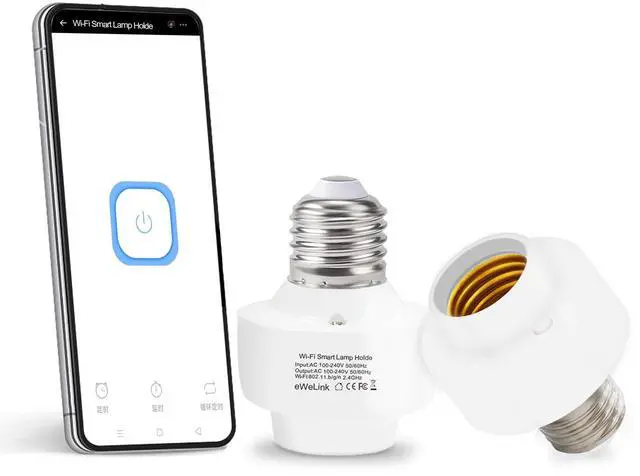
This is a small version of the smaller eWeLink series Wi-Fi+2.4GHz lamp holder, with functions such as timing, scene setting and intelligent linkage, compatible with Alexa, Google home.
Product Name : eWeLink Wi-Fi Smart Lamp Holder
Input/Output Voltage : AC 90~250 V 50/60HZ
APP:Ewelink APP
Support Platform : Android 5.0 & IOS 10 or higher
Communication Frequency : Wi-Fi (802.11 b/g/n 2.4GHz)
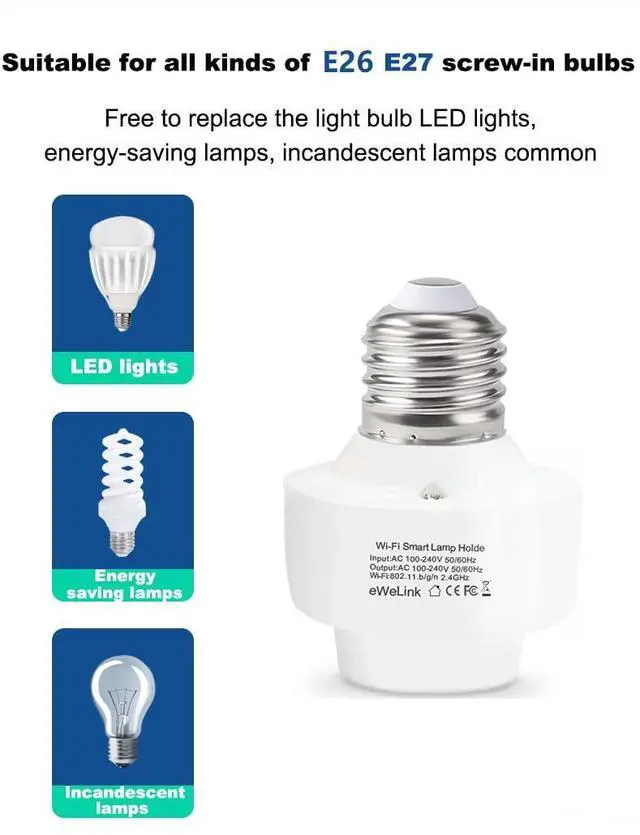
Screw Port Type : E26/E27
Material : PC V0
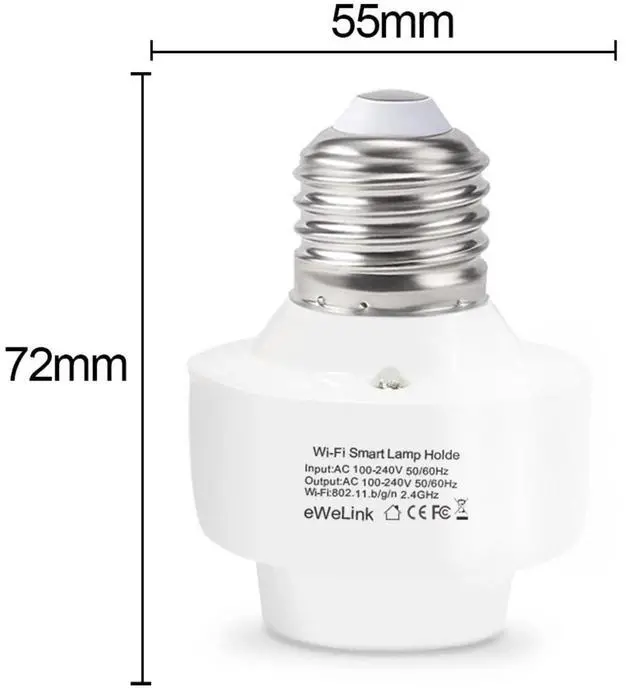
Size : 55*72 mm
Output Power : =500W
Various control methods

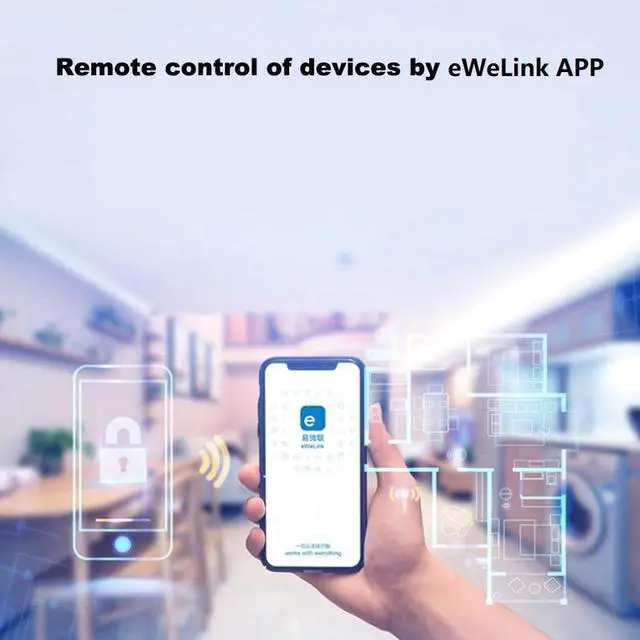
eWeLink APP Remote Control
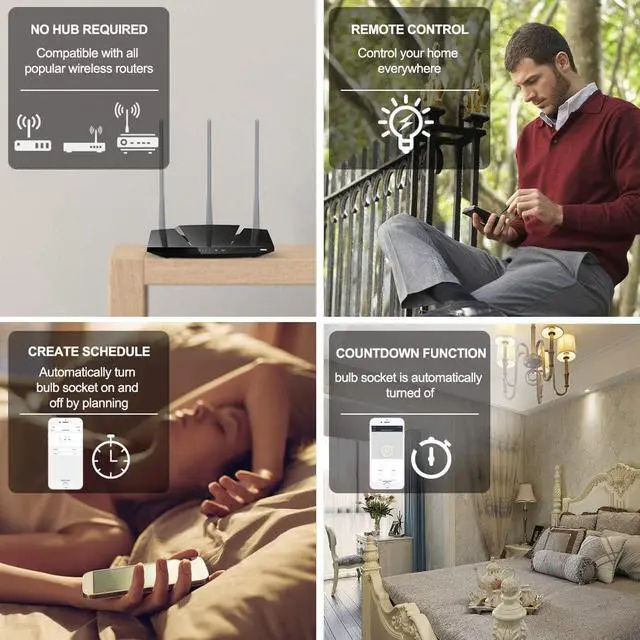
The mobile phone and the lamp head will exchange information with the router (or anywhere with 2.4GHz Wi-Fi) through the cloud server. Therefore, please ensure that the lamp head is installed near the router (or anywhere with 2.4GHz Wi-Fi), so as not to affect the eWeLink APP control

Set Schedules / Timer
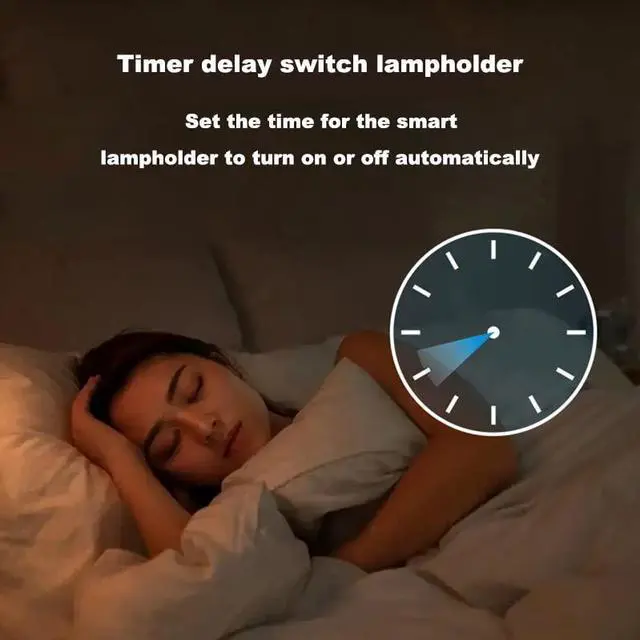
Smart light socket enables you to set timer/schedules for your lights or lamps. To do this, you just need to set the single/repeat/countdown timers on the Ewelink app, then you can schedule the connected light to turn on at 7:00 pm or turn off after you go to bed every day.

Apple Siri//Google Voice Control
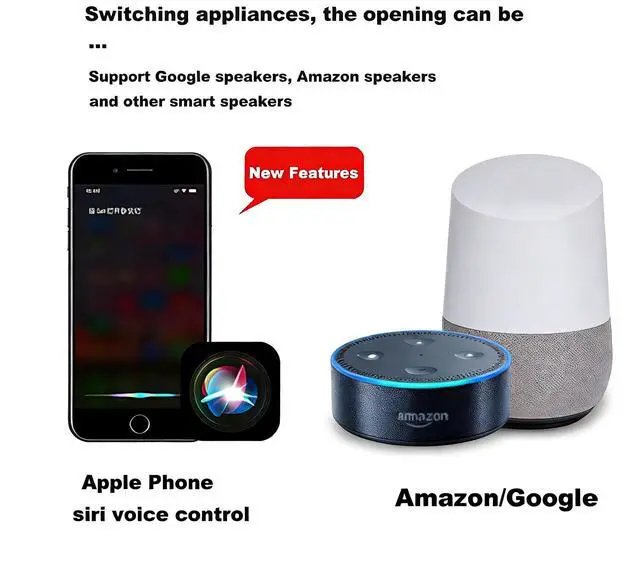
This smart lamp holder is fully compatible with Alexa devices such as Echo and Dot, as well as Google Assistant.
With simple voice commands, you can easily control your connected lights on or off.
“Hey Google, turn off the bedroom light.”Just speak:“Alexa, turn on the light.”
- 2.4GHz WiFi ONLY – Not compatible with 5GHz or 5G networks. Split dual-band router into separate SSIDs (e.g., "Home-2.4G" & "Home-5G") before setup.
How to split your dual-band router:
- Log into your router admin page .
- Disable "Dual-Band Merge".
- Set a unique SSID for 2.4GHz (e.g., "YourWiFi-2.4G") and 5GHz (e.g., "YourWiFi-5G").
- Connect your phone to the 2.4GHz SSID before pairing the device.
Product Features

QIACHIP 2.4G Smart Remote Control Light Socket E26 E27 Bulb Socket Adapter, e... | QIACHIP Ewelink 2.4G Wireless Remote Control Light Socket E26 E27 Bulb Socket... | QIACHIP Wi-Fi Smart 2.4G Remote Control Light Socket E26 E27 Bulb Socket Adap... | QIACHIP Wi-Fi Smart 2.4G Remote Control Light Socket E26 E27 Bulb Socket Adap... | QIACHIP Remote Control Light Socket E26 E27 Bulb Socket Adapter, ZigBee Smart... | QIACHIP Remote Control Light Socket E26 E27 Bulb Socket Adapter, ZigBee Smart... | |
|---|---|---|---|---|---|---|
| Customer Reviews | — | — | — | — | — | — |
| Price | — | — | — | — | — | — |
| Style | 1 Bluetooth Socket + 1 Transmitter | 2 Bluetooth Socket + 1 Wireless Switch | 1 WiFi Socket + 1 Transmitter | 4 WiFi Sockets + 1 Transmitter | 1 Zigbee Socket + 1 Transmitter | 4 Zigbee Sockets + 1 Transmitter |
Product Parameters
This is a small version of the smaller eWeLink series Wi-Fi+2.4GHz lamp holder, with functions such as timing, scene setting and intelligent linkage, compatible with Alexa, Google home.
Product Name : eWeLink Wi-Fi Smart Lamp Holder
Input/Output Voltage : AC 90~250 V 50/60HZ
APP:Ewelink APP
Support Platform : Android 5.0 & IOS 10 or higher
Communication Frequency : Wi-Fi (802.11 b/g/n 2.4GHz)
Screw Port Type : E26/E27
Material : PC V0
Size : 55*72 mm
Output Power : =500W
Various control methods
eWeLink APP Remote Control
The mobile phone and the lamp head will exchange information with the router (or anywhere with 2.4GHz Wi-Fi) through the cloud server. Therefore, please ensure that the lamp head is installed near the router (or anywhere with 2.4GHz Wi-Fi), so as not to affect the eWeLink APP control
Set Schedules / Timer
Smart light socket enables you to set timer/schedules for your lights or lamps. To do this, you just need to set the single/repeat/countdown timers on the Ewelink app, then you can schedule the connected light to turn on at 7:00 pm or turn off after you go to bed every day.
Apple Siri//Google Voice Control
This smart lamp holder is fully compatible with Alexa devices such as Echo and Dot, as well as Google Assistant.
With simple voice commands, you can easily control your connected lights on or off.
“Hey Google, turn off the bedroom light.”Just speak:“Alexa, turn on the light.”
- 2.4GHz WiFi ONLY – Not compatible with 5GHz or 5G networks. Split dual-band router into separate SSIDs (e.g., "Home-2.4G" & "Home-5G") before setup.
How to split your dual-band router:
- Log into your router admin page .
- Disable "Dual-Band Merge".
- Set a unique SSID for 2.4GHz (e.g., "YourWiFi-2.4G") and 5GHz (e.g., "YourWiFi-5G").
- Connect your phone to the 2.4GHz SSID before pairing the device.
Product Features