





Control Remotely, Anytime, Anywhere
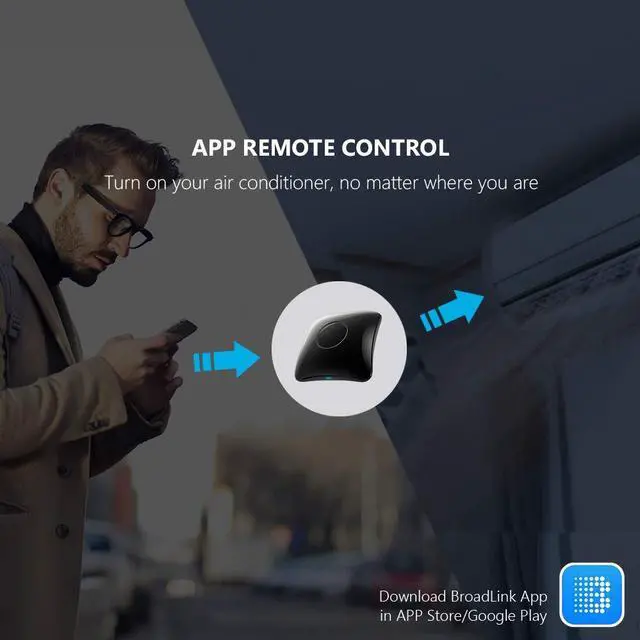
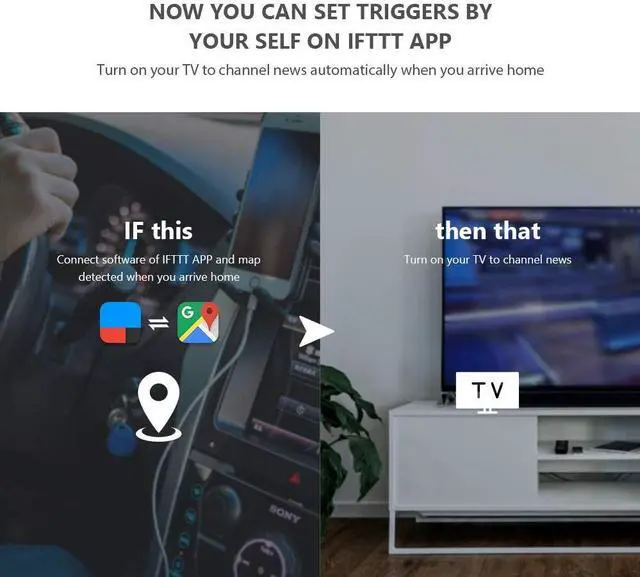
Forgot to turn off the AC after leaving home? Use the BroadLink app to send commands via Wi-Fi—even from another city. Manage compatible IR & RF devices like TVs, DVD players, or lights remotely.

Voice Control Made Effortless
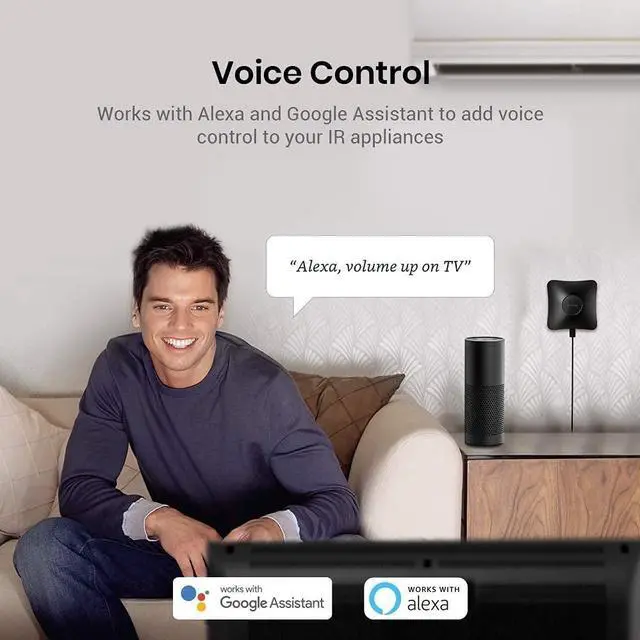
Alexa, turn on the AC!” or “Hey Google, lower the fan speed.” RM4pro seamlessly works with Alexa and Google Home, letting you command infrared devices like TVs, ACs, and set-top boxes using just your voice.



Easy to set up and use

Download APP
Search for "BroadLink" on Google Play or APP Store.
Register an account and log in to the Broadlink APP.

Connect Wi-Fi
Tap "Add device" on APP and follow the instructions.
Choose your Wi-Fi (2.4Ghz only), the Wi-Fi password should contain no more than 32 characters.

Add Remote Panels
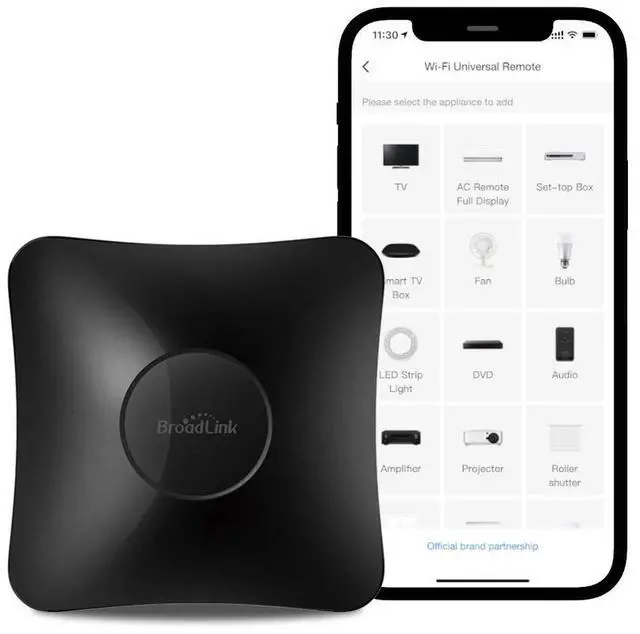
Tap “add appliances” to choose a category and a brand. Find a solution from our library or define customized remote panel from leaning mode.

Link with Alexa
In BroadLink APP, tap "Add Voice Assistant".
In Google/Alexa/IFTTT App, enable the skill/service named "Broadlink", link account and discover devices.
Control ACs, Fans, Curtain Motors & More in One App
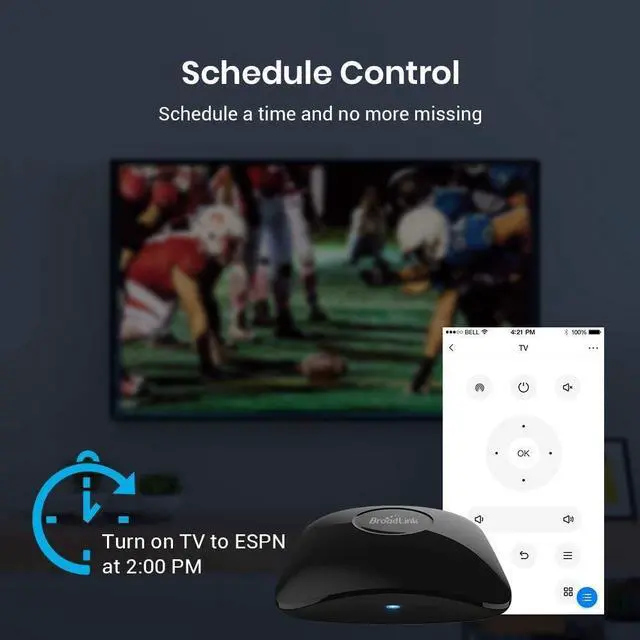
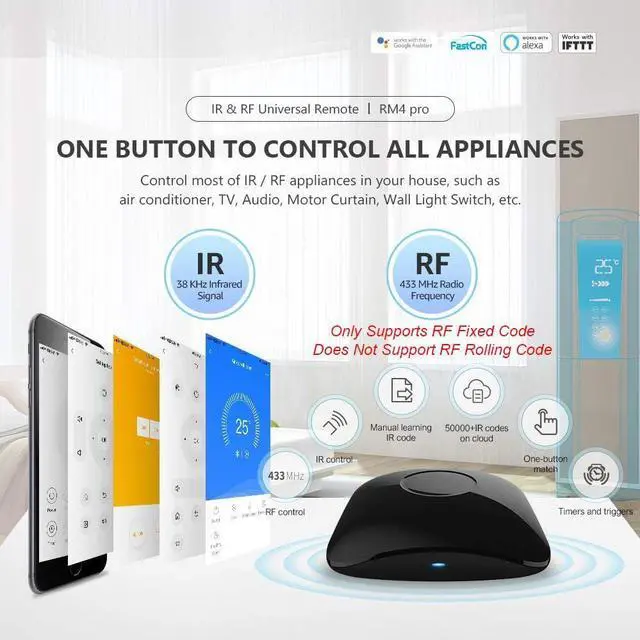
The RM4pro transforms your smartphone into a smart IR & RF remote control, centralizing control of devices like lamps and projectors in the intuitive BroadLink app. Create bedtime scenes to turn off all devices with one tap. No more juggling remotes—your lifestyle, streamlined.
Broadlink APP ALL IN ONE
Merchant VideoBroadLink Family
 RM4 pro IR / RF Remote |  RM mini3 IR Remote |  RM4 mini IR Remote |  RM4 mini Sensor Cable Set |  RM4 pro Sensor Cable Set |  Smart RGB Bulb |  FastCon Smart Bulb | |
|---|---|---|---|---|---|---|---|
Customer Reviews | — | — | — | — | — | — | — |
Price | — | — | — | — | — | — | — |
Model | RM4 pro | RM mini3 | RM4 mini | RM4 mini S | RM4 pro S | LB26R1 | Starter Kit |
Function | Control IR, RF appliances | Control IR appliances | Control IR appliances | Control IR appliances | Control IR, RF appliances | Wifi controlled RGB Lighting | Smart Lighting Kit |
Remote Control | ? | ? | ? | ? | ? | ? | ? |
Voice Control | ? | ? | ? | ? | ? | ? | ? |
Support Sensor Cable | ? | ? | ? | ? | ? | ? | ? |
USB Cable Type | Regular Power Cable | Regular Power Cable | Regular Power Cable | Temperature Humidity Sensor | Temperature Humidity Sensor | No Cable | No Cable |
Why can't it connect to the APP / Wi-Fi ?
Broadlink RM4 pro only support 2.4 GHz Wi-Fi for configuration, does not support 5 GHz or mesh router.
Please check whether the frequency in the router setting is 2.4GHz, and make sure the length of Wi-Fi password does not exceed 32 characters.
Is my appliance compatible with the RM4 pro?
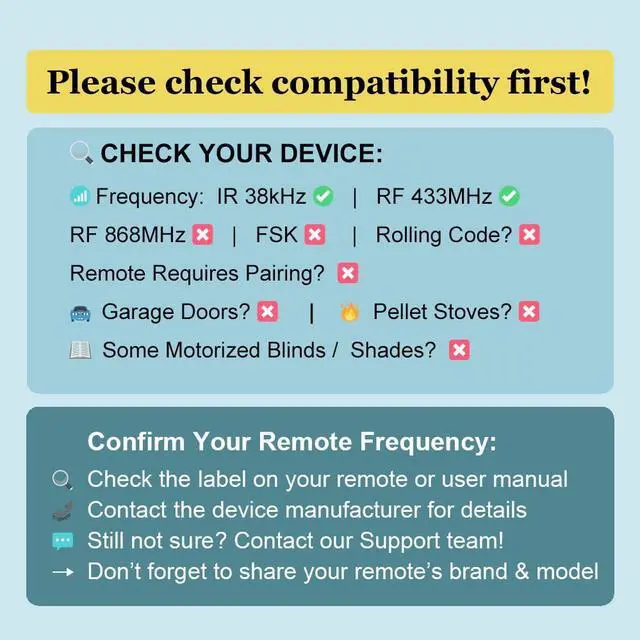
RM4 pro supports IR and RF 433MHz control devices, does not support Bluetooth or RF Rolling Code. Please check the manual of your appliance or consult the manufacturer to confirm it.
Why is the RM4pro not compatible with RF remote for fireplace based on 433MHz frequency?
Many brands of fireplaces, for safety reasons, require long pressing the button or pressing the button multiple times to turn on the fireplace. But RM4 Pro cannot learn such complex control commands, so it may not control the fireplace.
How to tell if my remote is infrared or Bluetooth?
1) Infrared remote has an infrared emitter (crystal head) on the top of itself, you need to point the emitter at the device when use it;
2) Bluetooth remote does not have an infrared emitter, and it usually needs to be matched before first use.
What is Rolling Code?
Rolling code that changes for every use is commonly used in radio frequency (RF) control systems especially those requires access control or privacy protection. It is a simple encryption method and usually applied on some curtain/blind/shade motors.

About Us
Launched in 2013, BroadLink focuses on smart home control, bringing a convenient and smart lifestyle to over 2 million customers.
Users can control their appliances, lights through smart phones from anywhere, anytime.
We have been working in the field of smart universal remotes, smart bulbs and sensors for more than 10 years, bringing the smart home into a new era with real zero-setup, auto-networking and considerable affordable cost.
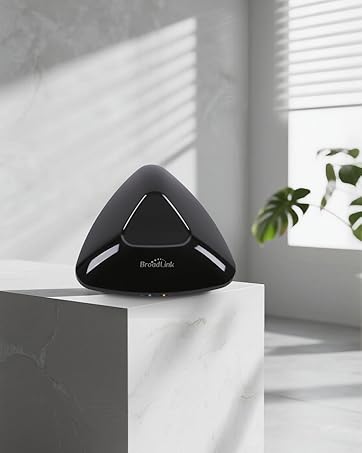
Broadlink RM MAX
Faster Setup. Offline Local Control.
Our next-gen smart hub for IR and RF control.
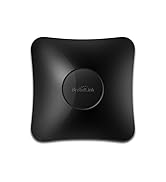
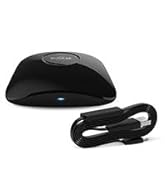
Upgraded Smart Hub
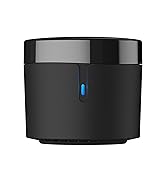
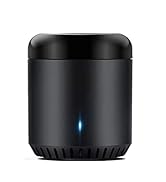
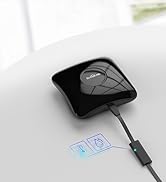
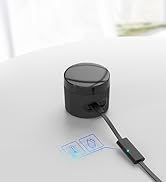
Smart Universal Remote
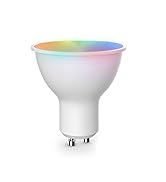
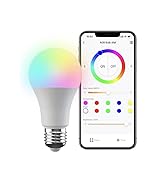
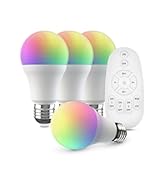
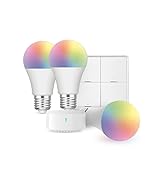
FastCon Smart Light Bulbs
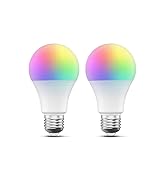
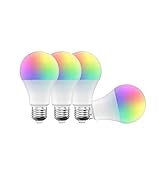
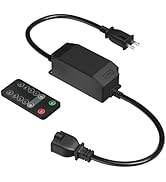
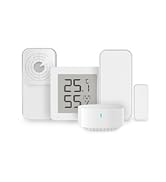
Smart Wi-Fi Bulbs and Sensor


Control Remotely, Anytime, Anywhere
Forgot to turn off the AC after leaving home? Use the BroadLink app to send commands via Wi-Fi—even from another city. Manage compatible IR & RF devices like TVs, DVD players, or lights remotely.
Voice Control Made Effortless
Alexa, turn on the AC!” or “Hey Google, lower the fan speed.” RM4pro seamlessly works with Alexa and Google Home, letting you command infrared devices like TVs, ACs, and set-top boxes using just your voice.


Easy to set up and use
Download APP
Search for "BroadLink" on Google Play or APP Store.
Register an account and log in to the Broadlink APP.
Connect Wi-Fi
Tap "Add device" on APP and follow the instructions.
Choose your Wi-Fi (2.4Ghz only), the Wi-Fi password should contain no more than 32 characters.
Add Remote Panels
Tap “add appliances” to choose a category and a brand. Find a solution from our library or define customized remote panel from leaning mode.
Link with Alexa
In BroadLink APP, tap "Add Voice Assistant".
In Google/Alexa/IFTTT App, enable the skill/service named "Broadlink", link account and discover devices.
Broadlink APP ALL IN ONE
Merchant VideoControl ACs, Fans, Curtain Motors & More in One App
The RM4pro transforms your smartphone into a smart IR & RF remote control, centralizing control of devices like lamps and projectors in the intuitive BroadLink app. Create bedtime scenes to turn off all devices with one tap. No more juggling remotes—your lifestyle, streamlined.
BroadLink Family
RM4 pro IR / RF Remote | RM mini3 IR Remote | RM4 mini IR Remote | RM4 mini Sensor Cable Set | RM4 pro Sensor Cable Set |  Smart RGB Bulb | FastCon Smart Bulb |
|---|---|---|---|---|---|---|
| Customer Reviews | ||||||
| — | — | — | — | — | — | — |
| Price | ||||||
| — | — | — | — | — | — | — |
| Model | ||||||
| RM4 pro | RM mini3 | RM4 mini | RM4 mini S | RM4 pro S | LB26R1 | Starter Kit |
| Function | ||||||
| Control IR, RF appliances | Control IR appliances | Control IR appliances | Control IR appliances | Control IR, RF appliances | Wifi controlled RGB Lighting | Smart Lighting Kit |
| Remote Control | ||||||
| ? | ? | ? | ? | ? | ? | ? |
| Voice Control | ||||||
| ? | ? | ? | ? | ? | ? | ? |
| Support Sensor Cable | ||||||
| ? | ? | ? | ? | ? | ? | ? |
| USB Cable Type | ||||||
| Regular Power Cable | Regular Power Cable | Regular Power Cable | Temperature Humidity Sensor | Temperature Humidity Sensor | No Cable | No Cable |
Why can't it connect to the APP / Wi-Fi ?
Broadlink RM4 pro only support 2.4 GHz Wi-Fi for configuration, does not support 5 GHz or mesh router.
Please check whether the frequency in the router setting is 2.4GHz, and make sure the length of Wi-Fi password does not exceed 32 characters.
Is my appliance compatible with the RM4 pro?
RM4 pro supports IR and RF 433MHz control devices, does not support Bluetooth or RF Rolling Code. Please check the manual of your appliance or consult the manufacturer to confirm it.
Why is the RM4pro not compatible with RF remote for fireplace based on 433MHz frequency?
Many brands of fireplaces, for safety reasons, require long pressing the button or pressing the button multiple times to turn on the fireplace. But RM4 Pro cannot learn such complex control commands, so it may not control the fireplace.
How to tell if my remote is infrared or Bluetooth?
1) Infrared remote has an infrared emitter (crystal head) on the top of itself, you need to point the emitter at the device when use it;
2) Bluetooth remote does not have an infrared emitter, and it usually needs to be matched before first use.
What is Rolling Code?
Rolling code that changes for every use is commonly used in radio frequency (RF) control systems especially those requires access control or privacy protection. It is a simple encryption method and usually applied on some curtain/blind/shade motors.
About Us
Launched in 2013, BroadLink focuses on smart home control, bringing a convenient and smart lifestyle to over 2 million customers.
Users can control their appliances, lights through smart phones from anywhere, anytime.
We have been working in the field of smart universal remotes, smart bulbs and sensors for more than 10 years, bringing the smart home into a new era with real zero-setup, auto-networking and considerable affordable cost.
Broadlink RM MAX
Faster Setup. Offline Local Control.
Our next-gen smart hub for IR and RF control.
Upgraded Smart Hub
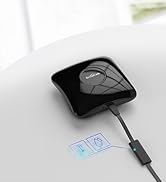
Smart Universal Remote
FastCon Smart Light Bulbs
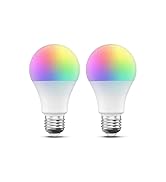
Smart Wi-Fi Bulbs and Sensor
