• $41.99
  • Free 30-day Returns
  • Sold by YWS Prime

    Shipped by YWS Prime

    Price alert
    Shop it at NeweggBusiness.

    Meet Your Seller

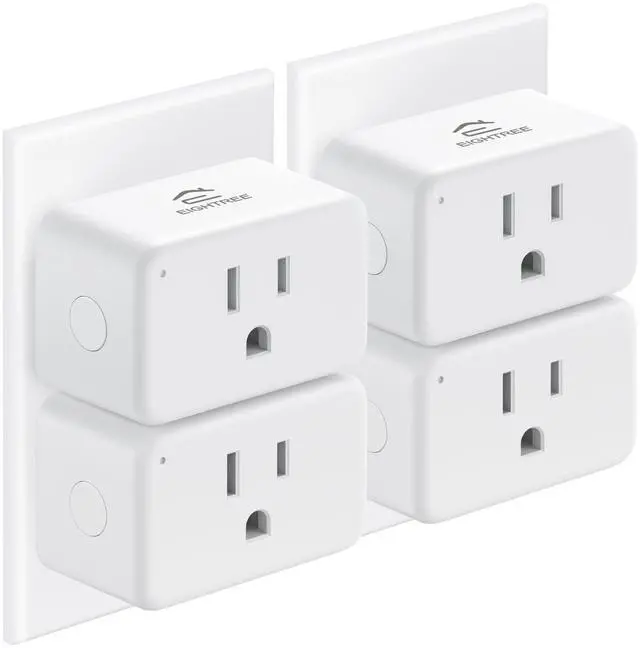
    Smart Plug 15A, Smart Plugs that Compatible with Alexa & Google Home & SmartThings, No Hub Required, WiFi Outlet with Remote Control, Timer & Schedule, 2.4GHz WiFi Only, 4 Packs

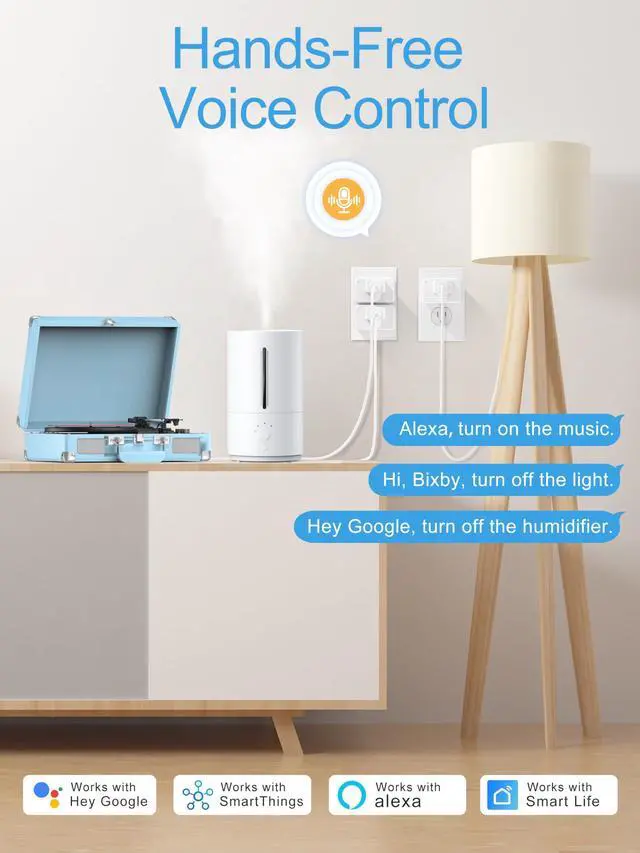
    • Warm Tip: To use Alexa for voice control, please first connect the smart plug to the SmartLife app.
    • Warm Tips: Our wifi outlet plug is compatible with SmartThings. Follow the setup instructions for easy connection. Please note, it does not support IFTTT.
    • : EIGHTREE smart plug that compatible with Alexa, SmartThings, and Google Home. Easily control your traditional devices with simple voice commands. Enjoy the effortless convenience of managing all your home electronics.
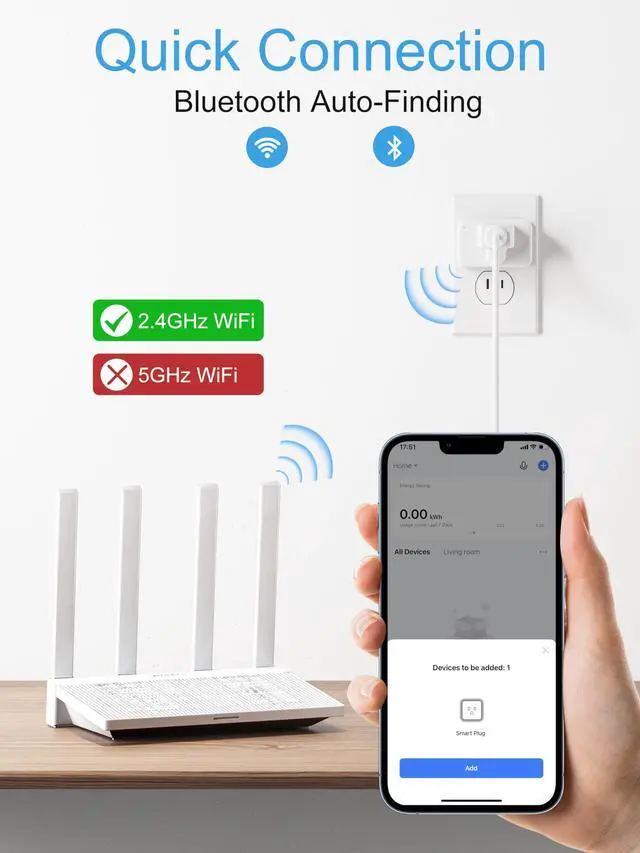
    • & : Requires a 2.4GHz Wi-Fi connection. Simply plug in the WiFi outlet , connect your smartphone to Wi-Fi, enable Bluetooth, and open the SmartLife app. Your smart devices will appear automatically. Follow the instructions and enjoy! Note: 5G Wi-Fi not supported.
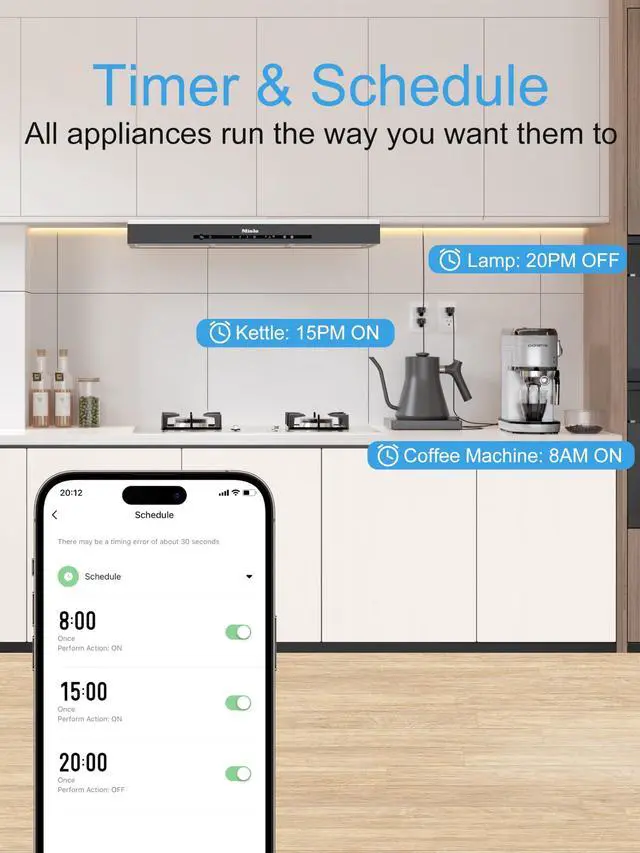
    • & : Automate your home with our smart plugs. Set timers or countdowns to control lamps, fans, humidifiers, and Christmas lights. Customize schedules to fit your routine, ensuring devices turn on at dusk or off whenever you choose. Simplify your life with effortless scheduling.
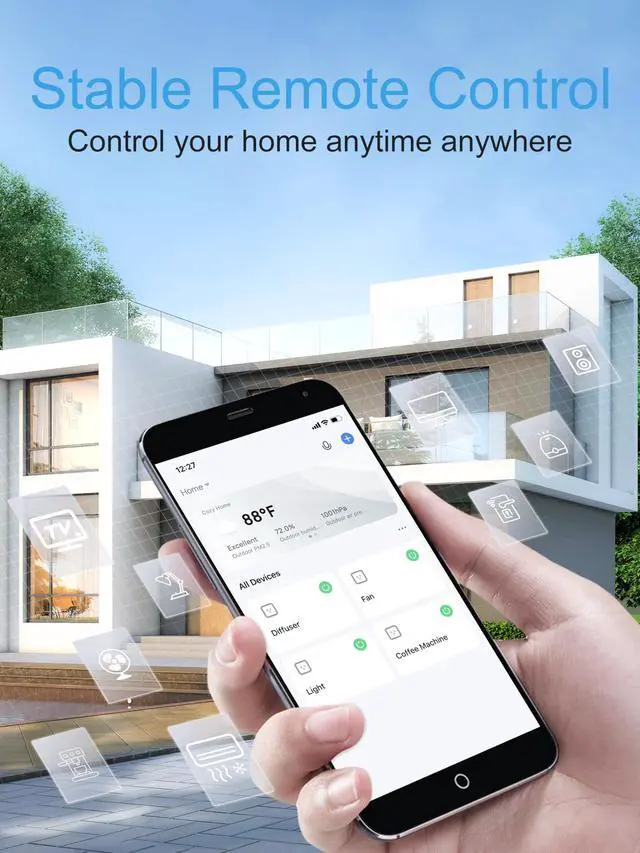
    • : Effortlessly turn your electronics on and off from anywhere. Whether youre at home, in the office, or on vacation, our smart life plugs give you full control of your appliances with ease.
    +
    +
    Overview
    Specs
    Reviews
    avatar

    Any questions? Our AI beta will help you find out quickly.

    Note:

    1. Support only 2.4GHz Wi-Fi, NOT 5 GHz Wi-Fi.

    Specifications:

    Product Name: Smart Plug

    Model: ET10

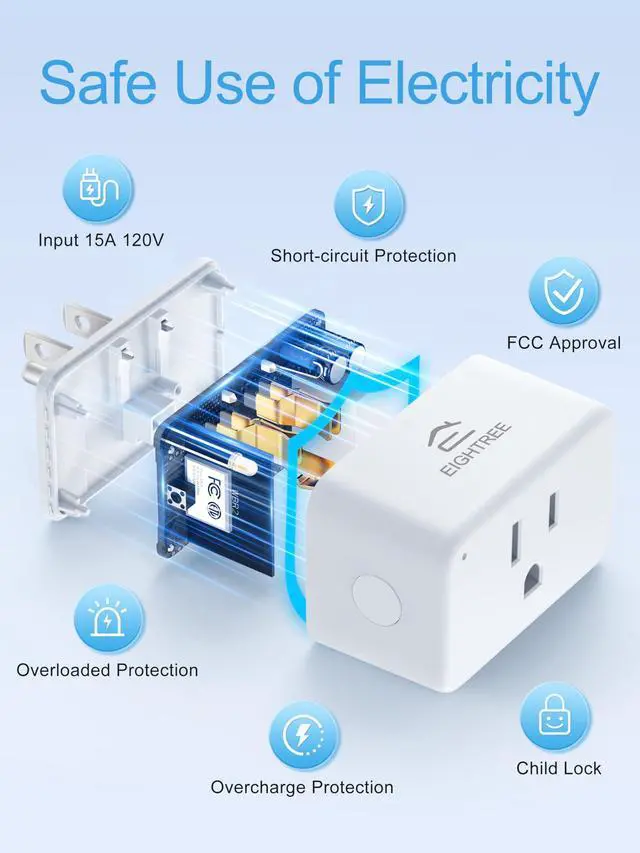
    Input Voltage: AC 120V

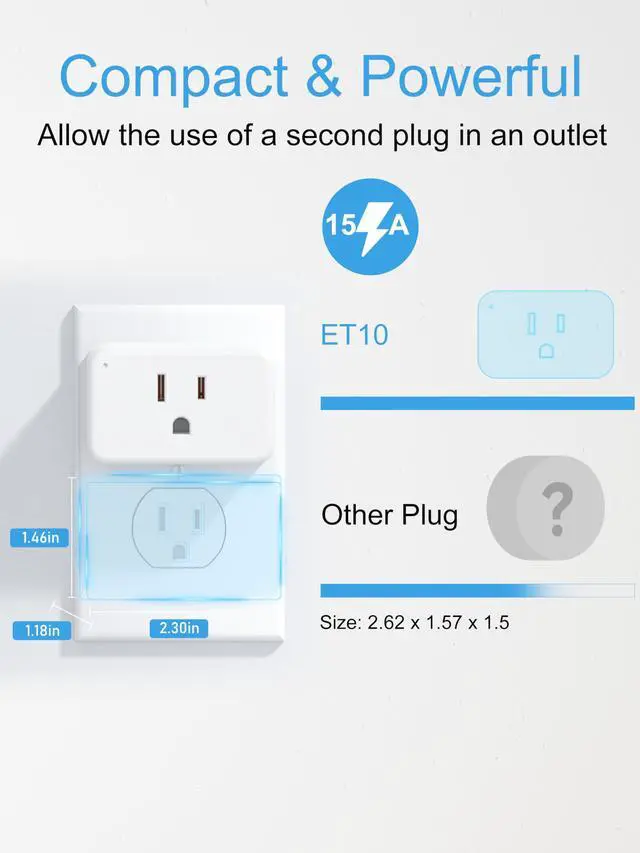
    Max. Load: 1500W 15A

    AC Frequency: 50-60Hz

    Material: ABS

    APP: SmartLife

    Support System: Android & iOS

    Working Temperature: -20~40

    Wi-Fi Standard: 2.4GHz Only

    Set up with SmartLife:

    1. Press and hold the power button for over 5 seconds and confirm the indicator blinks quickly.
    2. Run the SmartLife APP.
    3. Tap "Add Device" and then "Socket Wi-Fi".
    4. Enter the 2.4Ghz Wi-Fi password and Tap "Blink Quickly".
    5. Wait for the connection to succeed.

    Warranty & Returns

    Warranty, Returns, And Additional Information

    Warranty

    • Please contact the Seller directly for warranty information. Warranty information may also be found on the Manufacturer's website.
    • CONTACT

    Return Policies

    • Return for refund within: 30 days
    • Return for replacement within: 30 days
    • This item is covered by YWS Prime Return Policy

    Manufacturer Contact Info

    LOADING...