



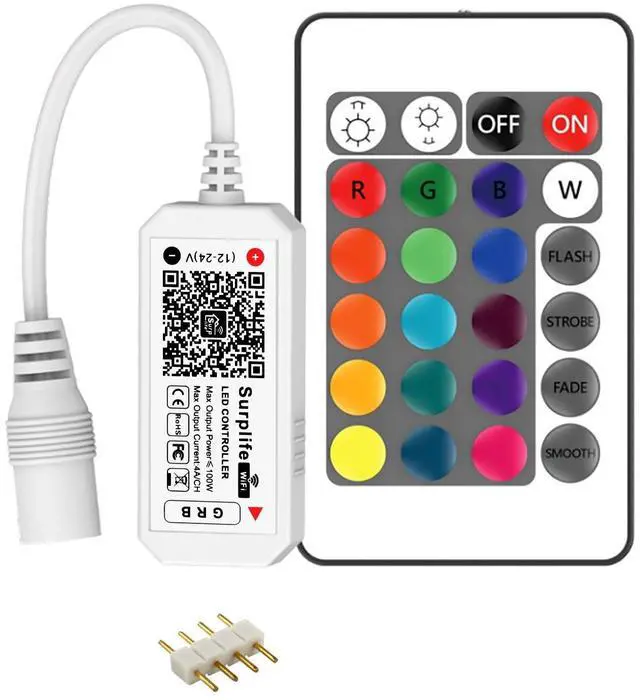
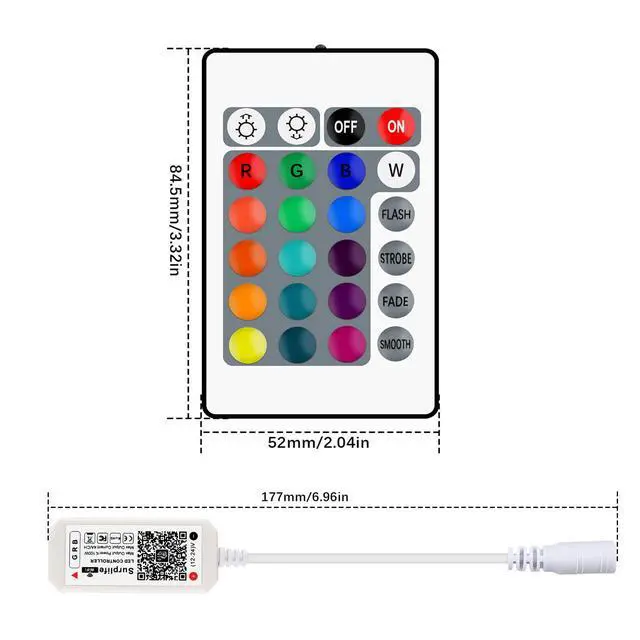
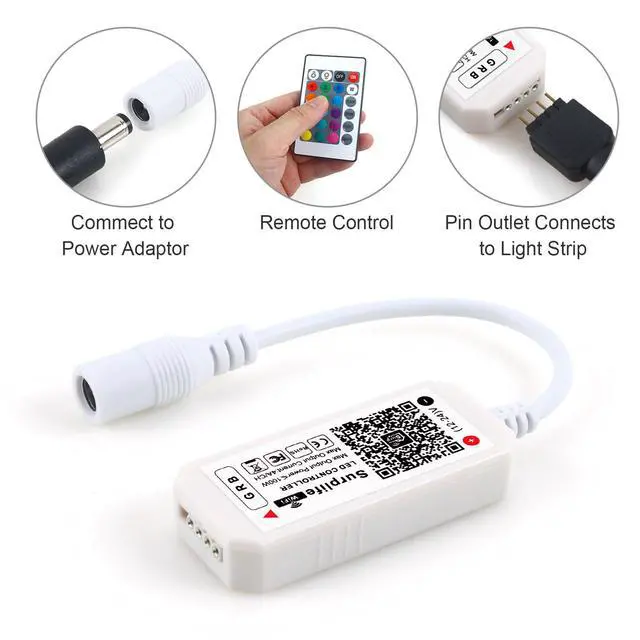
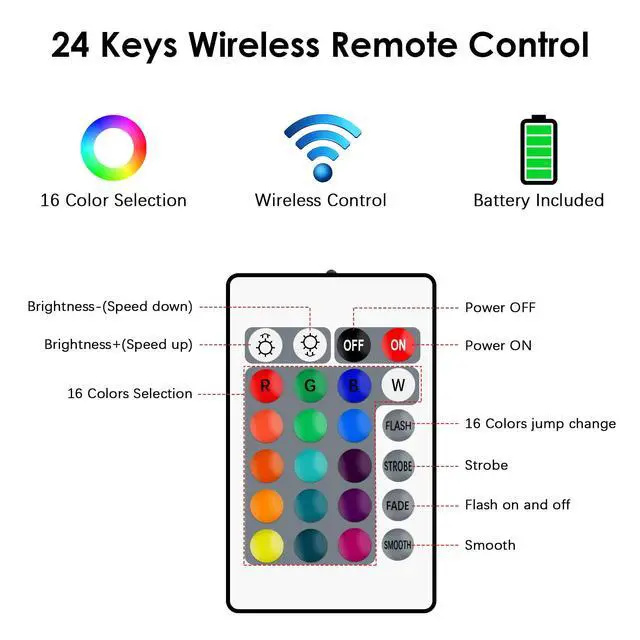


2PIN-4PIN LED CONTROLLER
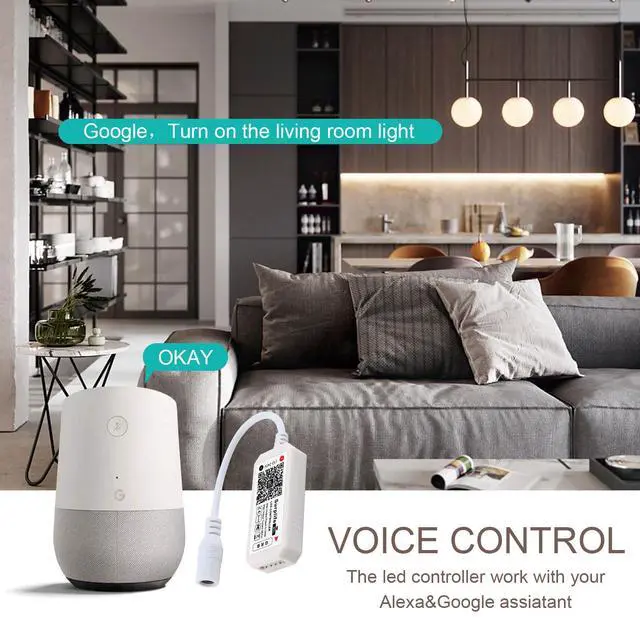
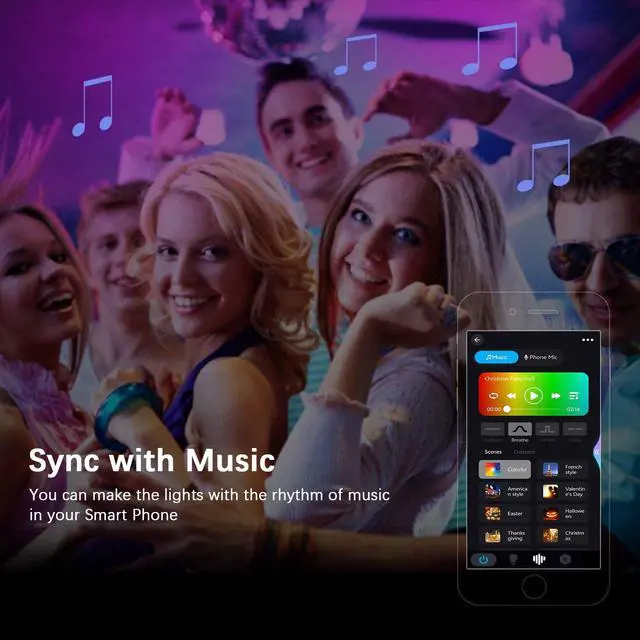
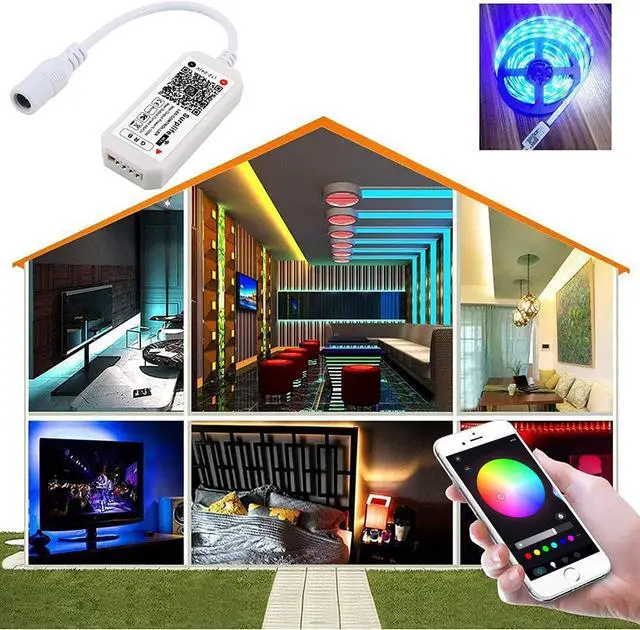
WIFI/Bluetooth/IR/RF/PWM LED Controller
Working Voltage: DC5V/DC12V/DC24V
Only Indoor Use

RGBZONE is committed to continuous product innovation to provide personalized life experience. We are experts in LED Controller. Our products are of high quality and bring you a more comfortable life. According to your suggestions, we will continue to improve and optimize our products to provide you with better choices.
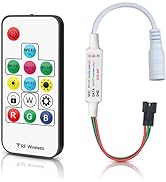
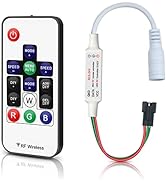
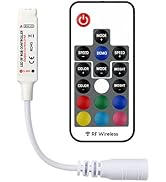
RGBZONE RF LED Controller
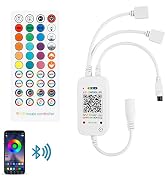
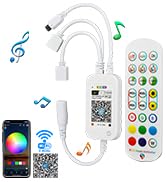
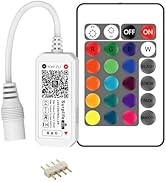
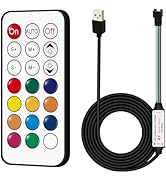
RGBZONE LED Controller
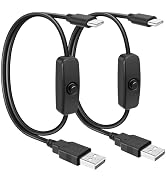
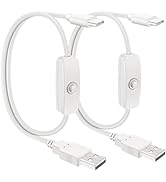
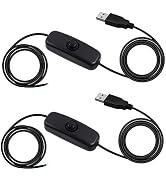
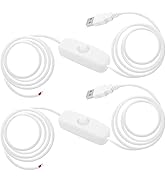
5V USB Switch Extension Cable
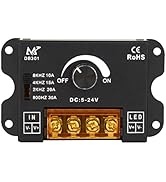
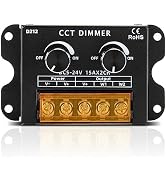
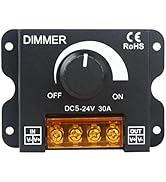
RGBZONE LED Dimmer
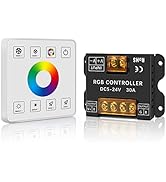
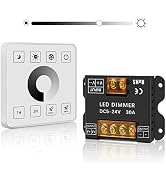
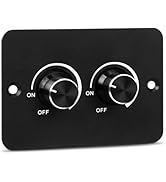
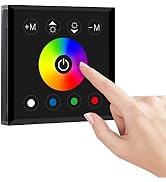
RGBZONE LED Panel Dimmer
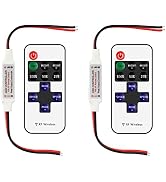
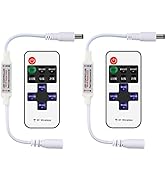
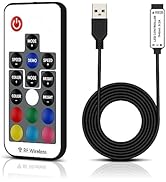
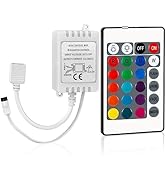
RGBZONE LED Controller
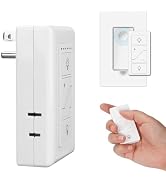
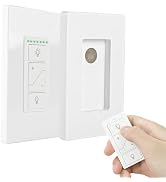
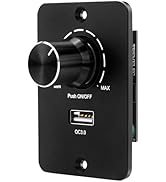
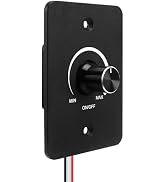
RGBZONE LED Dimmer
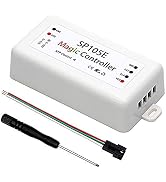
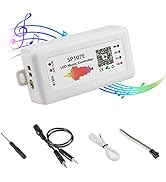
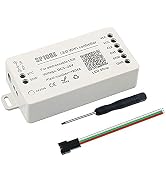
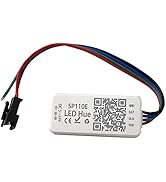
Dream Color LED Controller
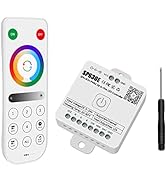
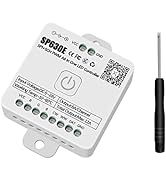
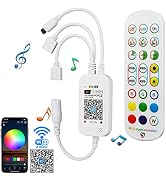
RGBZONR LED Controller
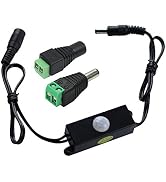
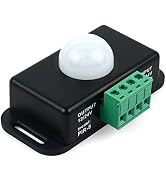
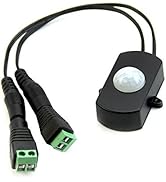
Motion Sensor Detector Switch

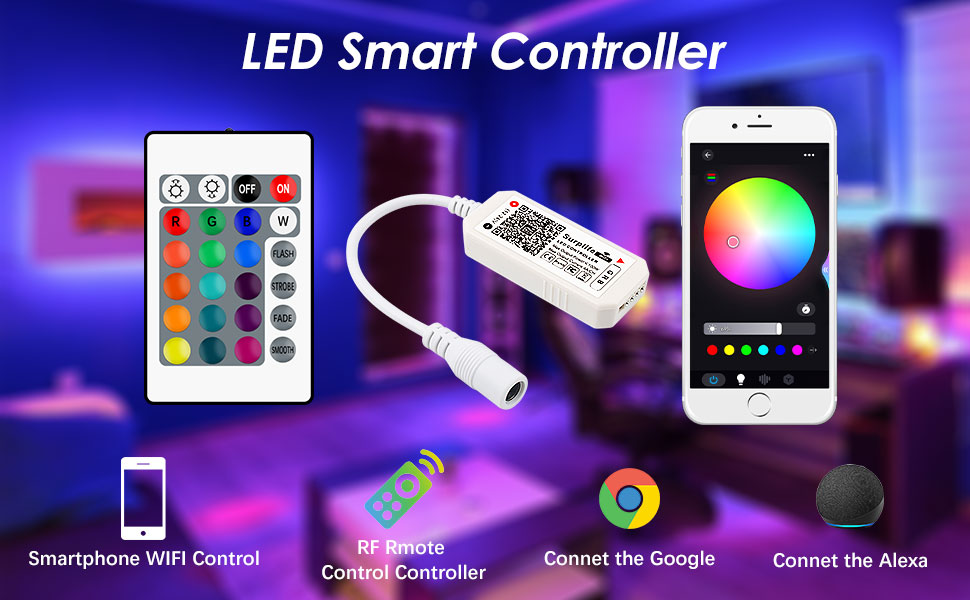
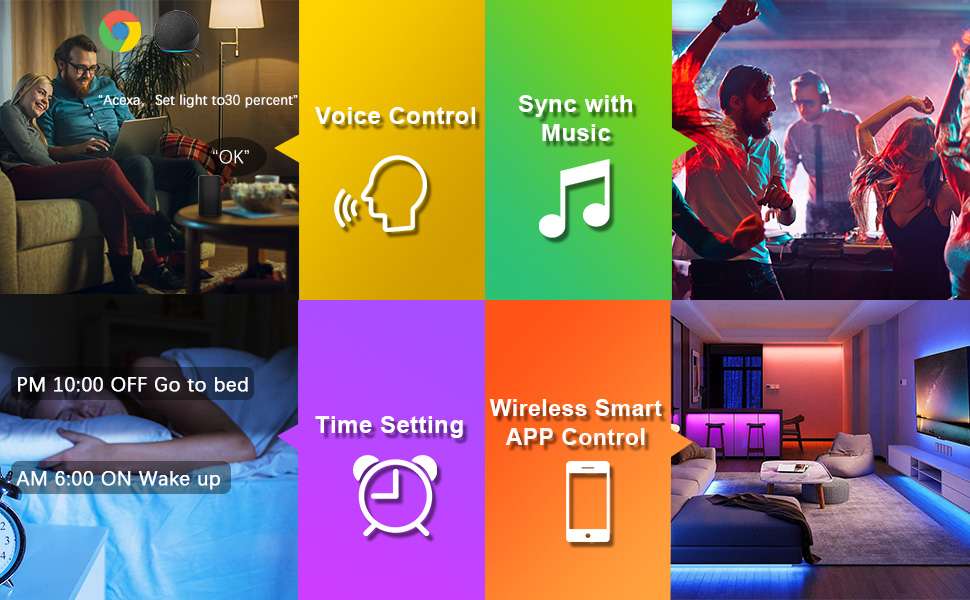
- DC5-24V 12A LED RGB Controller WiFi Smart Dimmer IOS
- Android Phone APP
- Controlling lights by mobile phone,tablet pc or other devices with build-in Wifi
- This controller make you a Smart Home
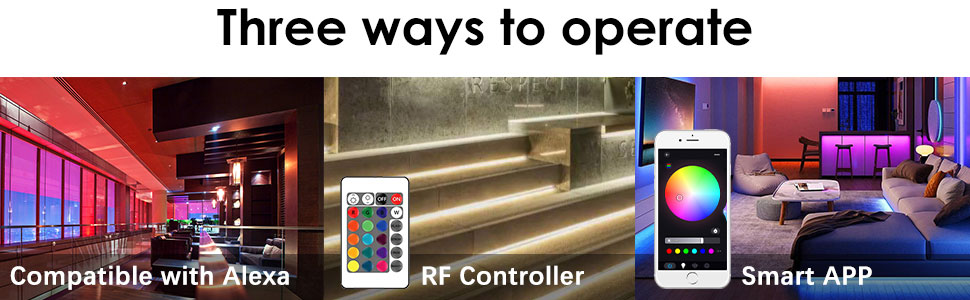
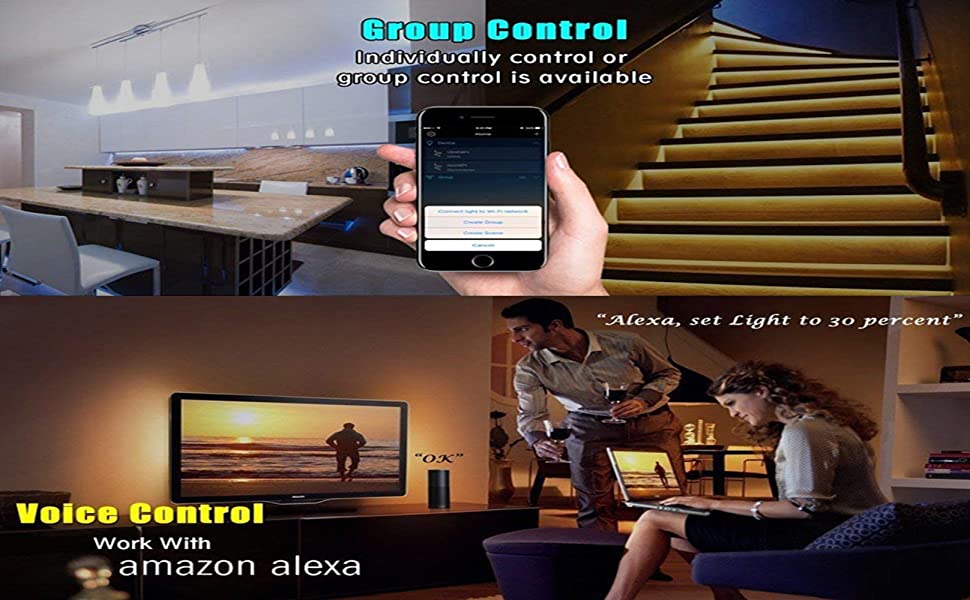
Connect Lights to Home WiFi Network
Step 1: Search "Surplife" on Apple App Store or Google Play Store to install it.
Step 2: Set up your App account
Step 3: Turn on the lights, Click "+" button to add device "LEDnetxxxxx" to your home wifi network.
1. That means you should choose power supply according to your led lights, not the controller. Voltage Depends on LED strip.
2. Please never use power supply more than 24V or less than 5V.
If your LED light needs 5V input, please use a 5V power supply, NEVER use a 12V or 24V power supply. Otherwise, your led light will be burnt out.
Code matching :
Keep press the "ON" key within 5 seconds after the controller is powered on, and the light bar flashes slowly. Explain the successful operation of the code matching.
Code clearing :
Keep press the"OFF" key within 5 seconds after the controller is powered on, and the light bar flashes quickly.Explain the successful operation of the Code clearing.
- DC5-24V 12A LED RGB Controller WiFi Smart Dimmer IOS
- Android Phone APP
- Controlling lights by mobile phone,tablet pc or other devices with build-in Wifi
- This controller make you a Smart Home
Connect Lights to Home WiFi Network
Step 1: Search "Surplife" on Apple App Store or Google Play Store to install it.
Step 2: Set up your App account
Step 3: Turn on the lights, Click "+" button to add device "LEDnetxxxxx" to your home wifi network.
1. That means you should choose power supply according to your led lights, not the controller. Voltage Depends on LED strip.
2. Please never use power supply more than 24V or less than 5V.
If your LED light needs 5V input, please use a 5V power supply, NEVER use a 12V or 24V power supply. Otherwise, your led light will be burnt out.
Code matching :
Keep press the "ON" key within 5 seconds after the controller is powered on, and the light bar flashes slowly. Explain the successful operation of the code matching.
Code clearing :
Keep press the"OFF" key within 5 seconds after the controller is powered on, and the light bar flashes quickly.Explain the successful operation of the Code clearing.
2PIN-4PIN LED CONTROLLER
WIFI/Bluetooth/IR/RF/PWM LED Controller
Working Voltage: DC5V/DC12V/DC24V
Only Indoor Use
RGBZONE is committed to continuous product innovation to provide personalized life experience. We are experts in LED Controller. Our products are of high quality and bring you a more comfortable life. According to your suggestions, we will continue to improve and optimize our products to provide you with better choices.
RGBZONE RF LED Controller
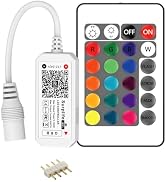
RGBZONE LED Controller
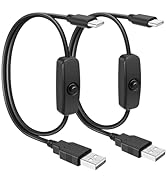
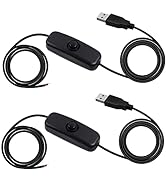
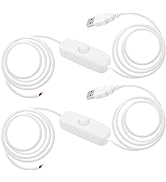
5V USB Switch Extension Cable
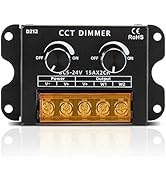
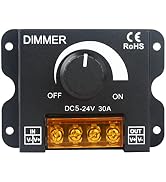
RGBZONE LED Dimmer
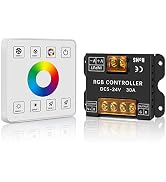
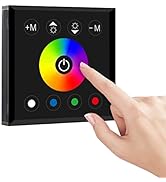
RGBZONE LED Panel Dimmer
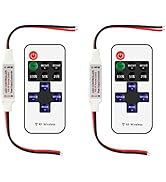
RGBZONE LED Controller
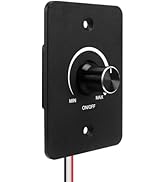
RGBZONE LED Dimmer
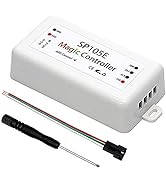
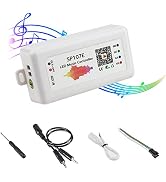
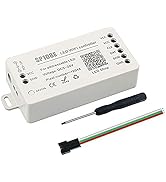
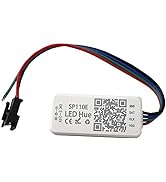
Dream Color LED Controller
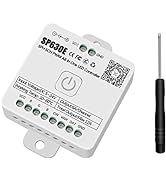
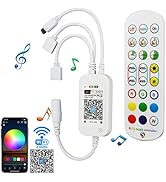
RGBZONR LED Controller
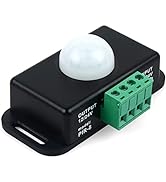
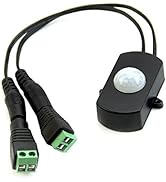
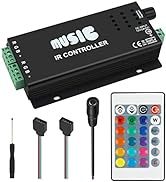
Motion Sensor Detector Switch
