




Does it support OTA upgrading?
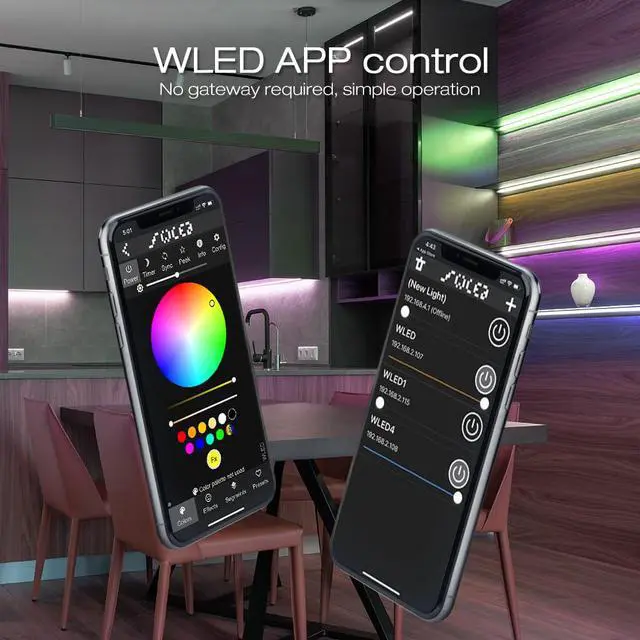
Yes, the WLED controller can be upgraded through the WLED app. When upgrading, please select the firmware version corresponding to the controller.
How to choose firmware during upgrade?
You can select the firmware version corresponding to the controller. For example, if this controller is an ESP32 chip, you can choose ESP32 firmware for upgrading.
How to choose a power supply?
You can choose a power supply based on the voltage and power of the LED strip. If the LED strip is 24V, you need to choose a 24V power supply.
What should we do if the controller cannot connect to WiFi?
You can try long pressing the function key for more than 10 seconds to enter the mode of AP and activate the WLED-AP hotspot.
How to choose LED strip?
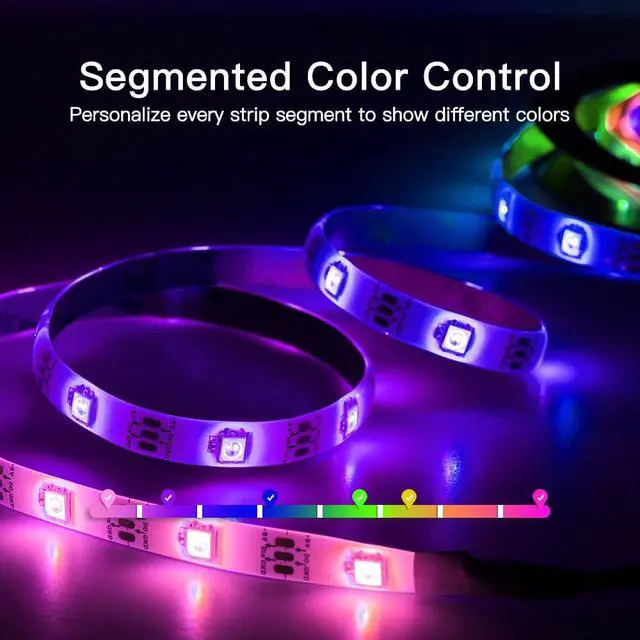
The WLED controller requires the use of RGB IC addressable digital LED strips, such as WS2811, WS2812, WS2812b, WS2813, WS2814, WS2815, SK6812, SM16703P, TM1814, etc.


GLEDOPTO is a professional smart lighting manufacturer with over 7 years of R&D and production experience, has earned the love and trust of over 300,000 fans worldwide.
We focus on designing and producing ZigBee and WLED products for modern homes and commercial settings, aiming to deliver intelligent, efficient, and comfortable lighting experiences through advanced technology and superior design.
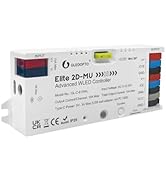
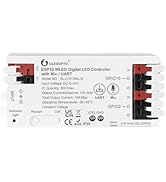
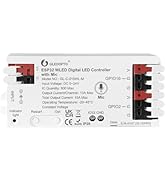
Hot Sale WLED Controller
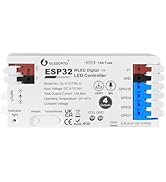
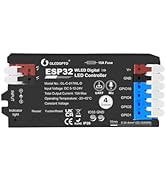
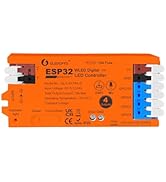
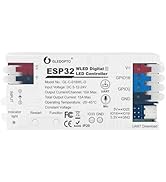
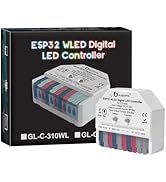
WLED Digital LED Controller
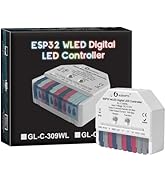
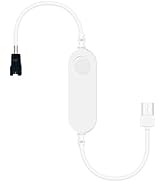
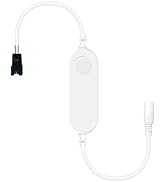
Mini WLED Digital Controller
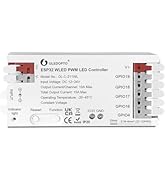
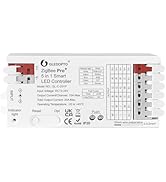
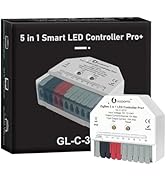
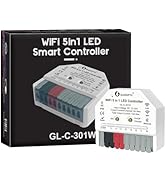
PWM LED Strip Controller
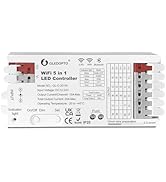
WiFi+BT 5 in 1 LED Controller


Does it support OTA upgrading?
Yes, the WLED controller can be upgraded through the WLED app. When upgrading, please select the firmware version corresponding to the controller.
How to choose firmware during upgrade?
You can select the firmware version corresponding to the controller. For example, if this controller is an ESP32 chip, you can choose ESP32 firmware for upgrading.
How to choose a power supply?
You can choose a power supply based on the voltage and power of the LED strip. If the LED strip is 24V, you need to choose a 24V power supply.
What should we do if the controller cannot connect to WiFi?
You can try long pressing the function key for more than 10 seconds to enter the mode of AP and activate the WLED-AP hotspot.
How to choose LED strip?
The WLED controller requires the use of RGB IC addressable digital LED strips, such as WS2811, WS2812, WS2812b, WS2813, WS2814, WS2815, SK6812, SM16703P, TM1814, etc.
GLEDOPTO is a professional smart lighting manufacturer with over 7 years of R&D and production experience, has earned the love and trust of over 300,000 fans worldwide.
We focus on designing and producing ZigBee and WLED products for modern homes and commercial settings, aiming to deliver intelligent, efficient, and comfortable lighting experiences through advanced technology and superior design.
Hot Sale WLED Controller
WLED Digital LED Controller
Mini WLED Digital Controller
PWM LED Strip Controller
WiFi+BT 5 in 1 LED Controller