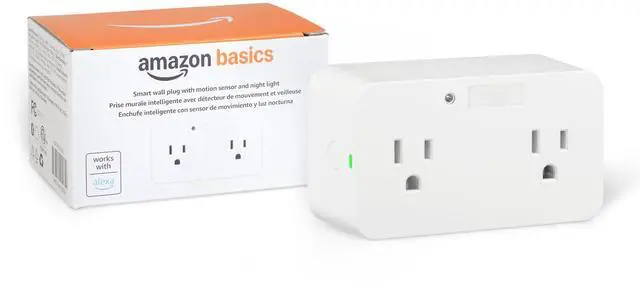
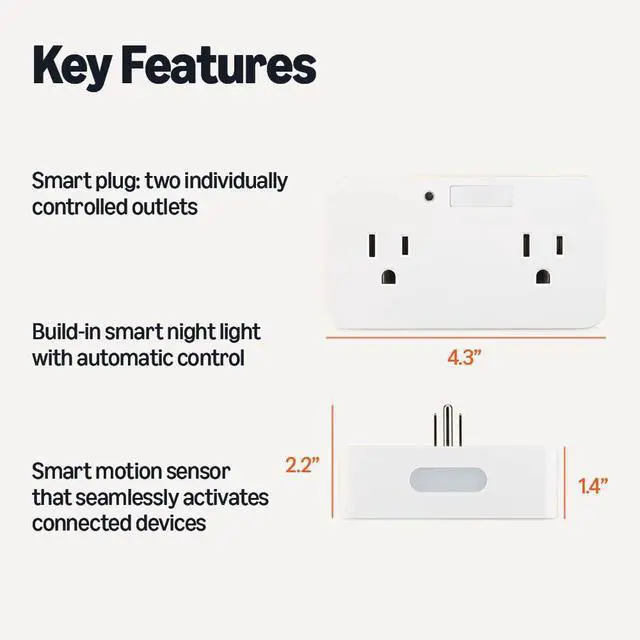
Dual Smart Plug with Motion Sensor and Night Light, Works with Alexa Only, Control from Anywhere, Automatic Control, 2.4 GHz Wi-Fi, No Hub Required, 4.33 x 2.36 x 1.38 in, White
SIMPLE TO SET UP WITH ALEXA: Get started in minutes with multiple setup options, including a zero-touch experience when you select "Link device to your Amazon account" at checkout.
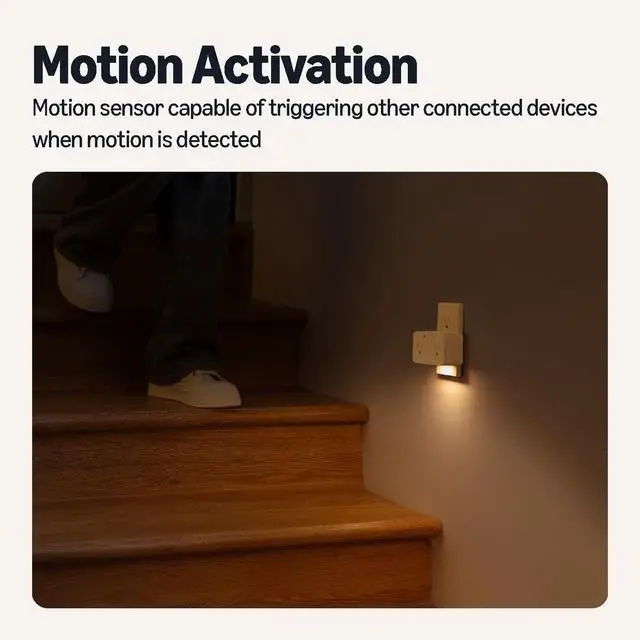
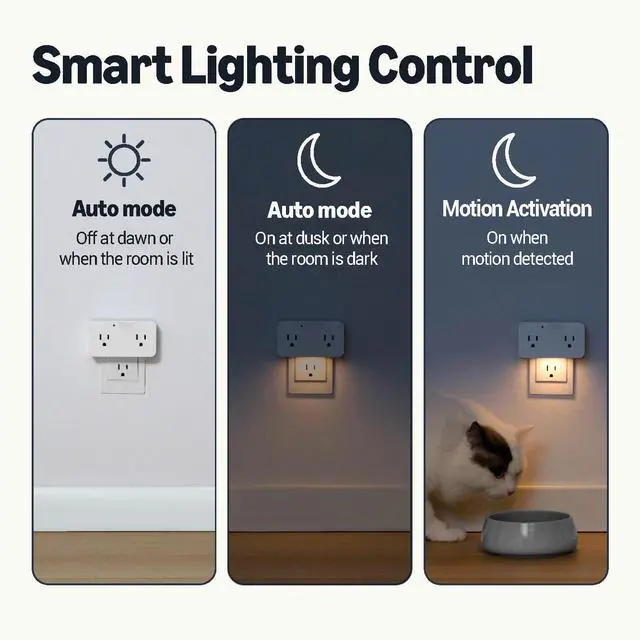
MULTI-FUNCTION: The Amazon Basics smart wall plug offers a smart plug extending wall socket with two individually controlled smart outlets, a night light with an automatic control option, and a smart motion sensor capable of triggering other connected smart devices when motion is detected.
BUILT-IN NIGHT LIGHT: When the smart wall plug Automatic Control is turned on, the motion-activated night light automatically turns on when motion is detected and turns off after 30 seconds of inactivity to conserve energy. After 30 seconds, the night light sets to 1% brightness if its dark or turns off if its not dark
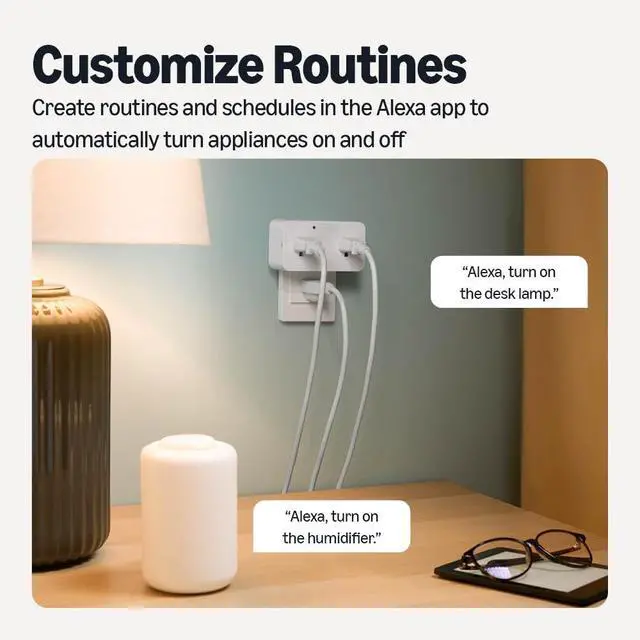
CONTROL FROM ANYWHERE: Set up routine schedules, control and adjust motion settings of your smart plug via the Alexa app. Control your smart plug hands-free with voice commands through the Alexa app.
NO 3RD PARTY APPS OR HUBS REQUIRED: Set up and manage connected devices directly in the Alexa app; no need for additional smart hubs or 3rd party apps. Only compatible with Alexa.
+
+
Overview
Specs
Reviews
Any questions? Our AI mode will help you find out quickly.
Try me now
Shop Kitchen
Shop Home Essentials
Shop Bed & Bath
Shop Fitness & Sports
Shop Garden & Outdoors
Shop Kitchen
Shop Home Essentials
Shop Bed & Bath
Shop Fitness & Sports
Shop Garden & Outdoors
Dual Smart Plug with Motion Sensor and Night Light, Works with Alexa Only, Control from Anywhere, Automatic Control, 2.4 GHz Wi-Fi, No Hub Required, 4.33 x 2.36 x 1.38 in, White
Learn more about the Generic Brand WP52-2
General
Brand
TP-LINK
Model
WP52-2
Model
Part Number
WP52-2
General
Color
White
Type
Wire-In / Outlet Module
Compatibility
Google Assistant Compatibility
Yes
Specification
Specifications
FCC ID, ETL
Features
Features
Amazon Alexa, voice, application, FCC ID, ETL
Dimension & Weight
Dimensions
72"
Weight
0.35 pounds
Packaging
Package Contents
Plug-in switch
General
Type
Handheld & Tabletop Remotes
Additional Information
First Listed on Newegg
July 05, 2026
Customer Reviews of the Generic Brand WP52-2
There are no reviews yet.
Do you own this product?
Warranty & Returns
Warranty, Returns, And Additional Information
Warranty
Please contact the Seller directly for warranty information. Warranty information may also be found on the Manufacturer's website.