You’re seeing this ad based on the product’s relevance to your search query. If you are a seller and want to participate in this program click here to learn more.
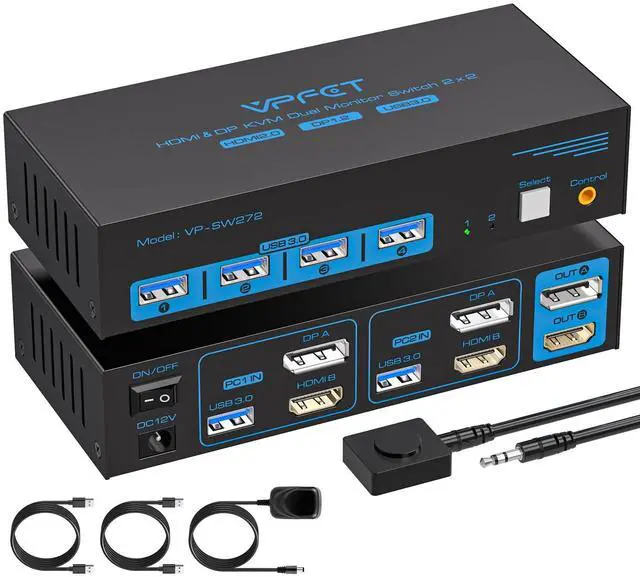
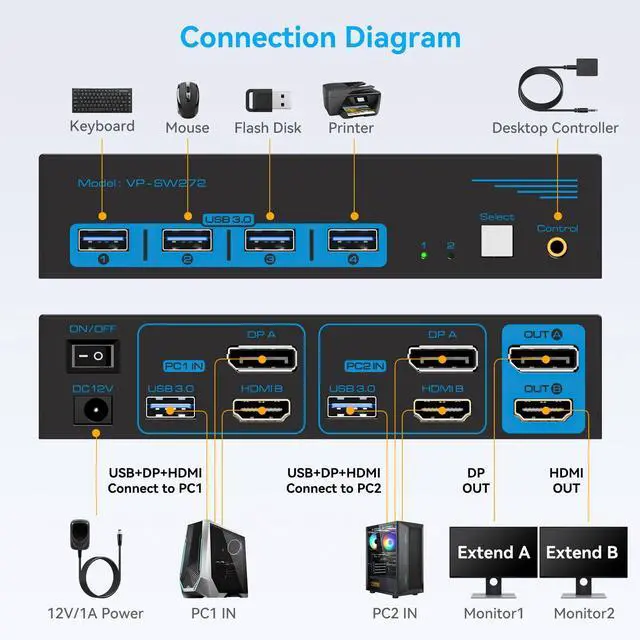
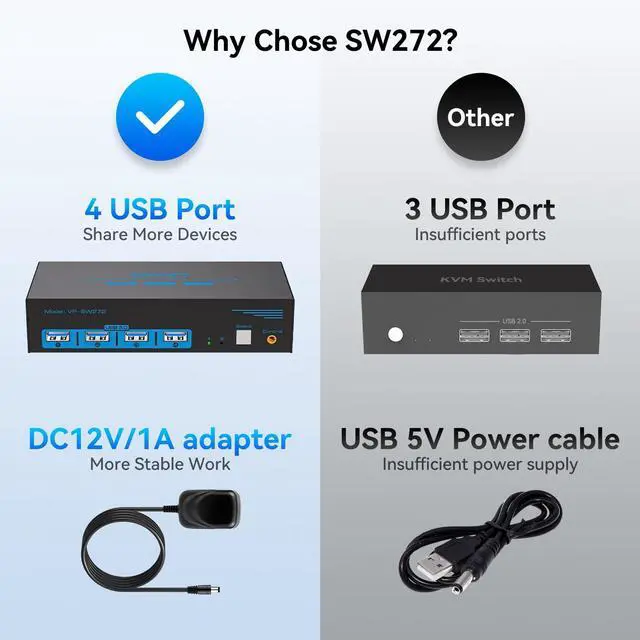
Connection StepsStep 1: Connect the supplied 12V/1A power supply unit to ensure stable operation of the KVM switch. Step 2: Connect the DP A + HDMI B and USB-A ports of PC 1/PC 2 to the ports of PC 1 IN/PC 2 IN on the back of the KVM. Step 3: Connect OUT A/B on the back of the KVM to the display device; OUT A displays video from DP A, and OUT B displays video from HDMI B. Step 4: Connect devices such as mouse and keyboards to the front USB ports. 2 PCs can share 2 monitors and 4 USB 3.0 ports
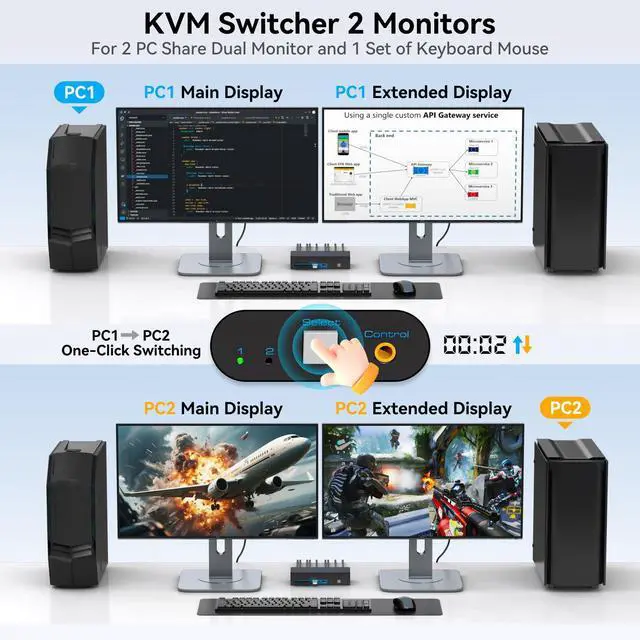
Dual MonitorsThe KVM switch 2 monitors 2 computers for DP and HDMI ports device to share keyboard mouse and monitor. KVM switches support Extended&Copy Mode. Note: Please make sure your computers/laptops/docking stations have DP+HDMI port (HDMI input can only be output to a monitor with HDMI, DP input can only be output to a monitor with DP). The DP A and HDMI B ports must be connected to the same computer. For compatibility reasons, it is not recommended to use the KVM switch on Mac devices
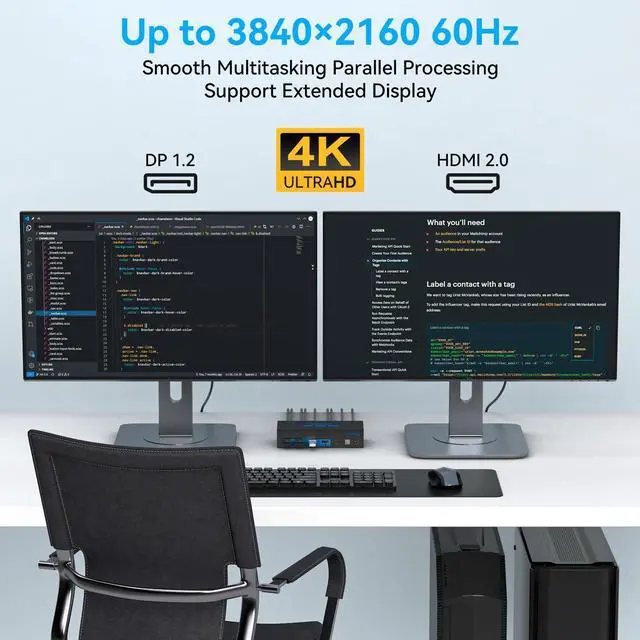
Ultra HD Visual EffectsThis HDMI + DP KVM switch support resolution up to 3840*2160@60Hz(4K@60hz). Brings you realistic visual enjoyment. Note: Please make sure your signal source and monitor as well as cables support 4K60Hz. It is recommended to use a high quality DP 1.2 and HDMI 2.0 standard cable with a length of no more than 3.3 feet for more stable operation and to avoid black screen flicker
+
+
Overview
Specs
Reviews
Any questions? Our AI beta will help you find out quickly.
Try me now
1
Learn more about the Generic Brand SW272-Deep Blue
Model
Brand
TRENDnet
Series
2 PC 2 Monitors
Model
SW272-Deep Blue
Part Number
SW272-Deep Blue
Details
Type
USB
PC Connectors
Plug In
Console Connectors
Plug In
Computer Connections
USB 2.0
Monitor Connections
4 Ports
PC Selection
Push Buttons
Monitors Supported
VGA DDC, DDC2, DDC2B
Features
Audio Features
Offers audio and microphone switching
USB Features
with USB support
SplitterOnly
VGA Monitor Splitter only
Application
Plug In
Features
Plug In, 1
Dimensions & Weight
Dimensions
14.33in W x 12.83in H x 9.06in D
Additional Information
First Listed on Newegg
May 08, 2026
Customer Reviews of the Generic Brand SW272-Deep Blue
There are no reviews yet.
Do you own this product?
Warranty & Returns
Warranty, Returns, And Additional Information
Warranty
Please contact the Seller directly for warranty information. Warranty information may also be found on the Manufacturer's website.