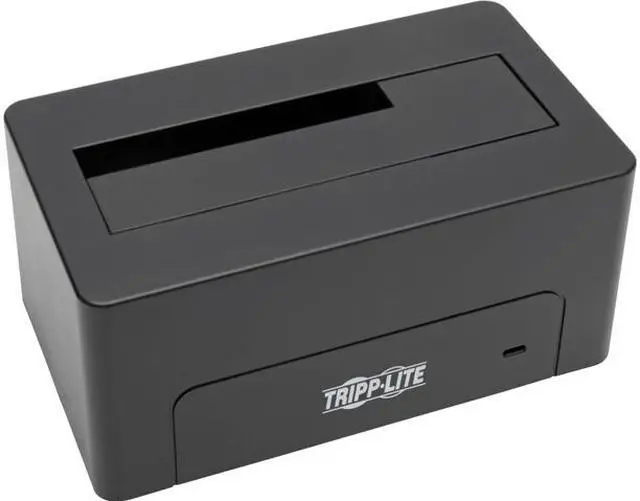
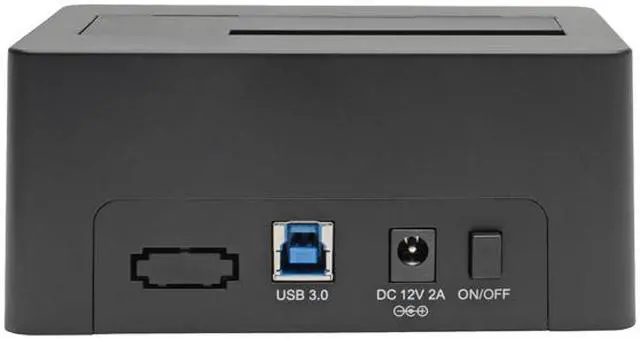
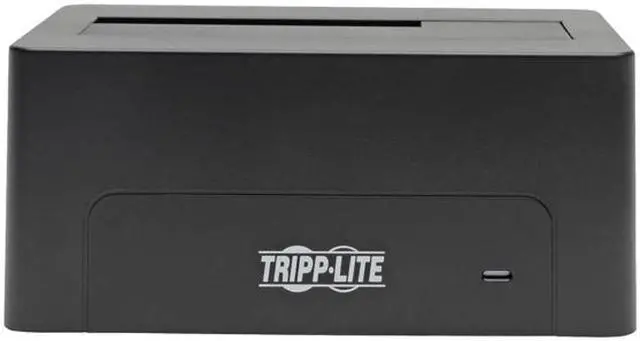
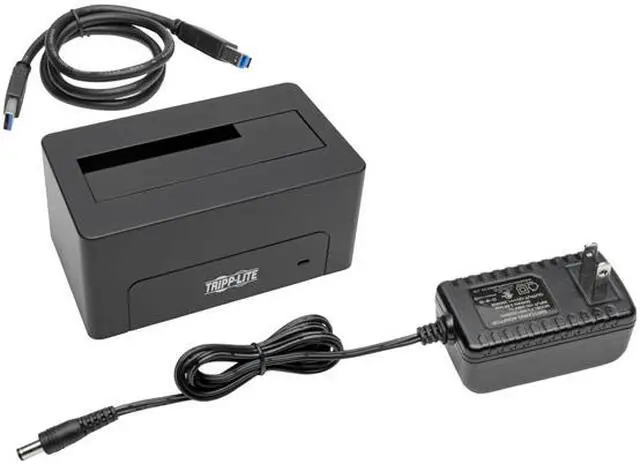
Tripp Lite's USB 3.0 SATA Hard Drive Dock gives you a quick and easy way to set up an external hard drive storage system. Plug the docking station into an available USB 3.0 port on your computer, then insert a 2.5 or 3.5" SATA drive for an instant external storage device. Transfer data at SuperSpeed USB 3.0 rates up to 5 Gbps ( provided computer is USB3.0 capable ). Far easier than installing the hard drive internally or in a caddy, the USB3.0/SATA Dock is easy to use, convenient and practical. Backward compatible to older USB 2.0 and 1.1 computers ( 480mbps and 12mbps transfer speeds respectively ). Includes 100-240V AC Adapter, and 4-ft. USB 3.0 cable. ( No disk drives are included with this unit ) Compatible with Windows and Mac."Number of Total Expansion Bays: 1Number of 5.25 Bays: NoNumber of 2.5"/3.5" Bays: 1Number of 1.8" Bays: NoDrive Interface: Serial ATAHost Interface: USB 3.0Color: BlackForm Factor: ExternalHeight: 5.1"Width: 3.5"Depth: 2.7"Weight (Approximate): 1.24 lbPackage Contents: USB3.0 to SATA Hard Drive Quick DockUSB 3.0 Device CableUniversal AC AdapterOwners ManualGreen Compliant: YesGreen Compliance Certificate/Authority: RoHSPackage ContentsUSB3.0 to SATA Hard Drive Quick DockUSB 3.0 Device CableUniversal AC AdapterOwners Manual"