







Truzen — Light, Perfected
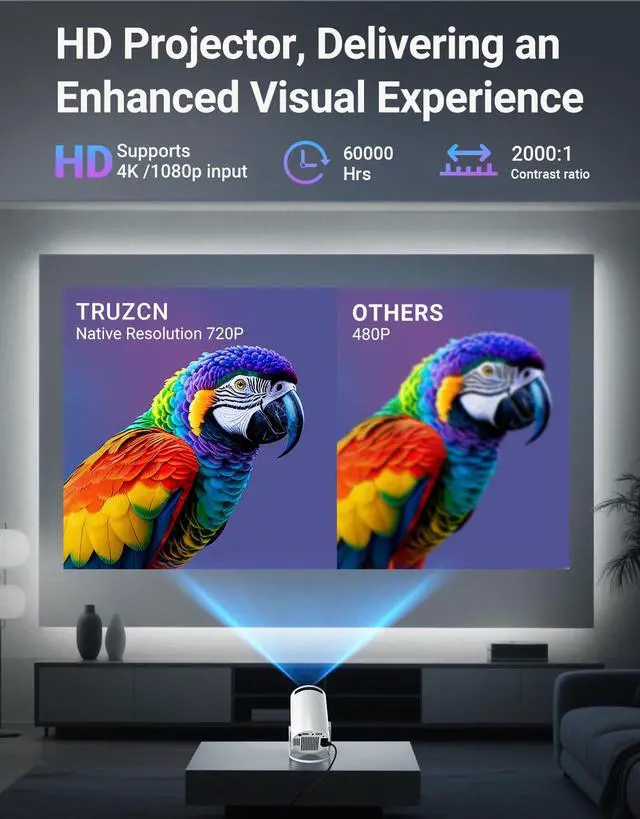
Since 2006, we engineer light to frame your story. Every projector is a luminous canvas—pixels calibrated for truth, lumens measured for depth.
Technology recedes. Experience remains: colors breathe, shadows speak, moments linger.
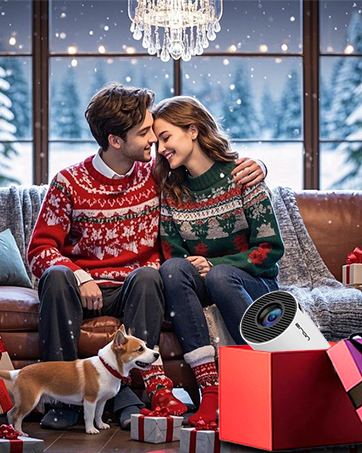
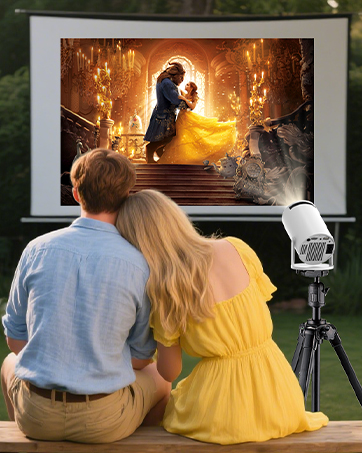
From bedroom tales to backyard galaxies, a TRUZCN transforms space into presence. Walls become portals. Ceilings turn to constellations.
Engineering, devoted to feeling.
Light, perfected for you.
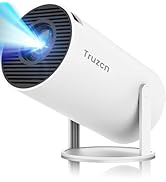
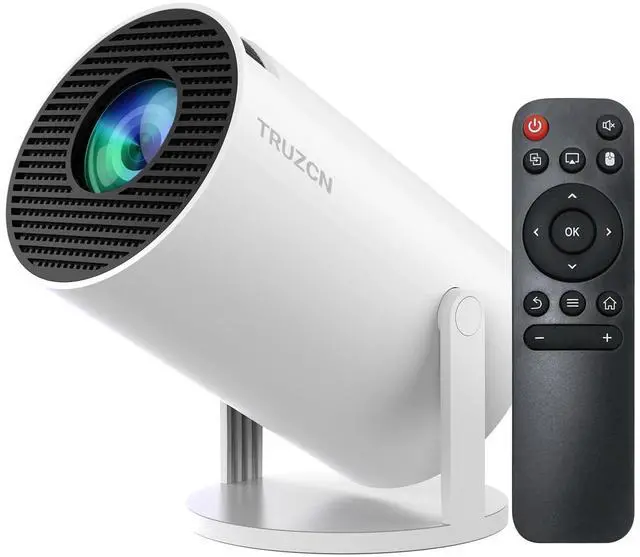
Truzcn Mini Projector


How to connect your phone to the projector?
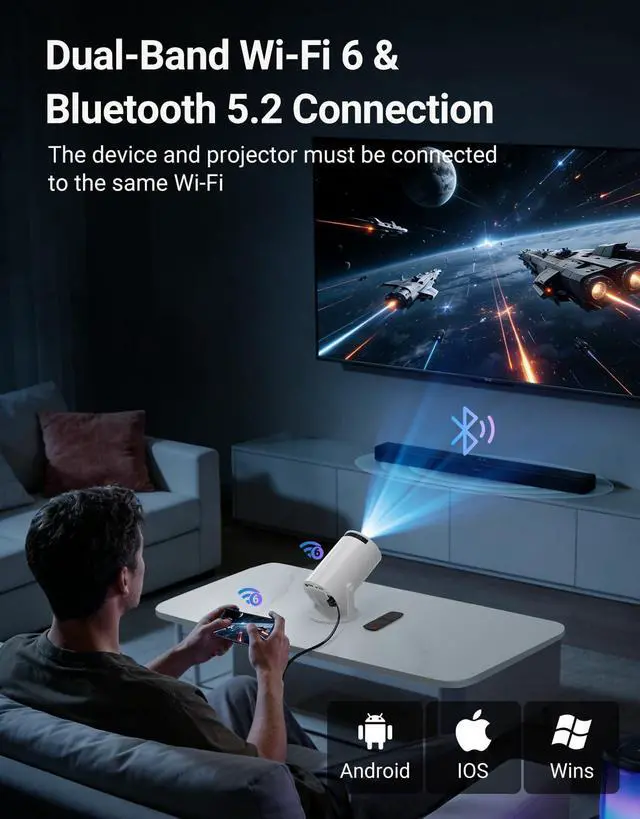
Wireless: Connect phone & projector to same WiFi?Open "ScreenCast" on projector?Enable screen mirroring on phone.
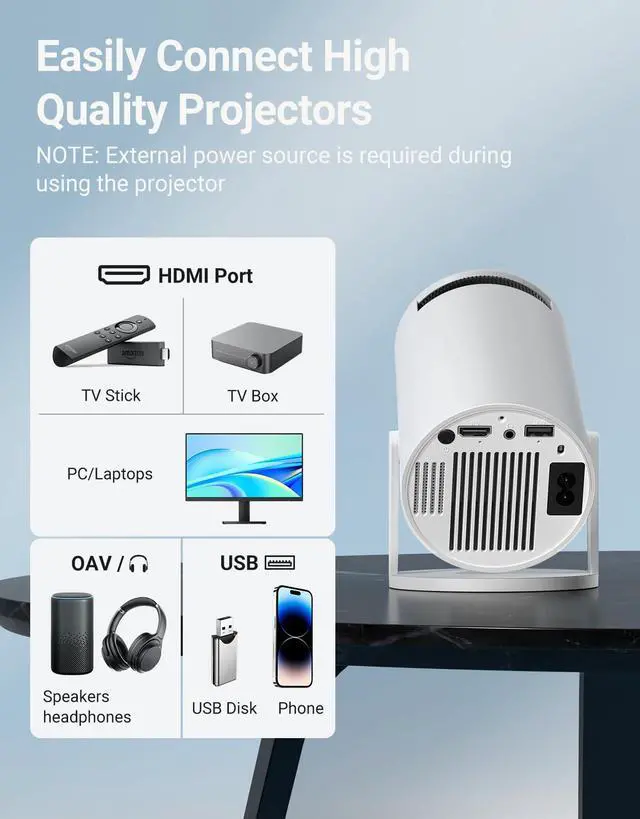
Wired: Use HDMI adapter(Not included)?Select HDMI input on projector?Enable screen mirroring on phone.
What is the optimal projection distance?
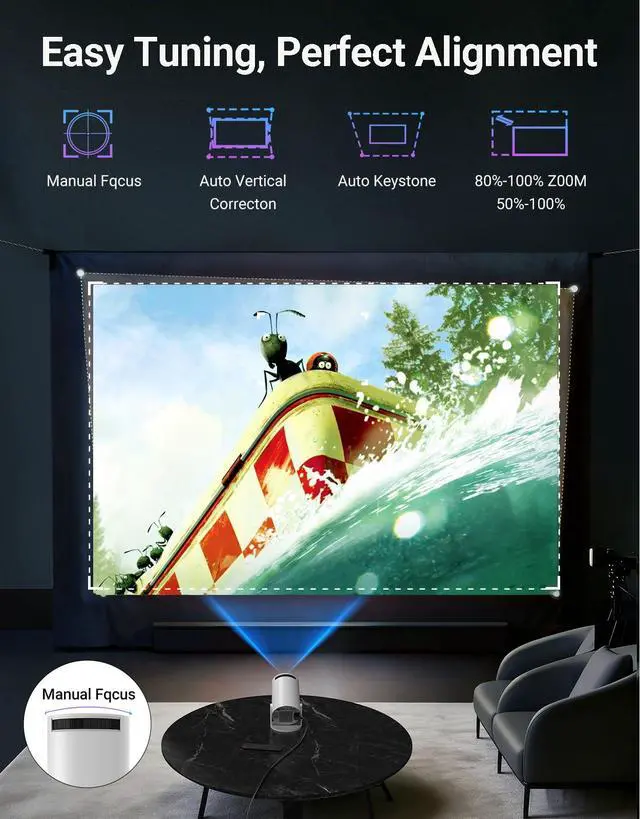
The recommended projection distance is 1-5 meters. Positioning too close (under 1m) may cause image distortion or partial blurring, while placing too far (over 5m) exceeds the lens focus range and reduces sharpness.
Why can't the projector connect to WiFi?
Keep the projector within 5m (16ft) of the router and check if the WiFi is overloaded.Test connectivity using a phone hotspot to rule out network issues. If needed, try to reset the projector.
Can the projector stream YouTube, Disney+ or Prime Video via screen mirroring?
Due to HDCP copyright protection, screen mirroring (e.g., Miracast/AirPlay) may fail to display video (black screen/audio-only).
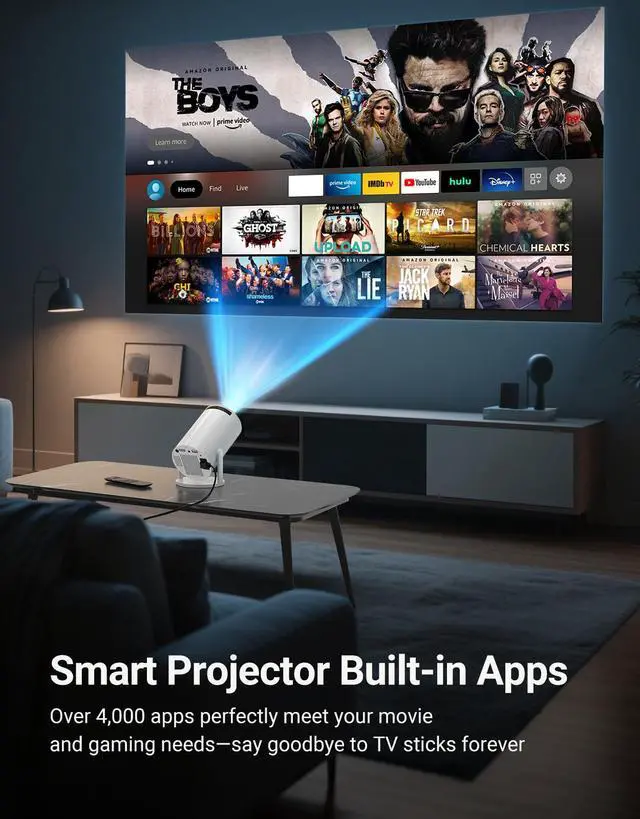
For the best experience, we recommend using a Fire Stick, Roku, or connecting a laptop or computer to play.
What should I do if I have concerns about my TRUZCN mini projector?
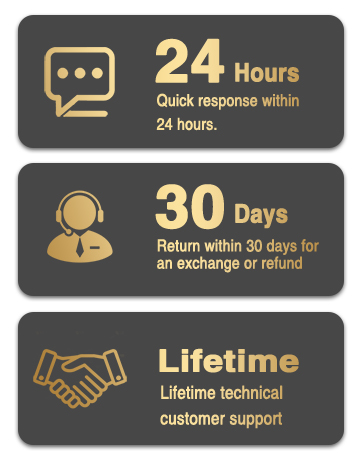
For any concerns, our 24/7 online support team is available to assist you with technical issues or product inquiries. We offer troubleshooting guidance, as well as repair or replacement services if needed.


How to connect your phone to the projector?
Wireless: Connect phone & projector to same WiFi?Open "ScreenCast" on projector?Enable screen mirroring on phone.
Wired: Use HDMI adapter(Not included)?Select HDMI input on projector?Enable screen mirroring on phone.
What is the optimal projection distance?
The recommended projection distance is 1-5 meters. Positioning too close (under 1m) may cause image distortion or partial blurring, while placing too far (over 5m) exceeds the lens focus range and reduces sharpness.
Why can't the projector connect to WiFi?
Keep the projector within 5m (16ft) of the router and check if the WiFi is overloaded.Test connectivity using a phone hotspot to rule out network issues. If needed, try to reset the projector.
Can the projector stream YouTube, Disney+ or Prime Video via screen mirroring?
Due to HDCP copyright protection, screen mirroring (e.g., Miracast/AirPlay) may fail to display video (black screen/audio-only).
For the best experience, we recommend using a Fire Stick, Roku, or connecting a laptop or computer to play.
What should I do if I have concerns about my TRUZCN mini projector?
For any concerns, our 24/7 online support team is available to assist you with technical issues or product inquiries. We offer troubleshooting guidance, as well as repair or replacement services if needed.
Truzen — Light, Perfected
Since 2006, we engineer light to frame your story. Every projector is a luminous canvas—pixels calibrated for truth, lumens measured for depth.
Technology recedes. Experience remains: colors breathe, shadows speak, moments linger.
From bedroom tales to backyard galaxies, a TRUZCN transforms space into presence. Walls become portals. Ceilings turn to constellations.
Engineering, devoted to feeling.
Light, perfected for you.
Truzcn Mini Projector