


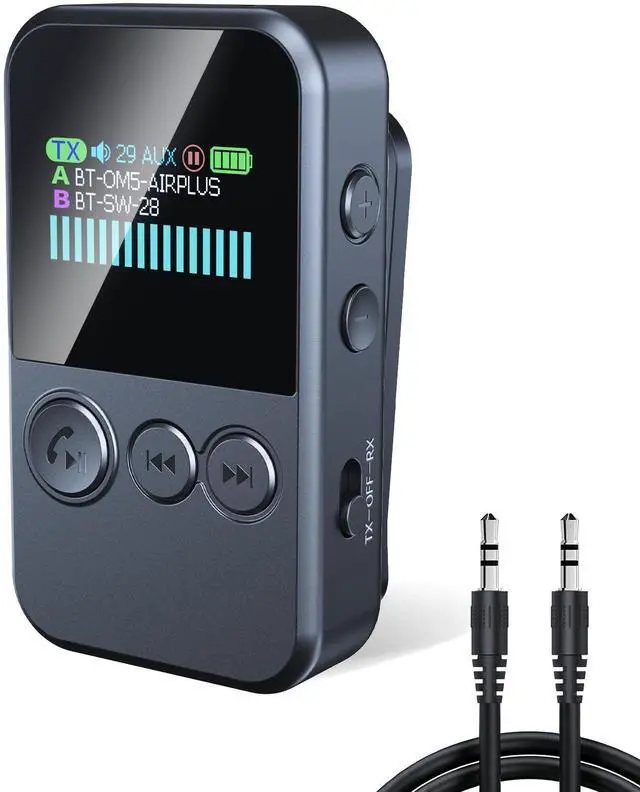

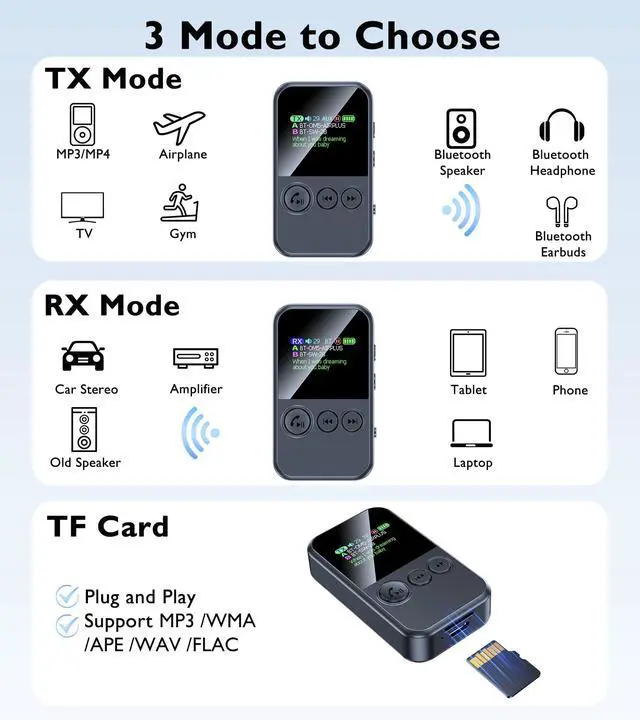



TX Mode

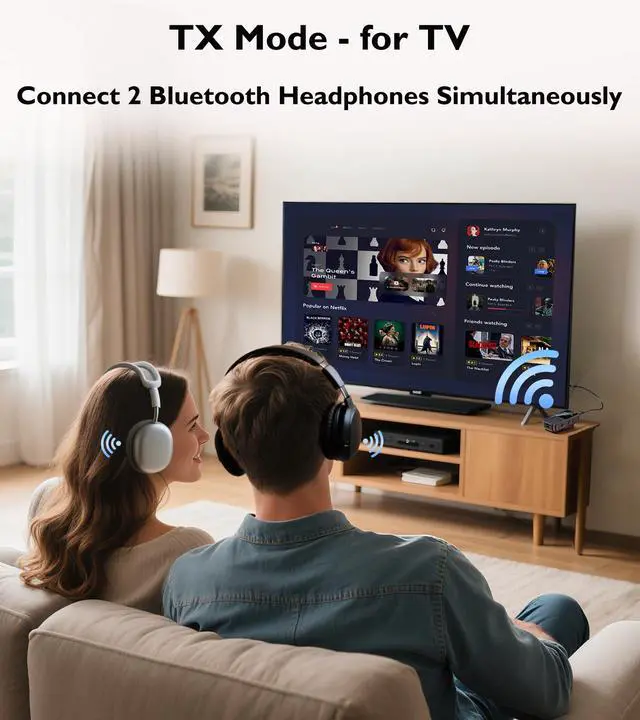
Bluetooth Transmitter for TV
In TX mode, this Bluetooth adapter for TV can transmit audio to your Bluetooth devices, such as Bluetooth headphones and speakers.

Airplane Bluetooth Adapter
The airplane Bluetooth adapter for headphones seamlessly transmits audio from the in-flight entertainment system, allowing you to enjoy a long flight.
RX Mode

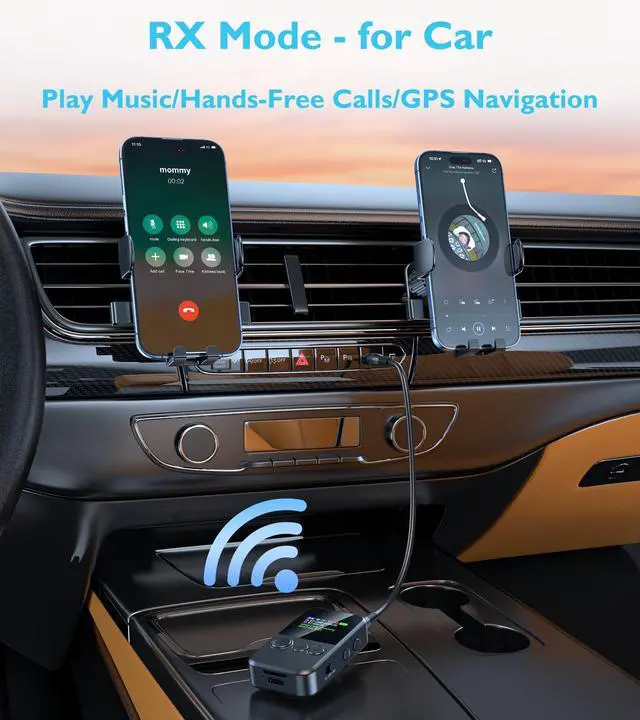
Bluetooth Receiver for Car
- CLICK the multi-function button to answer/hang up the call. PRESS 2s to reject the call.
- With its built-in microphone, this aux Bluetooth adapter for car supports hands-free calls/GPS voice navigation/playing music.

Bluetooth Adapter for Headphones
- With wired headphones, playing music from a TF card uses TX mode; phone music uses RX mode.
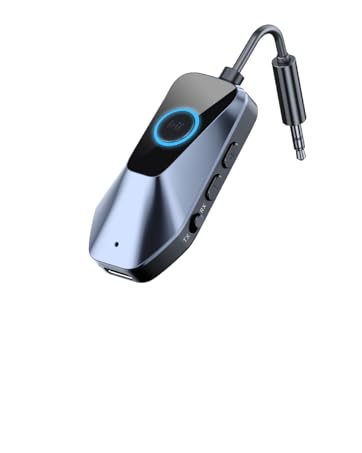
- With its clip-on design, you can securely attach this aux Bluetooth adapter to collars, backpack straps, workout belts, and more. Enjoy noise-canceling audio while working out, driving, and more.


4 Steps to Connect to TX Mode

1. Plug In
Plug the Bluetooth transmitter receiver into your device.

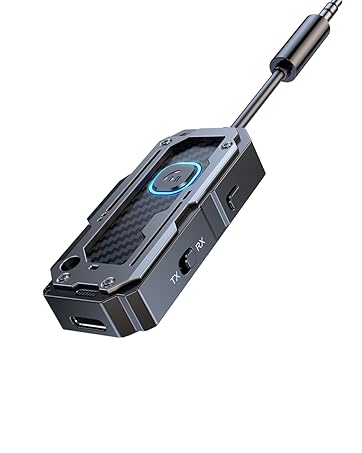
2. Slide to TX
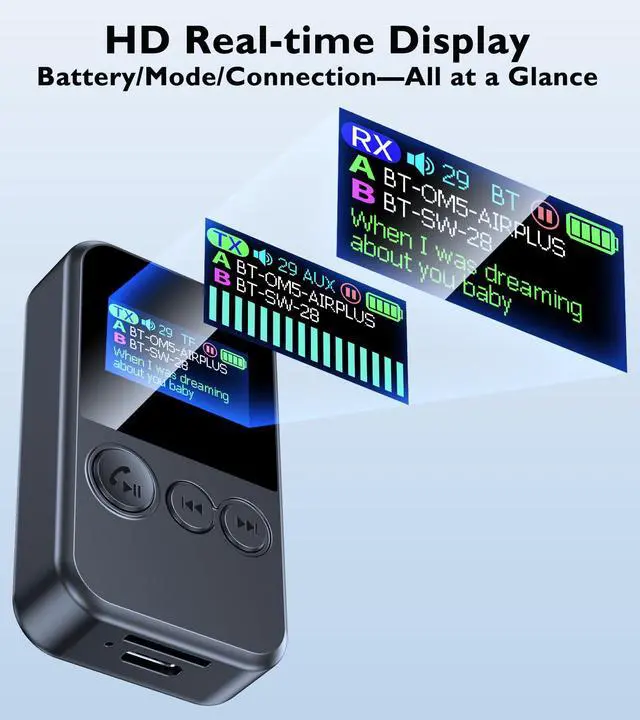
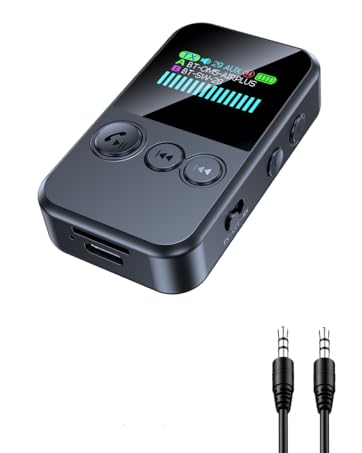
Select TX mode, and the Bluetooth adapter’s screen will show "TX" in the top-left corner.

3. First Pairing
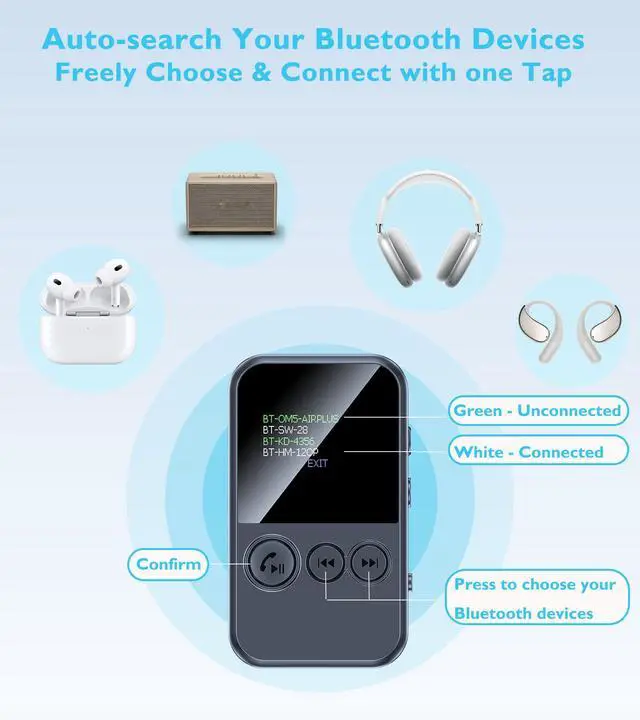
- Put your Bluetooth headphones in pairing mode, then select your Bluetooth device and press the multi-function button to confirm.

4. Dual Pairing
- Cancel connection: Double-click the multifunction button to open the list, select the device to remove, and press the button once to cancel.
4 Steps to Connect to RX Mode

1. Plug In
Plug the Bluetooth transmitter receiver into your device.

2. Slide to RX
Select TX mode, and the Bluetooth adapter’s screen will show "RX" in the top-left corner.

3. First Pairing
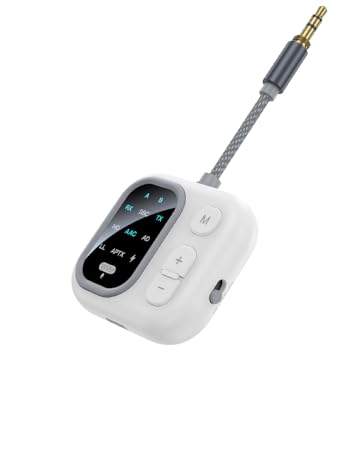
- Connect your FIRST phone's Bluetooth to "JS7".
- When connected, your phone’s Bluetooth name will appear after the "A".

4. Dual Pairing
- Connect your SECOND phone's Bluetooth to "JS7".
- When connected, your phone’s Bluetooth name will appear after the "B".

TX Mode
Bluetooth Transmitter for TV
In TX mode, this Bluetooth adapter for TV can transmit audio to your Bluetooth devices, such as Bluetooth headphones and speakers.
Airplane Bluetooth Adapter
The airplane Bluetooth adapter for headphones seamlessly transmits audio from the in-flight entertainment system, allowing you to enjoy a long flight.
RX Mode
Bluetooth Receiver for Car
- CLICK the multi-function button to answer/hang up the call. PRESS 2s to reject the call.
- With its built-in microphone, this aux Bluetooth adapter for car supports hands-free calls/GPS voice navigation/playing music.
Bluetooth Adapter for Headphones
- With wired headphones, playing music from a TF card uses TX mode; phone music uses RX mode.
- With its clip-on design, you can securely attach this aux Bluetooth adapter to collars, backpack straps, workout belts, and more. Enjoy noise-canceling audio while working out, driving, and more.


4 Steps to Connect to TX Mode
1. Plug In
Plug the Bluetooth transmitter receiver into your device.
2. Slide to TX
Select TX mode, and the Bluetooth adapter’s screen will show "TX" in the top-left corner.
3. First Pairing
- Put your Bluetooth headphones in pairing mode, then select your Bluetooth device and press the multi-function button to confirm.
4. Dual Pairing
- Cancel connection: Double-click the multifunction button to open the list, select the device to remove, and press the button once to cancel.
4 Steps to Connect to RX Mode
1. Plug In
Plug the Bluetooth transmitter receiver into your device.
2. Slide to RX
Select TX mode, and the Bluetooth adapter’s screen will show "RX" in the top-left corner.
3. First Pairing
- Connect your FIRST phone's Bluetooth to "JS7".
- When connected, your phone’s Bluetooth name will appear after the "A".
4. Dual Pairing
- Connect your SECOND phone's Bluetooth to "JS7".
- When connected, your phone’s Bluetooth name will appear after the "B".
JS5
AptX Bluetooth Transmitter Receiver
C82-1
Airplane Bluetooth adapter for Headphones
JS7
Clip Style - Bluetooth Transmitter Receiver
C49-1
Airplane Bluetooth Adapter
T9
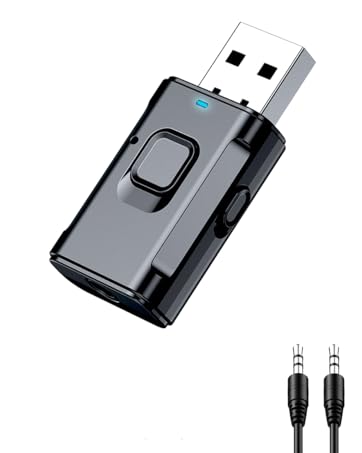
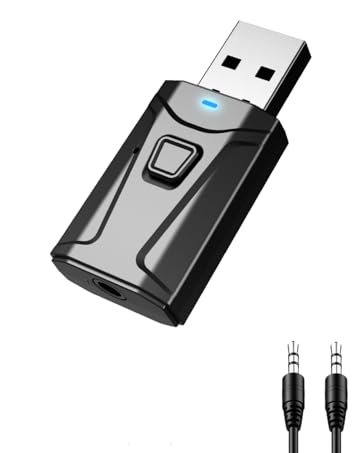
Bluetooth USB Dongle
T7-6
USB Bluetooth Adapter