here!
here!
I’m your shopping assistant for PC builds, upgrades, and everything tech.
Got questions? Ask away!
Start a conversation
here!
I’m your shopping assistant for PC builds, upgrades, and everything tech.
Got questions? Ask away!
Start a conversation



Any questions? Ask CelesteSM will help you find out quickly.

 M09 AI Glasses |  AI Glasses with Camera |  GS03 AI Glasses |  GS07 Smart Glasses | 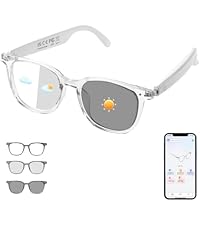 AI Smart Glasses | 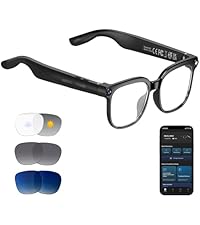 Camera Glasses | 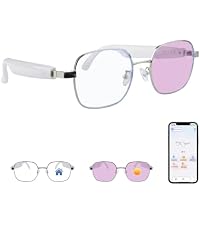 AI Smart Glasses | |
|---|---|---|---|---|---|---|---|
Customer Reviews | — | — | — | — | — | — | — |
Price | — | — | — | — | — | — | — |
Translation Via APP | ? | ? | ? | ? | ? | ? | ? |
Photochromic Lenses | ? | ? | ? | ? | ? | ? | ? |
Ultra-narrow Temples | ? | ? | ? | ? | ? | ? | ? |
Built-in Camera | ? | ? | ? | ? | ? | ? | ? |
Bluetooth Connection | ? | ? | ? | ? | ? | ? | ? |


Driven by relentless innovation and meticulous care, Tulbeys crafts each product and customer experience with dedication. We now pioneer smart wearables—including Smart Rings, Smart Glasses and Translation Glasses—to seamlessly integrate tech into your life. Committed to expanding this ecosystem, we push boundaries to elevate solutions for your daily experiences.
Innovate. Dedicate. Elevate.
The Tulbeys promise.

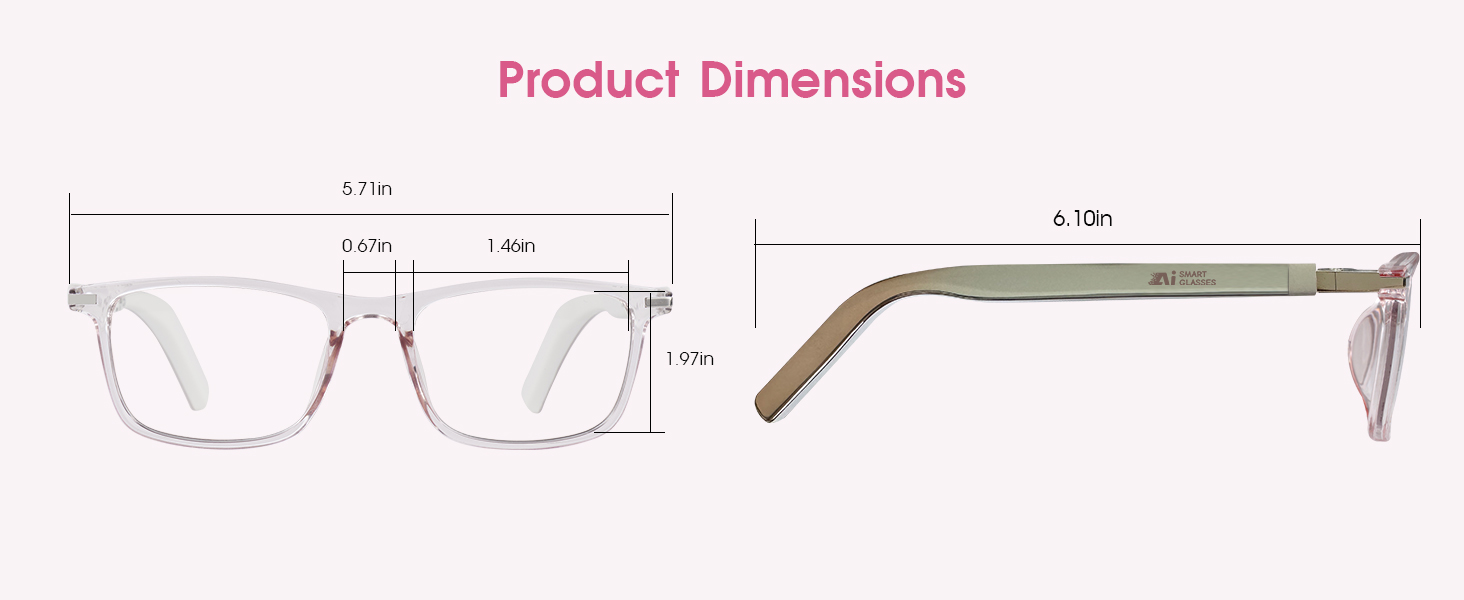
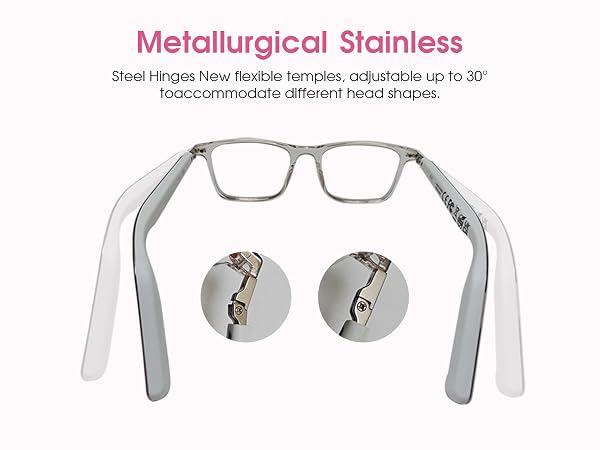
Neutral design, efficient connection

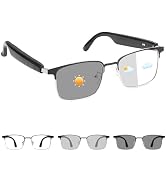
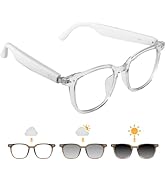
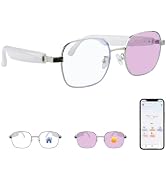
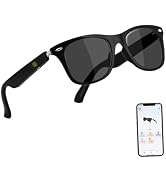
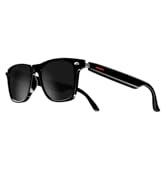
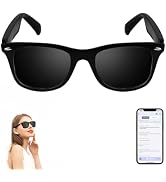
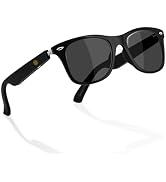
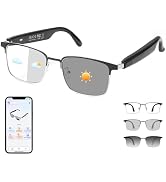
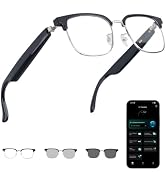
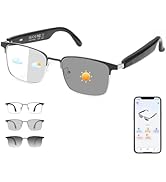
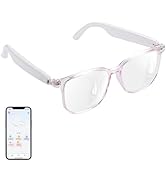


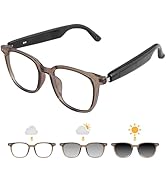
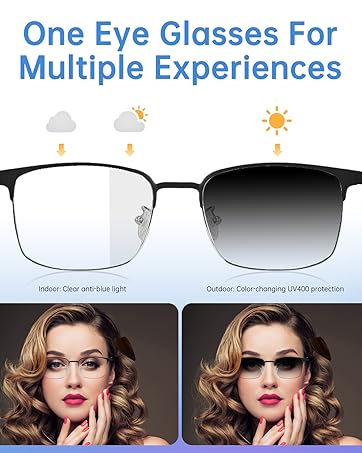

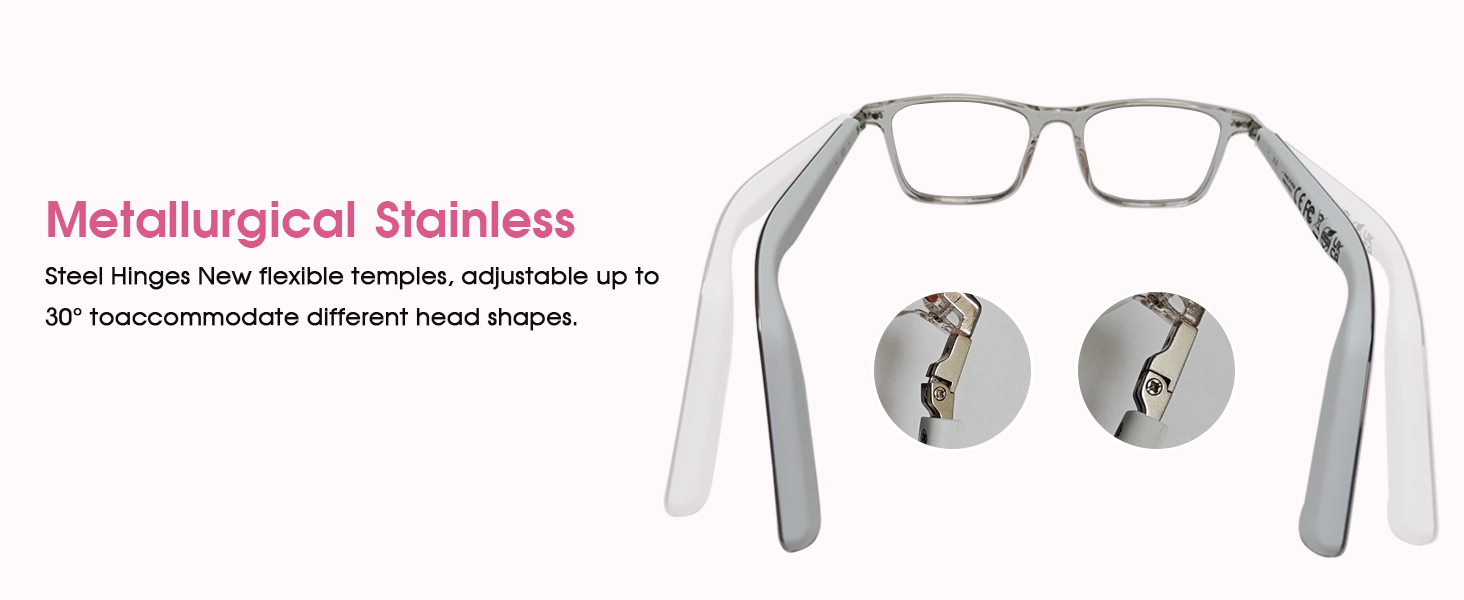
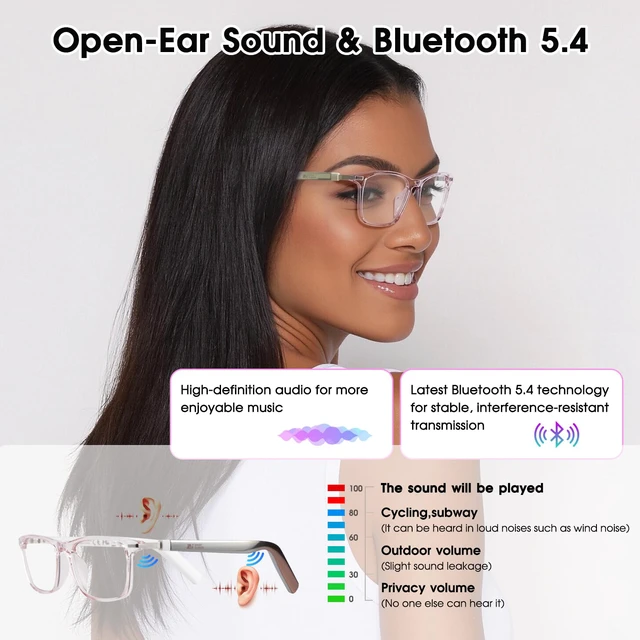
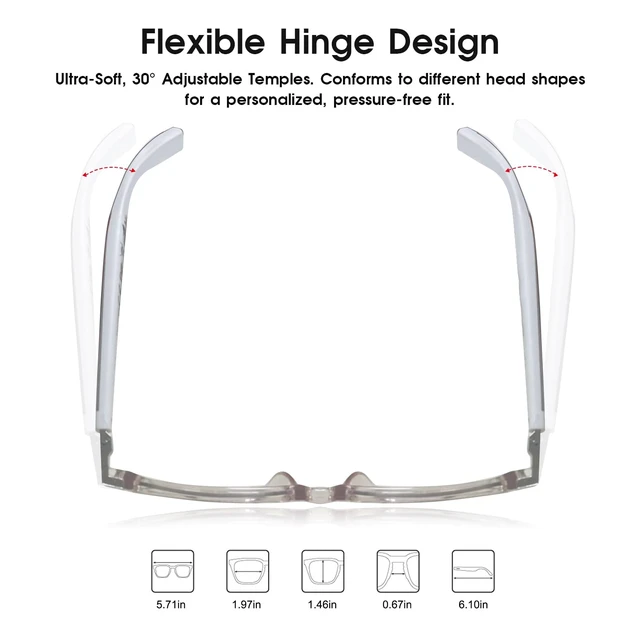
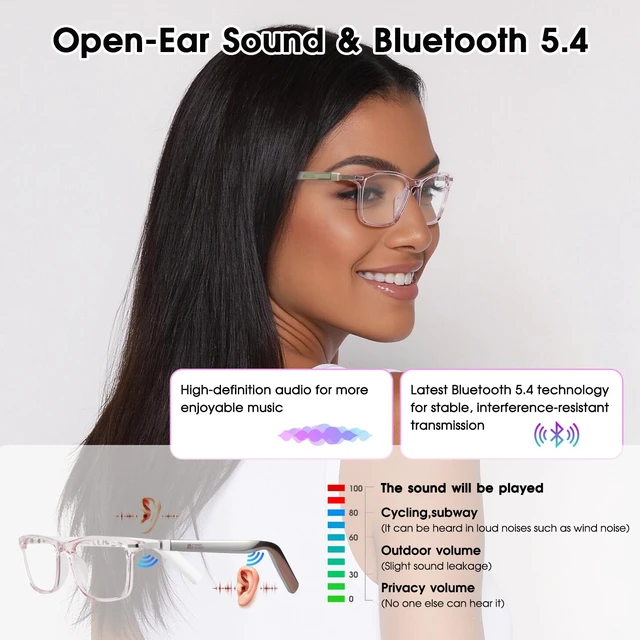
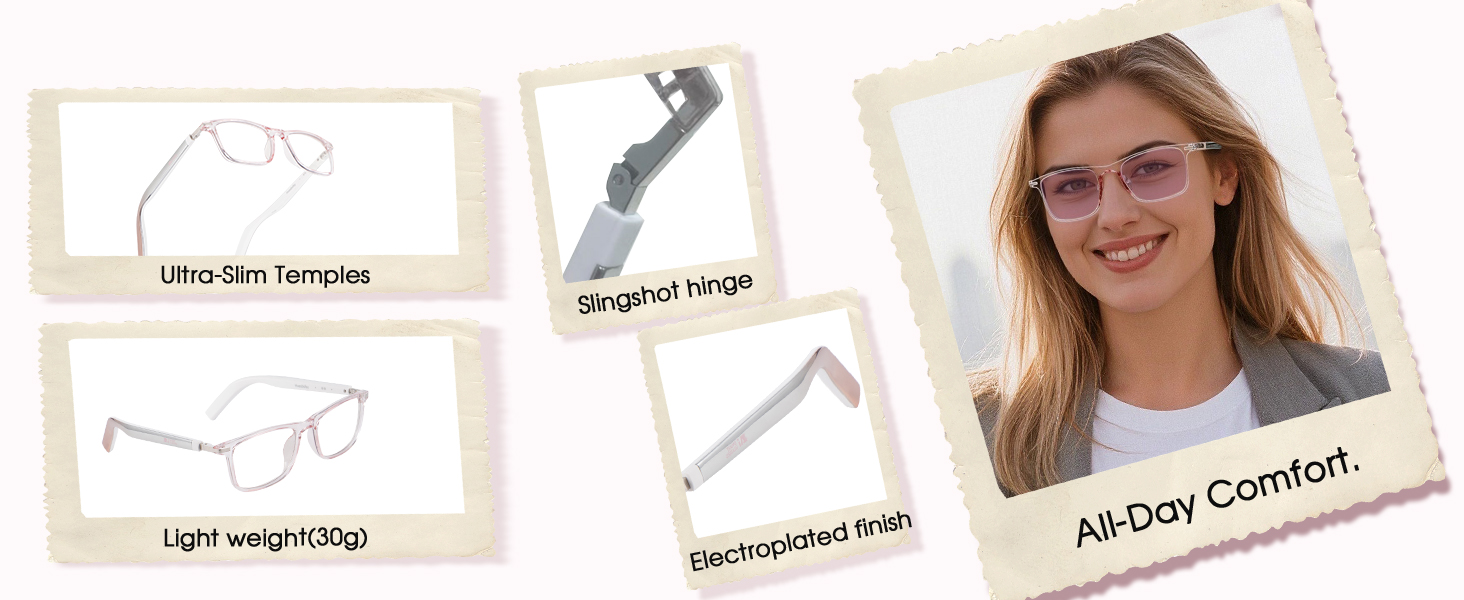
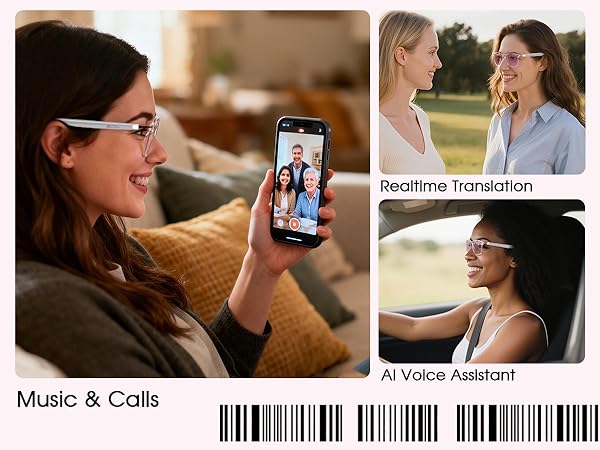
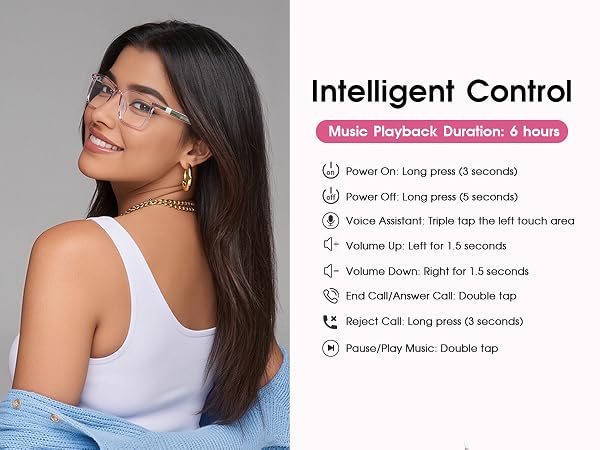
The open-ear audio design can sense changes in the surrounding environment when listening to audio or making calls, while reducing the discomfort caused by the in-ear design to the ear.
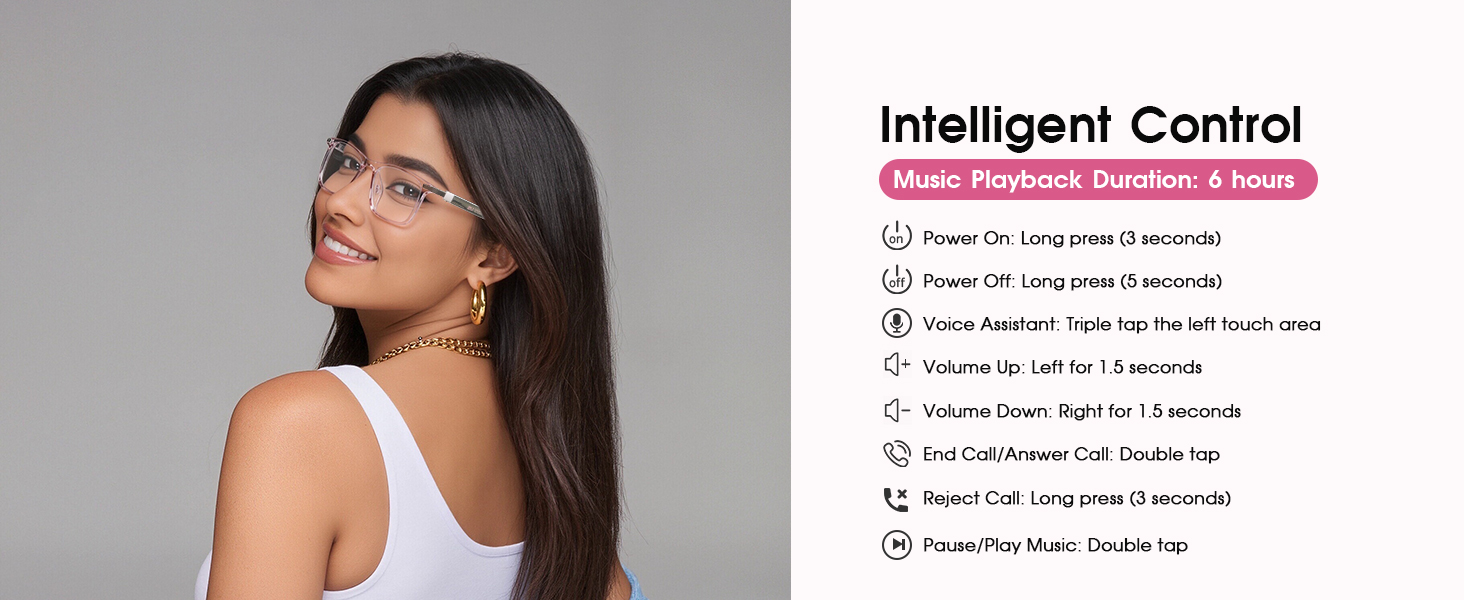
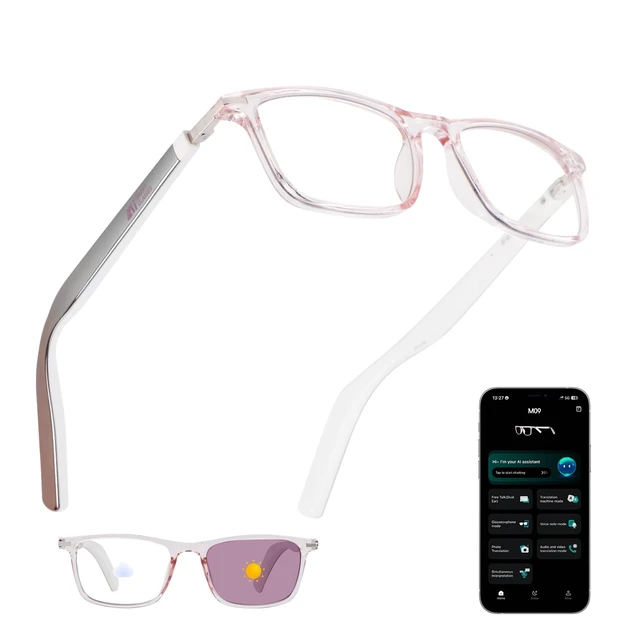
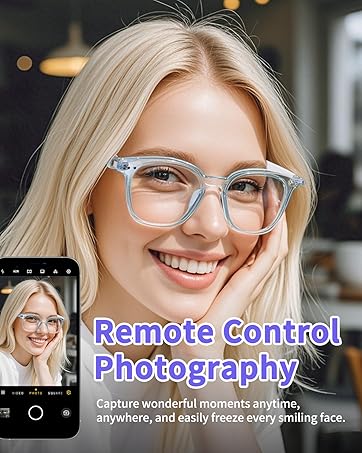
These glasses don't have a built-in camera, However, you can tap the touch zone to remotely trigger your phone's camera (requires pre-opened phone camera app).
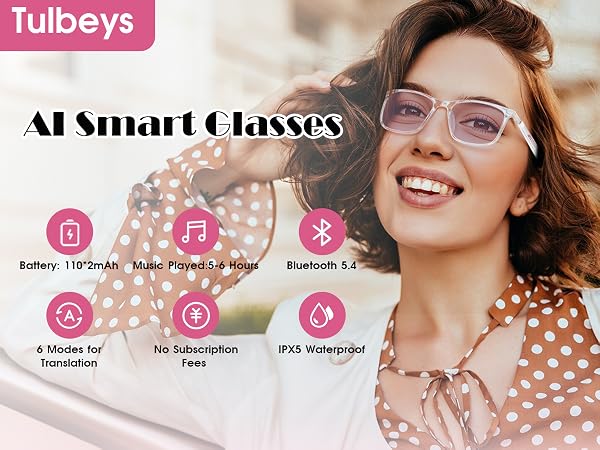
The translation function can be used for free, but please note that it must be activated and bound to the smart glasses first.
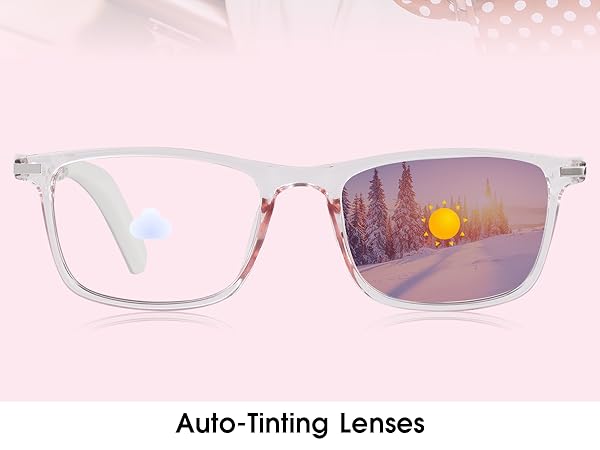
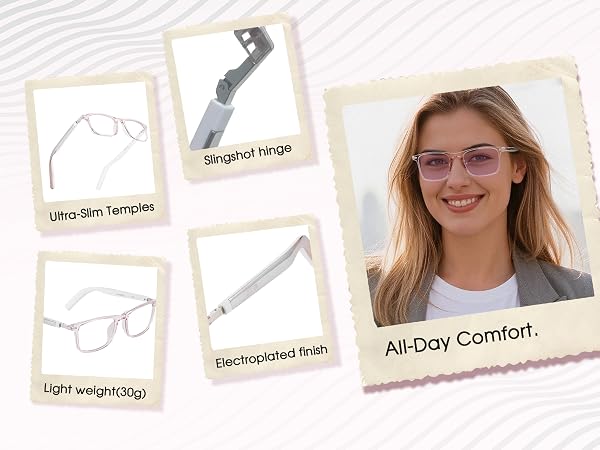




M09 AI Glasses | AI Glasses with Camera | GS03 AI Glasses | GS07 Smart Glasses | AI Smart Glasses | Camera Glasses | AI Smart Glasses |
|---|---|---|---|---|---|---|
| Customer Reviews | ||||||
| — | — | — | — | — | — | — |
| Price | ||||||
| — | — | — | — | — | — | — |
| Translation Via APP | ||||||
| ? | ? | ? | ? | ? | ? | ? |
| Photochromic Lenses | ||||||
| ? | ? | ? | ? | ? | ? | ? |
| Ultra-narrow Temples | ||||||
| ? | ? | ? | ? | ? | ? | ? |
| Built-in Camera | ||||||
| ? | ? | ? | ? | ? | ? | ? |
| Bluetooth Connection | ||||||
| ? | ? | ? | ? | ? | ? | ? |
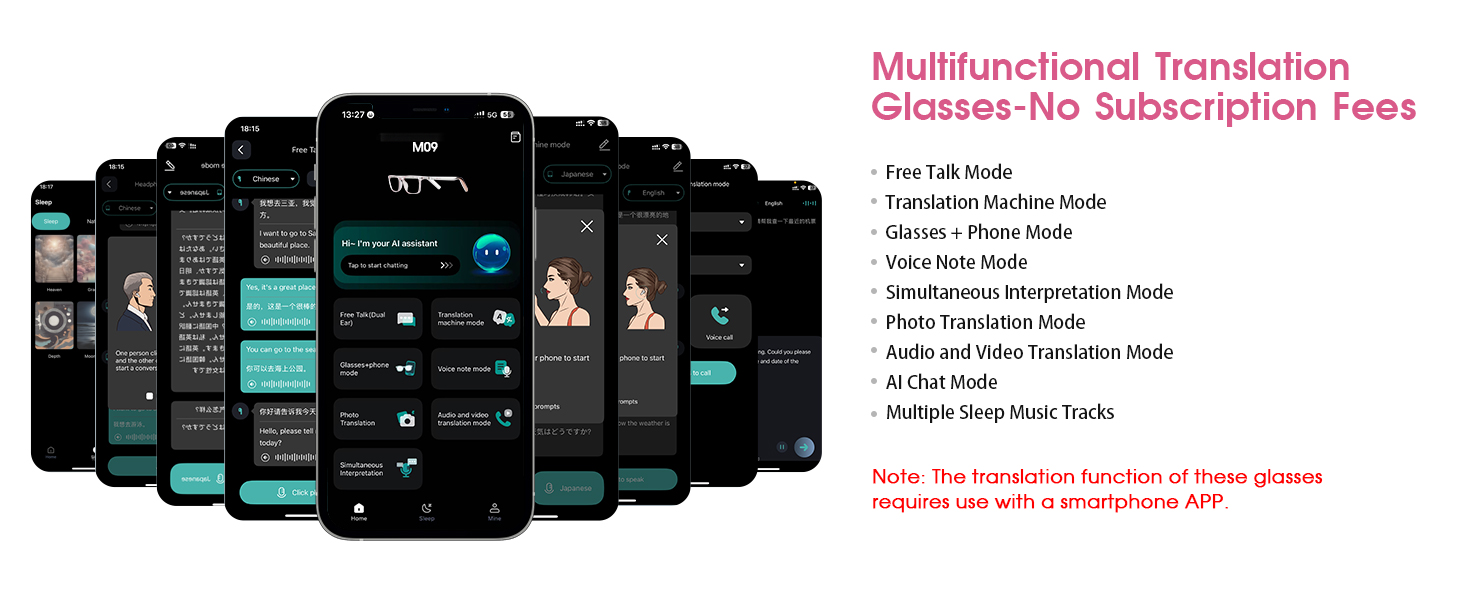
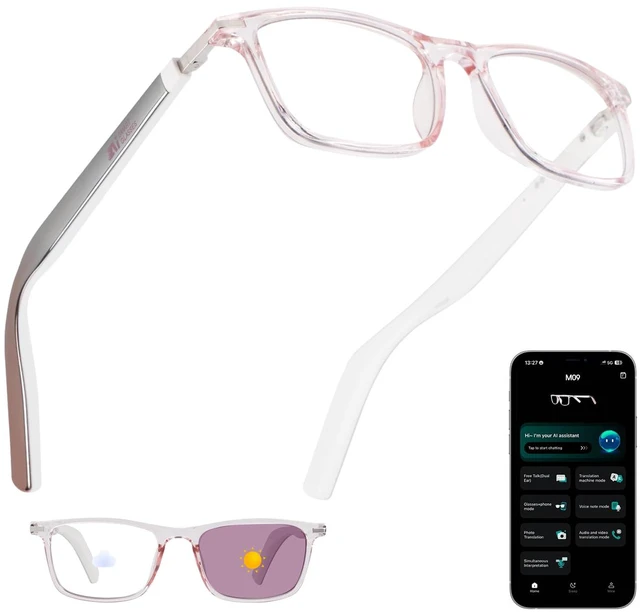
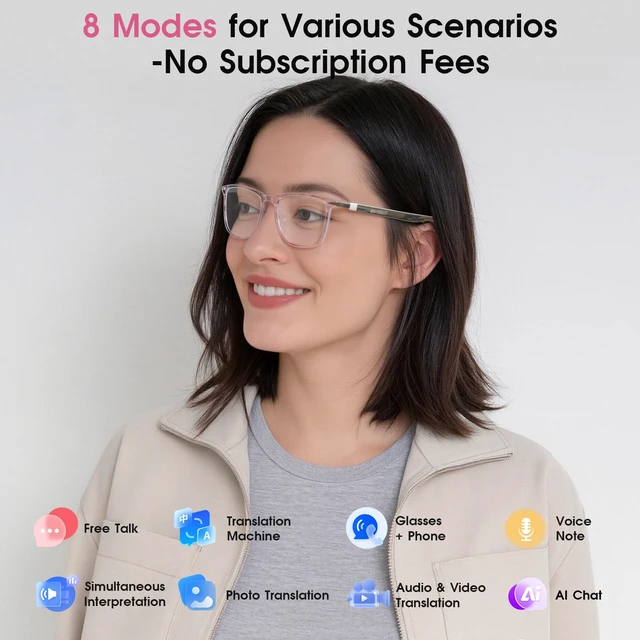
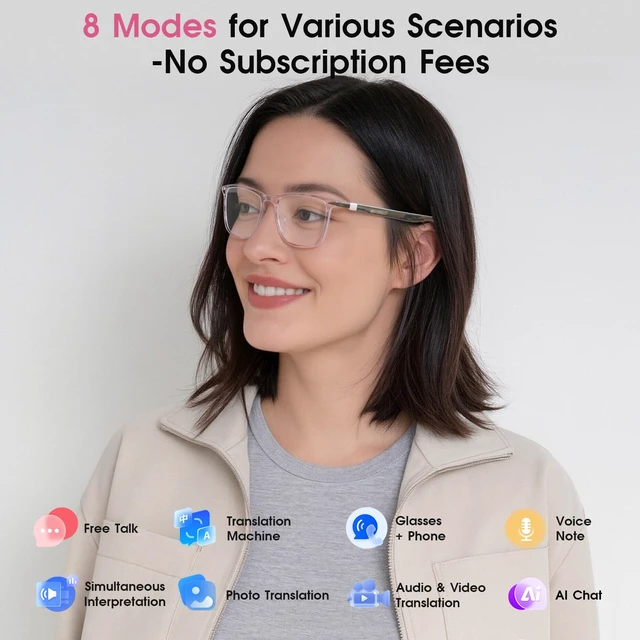
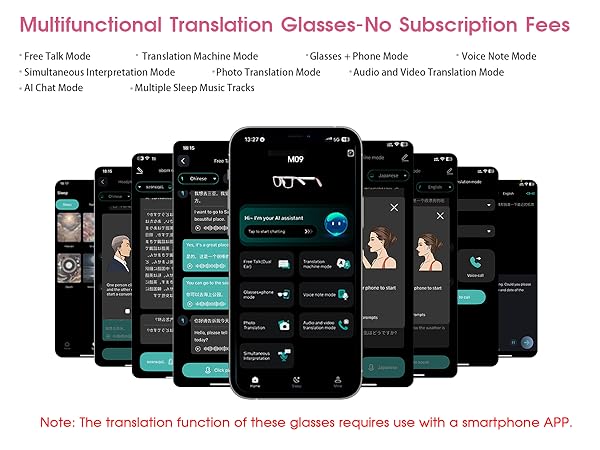
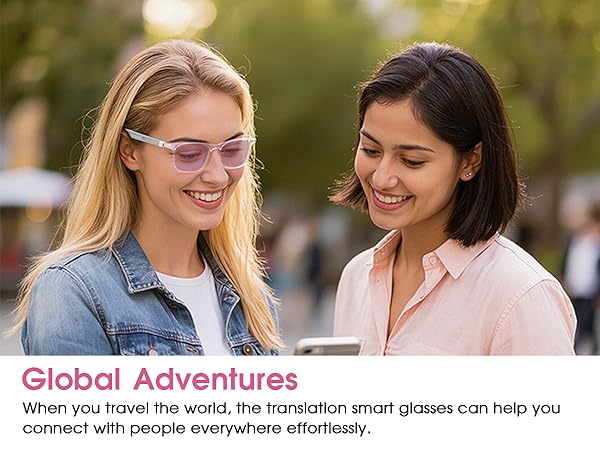
Navigate foreign lands with total confidence. These smart glasses work seamlessly with your phone. Before your trip, simply pre-set the source and target languages in the companion app (e.g., English to Japanese). When you speak, the app translates the text and instantly displays it as clear captions inside your glasses—no awkward phone passing required.Designed for travelers who value clarity and connection, this setup puts smooth communication right before your eyes.
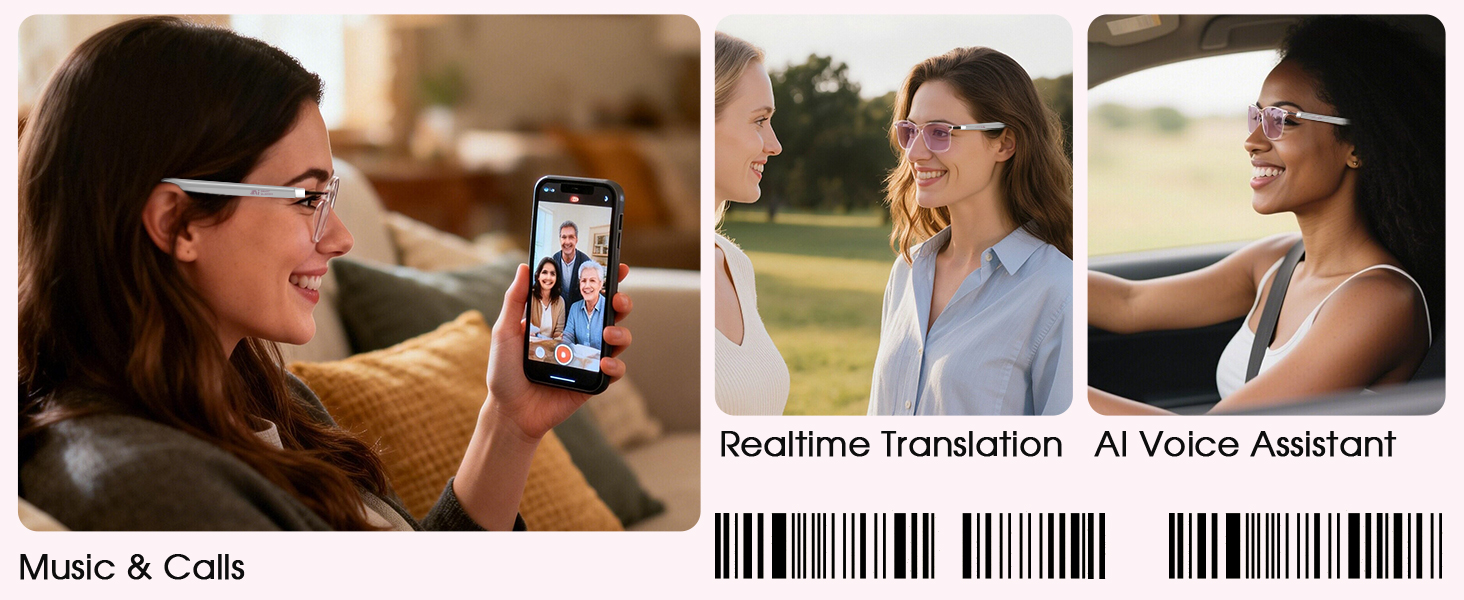
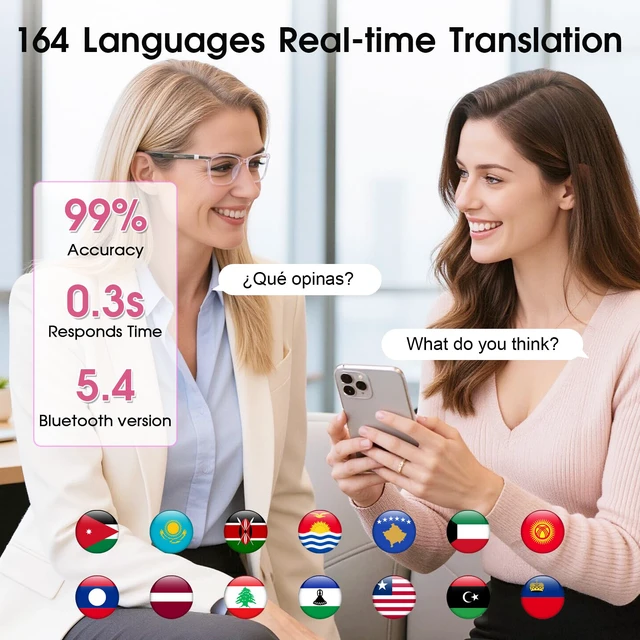
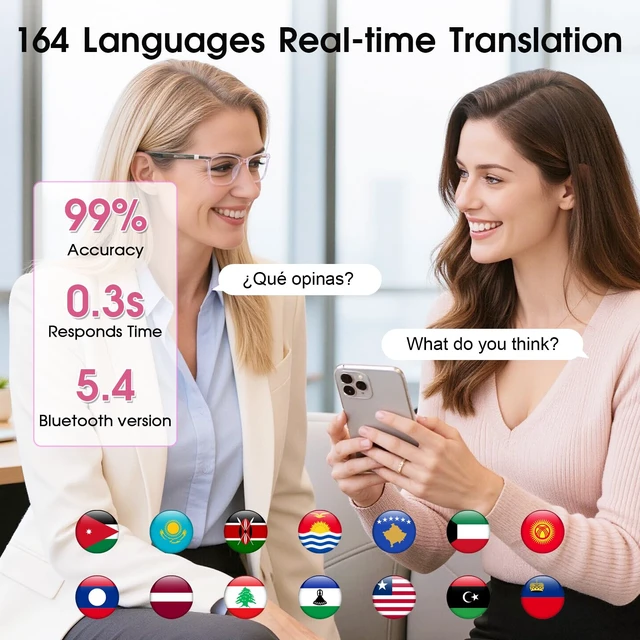
Real conversation shouldn’t stop to pass a phone. With Two-Way Talk Mode, simply pre-set your language and your partner’s language in the app (e.g., English to Spanish).
Perfect for business meetings, making local friends, or connecting with in-laws. Keep eye contact, let the conversation flow naturally, and never miss a word. The glasses stay discreet while the app handles the translation quietly in the background.
Navigate menus, street signs, or product labels with ease. Open the companion app, snap a photo of any text, and the app translates it into your target language. No squinting at your phone screen; just hear the meaning directly in your ear.
Ideal for ordering confidently in local restaurants, understanding transportation signs, or reading museum exhibits.
No glasses? No problem. The same powerful app works as a full-featured translator on its own. Simply open the app, manually select your source and target languages, then speak or type your phrase. Translations appear as text on your phone screen or play through the phone speaker—perfect for quick exchanges when you prefer to hand your phone to someone or want a silent readout. Seamlessly switch between app-only mode and glasses mode depending on the moment.
Connect across languages without clunky back-and-forth. Using the app, simply copy a video link and send it to your caller. When they join, the app translates both sides in real time—showing the source language and translated text side by side on your phone screen. Read exactly what’s being said, reply naturally.
Perfect for remote business meetings, catching up with multilingual family, or staying in touch while traveling. You can pair your Bluetooth glasses for private audio if preferred.
Capture important conversations with ease. Pair your Bluetooth glasses, select Voice Notes Mode, and pre-set the language being spoken as a reference label. Start recording—the app captures audio through your glasses and saves the file directly to your in-app library.
Perfect for reviewing multilingual meetings, preserving fleeting inspirations, or keeping a voice log of key discussions. All recordings are stored securely within the app, making it simple to revisit details.
Driven by relentless innovation and meticulous care, Tulbeys crafts each product and customer experience with dedication. We now pioneer smart wearables—including Smart Rings, Smart Glasses and Translation Glasses—to seamlessly integrate tech into your life. Committed to expanding this ecosystem, we push boundaries to elevate solutions for your daily experiences.
Innovate. Dedicate. Elevate.
The Tulbeys promise.
Neutral design, efficient connection
The open-ear audio design can sense changes in the surrounding environment when listening to audio or making calls, while reducing the discomfort caused by the in-ear design to the ear.
These glasses don't have a built-in camera, However, you can tap the touch zone to remotely trigger your phone's camera (requires pre-opened phone camera app).
The translation function can be used for free, but please note that it must be activated and bound to the smart glasses first.