








hero-video
Merchant Video


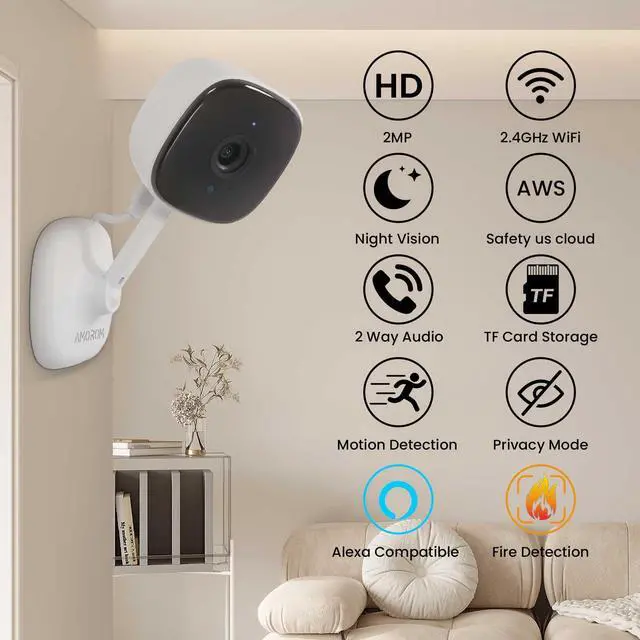
Work with Google Assistant & Alexa Enabled Device
just give the voice commands to echo show or other device: Alexa, Show me the baby room.


2-Way Talk
AMOROM Camera built in a microphone and speaker, you can easily to talk with your family members.
Crystal Night Vision
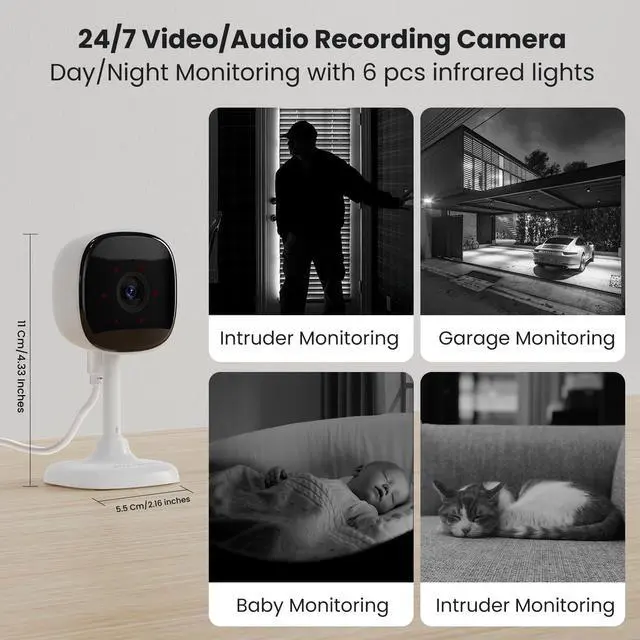
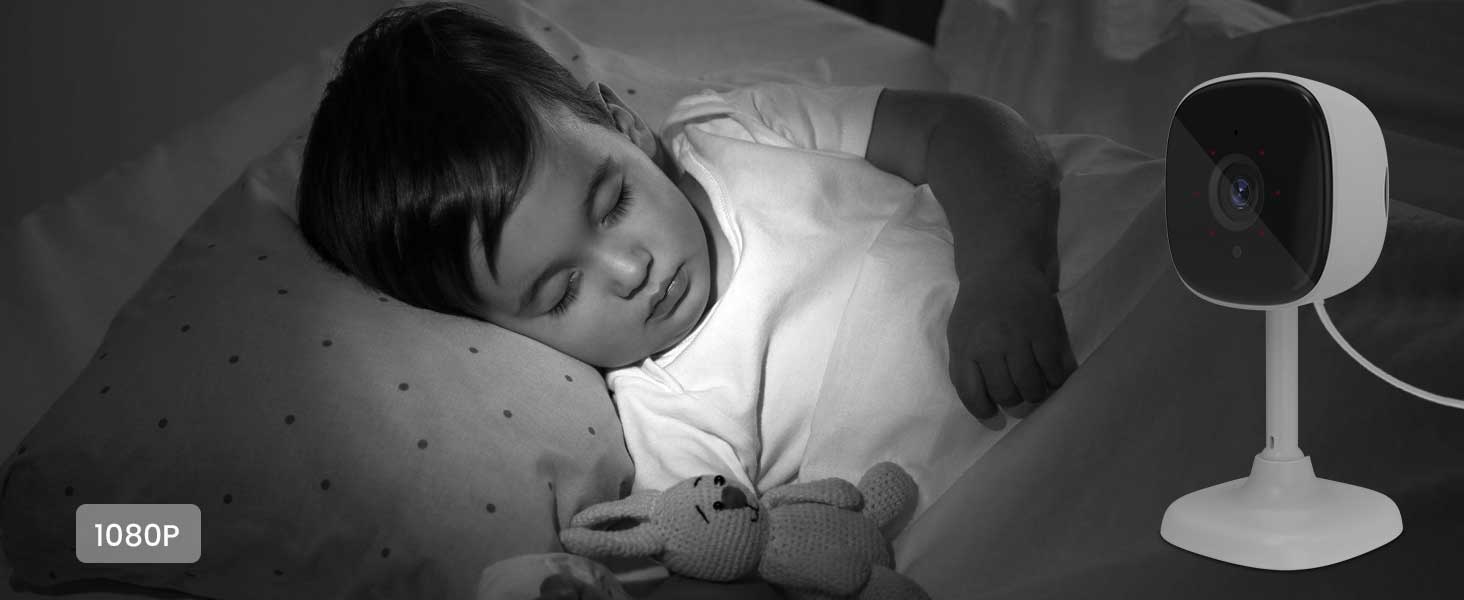
Built in 6 pcs infrared lights, capture an invivid and clear image even in the dark
110 Degree Wide Coverage Angle
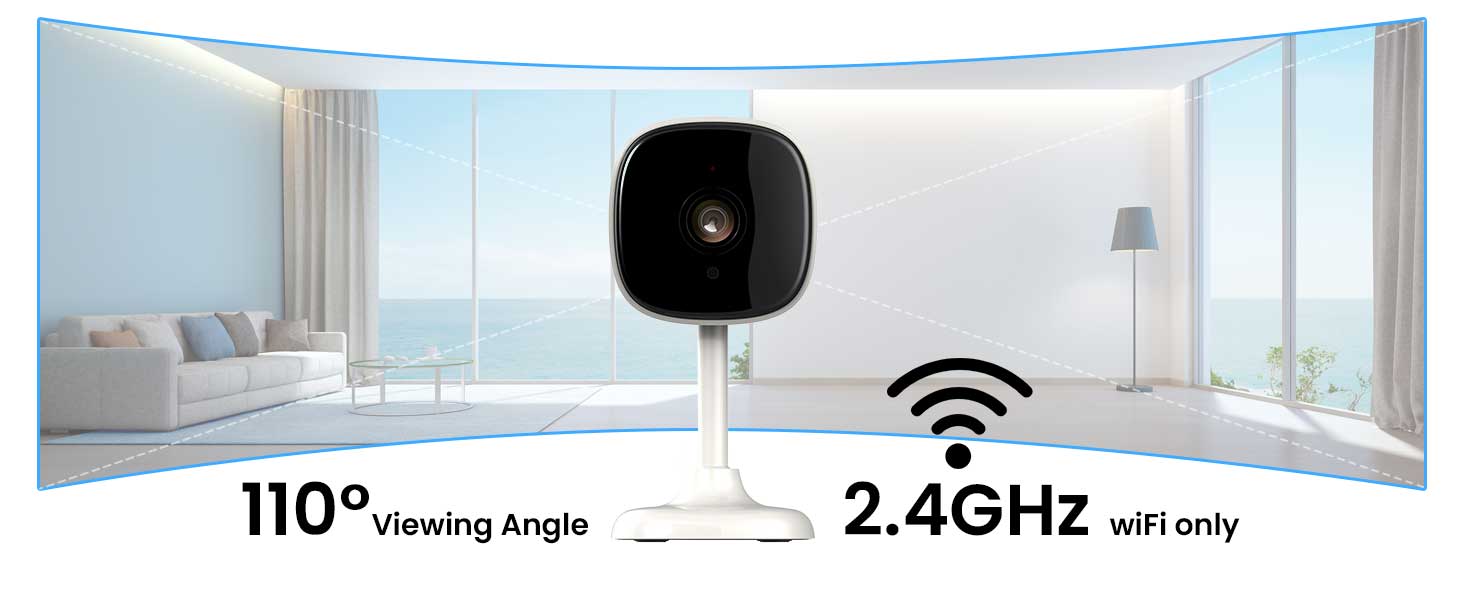
AMOROM Camera only works with 2.4G WIFI (Not 5G WIFI), and provide 110 degree wide monitor coverage


Protect Your Home with Continuous Monitoring
 1080P Indoor Camera WiFi |  1080P 360° Indoor Camera |  2K Outdoor Camera WiFi |  2K Outdoor Camera WiFi |  2K Outdoor Camera 4G LTE | |
|---|---|---|---|---|---|
Customer Reviews | — | — | — | — | — |
Price | — | — | — | — | — |
Wireless Tech | 2.4Ghz WIFI Only | 2.4Ghz WIFI Only | 2.4Ghz WIFI Only | 2.4Ghz WIFI Only | 4G LTE Cellular |
Power Source | Corded Electric | Corded Electric | Solar Powered | Solar Powered | Solar Powered |
Solar Panel Power | Not Applicable | Not Applicable | 3.5W | 3.5W | 6W |
Battery Capacity | Not Applicable | Not Applicable | 2*2600mAh | 3*2600mAh | 4*2600mAh |
Video Resolution | 1080P | 1080P | 2K | 2K | 2K |
Low Light Technology | B/W Night Vision | B/W Night Vision | Color Night Vision | Color Night Vision | Color Night Vision |
Night Vision Range | 16 Feet | 16 Feet | 49 Feet | 65 Feet | 65 Feet |
Waterproof Grade | IP54 | IP54 | IP66 | IP65 | IP65 |
Pan & Tilt | 110° Tilt | 360° Pan, 105° Tilt | 105° Tilt | 360° Pan, 100° Tilt | 360° Pan, 100° Tilt |
Why can't connect to your wifi ?
Amorom Camera only supports 2.4G WIFI network (Not 5G wifi). if your wifi router is dual-band wifi router, please check the wifi settings on pc and ensure the 2.4G WIFI Network is enabled.
Why the device goes offline after install to other places?
The possible reason of offline is power failure or weak and unstable wifi signal. if the power adapter works well, please try to move the wifi router close to installation place, if it works again, the cause is weak or unstable wifi signal.
hero-video
Merchant VideoSmart AI Detection
Smart AI Detection
Intruder Detection


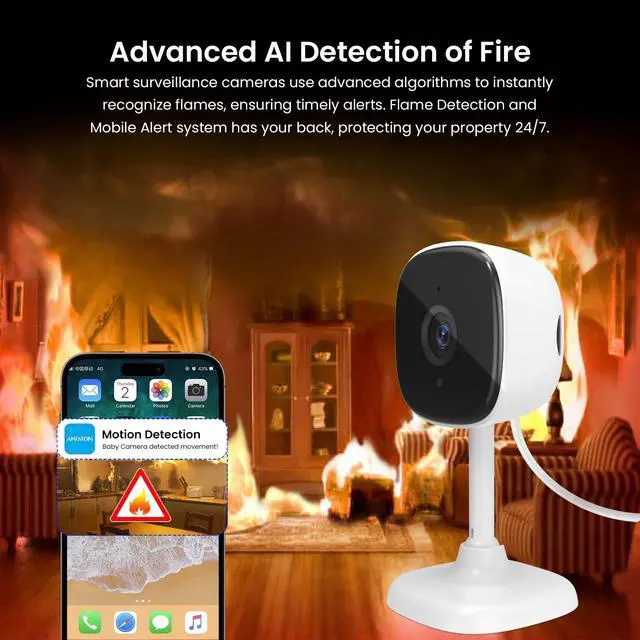
Intelligiently distinguish the alarm trigger from human/vehicle/pet/fire
AMOROM Security Camera will push an instant notification to smartphone when it detected the intruder, Protect your safety and property.
Work with Google Assistant & Alexa Enabled Device
just give the voice commands to echo show or other device: Alexa, Show me the baby room.
2-Way Talk
AMOROM Camera built in a microphone and speaker, you can easily to talk with your family members.
Crystal Night Vision
Built in 6 pcs infrared lights, capture an invivid and clear image even in the dark
110 Degree Wide Coverage Angle
AMOROM Camera only works with 2.4G WIFI (Not 5G WIFI), and provide 110 degree wide monitor coverage


Flexible Mount
Stand/Wall-mount/Ceiling-mount as you want, you can install it in your bedroom/baby room and so on.
Monitor Your House
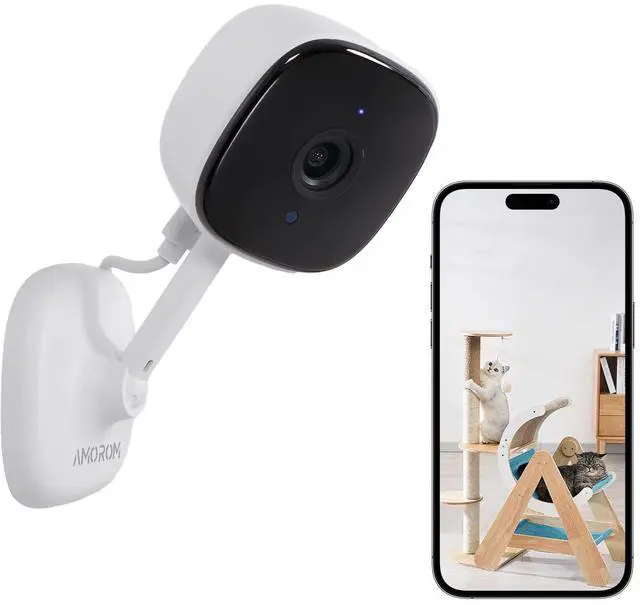
Keep your eyes on your family members and pets
PC/Mobile/Tablet
Remote access to camera view via pc/smartphone/tablet anywhere and anytime.
Protect Your Home with Continuous Monitoring
1080P Indoor Camera WiFi | 1080P 360° Indoor Camera | 2K Outdoor Camera WiFi | 2K Outdoor Camera WiFi | 2K Outdoor Camera 4G LTE |
|---|---|---|---|---|
| Customer Reviews | ||||
| — | — | — | — | — |
| Price | ||||
| — | — | — | — | — |
| Wireless Tech | ||||
| 2.4Ghz WIFI Only | 2.4Ghz WIFI Only | 2.4Ghz WIFI Only | 2.4Ghz WIFI Only | 4G LTE Cellular |
| Power Source | ||||
| Corded Electric | Corded Electric | Solar Powered | Solar Powered | Solar Powered |
| Solar Panel Power | ||||
| Not Applicable | Not Applicable | 3.5W | 3.5W | 6W |
| Battery Capacity | ||||
| Not Applicable | Not Applicable | 2*2600mAh | 3*2600mAh | 4*2600mAh |
| Video Resolution | ||||
| 1080P | 1080P | 2K | 2K | 2K |
| Low Light Technology | ||||
| B/W Night Vision | B/W Night Vision | Color Night Vision | Color Night Vision | Color Night Vision |
| Night Vision Range | ||||
| 16 Feet | 16 Feet | 49 Feet | 65 Feet | 65 Feet |
| Waterproof Grade | ||||
| IP54 | IP54 | IP66 | IP65 | IP65 |
| Pan & Tilt | ||||
| 110° Tilt | 360° Pan, 105° Tilt | 105° Tilt | 360° Pan, 100° Tilt | 360° Pan, 100° Tilt |
Why can't connect to your wifi ?
Amorom Camera only supports 2.4G WIFI network (Not 5G wifi). if your wifi router is dual-band wifi router, please check the wifi settings on pc and ensure the 2.4G WIFI Network is enabled.
Why the device goes offline after install to other places?
The possible reason of offline is power failure or weak and unstable wifi signal. if the power adapter works well, please try to move the wifi router close to installation place, if it works again, the cause is weak or unstable wifi signal.