










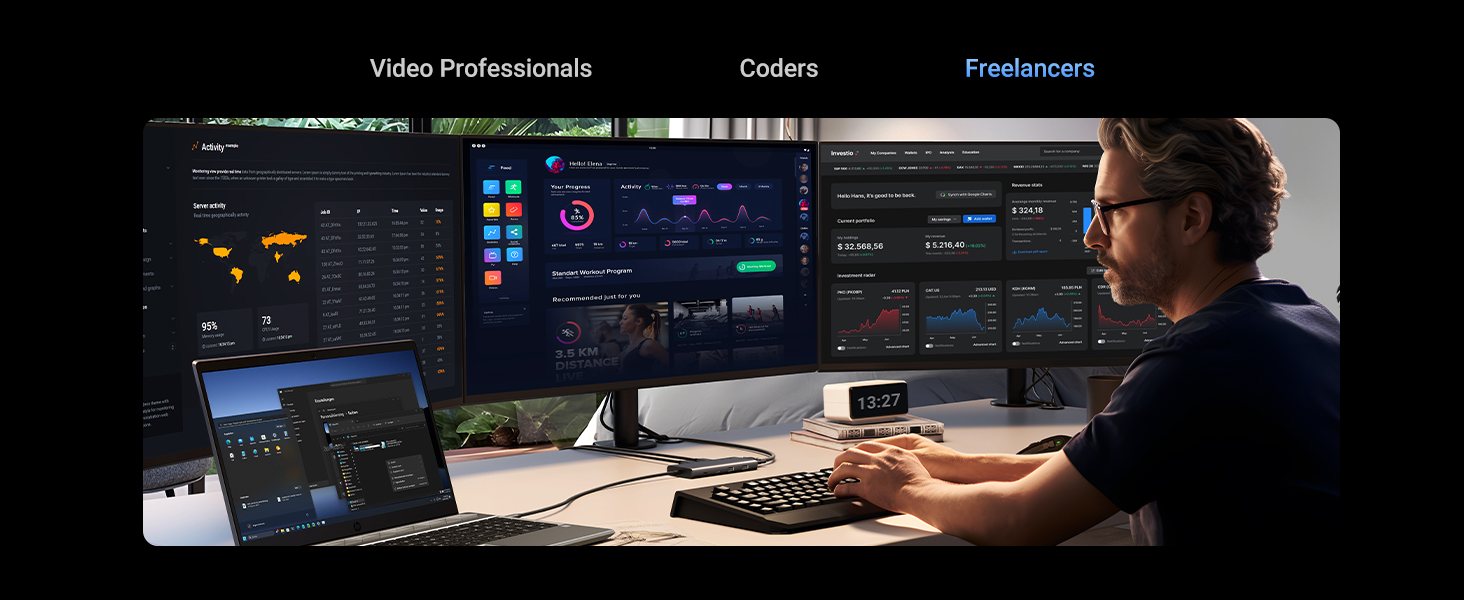
Why can’t my screen display images properly?
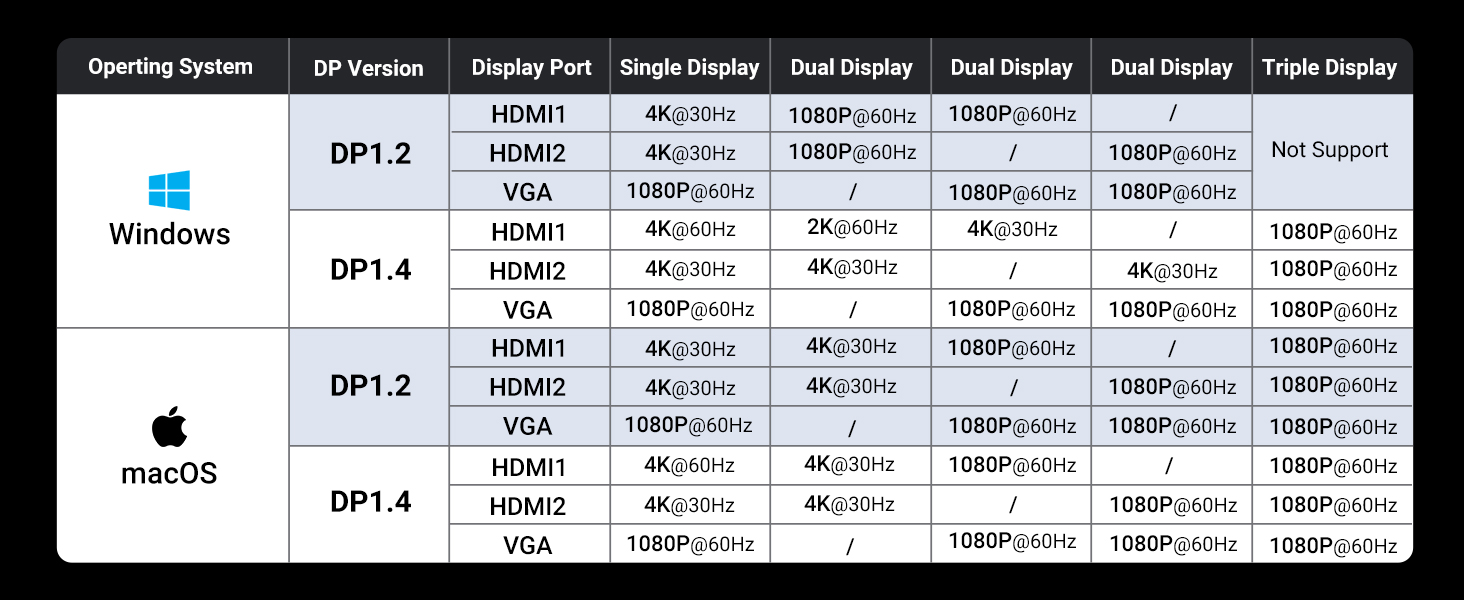
1. check for any interface connection issues 2.Make sure the computer has the required video protocol for video output 3.Attempt to lower the display resolution or upgrade to a higher-standard HDMI cable.
Which systems is this device compatible with?
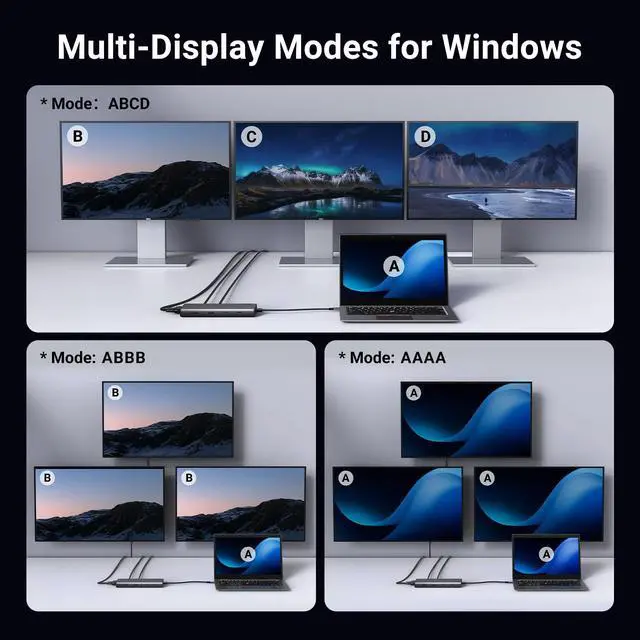
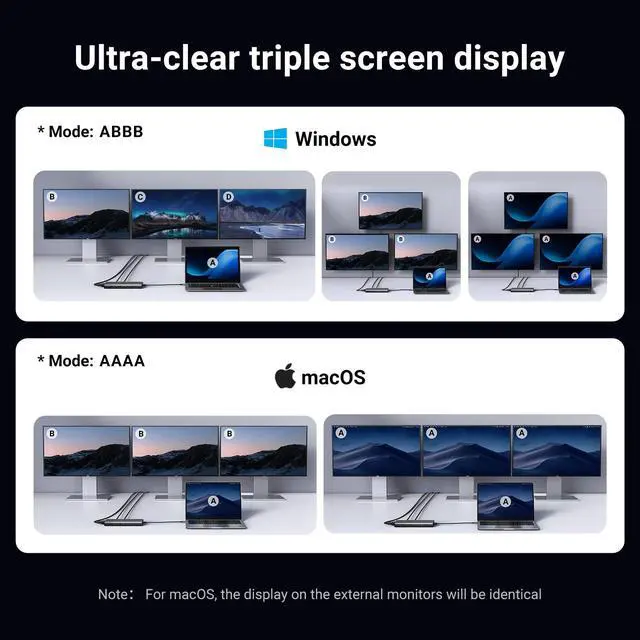
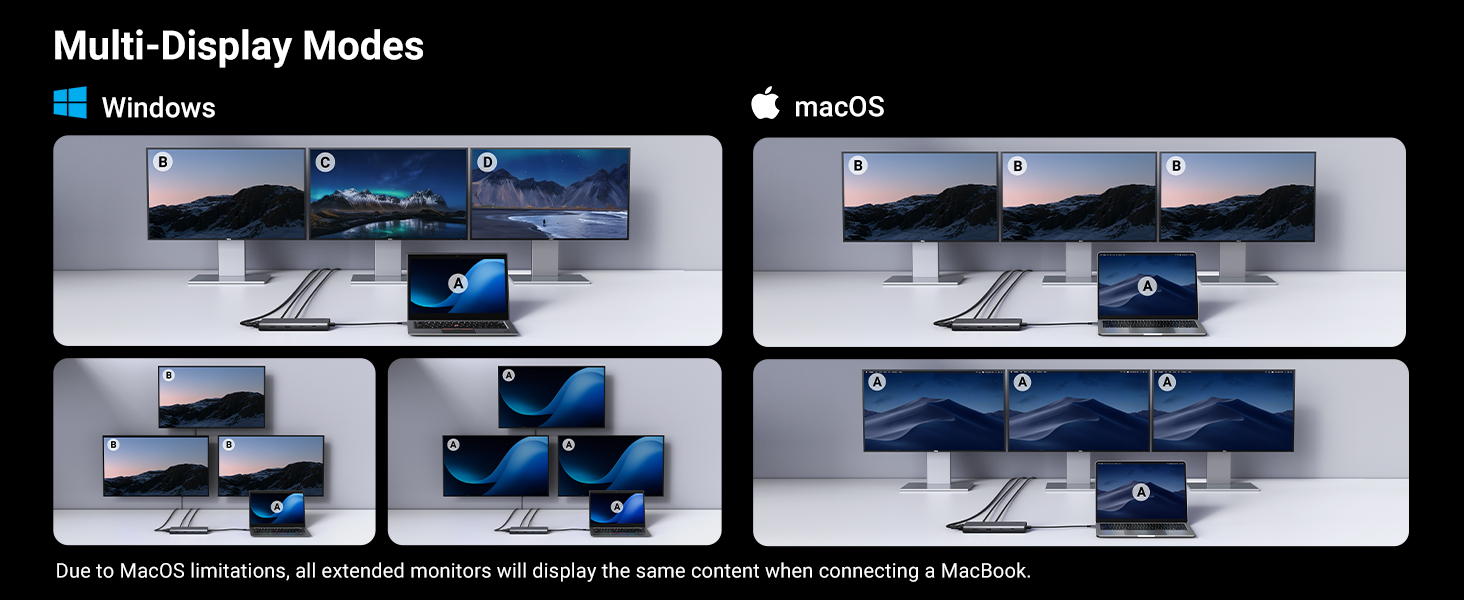
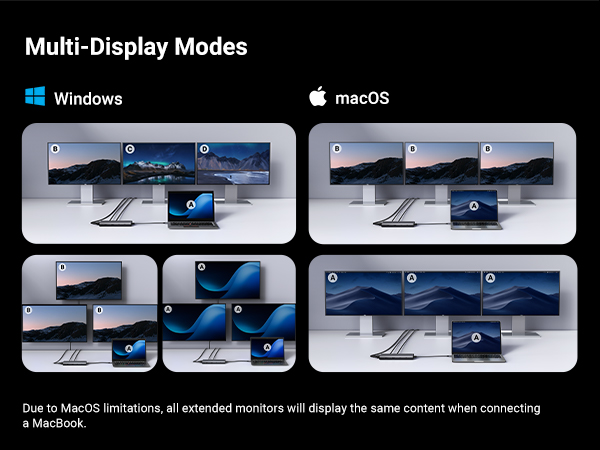
The device is compatible with Windows, macOS, and Linux, but please note that when using the HDMI interface, Macbook only supports SST mode. Windows supports MST mode.
Why does my laptop charge slowly, and why does it show the ‘Slow charging’ message?
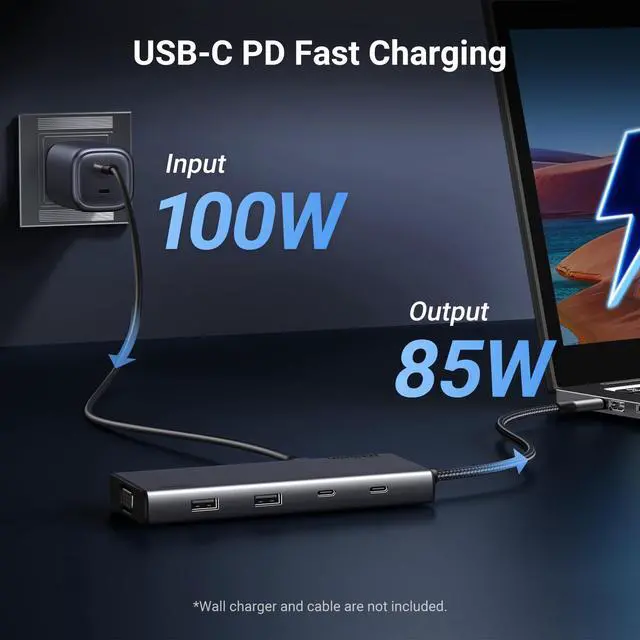
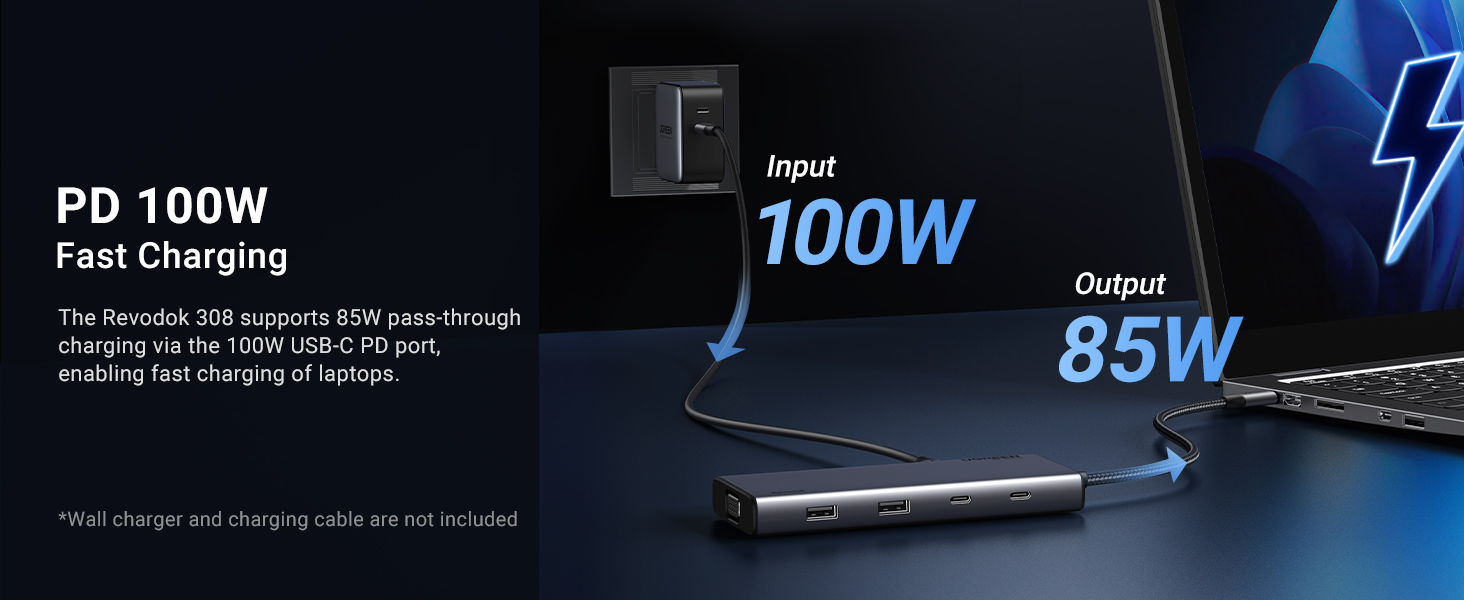
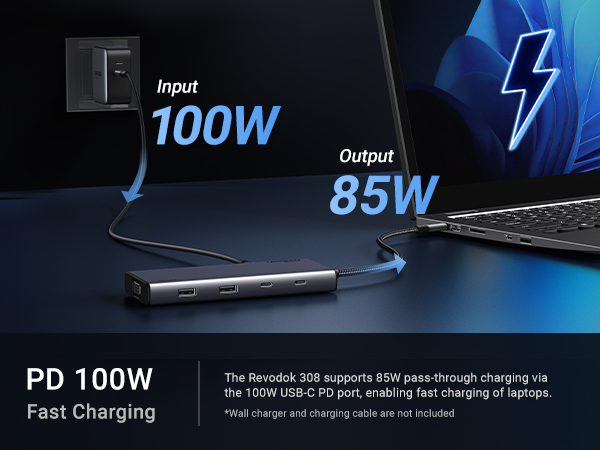
1. Use a high-wattage power adapter. Make sure the dock is connected to a power adapter with sufficient power. Usually, the original adapter of the computer needs a charger of 65W above
2. Make sure your laptop's drivers and firmware are up to date
Why is this USB C port not compatible with my laptop?
Your laptop’s built-in USB C port must be a fully functional port that supports data transmission, video display, and PD charging in order to use all the features of our docking station
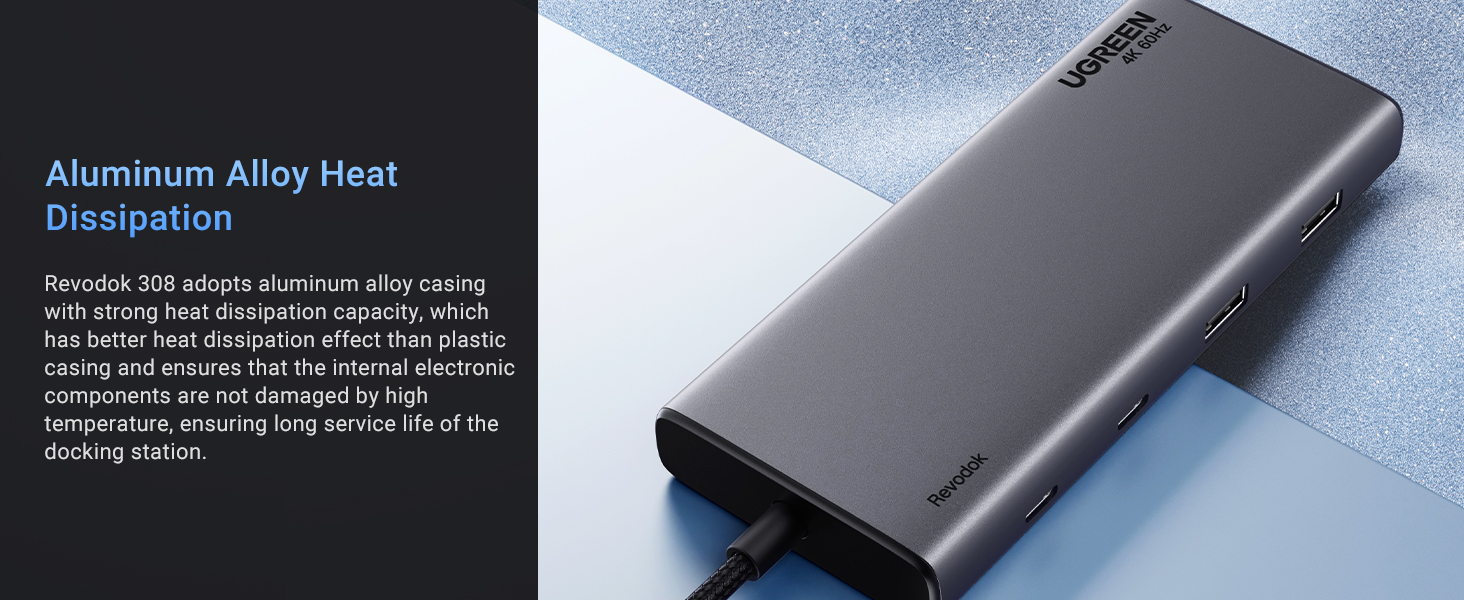
Does this hub get hot?
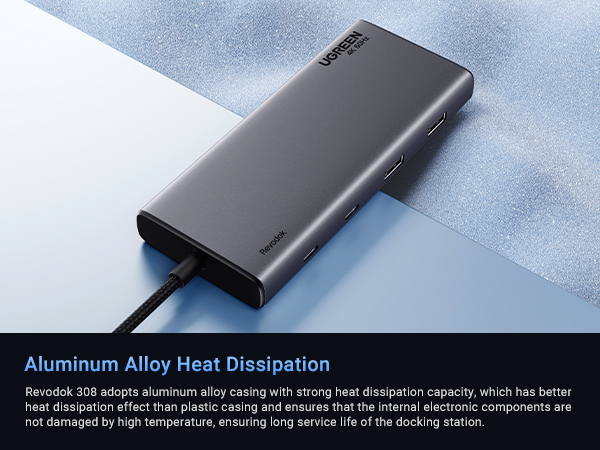
The maximum operating temperature of the dock is maintained below 60°C, which is a safe range. Please don't worry about it.
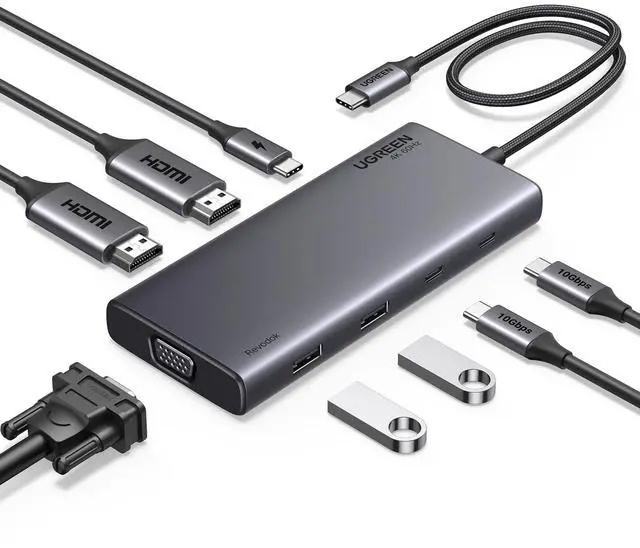
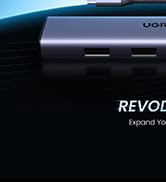
UGREEN Revodok USB C Hubs for Multiple Displays
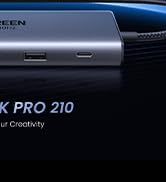
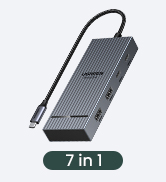
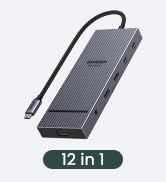
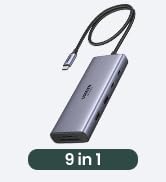
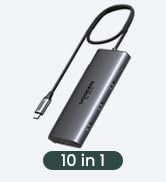
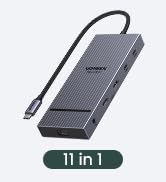
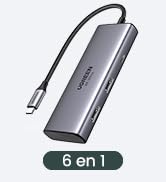
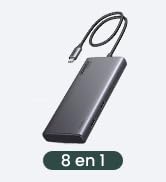
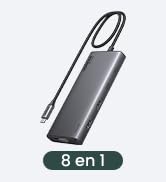
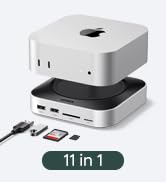
 8-in-1 Docking Station | 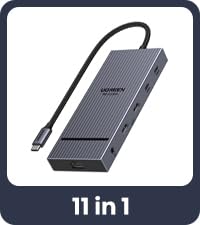 11-in-1 Docking Station |  12-in-1 Docking Station | 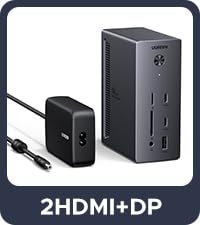 14-in-1 Docking Station | 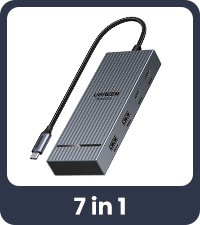 7-in-1 Docking Station |  Revodok Pro 210 |  9-in-1 DisplayLink Dock | |
|---|---|---|---|---|---|---|---|
Customer Reviews | — | — | — | — | — | — | — |
Price | — | — | — | — | — | — | — |
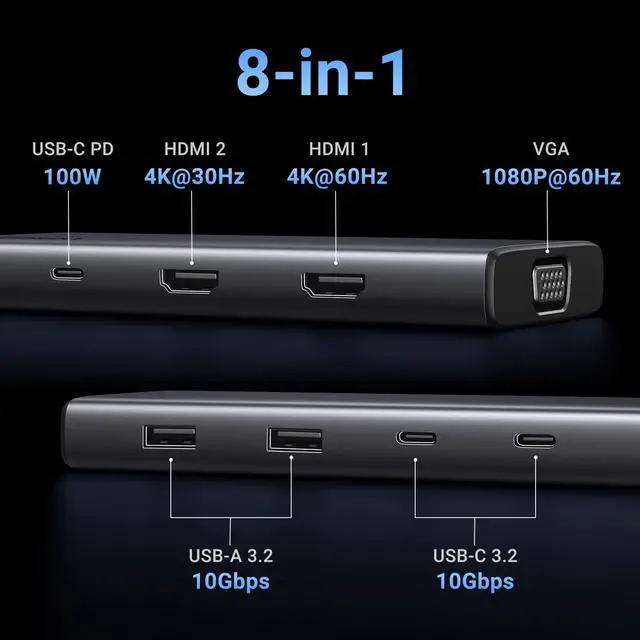
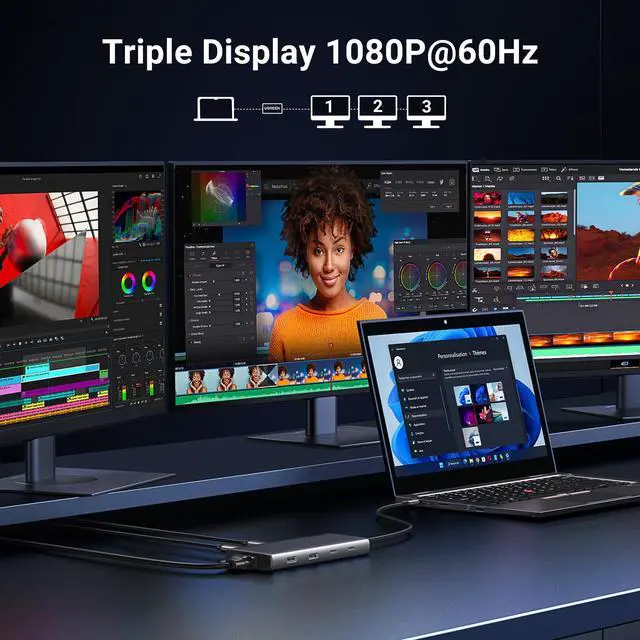
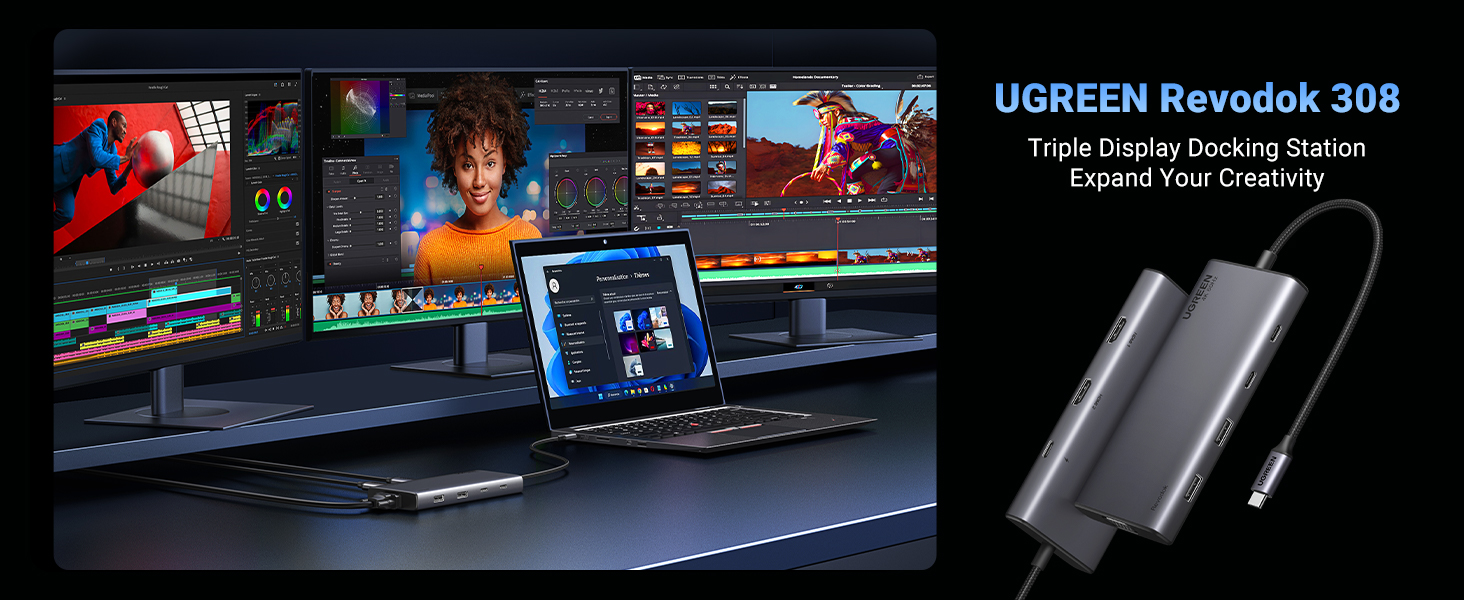
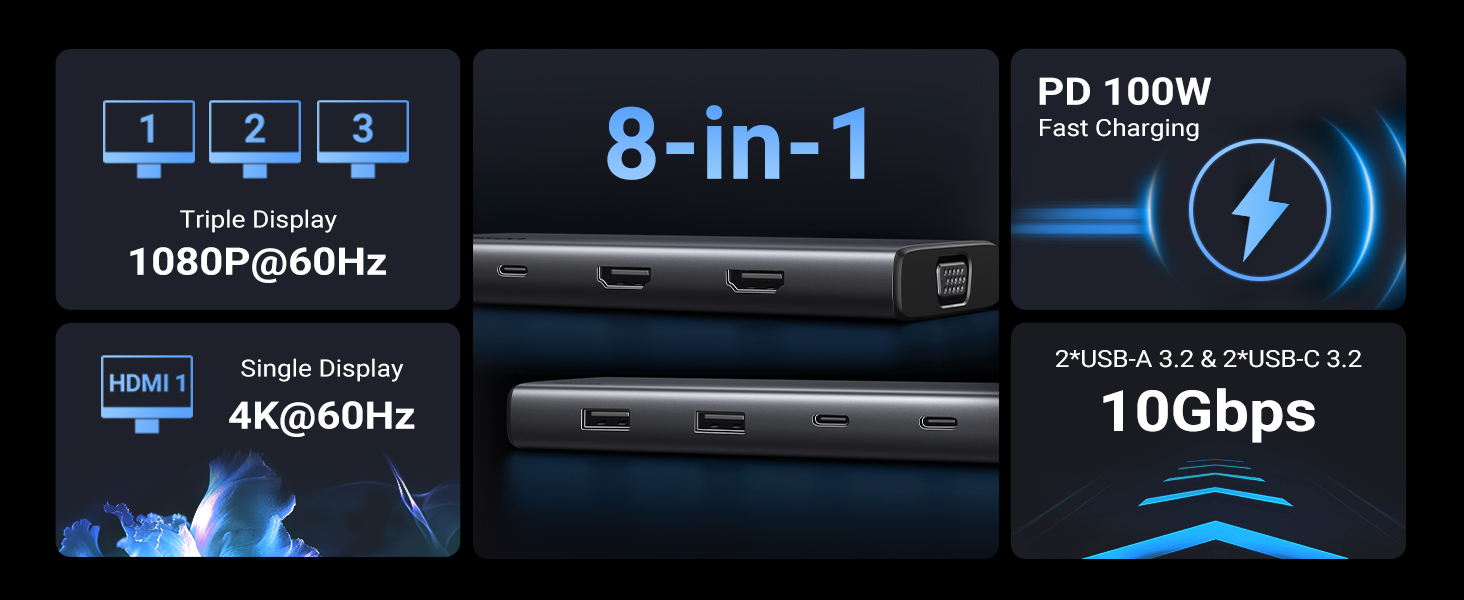
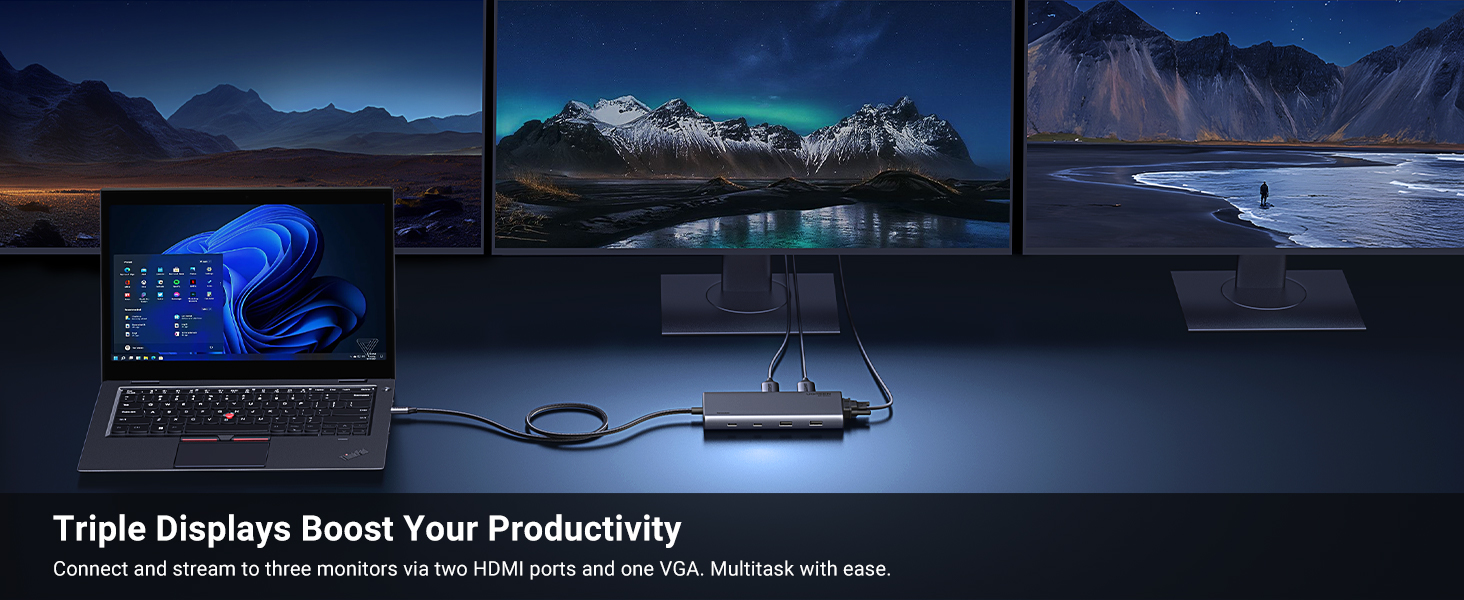
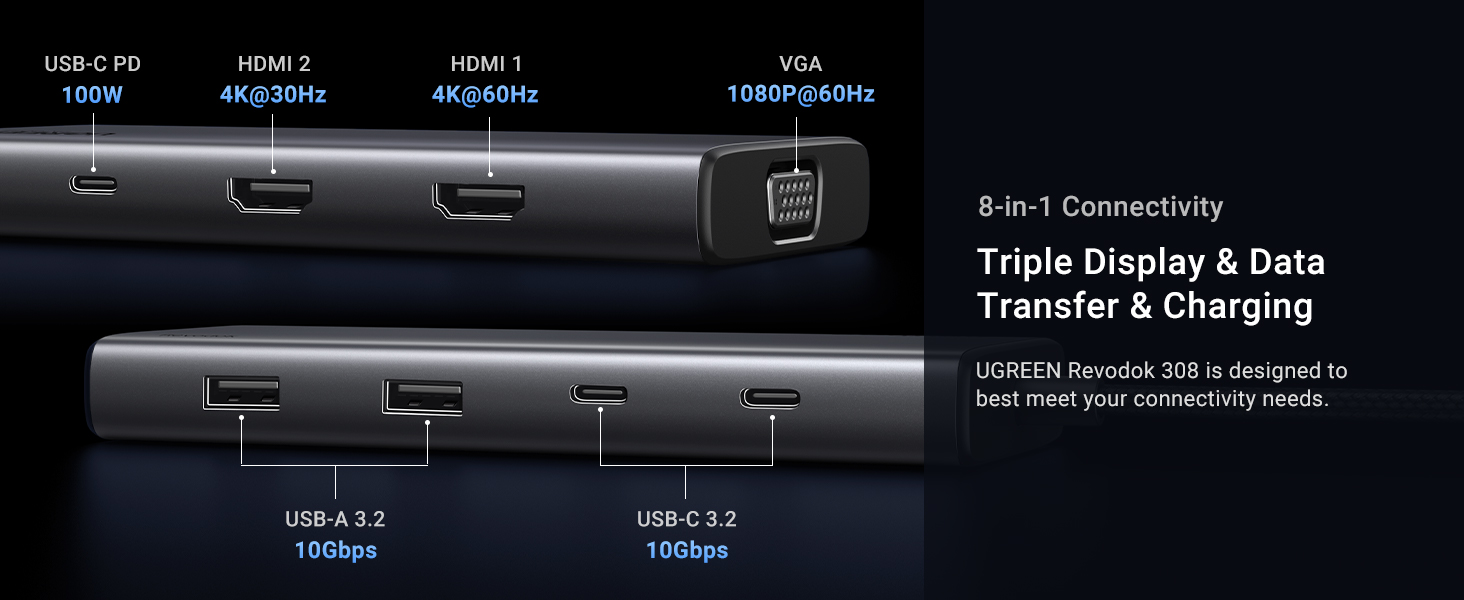
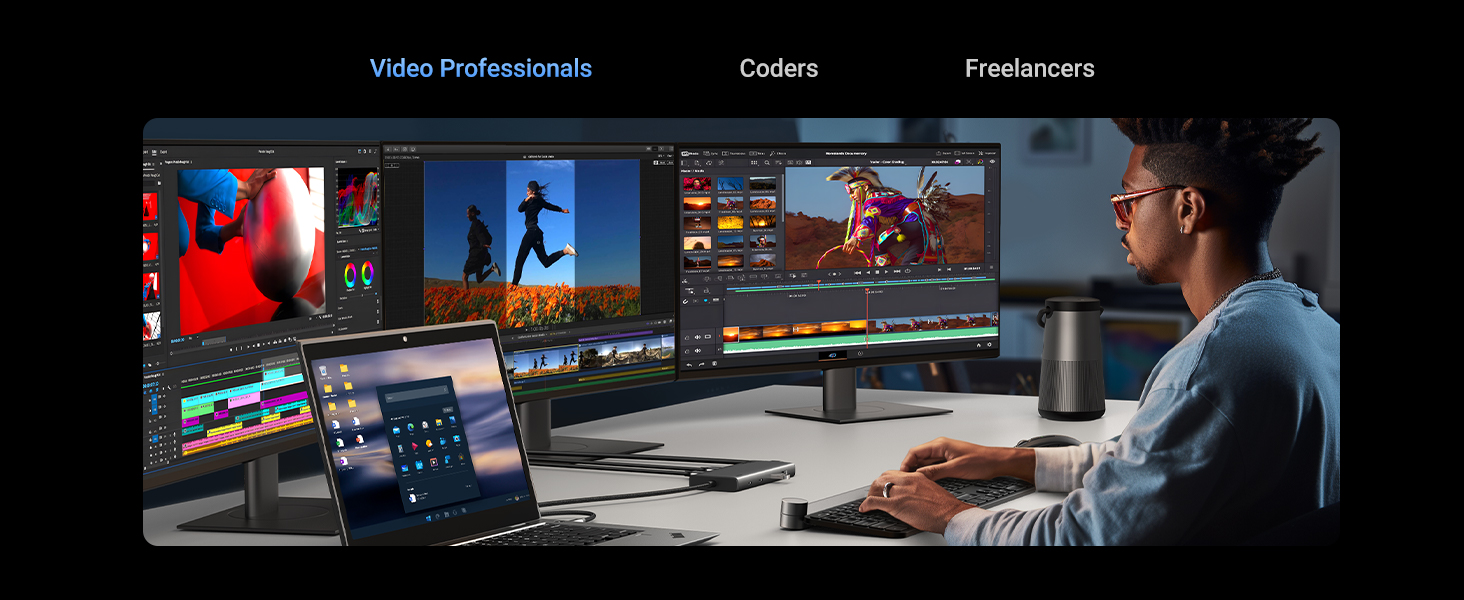
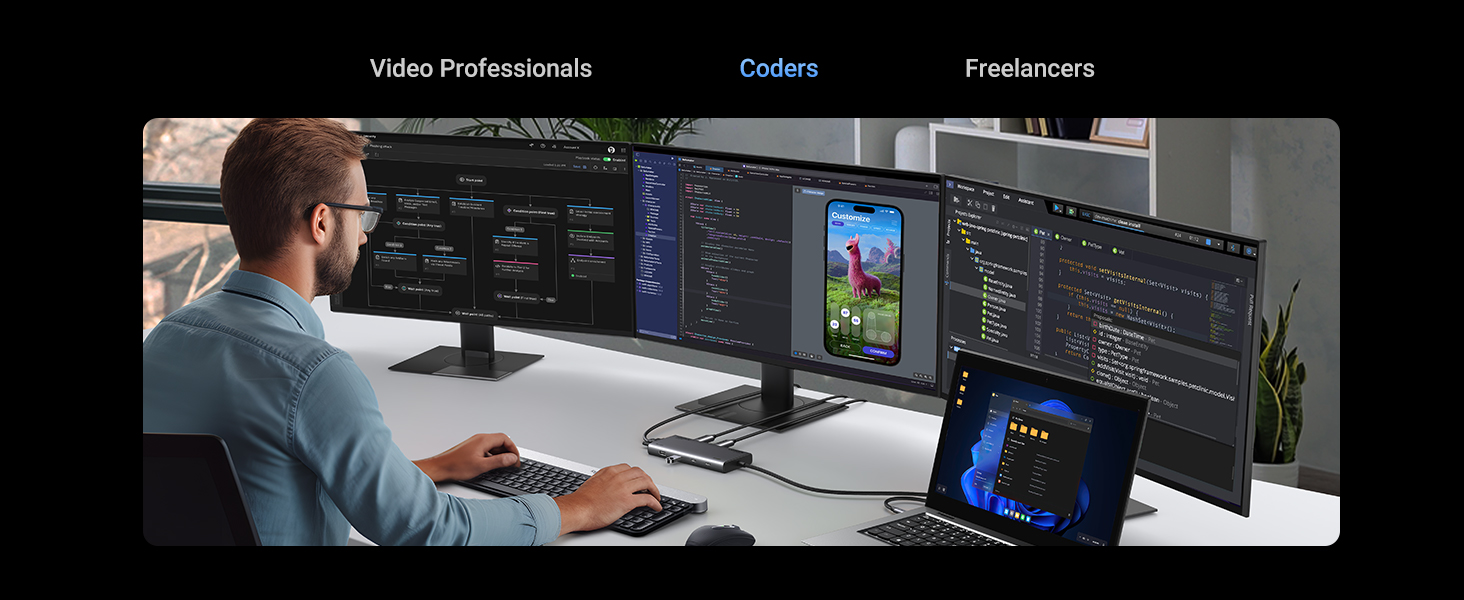
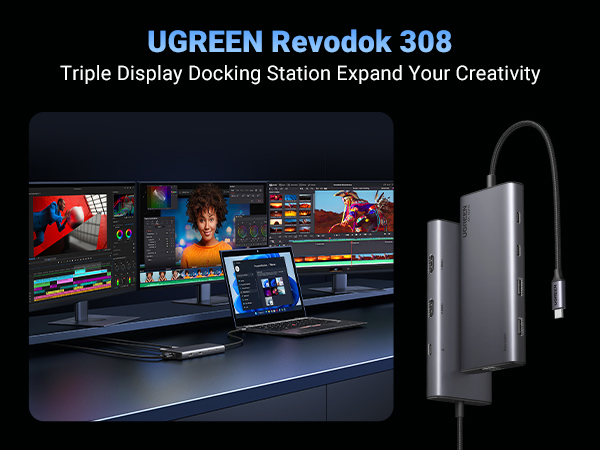
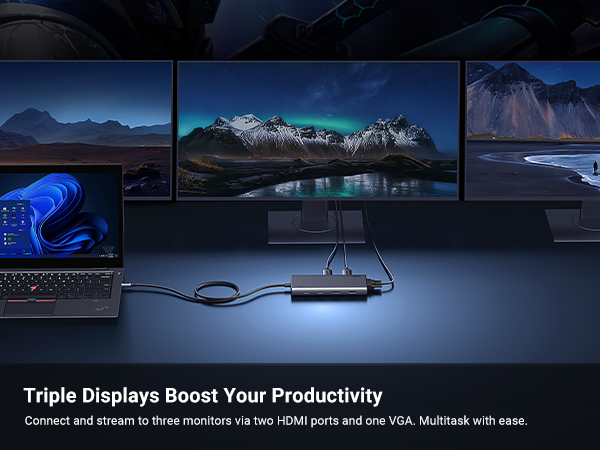
Extended Monitor(s) | 3 Monitors | 2 Monitors | 3 Monitors | 3 Monitors | 2 Monitors | 2 Monitors | 2 Monitors |
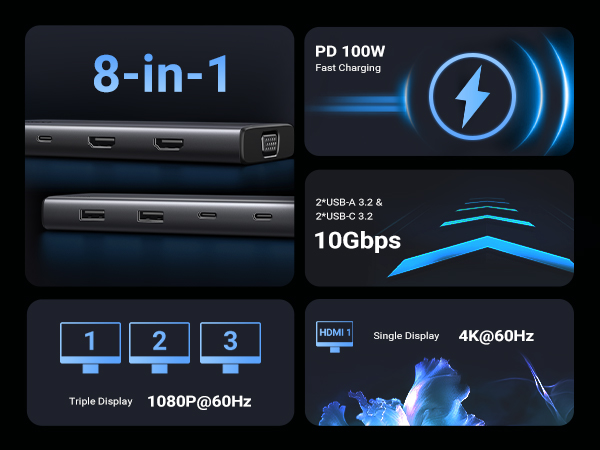
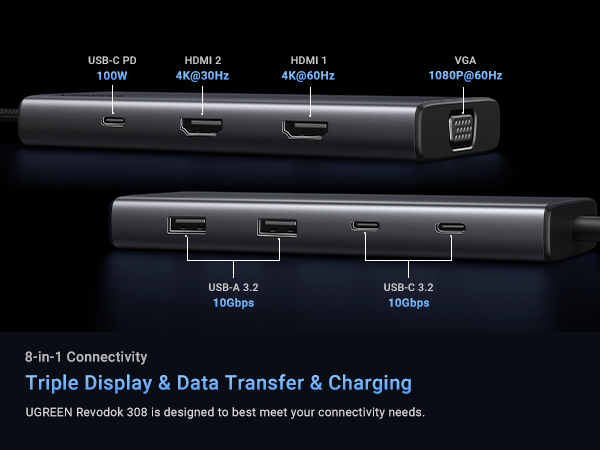
Display Ports | 2xHDMI+VGA | HDMI+DP | 2xHDMI+DP | 2xHDMI+DP | 2xHDMI | 2xHDMI | 2xHDMI+2xDP |
Display Scheme | MST | MST | MST | MST | MST | MST | DisplayLink |
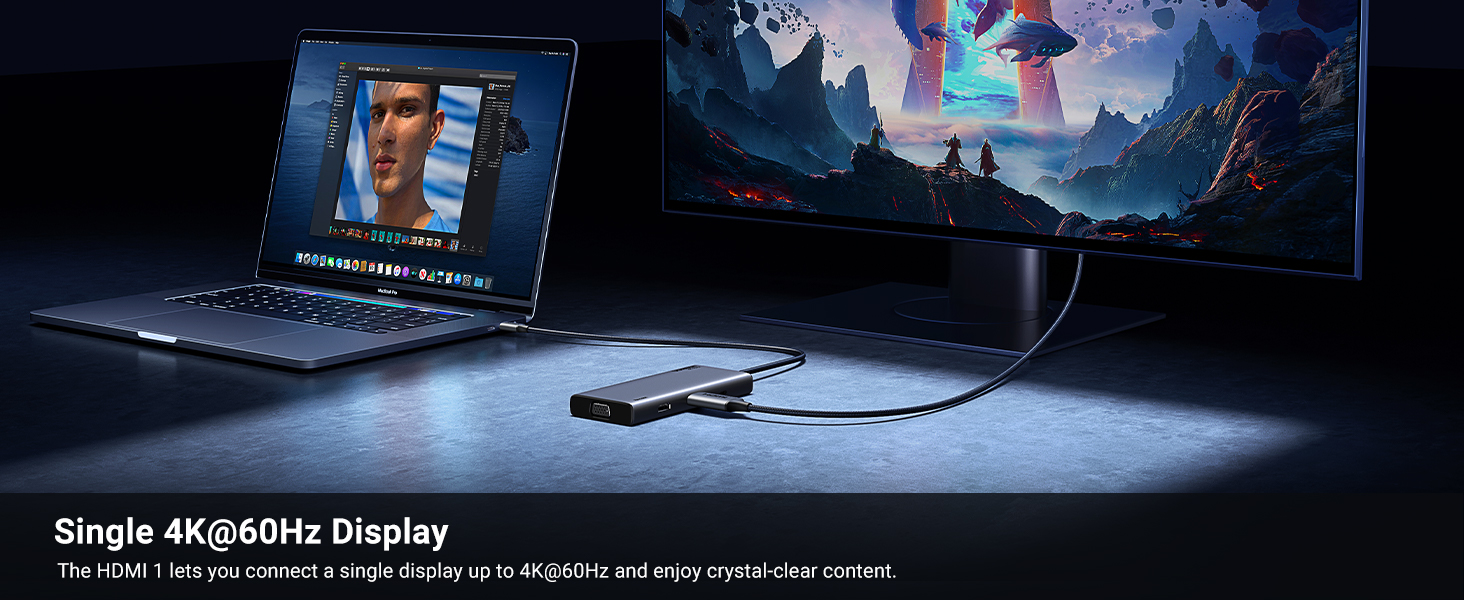
Max Display Resolution | 4K@60Hz | 4K@120Hz | 4K@120Hz | 8K@30Hz | 4K@60Hz | 8K@30Hz | 4K@60Hz |
Charging Port | 100W | 100W | 100W | 140W (Include Charger ) | 100W | 100W | 100W |
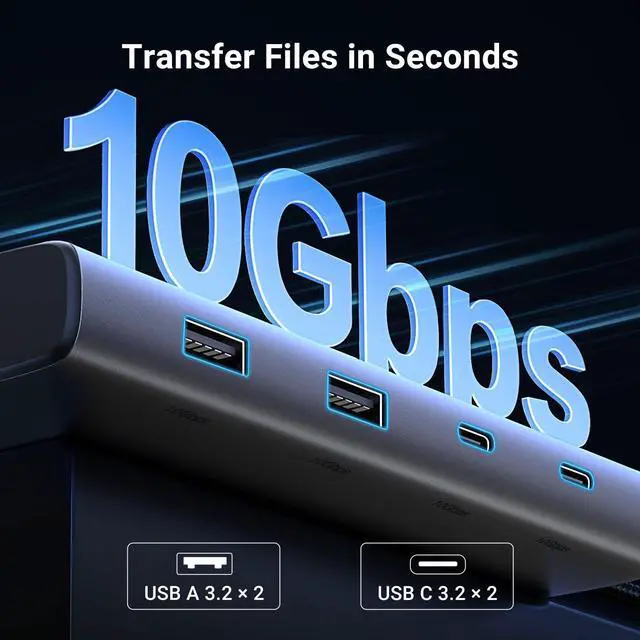
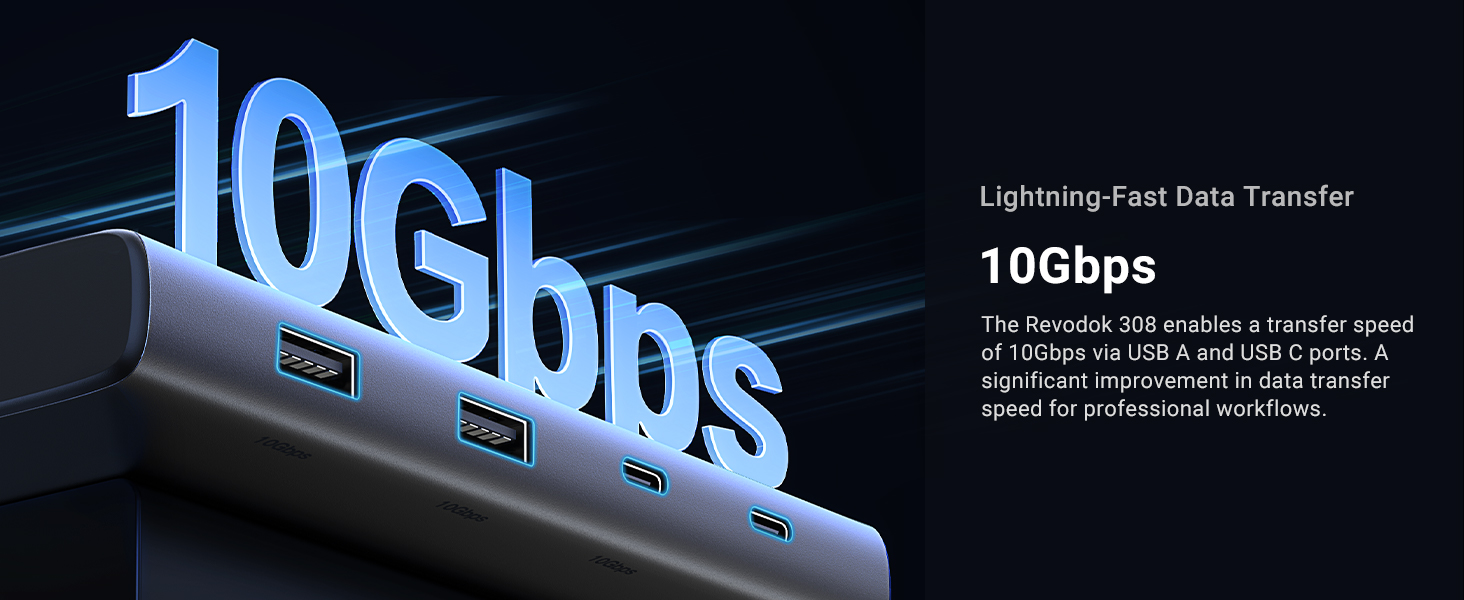
Max Transfer Speed | 10Gbps | 10Gbps | 10Gbps | 10Gbps | 10Gbps | 5Gbps | 10Gbps |
USB Data Ports | 2xUSB-C, 2xUSB C-A | 2xUSB-C, 2xUSB C-A | 2xUSB-C, 2xUSB C-A | 3xUSB-C, 3xUSB C-A | 2xUSB-C, 2xUSB C-A | 1xUSB C, 3xUSB A | 1xUSB C, 2xUSB A |
Ethernet | / | 1000Mbps | 1000Mbps | 1000Mbps | / | 1000Mbps | 1000Mbps |
SD/TF Card Reader | / | 104MB/s | 104MB/s | 170MB/s | / | 104MB/S | / |
3.5mm Audio | ? | ? | ? | ? | ? | ? | ? |
Compatible with macOS | ? | ? | ? | ? | ? | ? | ? |
Why can’t my screen display images properly?
1. check for any interface connection issues 2.Make sure the computer has the required video protocol for video output 3.Attempt to lower the display resolution or upgrade to a higher-standard HDMI cable.
Which systems is this device compatible with?
The device is compatible with Windows, macOS, and Linux, but please note that when using the HDMI interface, Macbook only supports SST mode. Windows supports MST mode.
Why does my laptop charge slowly, and why does it show the ‘Slow charging’ message?
1. Use a high-wattage power adapter. Make sure the dock is connected to a power adapter with sufficient power. Usually, the original adapter of the computer needs a charger of 65W above
2. Make sure your laptop's drivers and firmware are up to date
Why is this USB C port not compatible with my laptop?
Your laptop’s built-in USB C port must be a fully functional port that supports data transmission, video display, and PD charging in order to use all the features of our docking station
Does this hub get hot?
The maximum operating temperature of the dock is maintained below 60°C, which is a safe range. Please don't worry about it.
UGREEN Revodok USB C Hubs for Multiple Displays
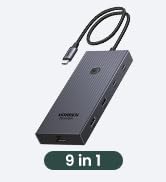
8-in-1 Docking Station | 11-in-1 Docking Station | 12-in-1 Docking Station | 14-in-1 Docking Station | 7-in-1 Docking Station | Revodok Pro 210 | 9-in-1 DisplayLink Dock |
|---|---|---|---|---|---|---|
| Customer Reviews | ||||||
| — | — | — | — | — | — | — |
| Price | ||||||
| — | — | — | — | — | — | — |
| Extended Monitor(s) | ||||||
| 3 Monitors | 2 Monitors | 3 Monitors | 3 Monitors | 2 Monitors | 2 Monitors | 2 Monitors |
| Display Ports | ||||||
| 2xHDMI+VGA | HDMI+DP | 2xHDMI+DP | 2xHDMI+DP | 2xHDMI | 2xHDMI | 2xHDMI+2xDP |
| Display Scheme | ||||||
| MST | MST | MST | MST | MST | MST | DisplayLink |
| Max Display Resolution | ||||||
| 4K@60Hz | 4K@120Hz | 4K@120Hz | 8K@30Hz | 4K@60Hz | 8K@30Hz | 4K@60Hz |
| Charging Port | ||||||
| 100W | 100W | 100W | 140W (Include Charger ) | 100W | 100W | 100W |
| Max Transfer Speed | ||||||
| 10Gbps | 10Gbps | 10Gbps | 10Gbps | 10Gbps | 5Gbps | 10Gbps |
| USB Data Ports | ||||||
| 2xUSB-C, 2xUSB C-A | 2xUSB-C, 2xUSB C-A | 2xUSB-C, 2xUSB C-A | 3xUSB-C, 3xUSB C-A | 2xUSB-C, 2xUSB C-A | 1xUSB C, 3xUSB A | 1xUSB C, 2xUSB A |
| Ethernet | ||||||
| / | 1000Mbps | 1000Mbps | 1000Mbps | / | 1000Mbps | 1000Mbps |
| SD/TF Card Reader | ||||||
| / | 104MB/s | 104MB/s | 170MB/s | / | 104MB/S | / |
| 3.5mm Audio | ||||||
| ? | ? | ? | ? | ? | ? | ? |
| Compatible with macOS | ||||||
| ? | ? | ? | ? | ? | ? | ? |
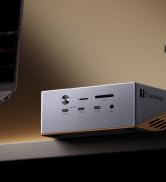
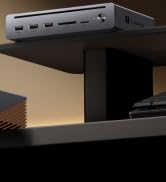
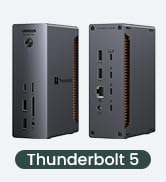
UGREEN Thunderbolt 5 Dock
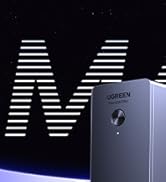
Revodok Max
Revodok Pro
Revodok Basic
UGREEN Multi Display Dock
Multi Display Docking Station
UGREEN Multi Display Dock
UGREEN Revedok USB C HUB
UGREEN 10Gbps USB C Hub